Creating Bar Bending schedule, Different Door types, and Creation of standard drawing templates using AutoCad
Aim:
To create Bar bending schedule, Different door types and creation of standard drawing templates using AutoCADD software.
Introduction:
Using AutoCADD software, the following layout are to be drafted.
1.Bar Bending Schedule
2.Different Door Types
3.Standard Drawing Templates
Procedure:
Open AutoCADD software and create a sheet and set the annotation units according to the drawing. All the above mentioned drawing are drafted and the procedure is provided in images below:
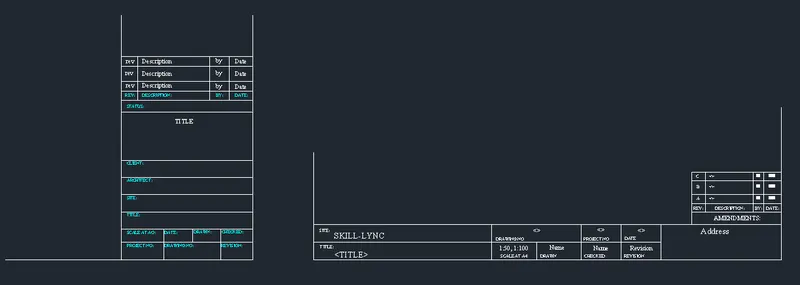
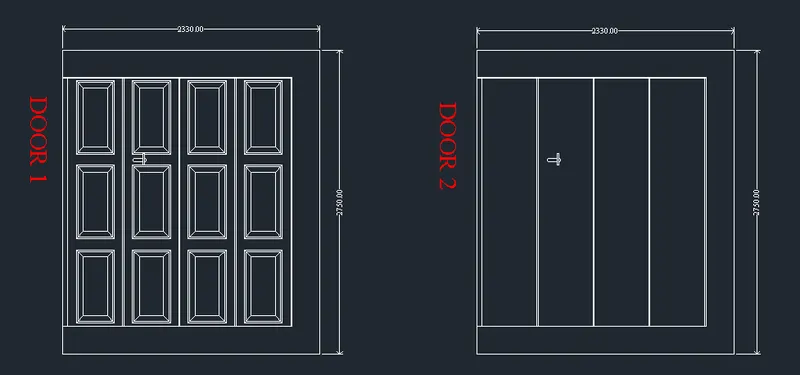
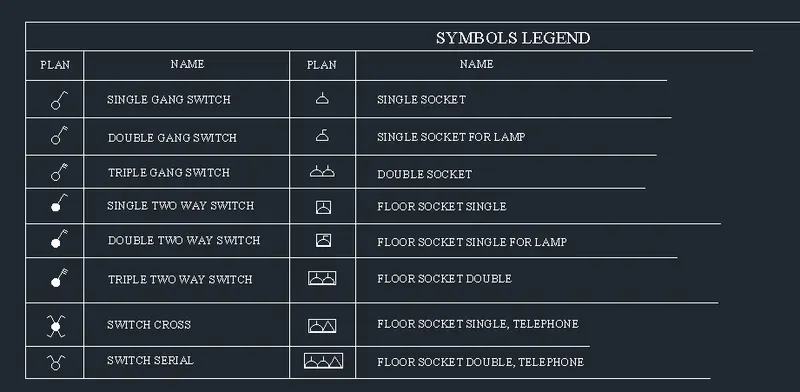
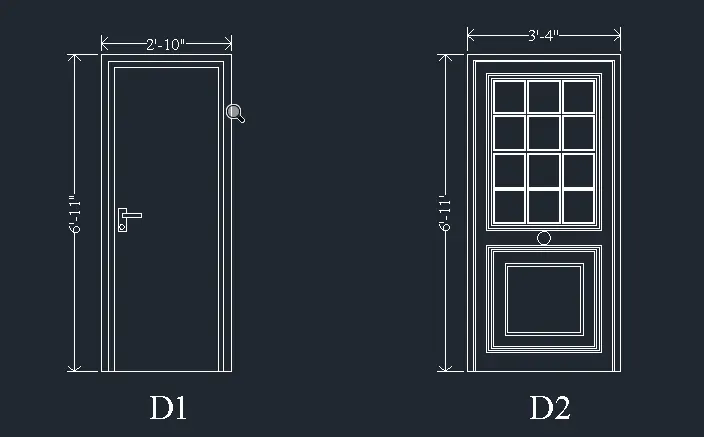
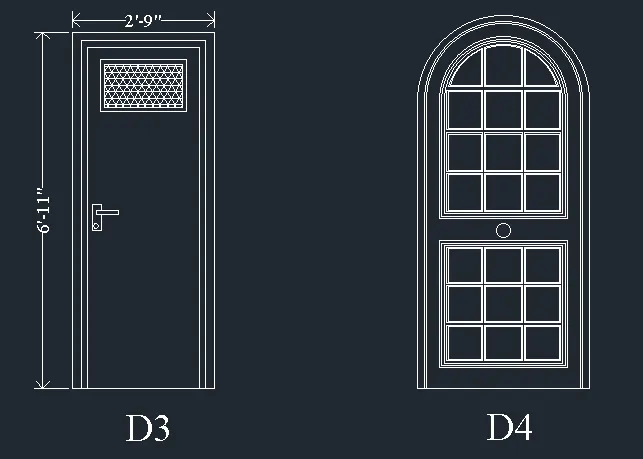
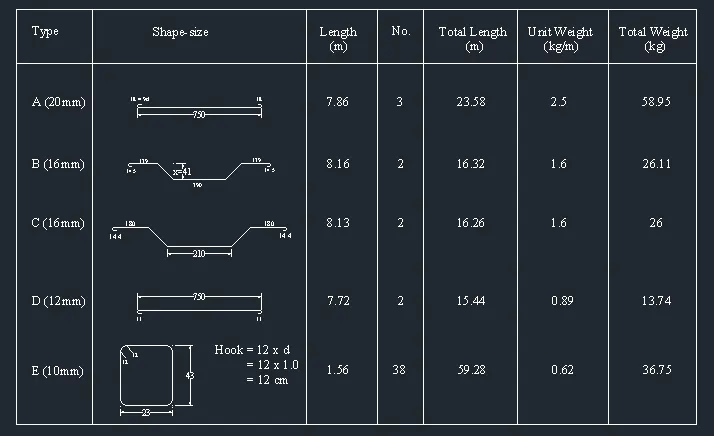
Result:
Bar bending schedule, different door types and standard drawing templates are drafted using AutoCADD software.
Commands Used:
1.Line (L)
2.Offset (O)
3.Move (M)
4.Copy (CO)
5.Erase (E)
6.Multi Text (MT)
7.Rectangle (REC)
8.Circle (C)
9.Mirror (MI)
10.Dimension Linear (DIMLIN)
11.Rotate (RO)