Creation of Multiple viewports, Scaling the drawing and setting in Template in AutoCad
Aim & Introduction: A layout of the Plan and Section A of the project in Challenge 7 is created using the template Tutorial-mArch.dwt. The given scale 1:50 is used. Viewports are created using MV Command. ATTEDIT command is used to edit the information in the title block. A1 size of the layout is used and took a plot.
Procedure:
1. First the challenge 7 plan and section A is imported and scaled accordingly
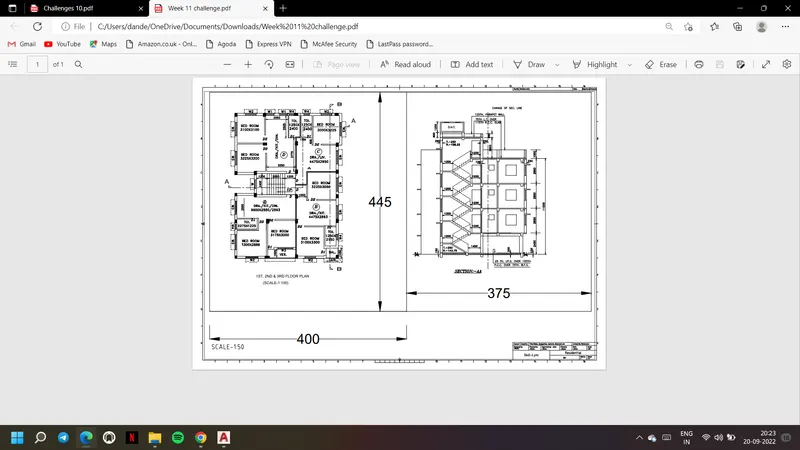
2. Draw the rectangle with dimension 400 x 445 and 375 x 445 respectively as shown as outer layers of the drawing
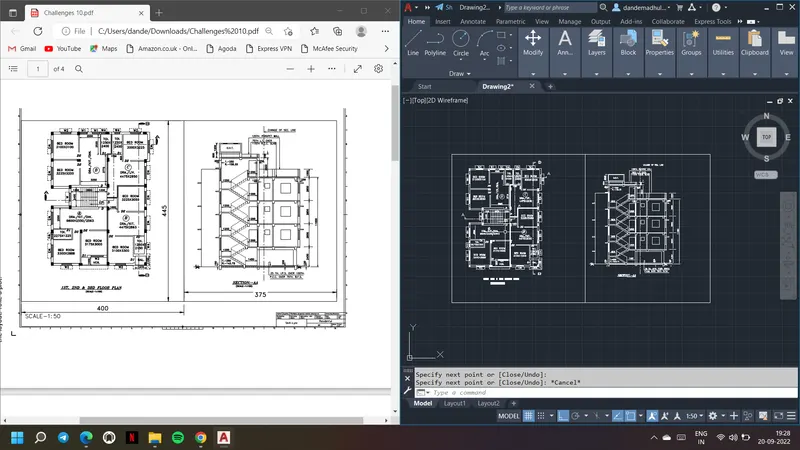
3. Open the new layout use from template option and choose template as Tutorial-mArch
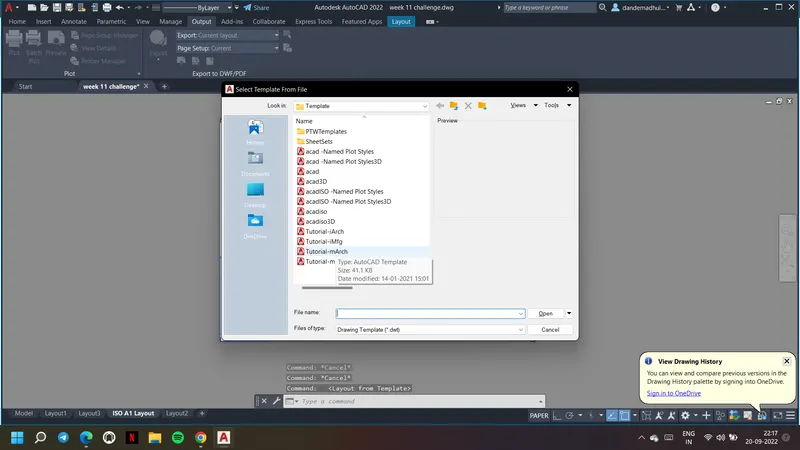
4. A layout with name ISO A1 Layout will be opened.
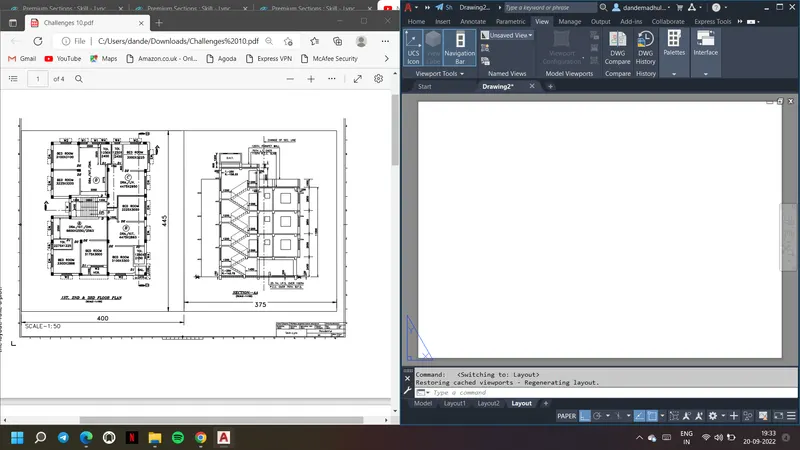
5. Give command MS and use pan or scale or fit in MV command to fit the drawing in the layout
6. Go to ATTEDIT command to edit the text in the block as shown
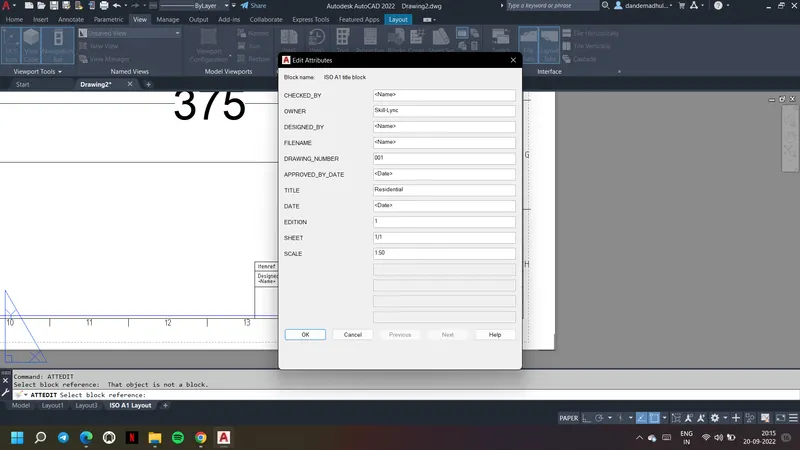
7. Edit the text in block as required
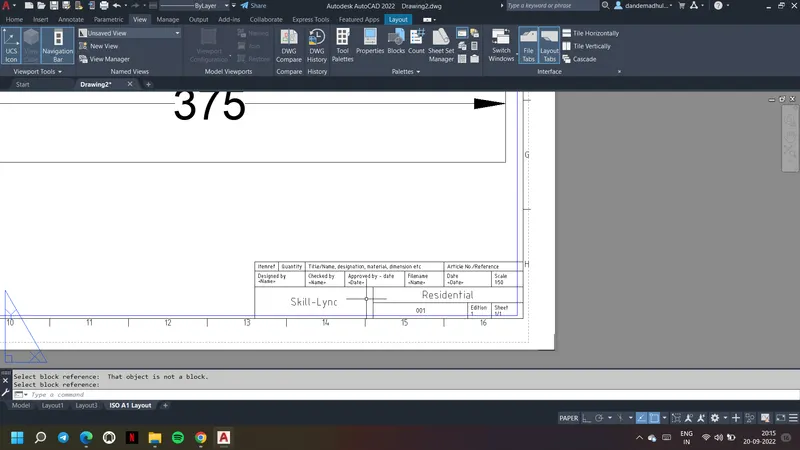
8. UCSICON command can be used to change the font of the text in block
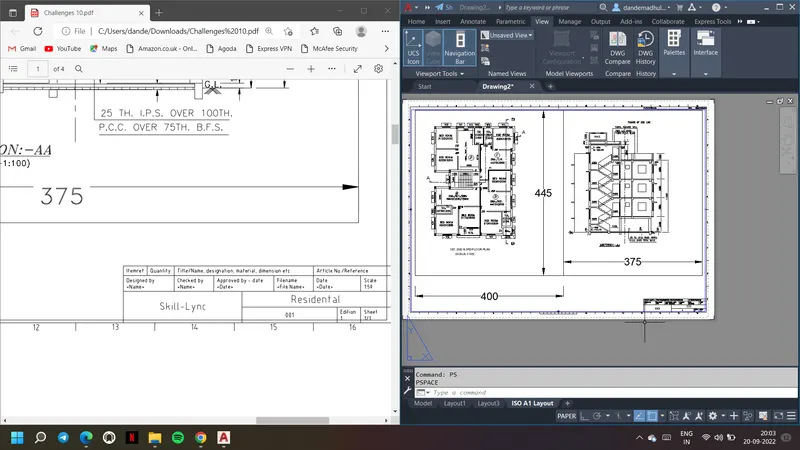
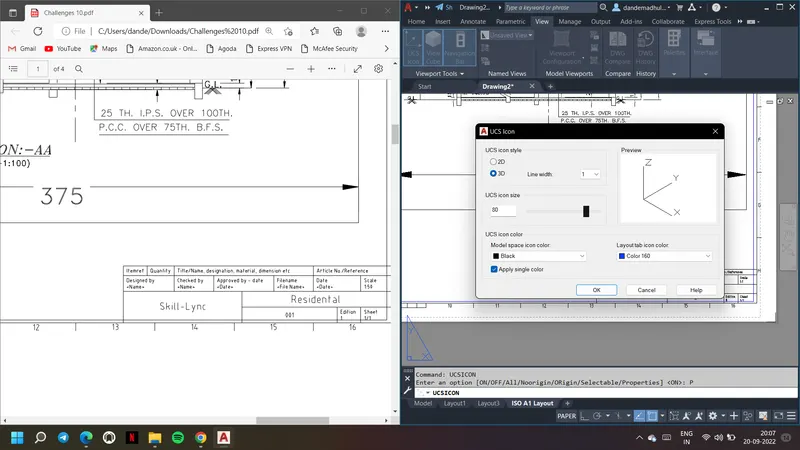
9. Use DT comamnd to insert the text in model space
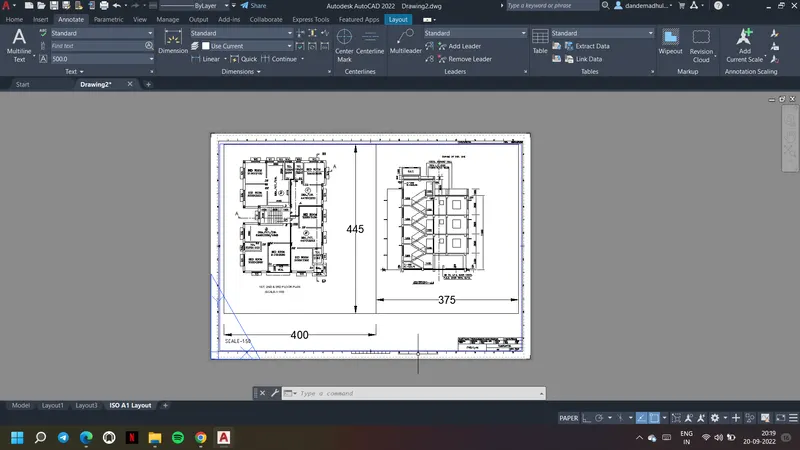
10. Go to page set up and set the layout as required. This can be also done at starting while creation of layout
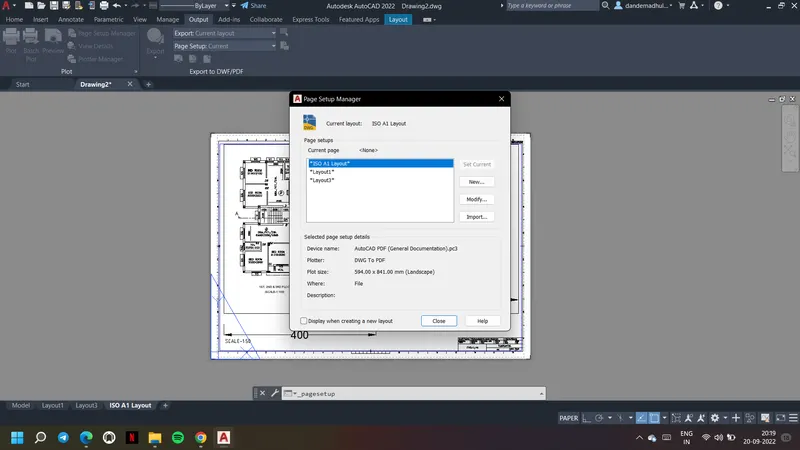
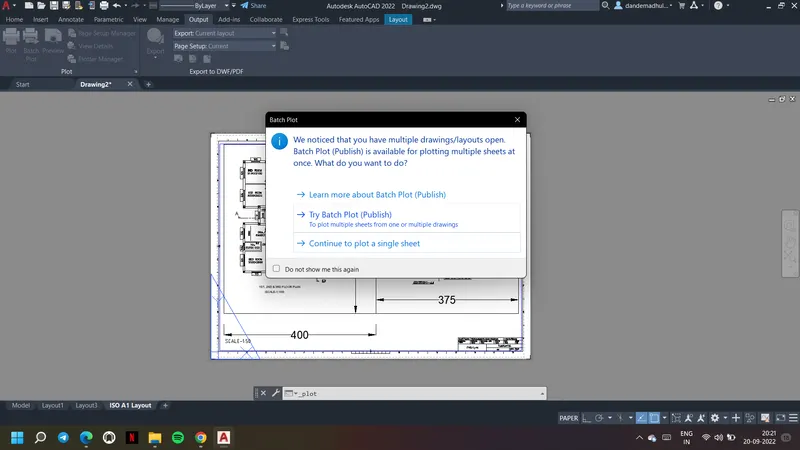
11. Then go to plot option and create a plot
12. Save it as a PDF file as show
Result: A layout of the Plan and Section A of the project in Challenge 7 is created using the template Tutorial-mArch.dwt. A1 size of the layout is used and took a plot.
Aim & Introduction: A layout of the Kitchen drawn in Challenge 9 is created. Multiple viewports are created. A4 Size page is used for the layout and took a plot.
Procedure:
1. First the kitchen drawing is inserted from challenge 9.
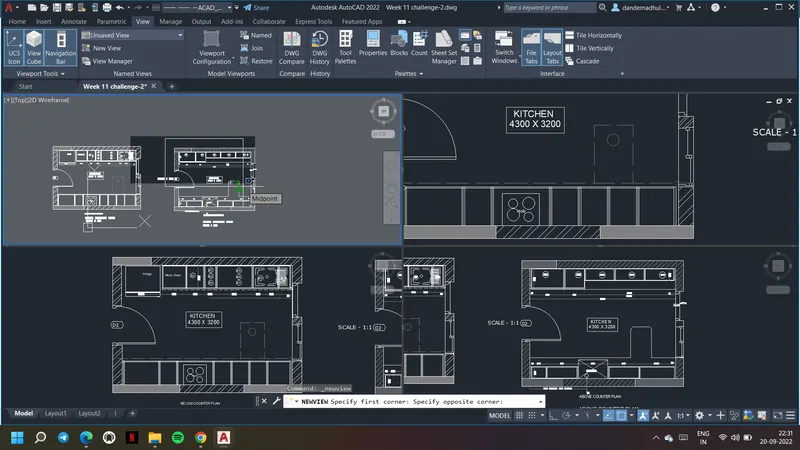
2. Using viewport configuration, four viewports are drawn
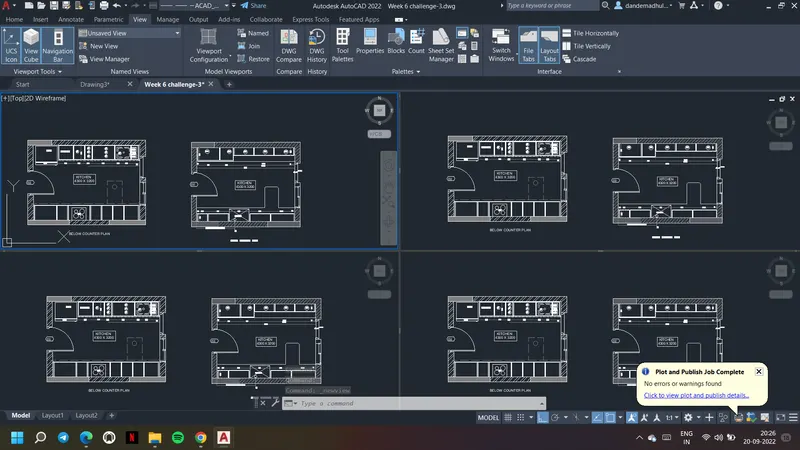
3. Using New view option for each viewport a viewport is created and defined as shown below
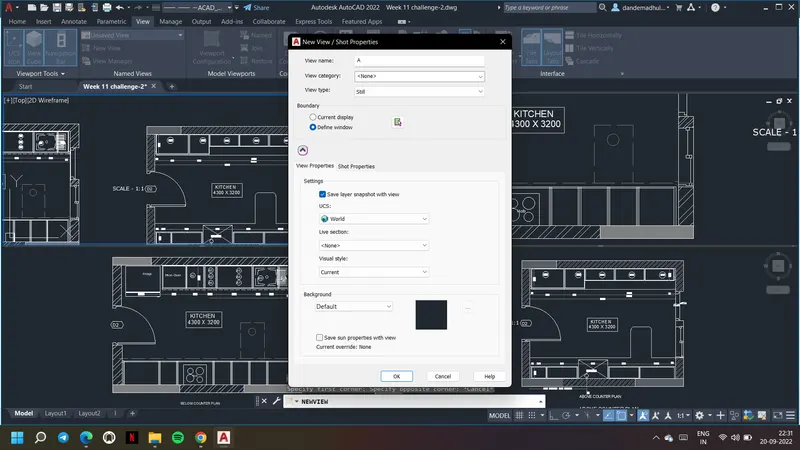
4. Each viewport is named as A, B, C and D respectively as shown
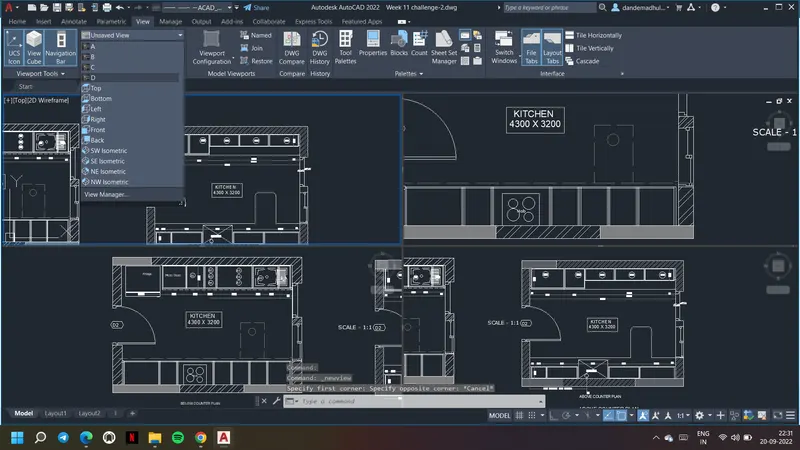
5. Open the new layout by using layout command
6. Delete the existing paper space and model space in layout if any
7. Using MV comamnd create the four viewports as given.
8. Now in the first view port select the view as A, then in second viewport select the view B
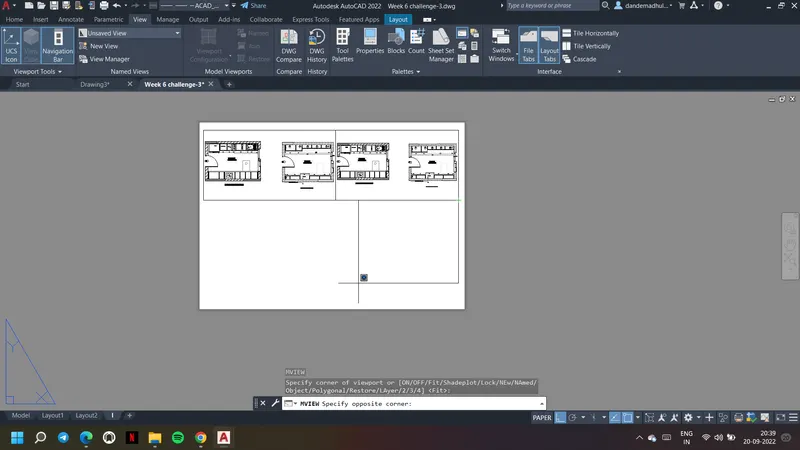
9. Similarly select view C and View D in third and fourth view port respectively
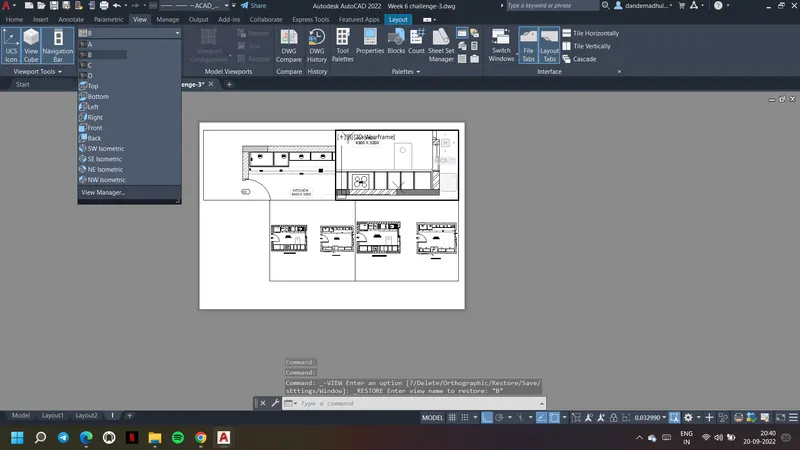
10. Use DT text command and insert the text, adjust the text height using properties
11. To edit in model space give MS command for paper space changes give PS command
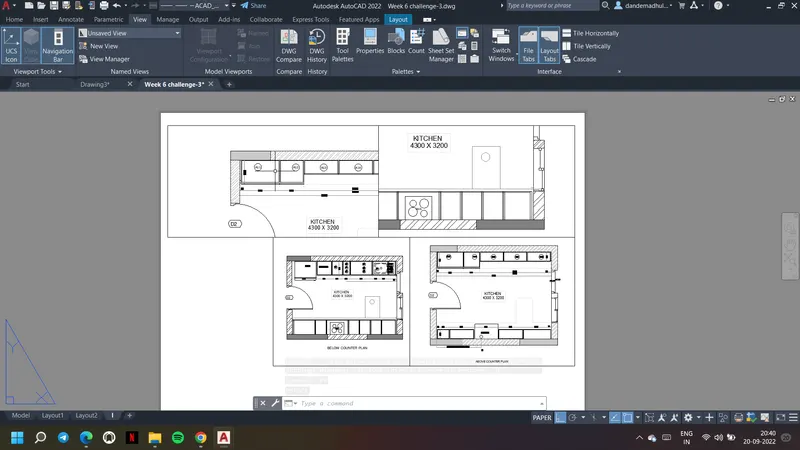
12. After the changes are done in a viewport, give command PS and select that paper space go to properties and lock it as shown
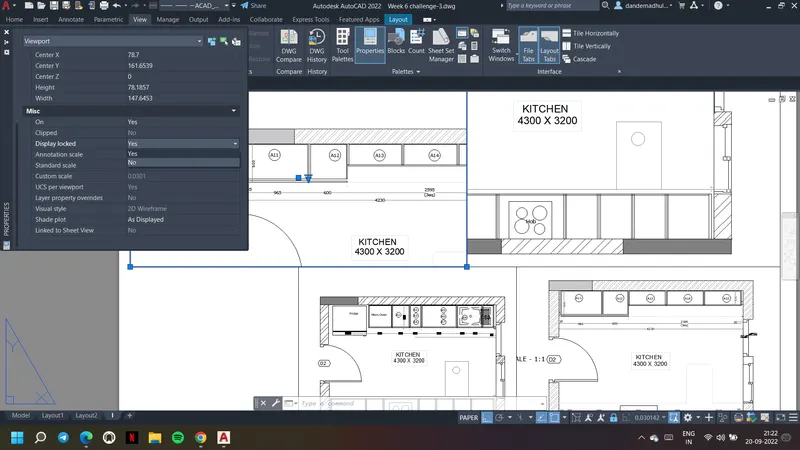
13. Lock all the viewports similarly
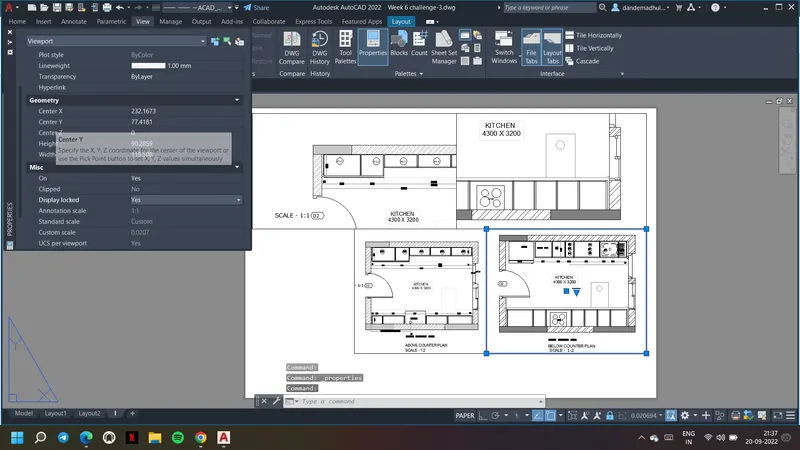
14. Go to page set up and set the page with size A4 as requested
15. Go to plots and save the layout as the pdf file.
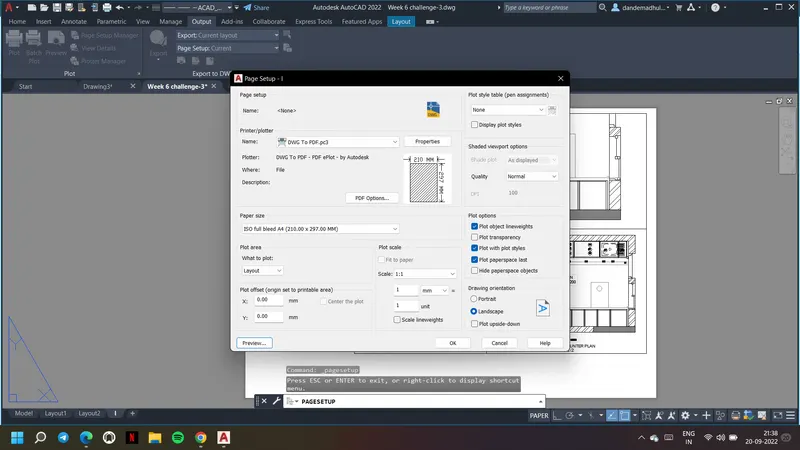
Result: A layout of the Kitchen drawn in Challenge 9 is created. Multiple viewports are created. A4 Size page is used for the layout and took a plot.
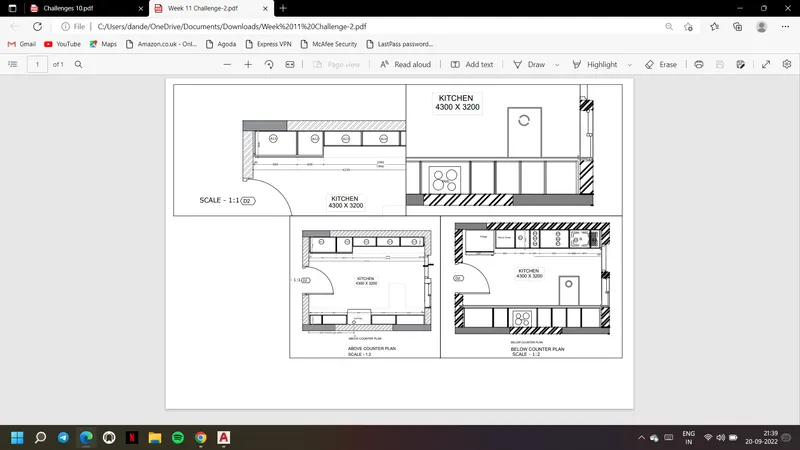
Aim & Introduction: Creation of a layout of the section created in Challenge 9. Multiple viewports are created using MV command. Page is set up to A4 size and took a plot.
Procedure:
1. First insert the challenge 9 drawing into the current drawing
2. Create three viewports in model space using viewport configuration
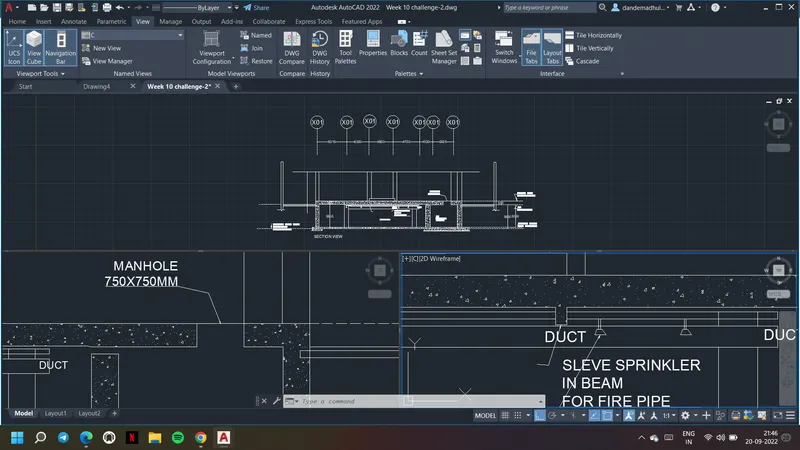
3. Using New view option for each viewport a viewport is created and defined as shown below
4. Each viewport is named as A, B, C respectively as shown
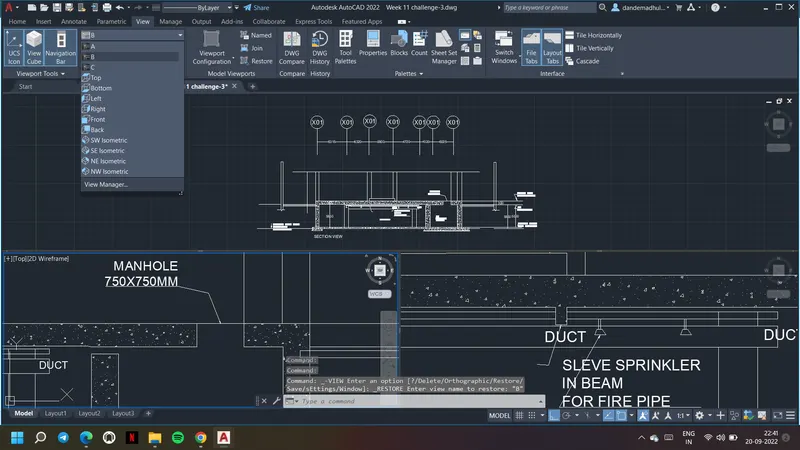
5. Open the new layout by using layout command
6. Delete the existing paper space and model space in layout if any
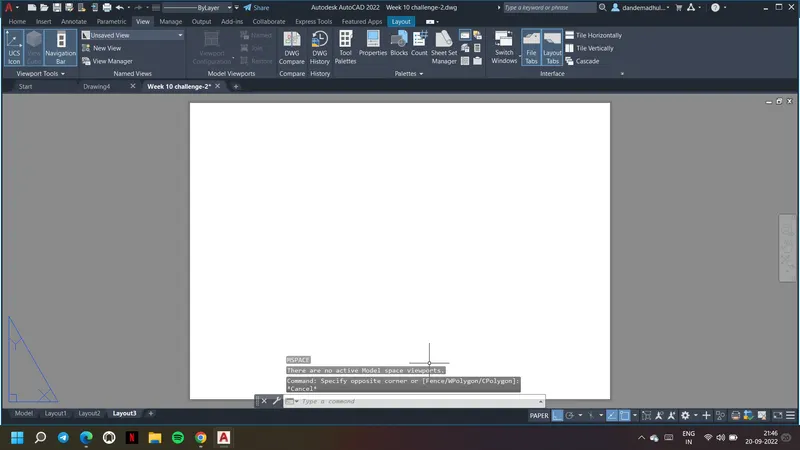
7. Using MV comamnd create the four viewports as given.
8. Now in the first view port select the view as A, second viewport as view B and third as view C respectively
9. Using DT command insert the text wherever required. use properties of the text to adjust its height
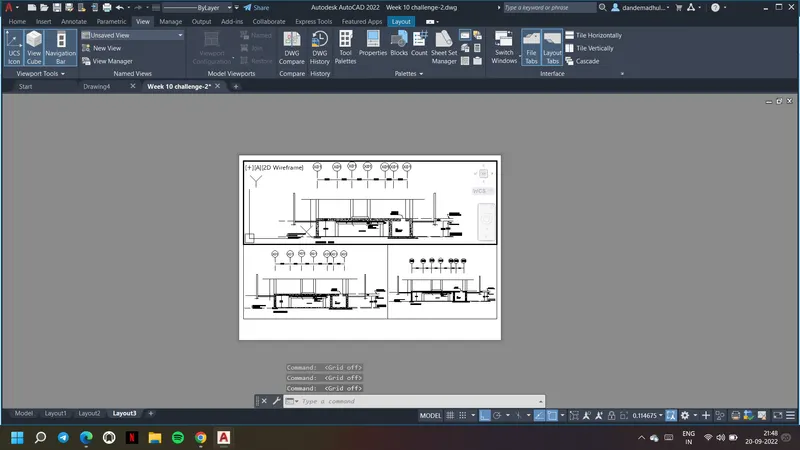
10. For any changes in model space give command MS
11. For editting the paper space or for extension of viewports give command PS
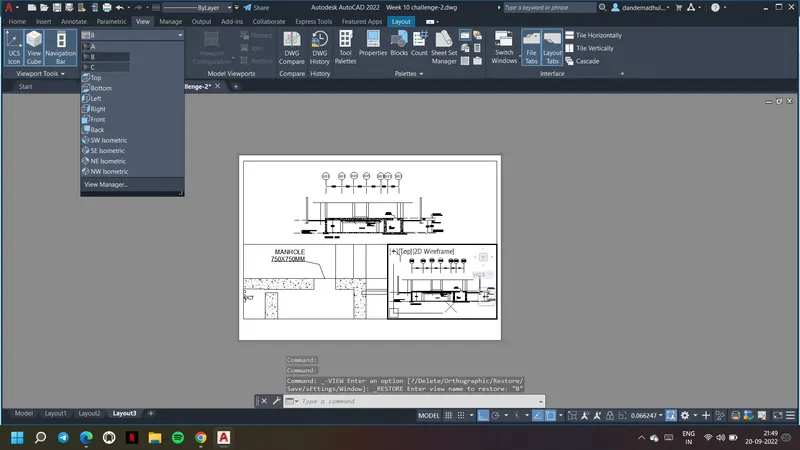
12. Give PS comamnd and select a viewport, go to properties and lock the viewport
13. Similarly lock all the three viewports
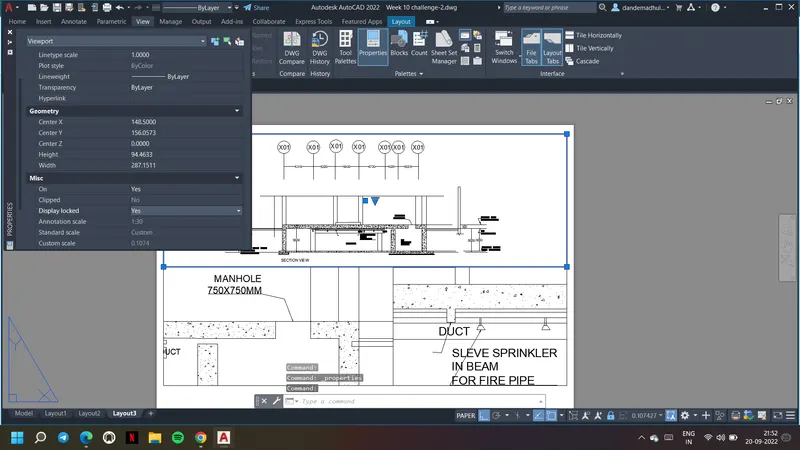
14. Go to page set up and choose the page size as required and go to plot and save the layout as a pdf file as show
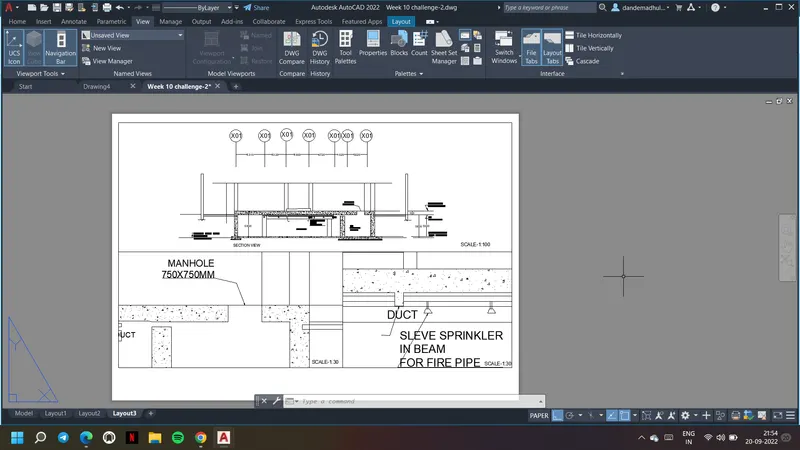
Result: Creation of a layout of the section created in Challenge 9. Multiple viewports are created using MV command. Page is set up to A4 size and took a plot.