Creation of Multiple viewports, Scaling the drawing and setting in Template in AutoCad
Q1,
AIM:
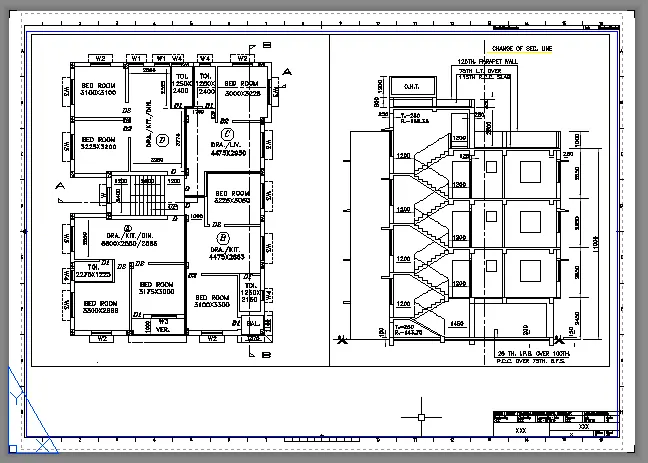
Create a layout of the Plan and Section A of the project in Challenges 7
PROCEDURE:
For this question the plan has been imported to the autocad from the previous challenge 7.
After importing the plan to the autocad, in the first place the the new layout has been created and by layout command.
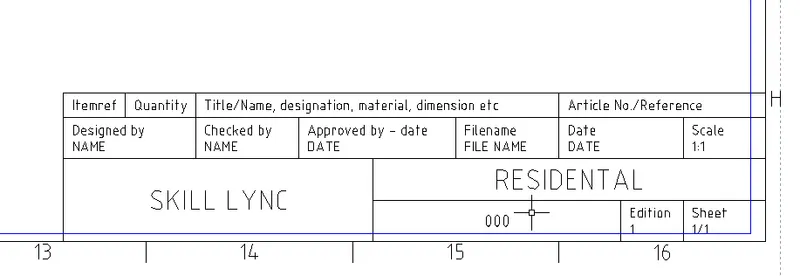
In the layout option select the template and choose the appropriate template,
The appropriate layout with the name of the tempate is created.
And then with the use of multiple view command(MV) the plan can be generated into the layout by clicking desired corners or wherever the plan is supposed to be.
or
Customized port can be created by the polygon option or draw the port with any desired shape on the sheet and slect the object option on the MV command.
After creating the port, to align the plan properly the port us ethe model space command (MS) and zoom in or zoom out or pan to place the plan properly.
RESULT AND REPORT:
------------------------------------------------------------------------------------------
Q2,
AIM:
Create a layout of the Kitchen drawn in Challenge 9 as shown in Figure.
PROCEDURE:
For this question the plan has been imported to the autocad from the previous challenge 9.
After importing the plan to the autocad, in the first place the the new layout has been created and by layout command.
In the layout option select the template and choose the appropriate template,
The appropriate layout with the name of the tempate is created.
And then with the use of multiple view command(MV) the plan can be generated into the layout by clicking desired corners or wherever the plan is supposed to be.
or
Customized port can be created by the polygon option or draw the port with any desired shape on the sheet and slect the object option on the MV command.
After creating the port, to align the plan properly the port us ethe model space command (MS) and zoom in or zoom out or pan to place the plan properly.
RESULT AND REPORT:
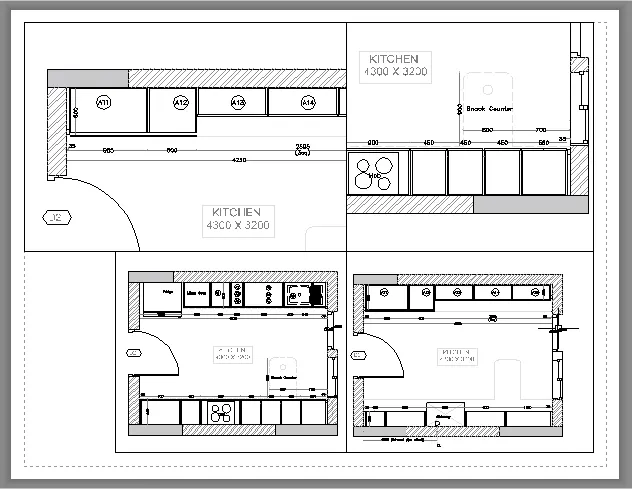
WITHOUT APPROPRIATE SCALING
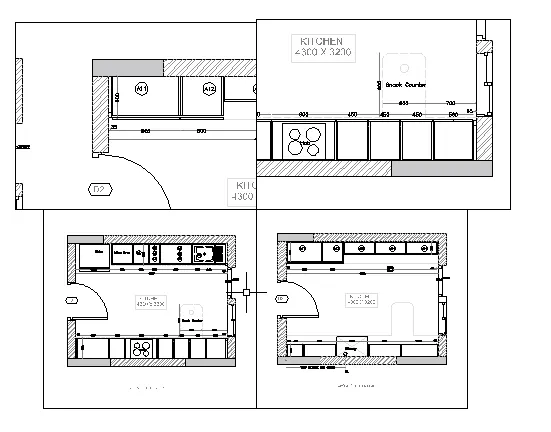
WITH APPROPRIATE SCALING.
------------------------------------------------------------------------------------------
Q3,
AIM:
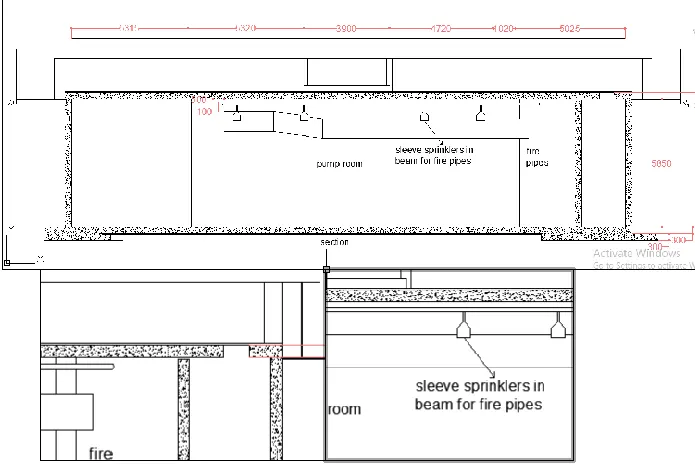
Create a layout of the section created in Challenges 9.
PROCEDURE:
The new layout has been created and by layout command.
In the layout option select the template and choose the appropriate template,
The appropriate layout with the name of the tempate is created.
And then with the use of multiple view command(MV) the plan can be generated into the layout by clicking desired corners or wherever the plan is supposed to be.
or
Customized port can be created by the polygon option or draw the port with any desired shape on the sheet and slect the object option on the MV command.
After creating the port, to align the plan properly the port us ethe model space command (MS) and zoom in or zoom out or pan to place the plan properly.
RESULT AND REPORT:
------------------------------------------------------------------------------------------