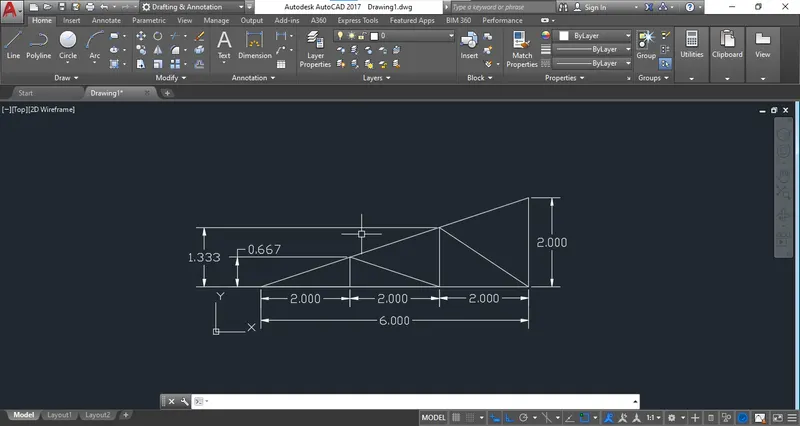
Creation of geometries by Coordinate system methods using AutoCad
- To use the imperial Template:
Go to AutoCAD Window and apply the "STARTUP" Command, Press "1".
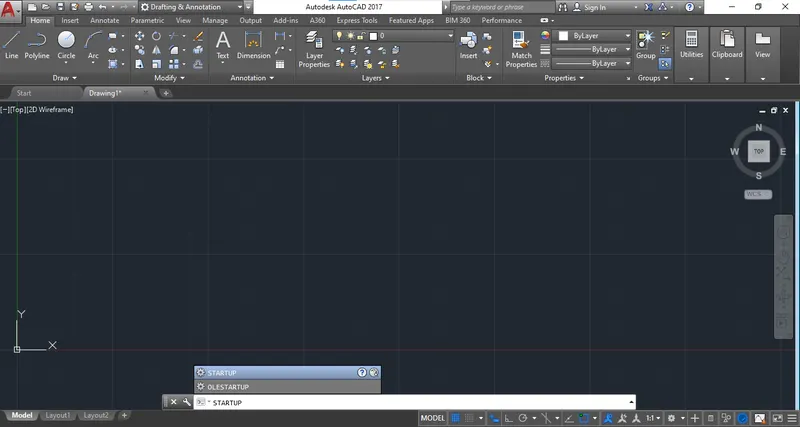
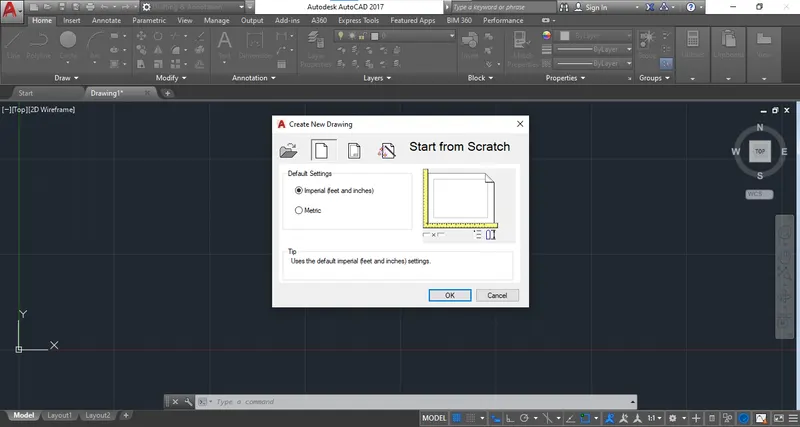
As the command is applied and you press "1", The imperial Template window will be shown.
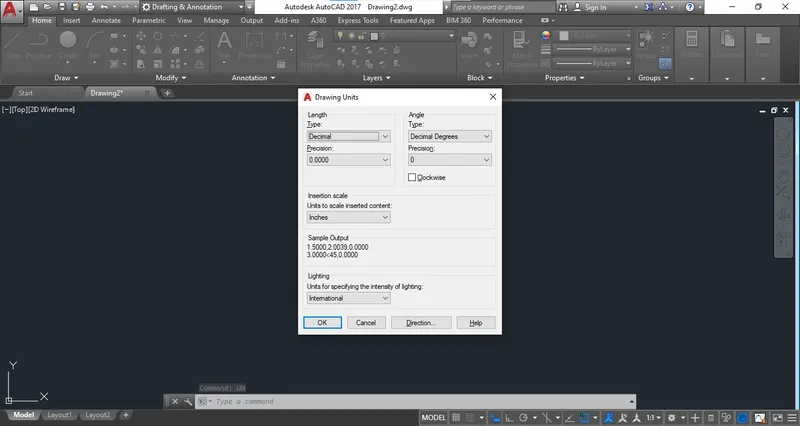
To use the decimal unit, Use "UNIT" Command, Select the "Decimal".
There are some co-ordinate systems:
i) Absolute co-ordinate system:
ii) Relative Co-ordinate system:
a) Relative Rectagular Co-ordinate:
b) Relative Pollar Co-ordinate:
1. Drawing of P1:
a. By Absolute Co-ordinate system:
-Absolute co-ordinate system means the point which are mention is with respect to origin that is (0,0):
Step 1: Go to AutoCAD Window and use the draw line command:
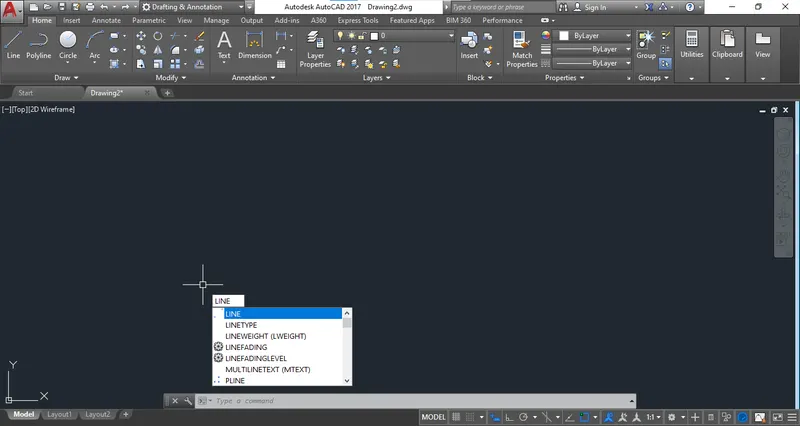
Step 2: Use the 1st co-ordinate i.e. 2,1.
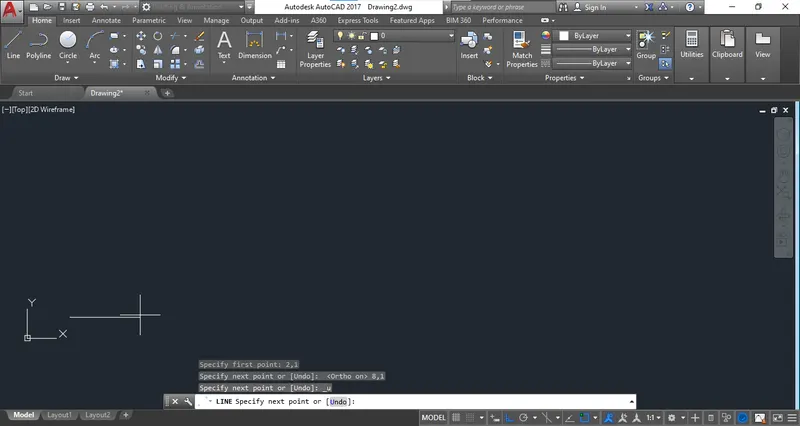
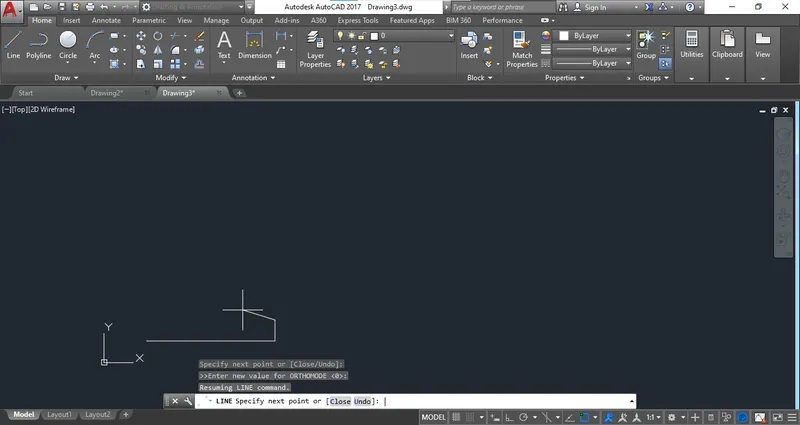
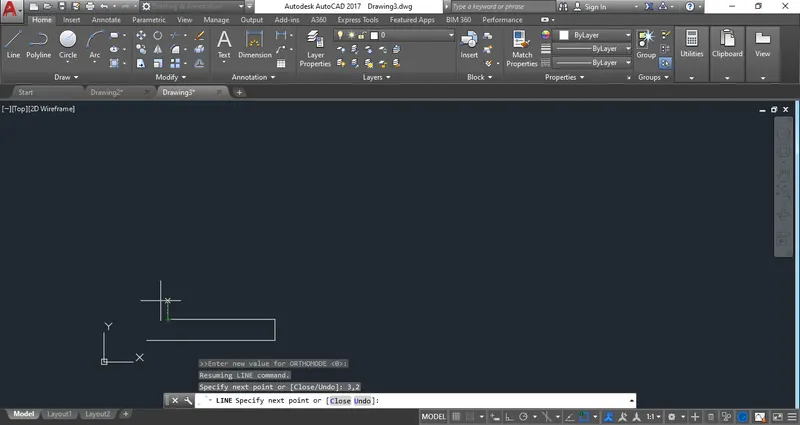
Step 3: Apply the related co-ordinates and complete the drawing.
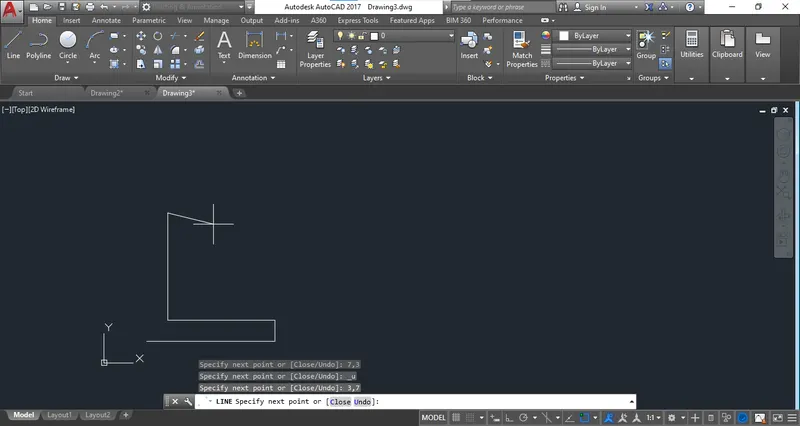
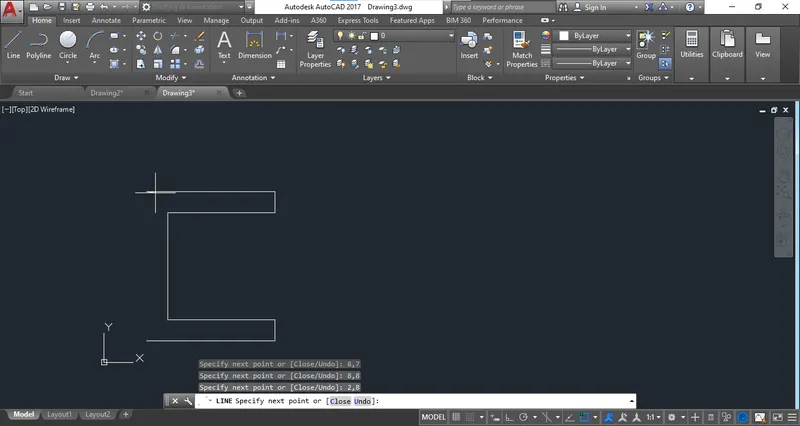
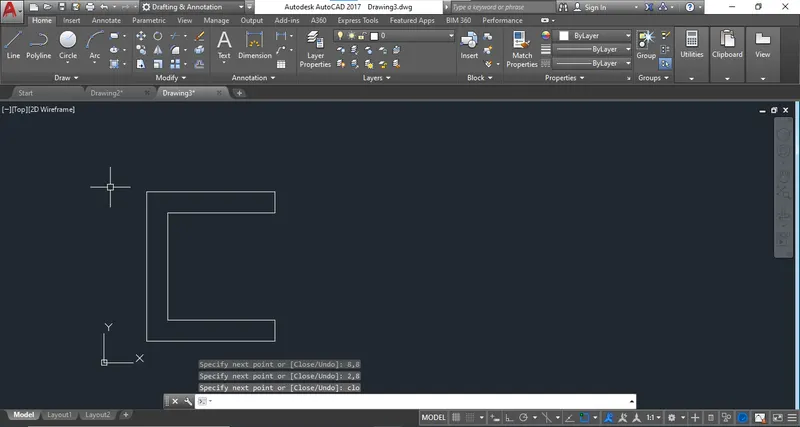
2. Drawing of P2.
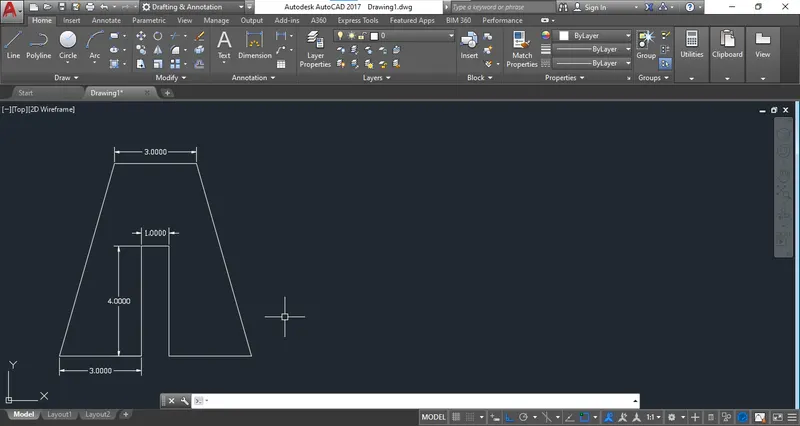
3. Drawing of P4:
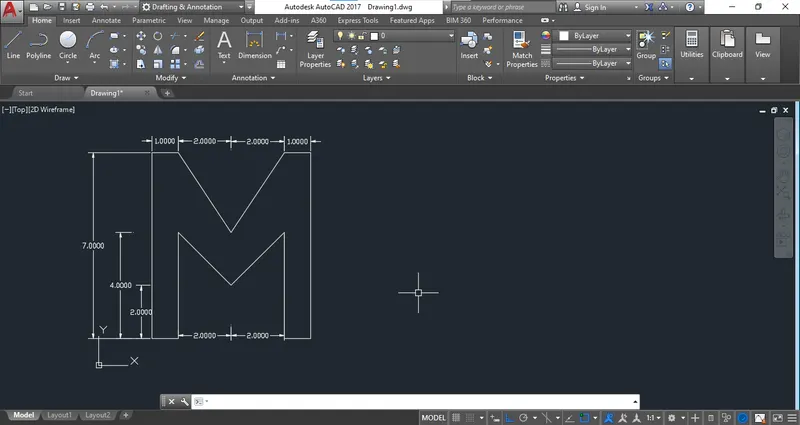
4. Drawing of P5.
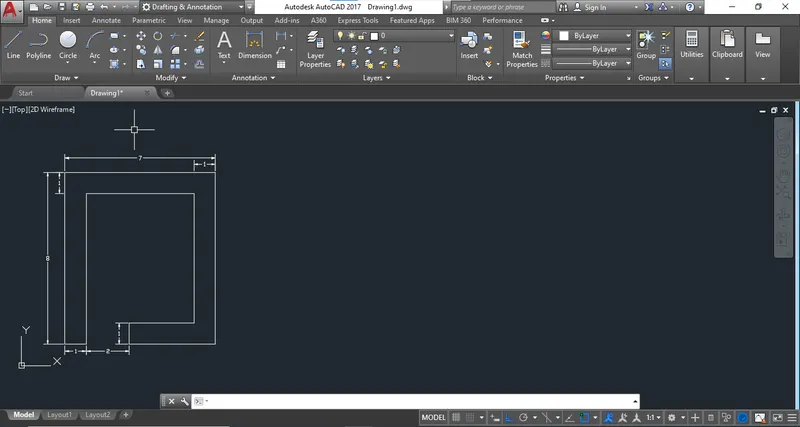
6. Drawing of P7.
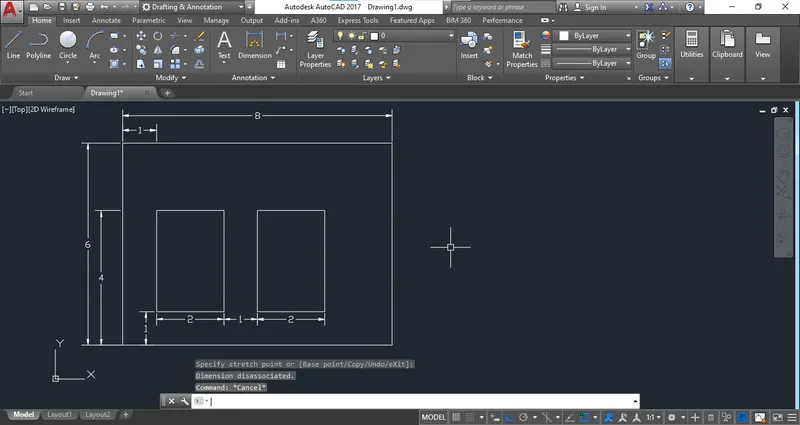
7. Drawing of P8.
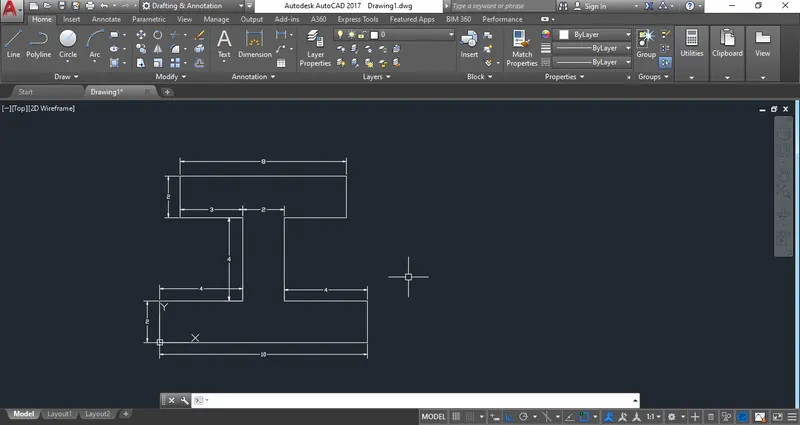
8.Drawing of P9.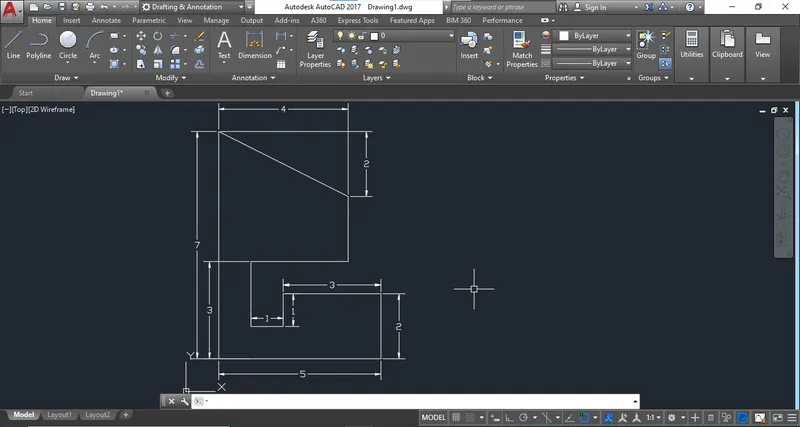
9. Drawing of P10.
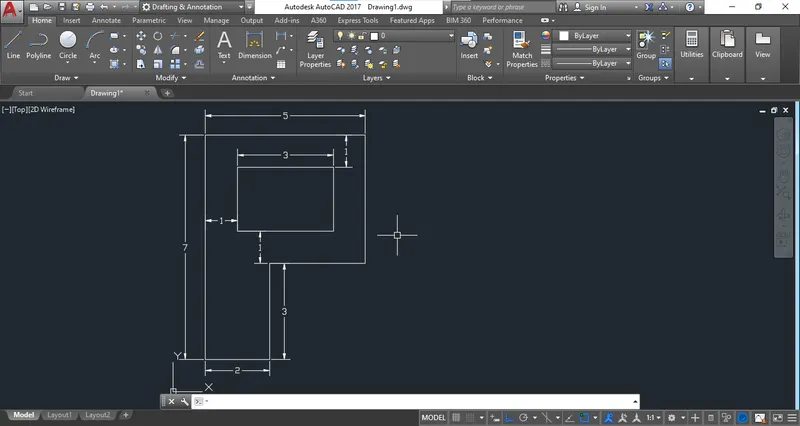
11. Drawing of profile-Wood.
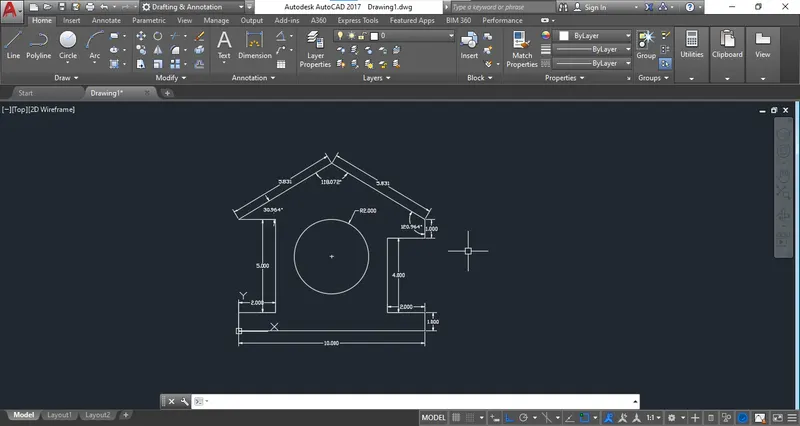
12. Drawing of Queen Post Truss.
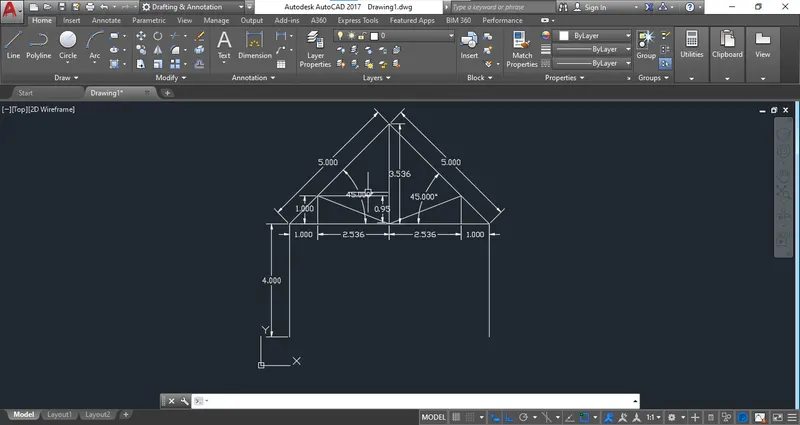
13. Drawing of Mono Pitch.