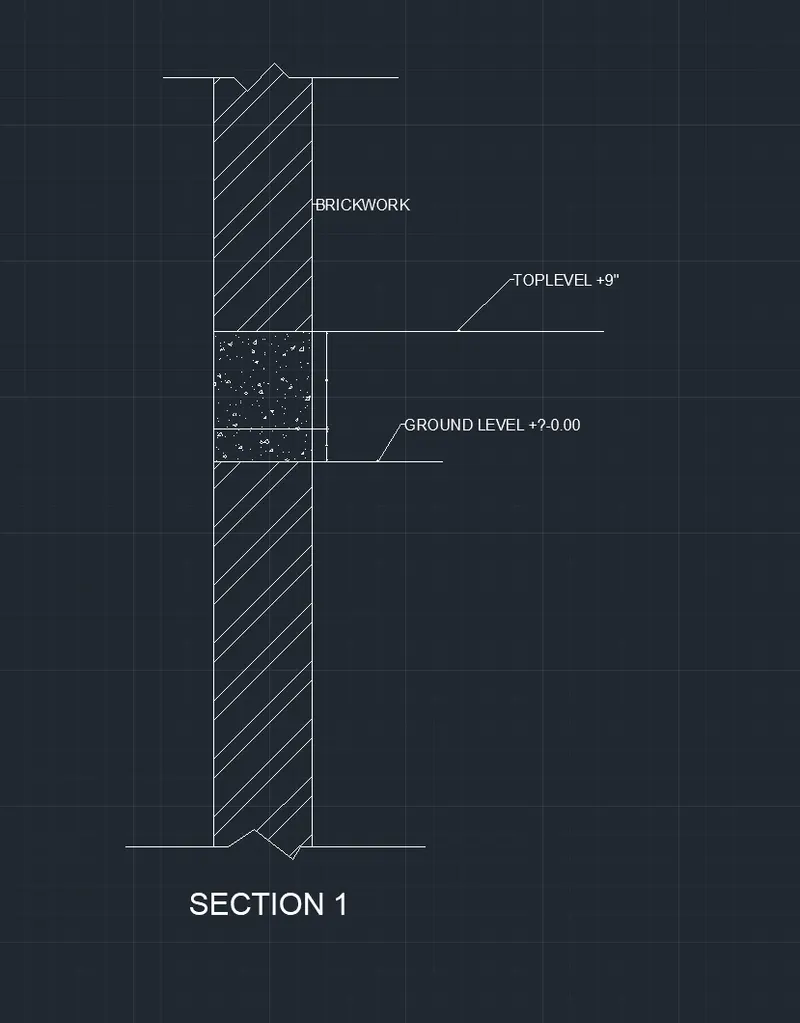
Creation of Column Schedule and Drawing Template using AutoCad
AIM & INTRODUCTION:
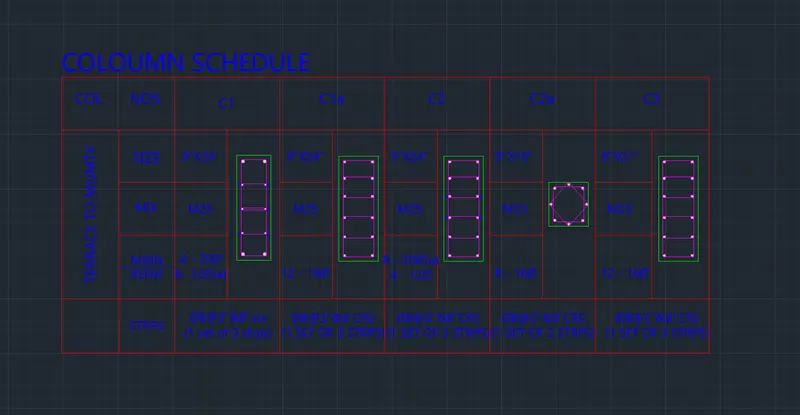
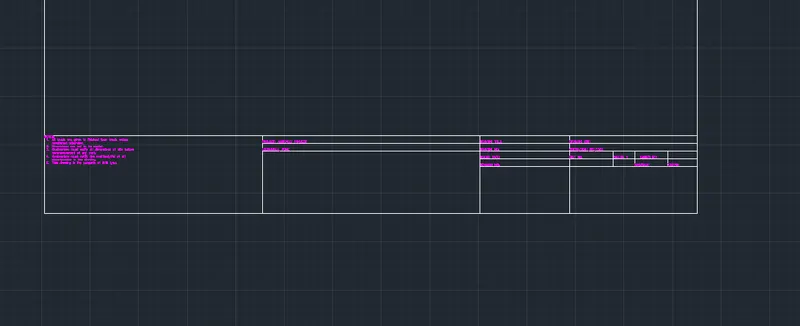
To create column shedule and Drawing template using AutoCad. For any drawing to be executed, apart from plans, schedules of all components are required for reading the specifications. Column schedules are important including column dimensions, steel reinforcements including other details. Drawing templete must be prepared to know the Project, Tittle of the drawing, drawing no. Drawing template should have a standard format for each project.
PROCEDURE IN DETAIL:
A) TOOLS ADOPTED
Draw tools: Line, Circle, Rectangle,Text,
Modify tools: Erage, Match properties, Copy, Mirror, Offset, Move, Rotate, Scale, Stretch, Trim, Extend, Chamfer, Fillet,
Dimensions: Linear, leader, Text, Table, Dimension Style, Text Style
Challenge 5.1
Steps followed for drawing:
1. Drawing units are set in Architectural, inches.
2. Drawing limits; Lower :0'- 0",0'-0". Upper limits: 20'-0", 10'-0"
3. Zoom All
4. layers are made for different components with different colour, type of line and line weight
5. Prepare the table using line command
6. Text style is made style 1
7. Text is given to elements.
Challenge 5.2
Steps followed for the drawing:
1. Most of the steps are same as the Challenge 5.1
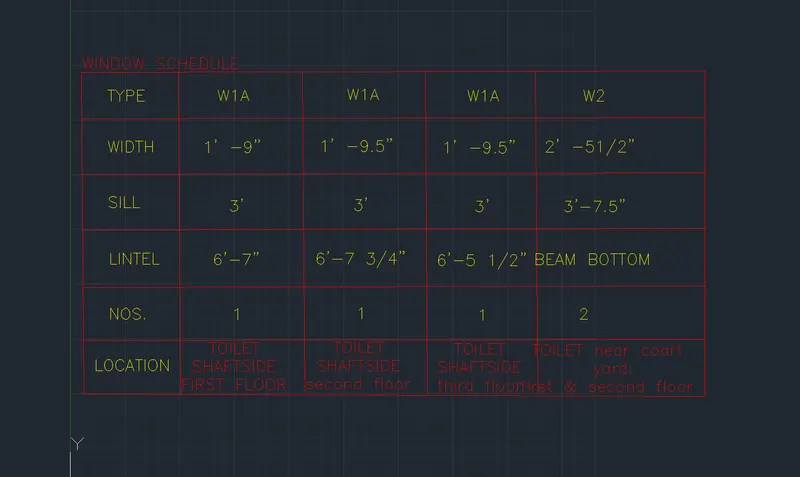
Challenge 5.3
Steps followed for Drawing Template:
1. Drawing template is prepared with a size of 841mmX594mm
2. Name of template is prepared with a offset of 100mm
3. Notes are prepared using MText
Challenge 5.4
Steps followed for preparing the Table;
1. Annotation, Insert table
2. Click cell and write the text required.
3. Change the text height in properties.
Note: Not able to complete the assignment as i am facing a problem in writing text.
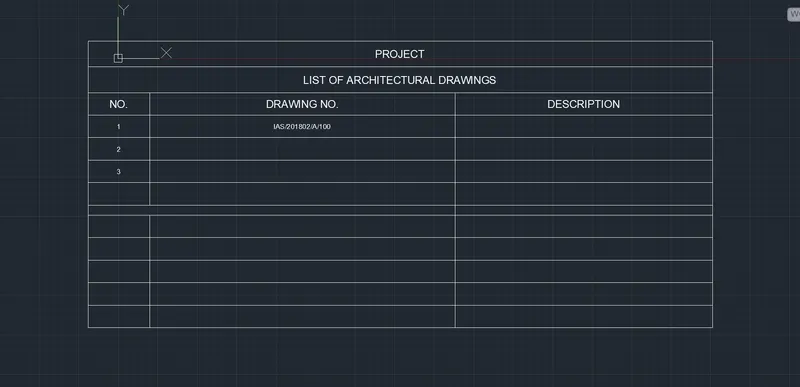
Challenge 5.5
Steps followed
1. Make a drawing using Draw tools, Modify tools, Dimensioning, leader and Text