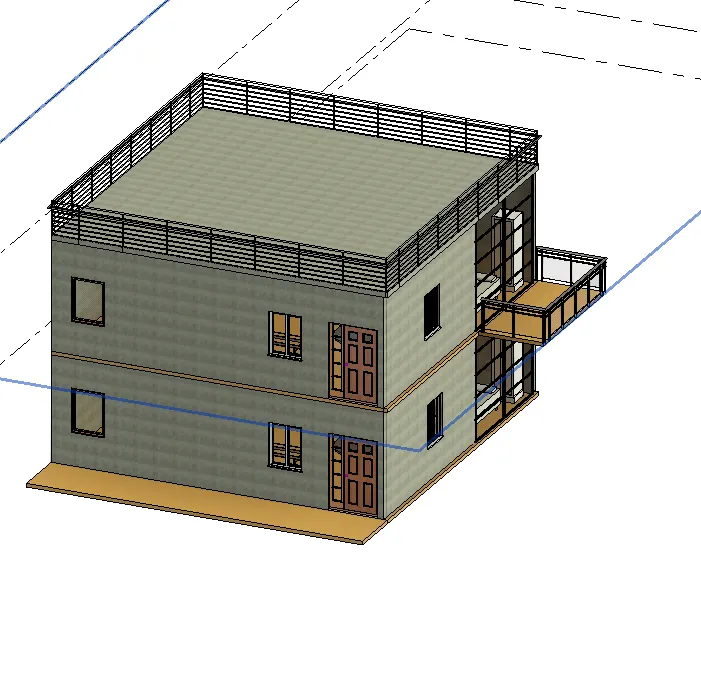
Creating Walls, Partition walls and Floors for a residential layout using REVIT
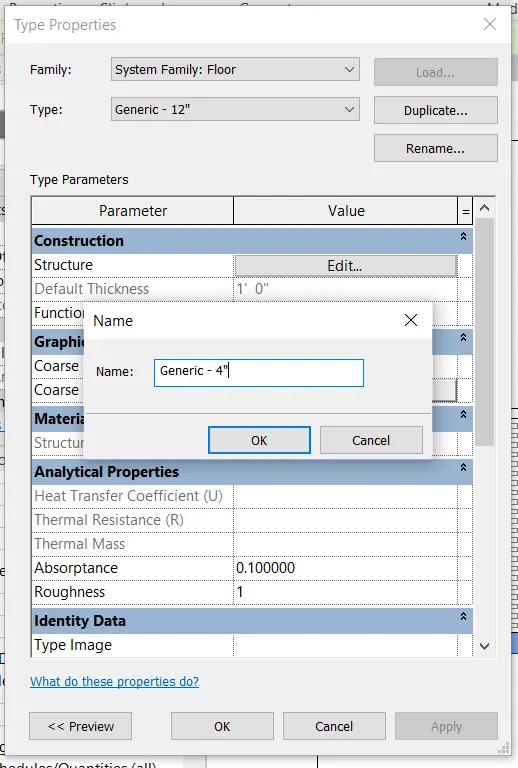
1) Use the project file created from Week 2. Use it for this assignment. Based on your layout from week 2, using floor tool under architecture tab and select the floor with appropriate material and thickness using the property browser create a layout in the Ground floor Level. Align the floor plan with grids created from week 2.
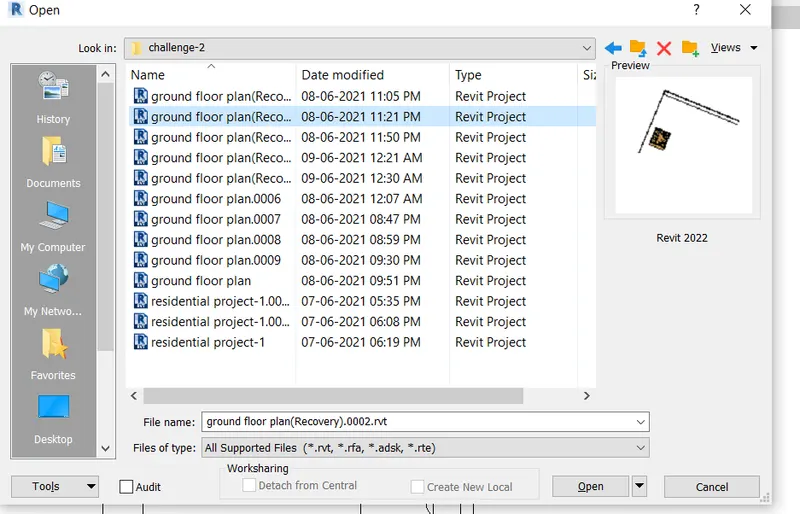
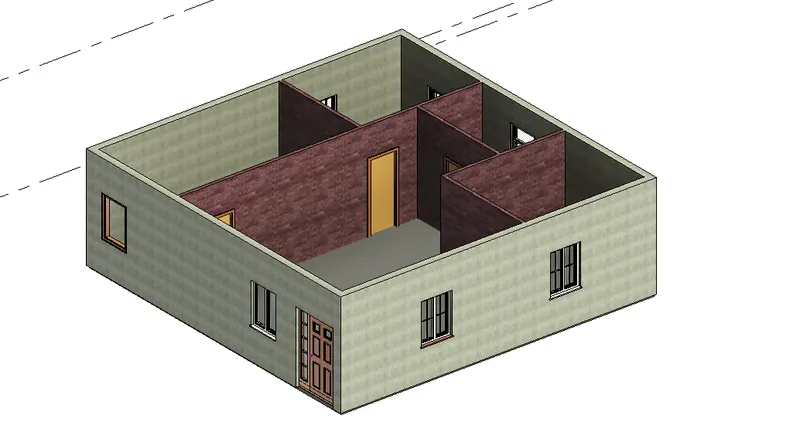
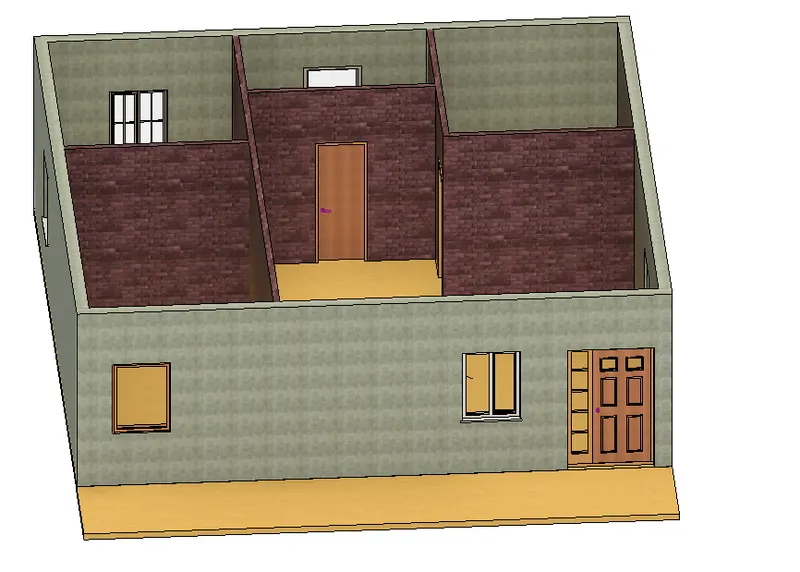
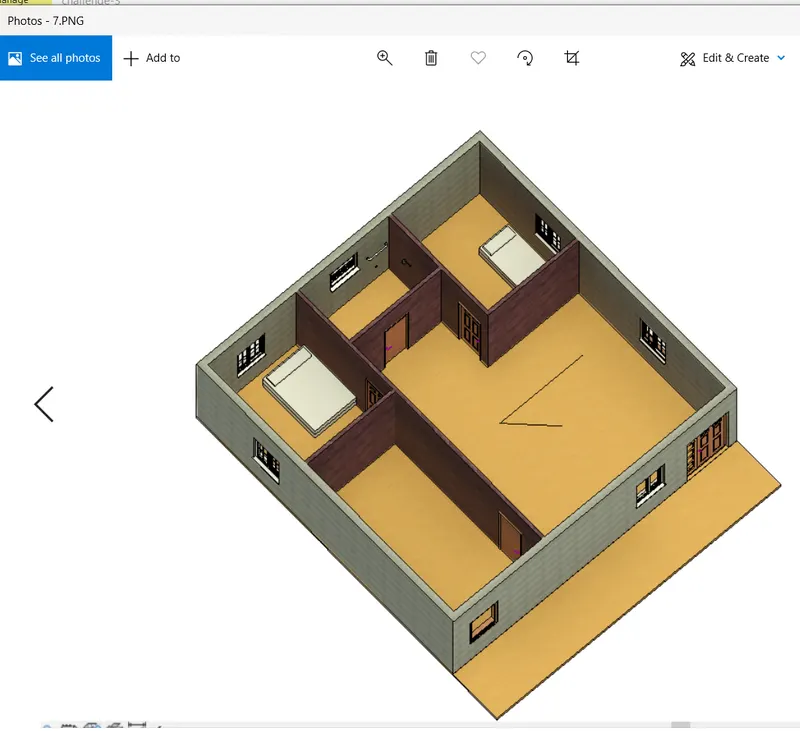
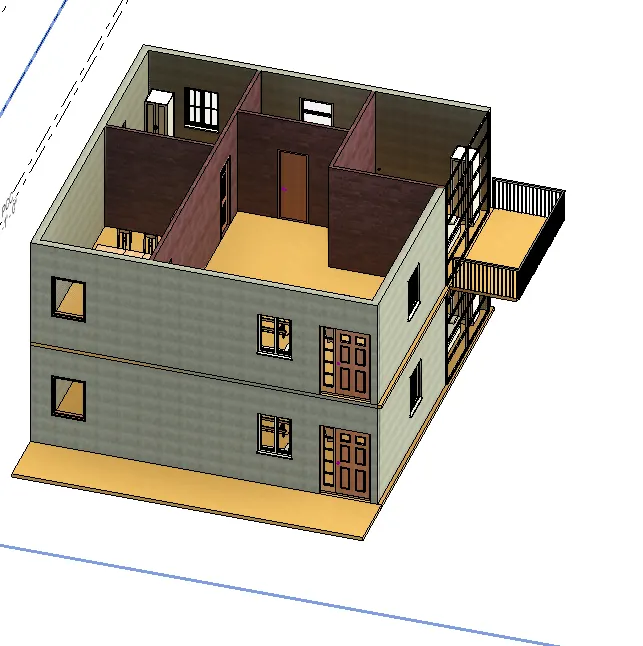
2) Add walls based on the floor layout. Pick lines or use the draw tool to modify the boundary of walls. Use the property browser to select appropriate material and thickness for walls. After creating the walls verify using the property browser to see if the top and bottom of the walls are constrained.
EXTERIOR WALL:
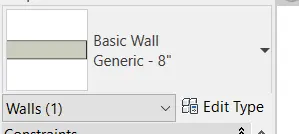
INTERIOR WALL:
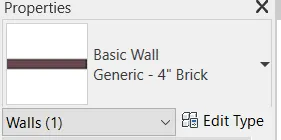
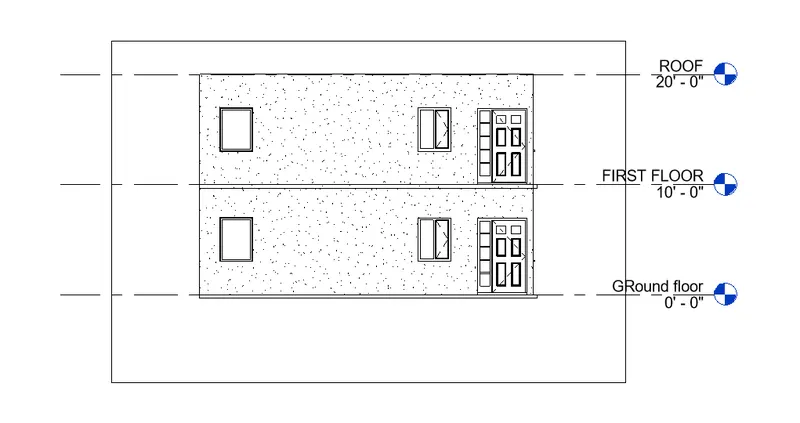
HEIGHT OF THE WALL:
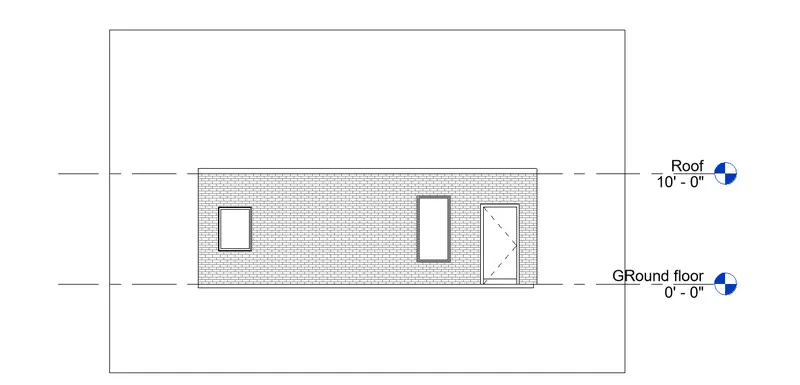
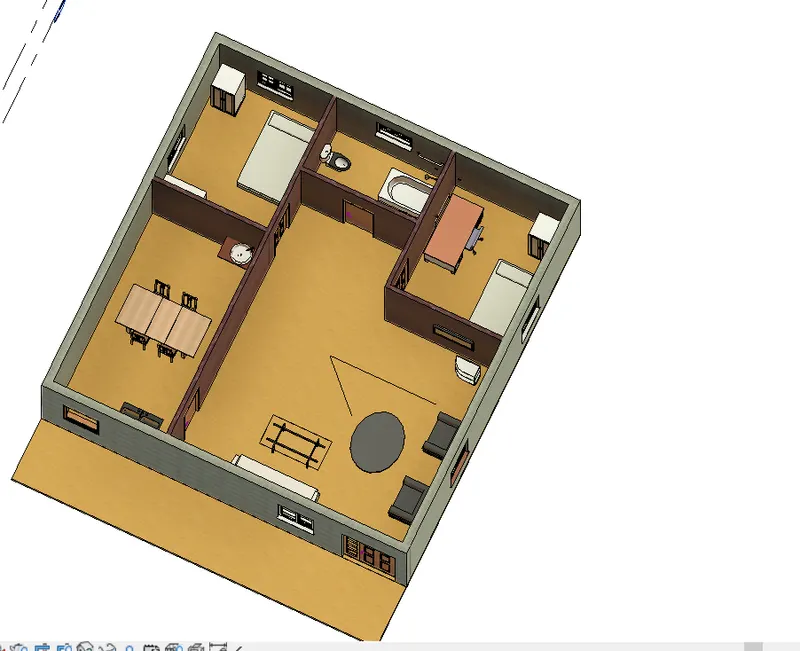
4) Use interior partition walls to create separate rooms within your residential unit. The model must include the following rooms
a. Living Room/ Drawing Room ( 18’ X 20’)
b. Kitchen&Dining Room (18’ X 10’)
c. Bed Room ( 10’ X 12’ and 10' X 12’)
d. Rest Room ( 10’ X 10’ )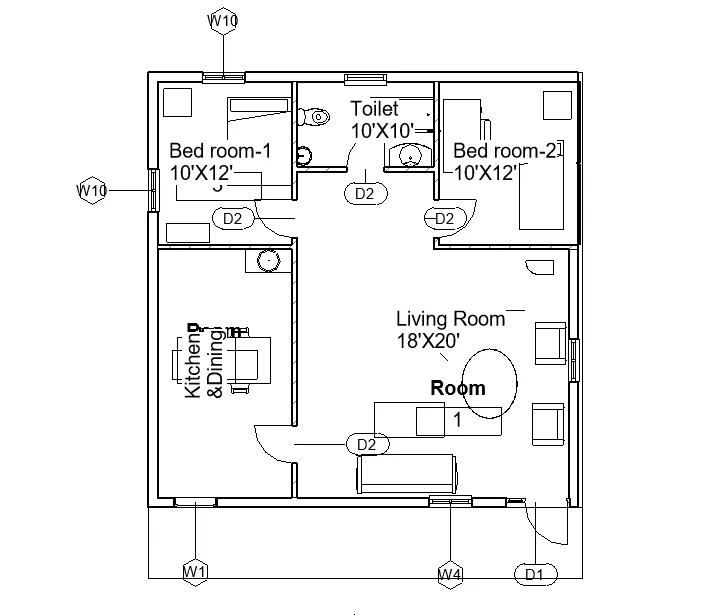
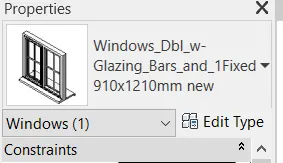
5) Based on week 2 assignment, the components to be included in a residential unit were inserted to the Revit file. Place these components in appropriate locations to add details to your residential model.