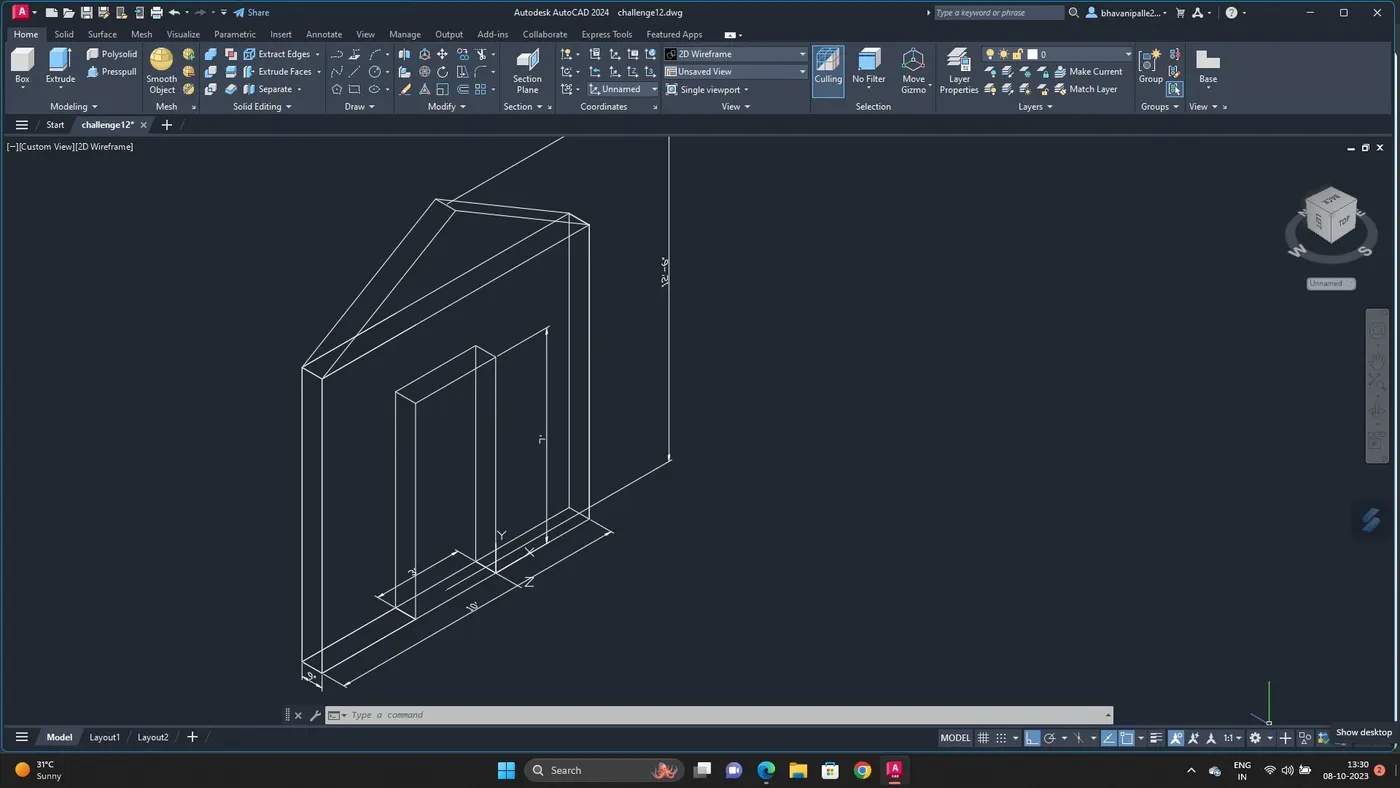
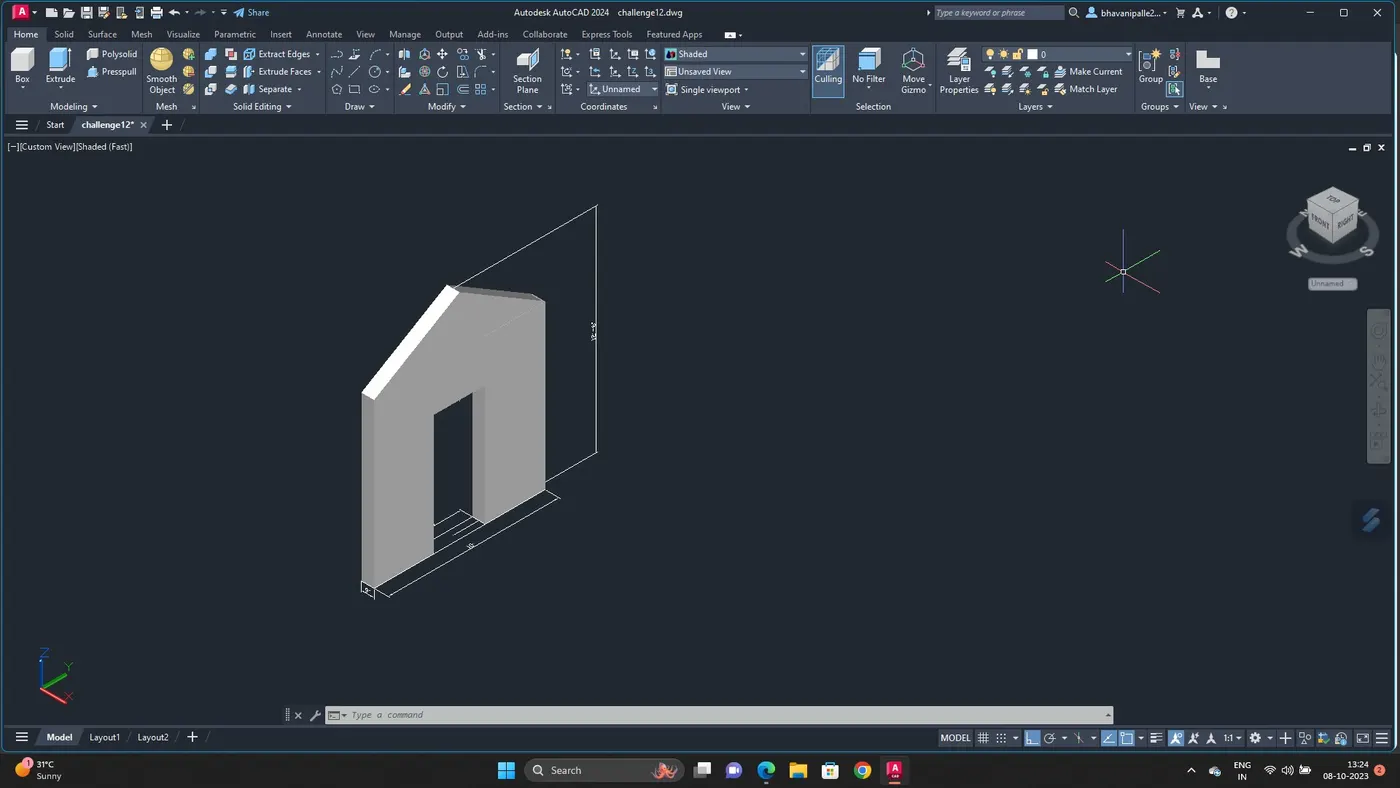
Creating various 3D Models like Furniture, Footing, Girder, Column drop with panel and Gable Wall in AutoCad
AIM :
To create a 3D model and view of :
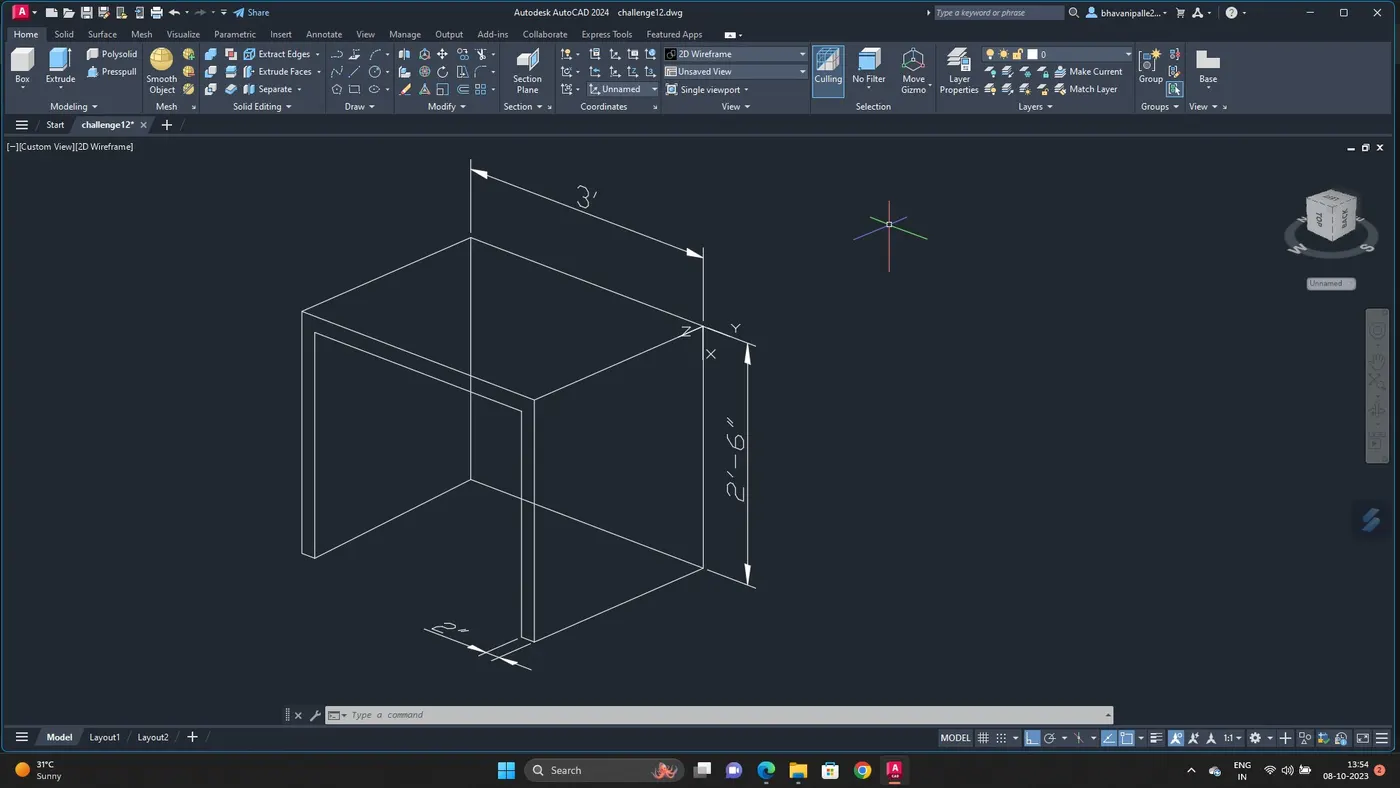
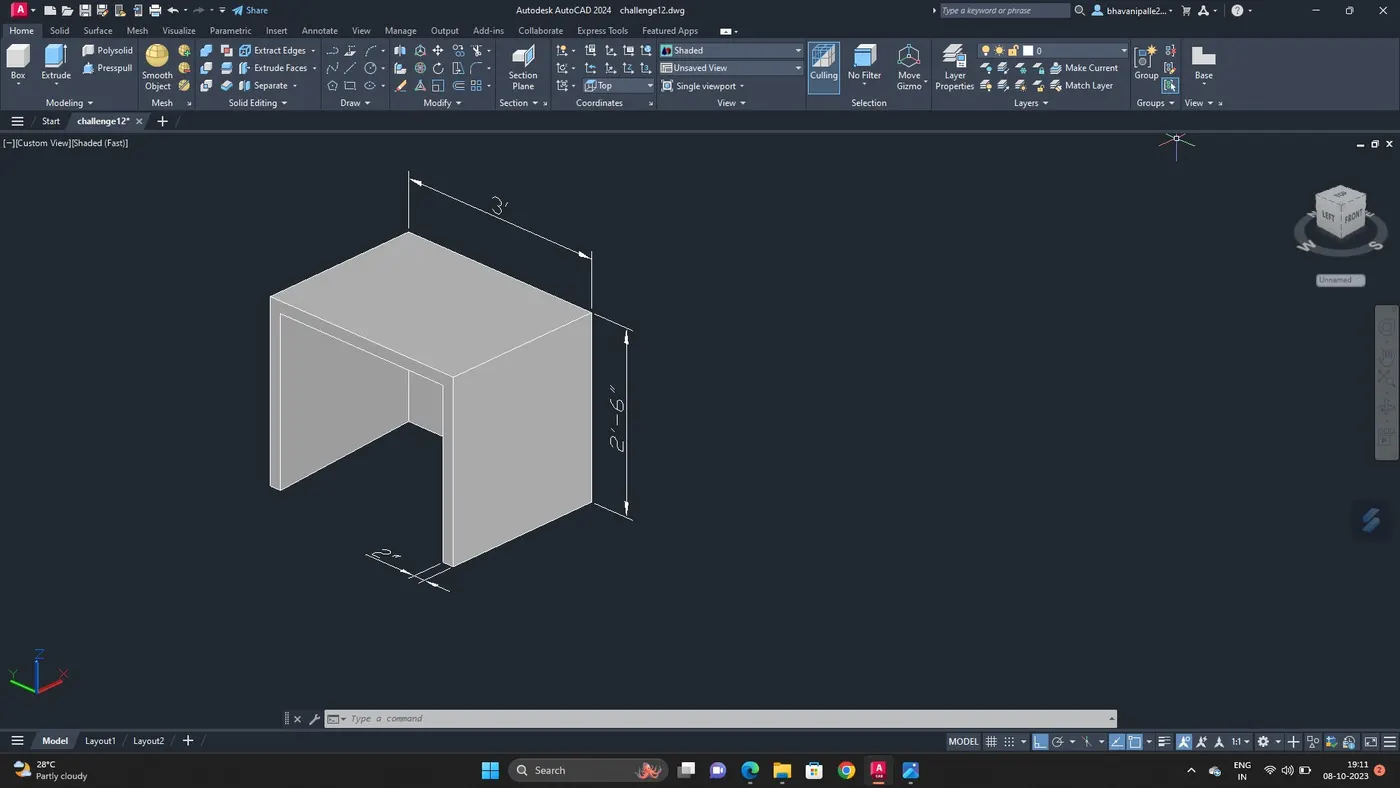
FURNITURE ELEMENTS
ISOLATED FOOTING
AASTHO TYPE GRIDER
DROP COLUMN WITH PANEL
A WALL
COMMANDS USED :
LINE
BOX
RECTANGLE
OFFSET
MOVE
EXTRUDE
CONE
BOUNDARY
REGION
3DFACE
3DORBIT
DIMLINEAR
PROCEDURE :
1. To create a 3D model of the furniture element
OPEN AUTOCAD 3Dmodelling
COMMAND: UN
Set units as engineering
Set the limits
Go to top view
Create a rectangle with given dimesion
Go to 3D view
With 3DORBIT adjust the view
By line command draw the element
Create region
Give dimension
With 3DFace command shade the element
2. To create a 3D model of isolated footing :
Create a rectangle of 2'x2'
Create another rectangle with dimension 1'x1'
Go to 3Dview
Command :MOVE
Move the small rectangle 2' distance in z direction
Join the lines
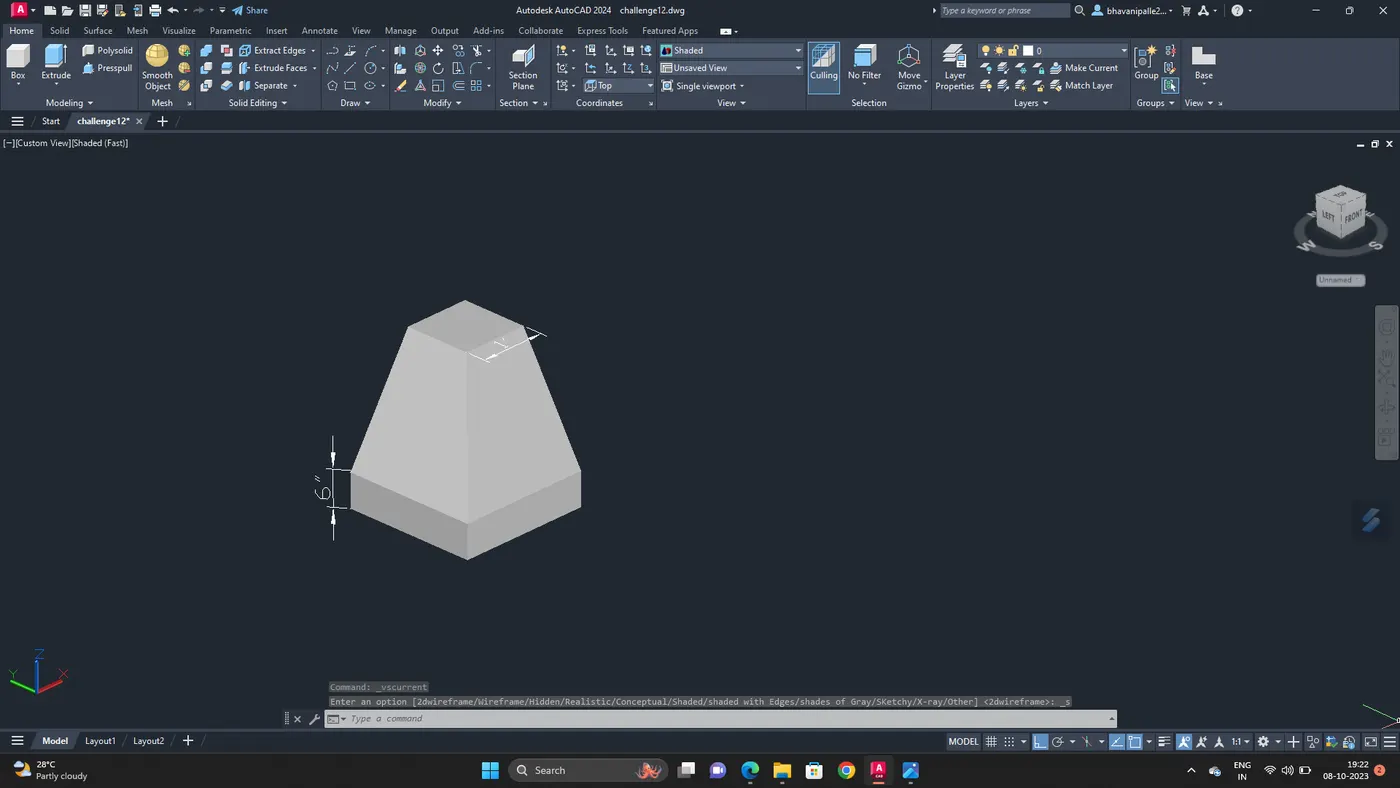
Extrude the rectangle to height of 6''
Give dimension
SHADE the footing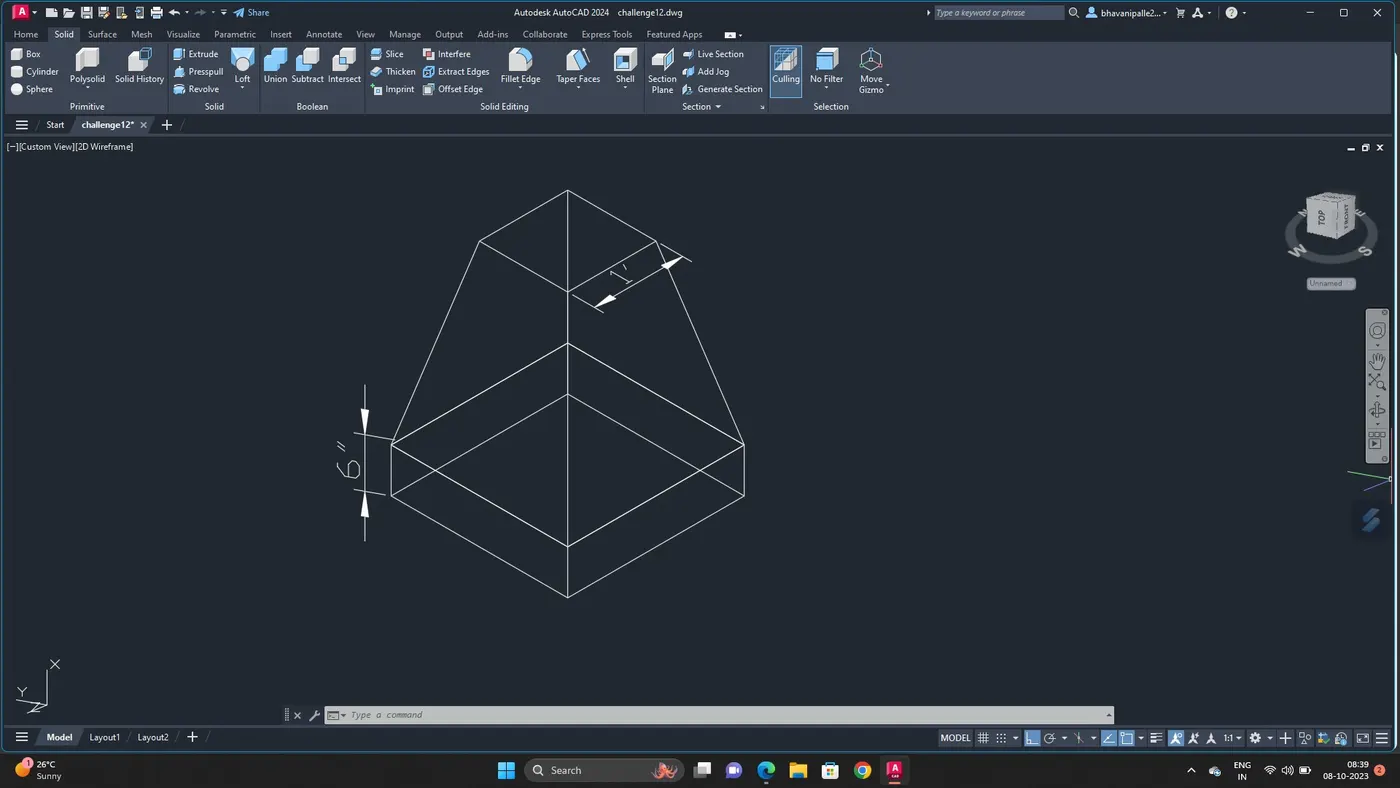
3. To create a 3D model of AASTHO type Girder using AUTOCAD 3D :
Command line draw a line of length 1'6''
Offset the line
With lengthen command adjust the line to 1'4''
Draw line 0'6''
With line command draw girder as per dimesion
Go to 3D view
Rotate it
Give dimesion
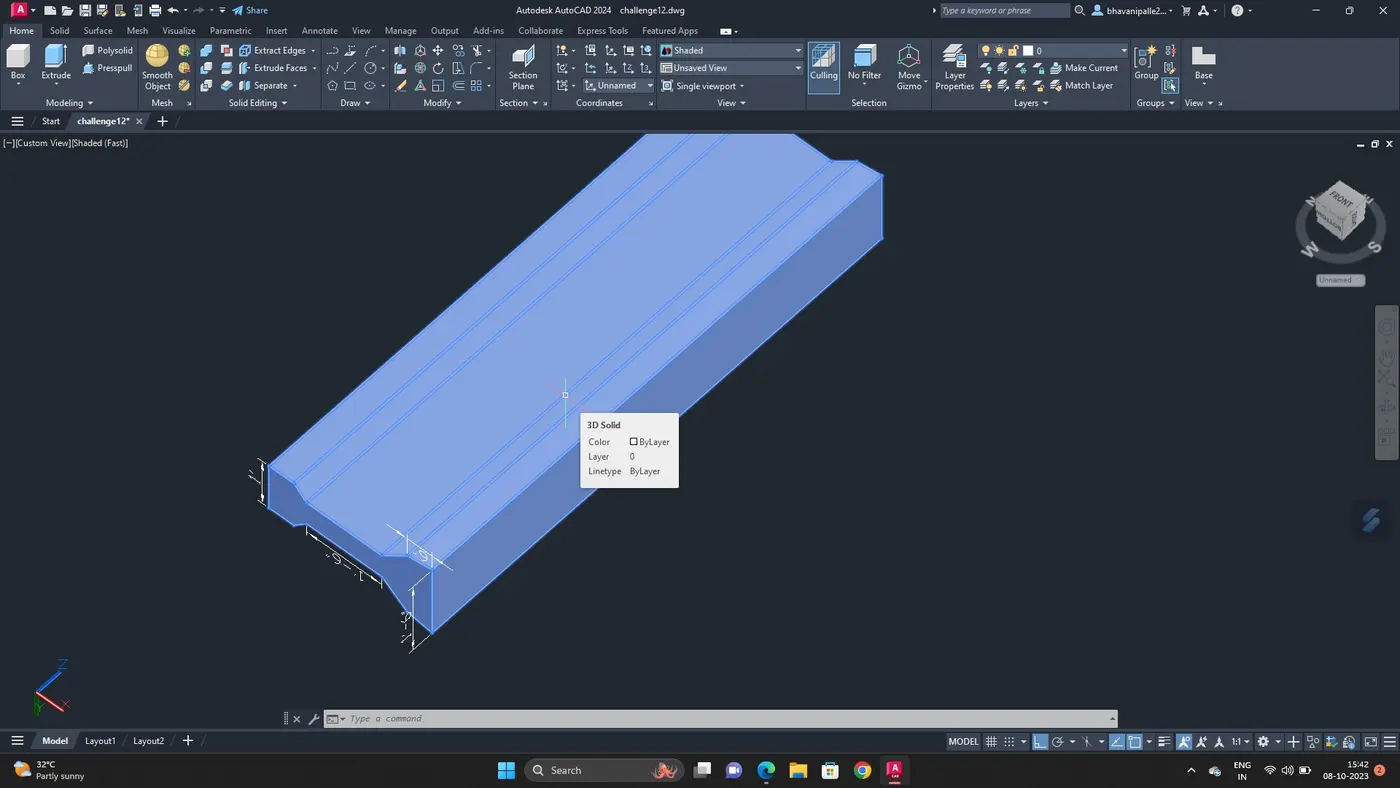
With Extrude command extrude the grider upto 10'
Shade it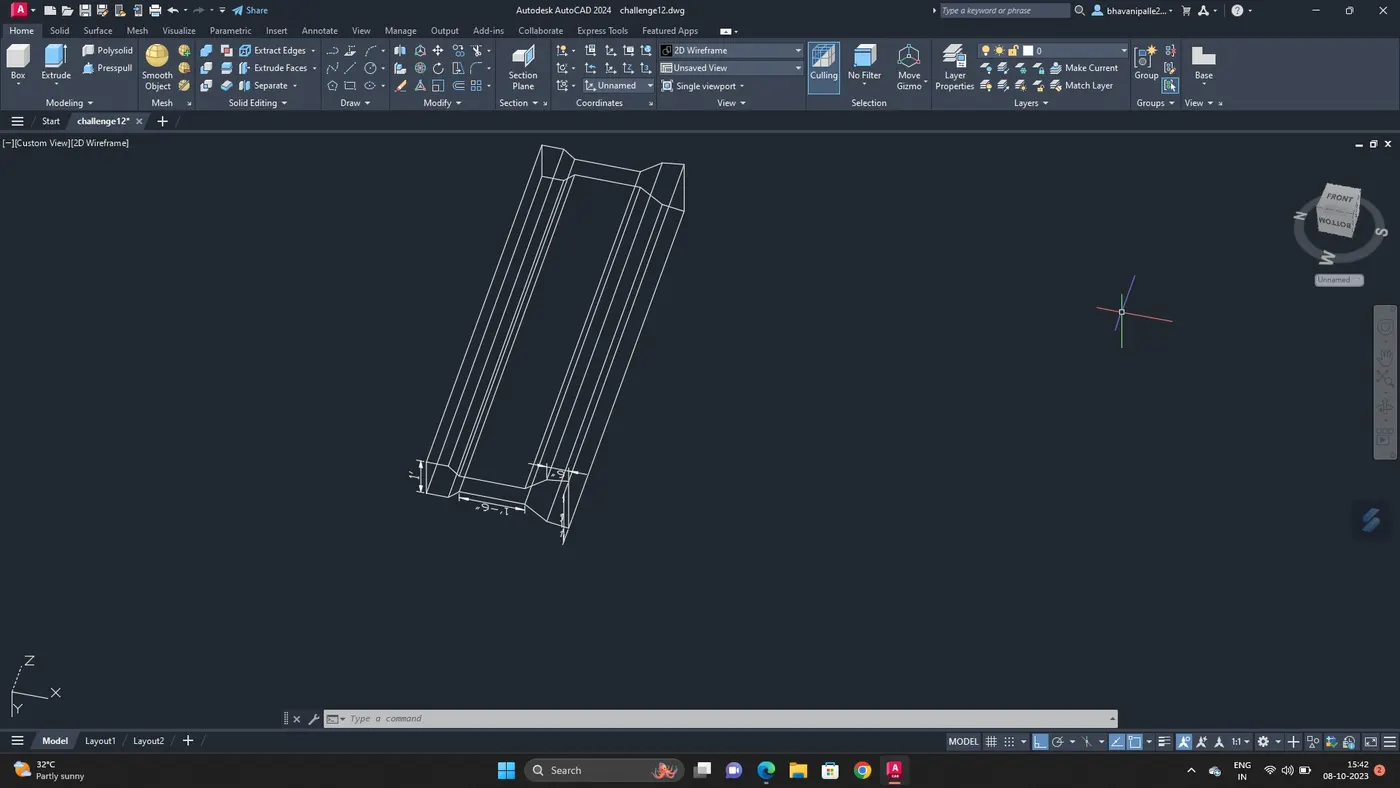
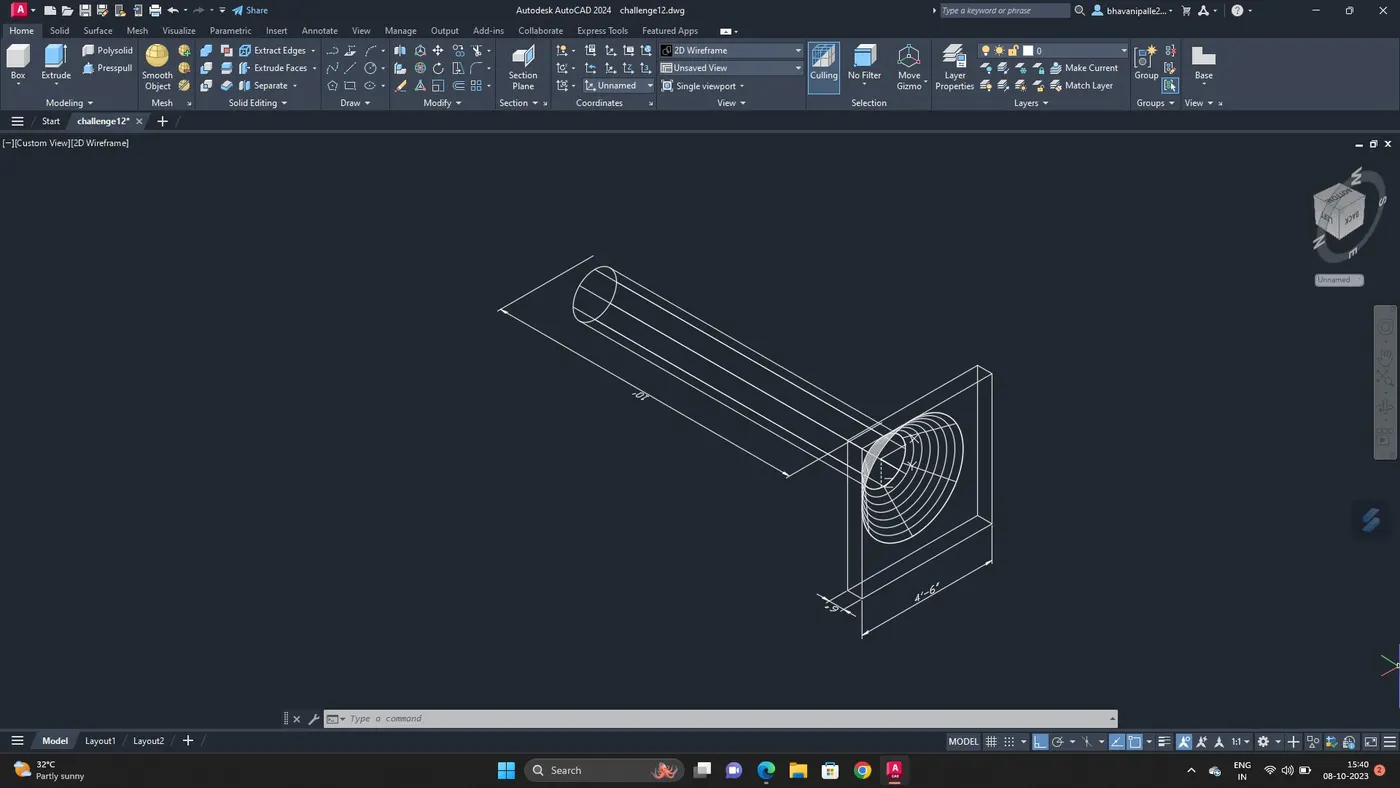
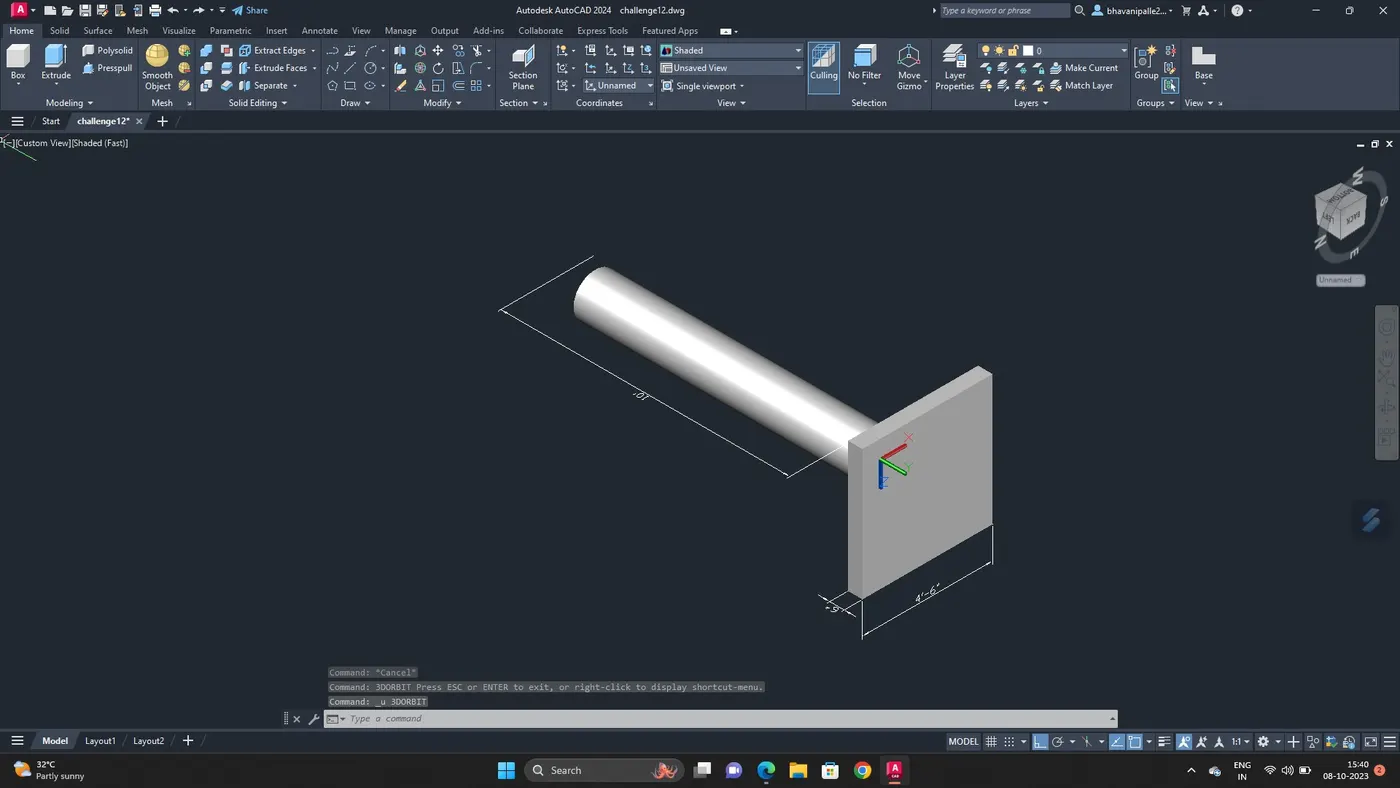
4. To draw the 3d model of a drop column with panel section and show its isometric view :
Draw a rectangle with equal dimension of 4'6''
Draw cone in the center of rectangle with diameter 3'6''
Select top radius give the value as 9''
Give height as 1'6''
Go to 3d view
Extrude the rectangle upto 6''
Move the cone 6''
Explode the cone
Extrude the top of cone upto 10'
Give dimesion
Shade it
5. To draw a 3d model of Wall :
Draw a rectangle of 10'x9''
Create a line in the center
Offset 1.5' on both sides as 3''
Command BO for creating boundary and create region
Go to 3d view
Extrude the region to a height of 12'6
Create a rectangle in place of door
Move the rectangle in z axis up to a height of 7' from bottom
Go to front view,draw a line from center of the moved line
Draw a triangle make region
Select extruded rectangle and drag to the base of triangle
Extrude the triangle
Give dimesion
Shade it.