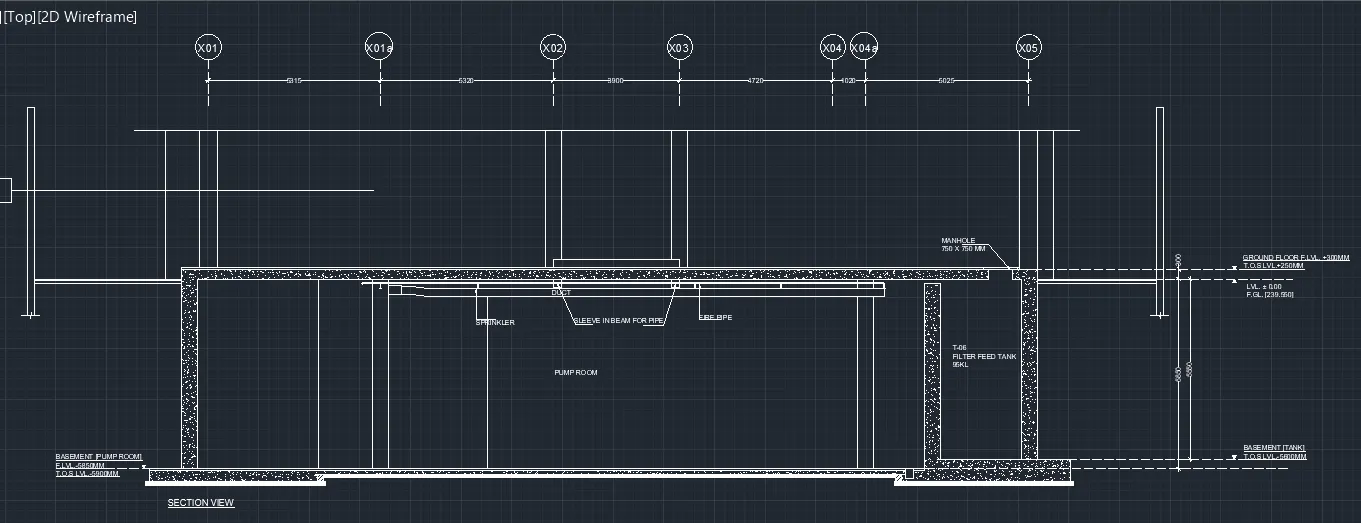
Creating Kitchen layout, Hatching of Architectural elements and sectional view of an Industrial Building in AutoCad
Ans:
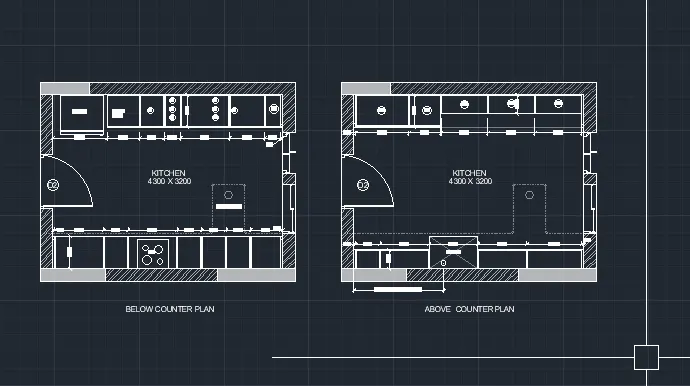
1. Creating the layouts of the Kitchen and provide hatches pattern as shown. Also, using blocks wherever required. Provide appropriate dimensions in the plan. Assume the size of doors, appliances and others as per the standards.
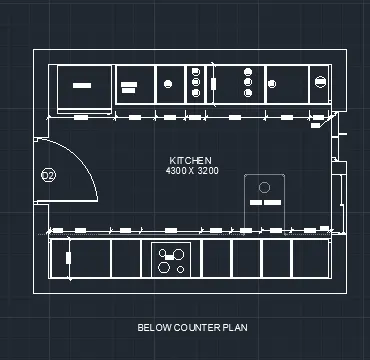
FIG-1 DWG FROM CHALLANGE-6
STEPS:
- TAKE THE DWG FROM CHALLANGE -6 KITCHEN LAYOUT
- USING HATCH COMMAND DO THE HATCHES IN THE PLAN WHERE REQUIRED.
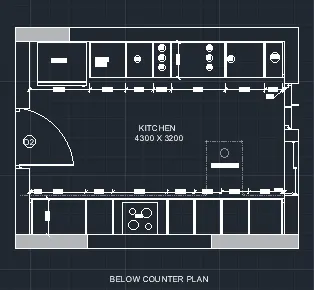
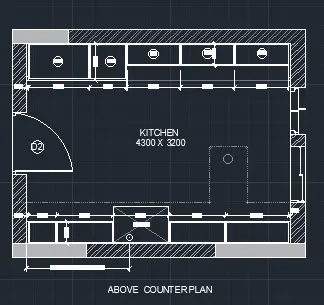
RESULT:
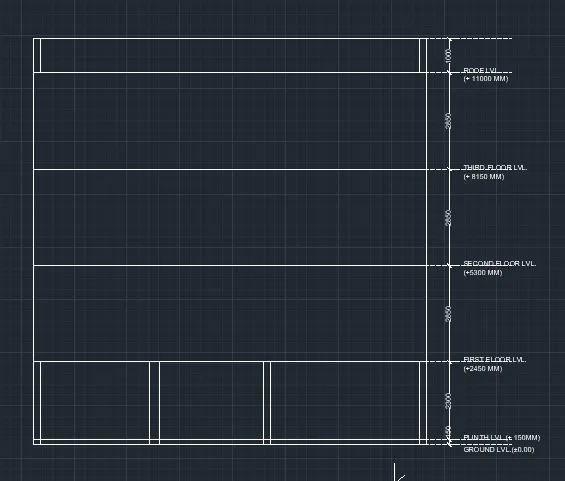
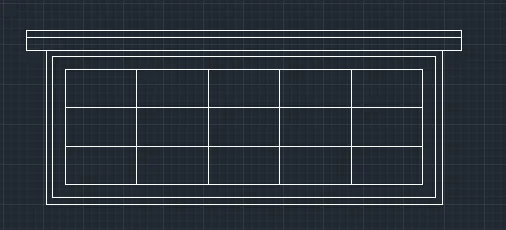
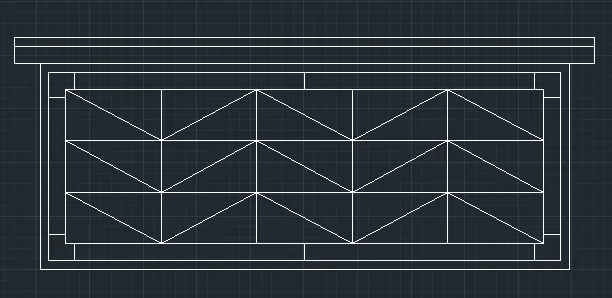
2:Creating the elevation of the plan created in the Challenges 7 and applying proper hatch in the walls, doors, windows, and other architectural elements.
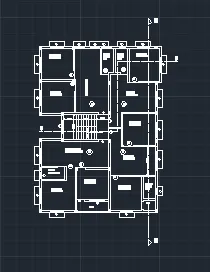
FIG-2 plan from challange-7
STEPS:
- take the plan from challange -7
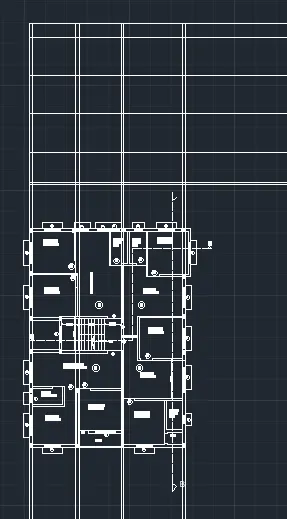
- now using 'XL' command draw the projection ray line
- using offset command take the required offset for floor lvl.
- then draw the slab required elements using line , offset , trime, extend, hatch, command.
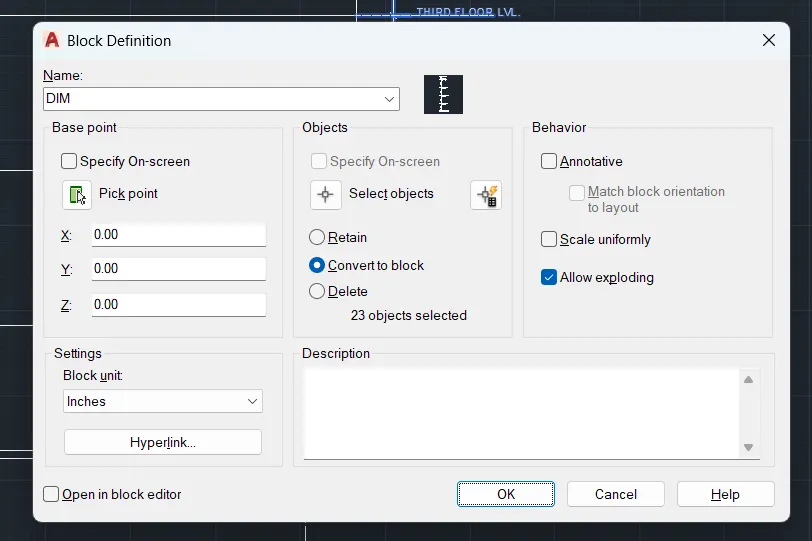
- use block command also for required elements.
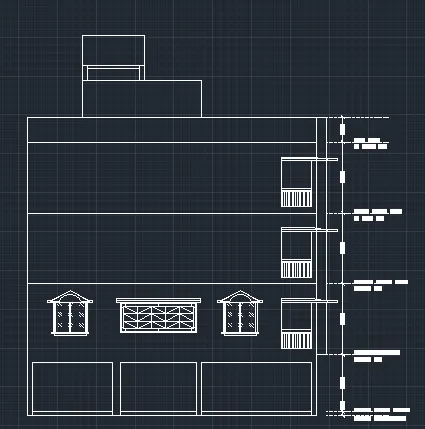
RESULT:
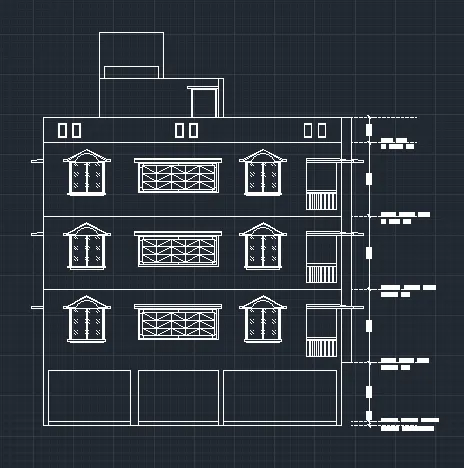
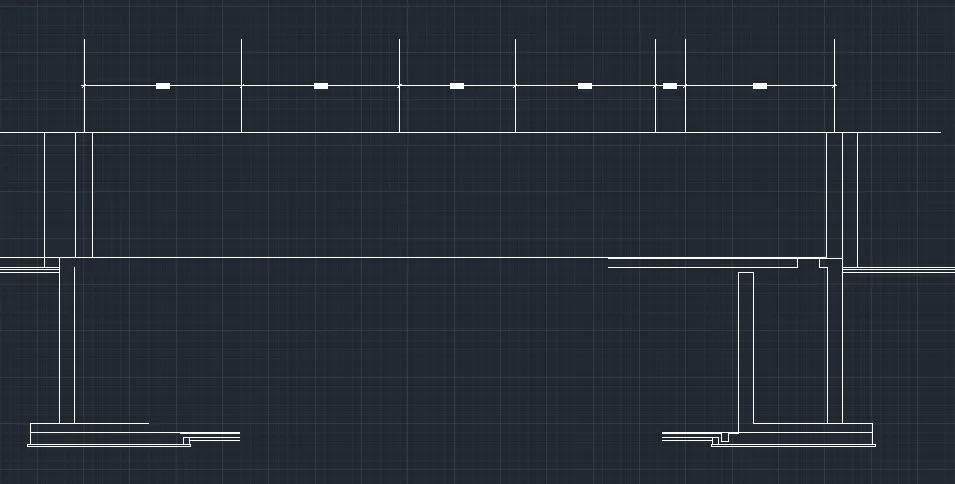
3.Creating the section view of an industrial building as shown in the question, using autocad application.
steps:
- using drafting tools draw the desier shapes and size.
- now do the anottation work in the dwg.
- now do the hatches in the required places.
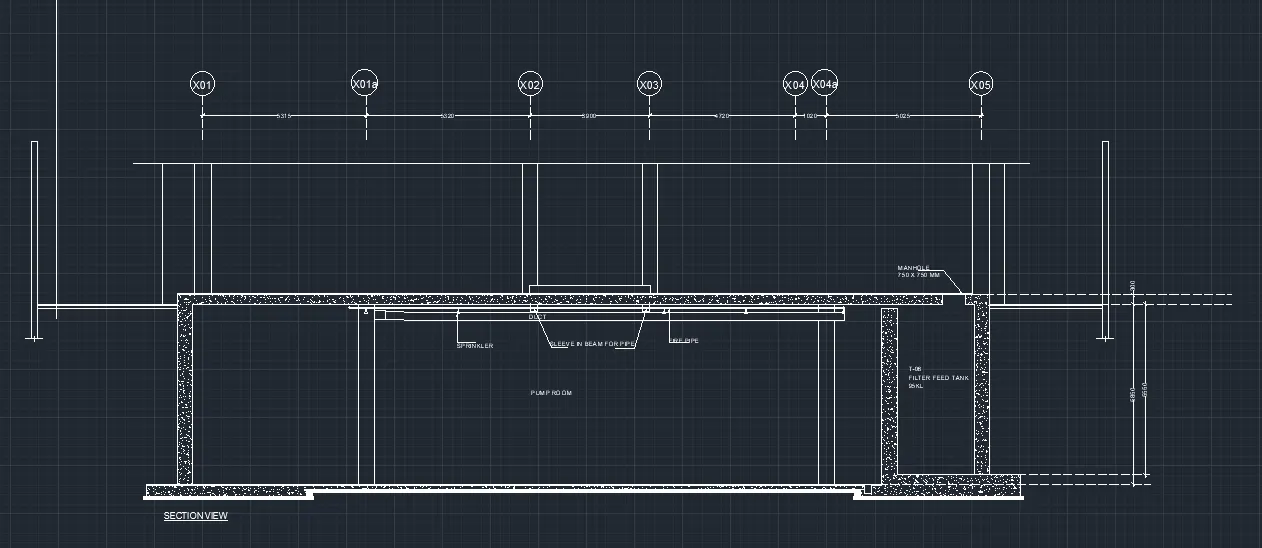
RESULT:-