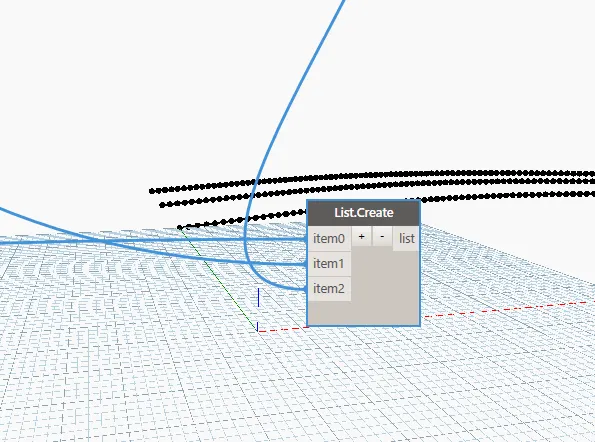
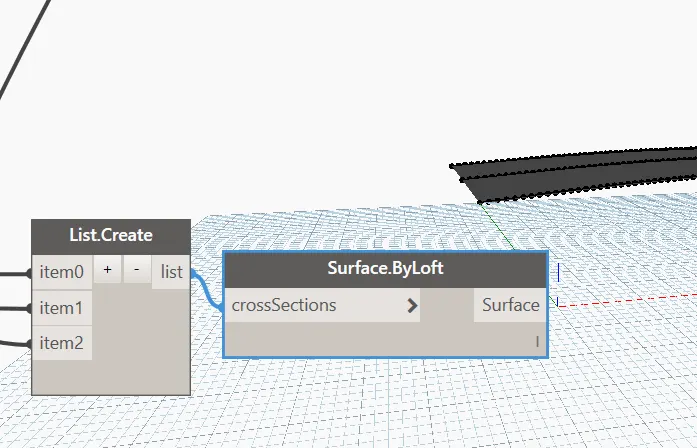
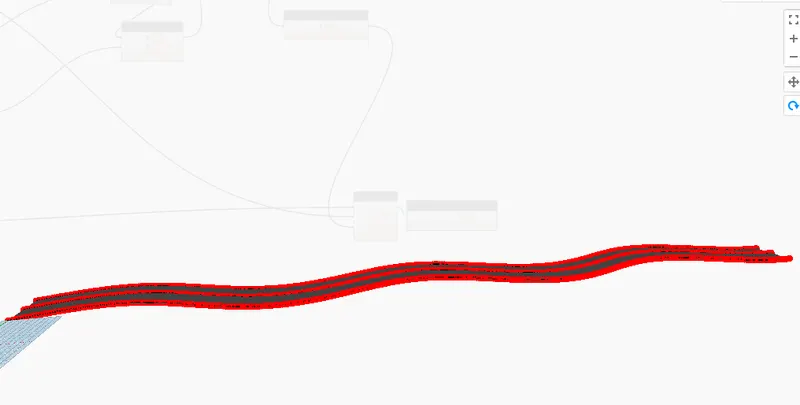
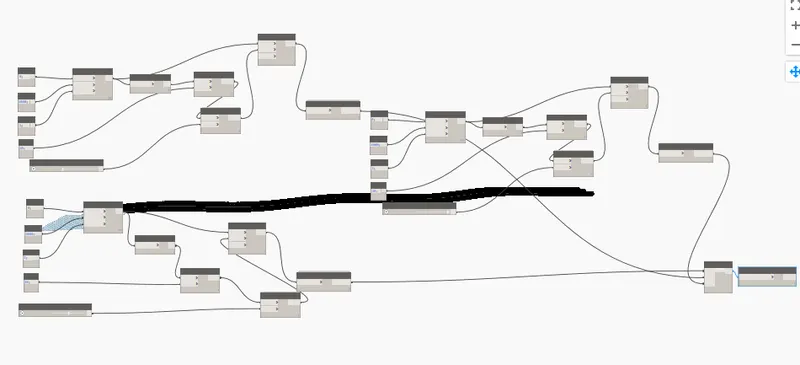
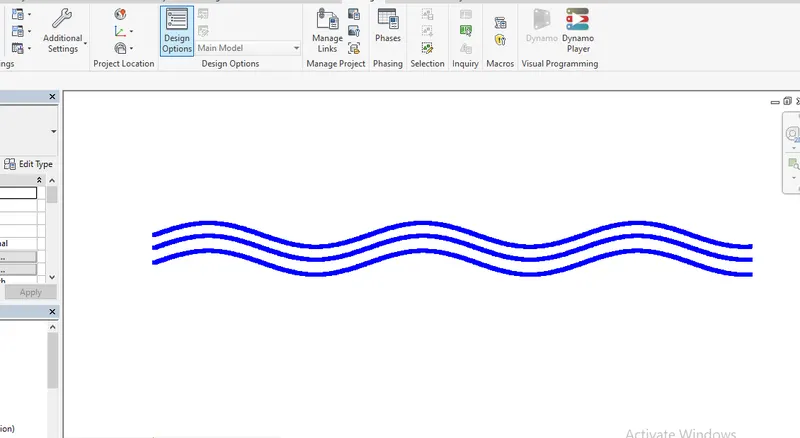
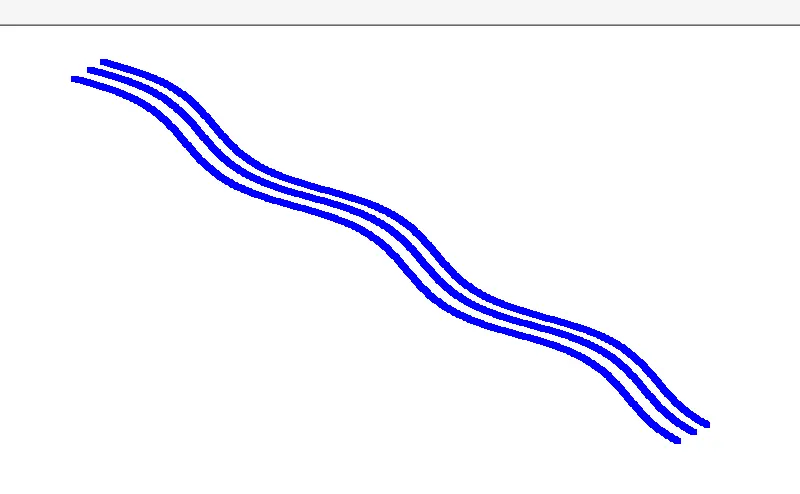
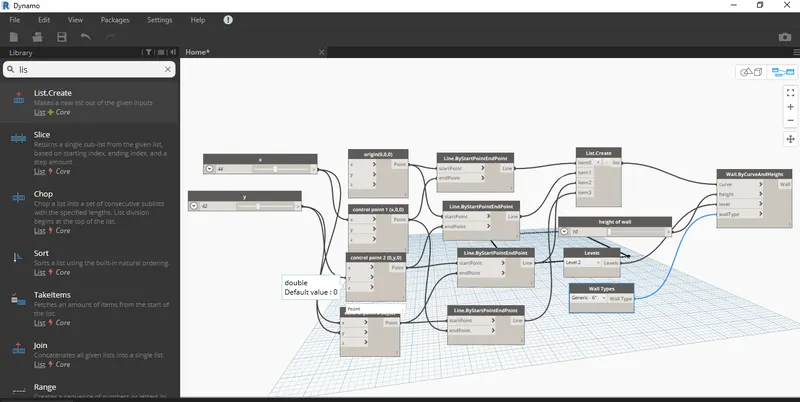
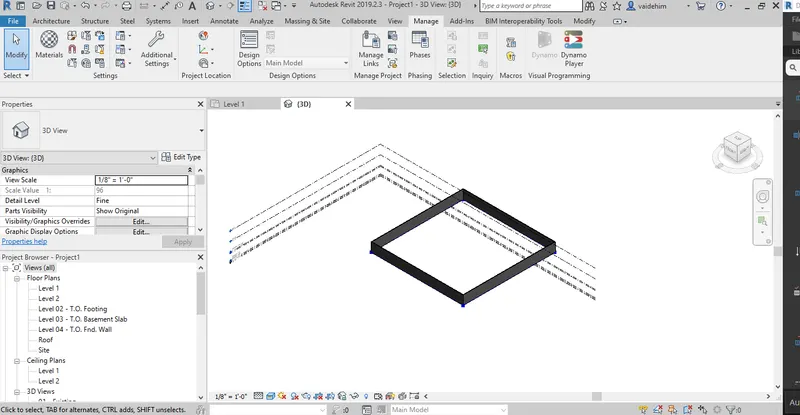
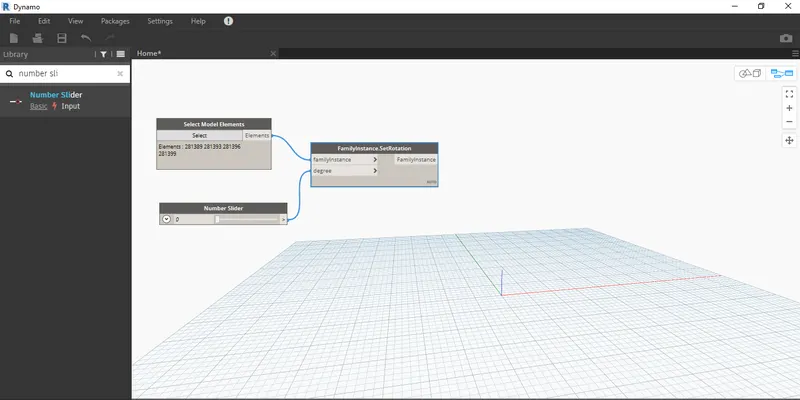
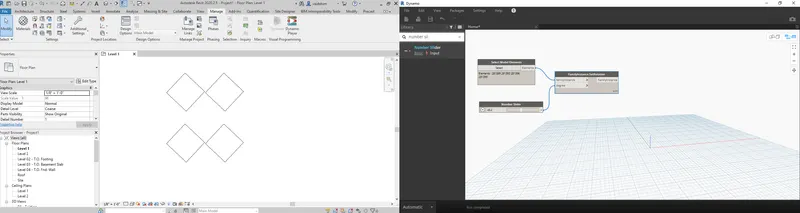
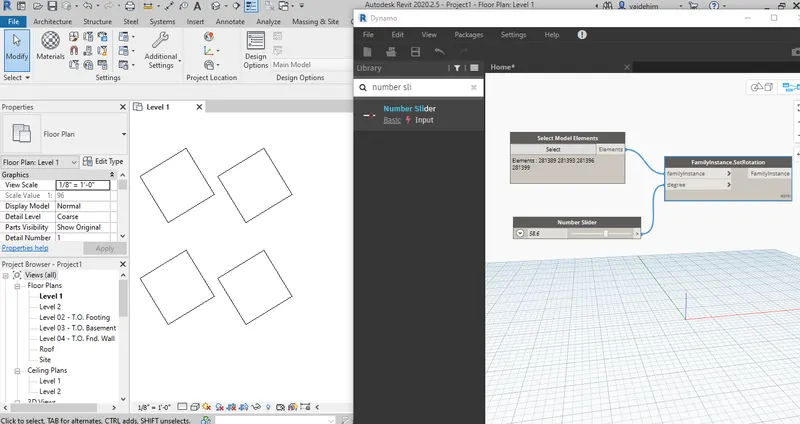
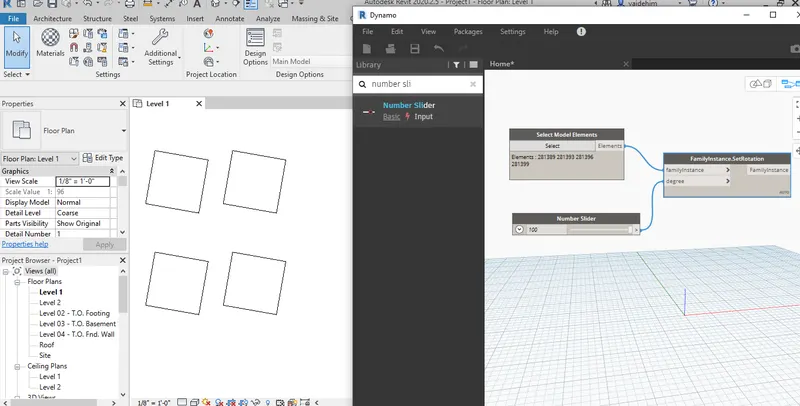
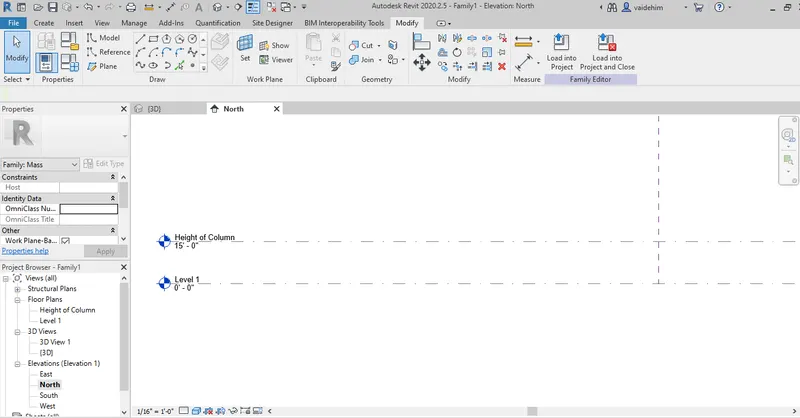
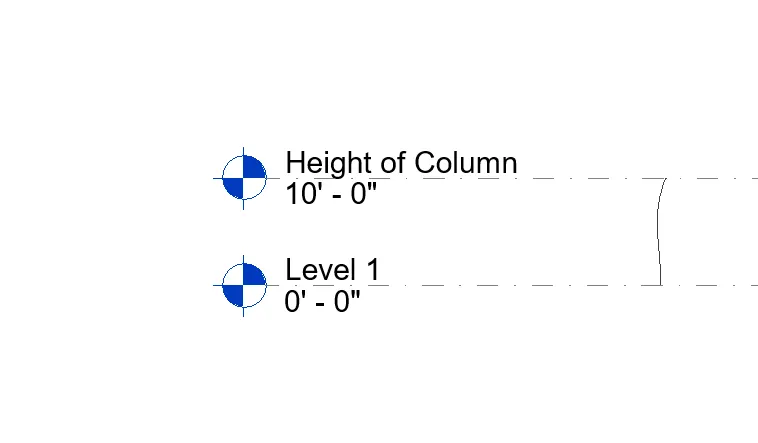
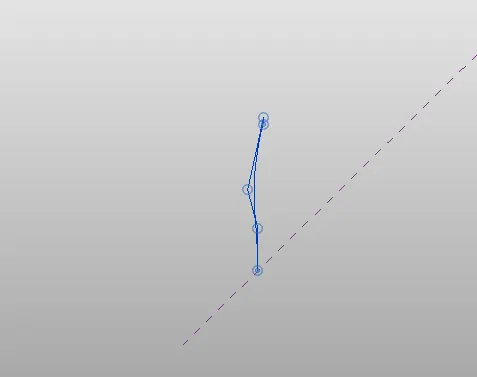
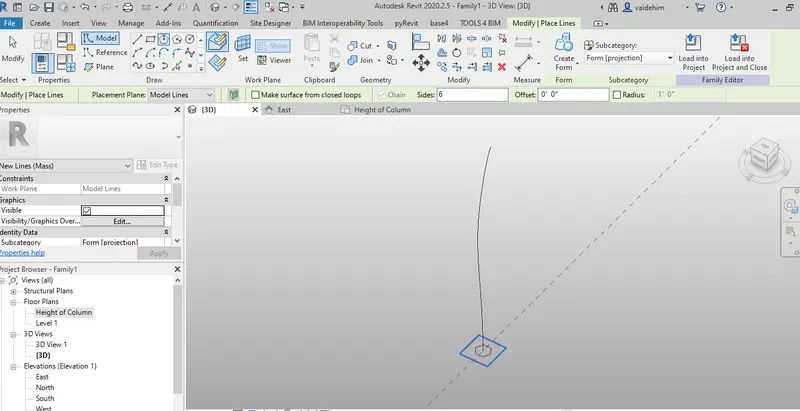
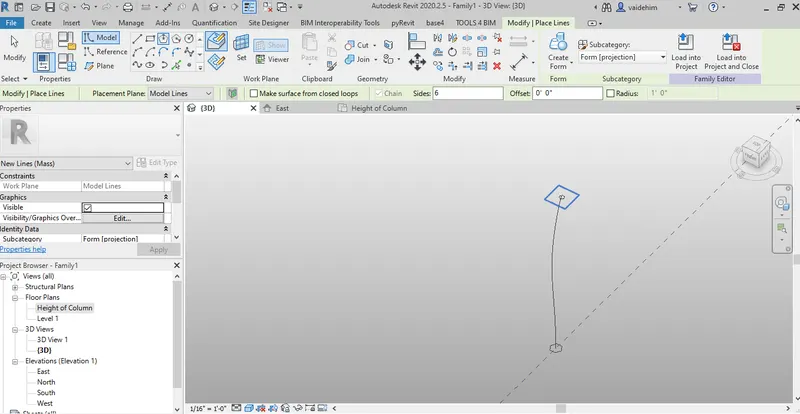
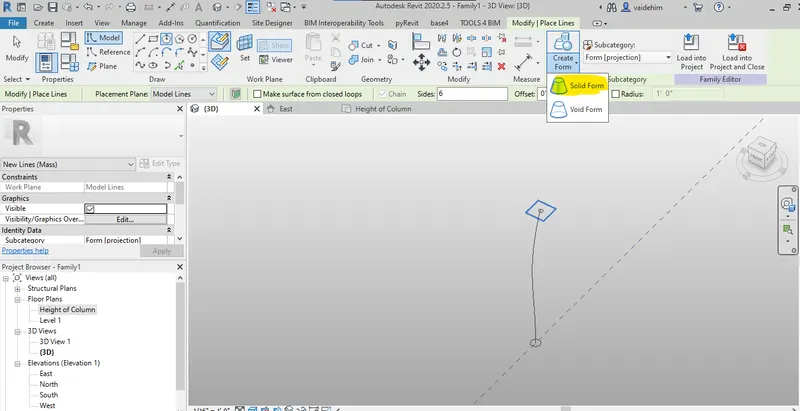
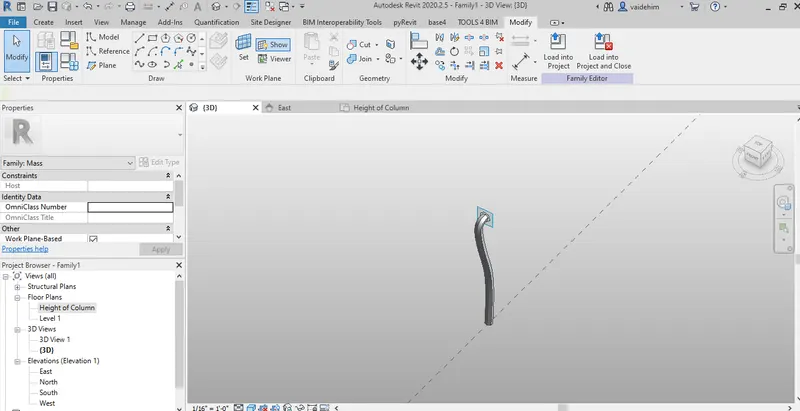
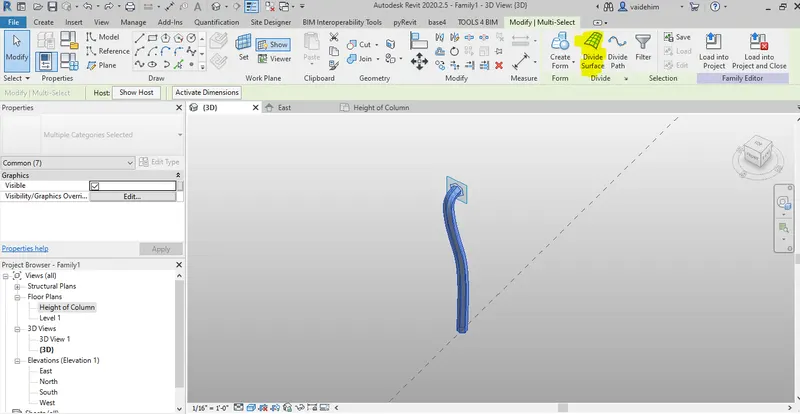
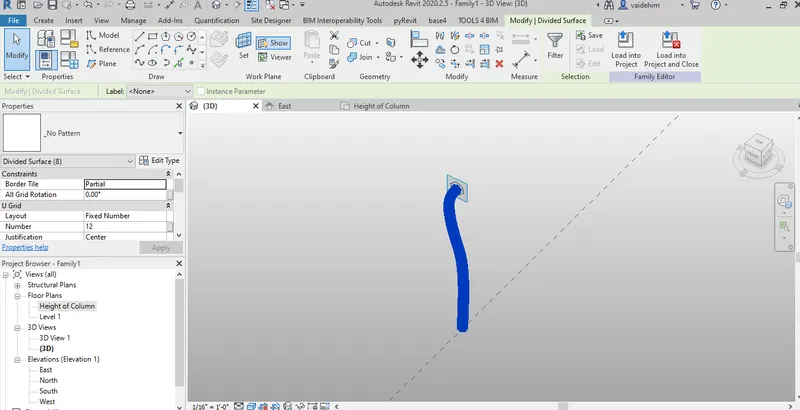
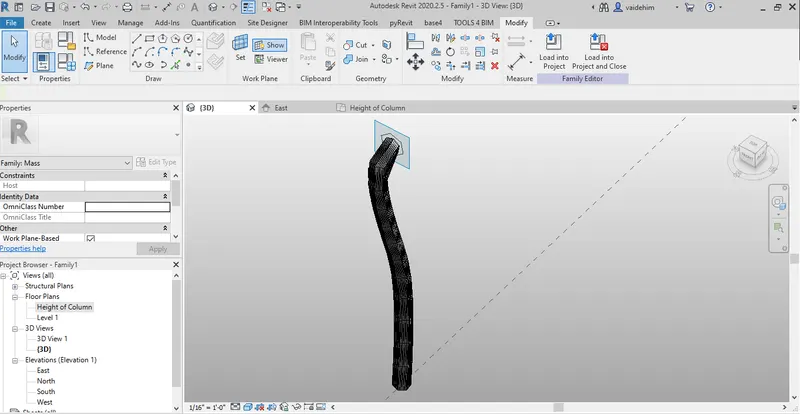
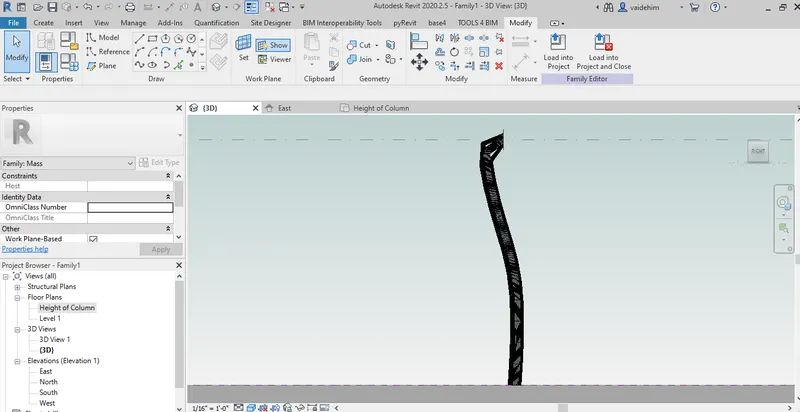
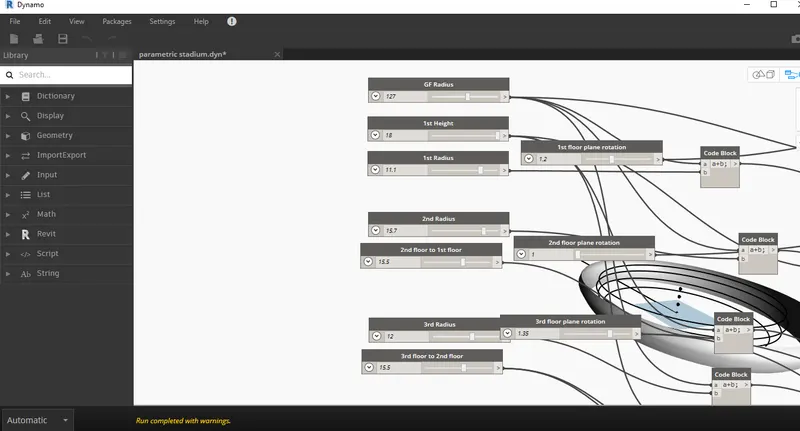
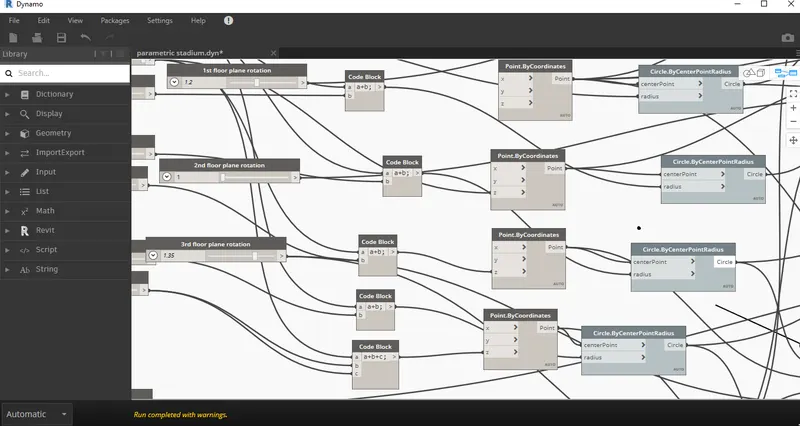
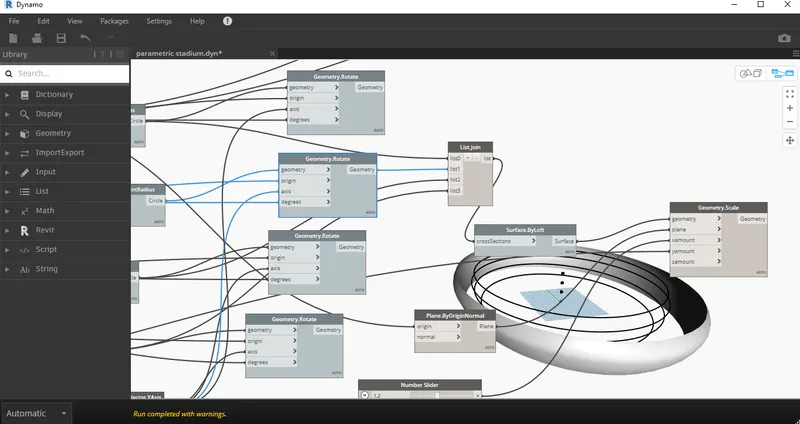
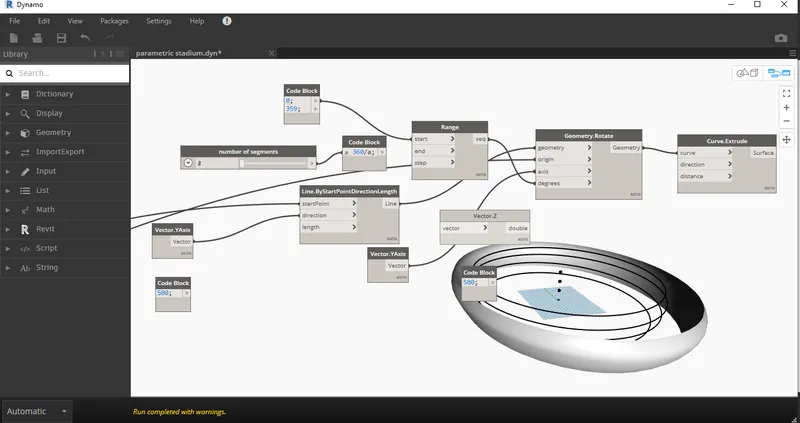
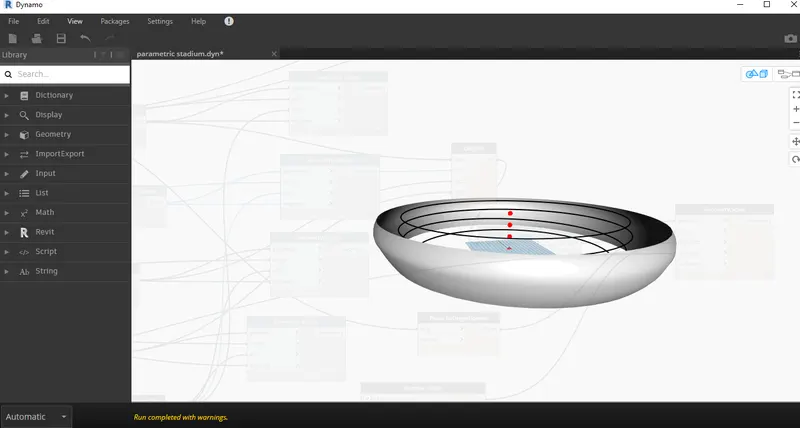
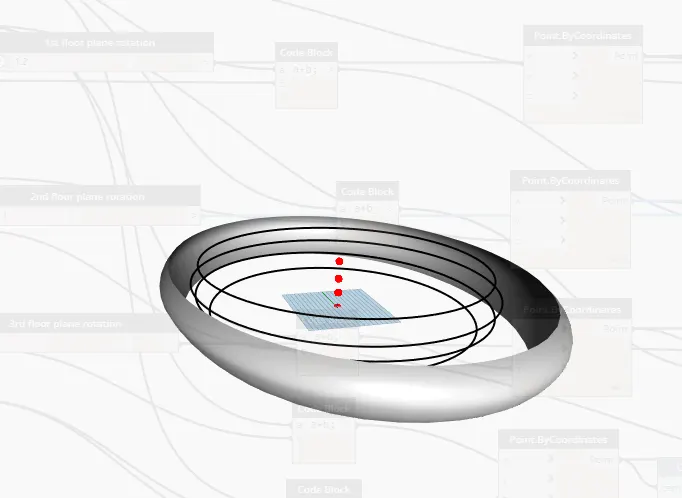
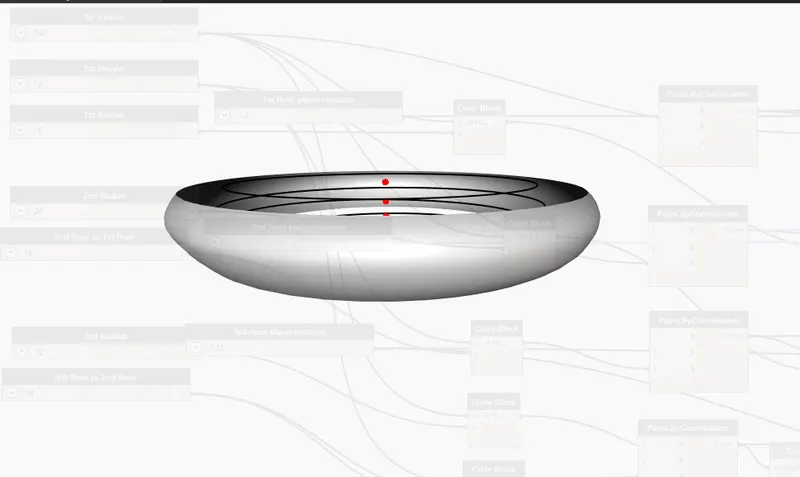
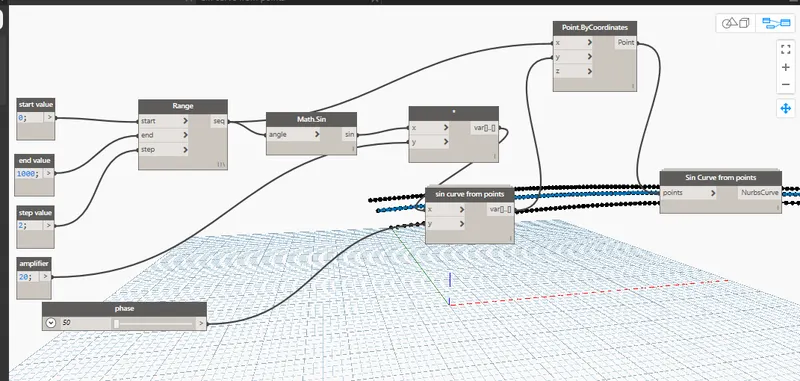
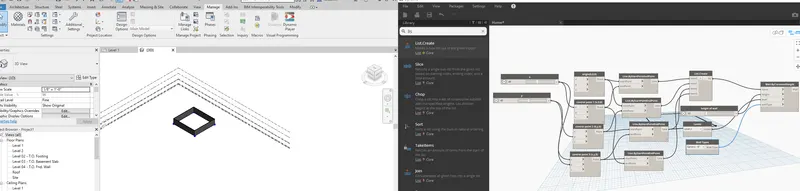
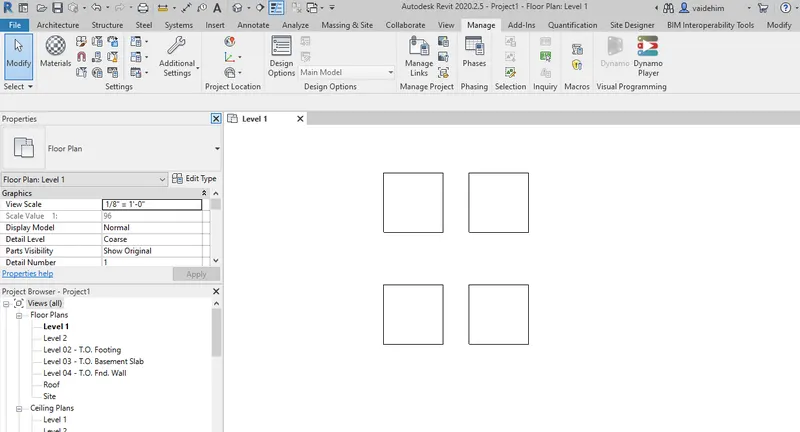
1) Sinusoidal curve using dynamo. 2) By using dynamo created a wall layout and by sliders adjusted its property. 3) Array of model elements. 4) Selected a new family and selected conceptual mass in it . Created a level in elevation view for the column at height 15' and renamed it as height…
Vaidehi Mate
updated on 07 Feb 2022
Project Details
Leave a comment
Thanks for choosing to leave a comment. Please keep in mind that all the comments are moderated as per our comment policy, and your email will not be published for privacy reasons. Please leave a personal & meaningful conversation.
Other comments...
Read more Projects by Vaidehi Mate (14)
To model beams and bracings for industrial steel structures using TSD
Aim:- To start a new model in TSD and model grids, columns and beams for ground floor, first floor. Also to create rafter beam on second floor as roof and moment frame action. Procedure:- Step 1- Modelled the Grids using grid command for the reference of the structure. Refer below image. Step 2- Now clicked…
19 Jul 2022 05:28 PM IST
To model columns for industrial steel structure using TSD
Aim: To create grids and construction lines according to the attachment required for our model. Also create column properties as needed and insert pedestal and steel columns and steel beams into the model. Ans 1. Step 1- In the starting to start the model we need to first start making grids because after that only we can…
01 May 2022 07:34 PM IST
To plan a structural layout and to create grids using TSD
Aim:- To plan a structural layout and to create grids using TSD. Also to understand basic usage about the software. Introduction:- To thoroughly study the usage of various commands in the software, basic space, appearance, settings, tabs in the software. To study the purpose of the software and creating a new file…
01 May 2022 07:33 PM IST
Usage of Navigation tool , Timeliner and Clash Detection test using Naviswork
1. Exported the revit architecture model in naviswork. The model is now exported as seen. 2.Now navigated through the model and added snips. 4. Now loaded the strctural model into naviswork. Now run the clash detection from the Home tab between two models. Now after running the test clash detection report…
22 Feb 2022 04:34 PM IST
Creating Conceptual mass in REVIT and Creation of Sinusoidal curve and a Parametric stadium using Dynamo
1) Sinusoidal curve using dynamo. 2) By using dynamo created a wall layout and by sliders adjusted its property. 3) Array of model elements. 4) Selected a new family and selected conceptual mass in it . Created a level in elevation view for the column at height 15' and renamed it as height…
07 Feb 2022 05:50 PM IST
Preparing Schedule & Cost Estimation for a building using REVIT
1. a) For using section box used shortcut BX and so section box has become visible. b) Now created similar door and window by using shortcut CS . c) By using TL command for thin lines activated the command .\ d) Now to change the visibility settings clicked…
30 Nov 2021 08:58 AM IST
Structural analysis of a buidling using Robot Structural Analysis
Ans 1. HVAC is an abbreviation for heating, ventillation, and air conditioning. It is basically a technology used for proper air transfer or proper air flow in the building. It is basically needs to provide thermal comfort and proper indoor air quality. With proper design in HVAC we can ensure proper movement of air between…
31 Oct 2021 06:44 PM IST
Creating Architectural and Structural model with 3D rendering using REVIT
Aim:- To construct a commercial building and to add structural members and architectural members to it.To properly understand the requirements of a building and to construct with proper conditions and create drawings and render the images. Introduction:- Constructing a commercial building with structural members like footing,…
09 Oct 2021 08:01 PM IST
Usage of Collaborate tool in REVIT
Aim:- To understand the concept of collaborate in revit and how to create central file and how to use shared coordinates for linking a file. Procedure:- Step1- Opened a architectural template and saved that file as Building_architecture. Then created two grids vertical and horizontal and named as 1 and A respectively.…
23 Aug 2021 03:15 PM IST
Introduction to National Building Code and Steps in a Construction project
Ans 1. Whenever we plan or do something there are certain rules that we need to follow for smooth functioning. So the building codes are primarily required for the smooth and right functioning of the building . It is required so that the building is strong reliant and is functionable for a long period of time. If the building…
12 Aug 2021 06:43 PM IST
3D Creation of Celing, Roof, Architectural plan, Structural plan, Sectional view, Elevation view and Camera specific view for a house plan using REVIT
Aim :- To model a residential unit and add detail components to it like ceiling , roof ,etc. To in add various views in the sheet and each floor plan in the sheets and understand it. Procedure :- Step 1:- Proceded with the first floor plan and added ceiling to the first level . Added ceiling from the architecture tab ,…
17 Jul 2021 12:13 PM IST
Creating Walls, Partition walls and Floors for a residential layout using REVIT
Aim :- To study and modify the residential unit and add various parameters related to it. Proocedure :- Step 1:- Inserted a floor to model and modified it as 4" floor with appropriate material. Step 2:- Successfully added walls and given specific material to it. Also checked top constraint and its…
12 Jul 2021 04:38 PM IST
Creating Levels, Grids, Layout and model elements for a residential unit using REVIT
Aim :- To understand various components in Revit and to model a residential unit and placing various elements. Procedure :- Step 1. BIM is a process of representing digital data. Many 3D softwares like Revit or many other tools helps us achieving BIM as a process. There are basically two main features of BIM, 1) Coordination …
10 Jul 2021 12:20 PM IST
Introduction to REVIT concepts
Aim : To understand various tabs in Revit. Introduction : Creating a new file in Revit , saving it and doing various operations on the project. Procedure : Step 1: From the file menu created new file in architechtural template and saved it as Project 1 Step 2 : Created a architectural wall from the architectural…
14 Jun 2021 05:30 PM IST