Creating Conceptual mass in REVIT and Creation of Sinusoidal curve and a Parametric stadium using Dynamo
1. Aim:
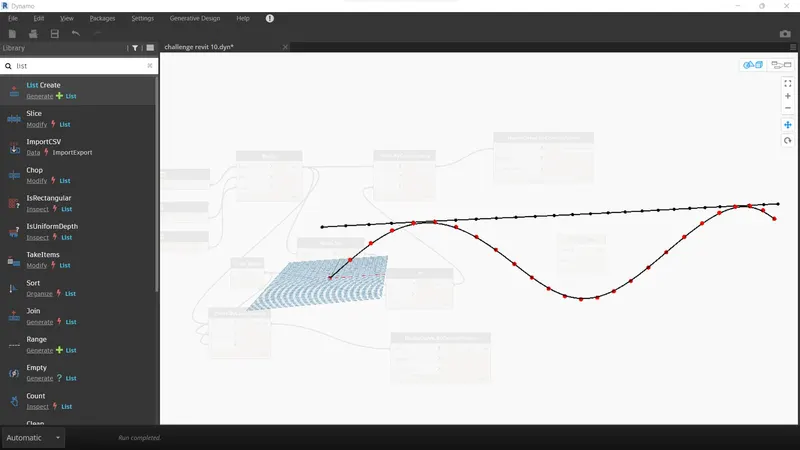
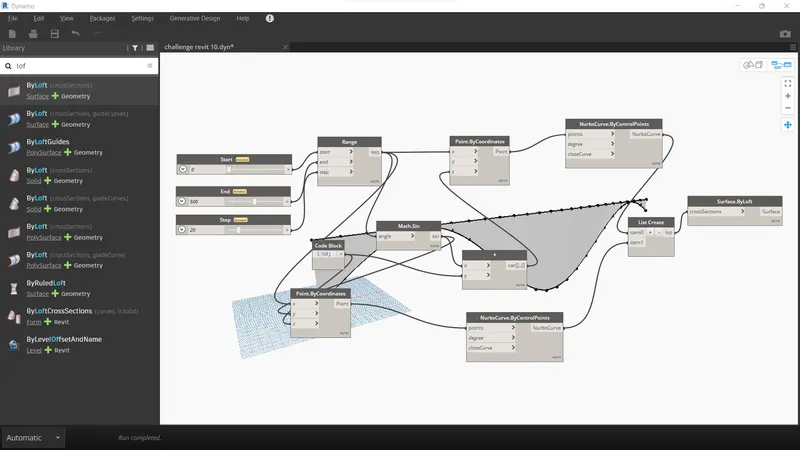
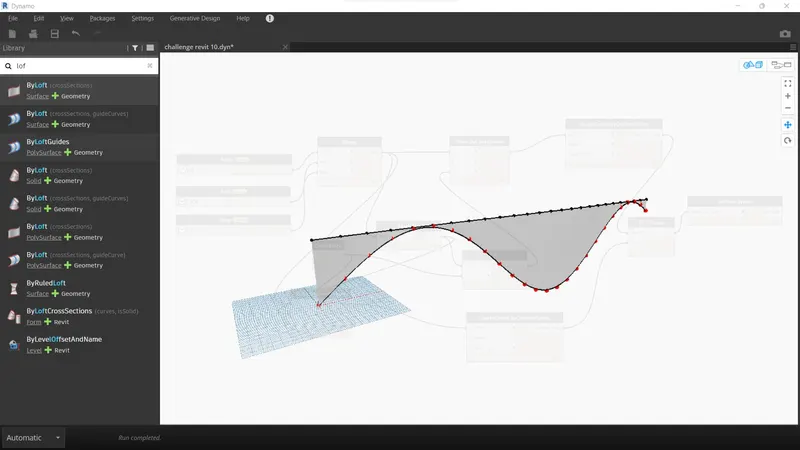
TO create a sinusoidal points curve and surface using dynamo
Procedure:
- Go to select new template> select architecture temoplate> press ok
- Go to the manage tab and select Dynamo
- open integer slider
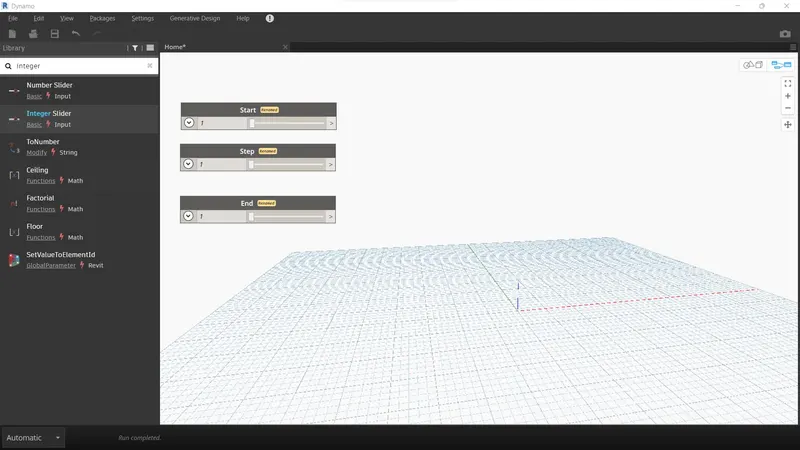
- Add Code block and math. sin for parametric point
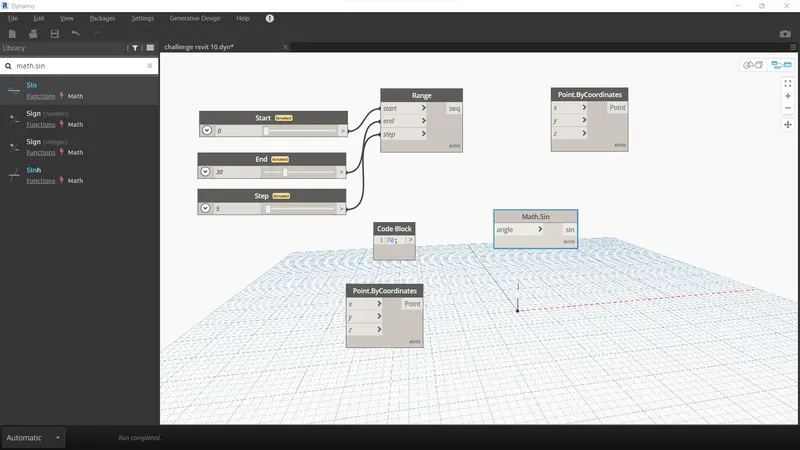
- Used product
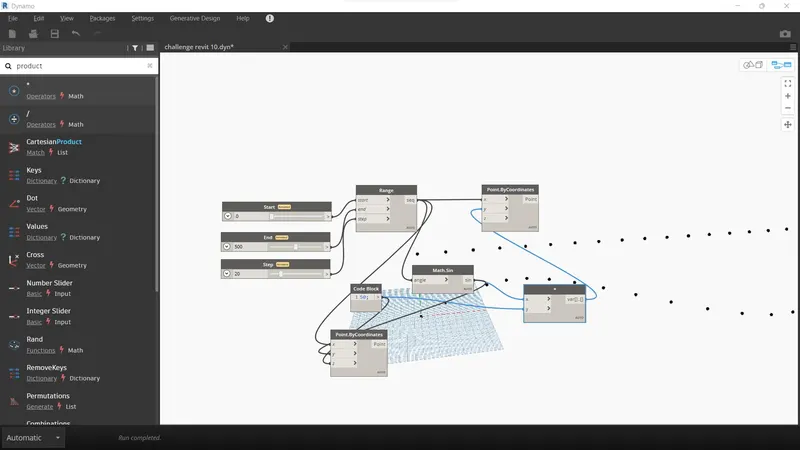
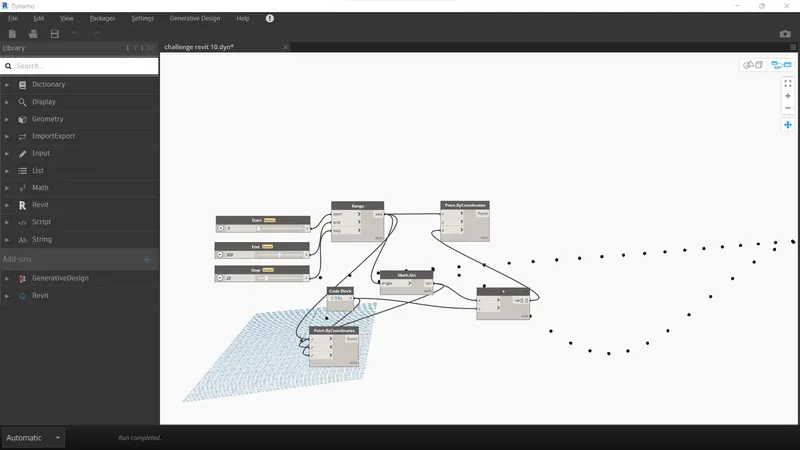
- Add NURBS curve by control point for curve and list creatre
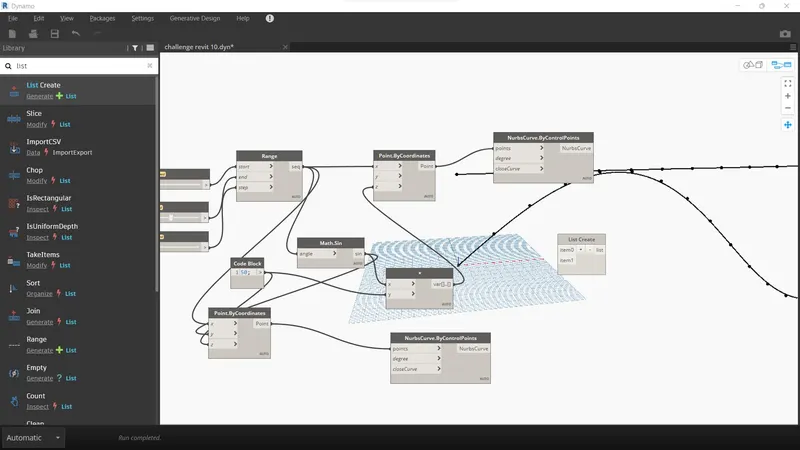
- Add surface by loft option and link item
2.Aim:
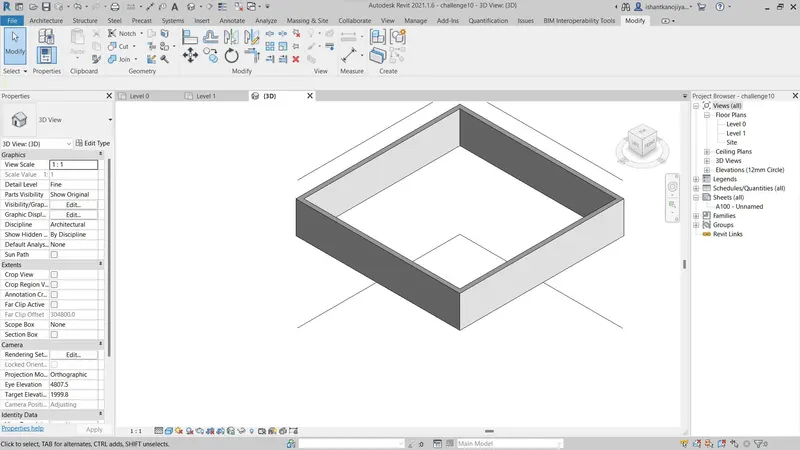
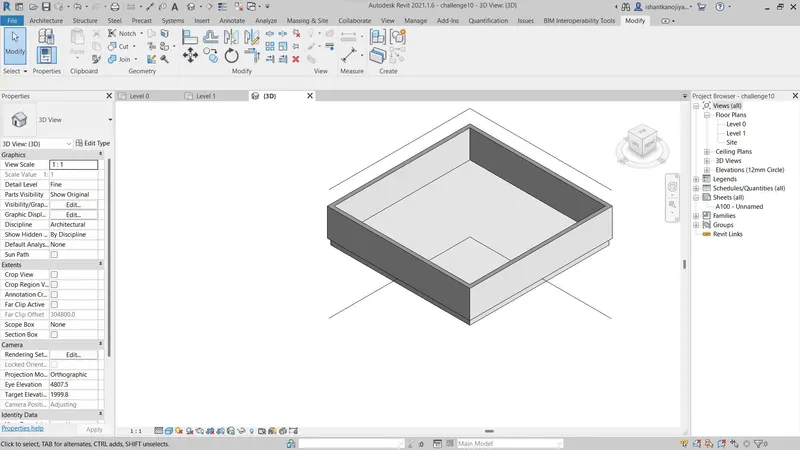
To create a Floor plan and use Wall properties (like height, type etc) using Dynamo
Procedure:
- First, open dynamo and add integer slider
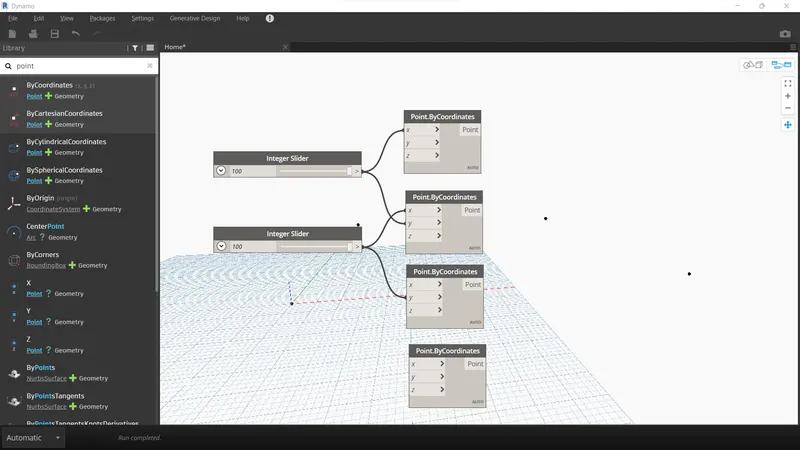
- Then add share by coordinates 4 times
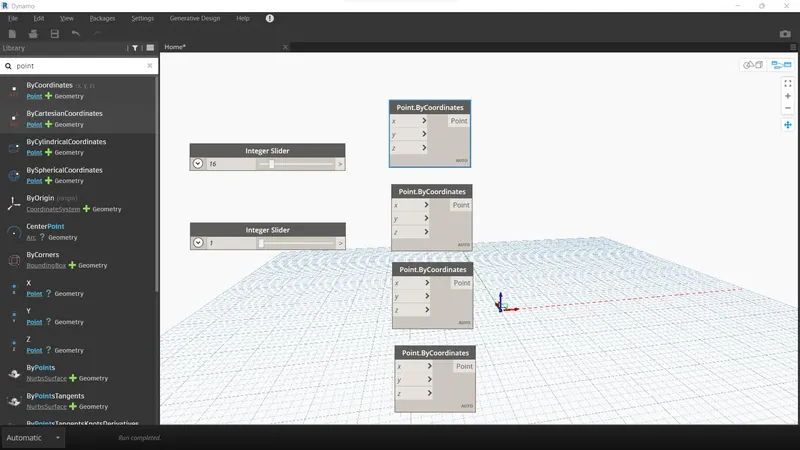
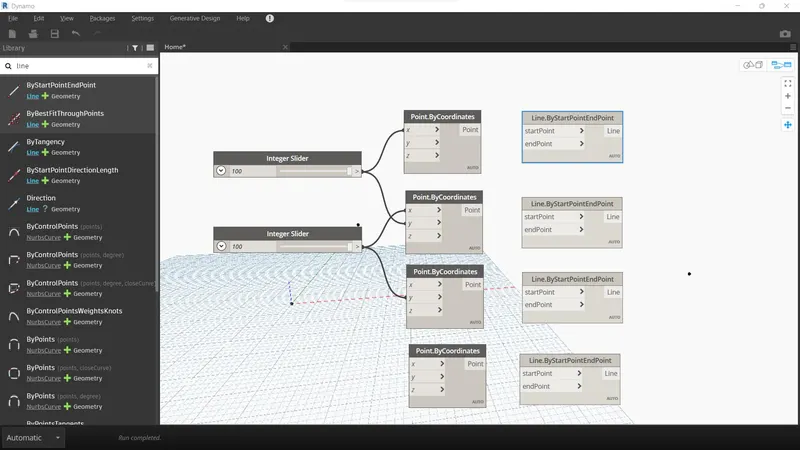
- Add line by start and end point 4 times
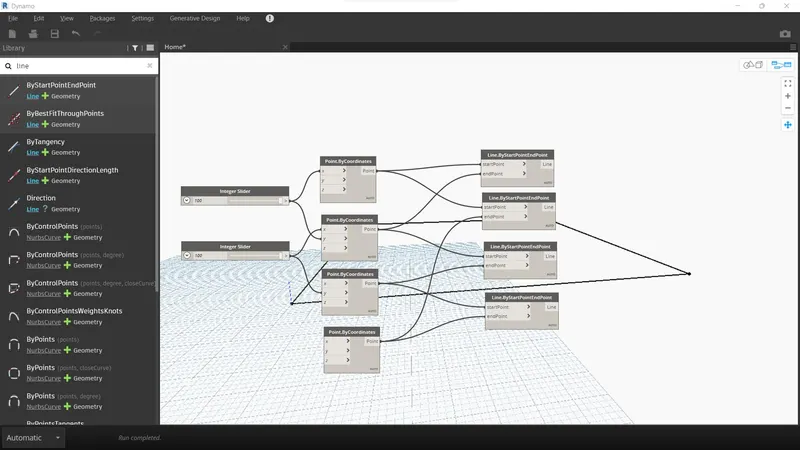
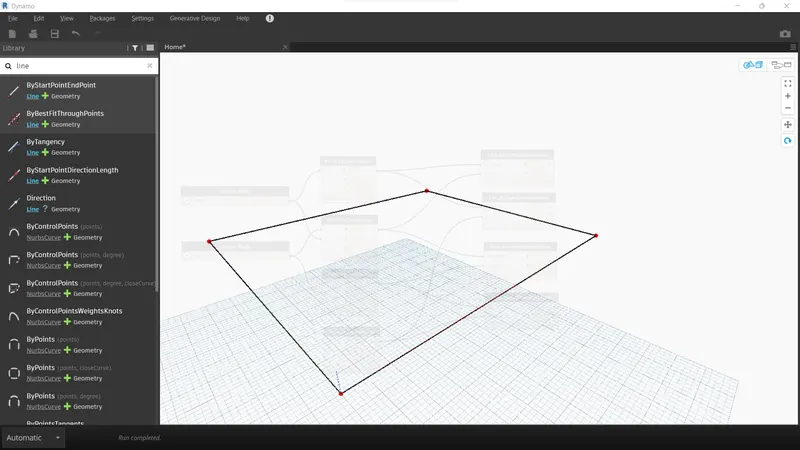
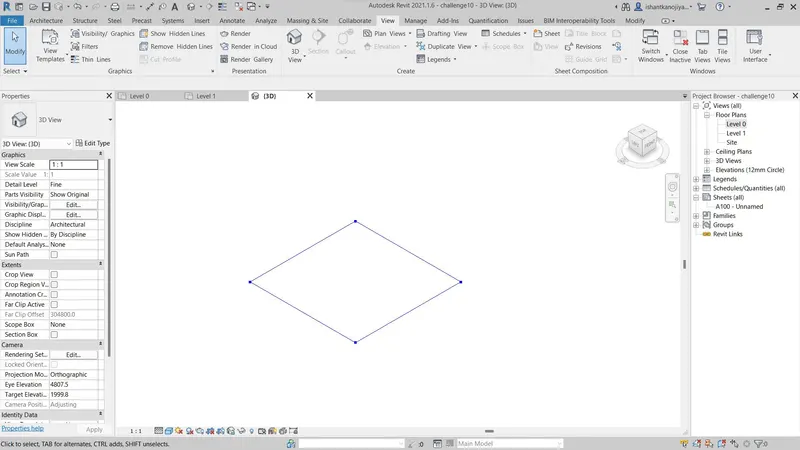
- Add list create their is 4 item no
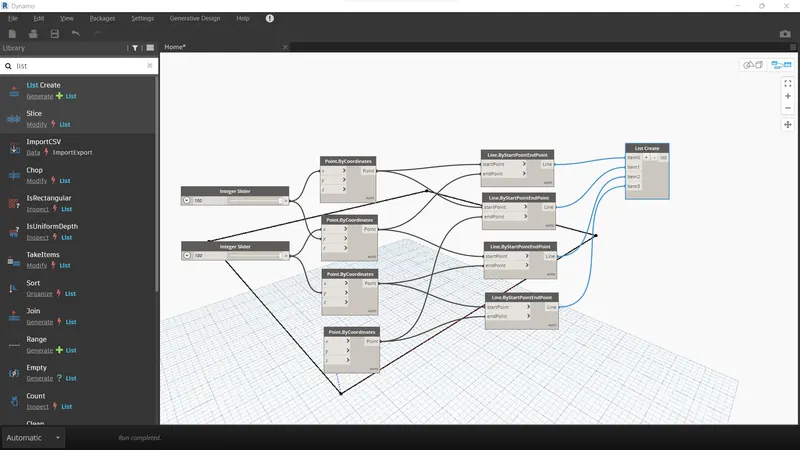
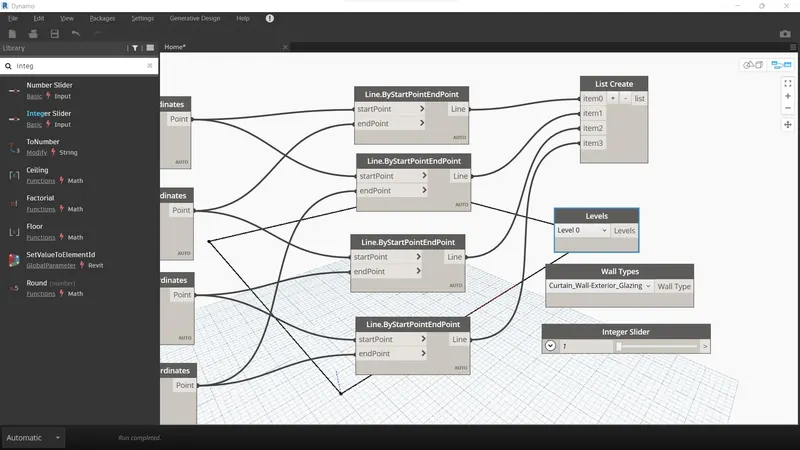
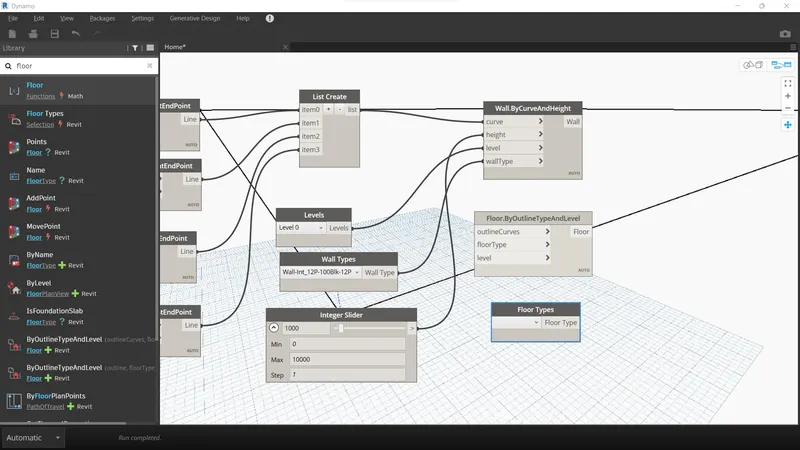
- Add levels, wall types, and integer slider
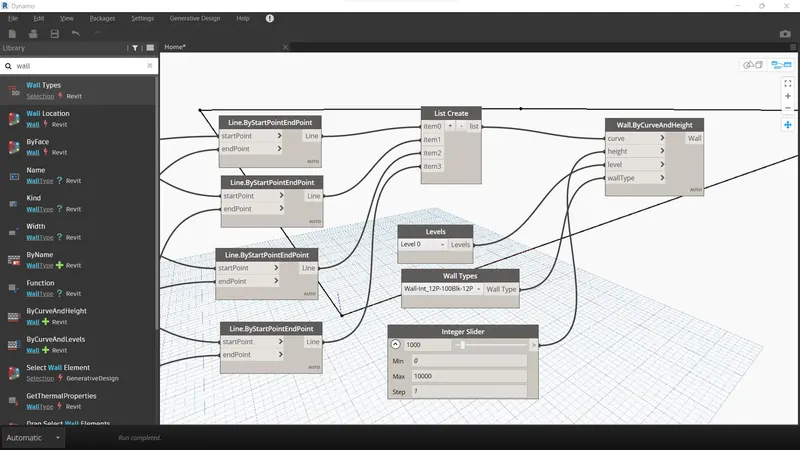
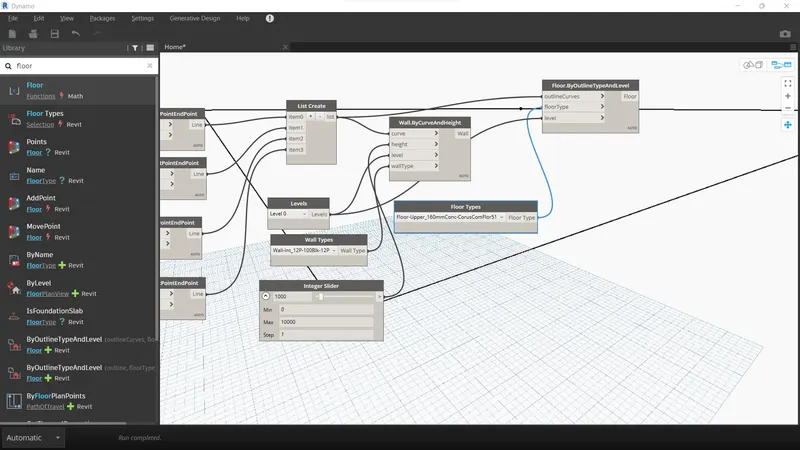
- Add wall by curve and height option
- Add floor type and outline type and level
3.Aim:
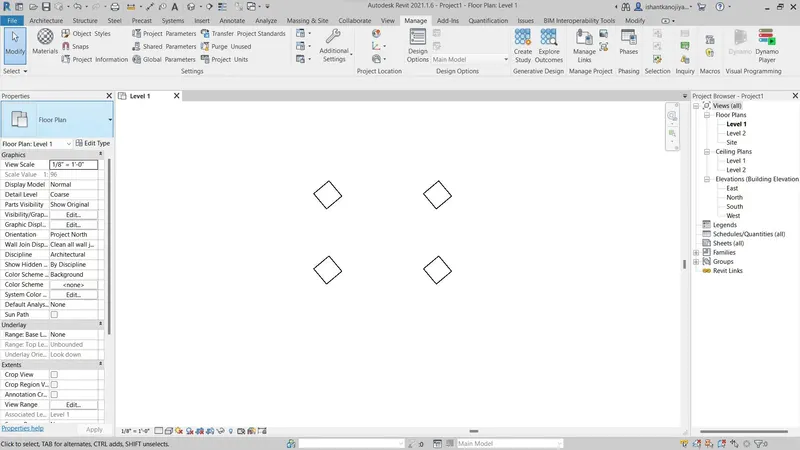
To create an array elements and Change the property using Slider or code block
Procedure:
- Open the architectural template
- Create 4 columns and then open dynamo
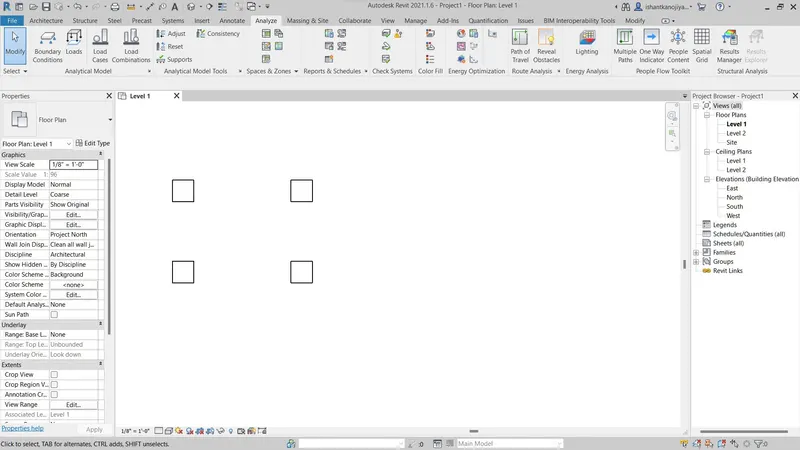
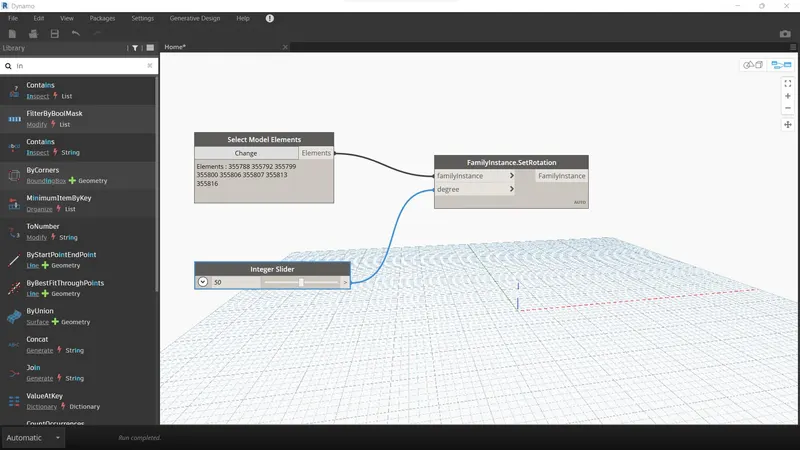
- Add to select model element and set rotation and integer slider
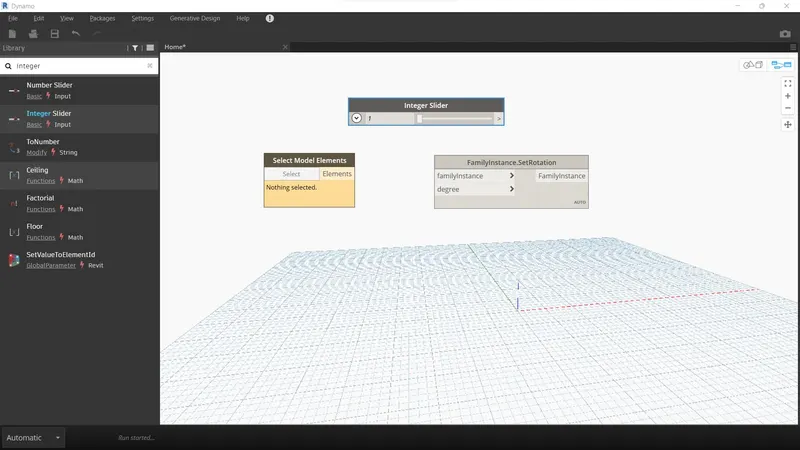
- Select elements
4.Aim:
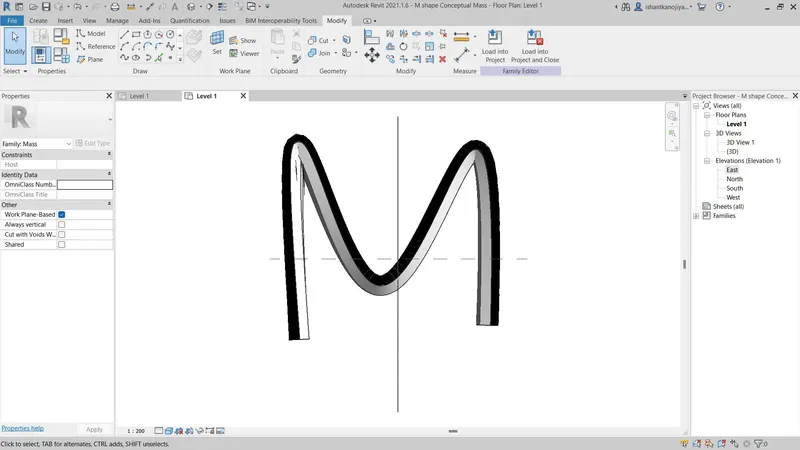
To create conceptual mass and develop parametric columns or assign conceptual mass
Procedure:
- First,, we create the conceptual mass
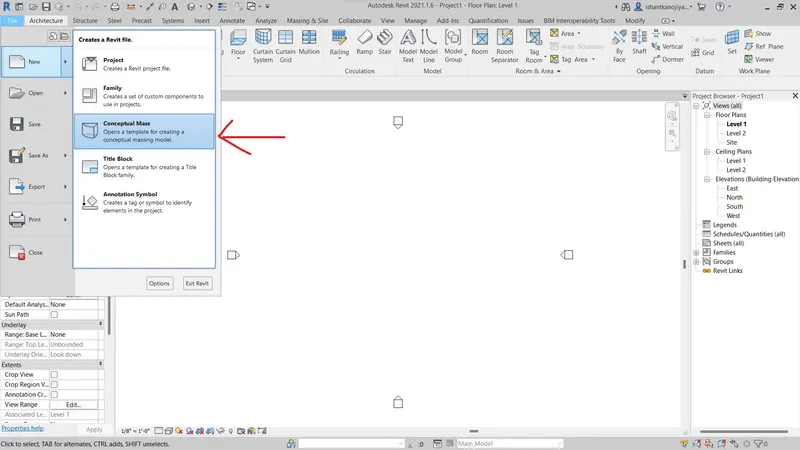
- Go to new select > Select Conceptual Mass
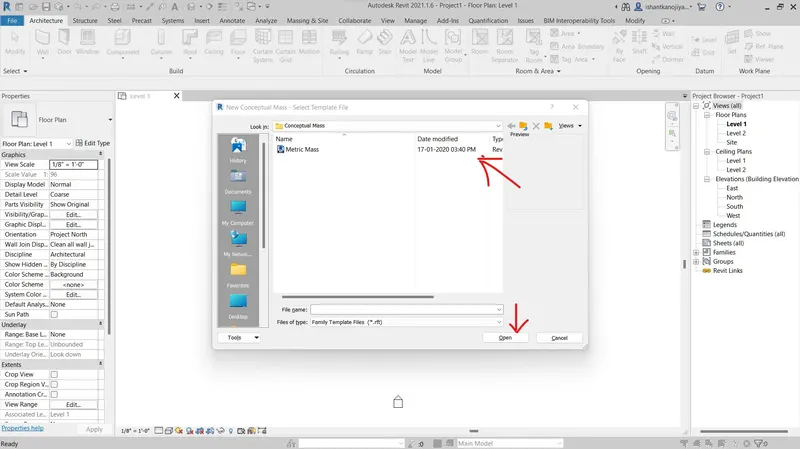
- Select Metric Mass File in Conceptual mass Folder and open
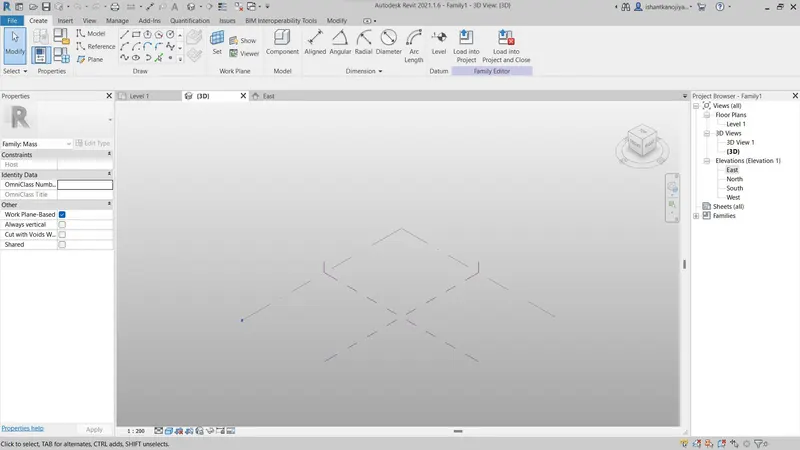
- then go to levels and create and adjust new levels
- Select pick line and offect 12’
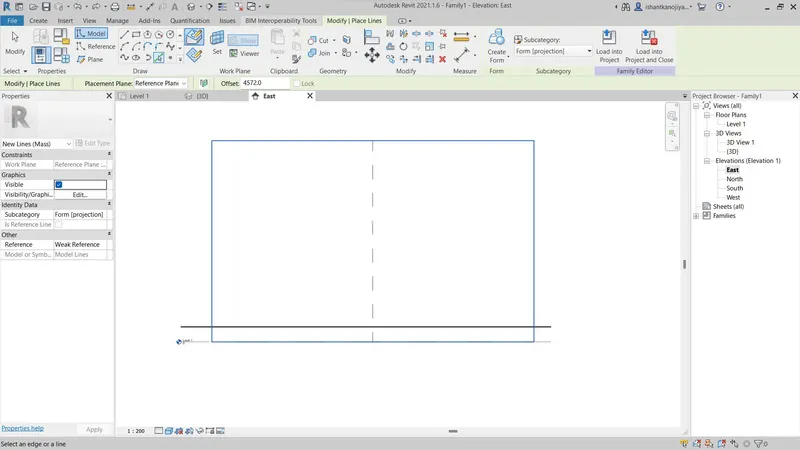
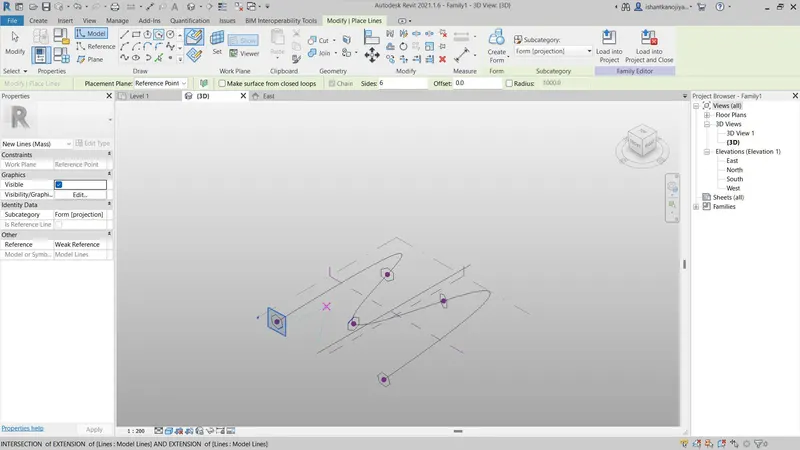
- Then go to create tool bar and select spiline through point and create a geometry
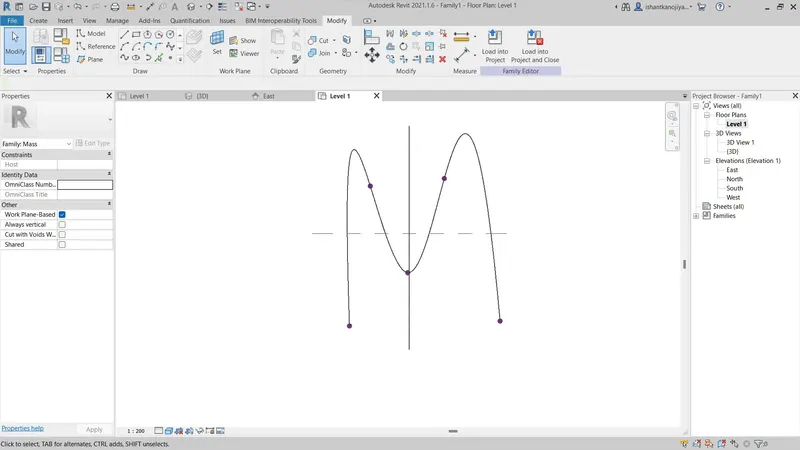
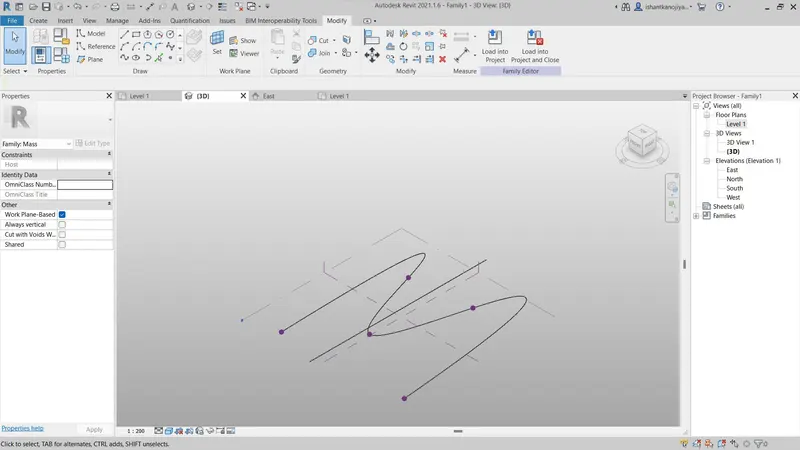
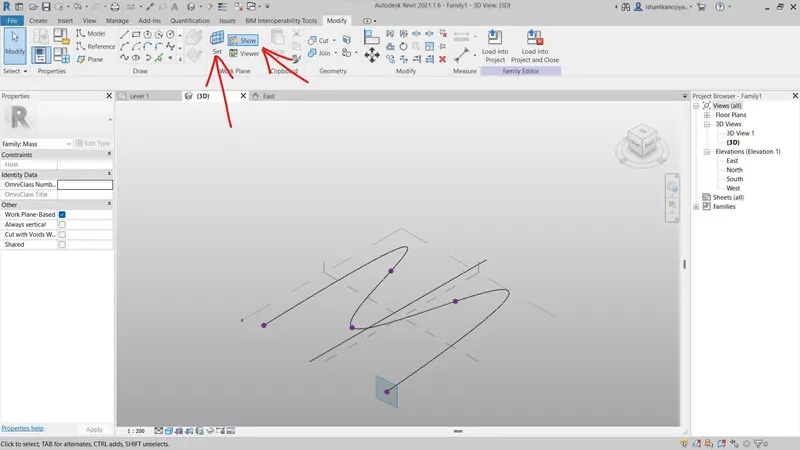
- Now set the plane into the points
- Goto Modify toolbar and select set option
- Then select Plane at the proper angle
- Select circumscribed polygenic at 12’ on the set plan
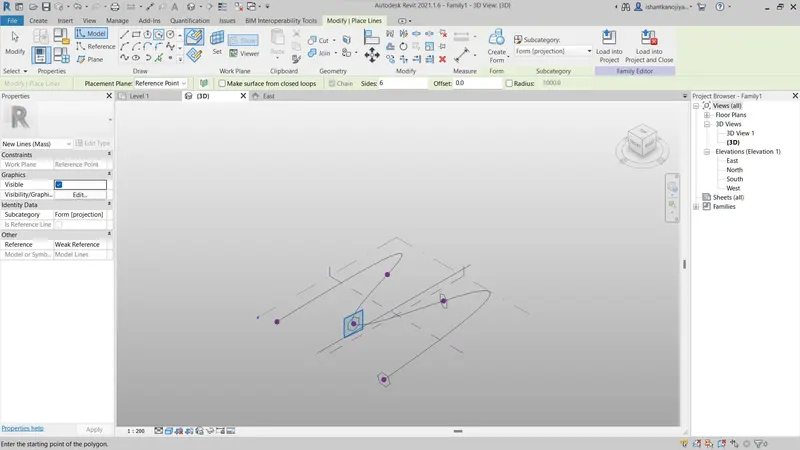
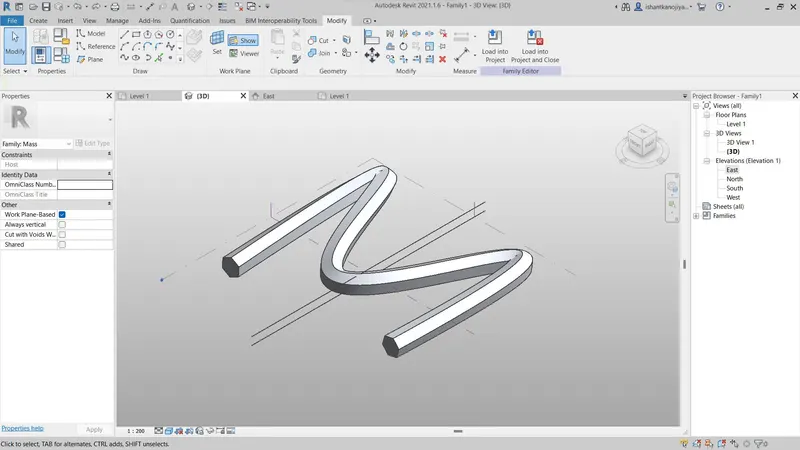
- Then create the geometry as a form option
- Firstly select Geometry and goto modify > select create form
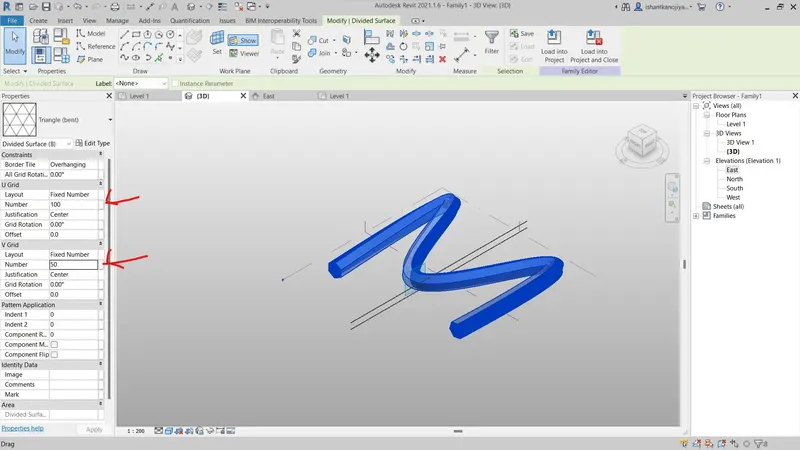
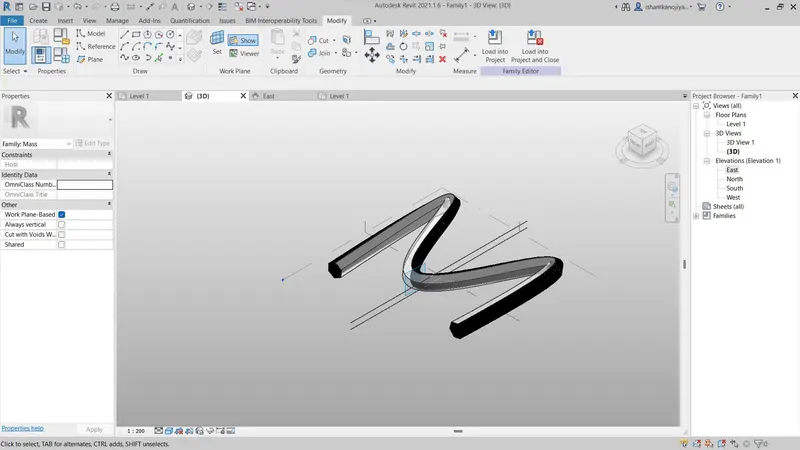
- Then apply triangular bent property
- Adjust u and v grid for smoothing of plan
5.Aim:
To create a Parametric stadium using Dynamo
Procedure:
- Open a new file in Dynamo
- Add 2 integer slider
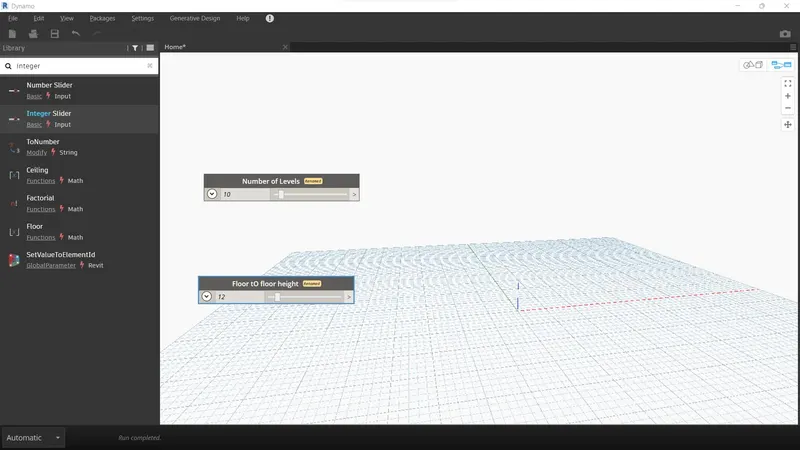
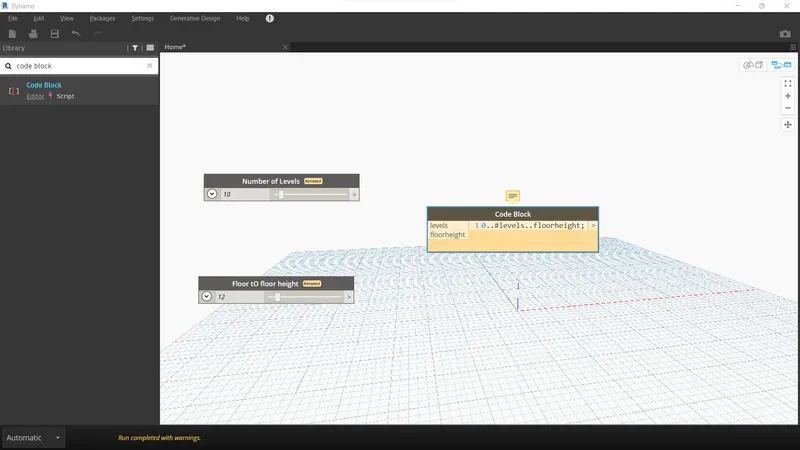
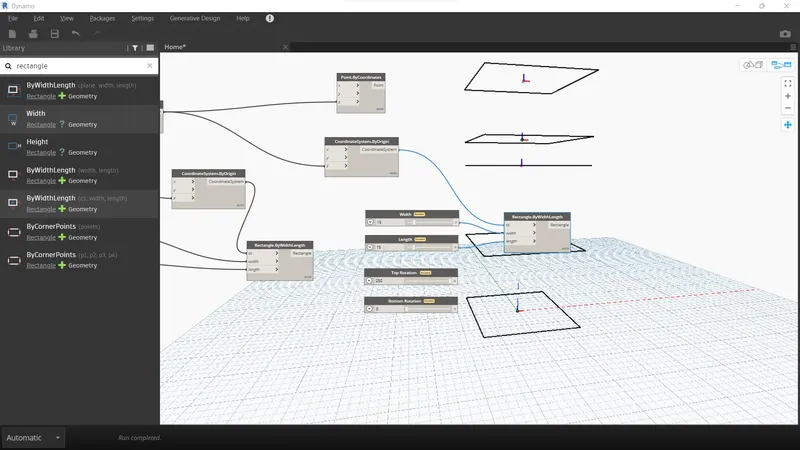
- Add Code block (0..#levels..floorheight;)
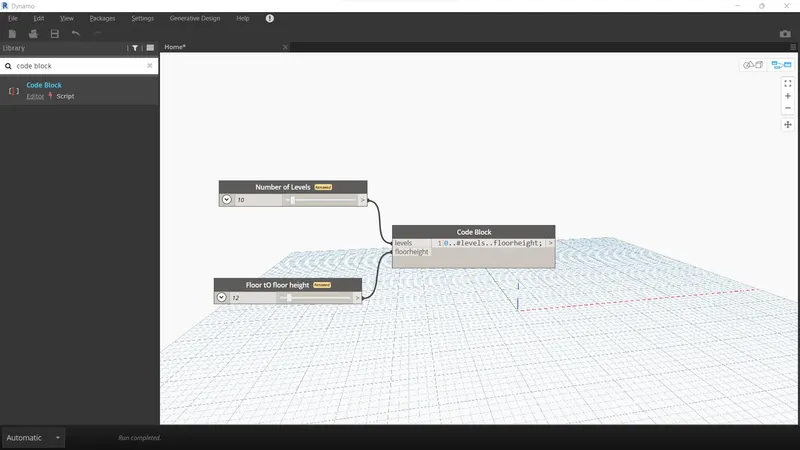
- Add coordinates system by origin
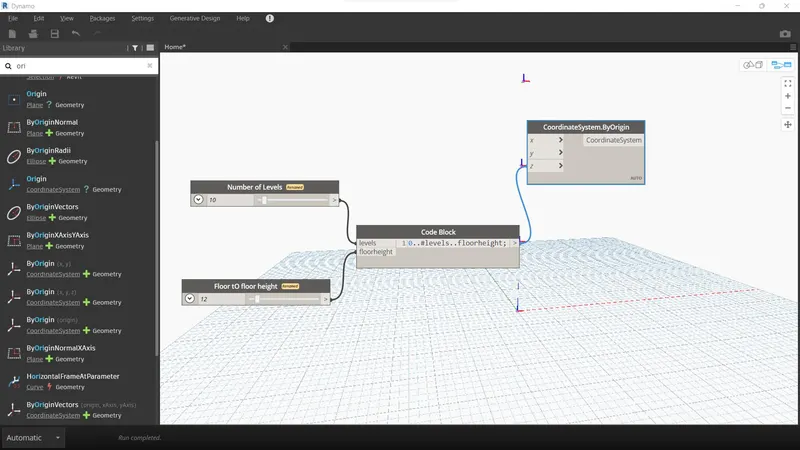
- Add integerslider for width, length, Bottom floor rotation and Top floor rotation
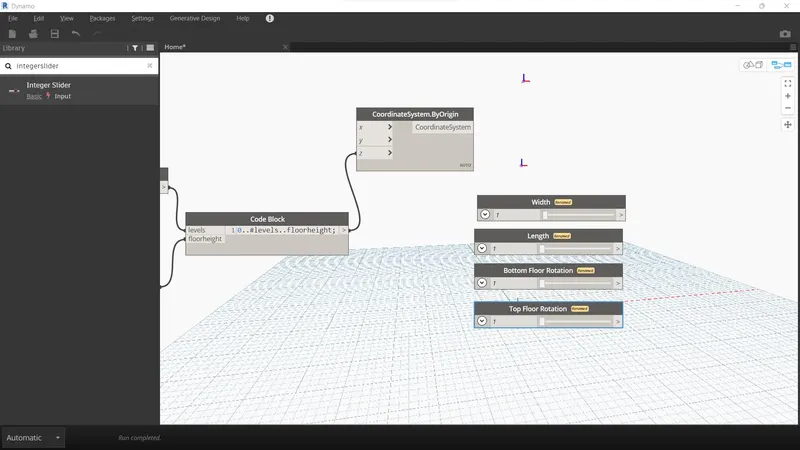
- Add Rectangle by Width length
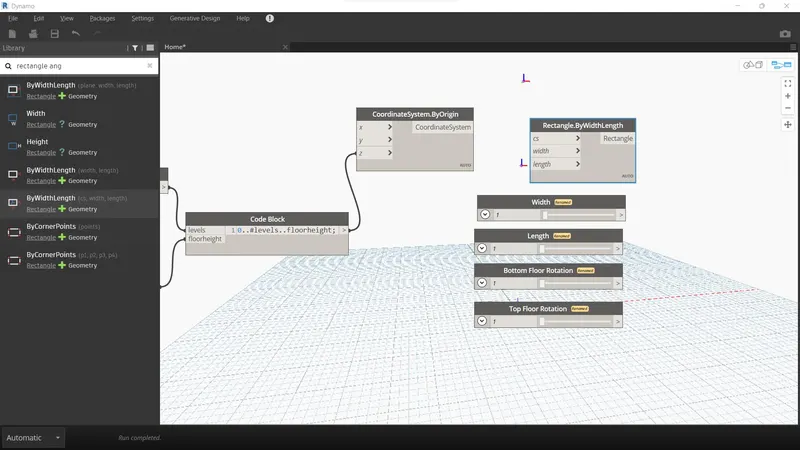
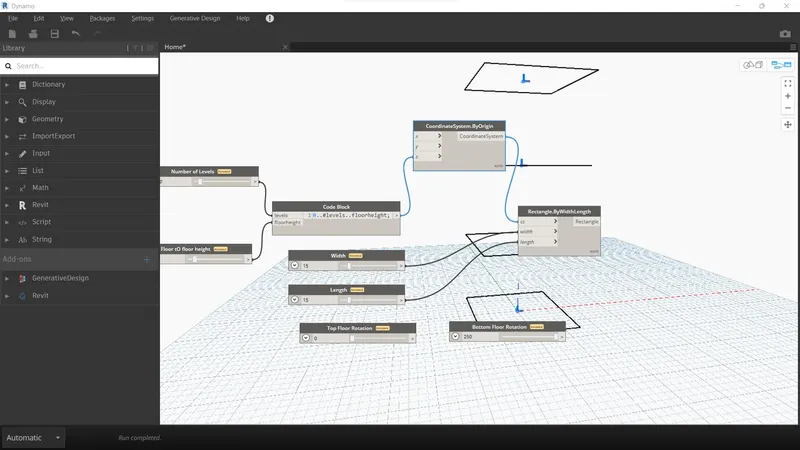
- Add code block for floor rotation
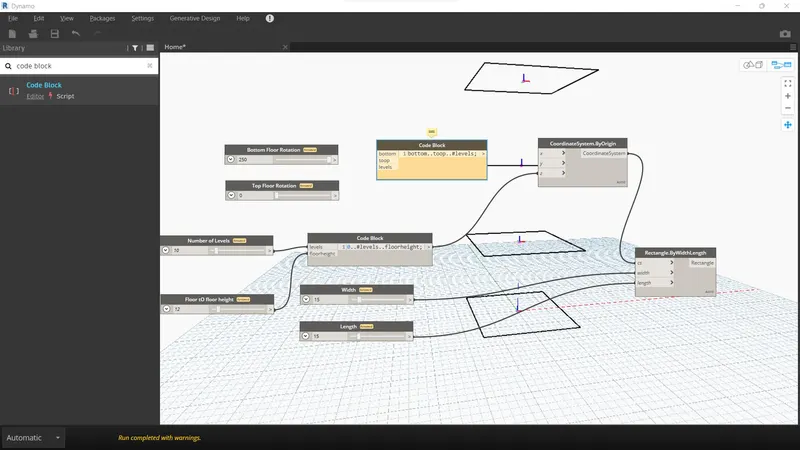
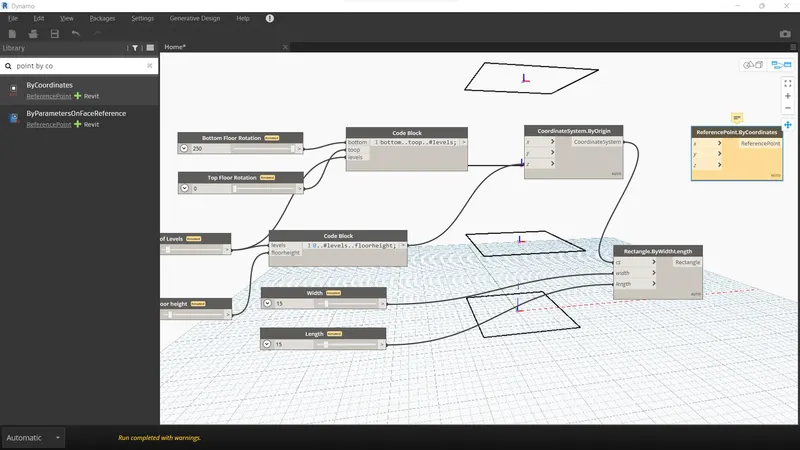
- Add point by coordinates system and origin corrdinates system
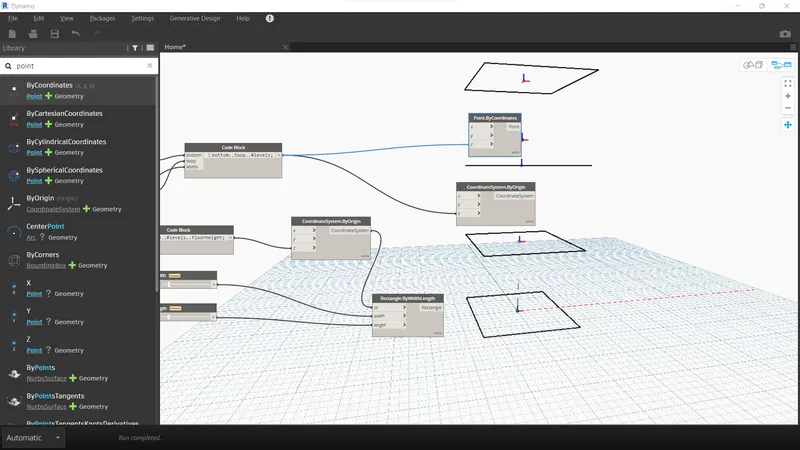
- Add 4 integer slider for length width top rotation and bottom rotation
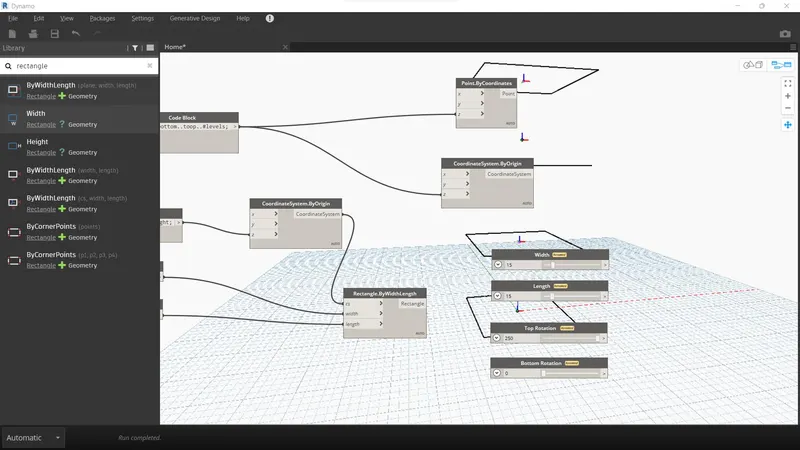
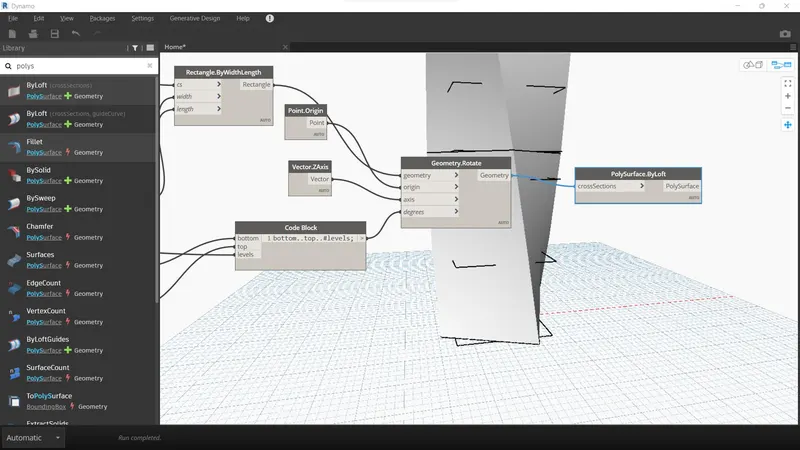
- Add rectangle
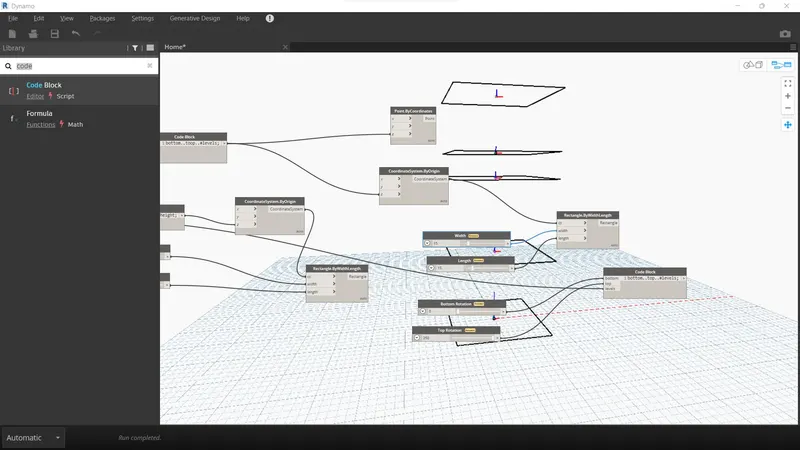
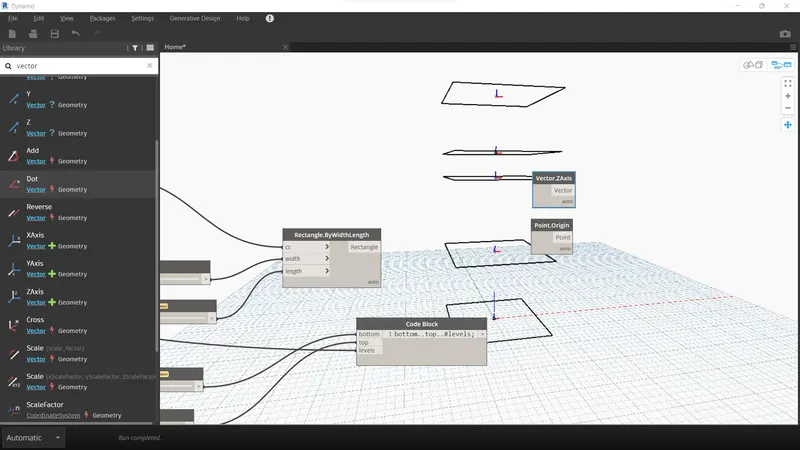
- Add Point by origin and vector z-axis
- Add geometry Roration
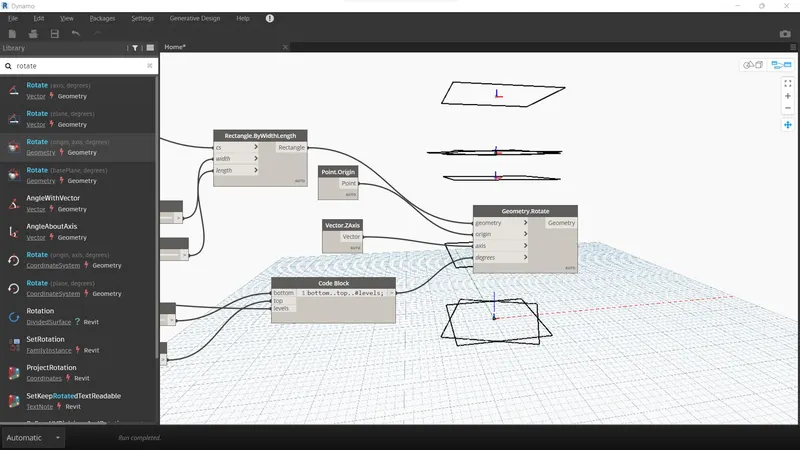
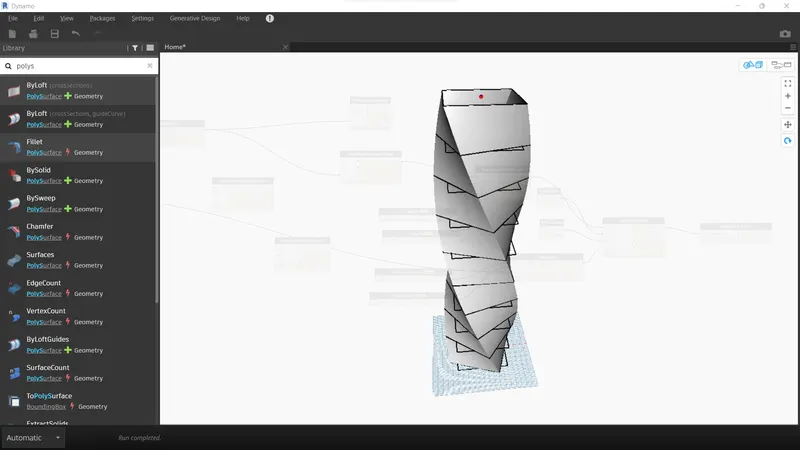
- Add poly surface by loft