Creating Bar Bending schedule, Different Door types, and Creation of standard drawing templates using AutoCad
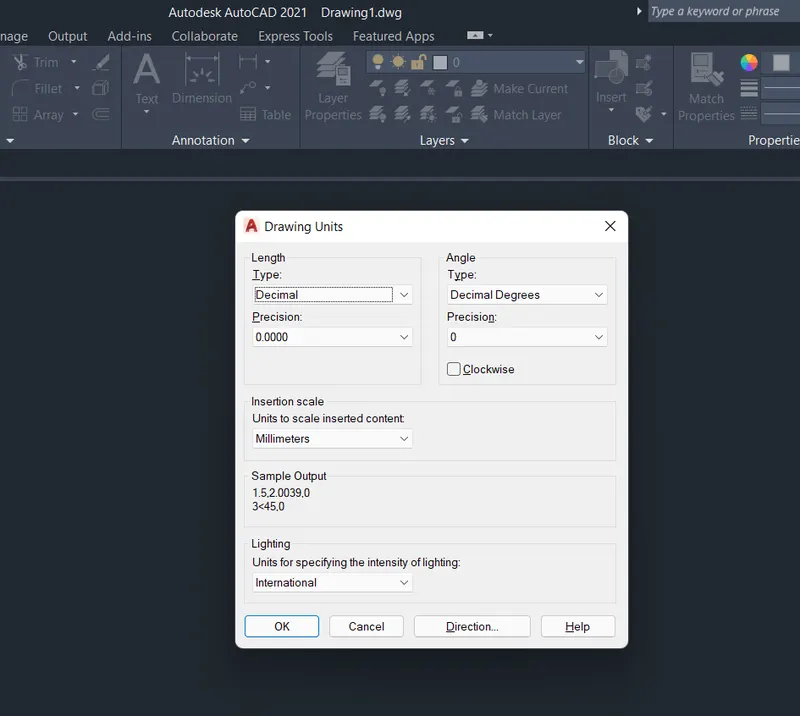
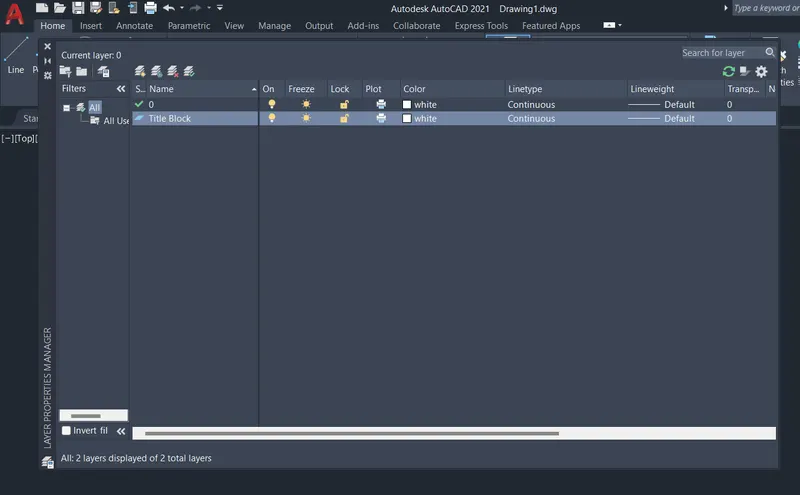
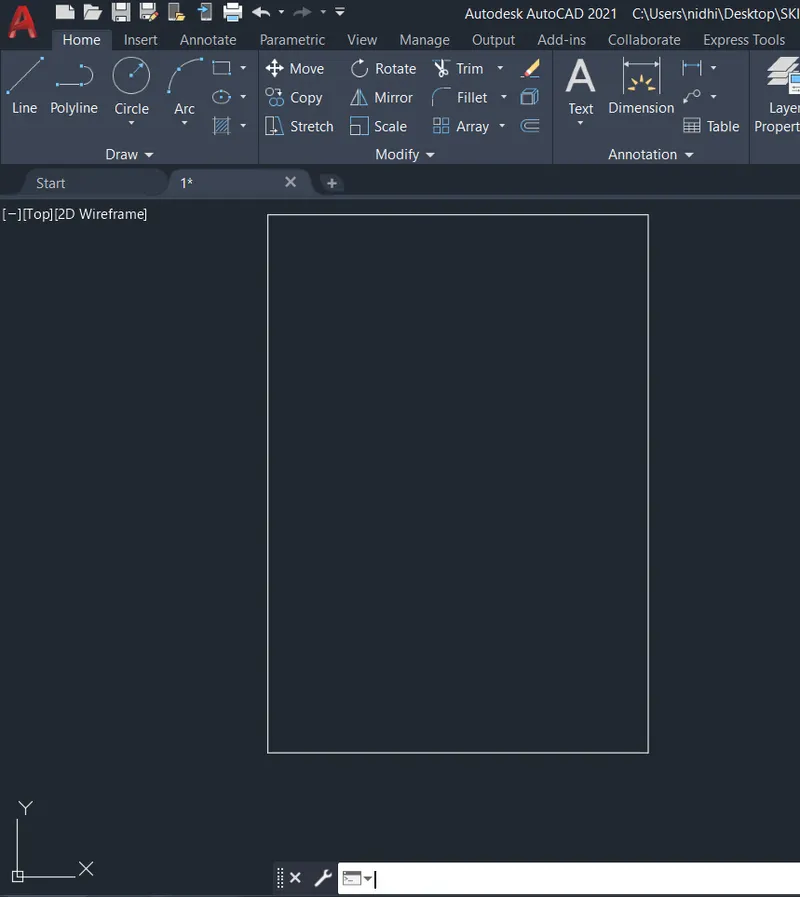
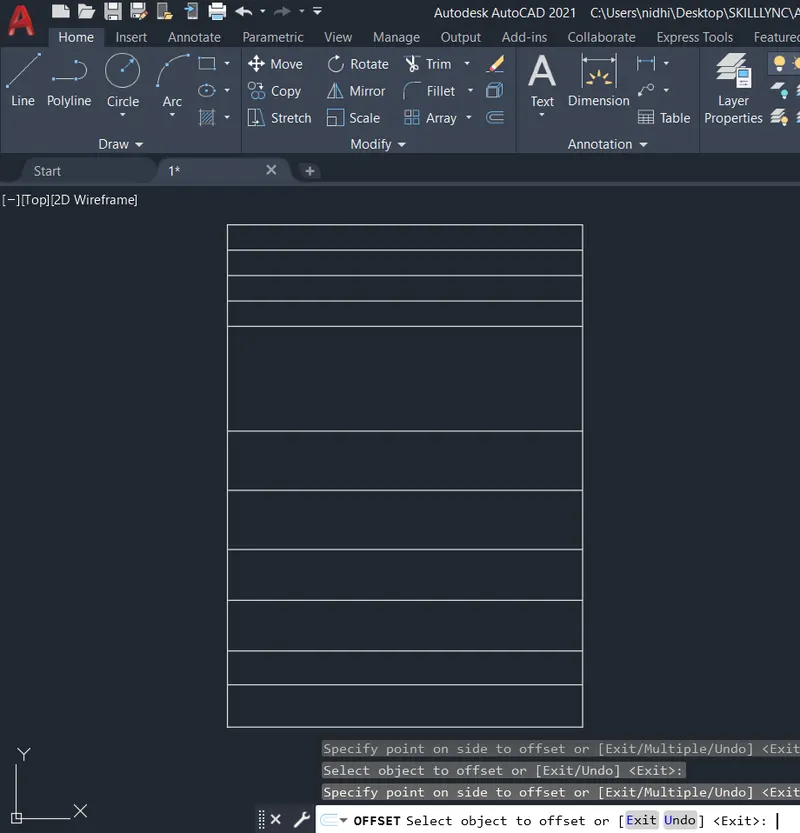
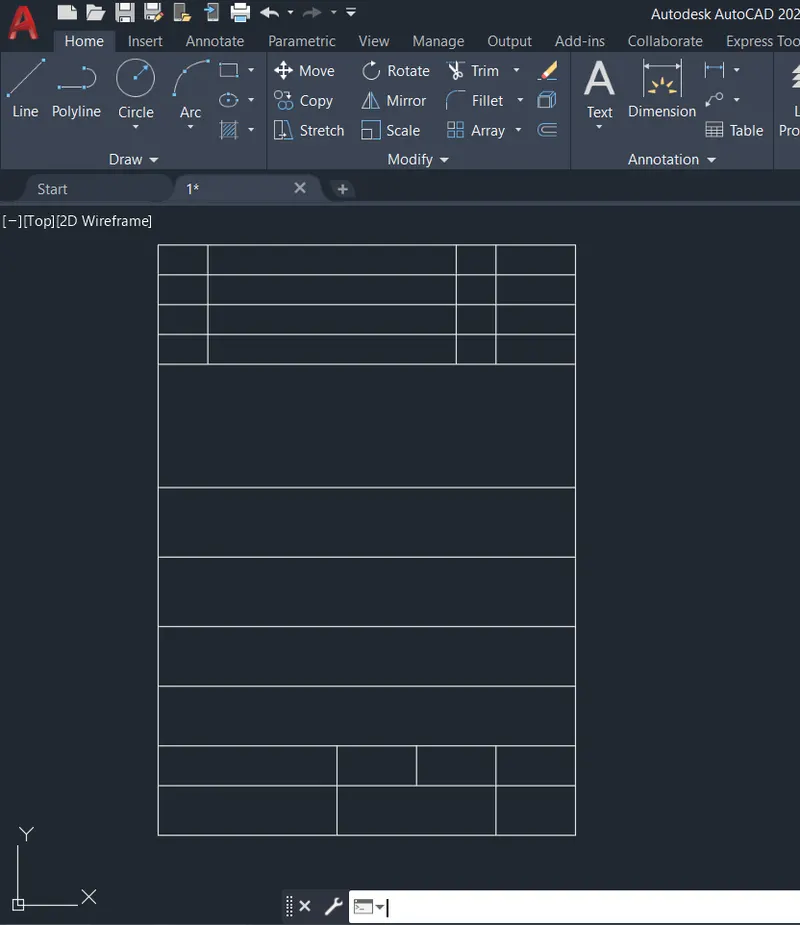
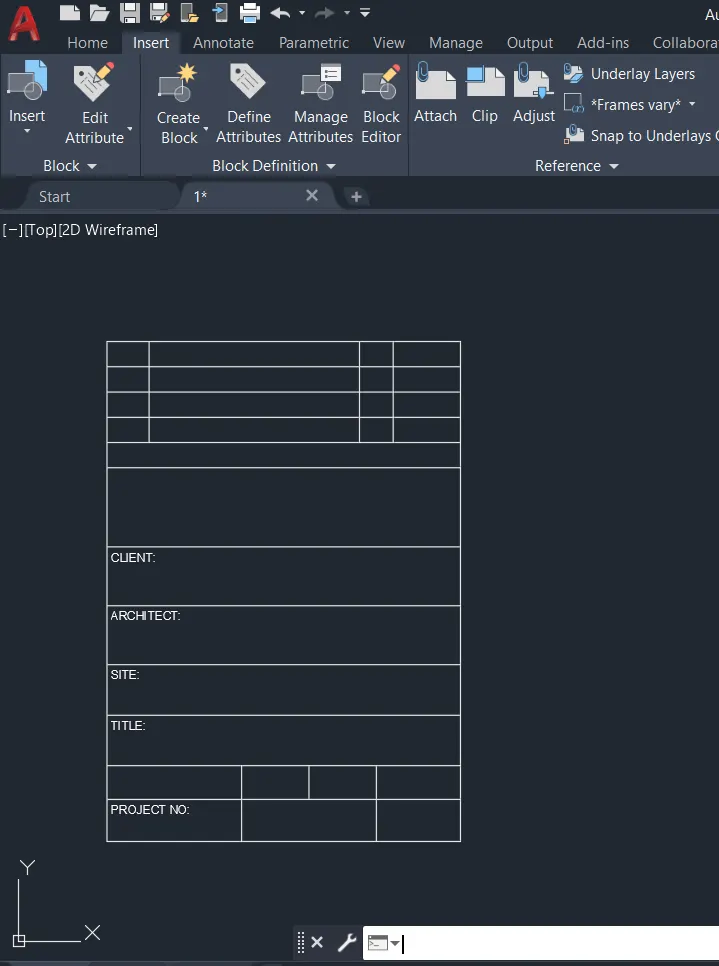
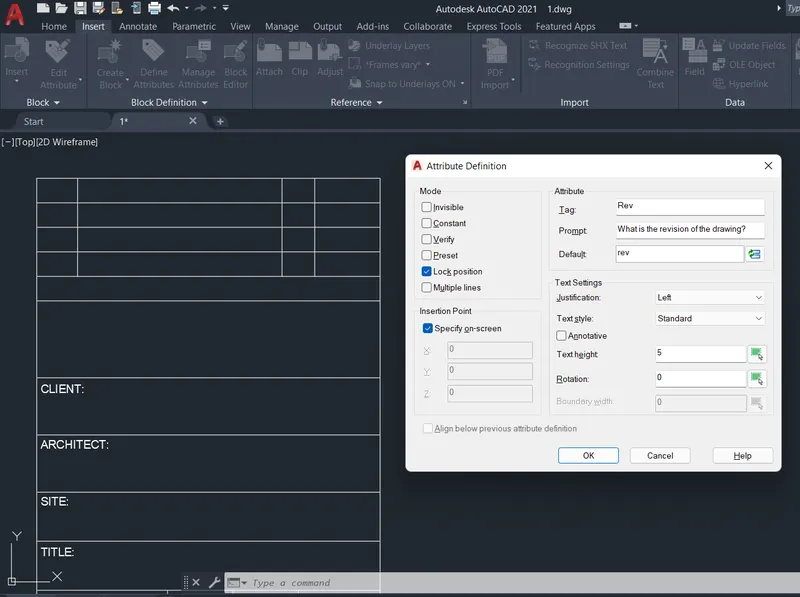
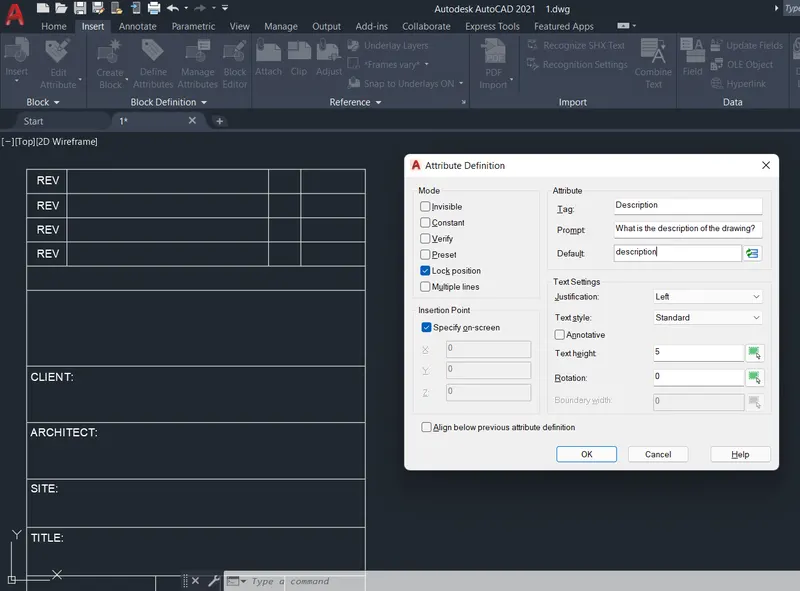
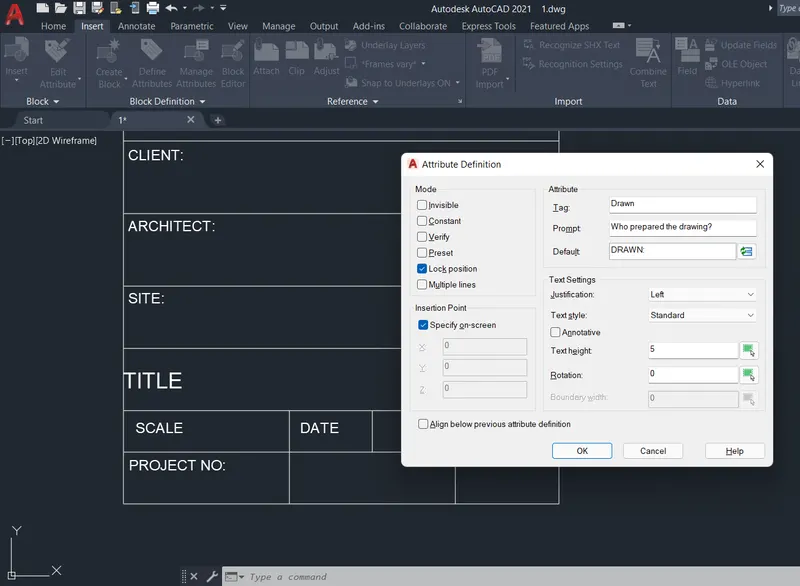
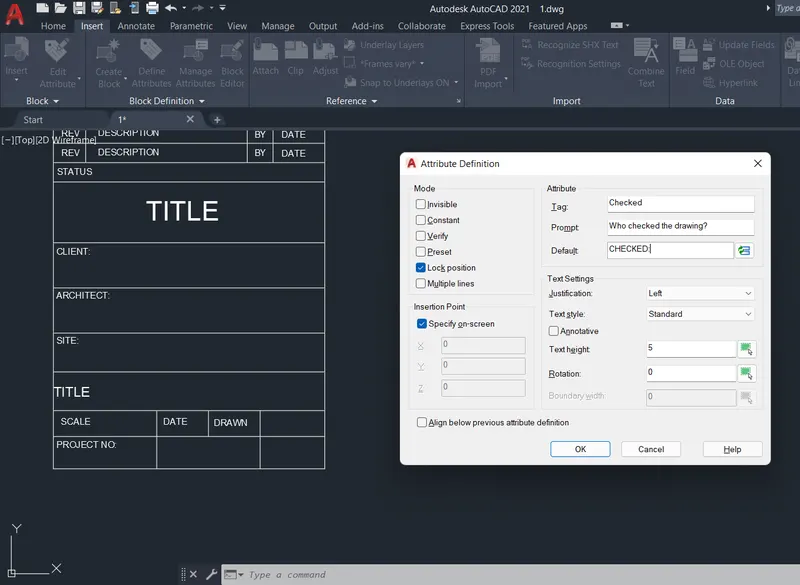
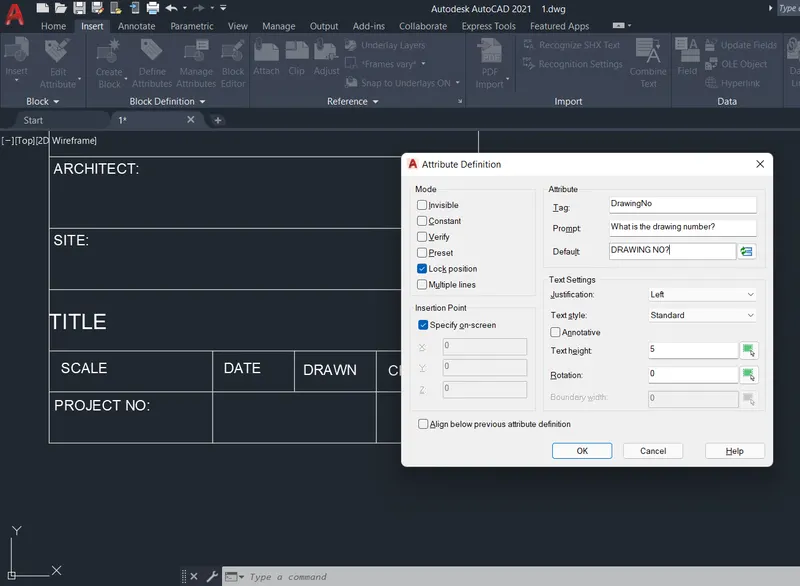
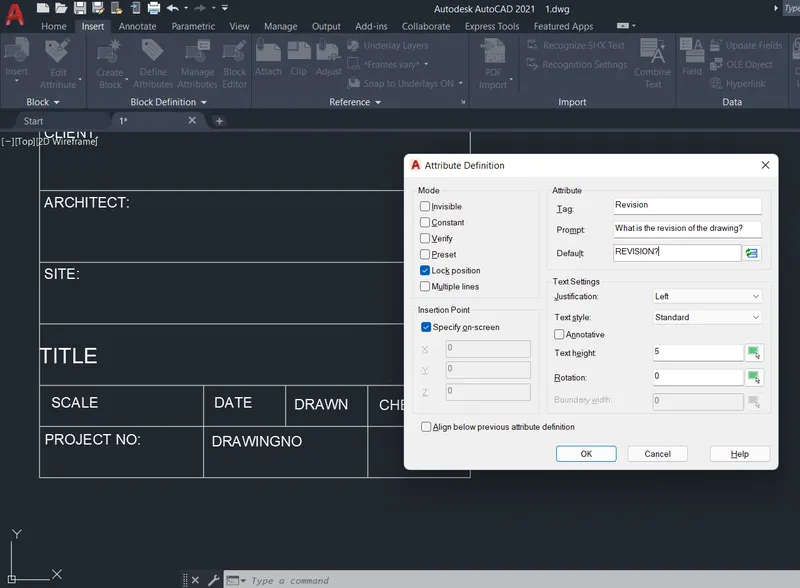
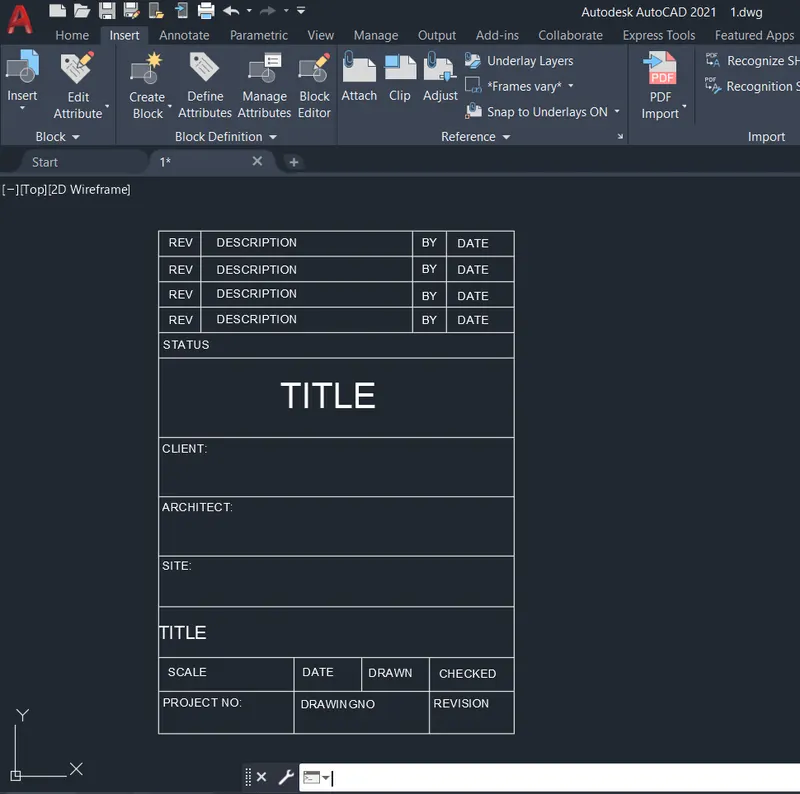
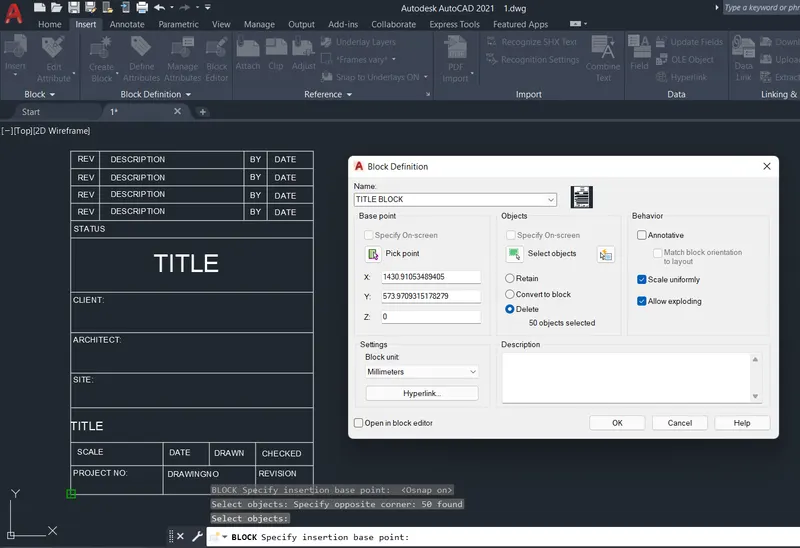
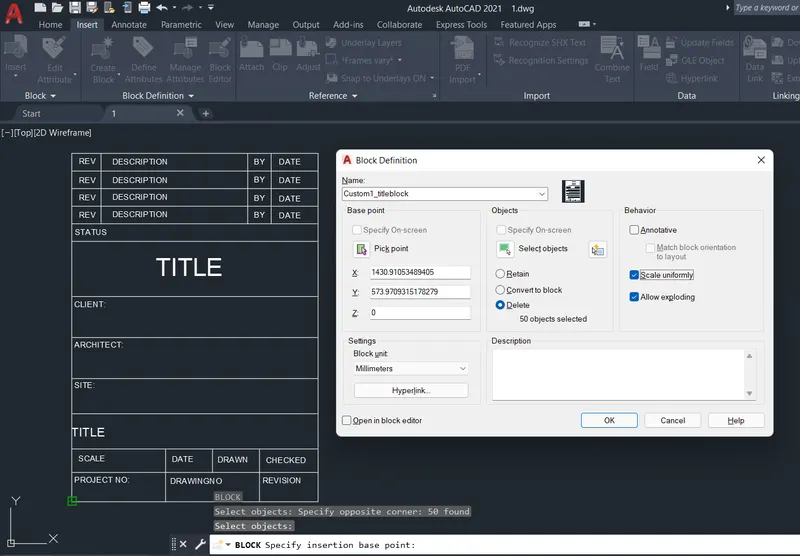
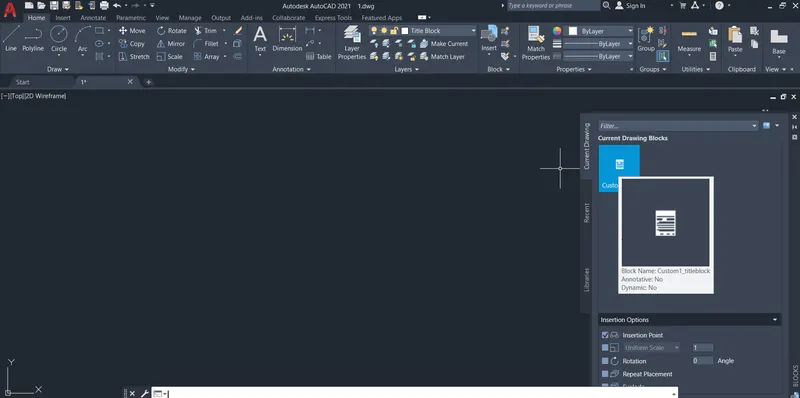
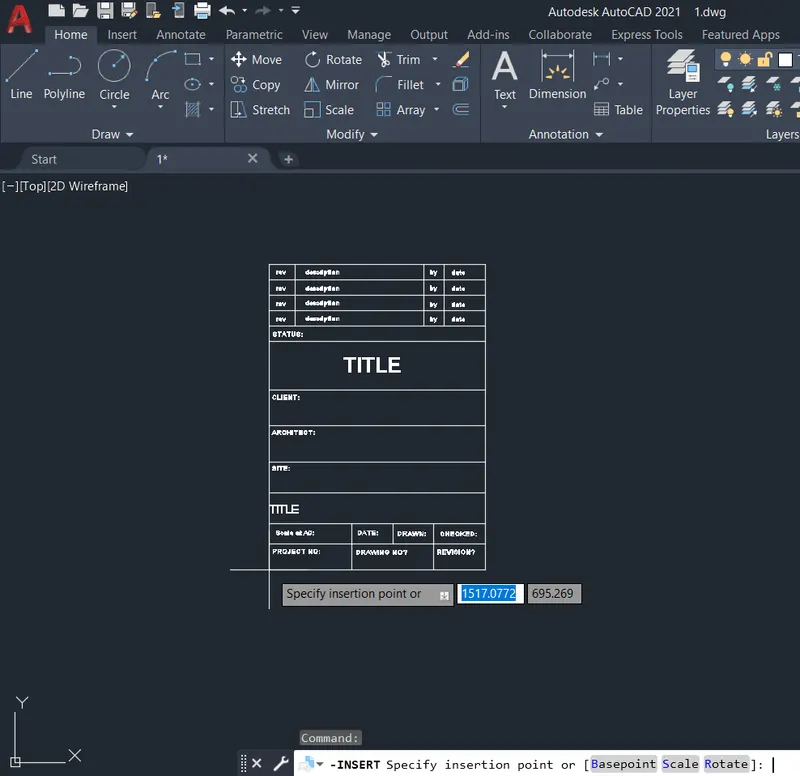
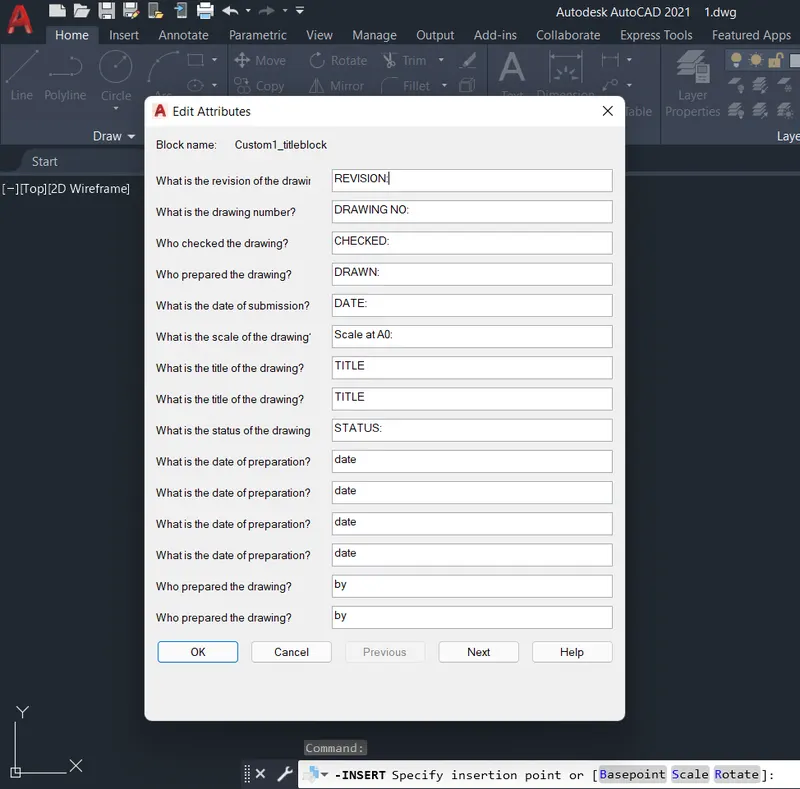
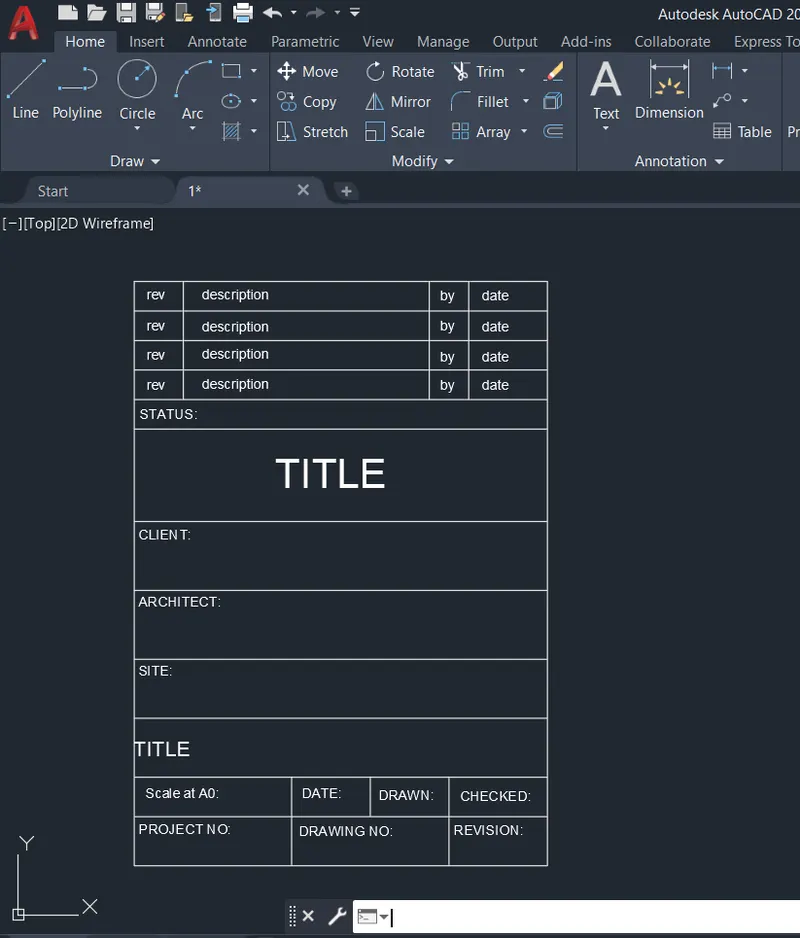
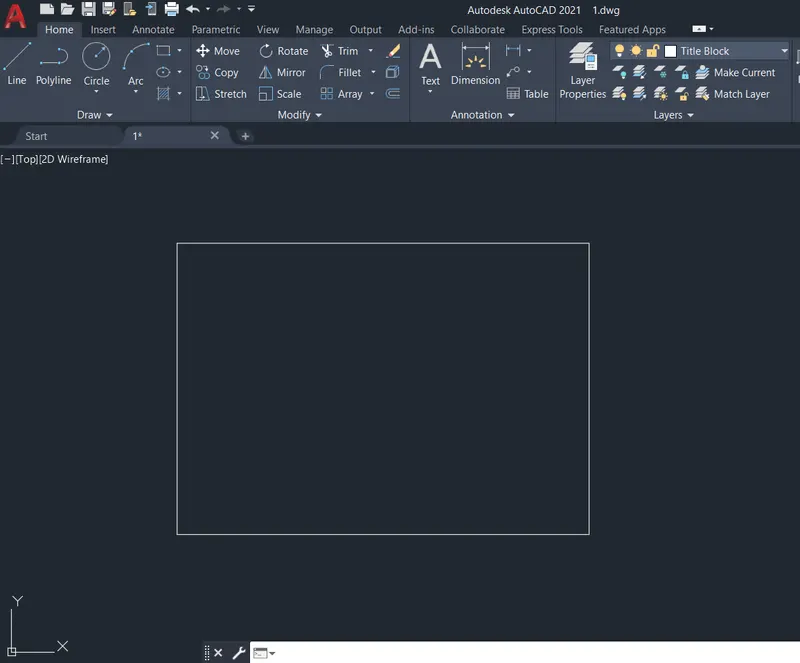
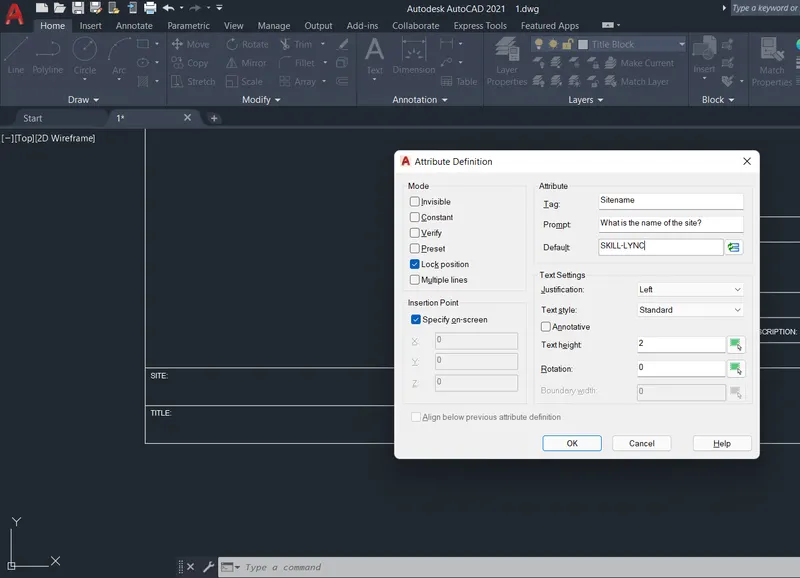
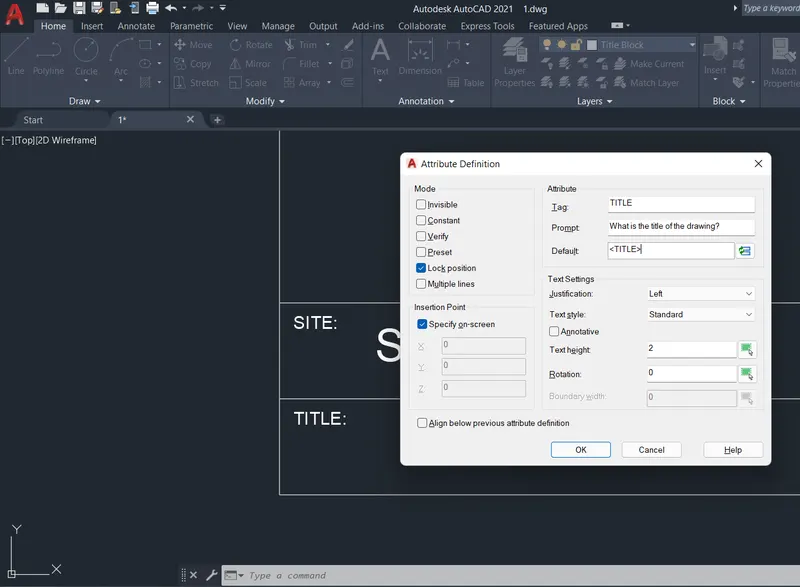
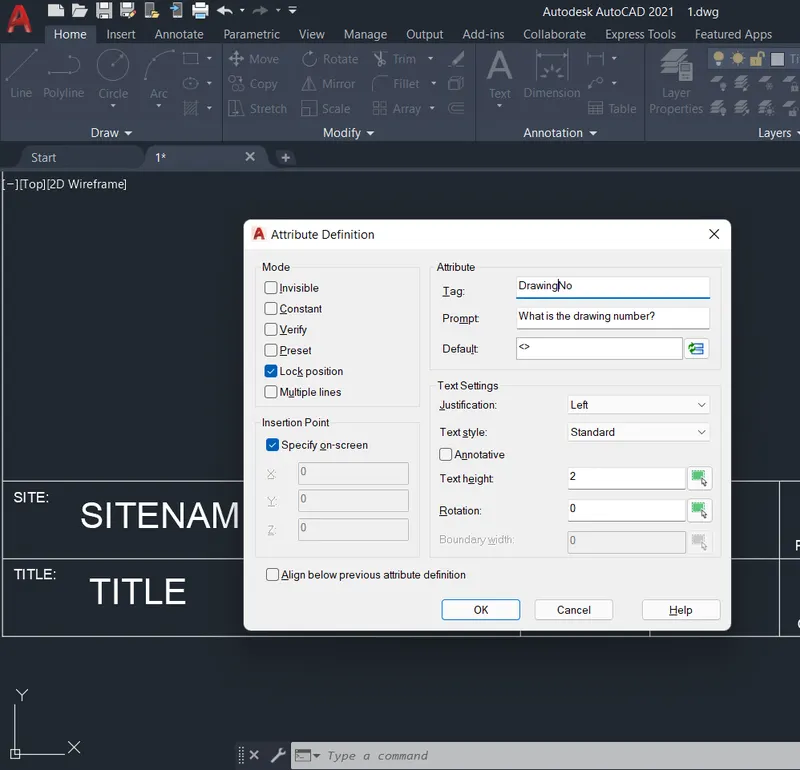
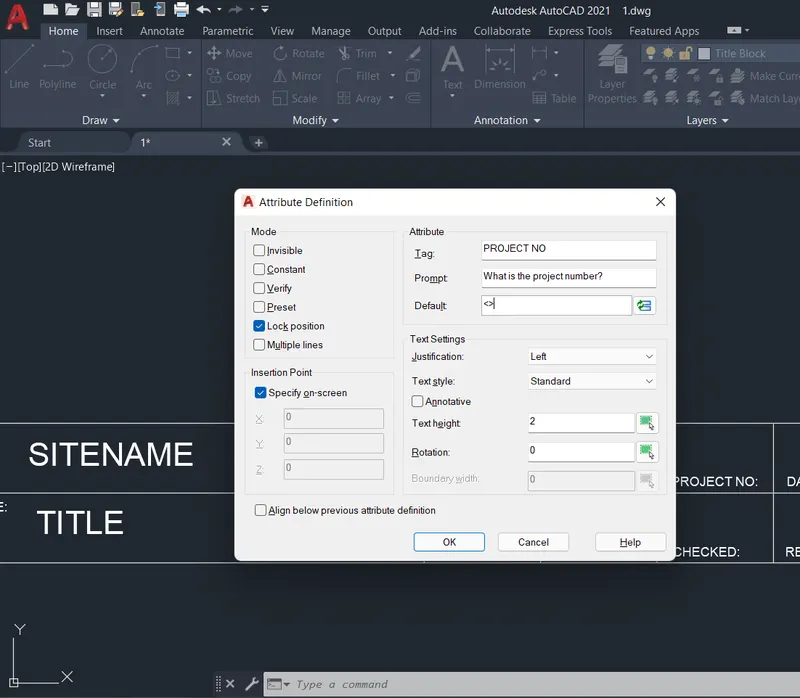
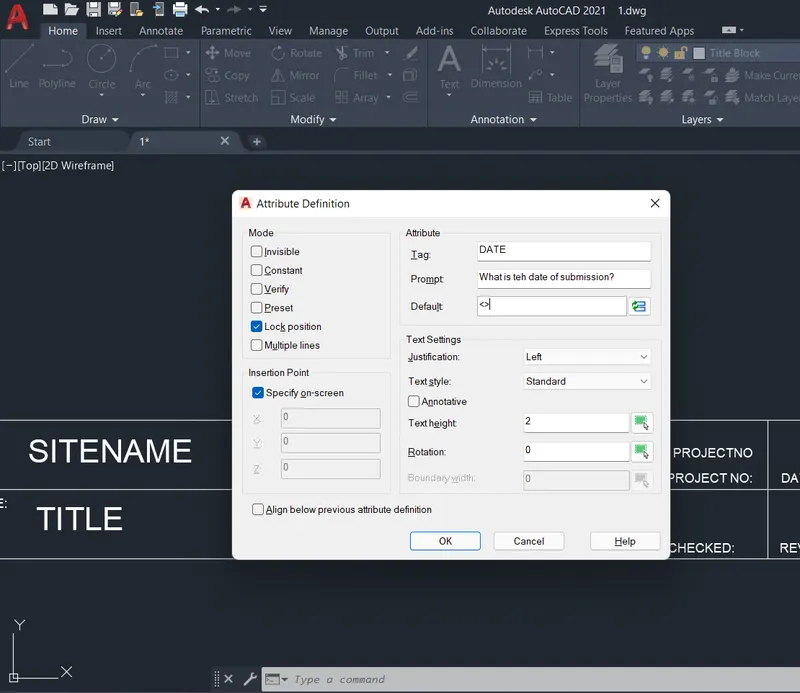
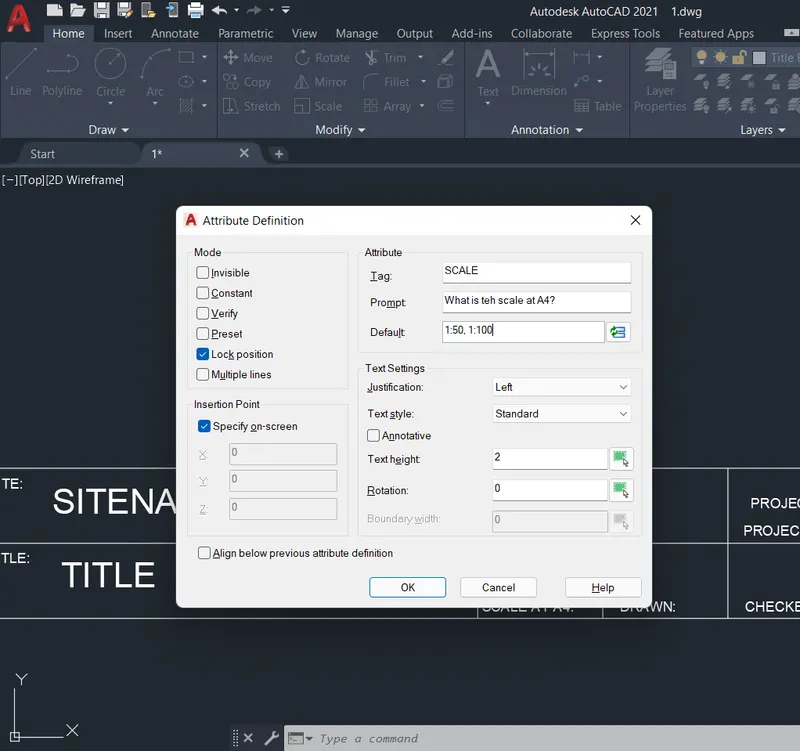
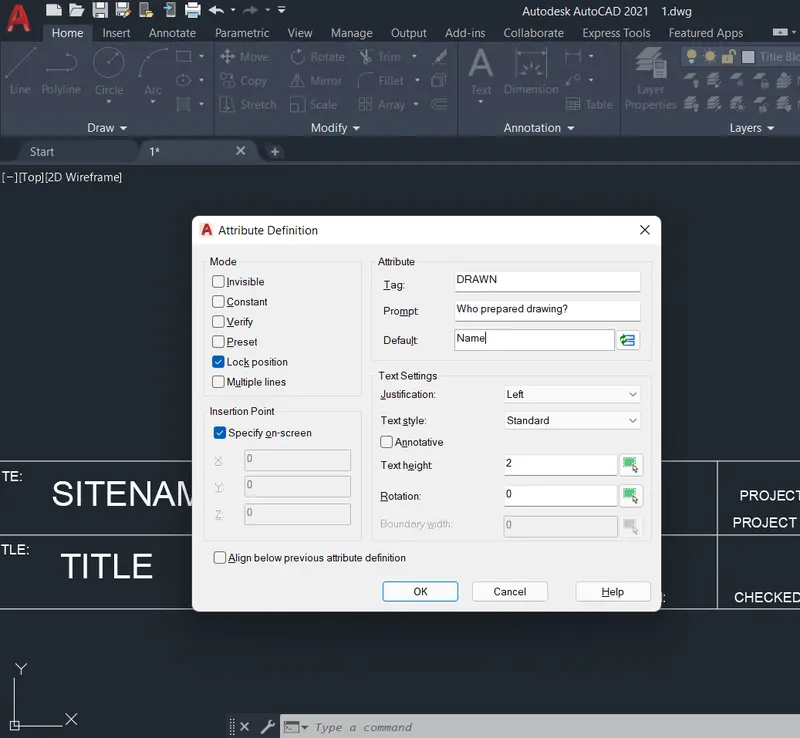
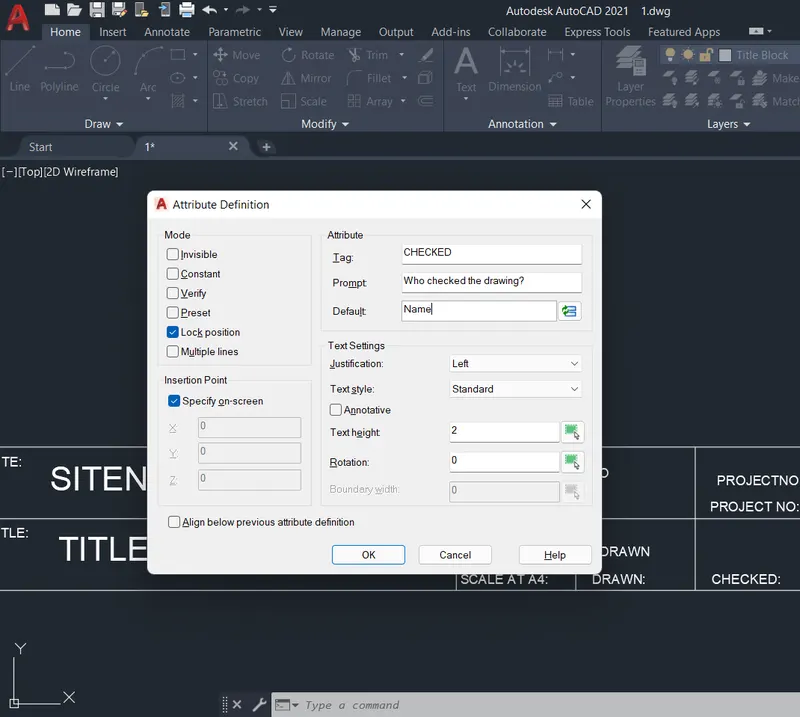
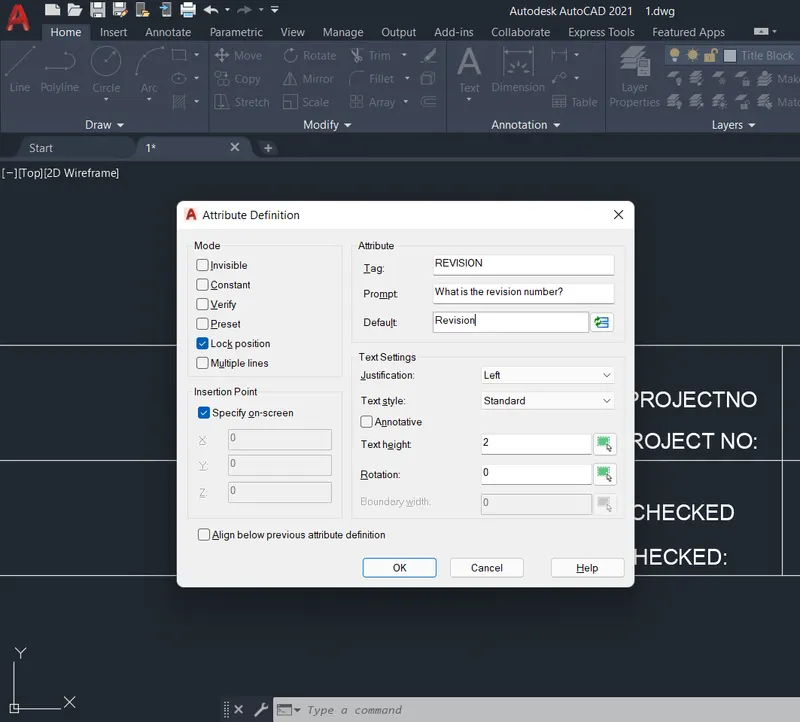
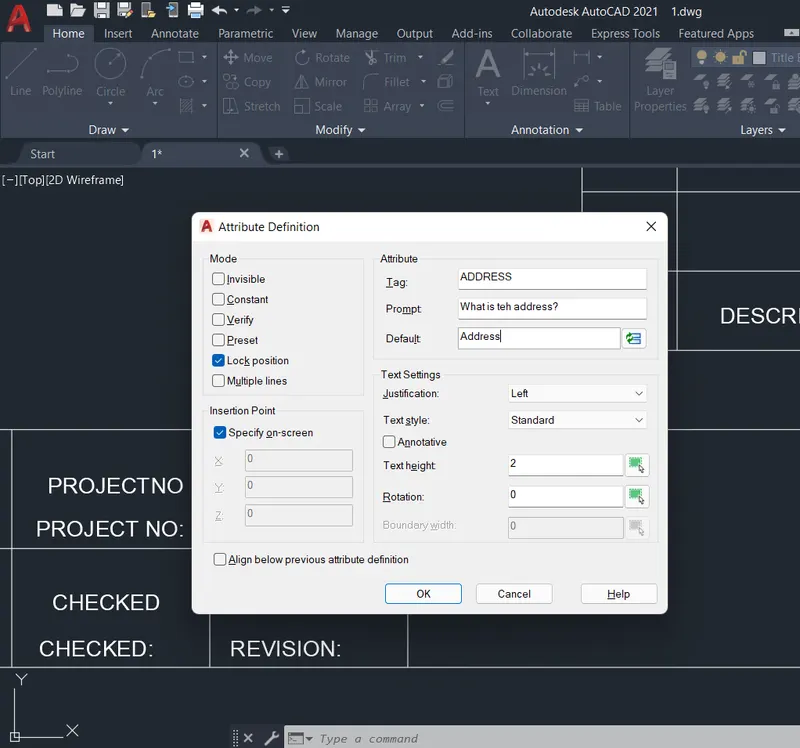
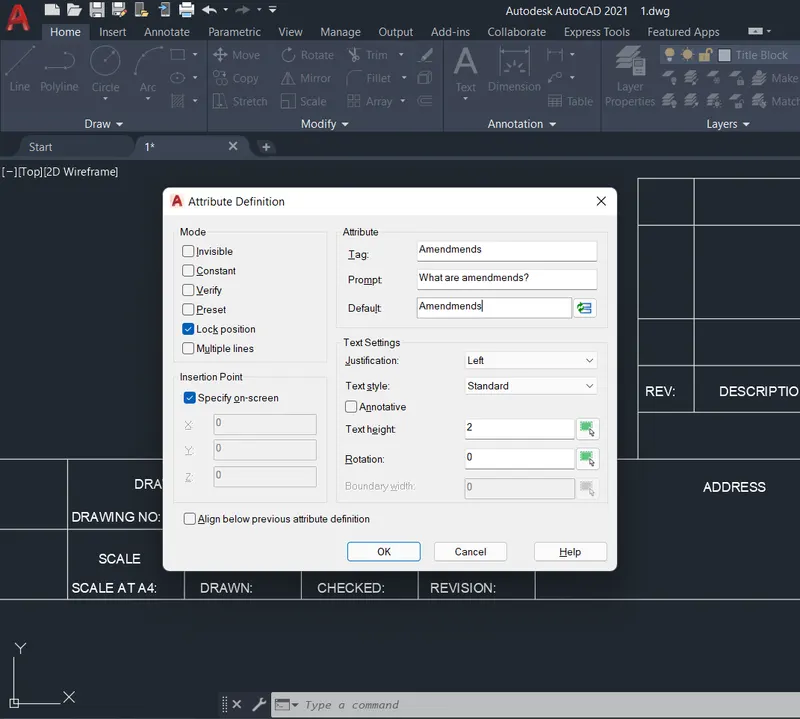
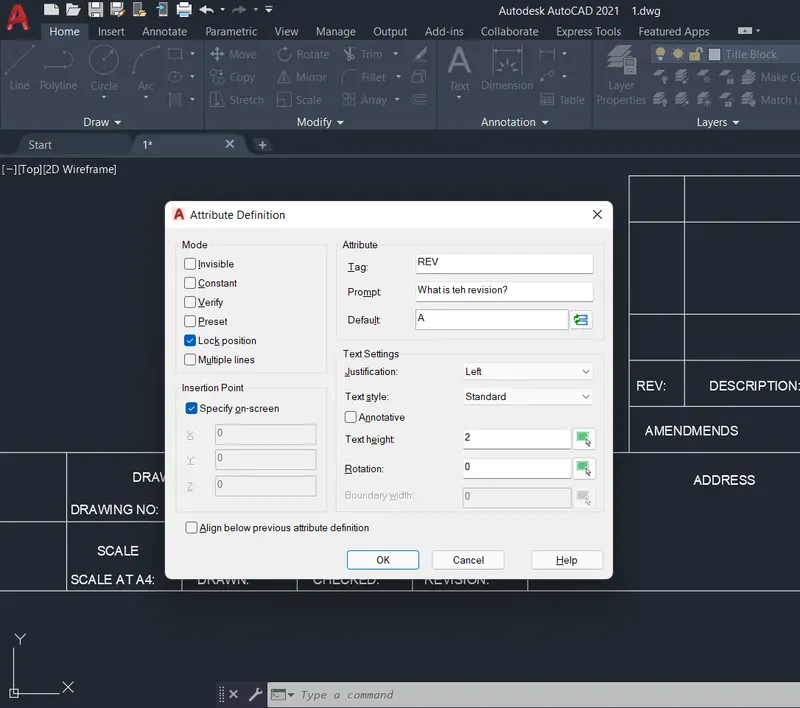
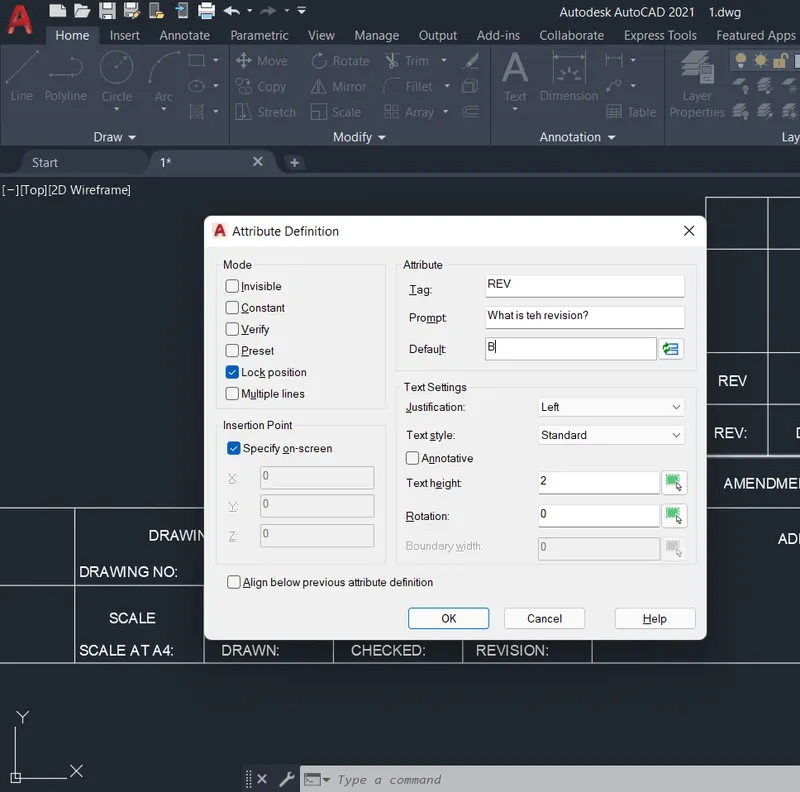
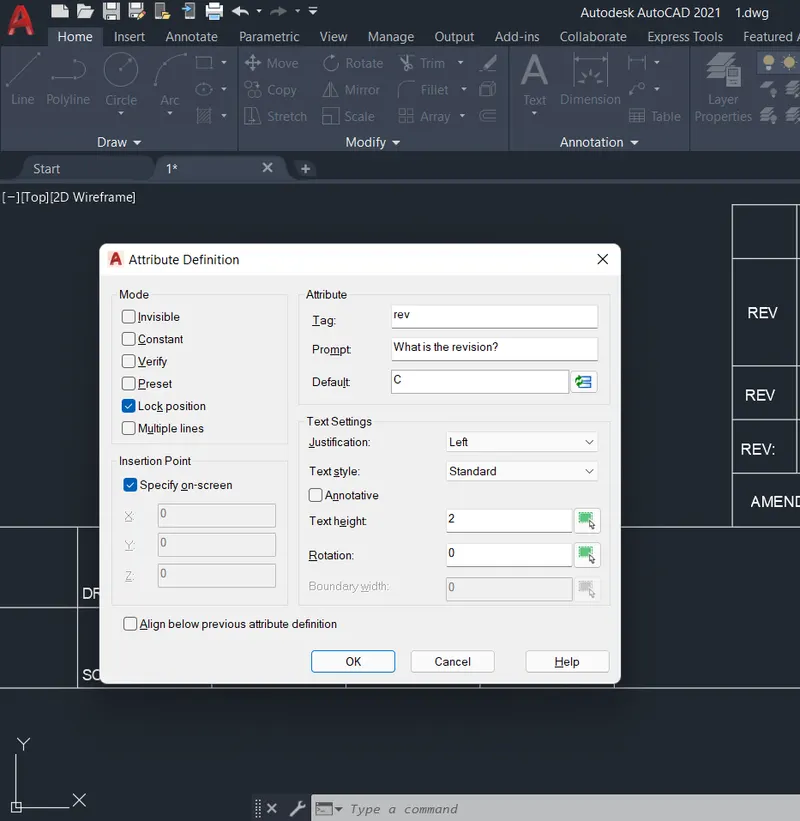
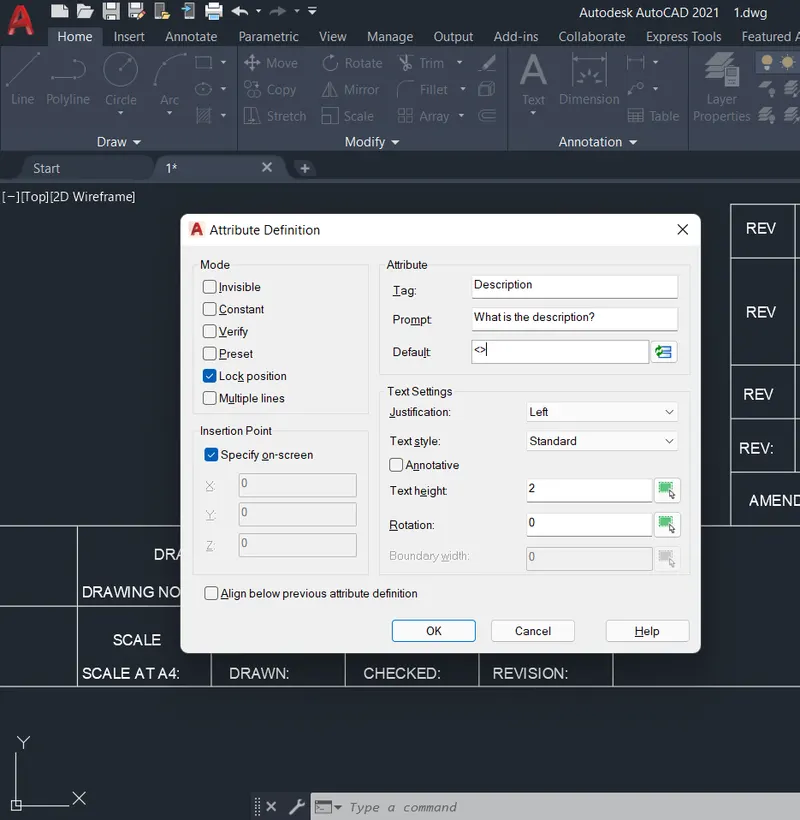
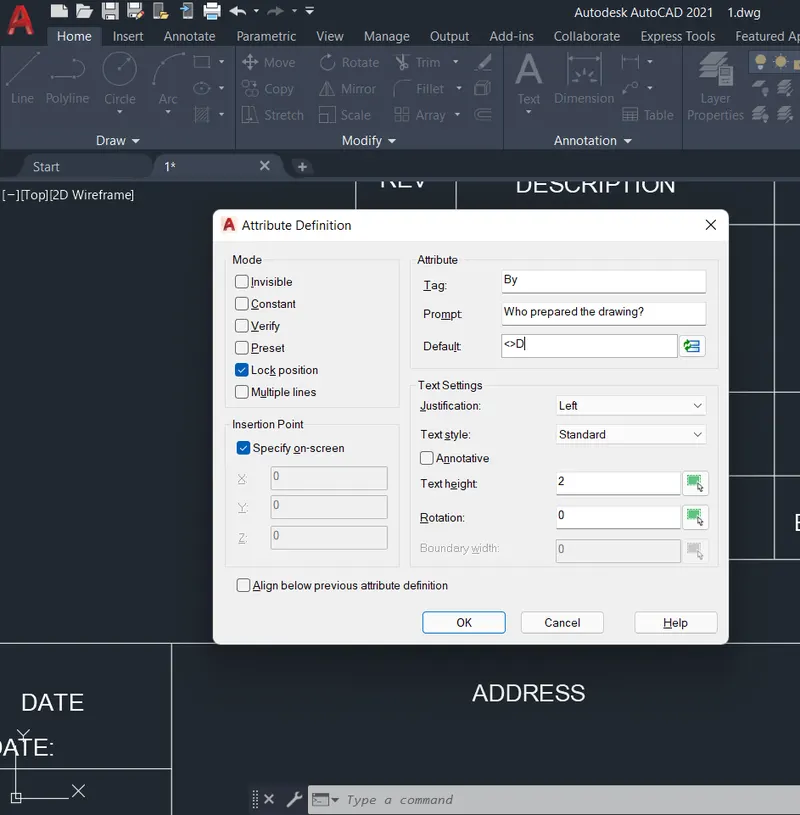
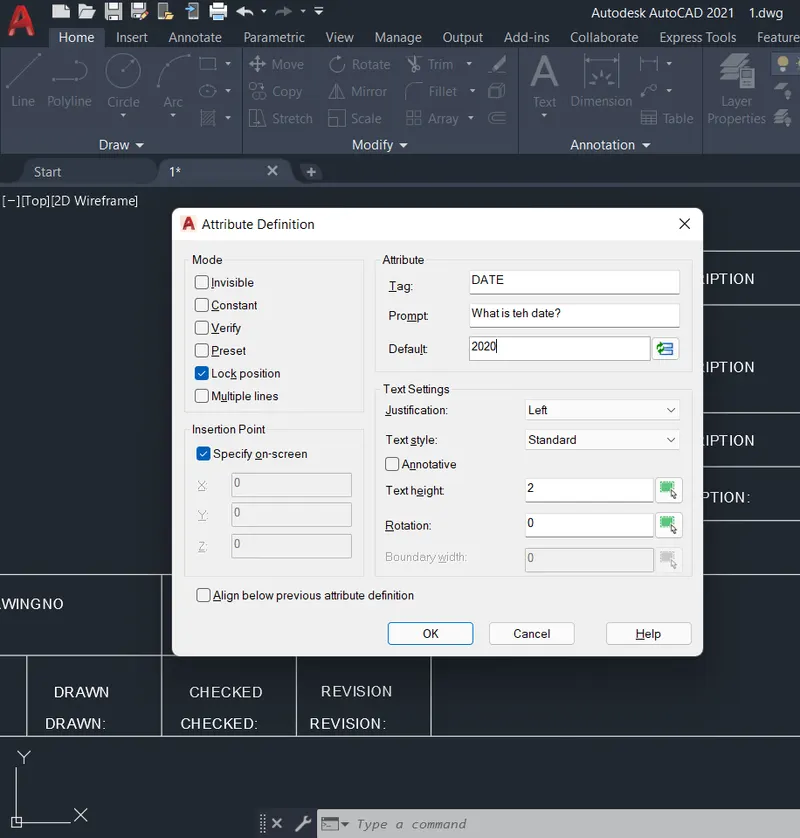
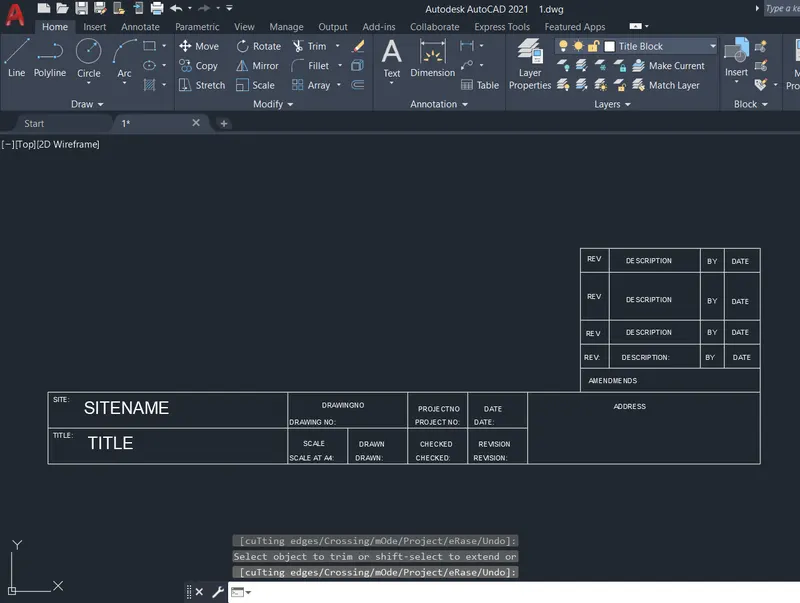
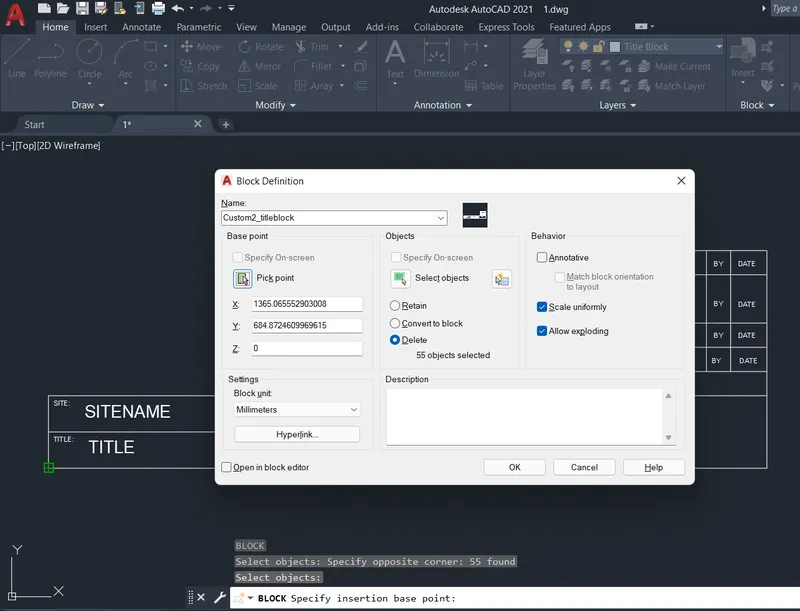
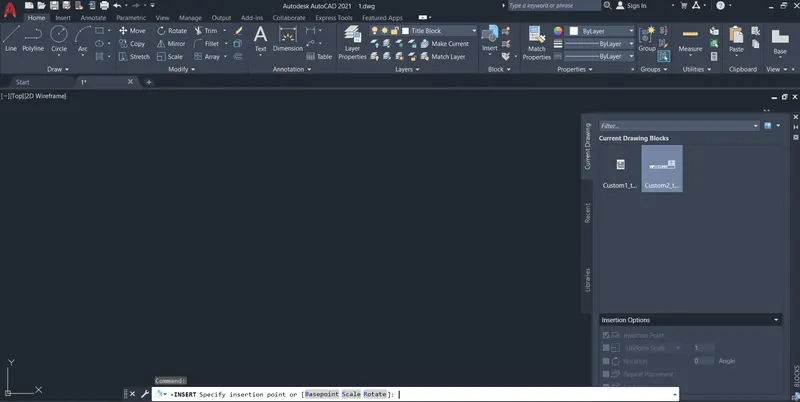
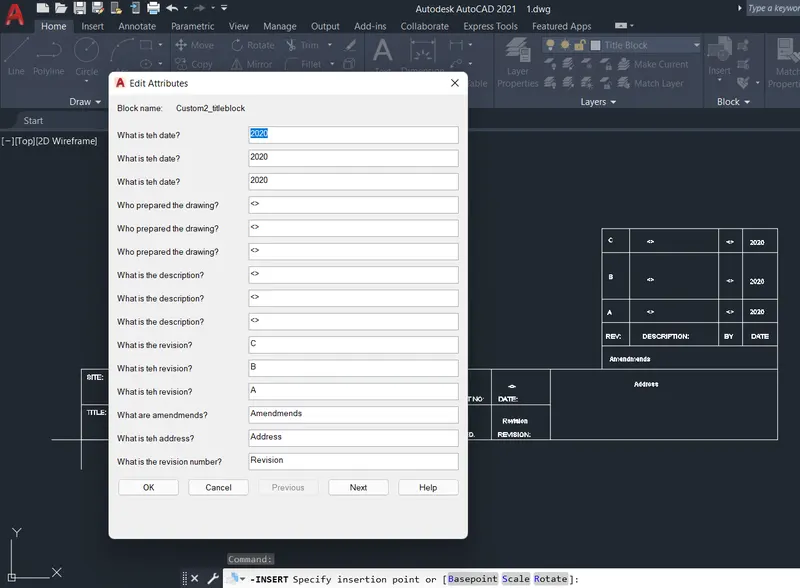
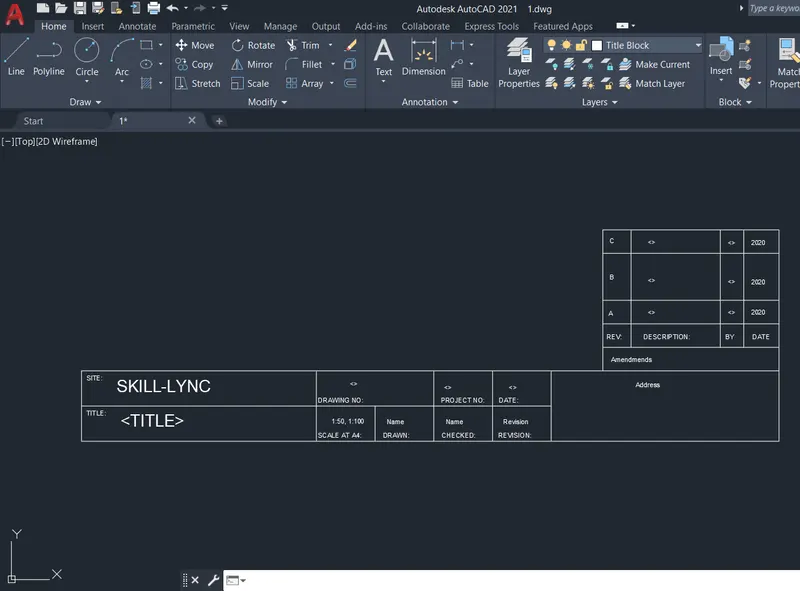
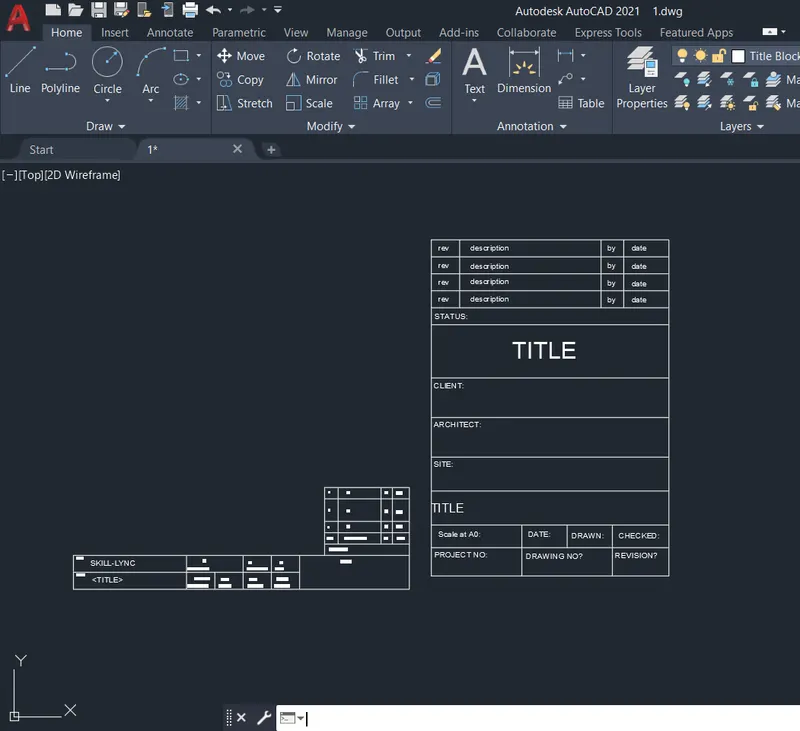
Q1: Aim: To create a template of a title block save it as a block, insert the block into a new drawing and illustrate the procedure involved.
Procedure:
- Create a new drawing from the dropdown menu
- Select the imperial system and Decimal units
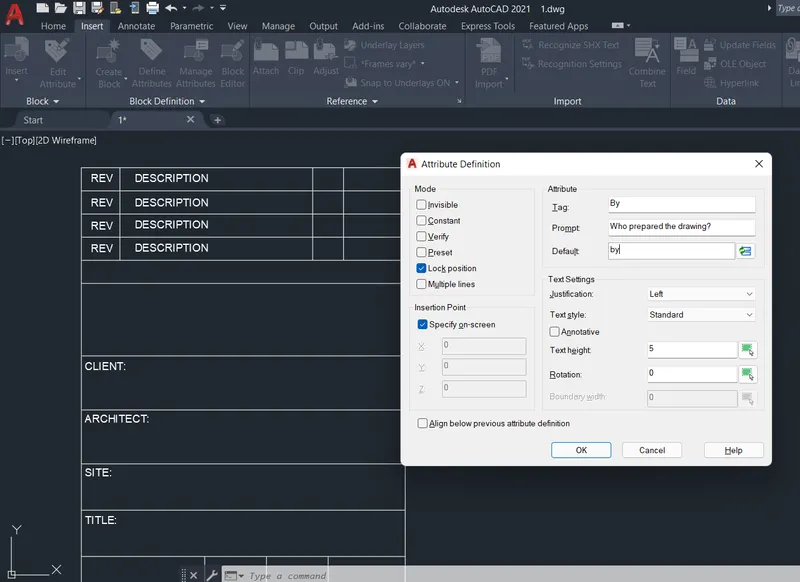
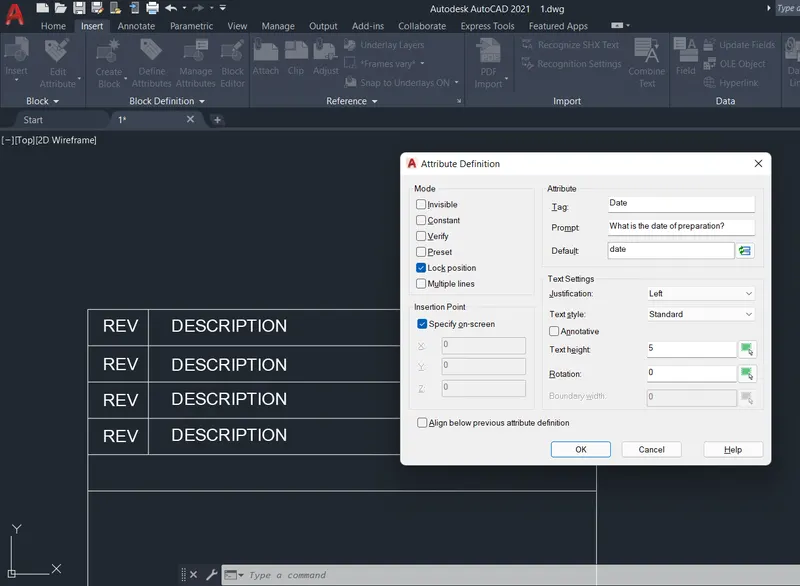
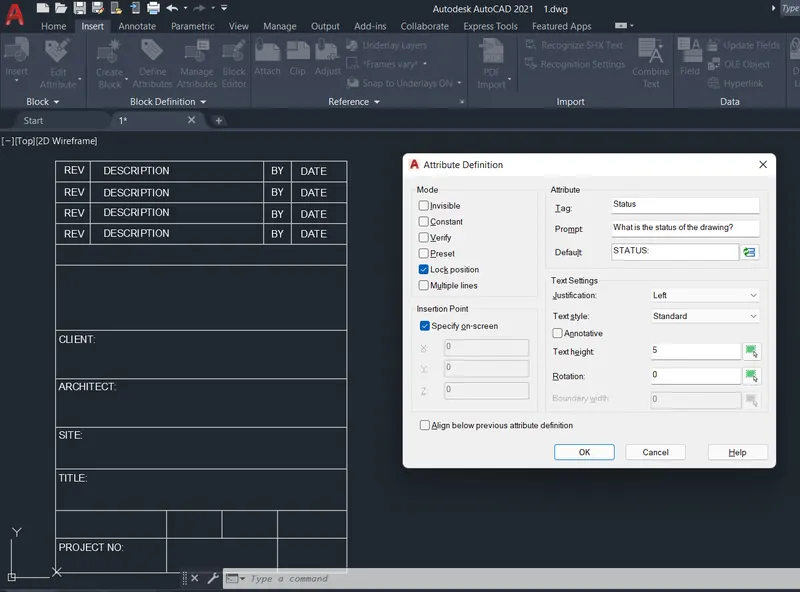
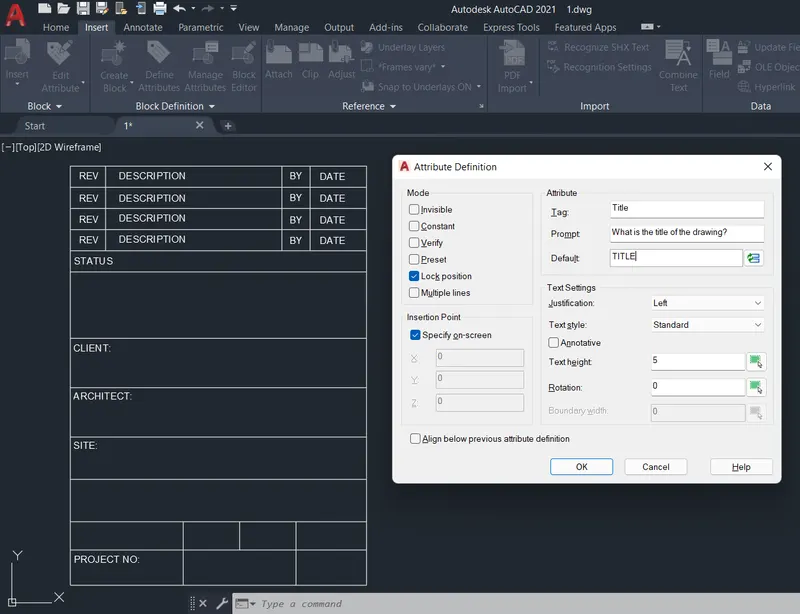
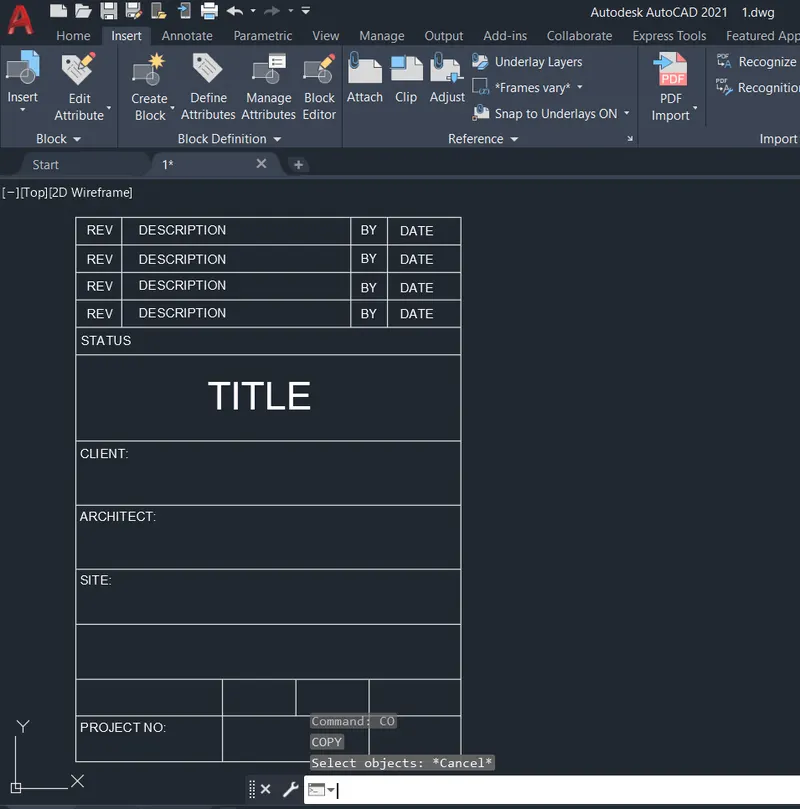
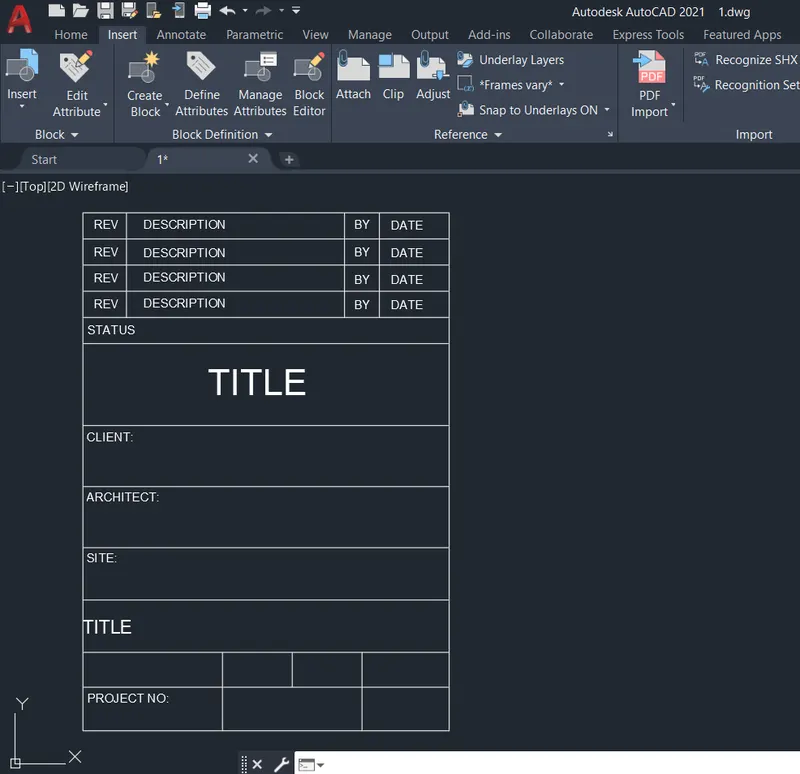
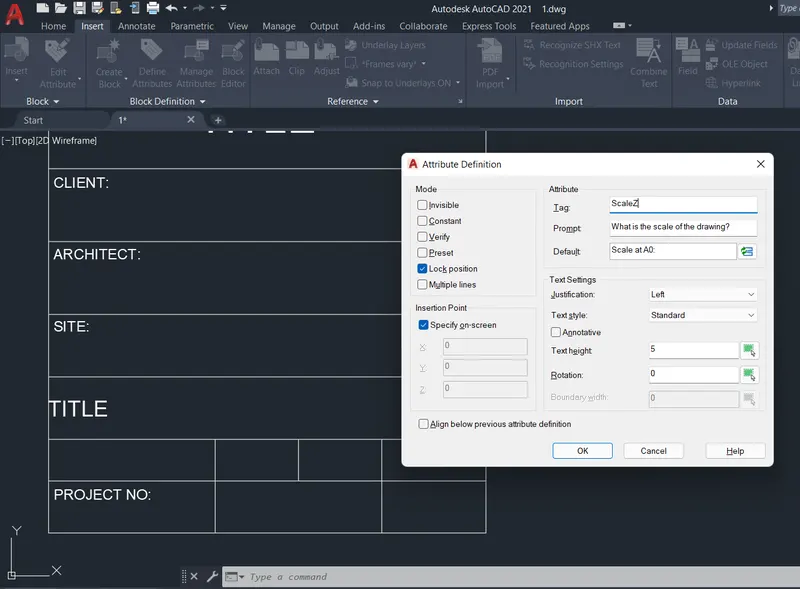
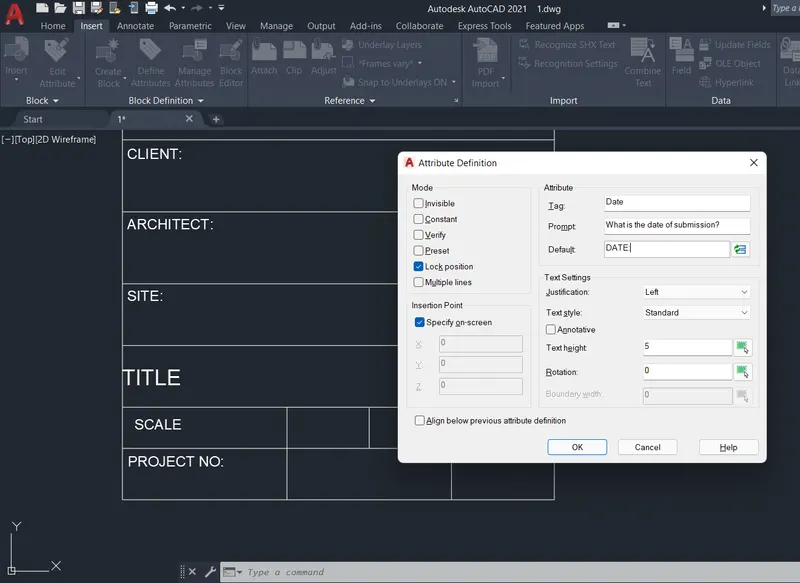
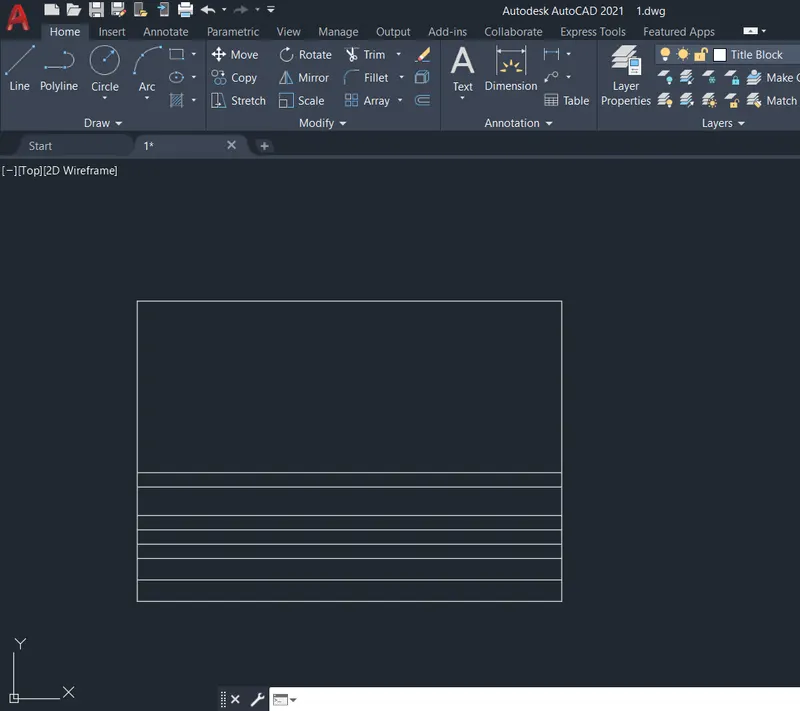
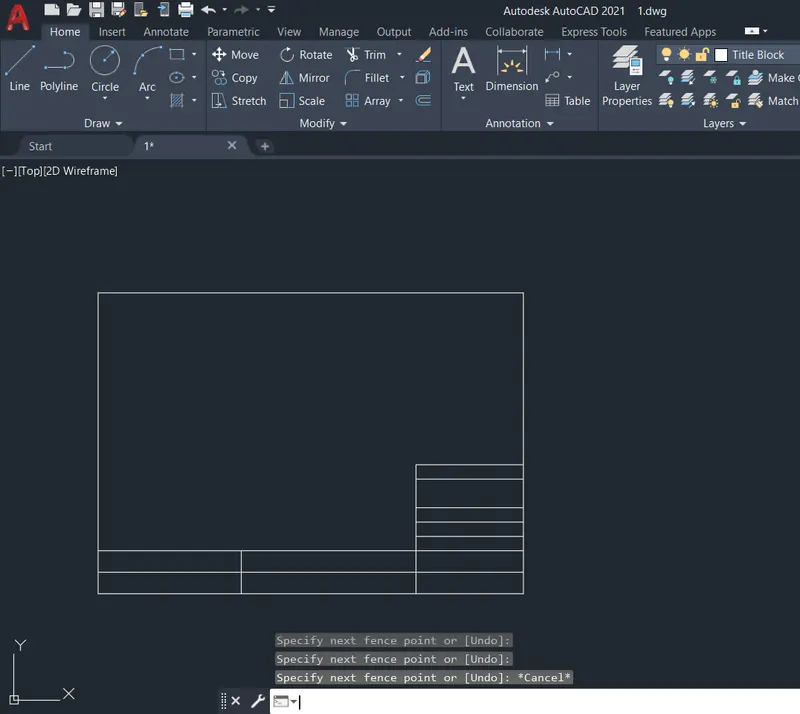
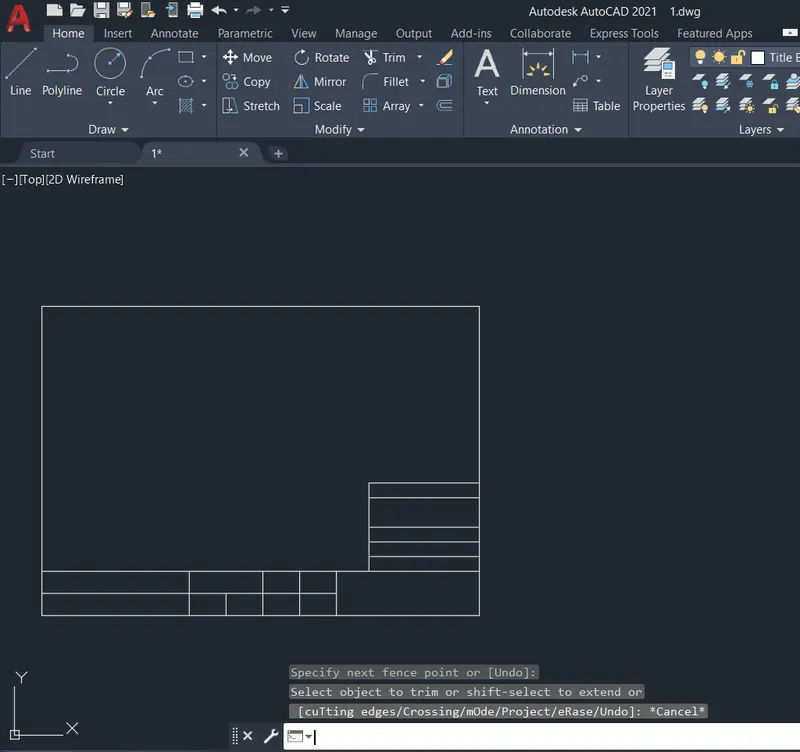
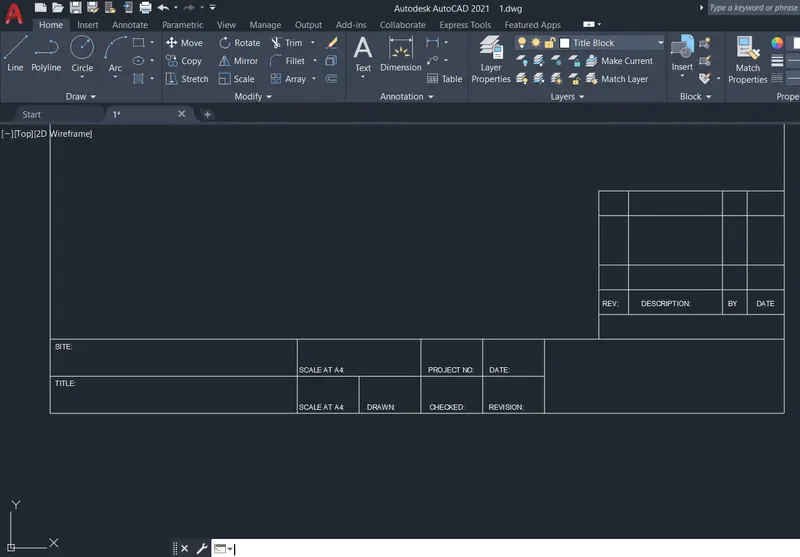
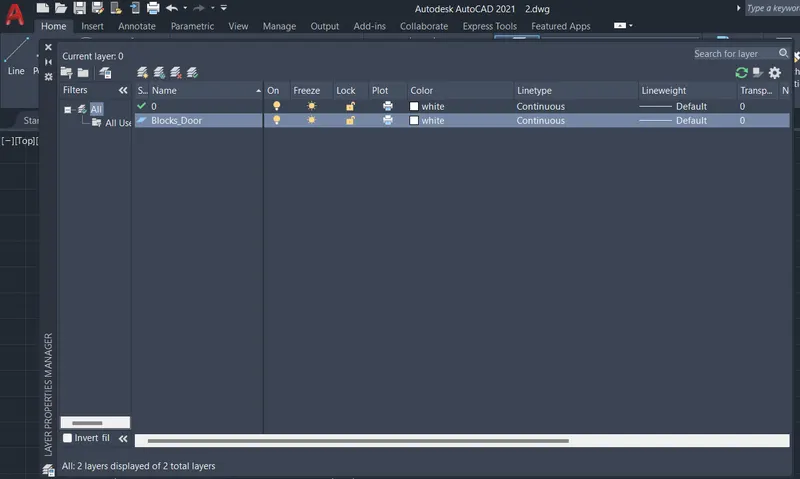
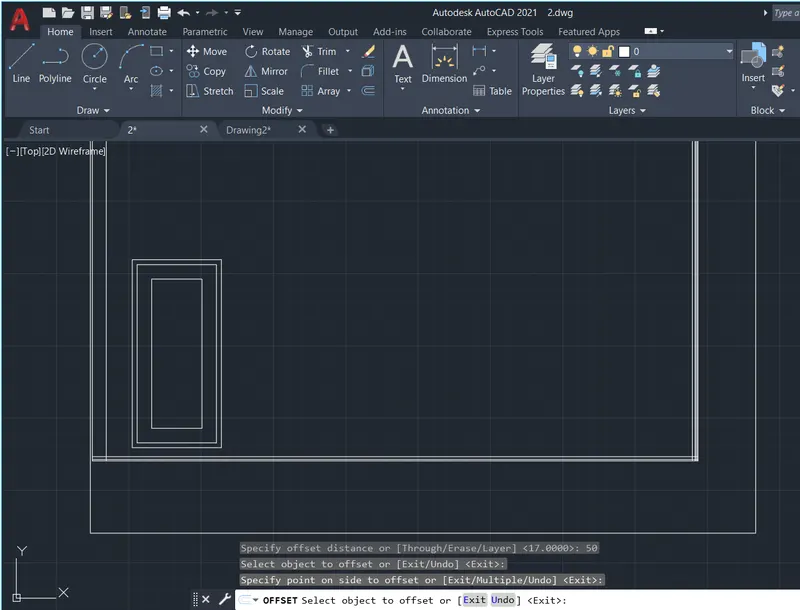
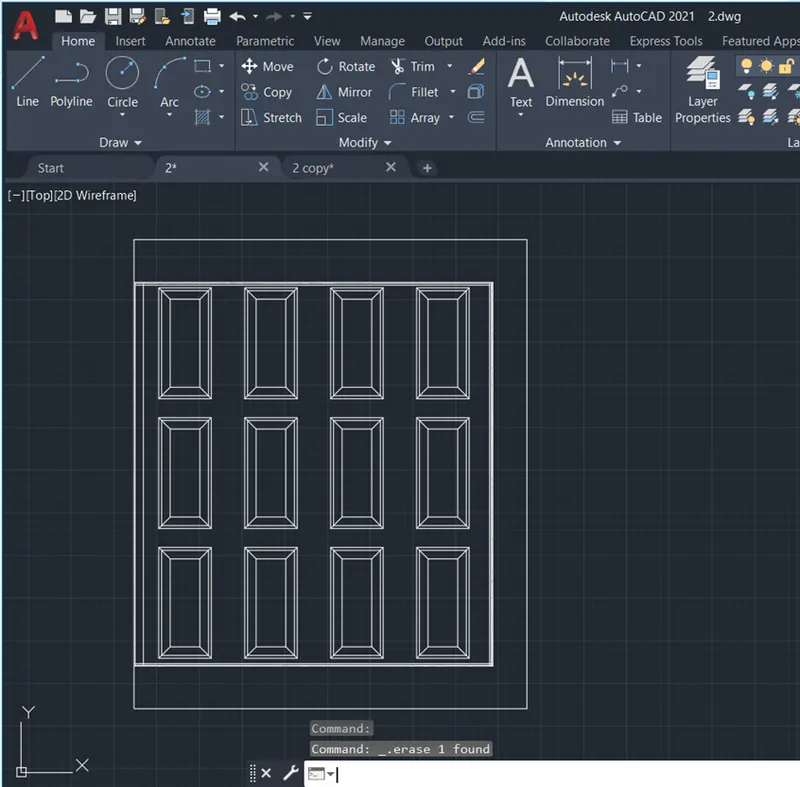
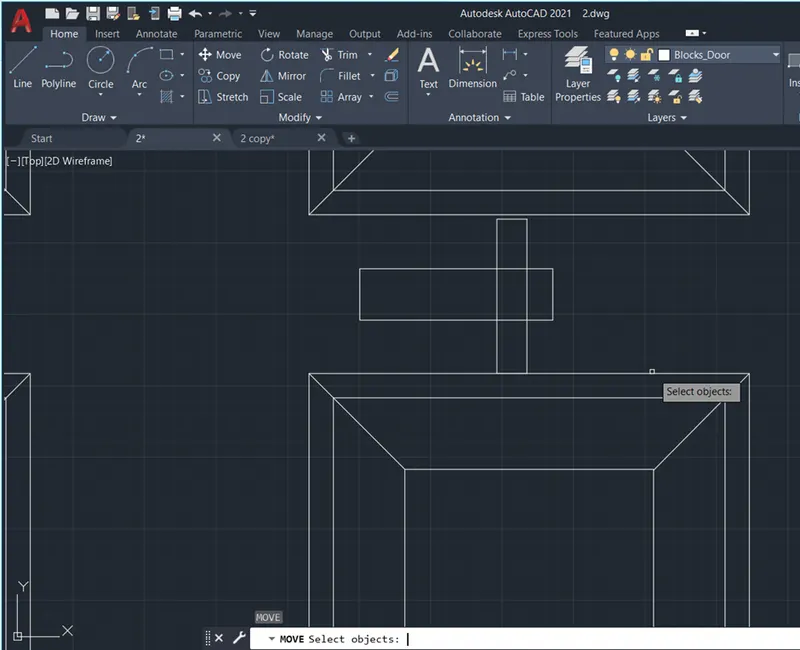
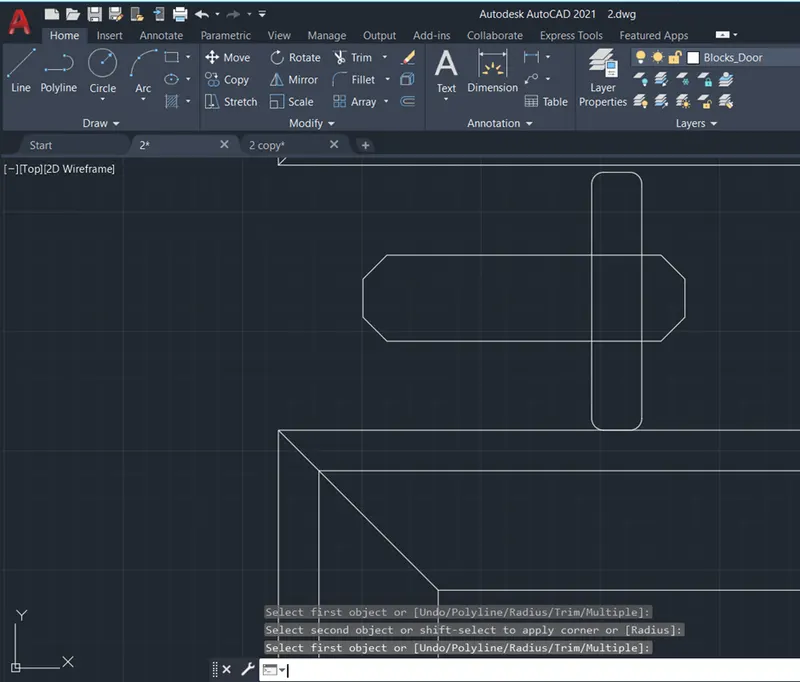
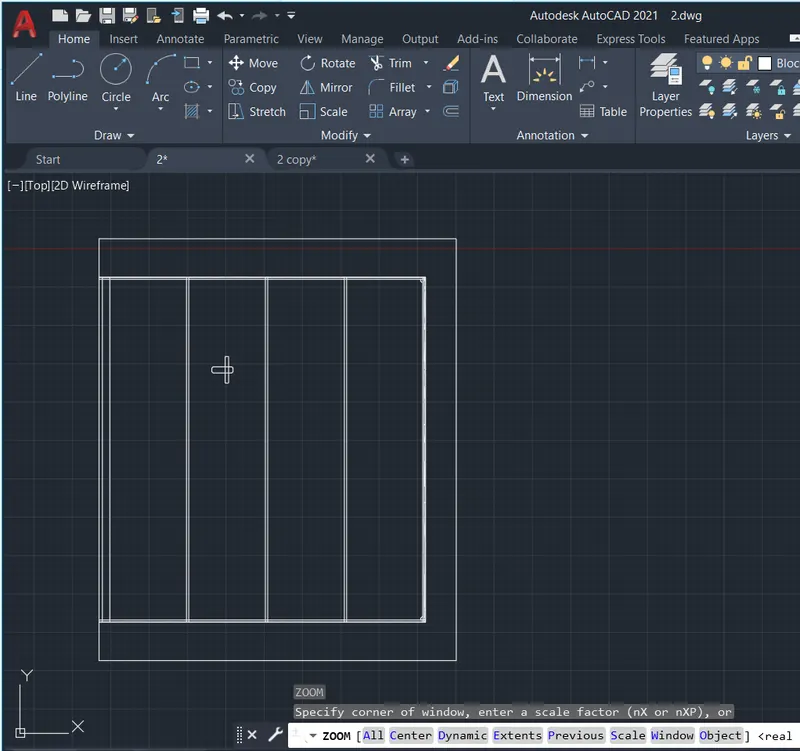
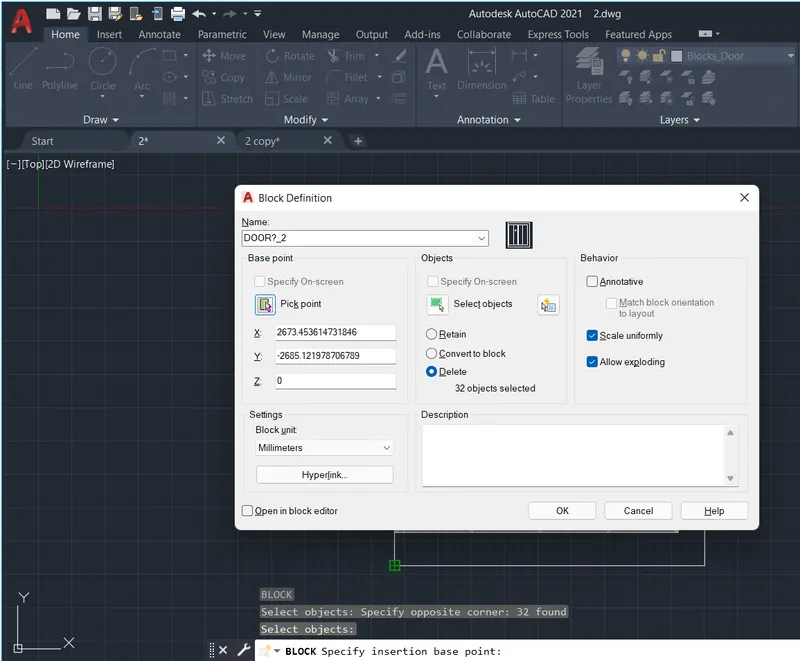
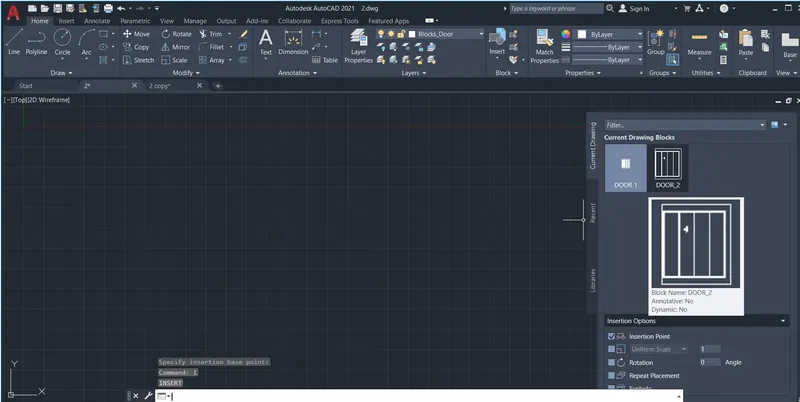
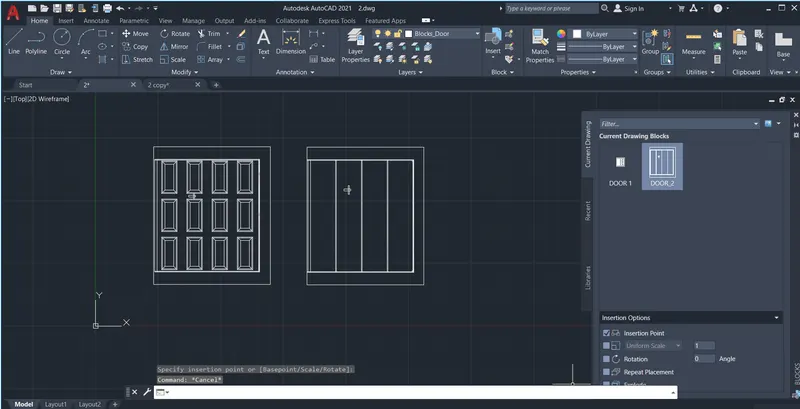
Q2: Aim: To create doors type for warehouse save it as a block, and illustrate the procedure involved.
Procedure:
- Create a new drawing from the dropdown menu
- Select the imperial system and Decimal units
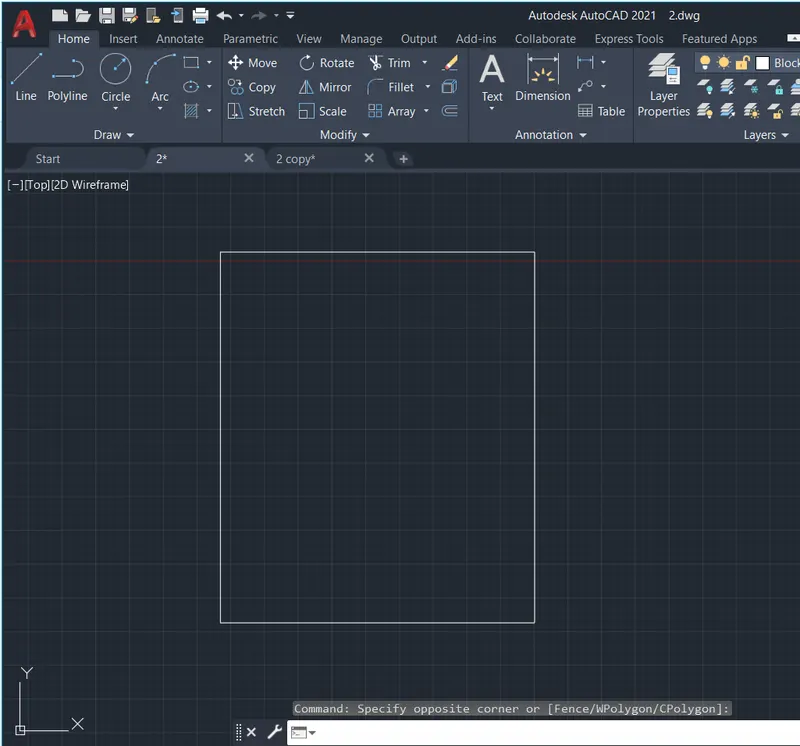
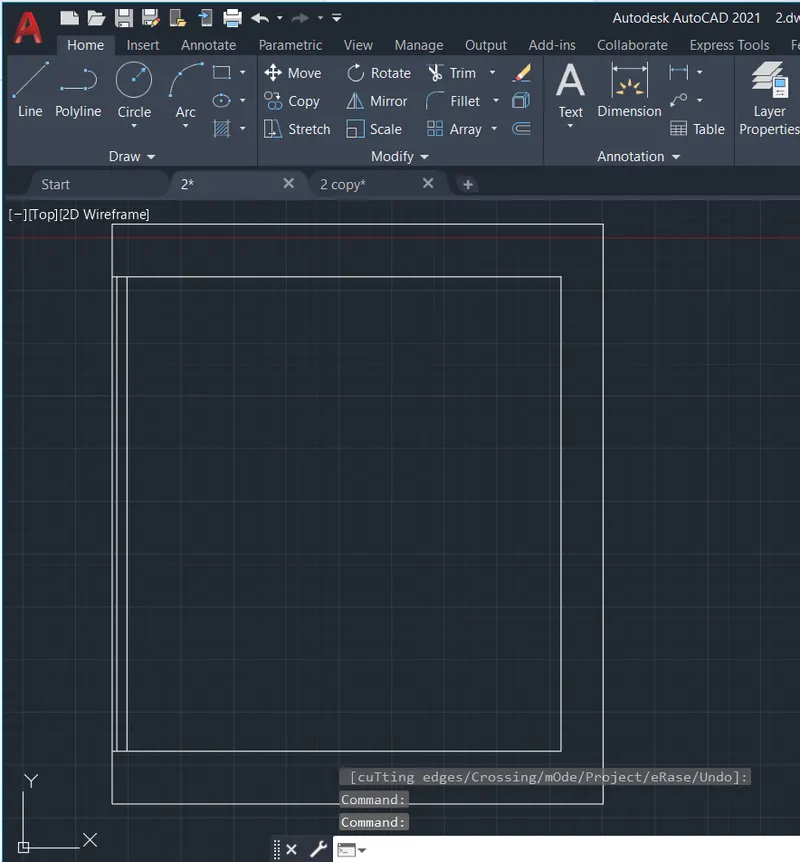
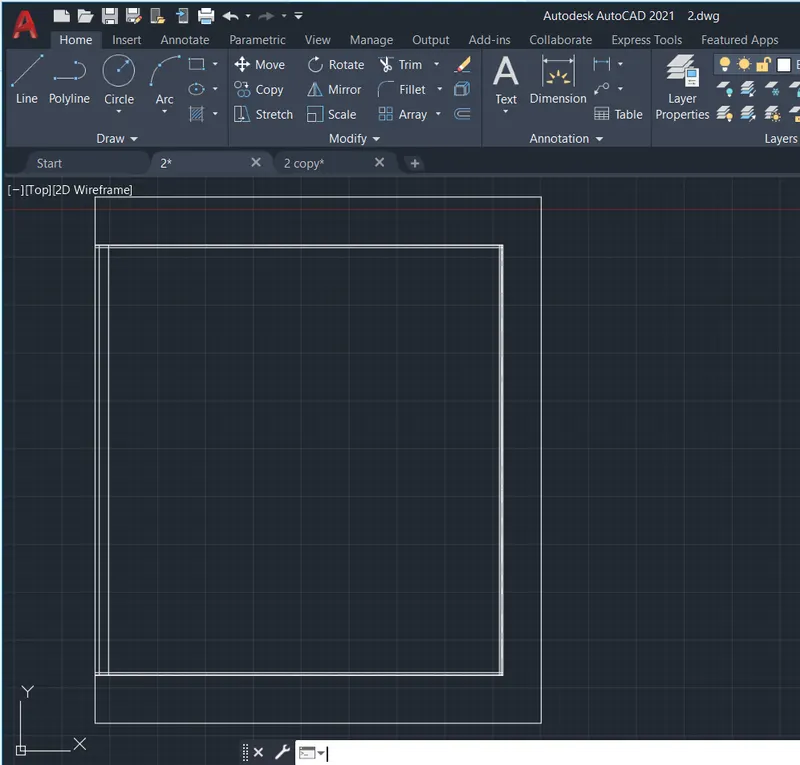
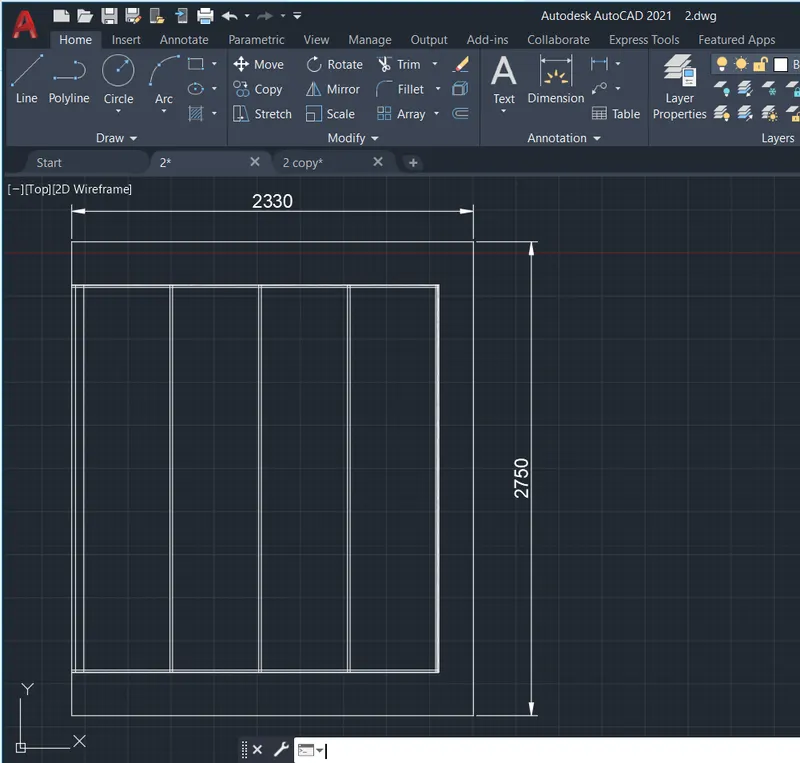
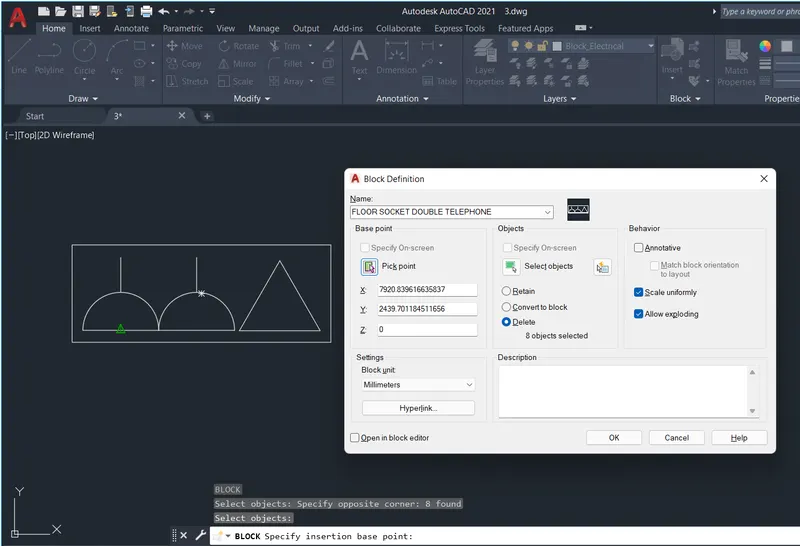
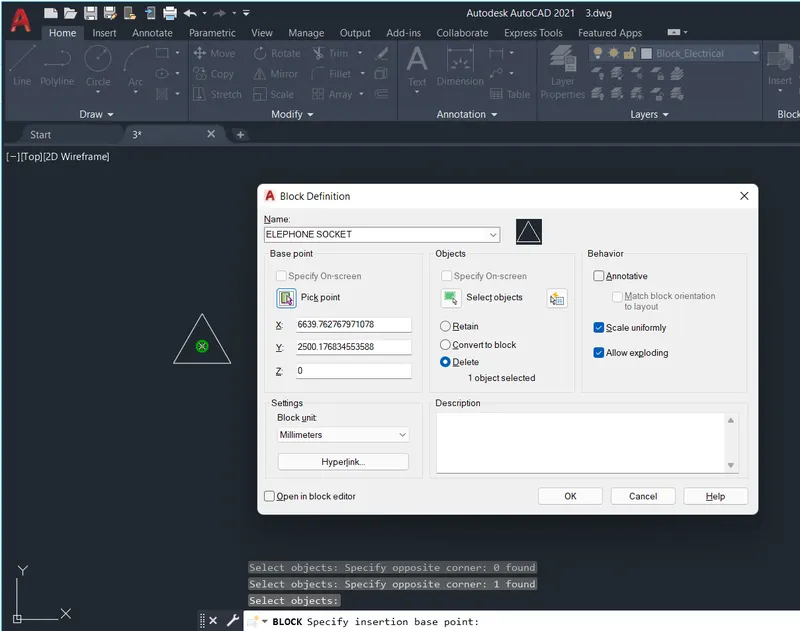
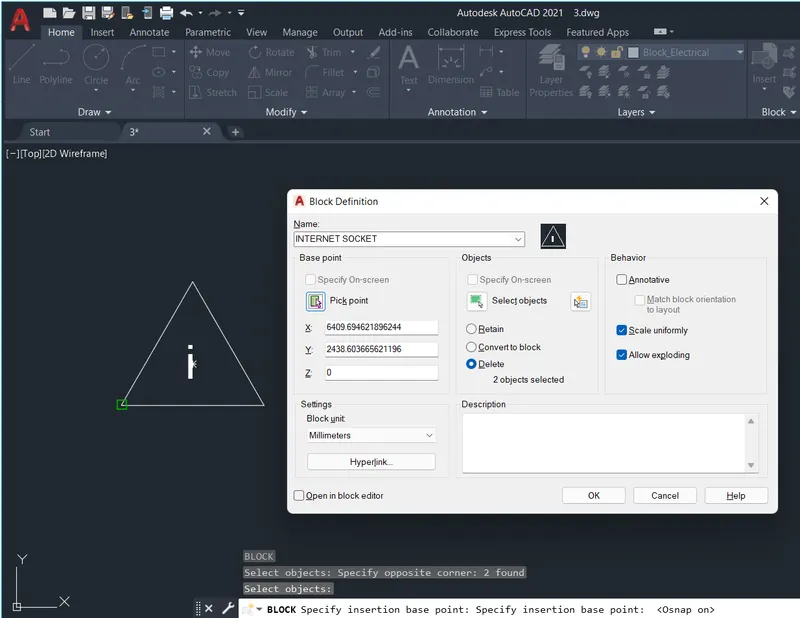
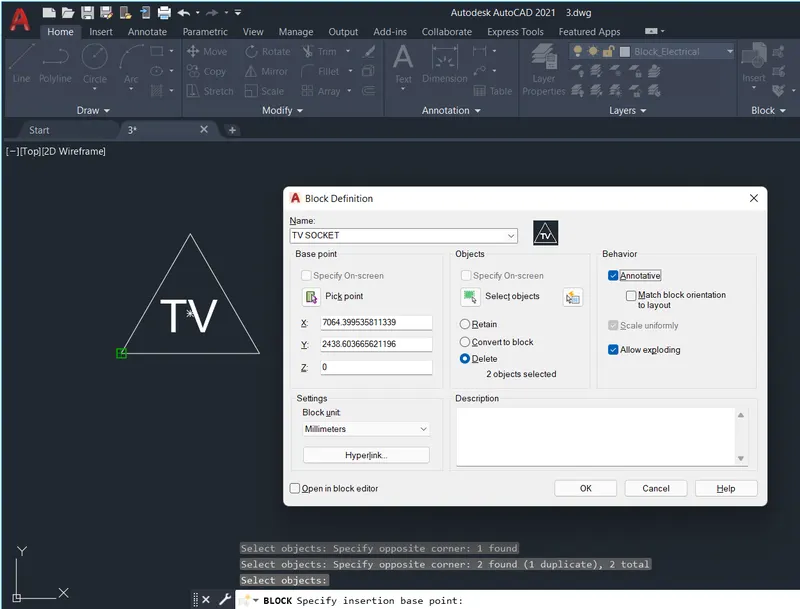
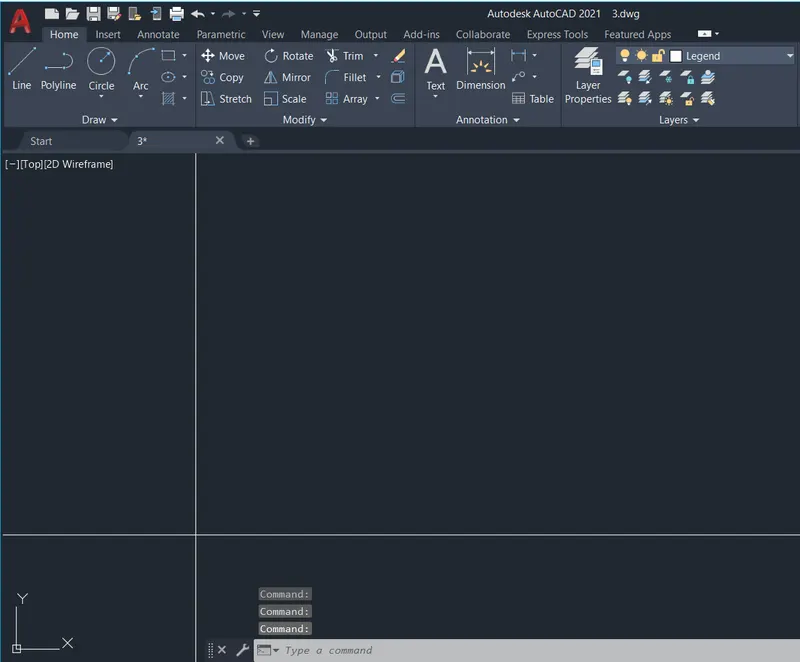
Q3. Aim: To create symbols as blocks, arrange them in a legend, and illustrate the procedure involved.
Procedure:
- Create a new drawing from the dropdown menu
- Select the imperial system and Decimal units
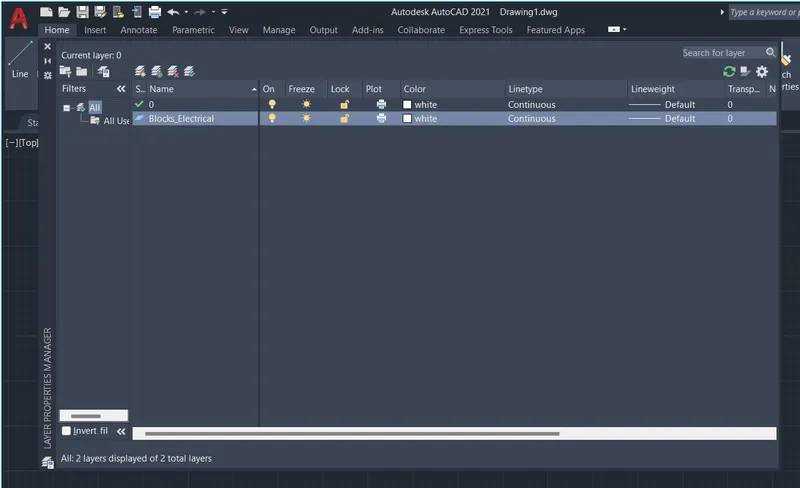
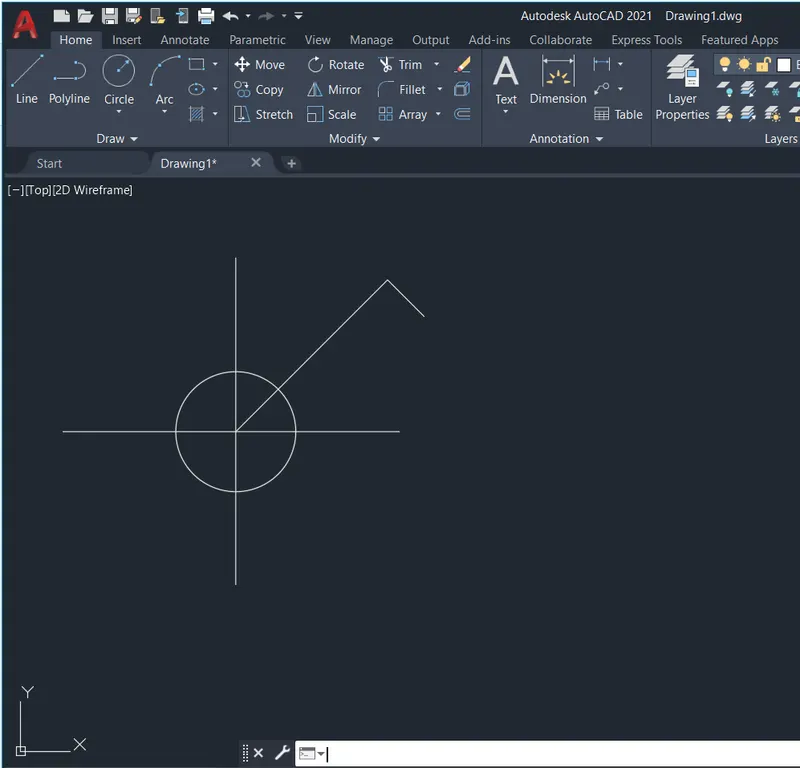
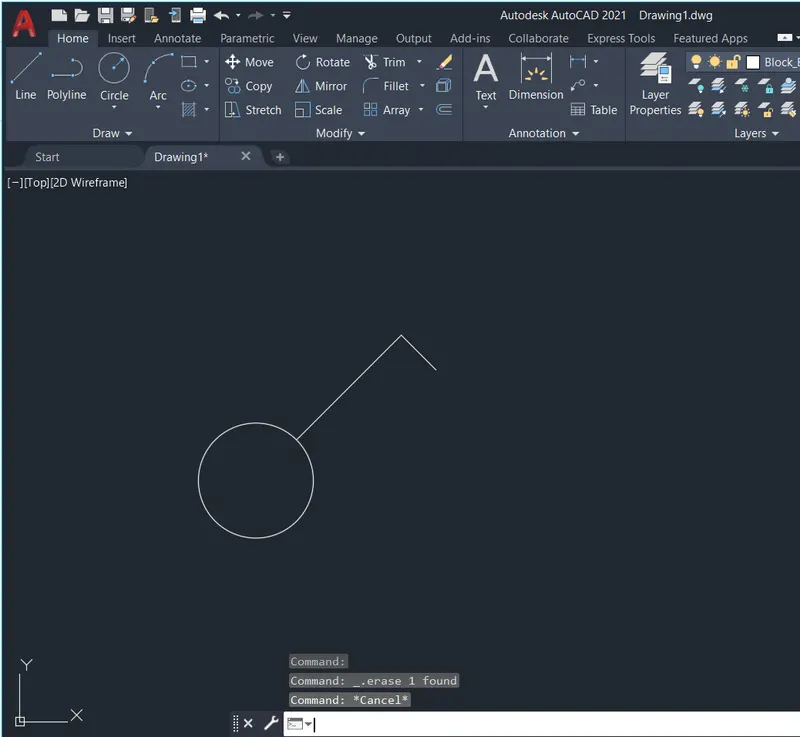
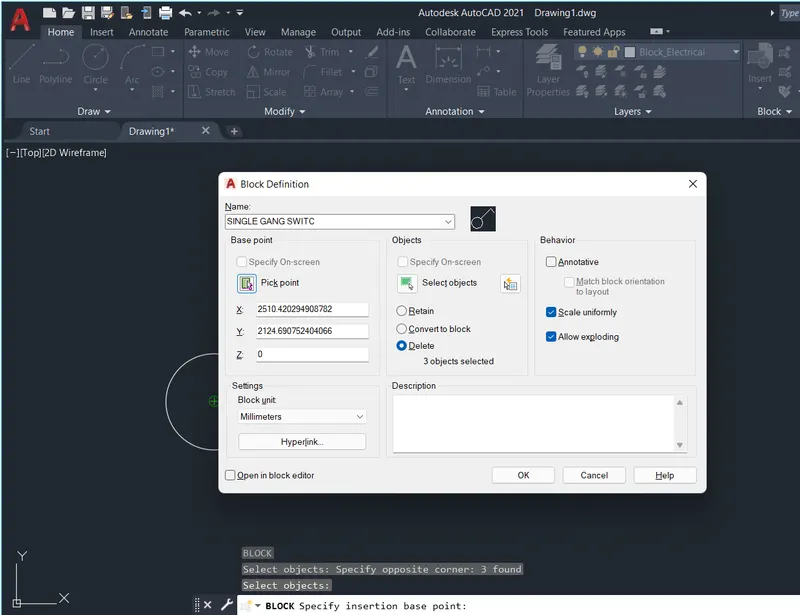
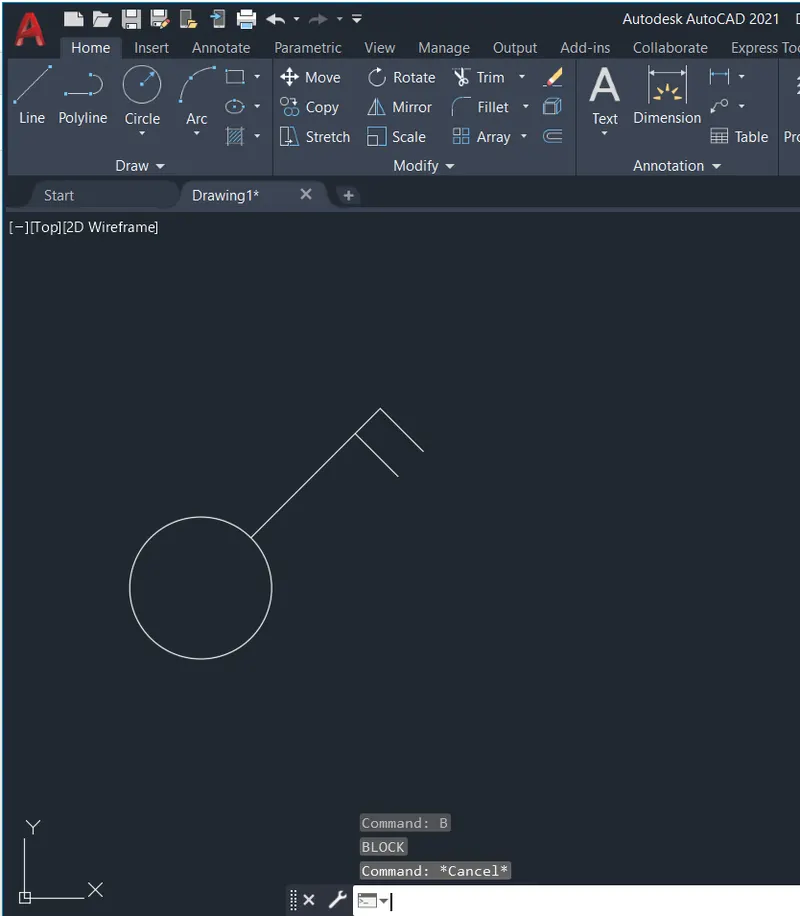
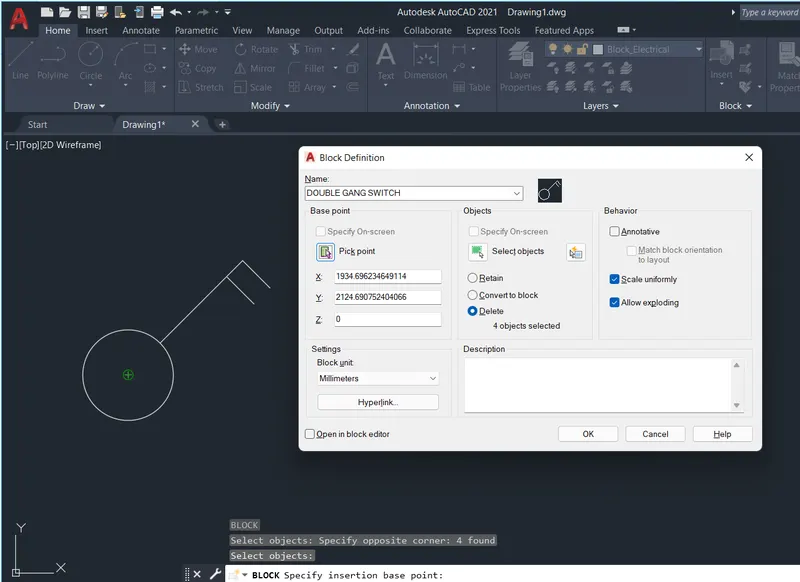
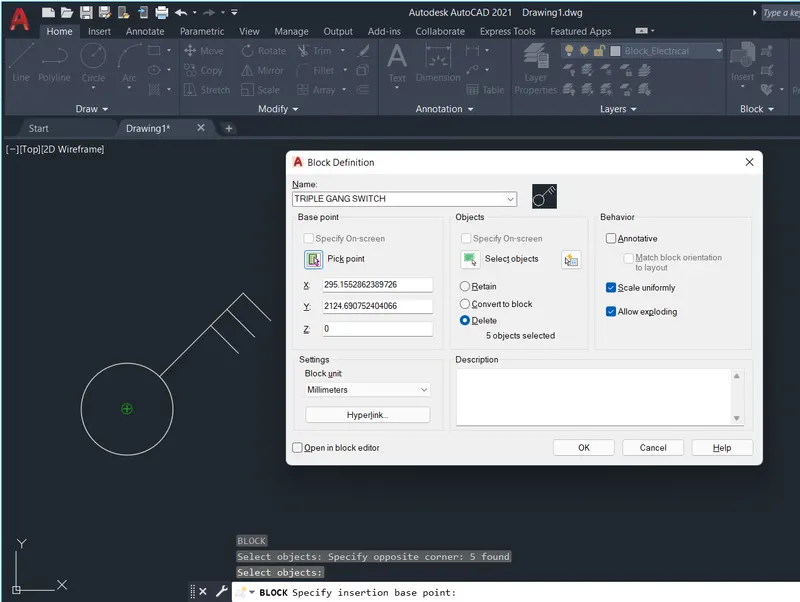
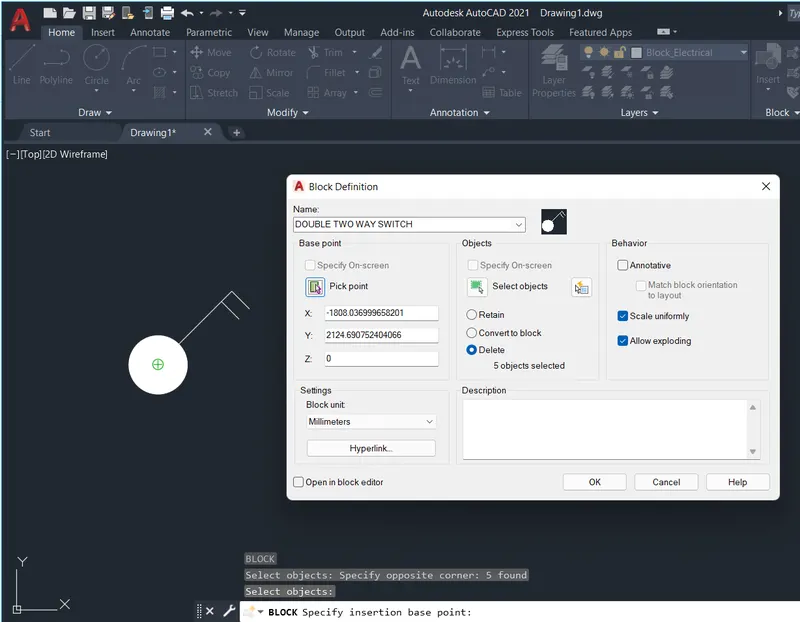
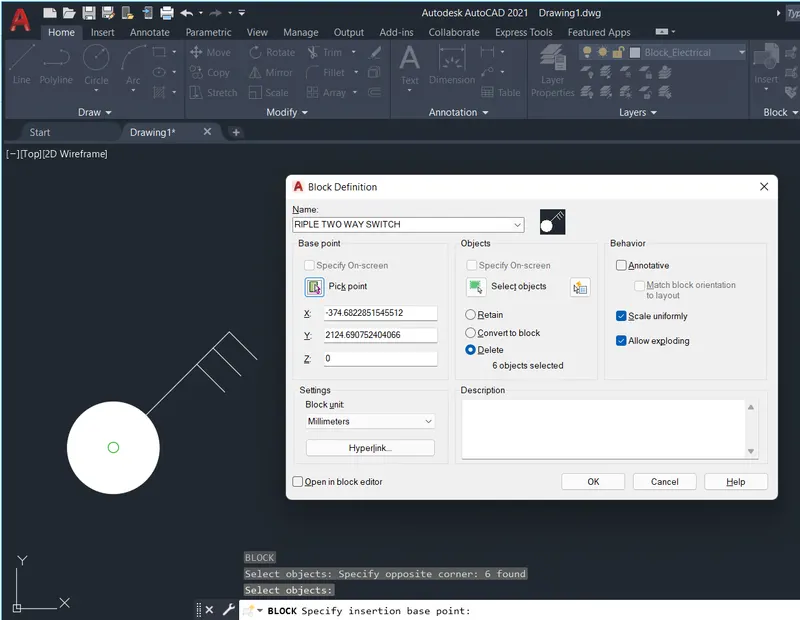
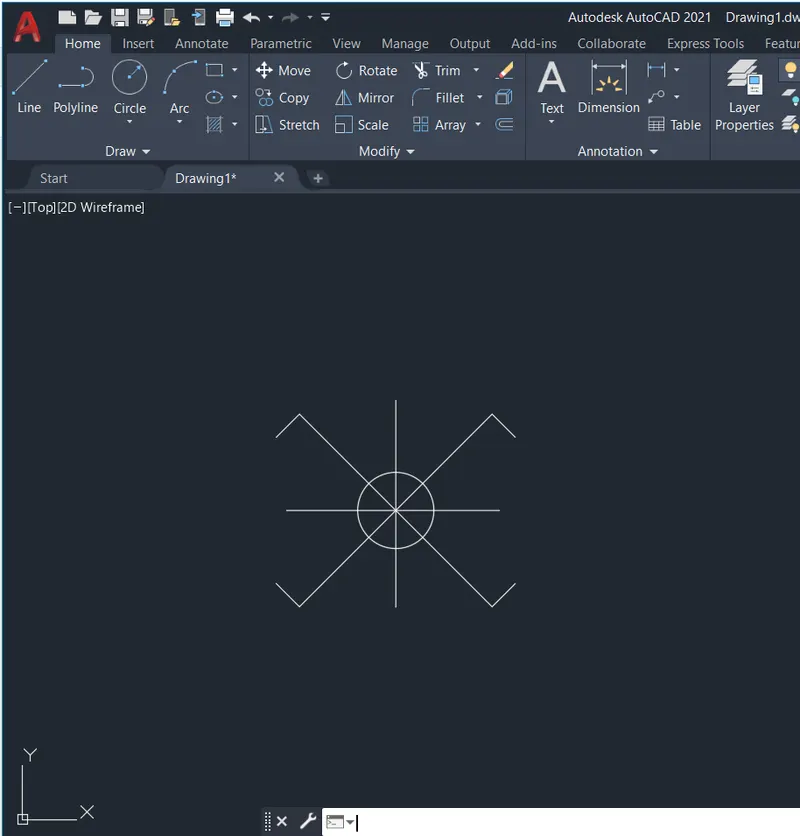
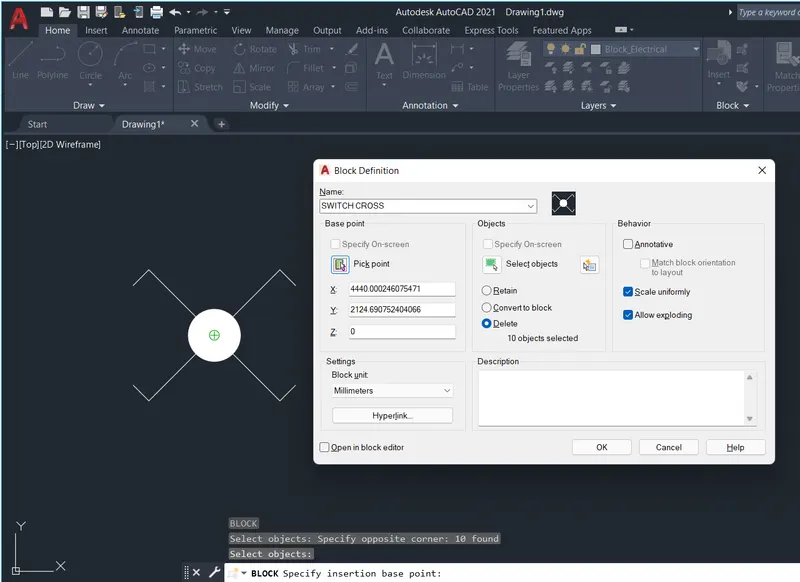
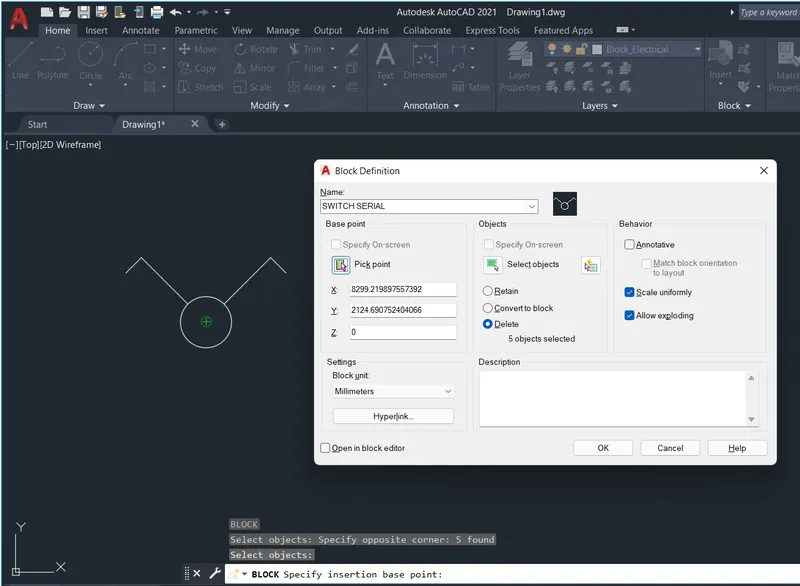
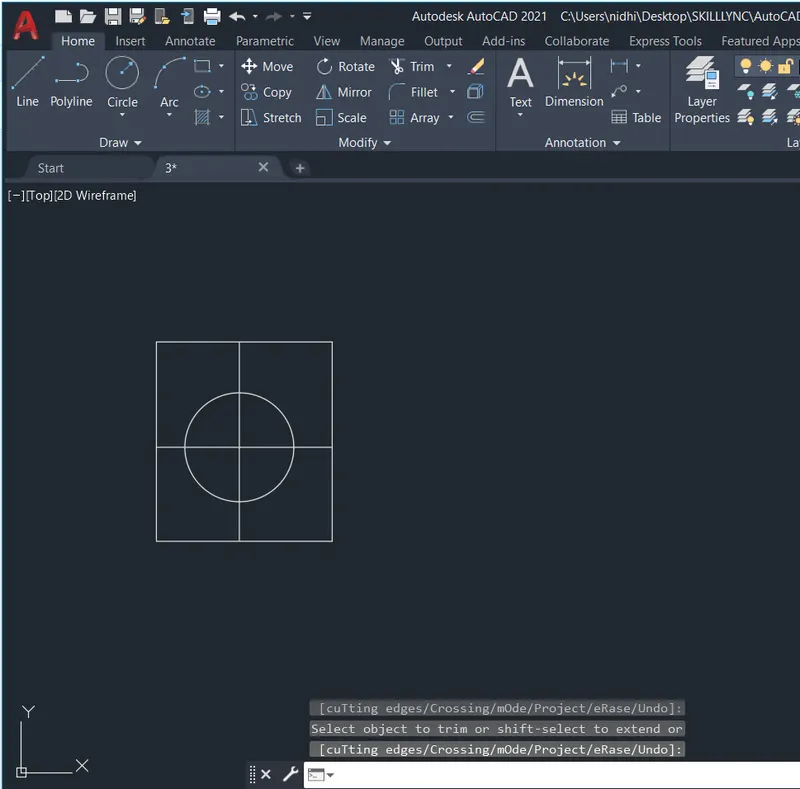
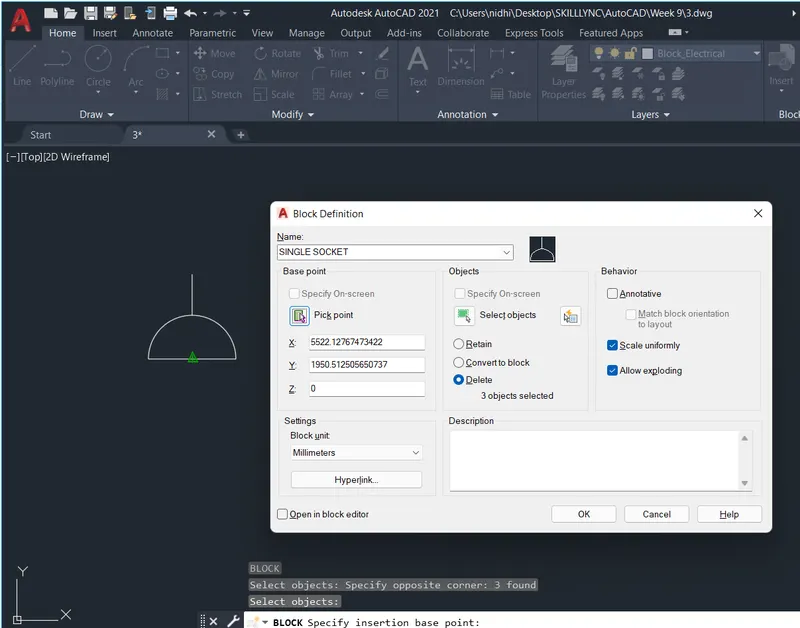
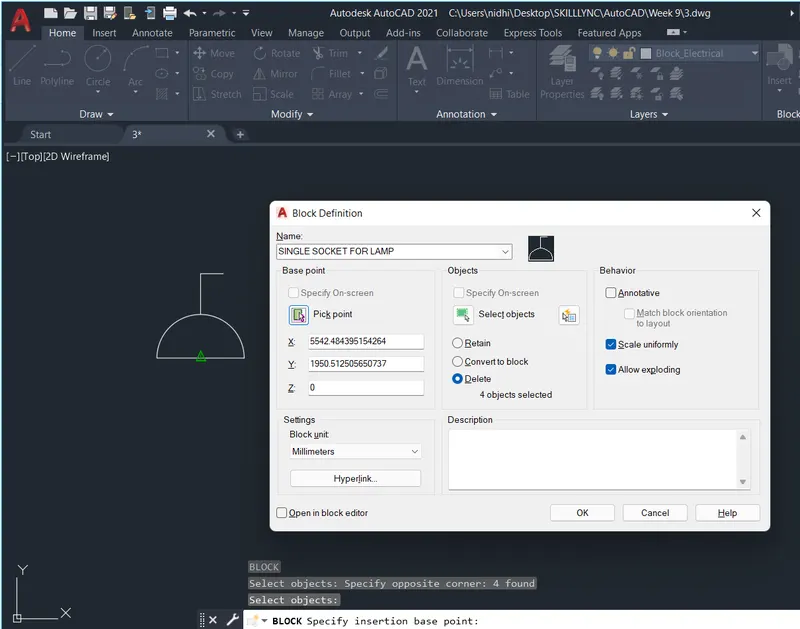
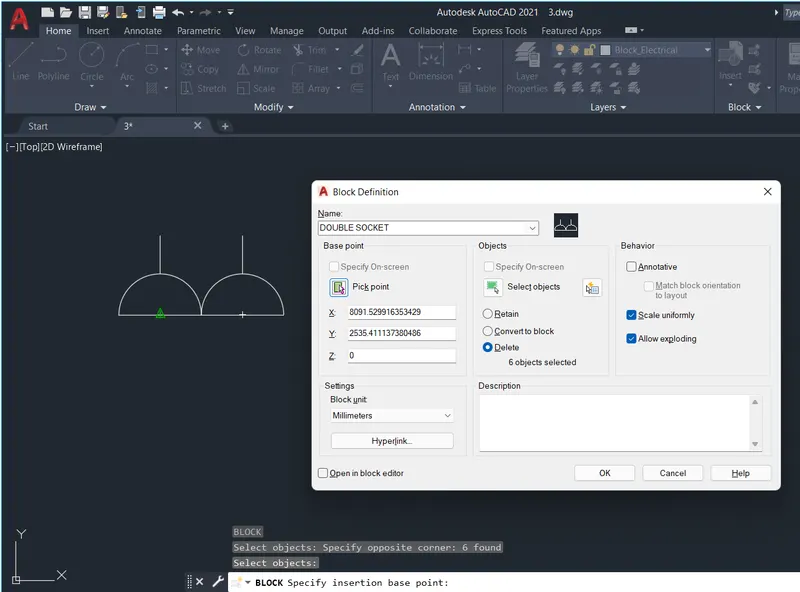
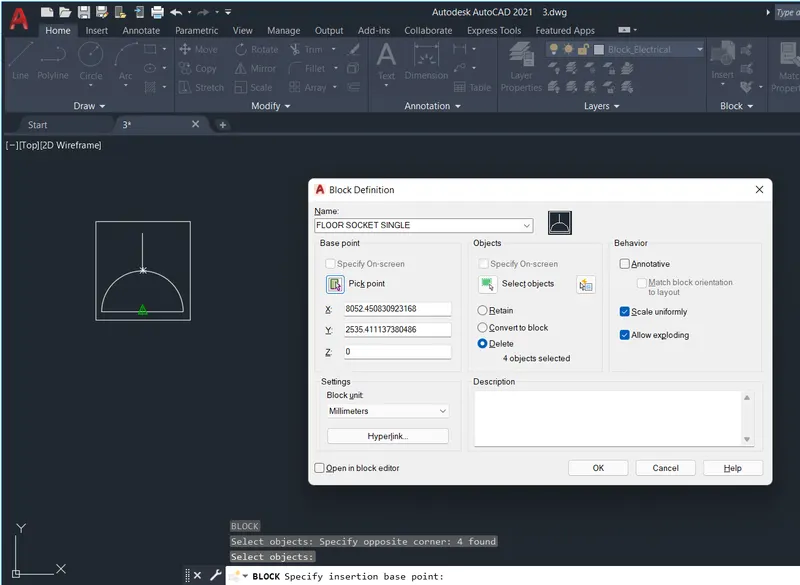
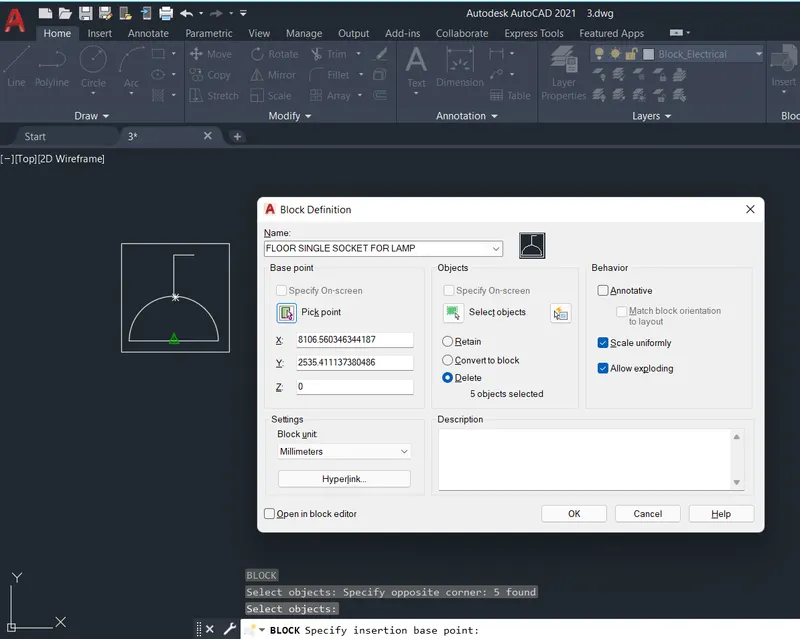
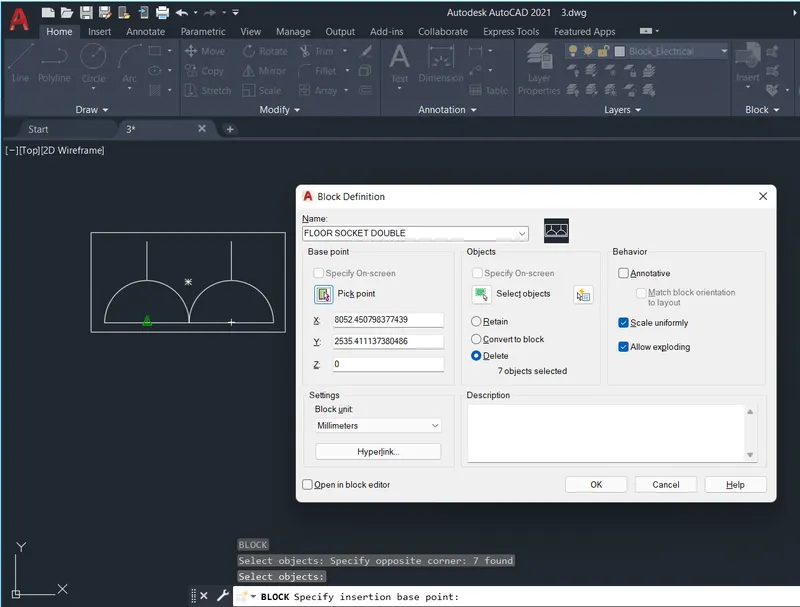
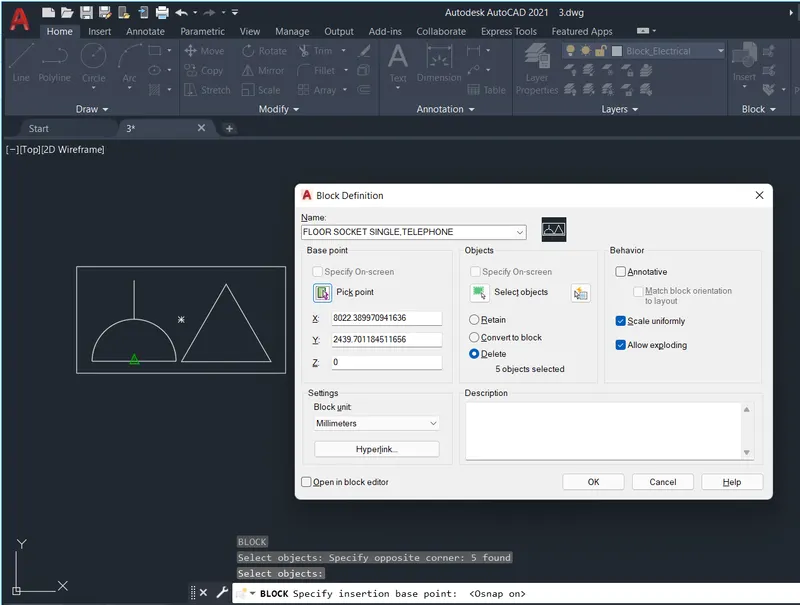
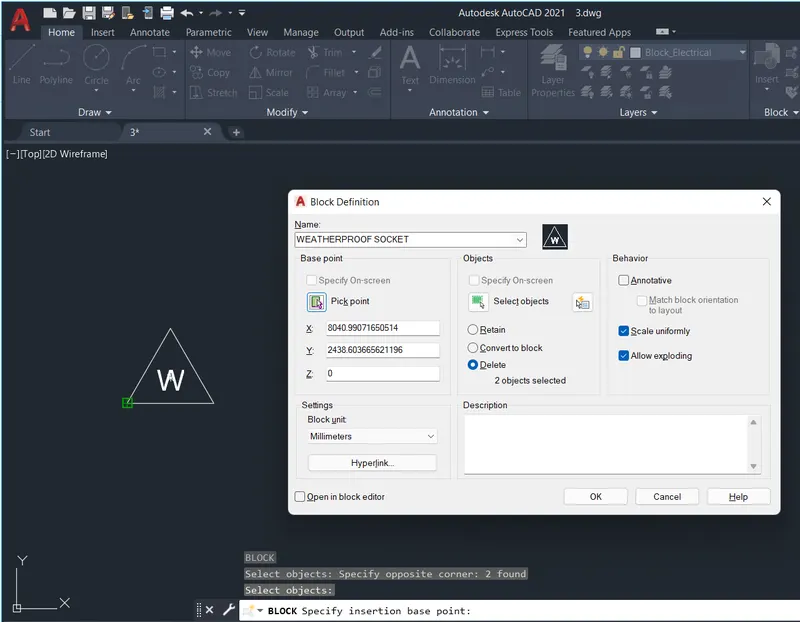
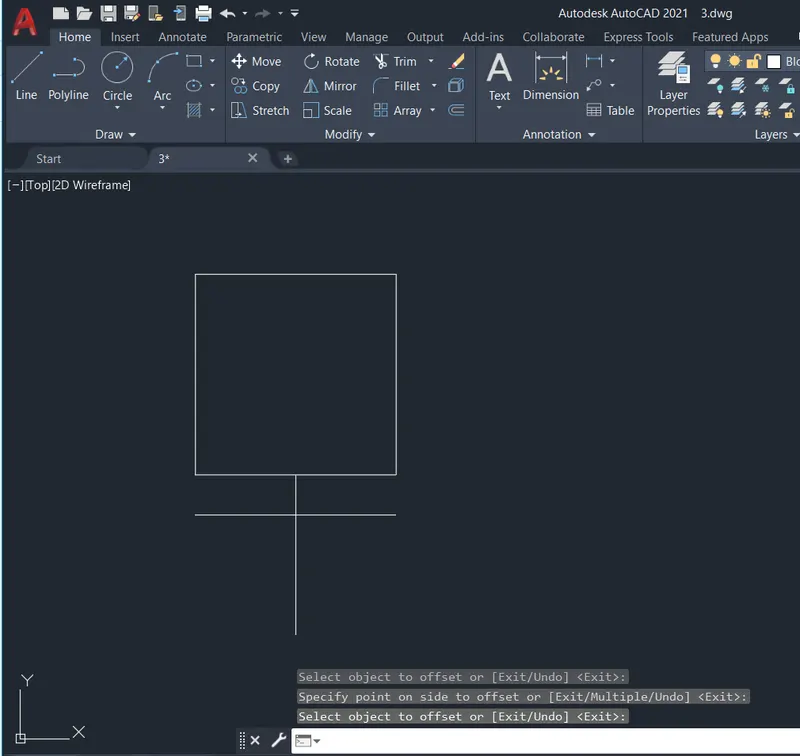
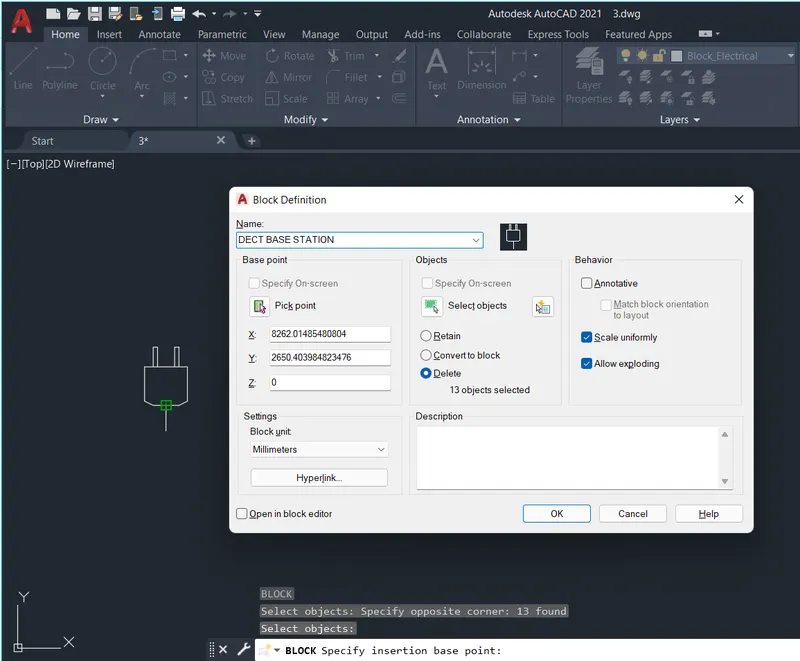
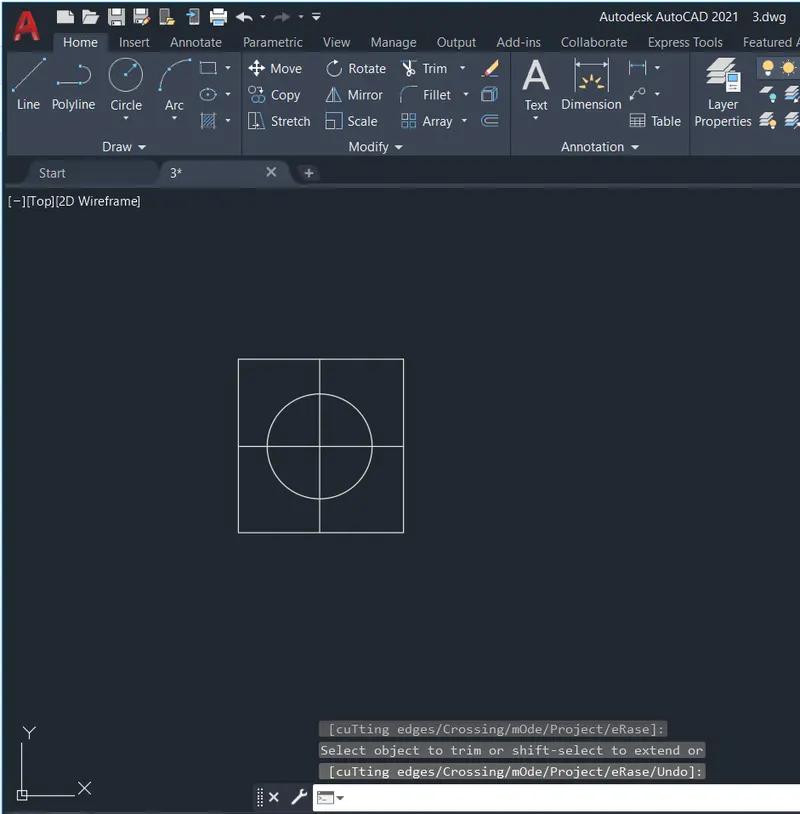
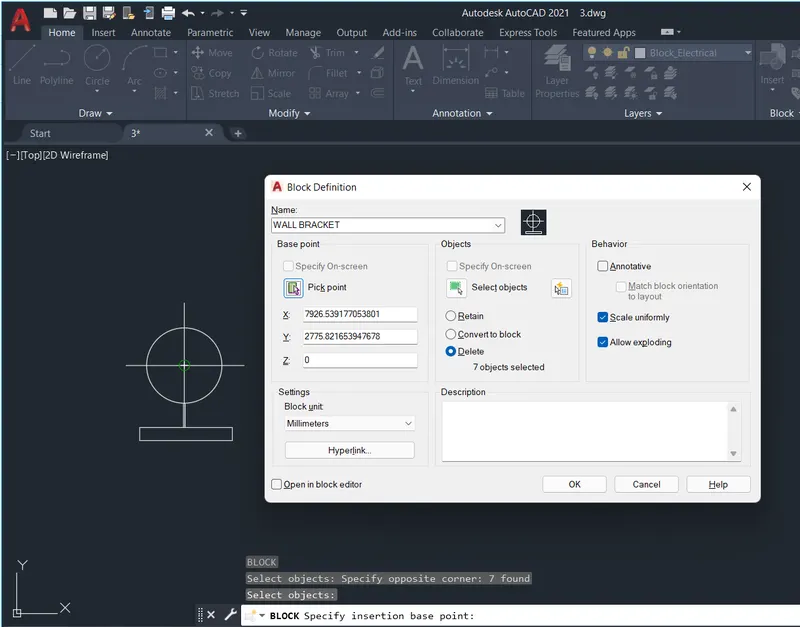
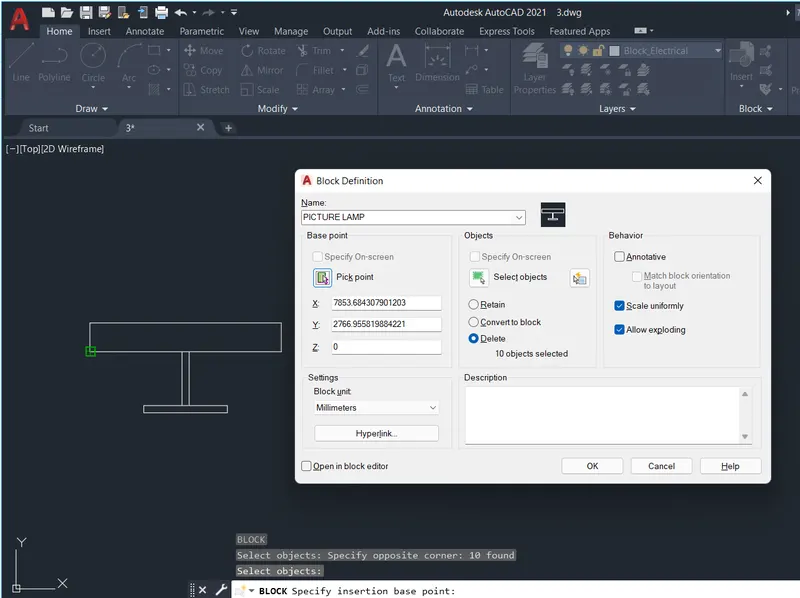
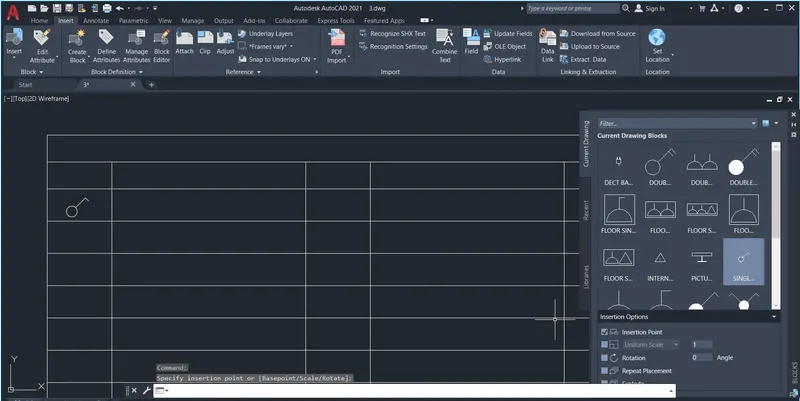
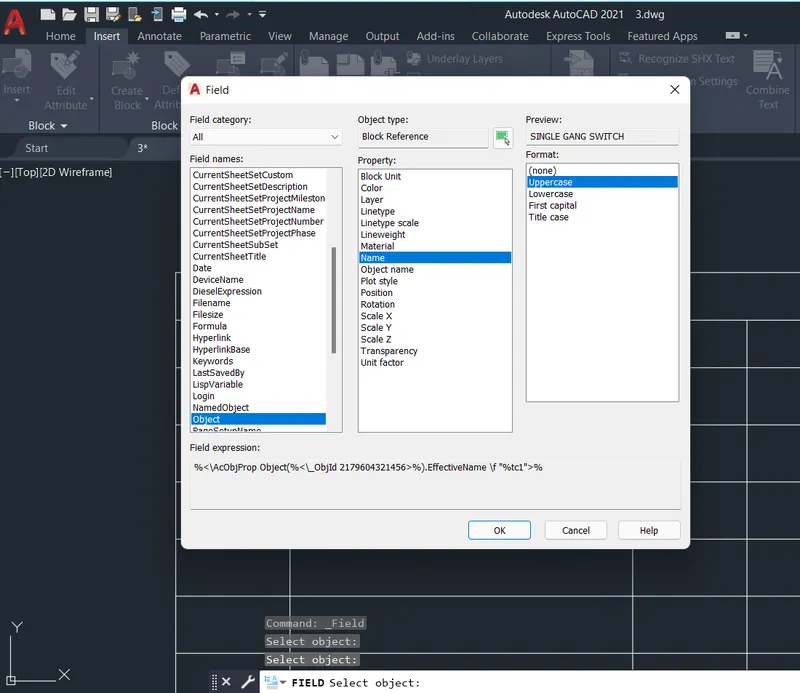
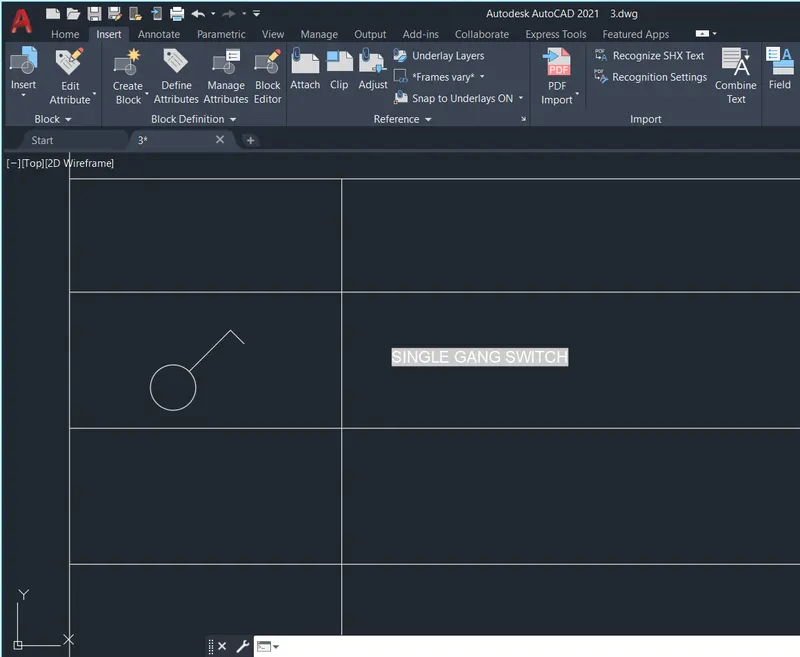
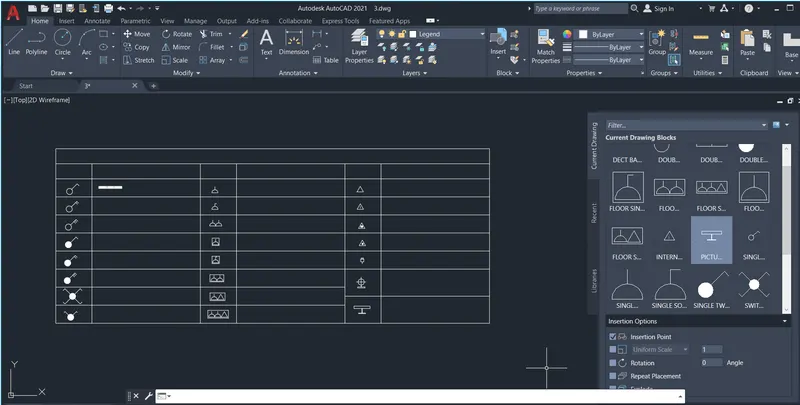
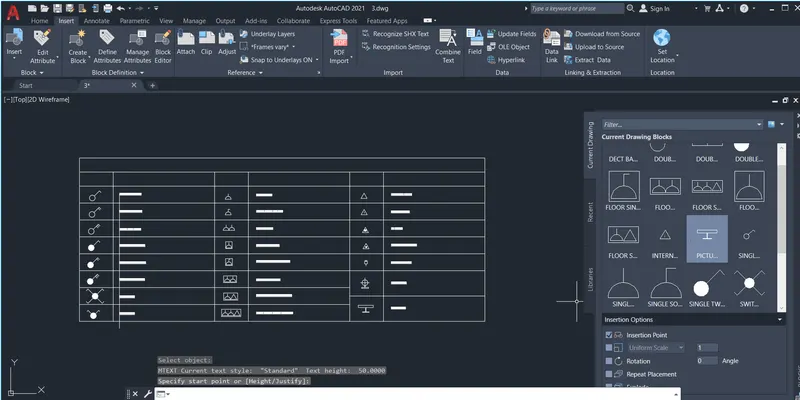
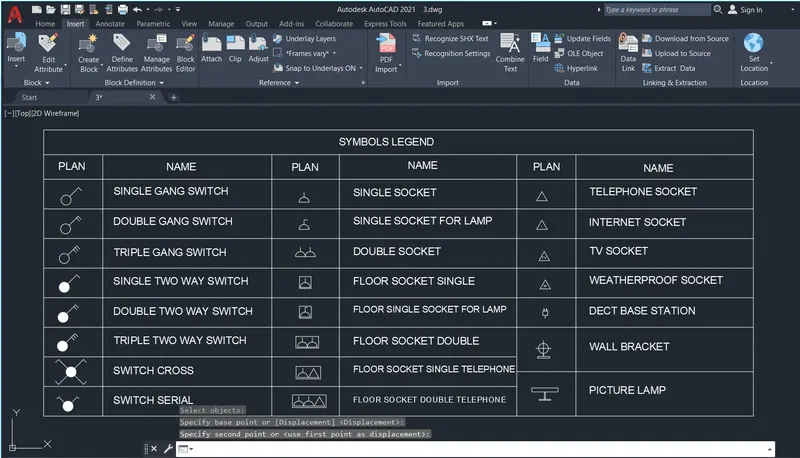
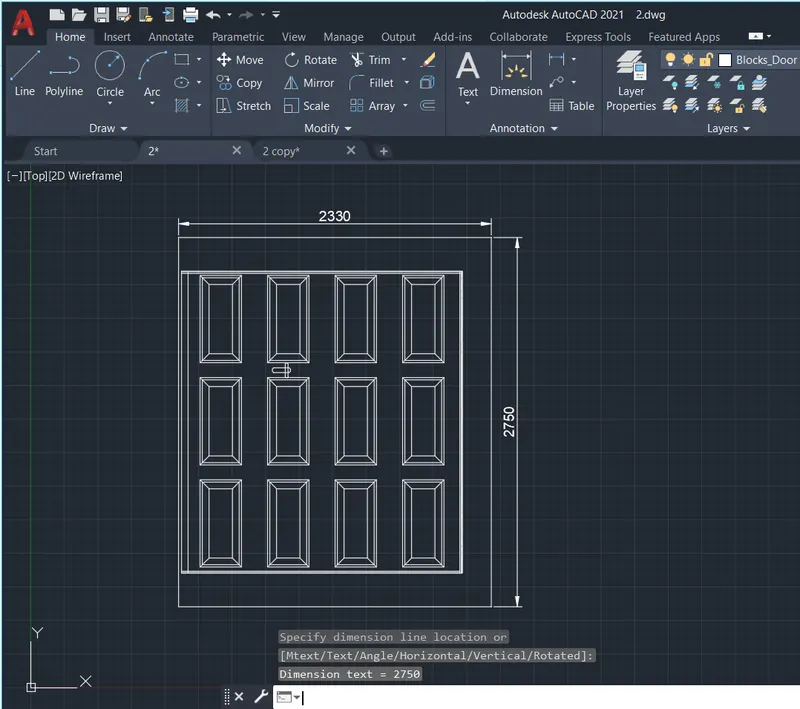
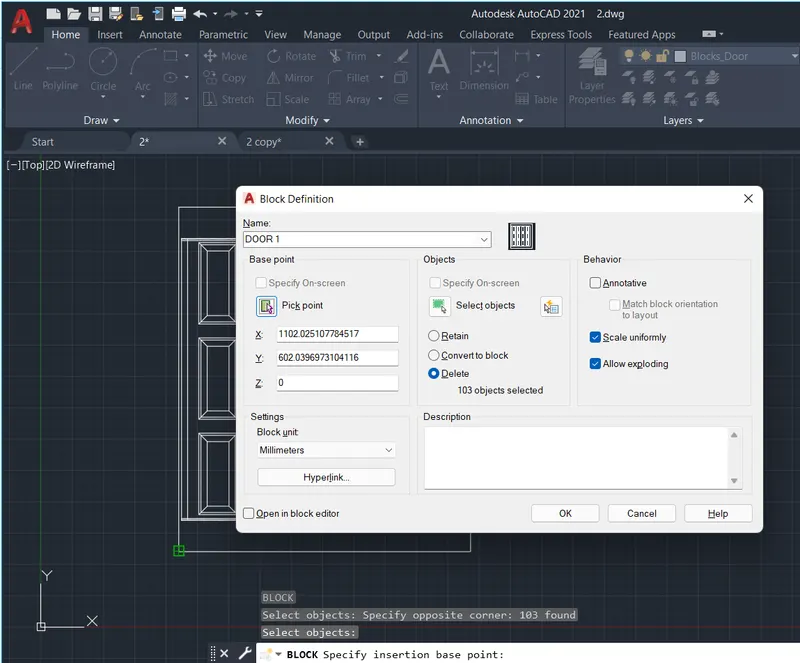
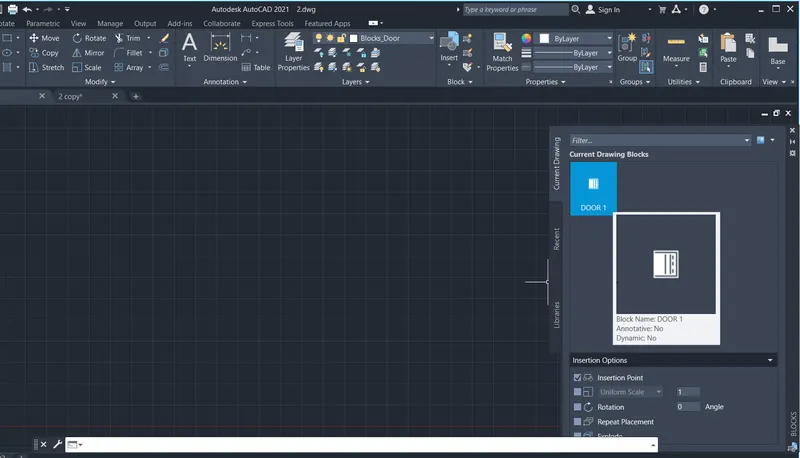
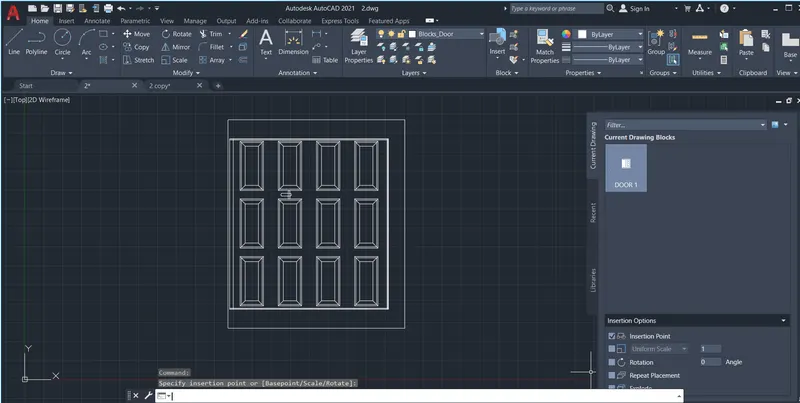
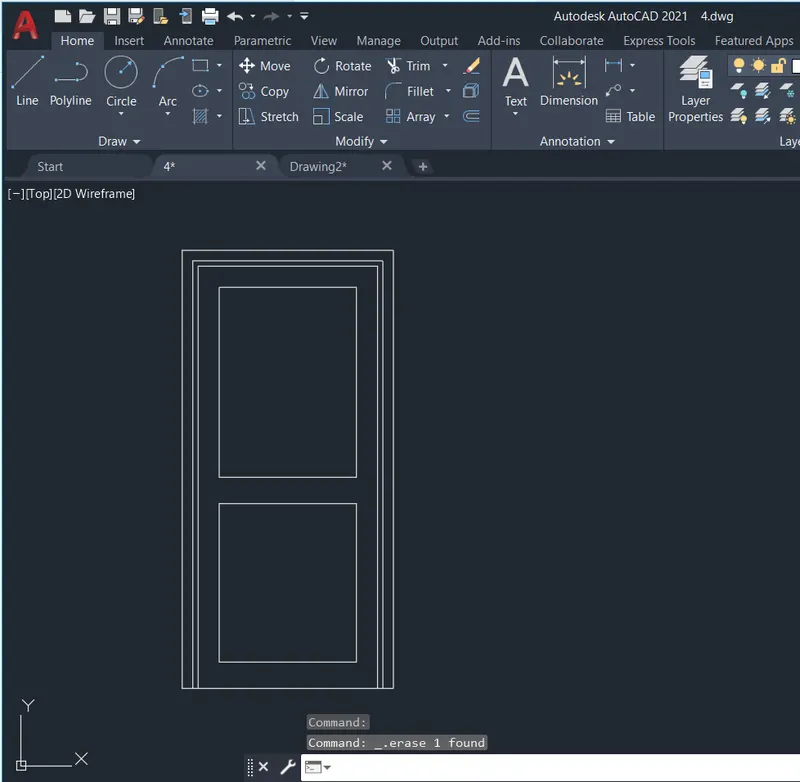
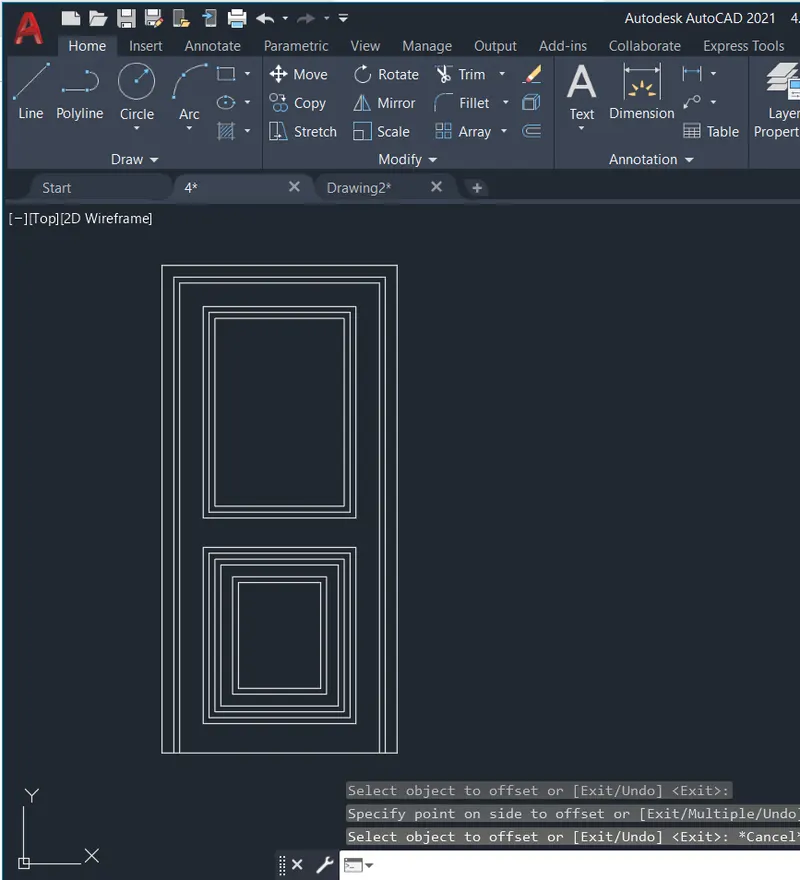
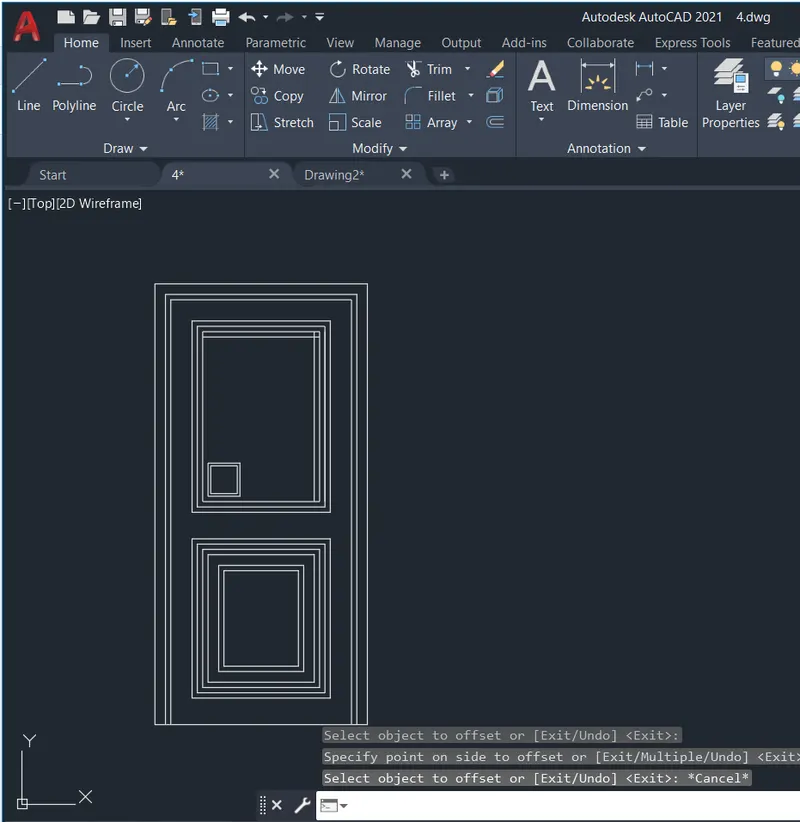
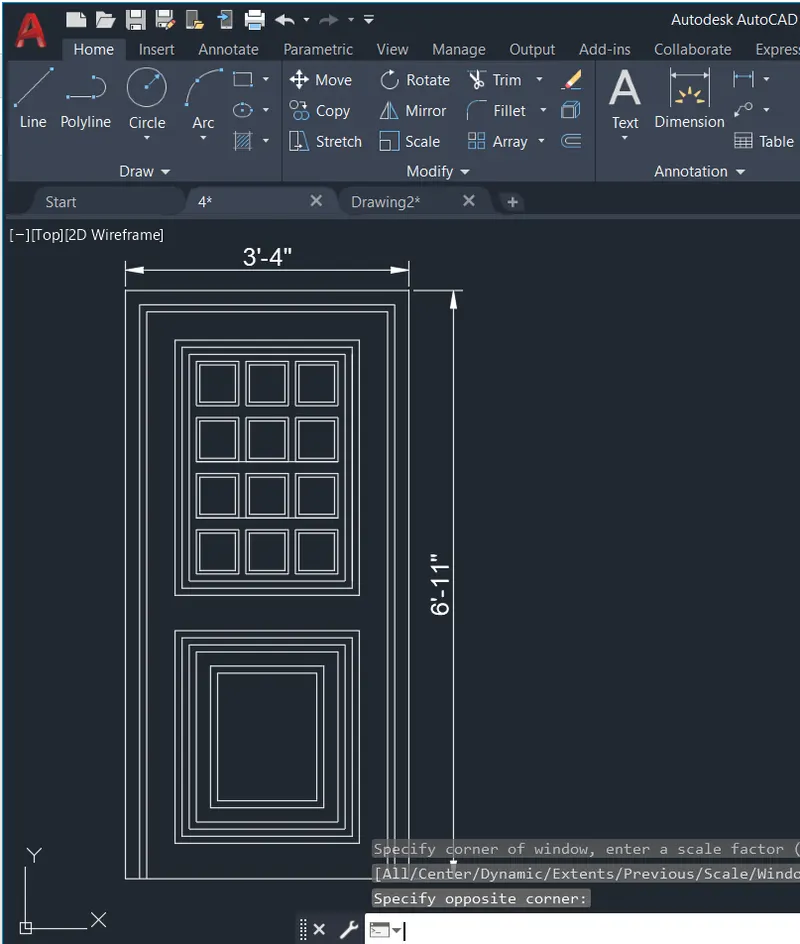
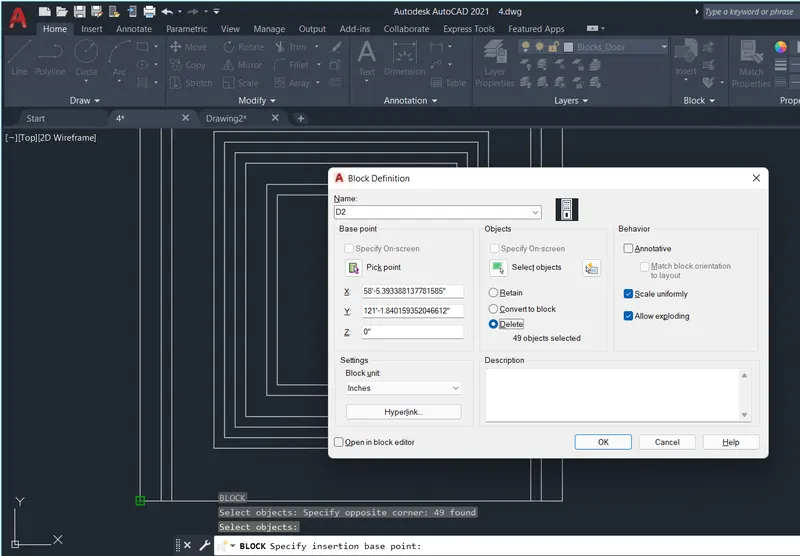
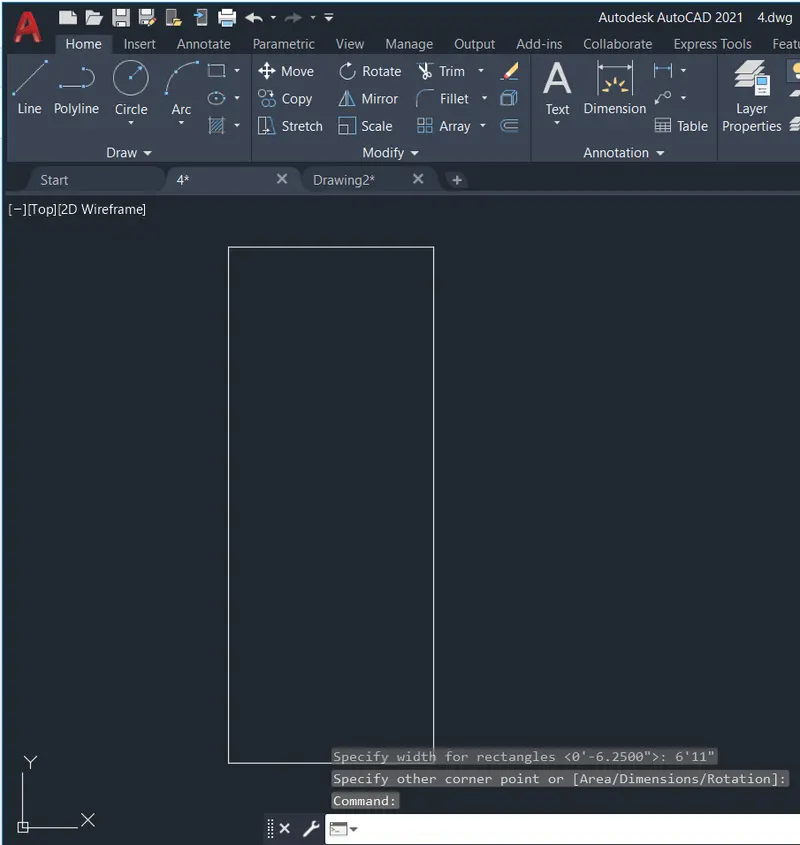
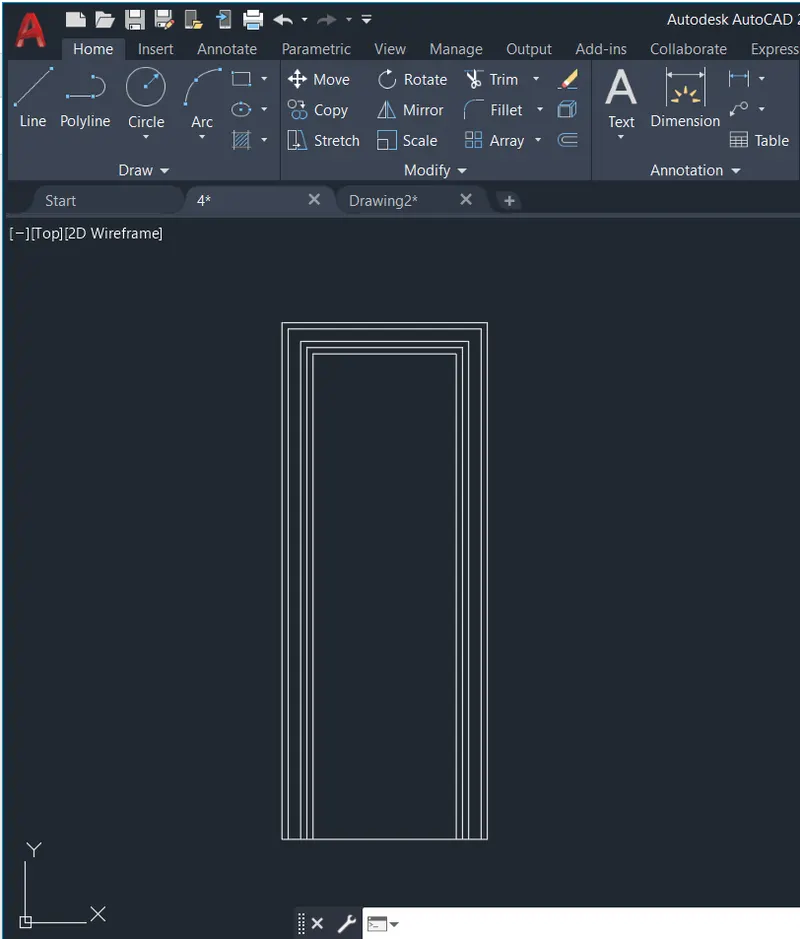
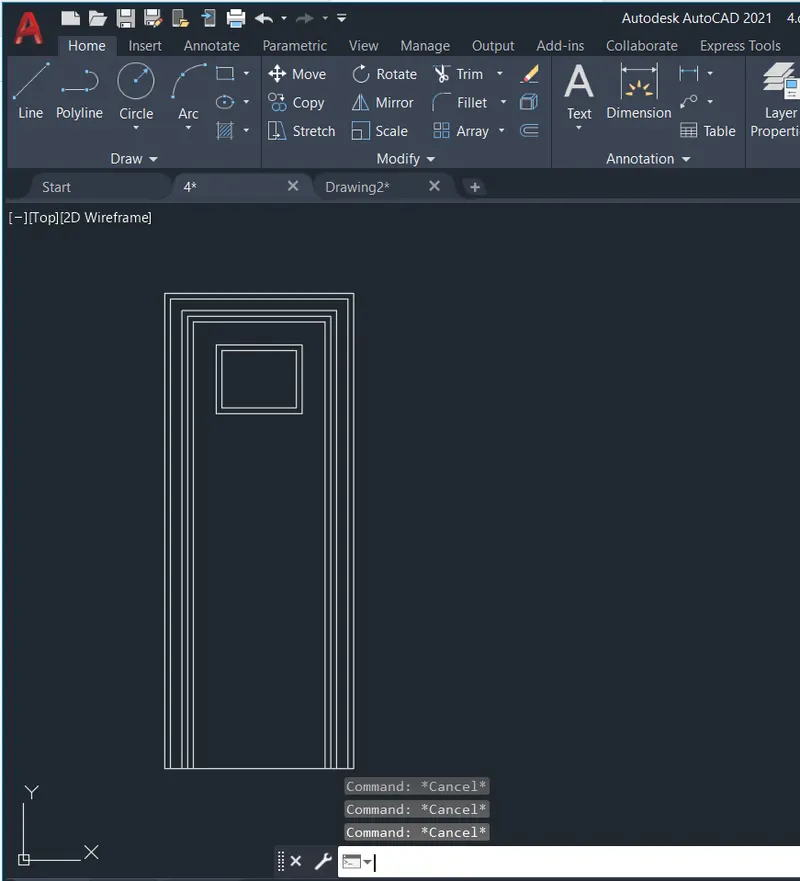
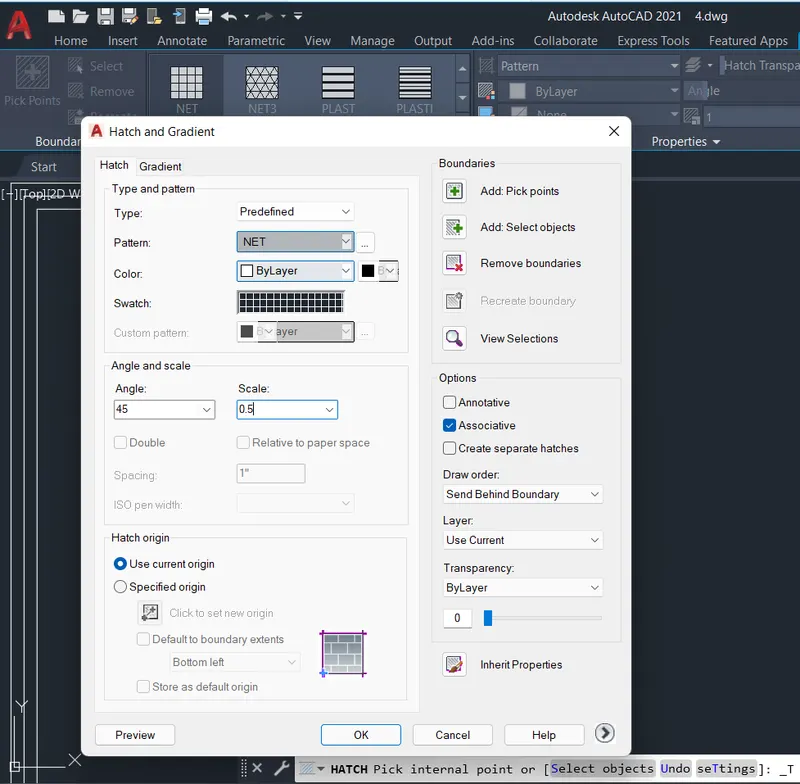
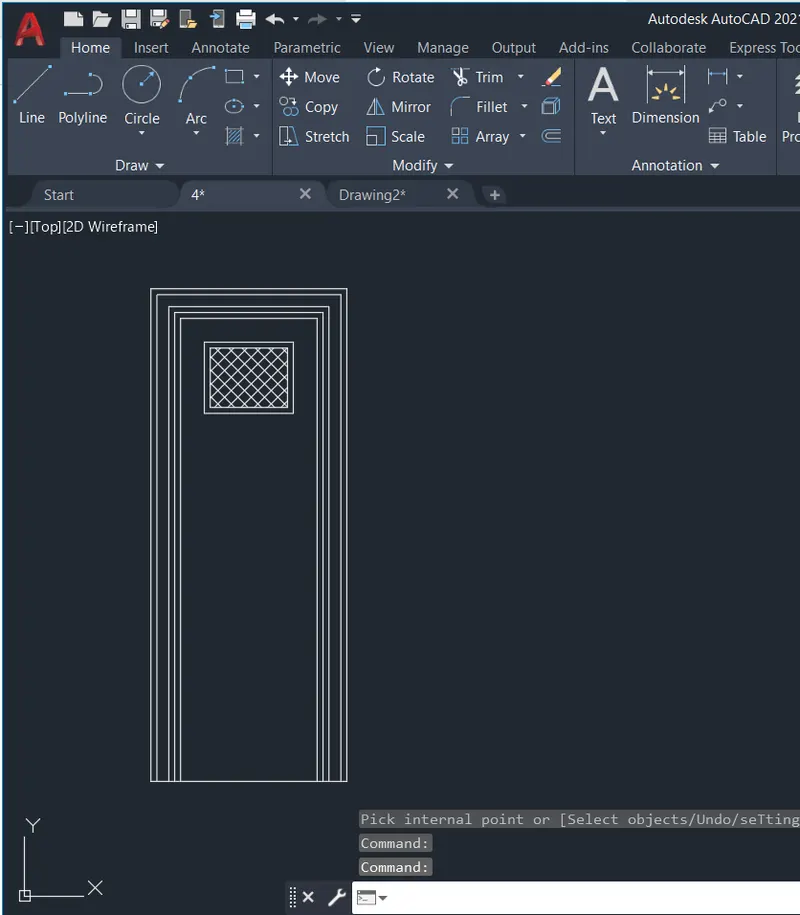
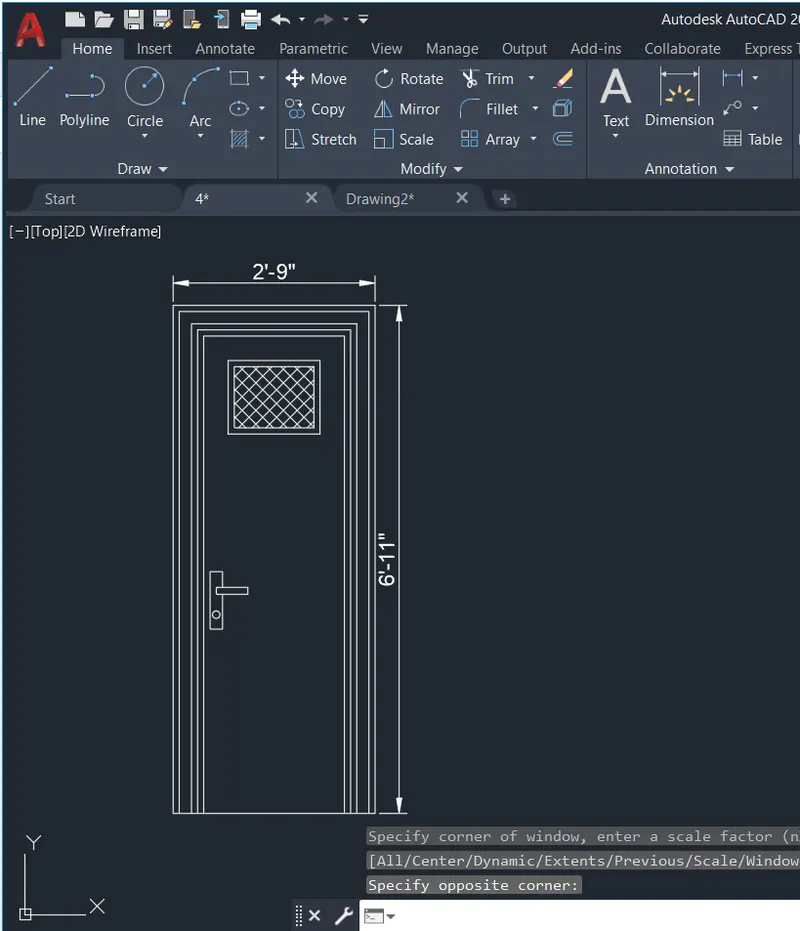
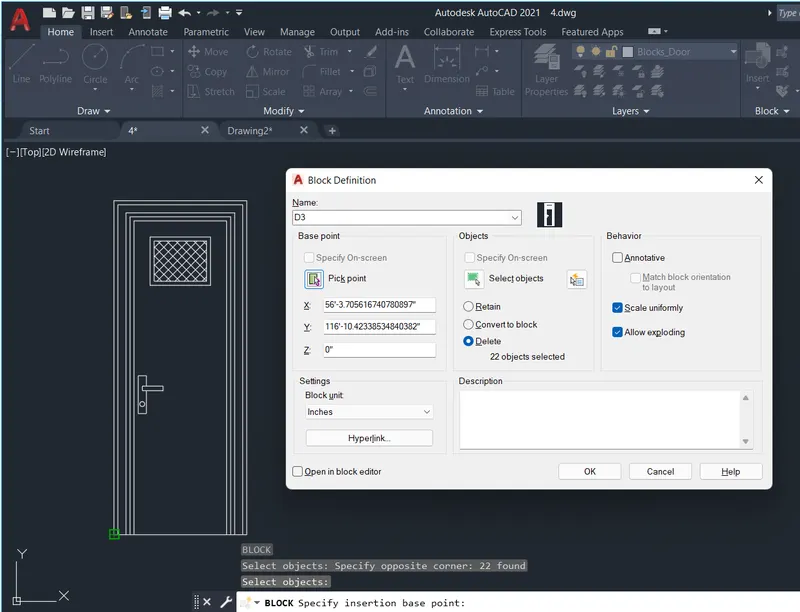
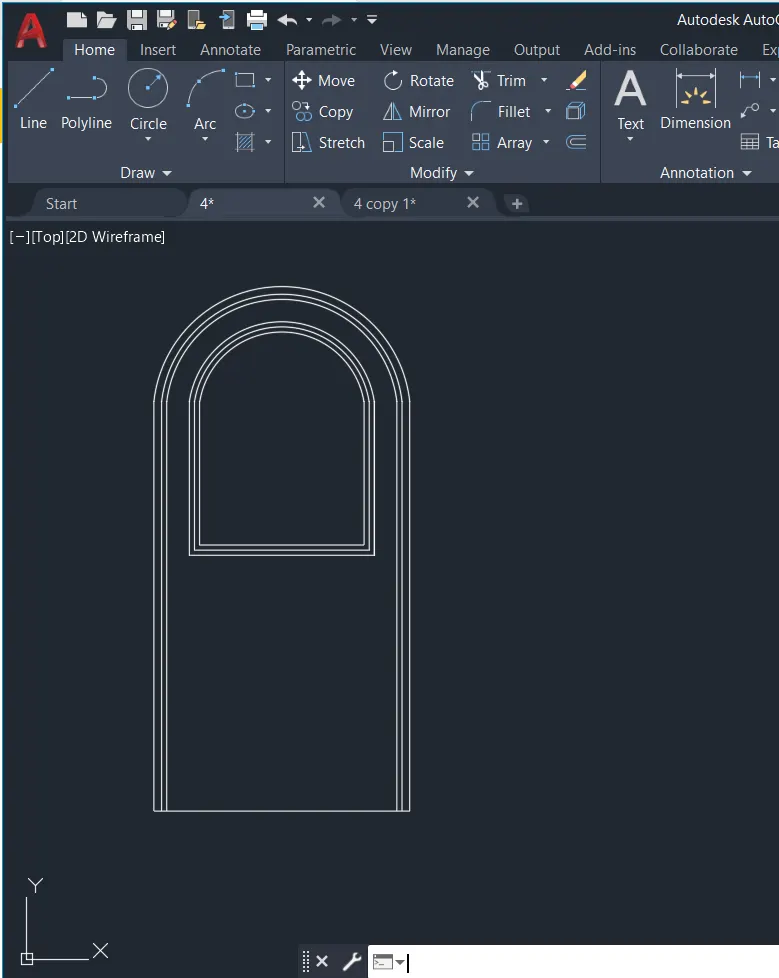
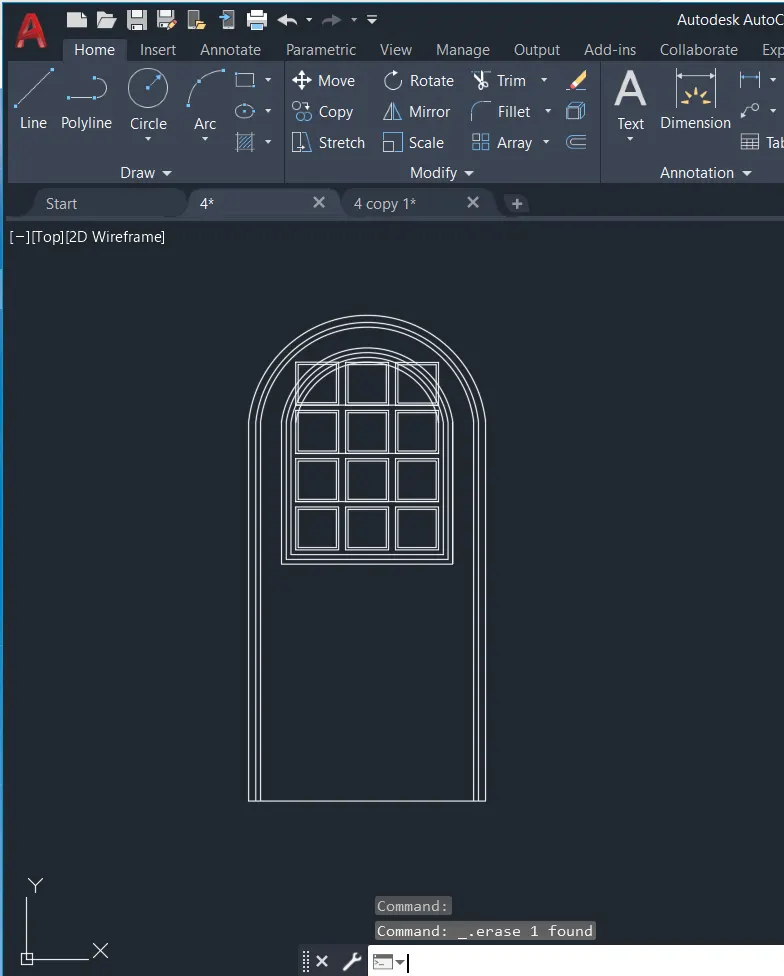
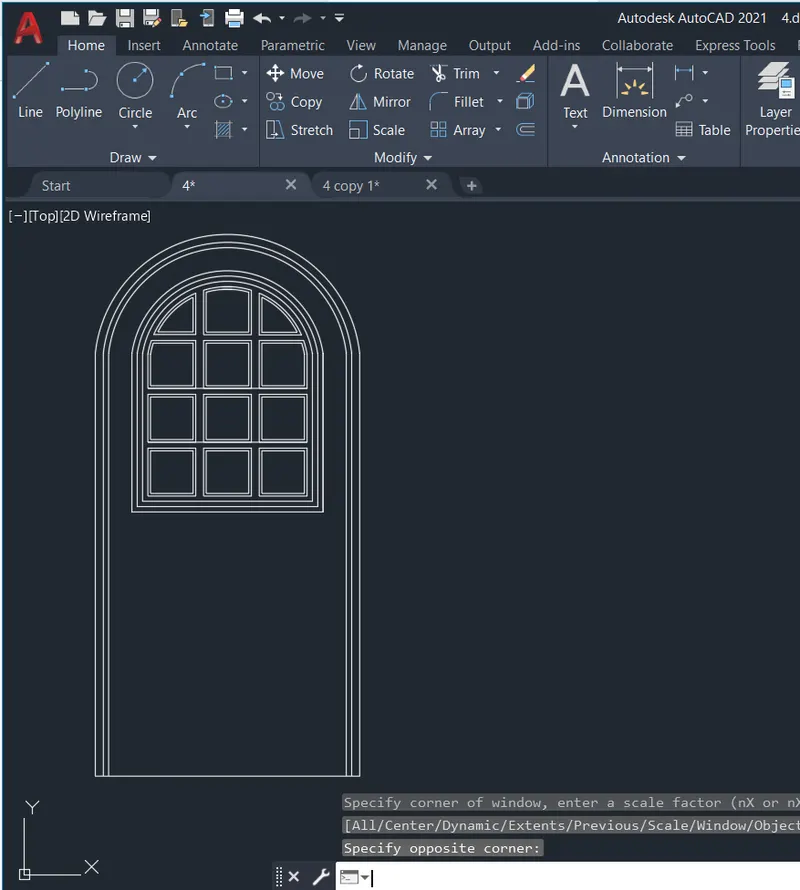
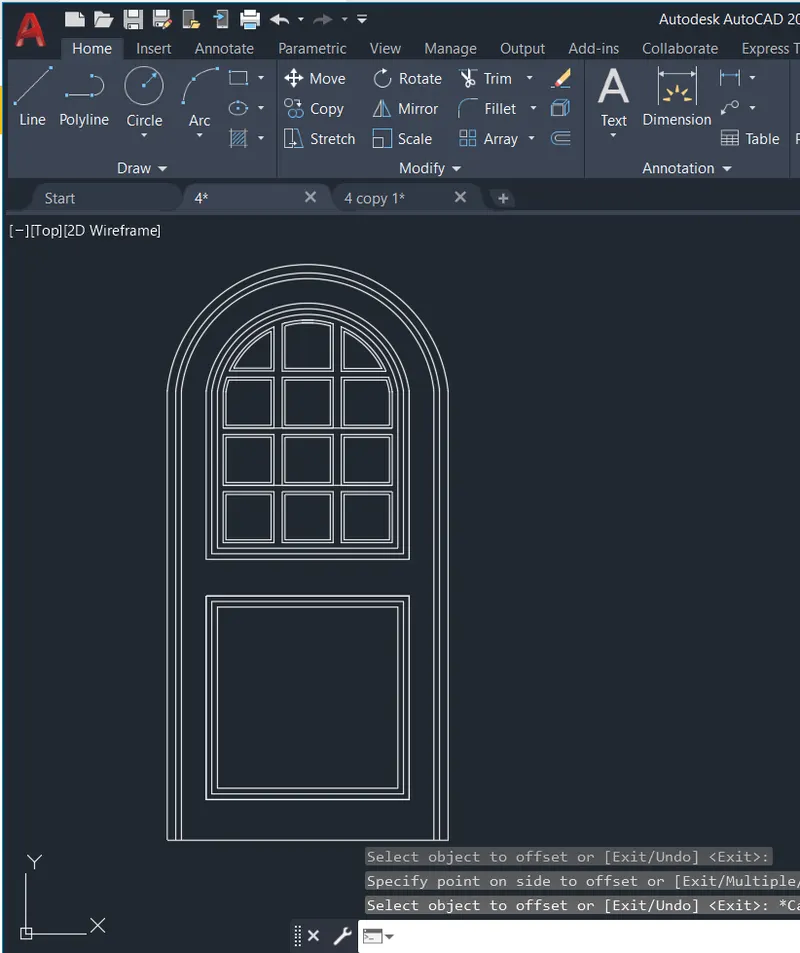
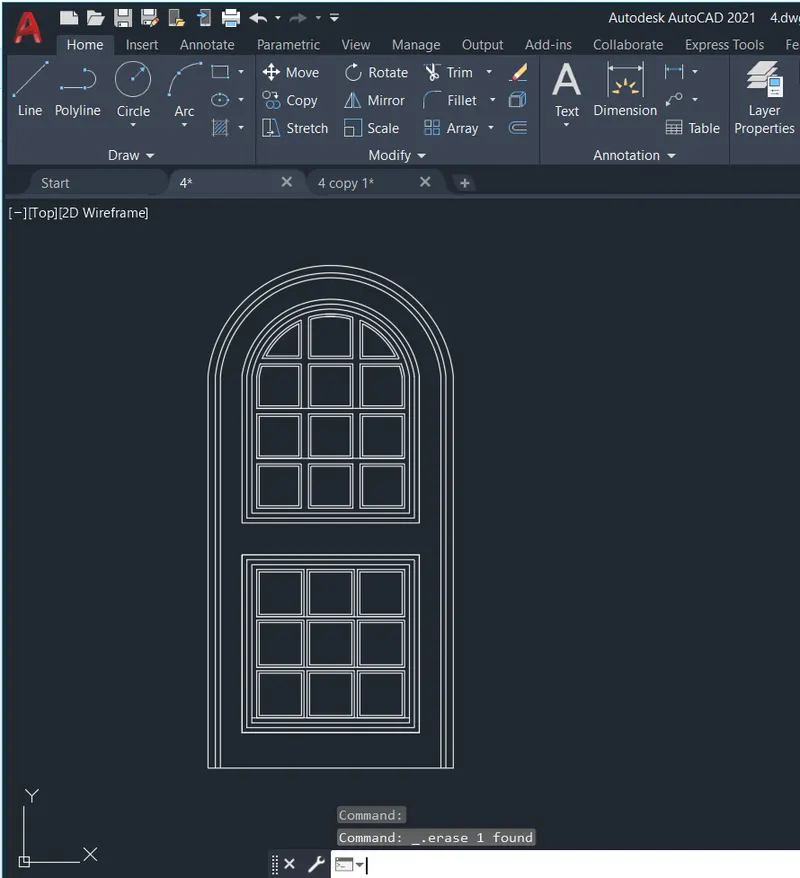
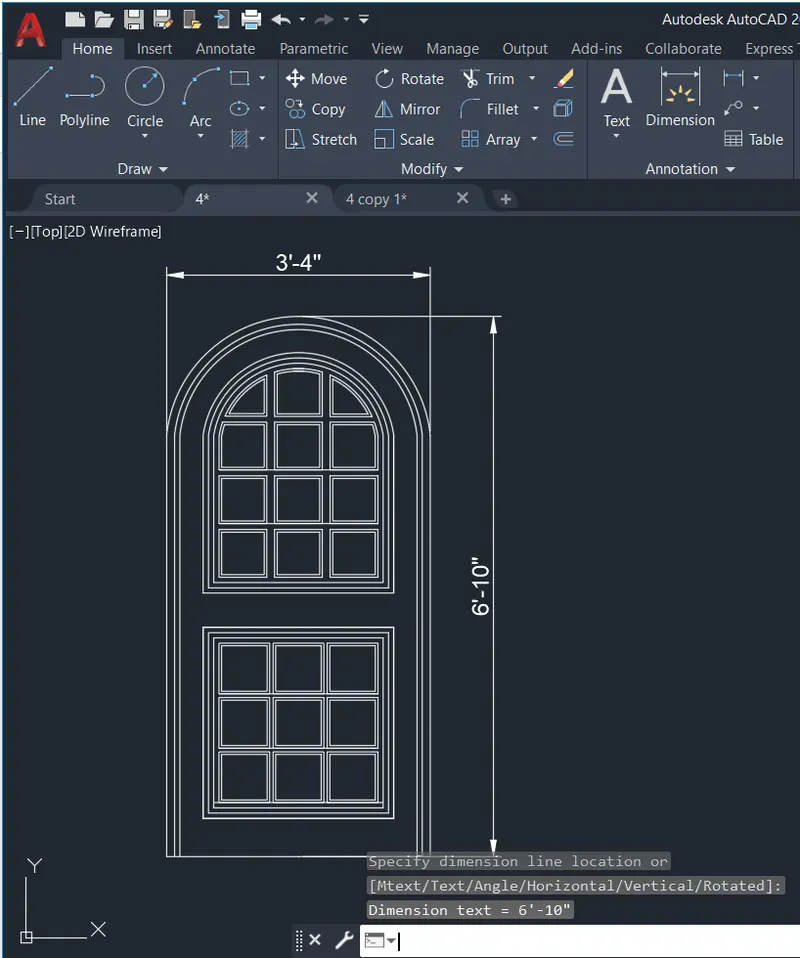
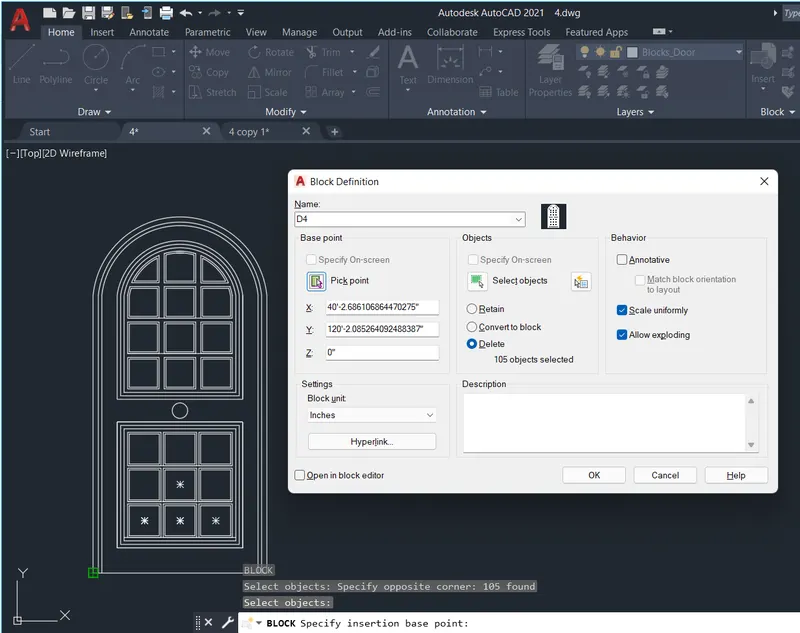
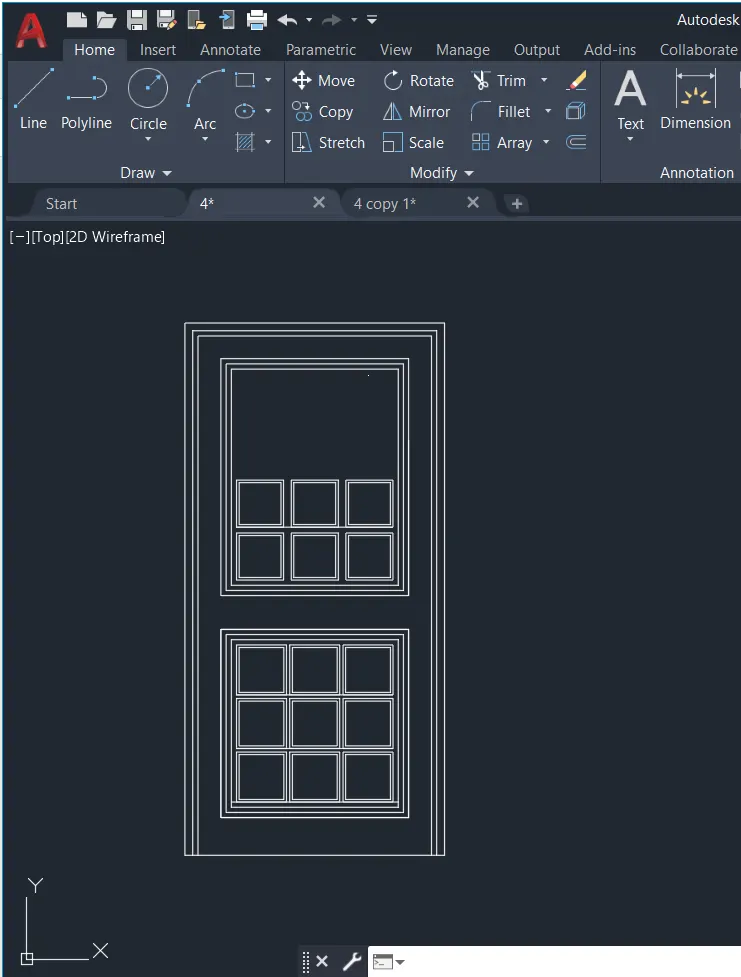
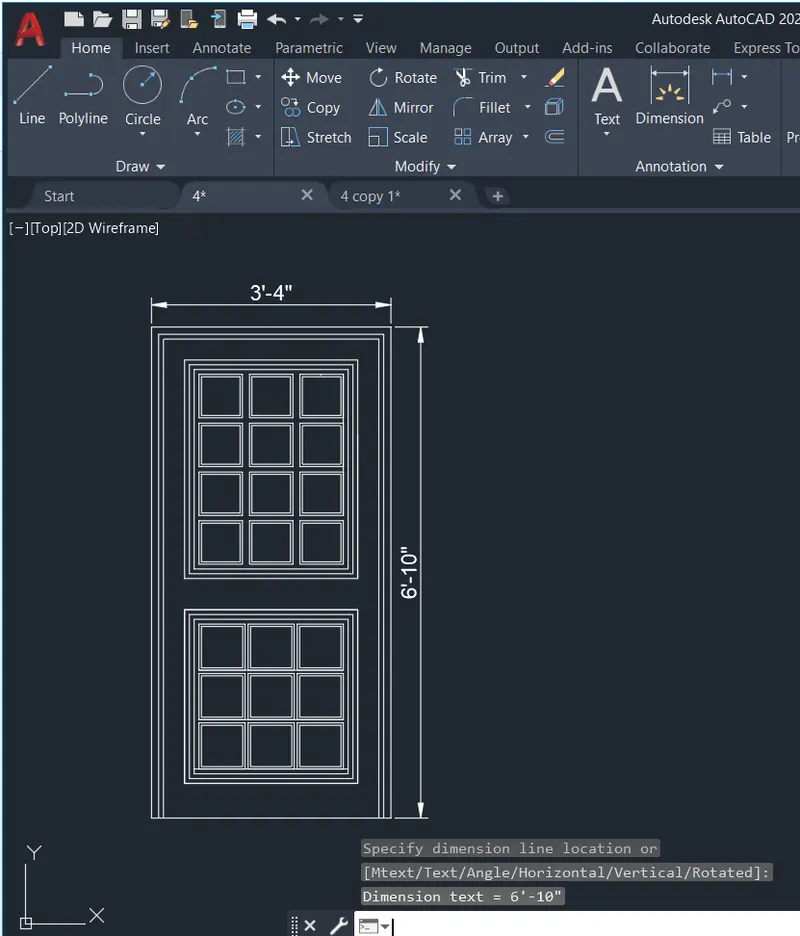
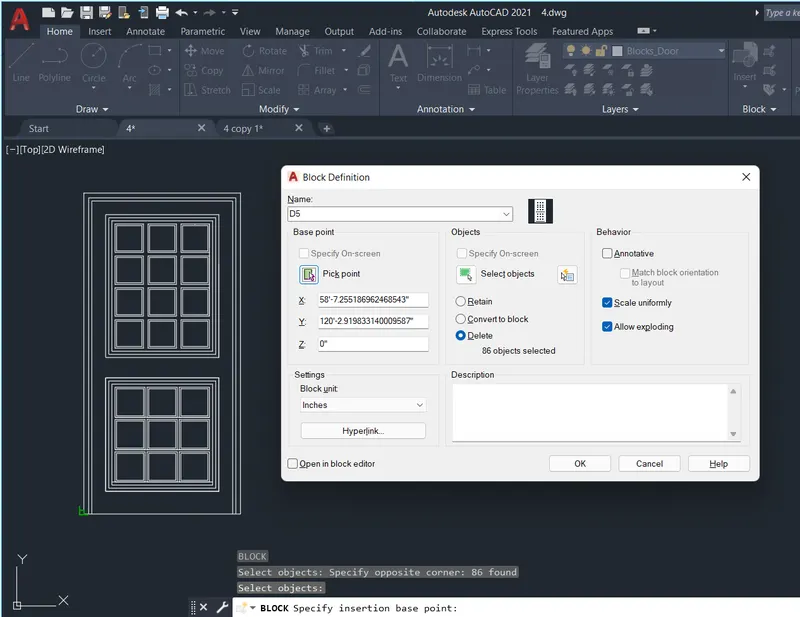
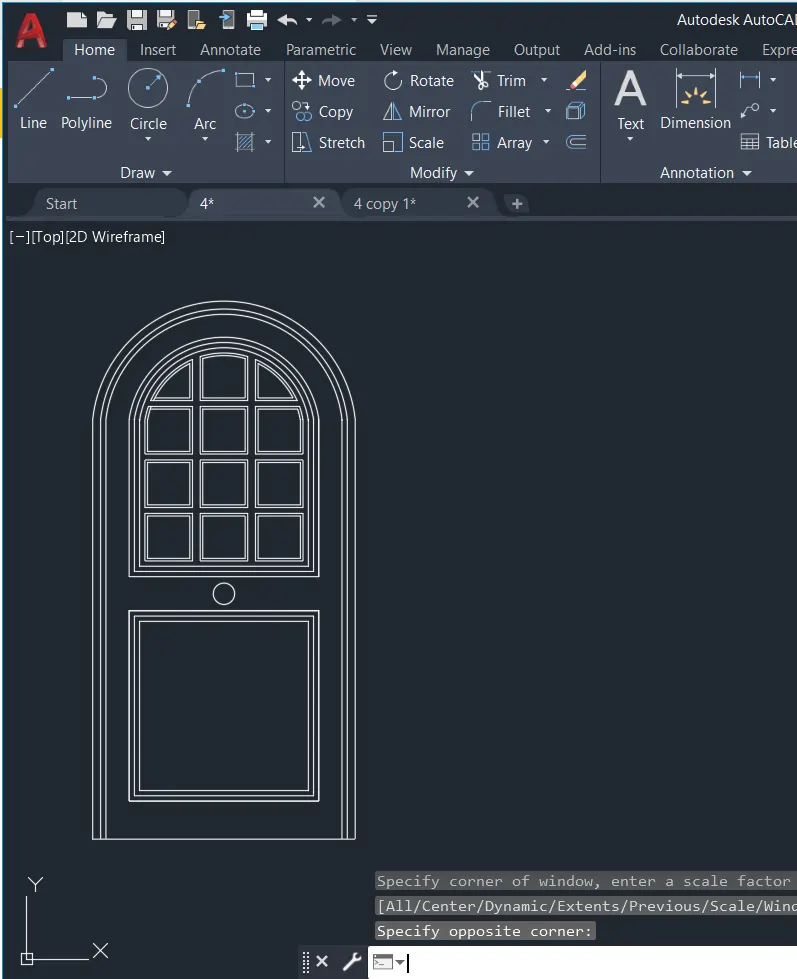
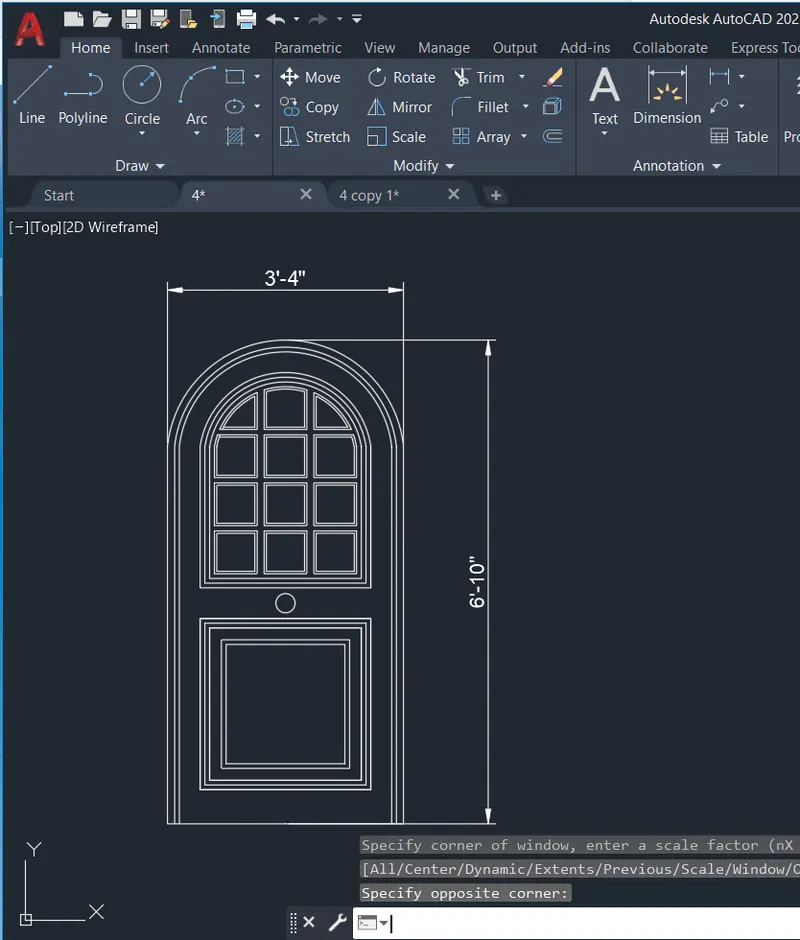
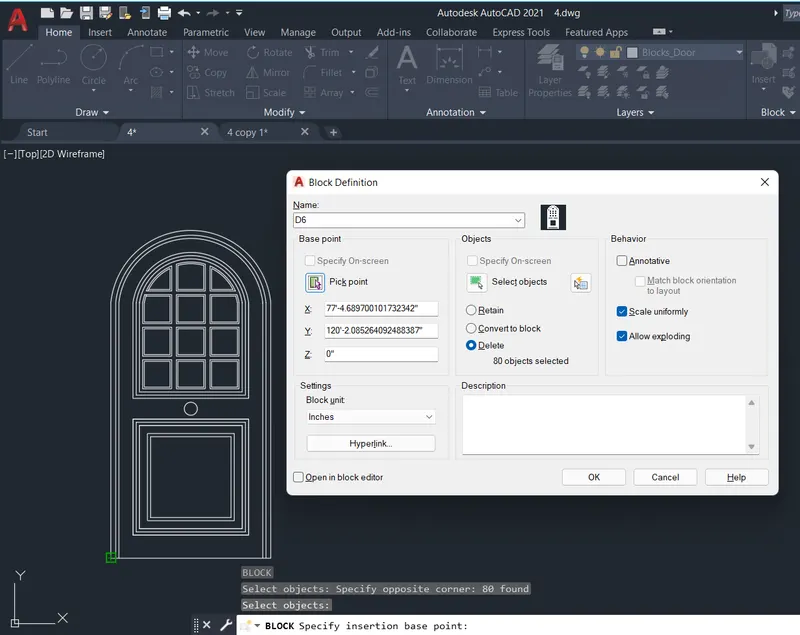
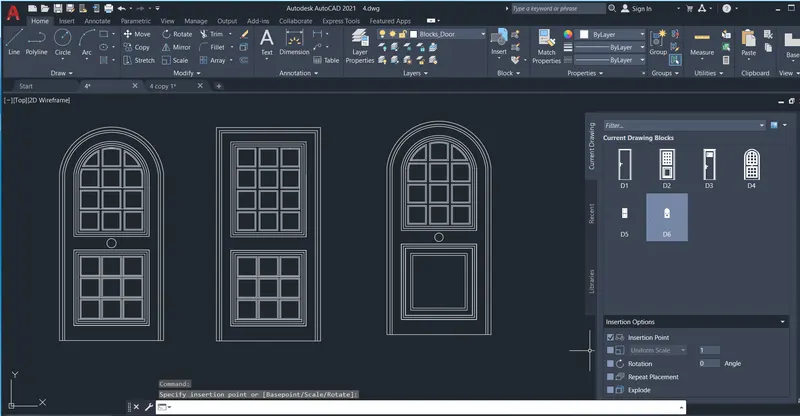
Q4: Aim: To create door types of a residential building as blocks, and illustrate the procedure involved.
Procedure:
- Create a new drawing from the dropdown menu
- Select the imperial system and Decimal units
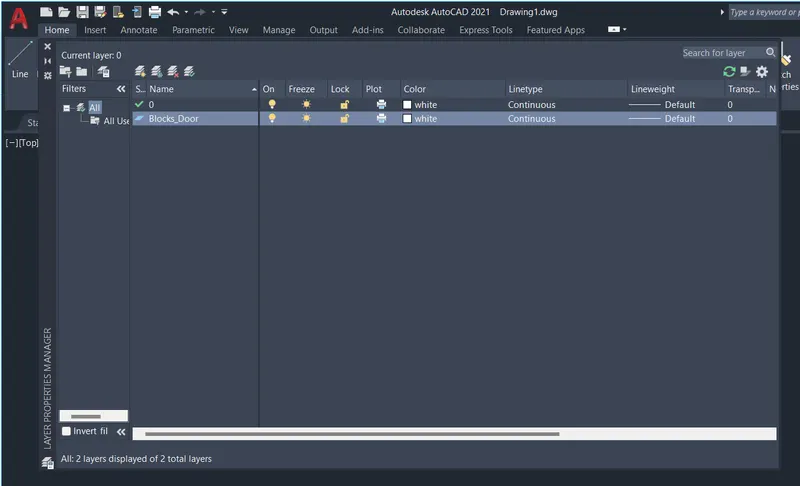
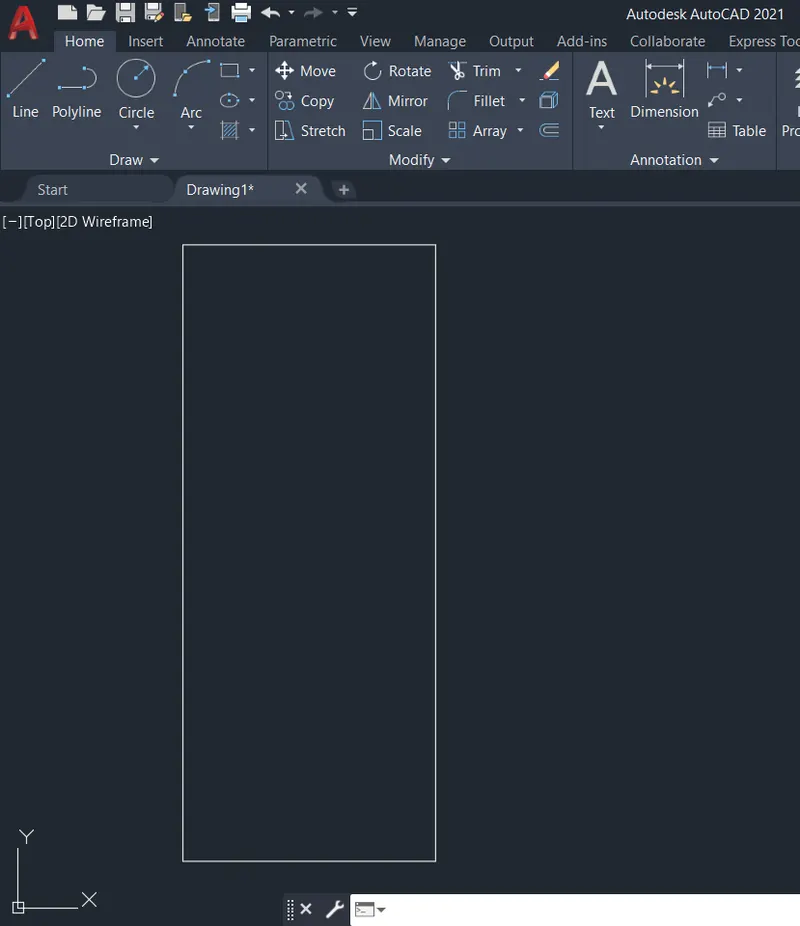
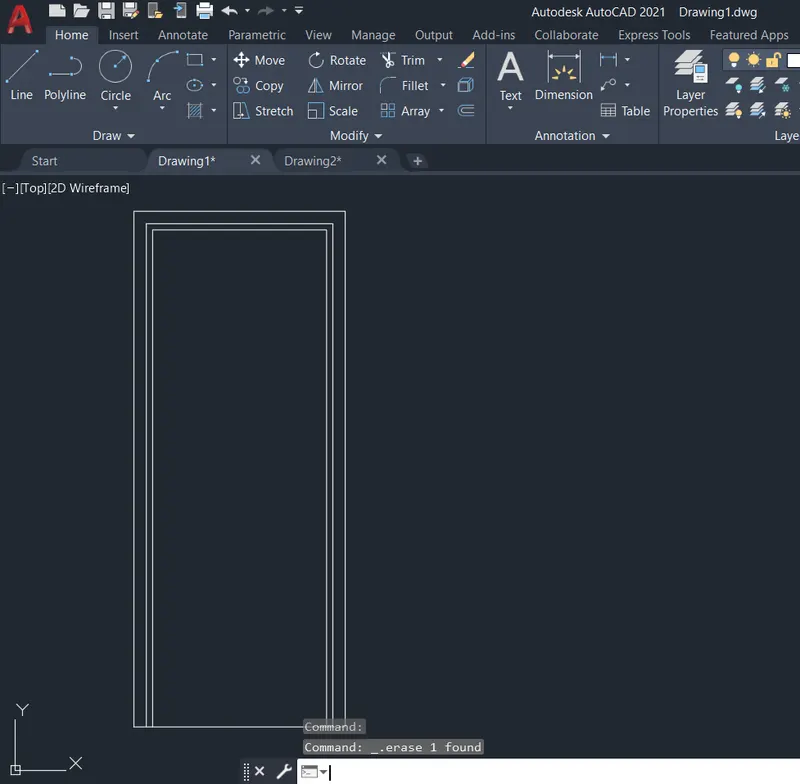
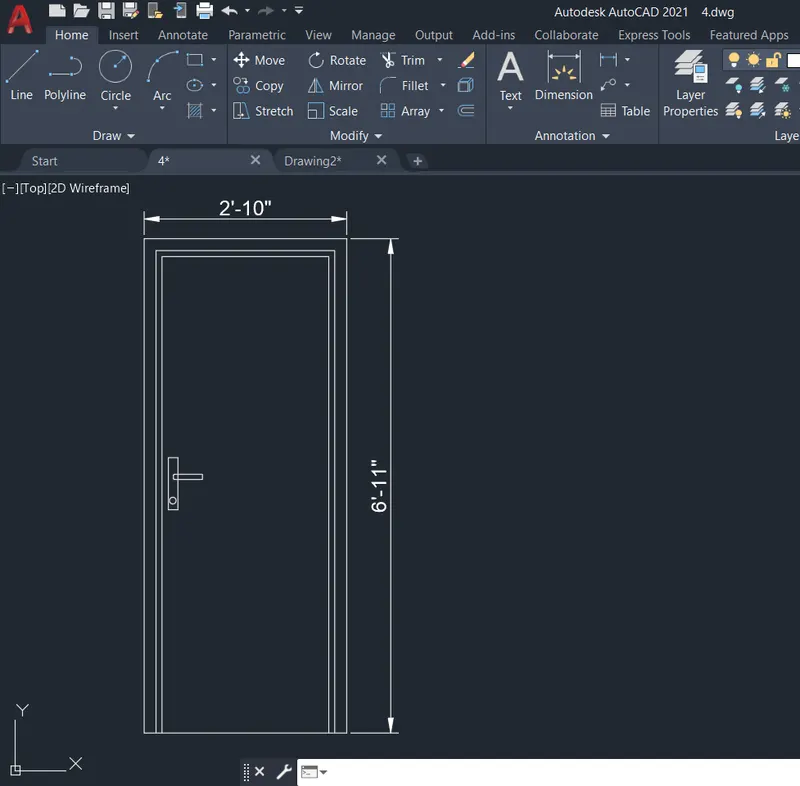
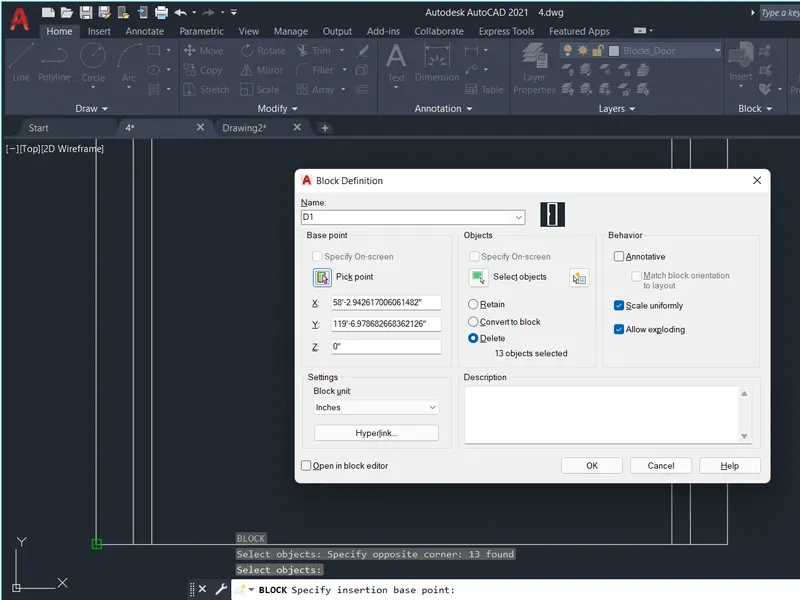
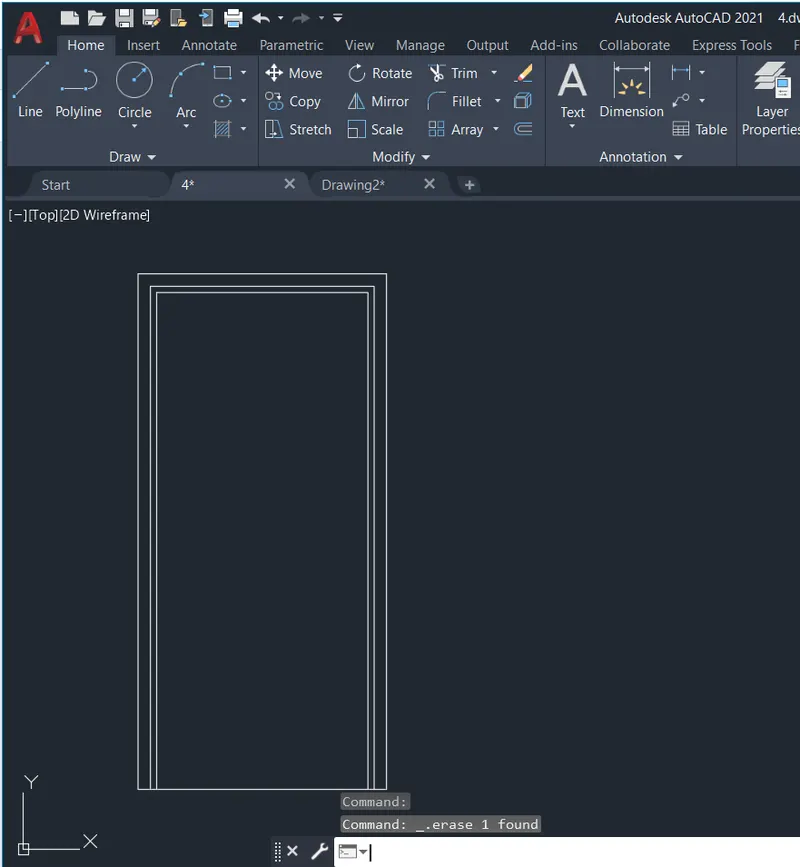
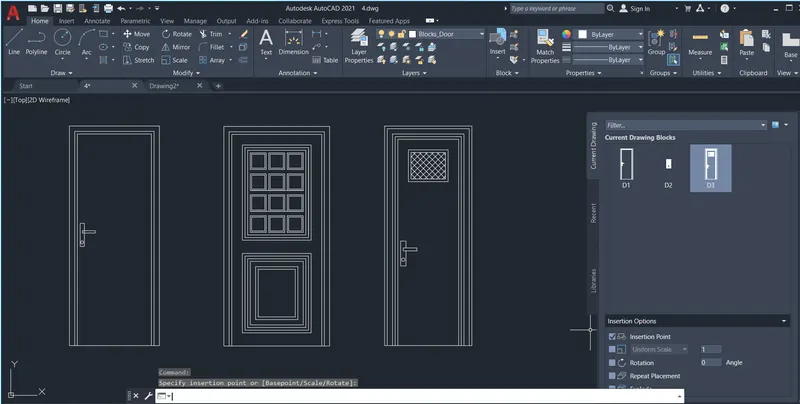
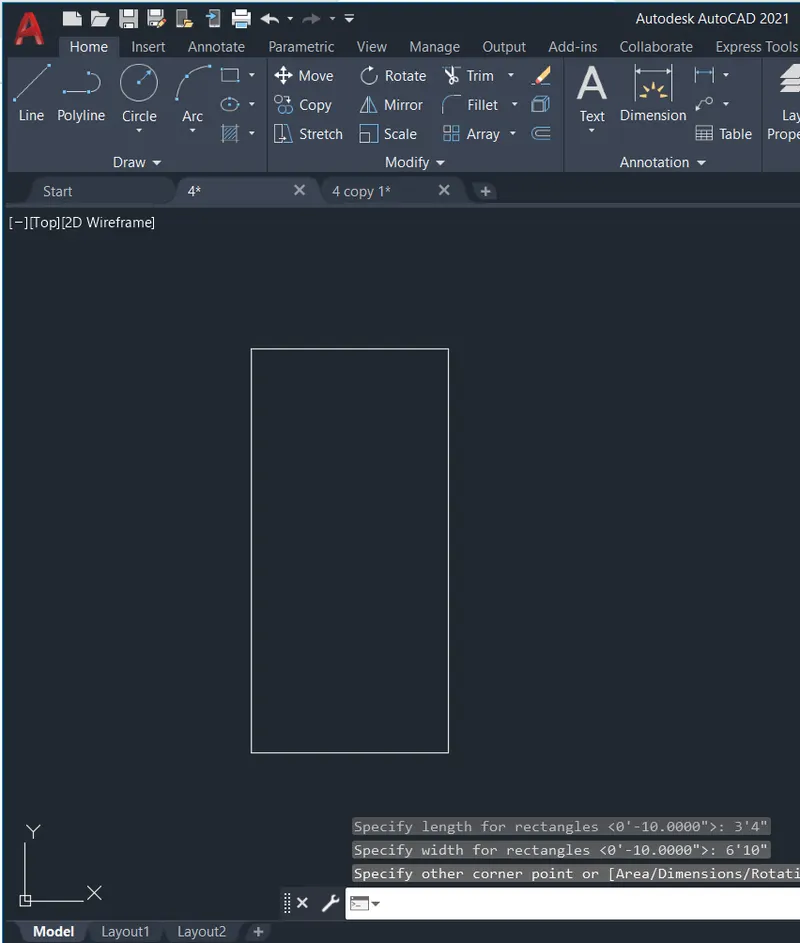
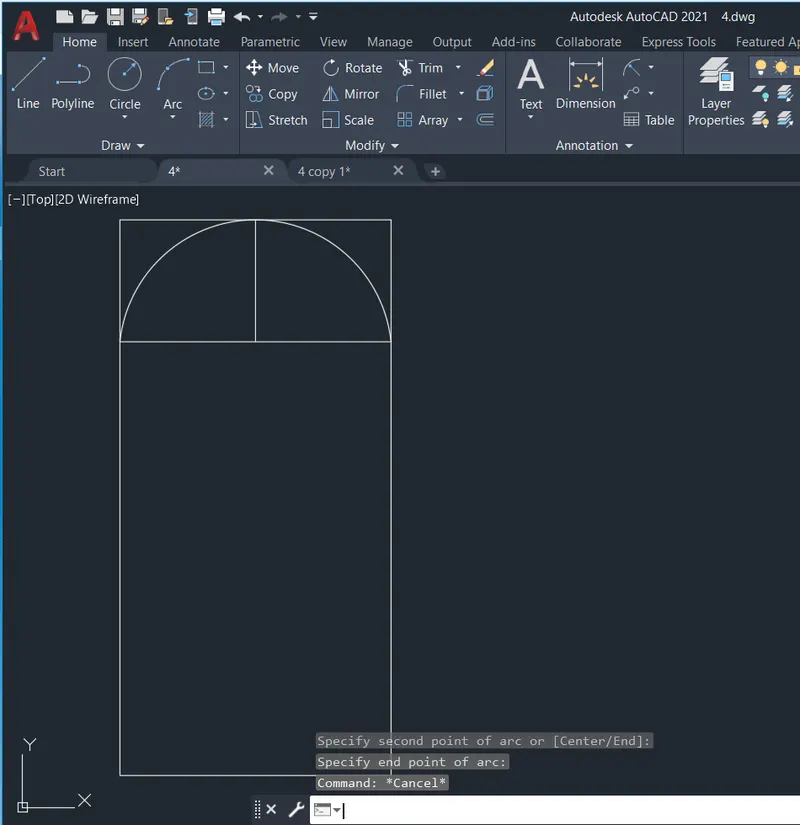
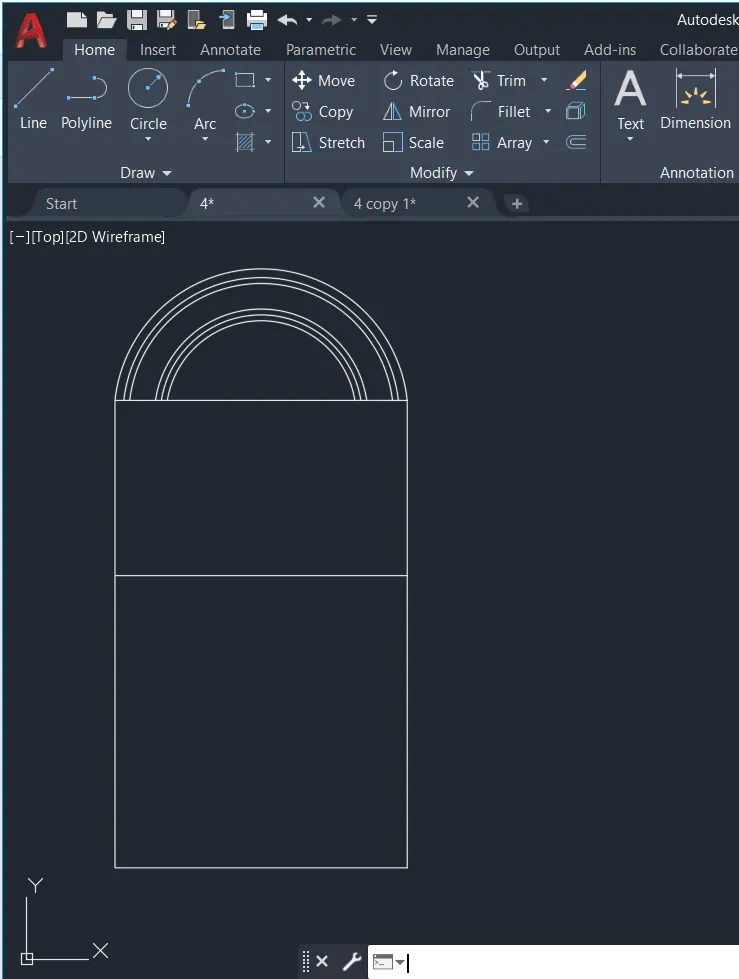
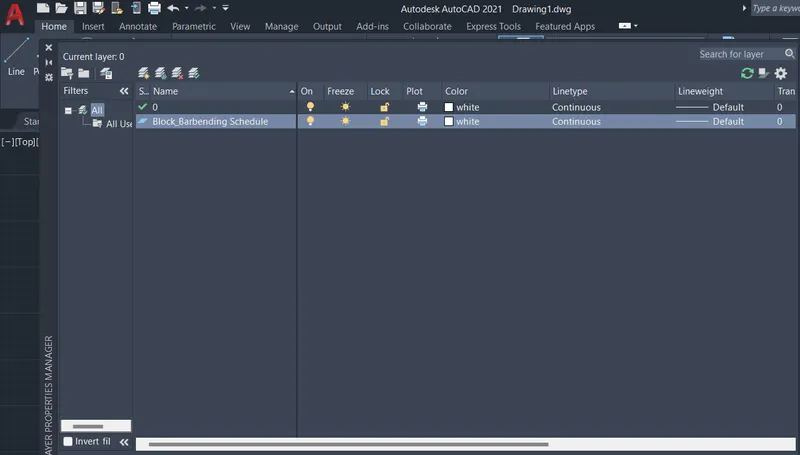
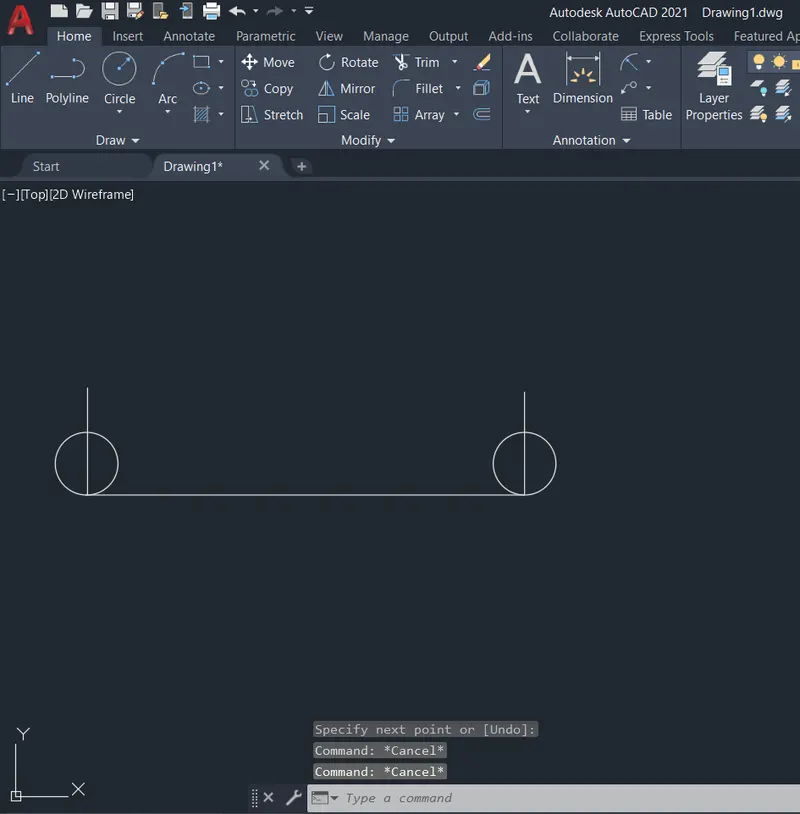
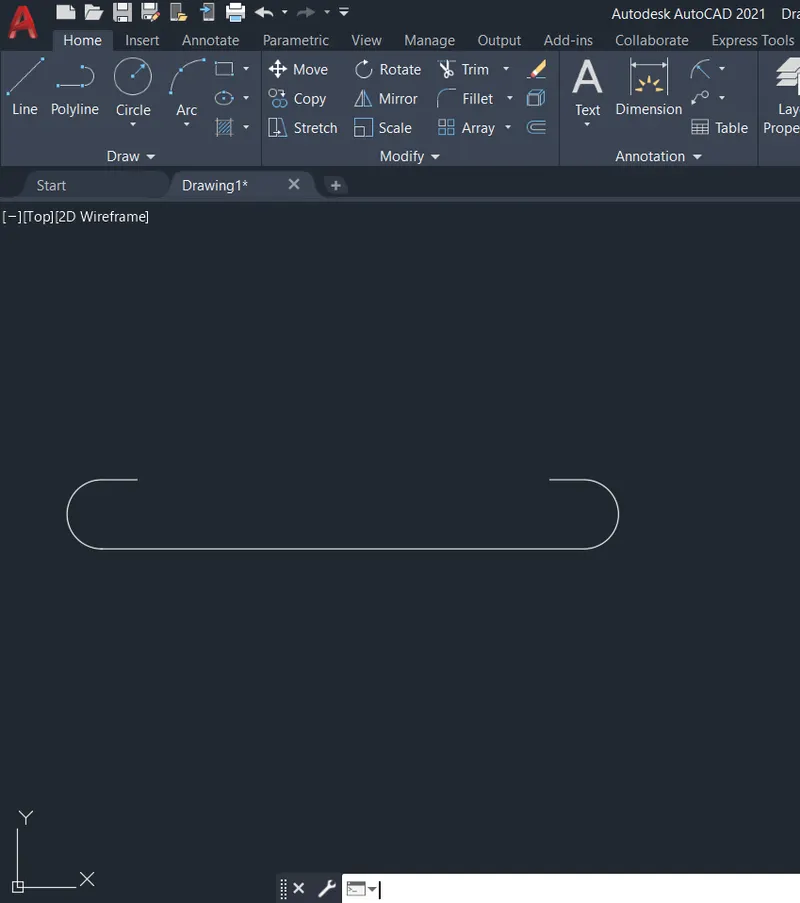
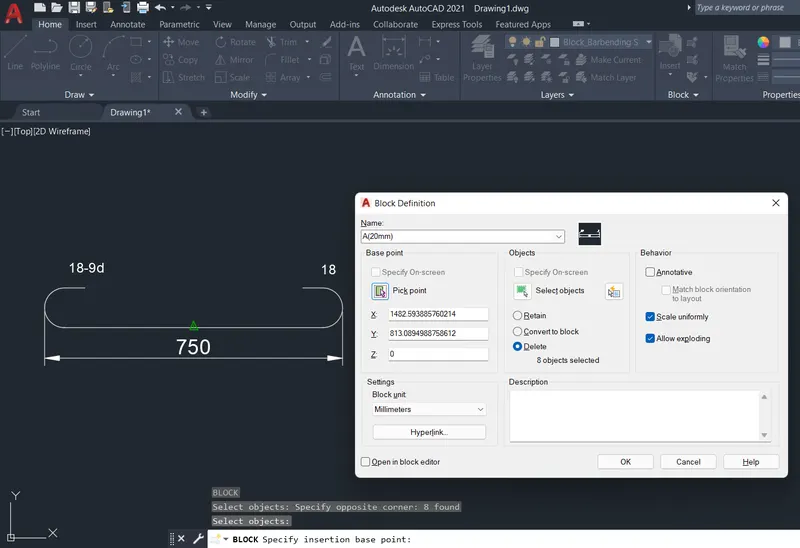
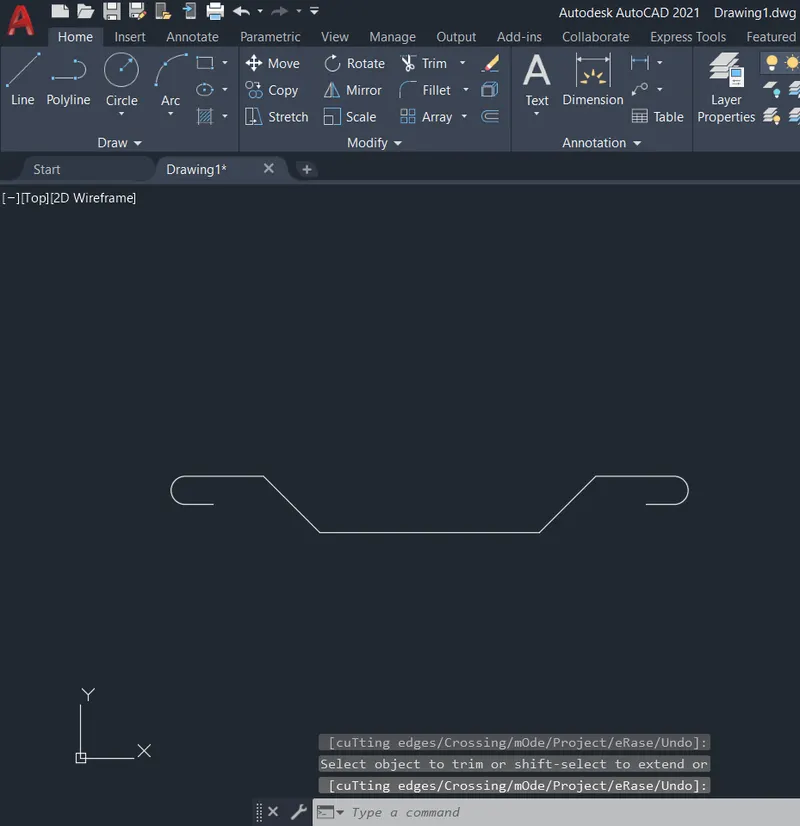
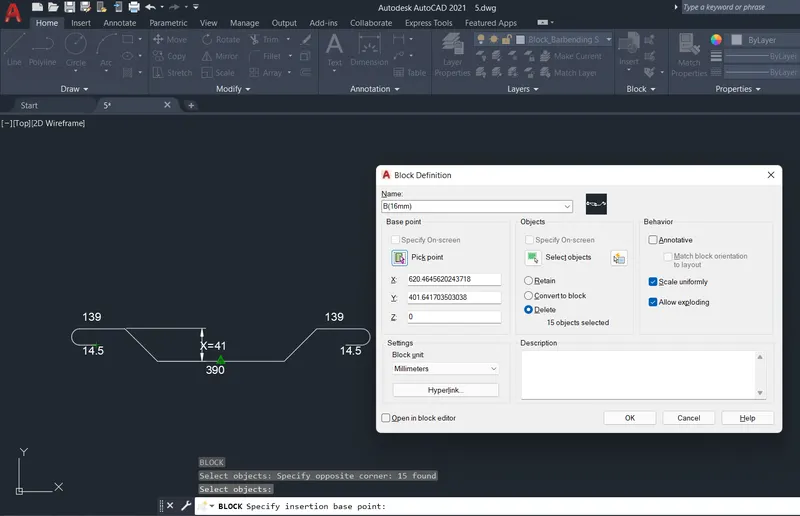
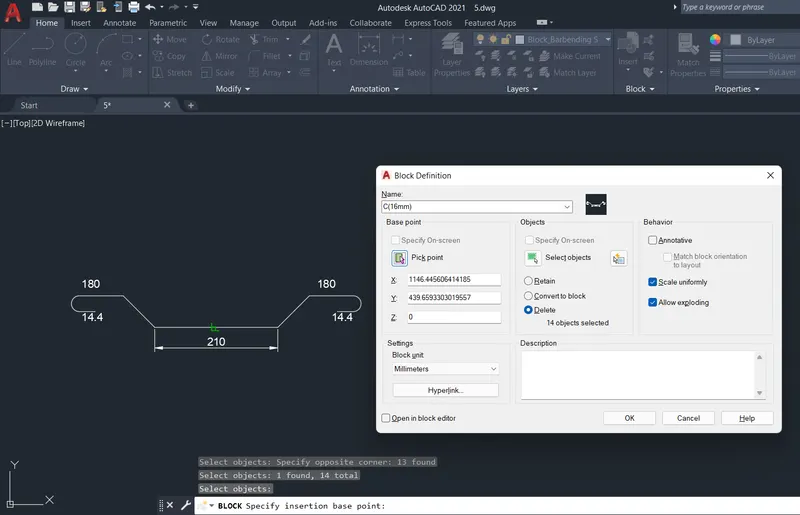
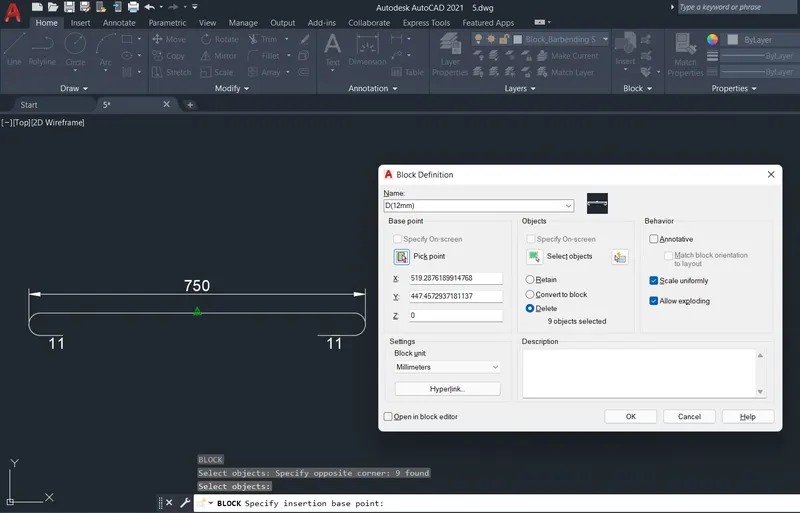
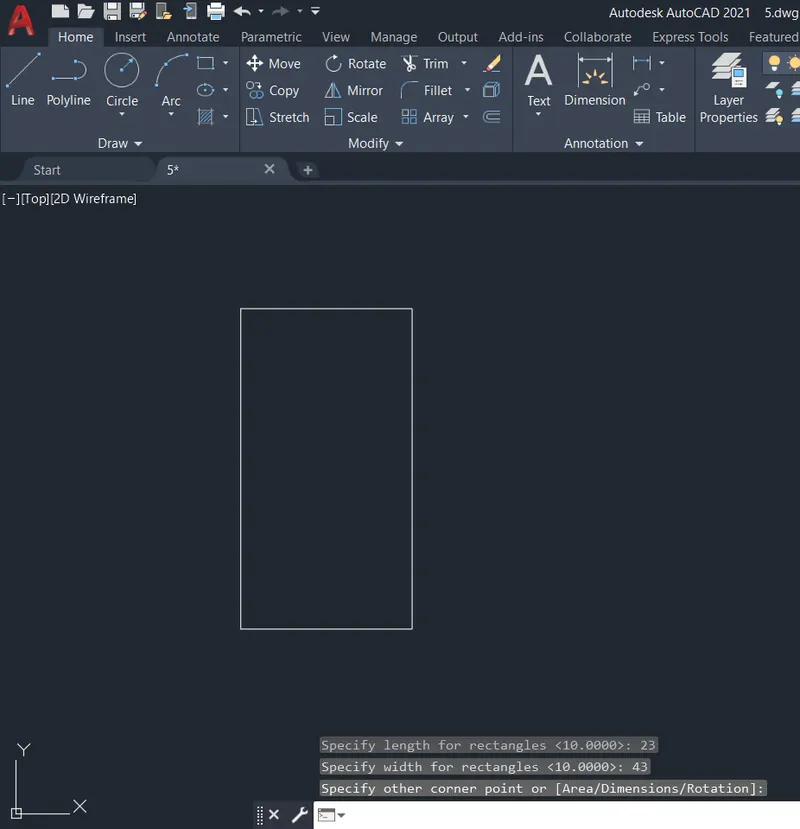
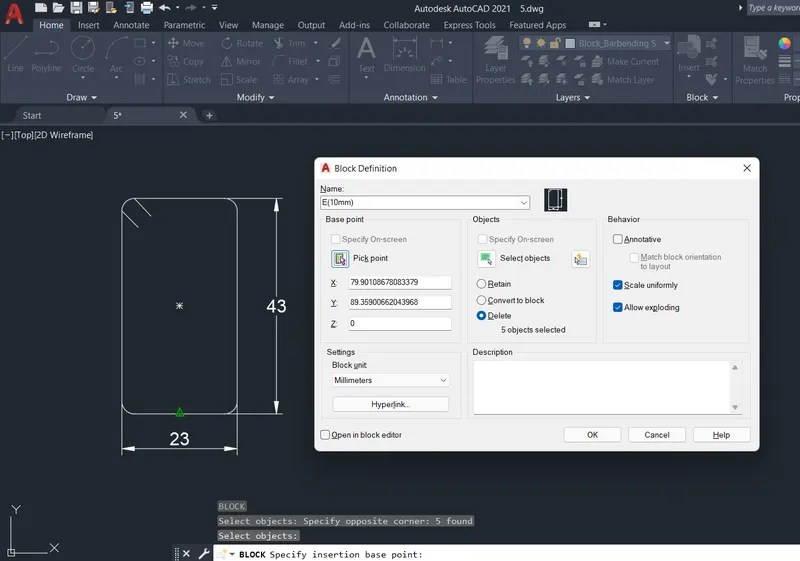
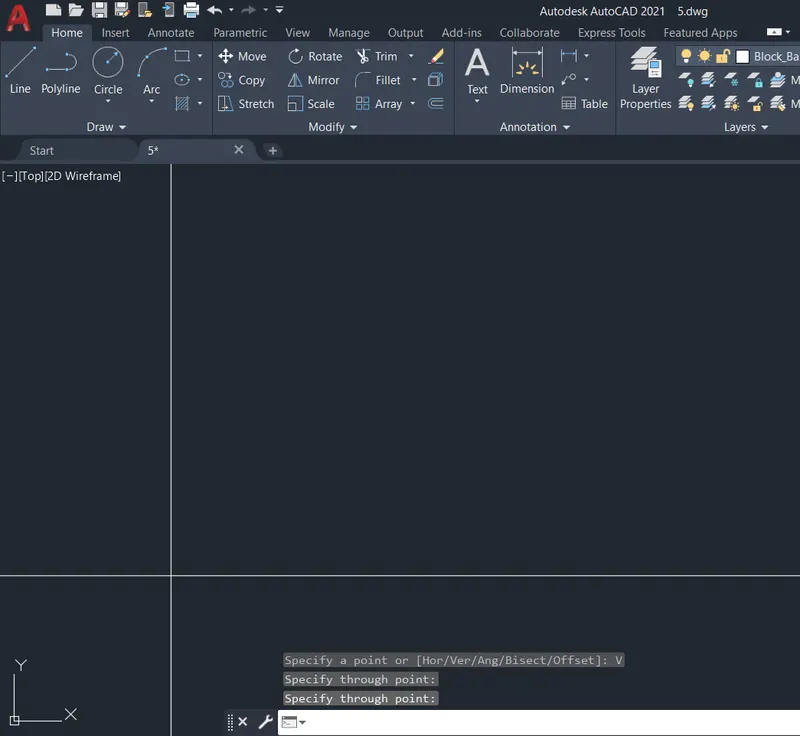
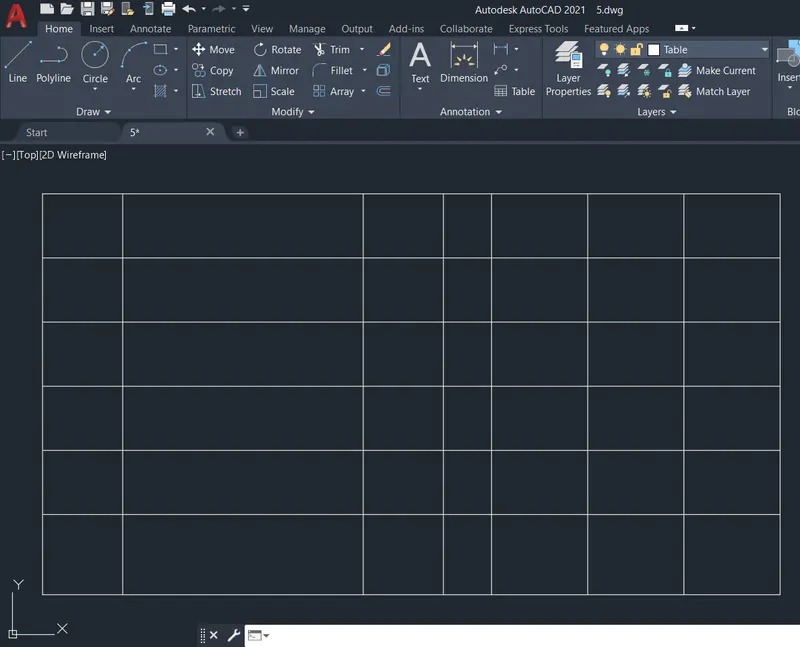
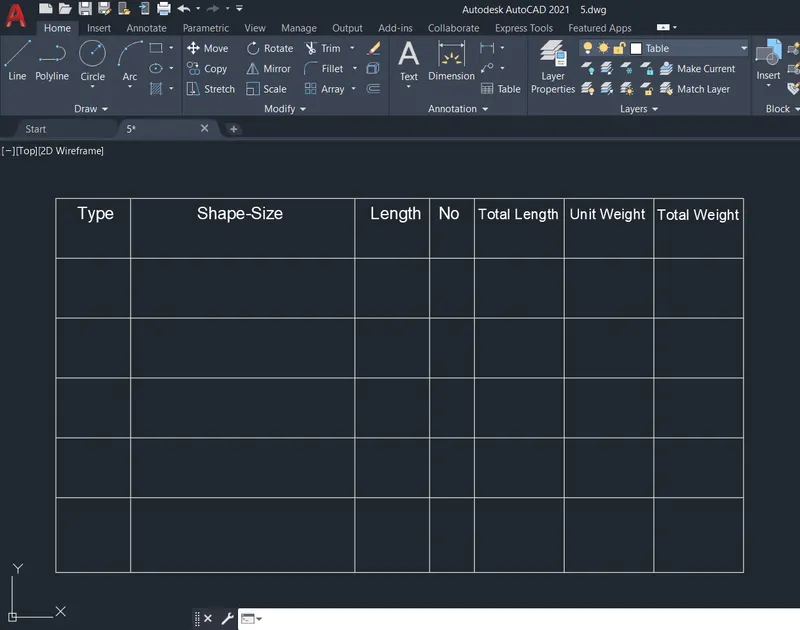
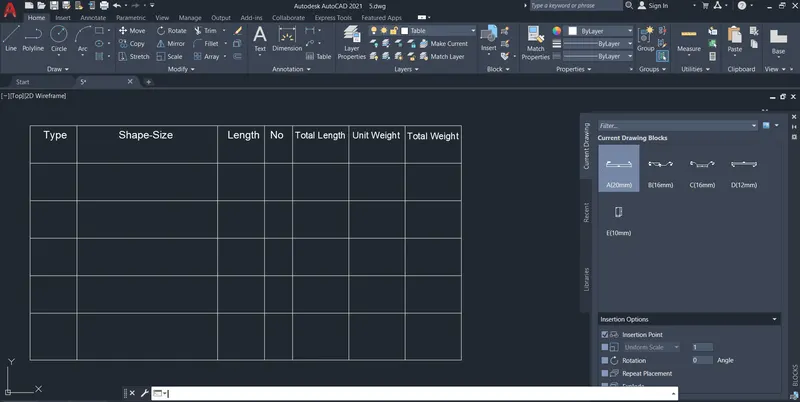
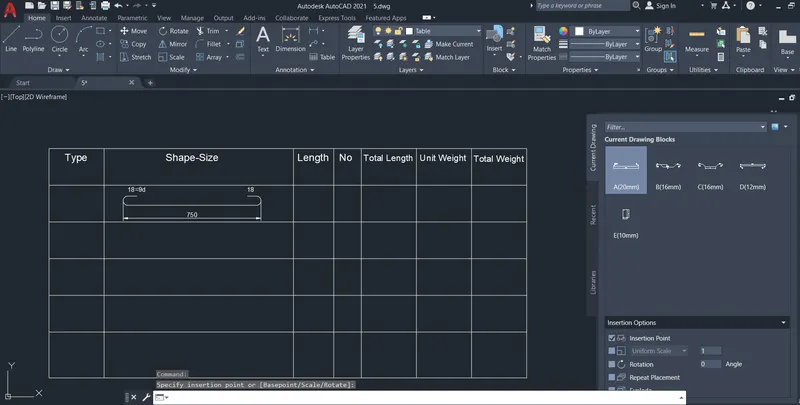
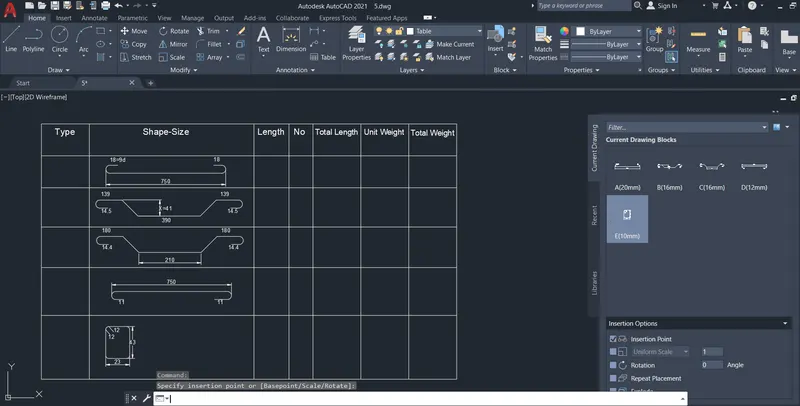
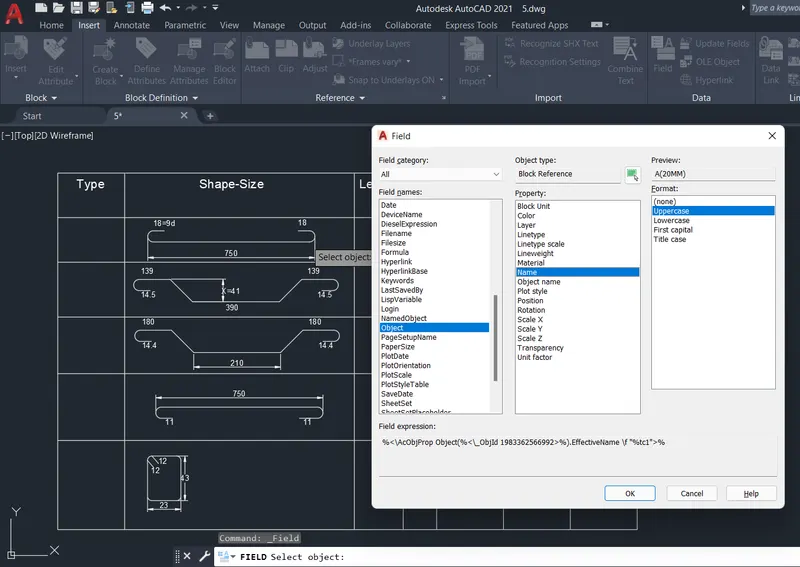
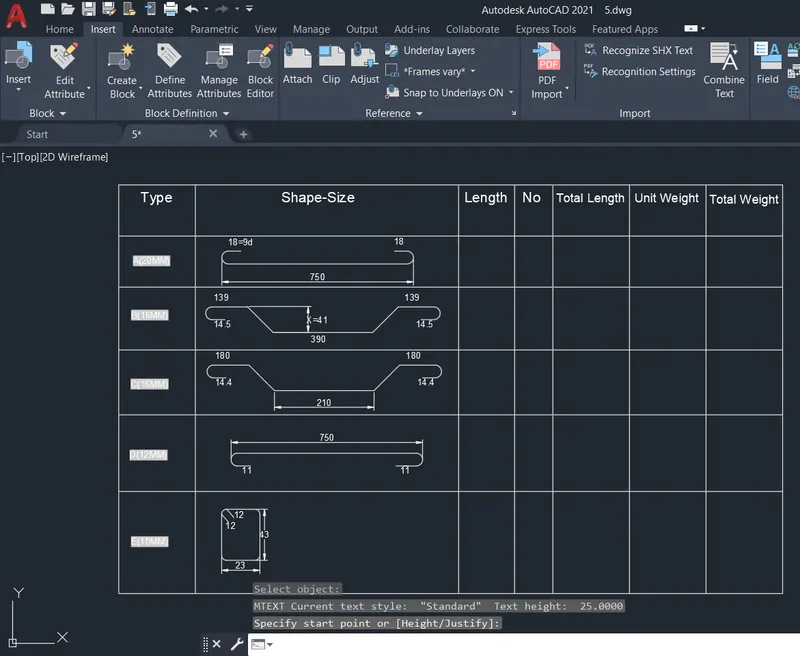
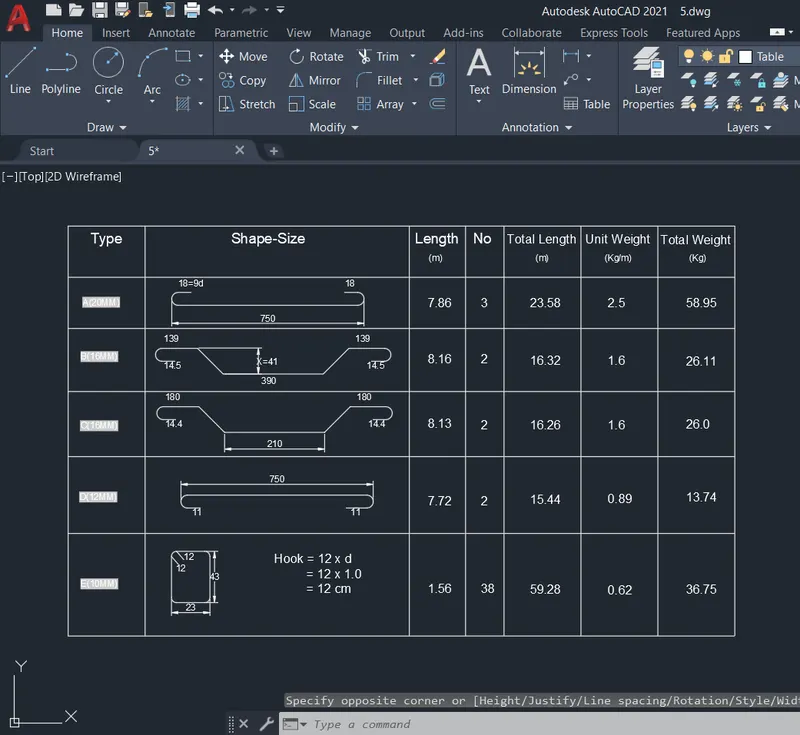
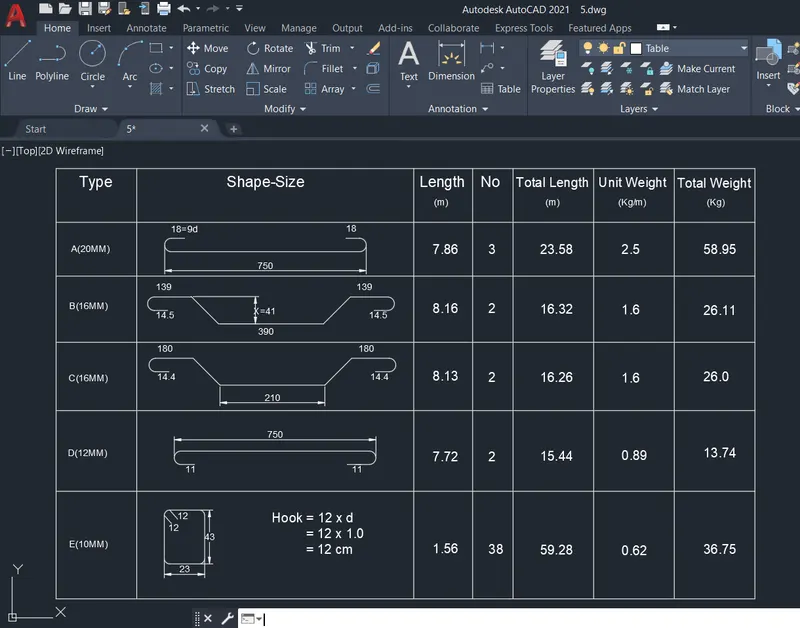
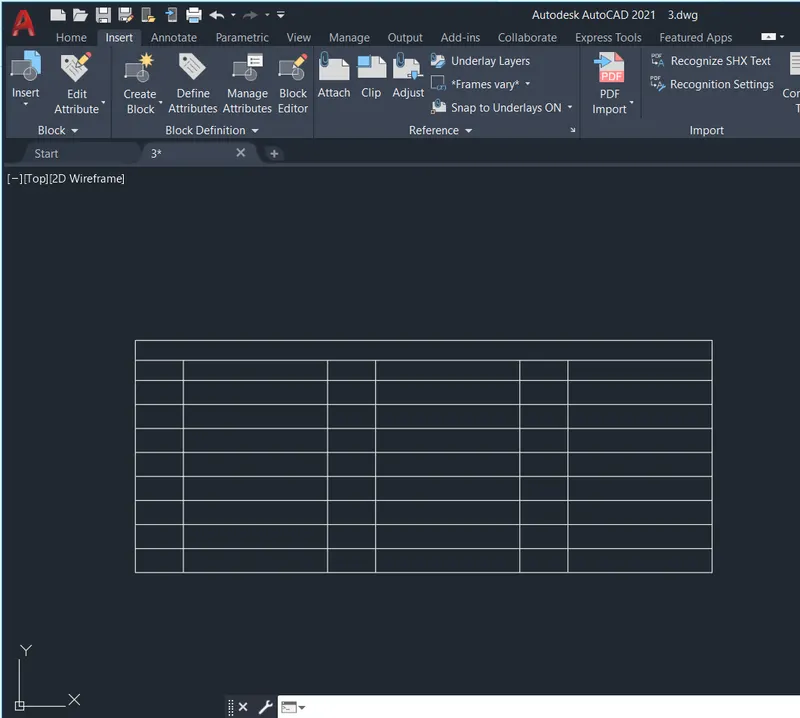
Q5: Aim: To create the shapes in the bar bending schedule, save them as blocks, insert them in the table and illustrate the procedure involved.
Procedure:
- Create a new drawing from the dropdown menu
- Select the imperial system and Decimal units