Creating Bar Bending schedule, Different Door types, and Creation of standard drawing templates using AutoCad
1)
.Open Autocad & new file.
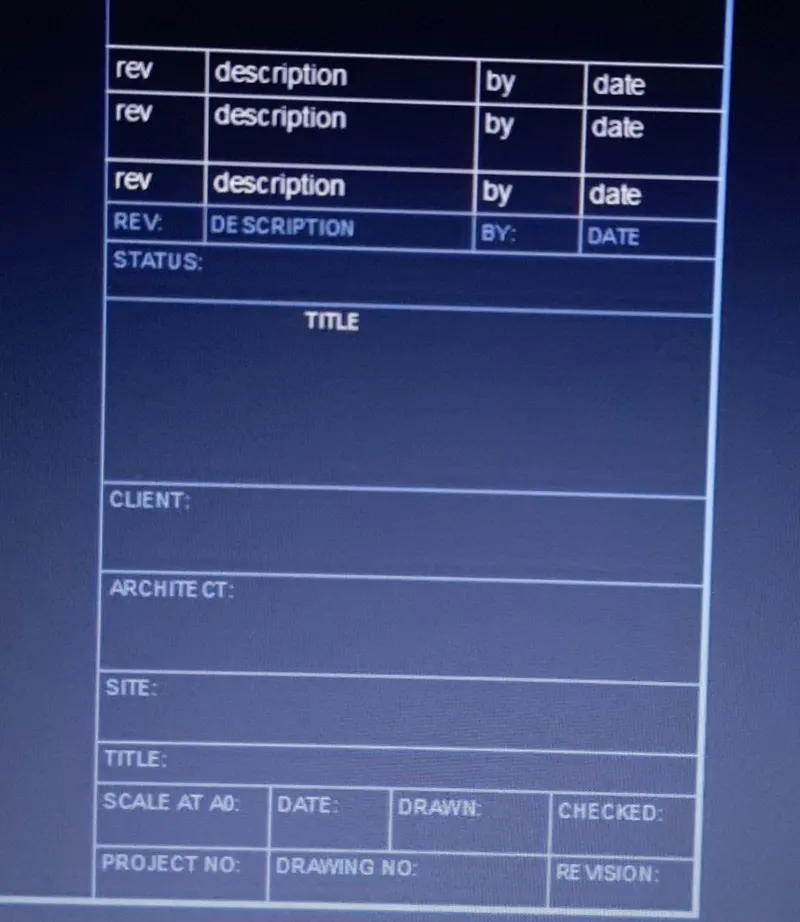
.Using line command draw a table.
.Give line weight to line as shown in fig.
.Use attribute command enter rev,description,by,& date.
.Using multiline text command write client,architect,site etc. as shown in fig.
.Select the required colour object in blue.
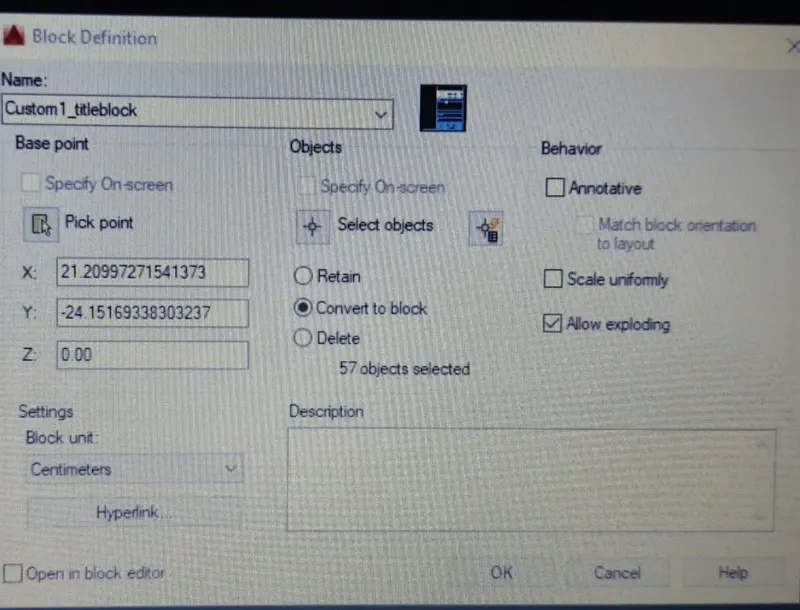
.Command b(block).
.Write name custom 1title block & pick point then select object.
.Hit enter.
.Open Autocad & new file.
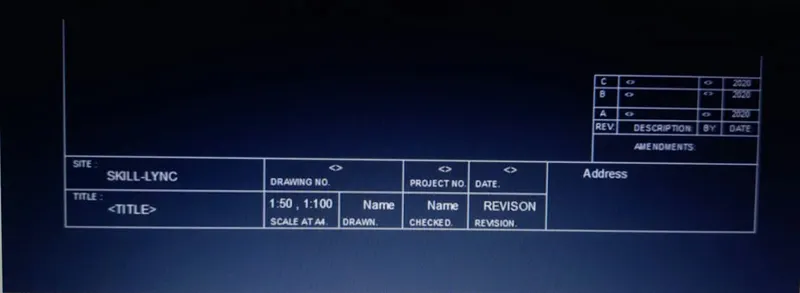
.Using line command draw a table.
.Give line weight to line as shown in fig.
.Using attribute command enter skill lync name <> etc as shown in fig.
.Using multiline command write site title,drawing no etc as shown in image.
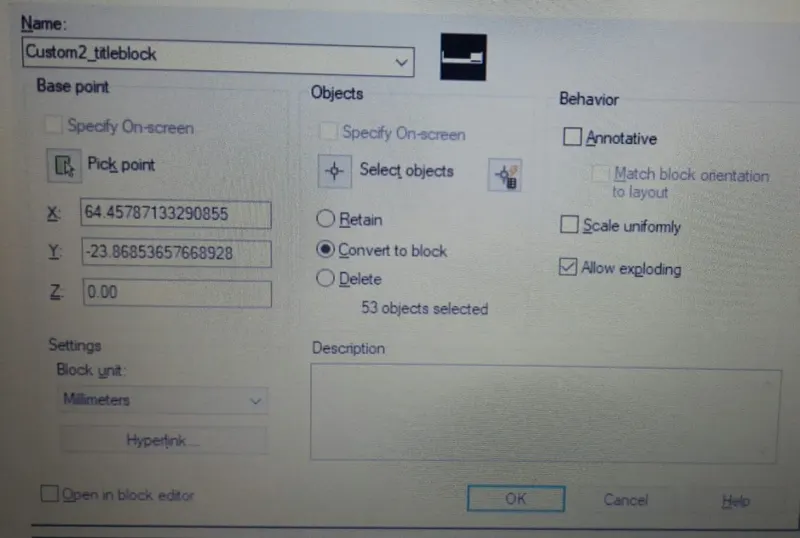
.Command (b)Block.
.Write name custom 2 title block & pick point & then select object.
.Hit enter.
2)
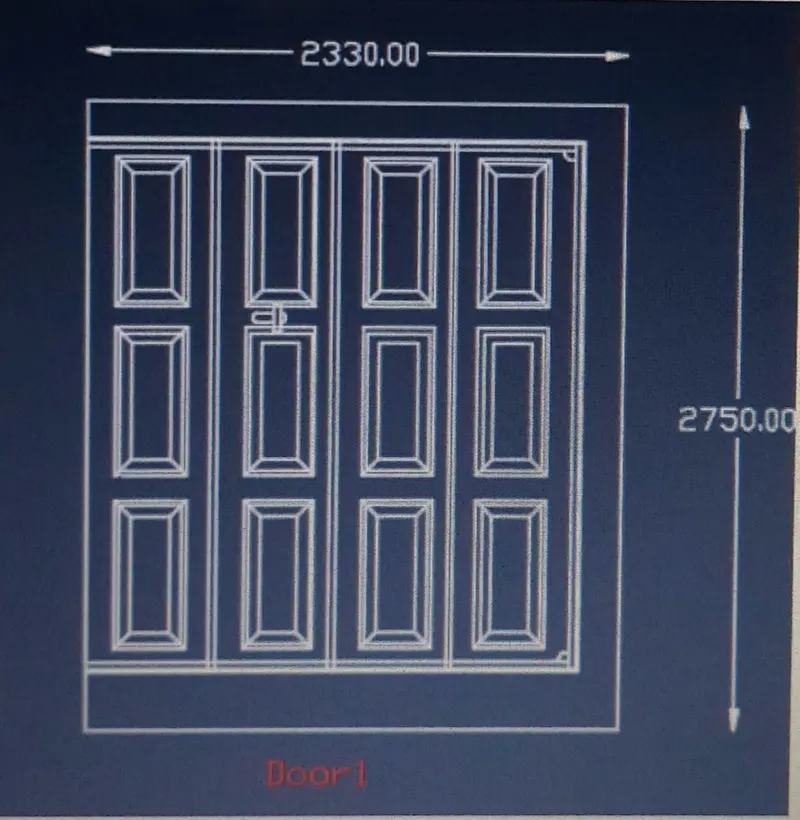
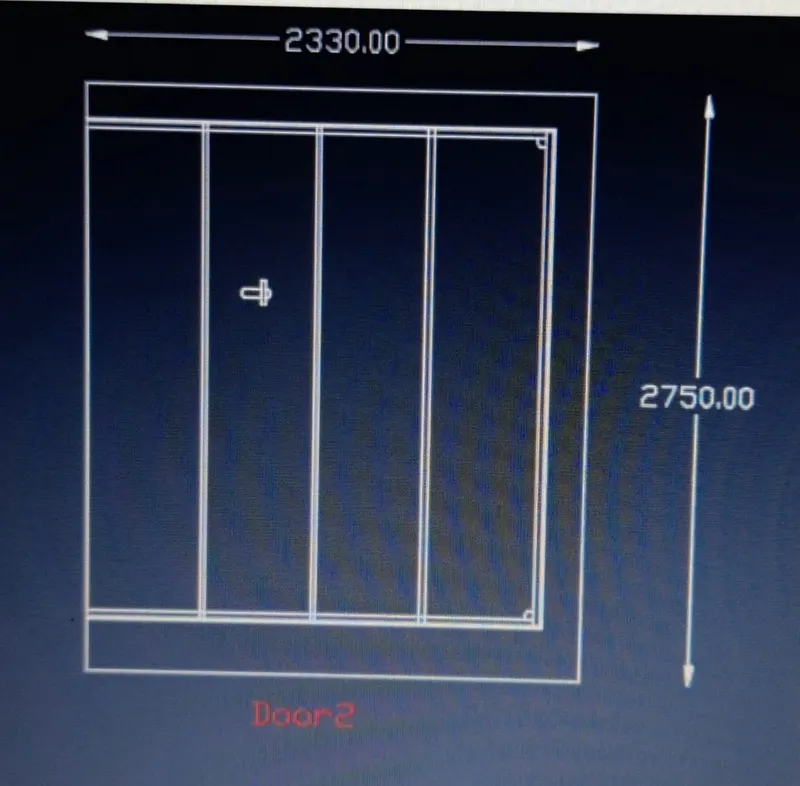
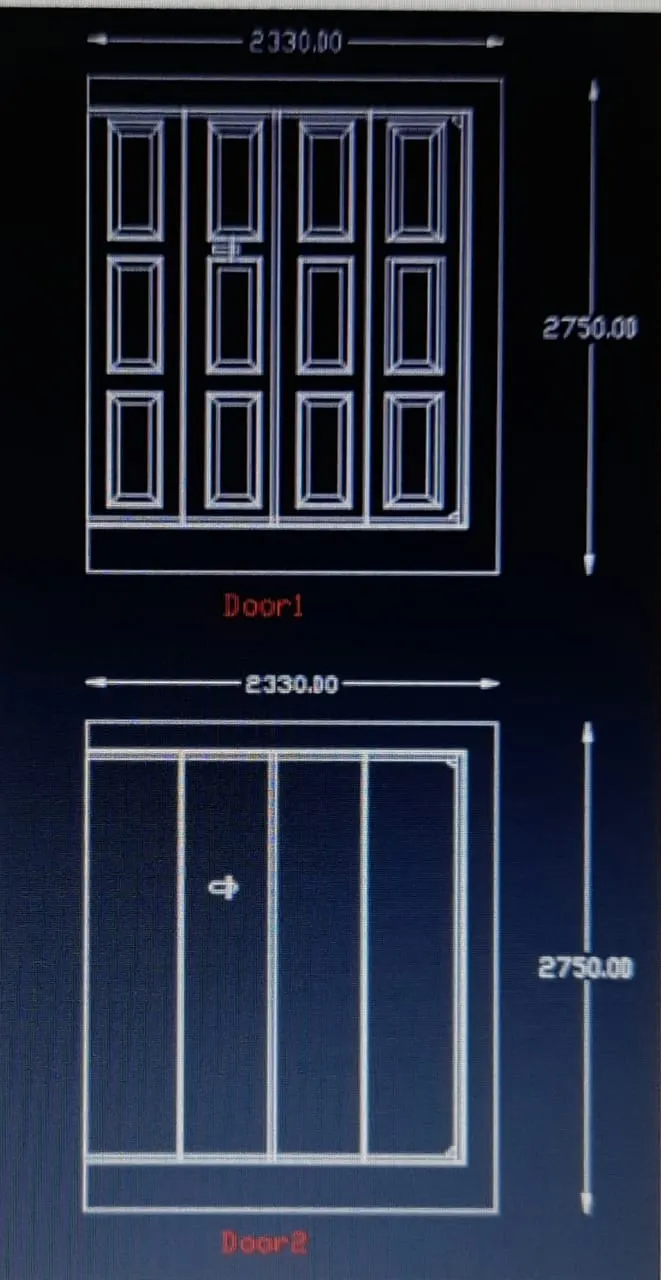
.Open Autocad file & open new file.
.Unit command set decimal & precission 0.0.
.Using line command,offset command, copy command,move command & text command drawing has been drawn.
.Now type b(BLOCK) command.
.Select door1 & hit enter.
.Give name D1 & pick base point.
.Then select object then hit enter.
.Now type b(BLOCK) command.
.Select door2 & hit enter.
.Give name D2 & pick base point.
.Then select object then hit enter.
3)
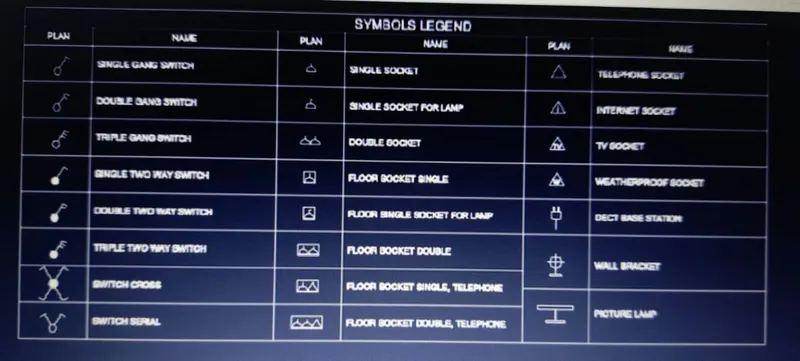
.Open Autocad file & open new file.
.Unit command set decimal & precission 0.0.
.Using line command,offset command, copy command,move command & text command drawing has been drawn.
.Now type b(BLOCK) command.
.Give name legend.
.Pick point.
.Select all drawing.
.Hit enter.
4)
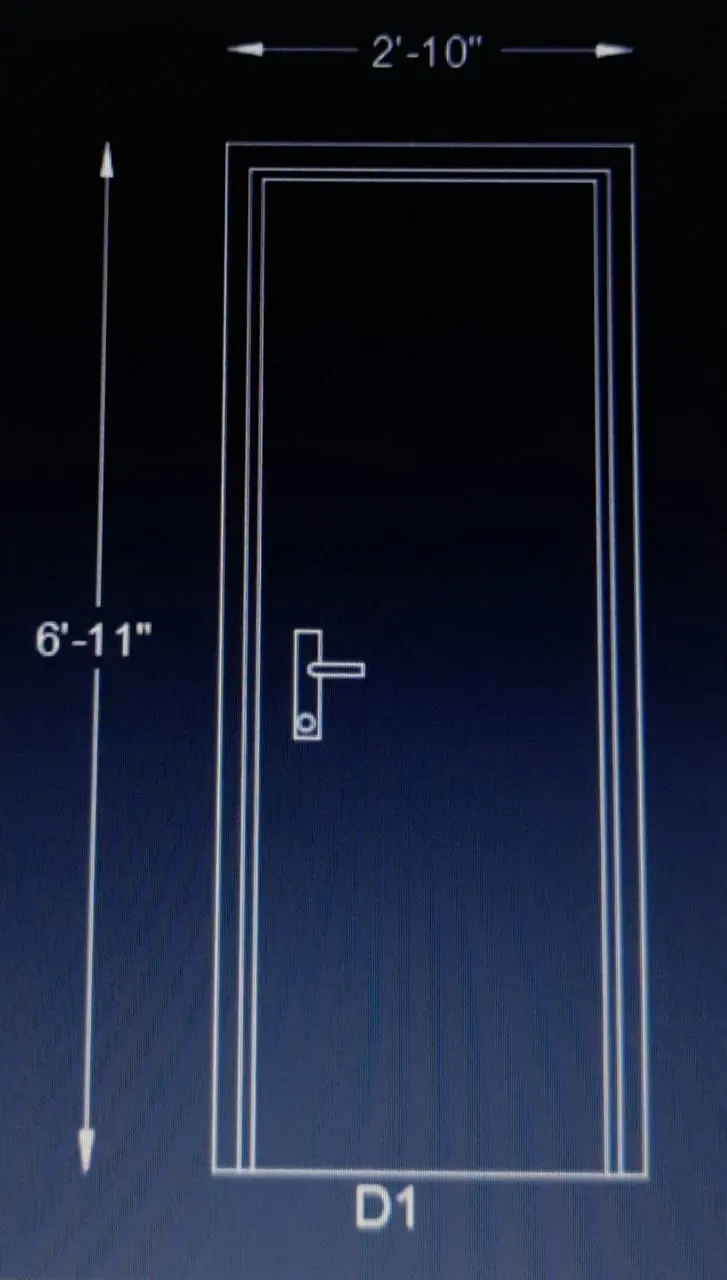
.Open Autocad file & open new file.
.Unit command set decimal & precission 0.0.
.Using rectangle command,line command,offset command, copy command,move command & text command drawing has been drawn.
.Now type b(BLOCK) command.
.Give name D1.
.Pick point.
.Select object.
.Select D1 drawing including dimension & hit enter.
.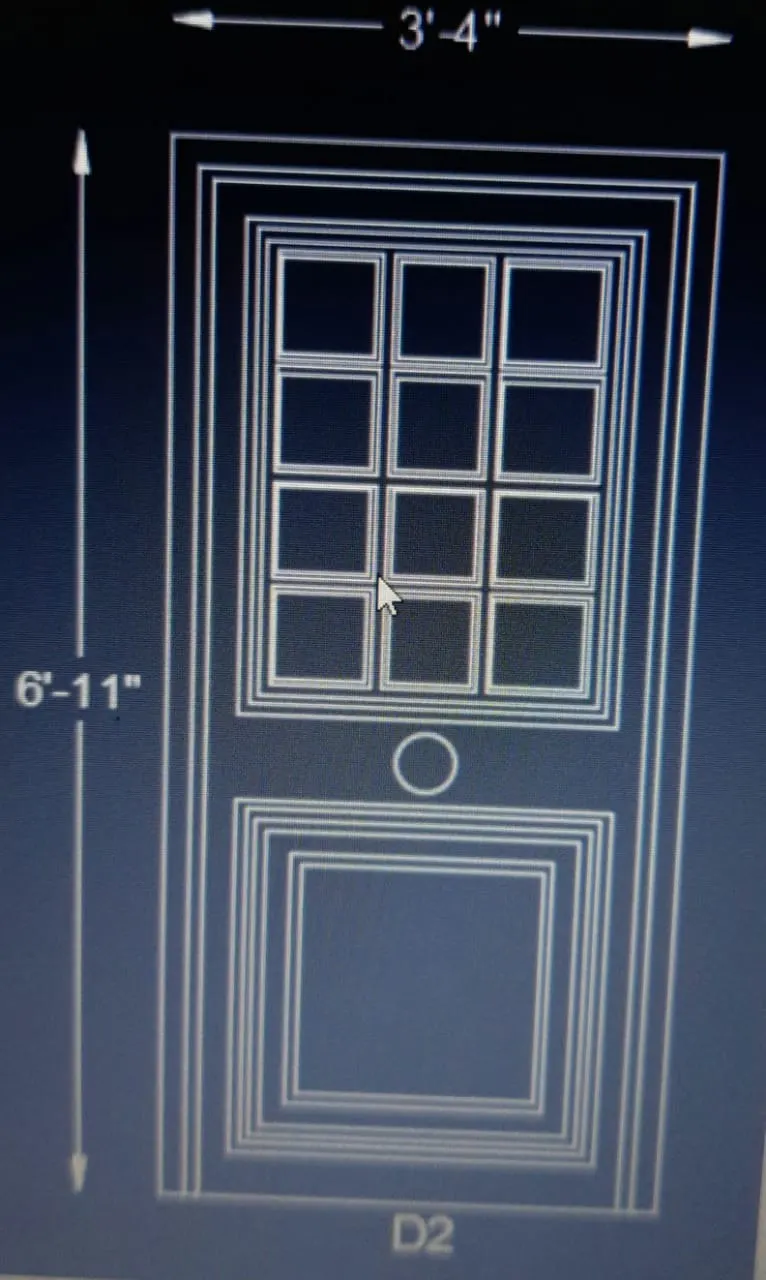
.Open Autocad file & open new file.
.Unit command set decimal & precission 0.0.
.Using rectangle command,line command,offset command, copy command,move command & text command drawing has been drawn.
.Now type b(BLOCK) command.
.Give name D2.
.Pick point.
.Select object.
.Select D2 drawing including dimension & hit enter.
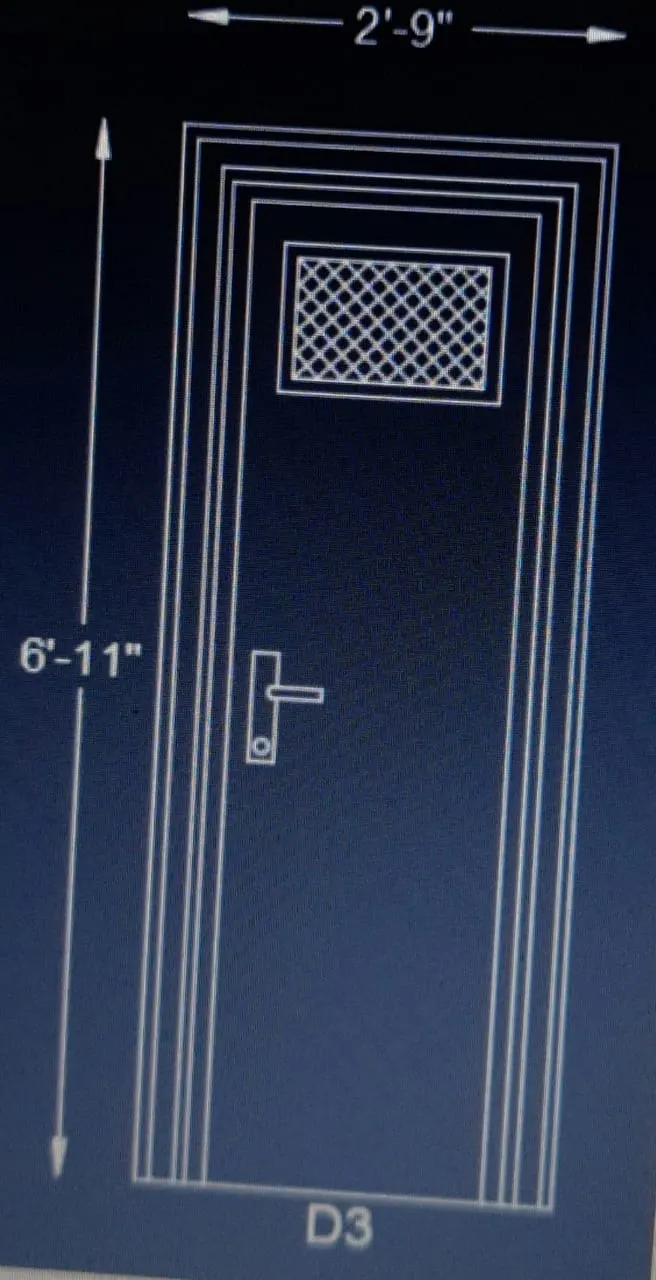
.Open Autocad file & open new file.
.Unit command set decimal & precission 0.0.
.Using rectangle command,line command,offset command, copy command,move command & text command drawing has been drawn.
.Now type b(BLOCK) command.
.Give name D3.
.Pick point.
.Select object.
.Select D3 drawing including dimension & hit enter.
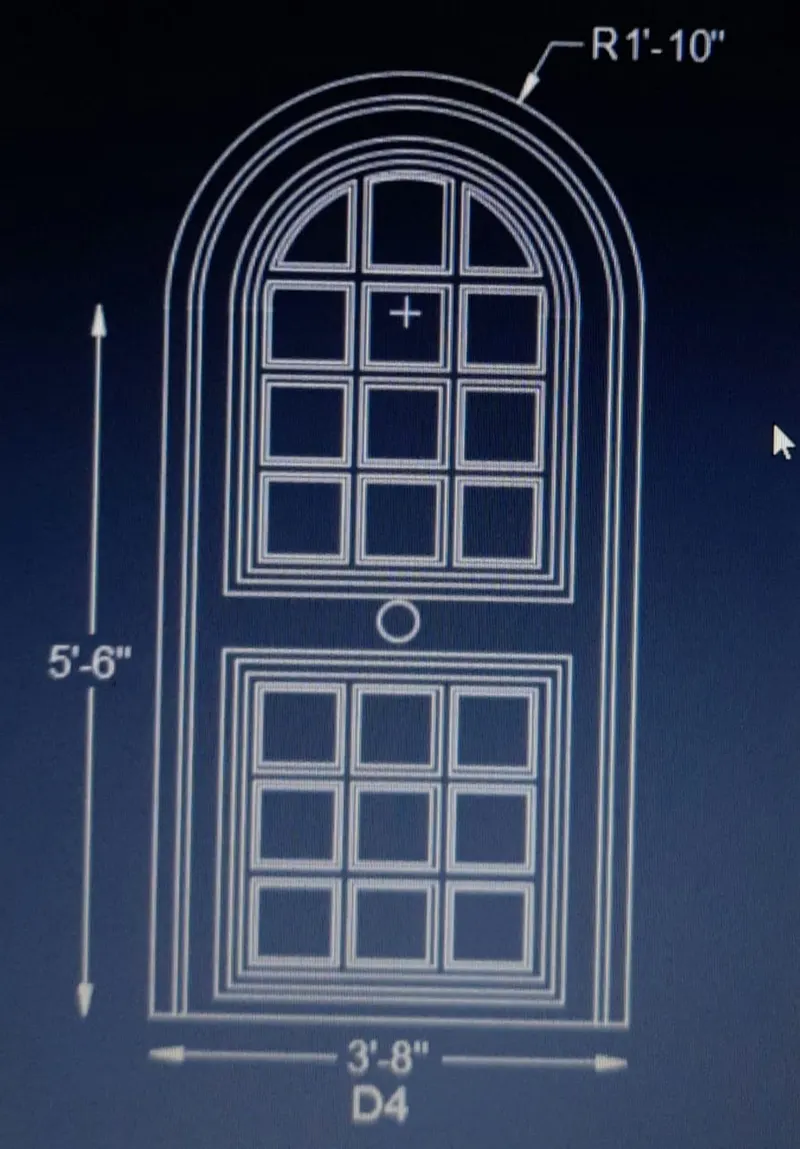
.Open Autocad file & open new file.
.Unit command set decimal & precission 0.0.
.Using Arc command,rectangle command,line command,offset command, copy command,move command & text command drawing has been drawn.
.Now type b(BLOCK) command.
.Give name D4.
.Pick point.
.Select object.
.Select D4 drawing including dimension & hit enter.
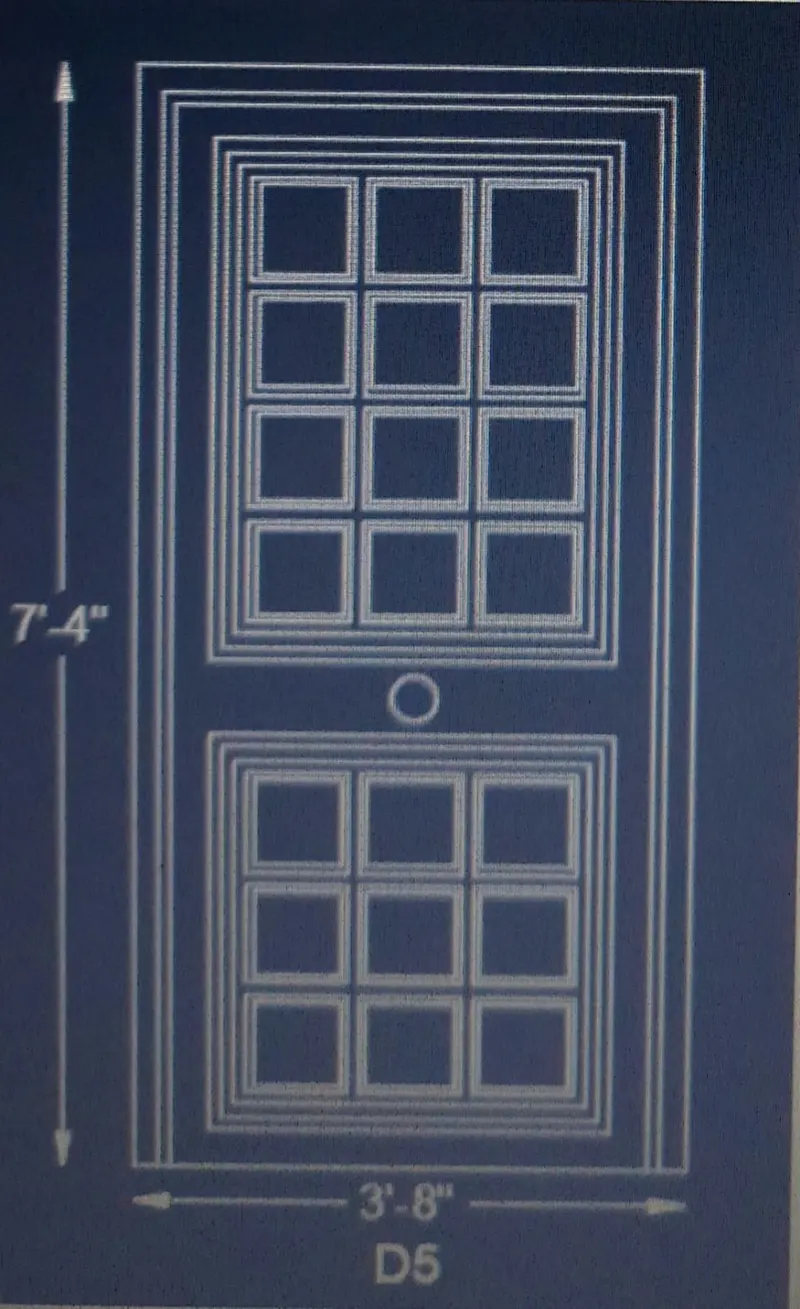
.Open Autocad file & open new file.
.Unit command set decimal & precission 0.0.
.Using rectangle command,line command,offset command, copy command,move command & text command drawing has been drawn.
.Now type b(BLOCK) command.
.Give name D5.
.Pick point.
.Select object.
.Select D5 drawing including dimension & hit enter.
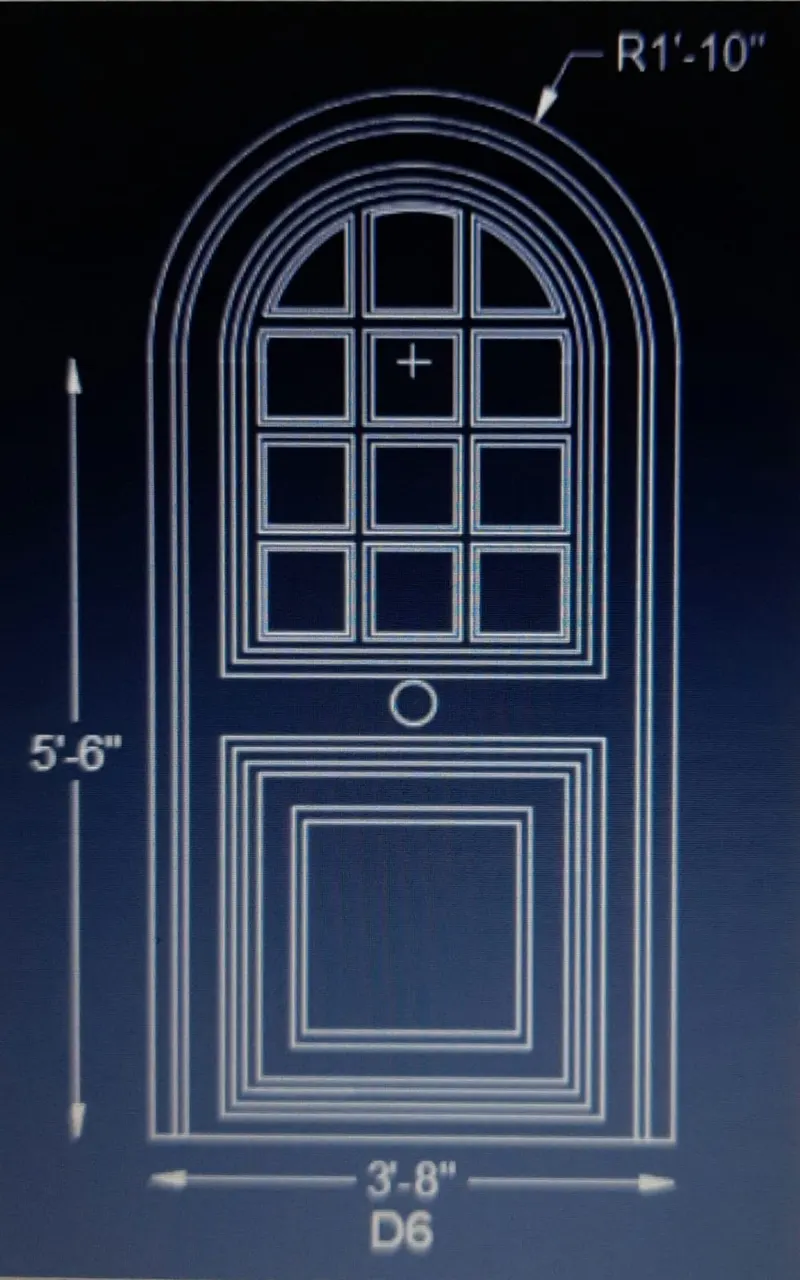
.Open Autocad file & open new file.
.Unit command set decimal & precission 0.0.
.Using Arc command,rectangle command,line command,offset command, copy command,move command & text command drawing has been drawn.
.Now type b(BLOCK) command.
.Give name D6.
.Pick point.
.Select object.
.Select D6 drawing including dimension & hit enter.
5)
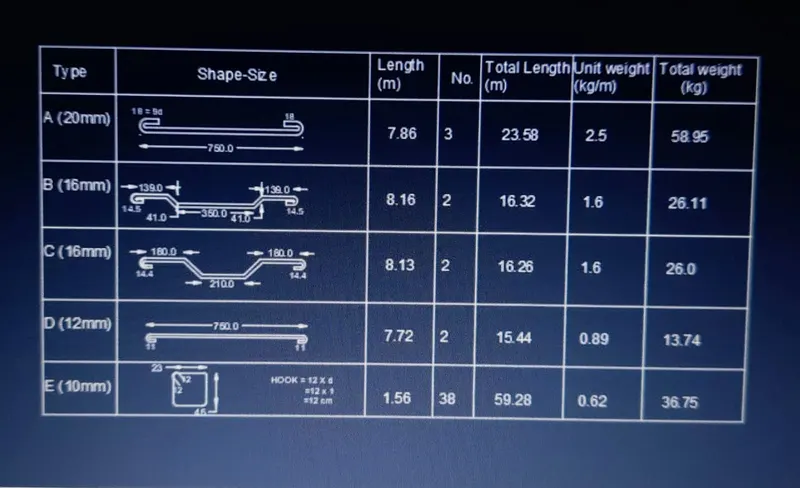
.Open Autocad & new file.
.Using line command,dimension command,copy command,text command draw the diagram as shown in image.