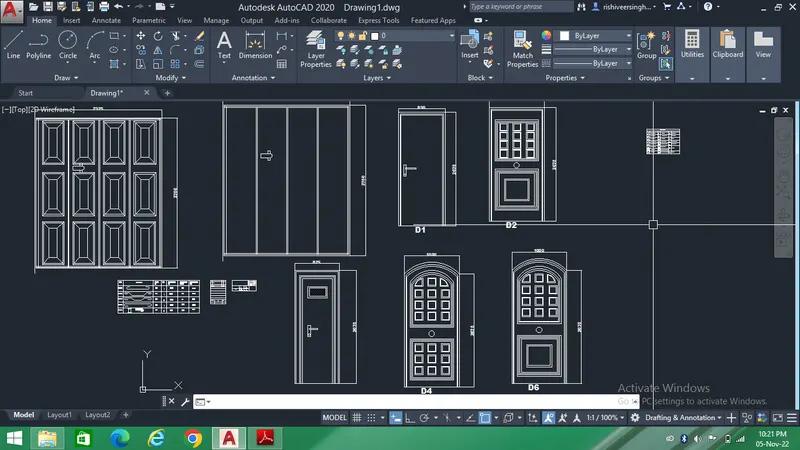
Creating Bar Bending schedule, Different Door types, and Creation of standard drawing templates using AutoCad
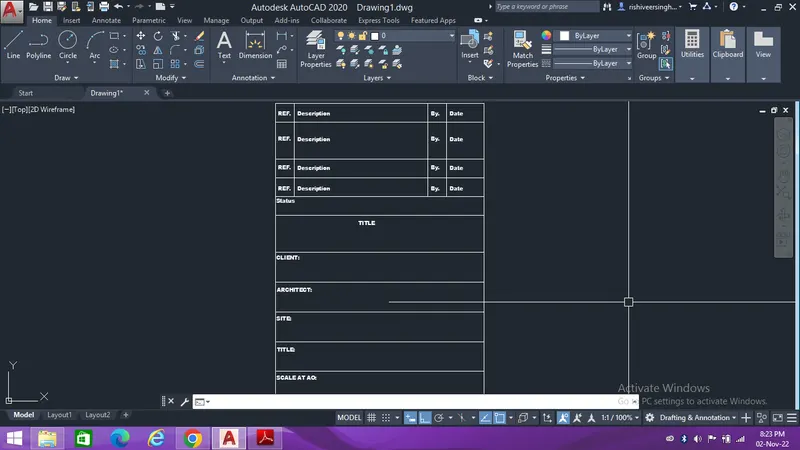
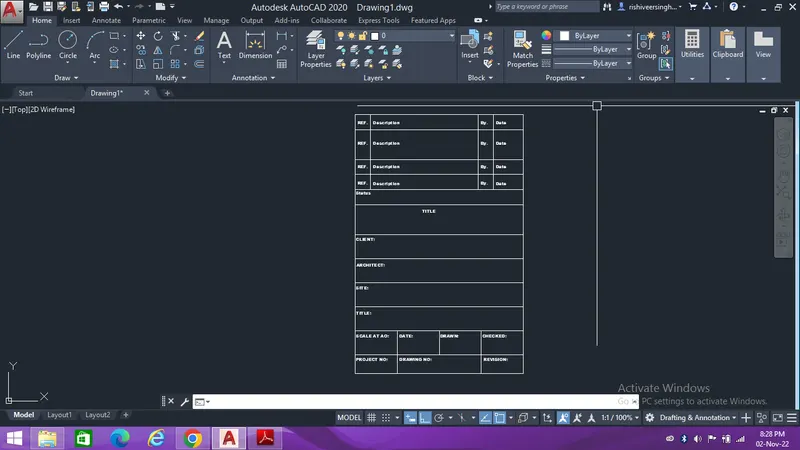
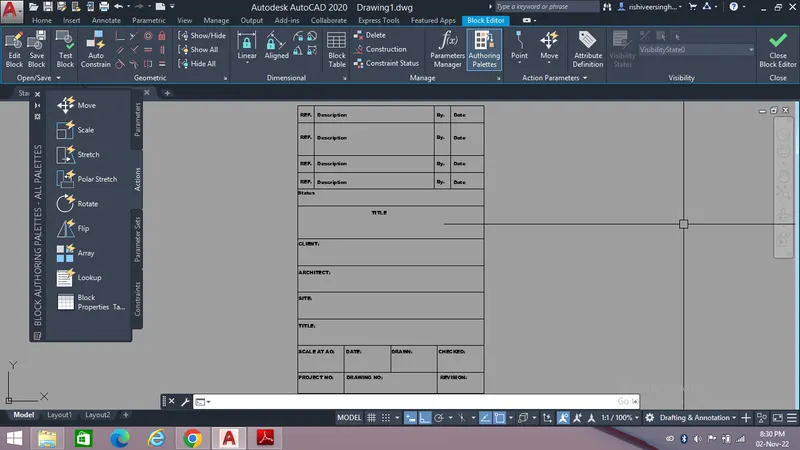
1. Aim - The aim of this drawing is to create template as shown in the figure and to convert it as a Block.
The first step is to create a table and mentioning the proper discription as per the industry standards.
The steps involved in creating this template is shown below,
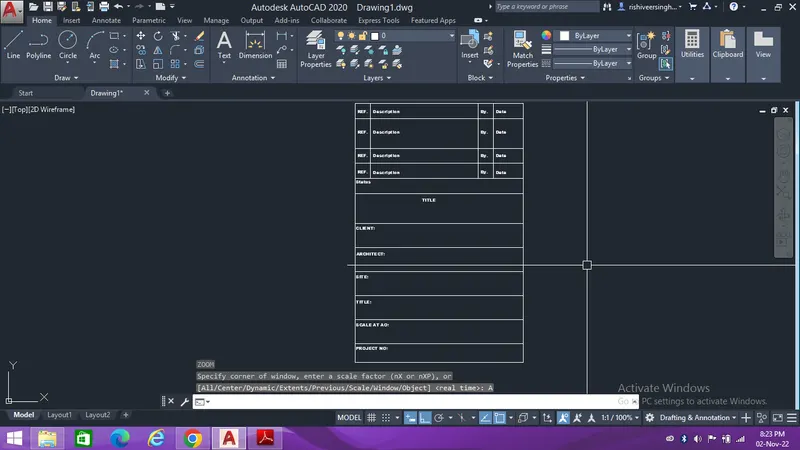
After creating the template convert it into block,
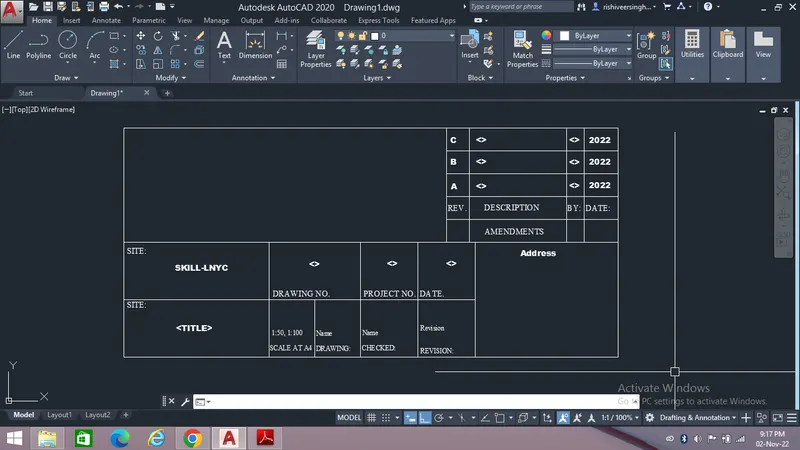
After creating the template convert it into a block,
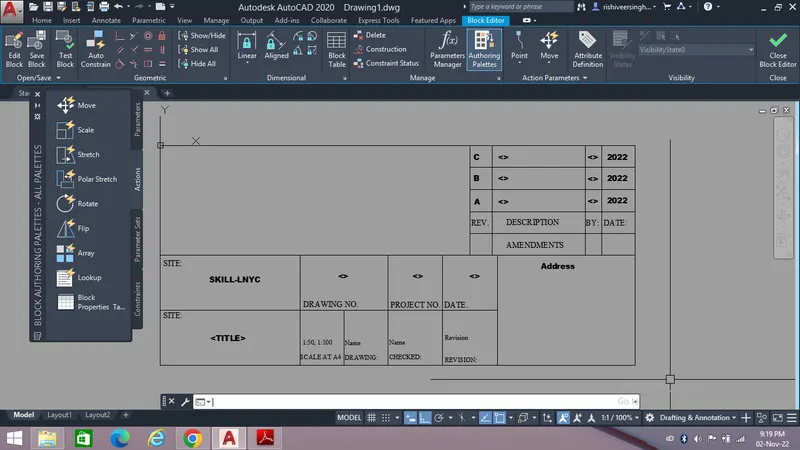
2. Aim - The purpose of this drawing is to create diffrent types of doors by using diffrent tools to enhance my AutoCad learning.
The first step is to invoke line tool or rectangle tool to create the door and start the creation.
Creation of the door is shown below,
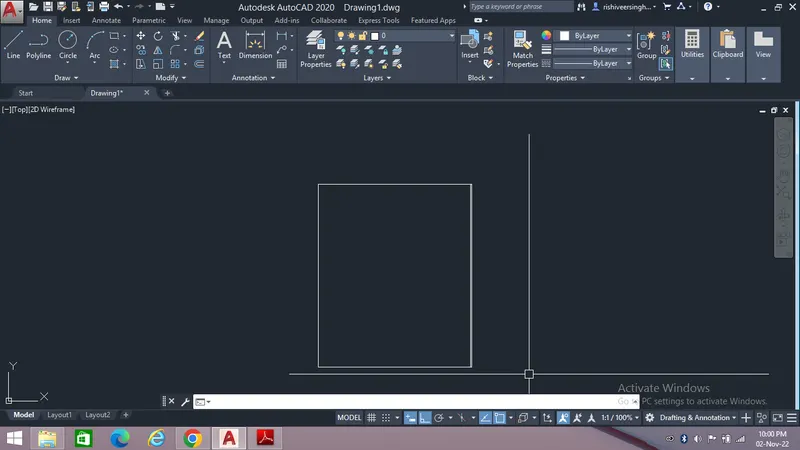
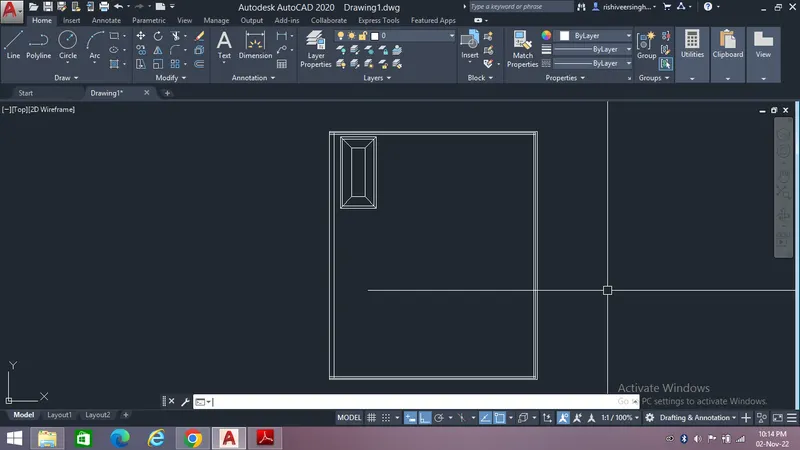
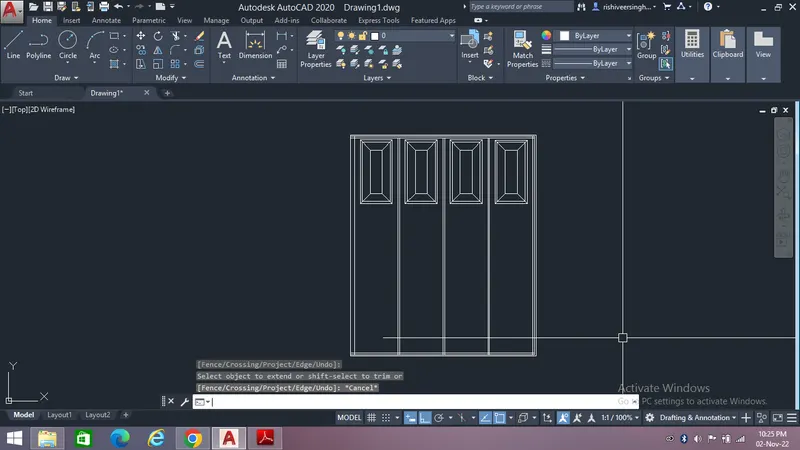
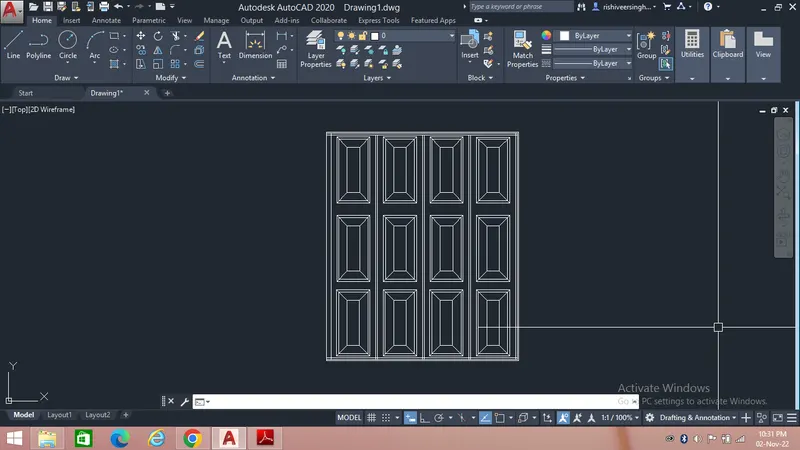
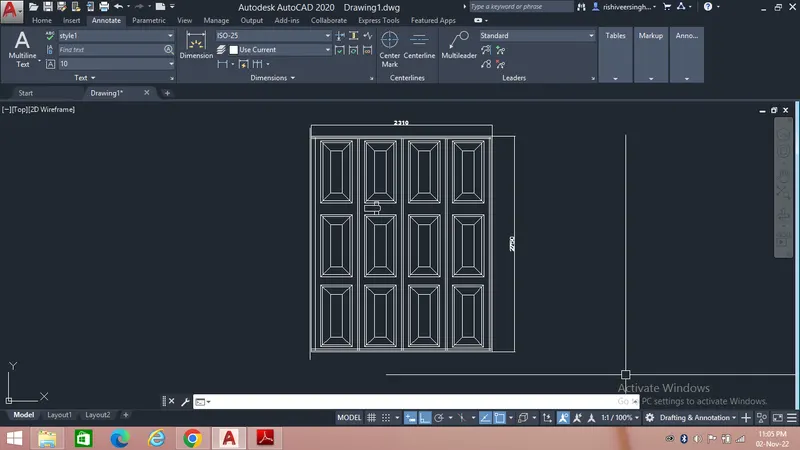
After creating the door type convert it into a block,
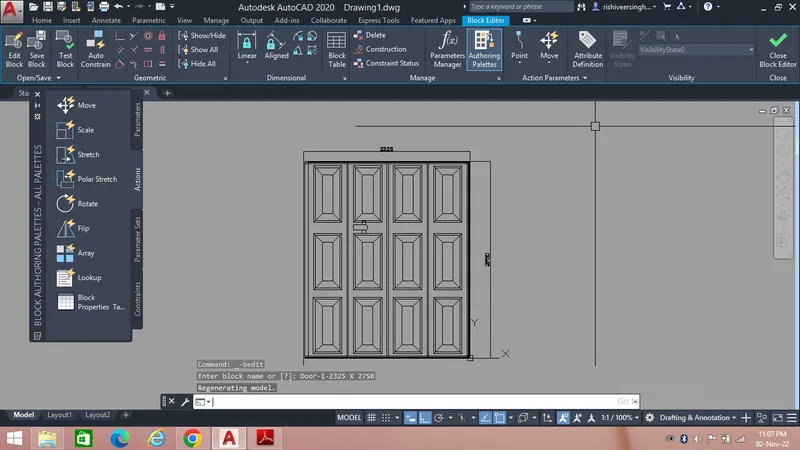
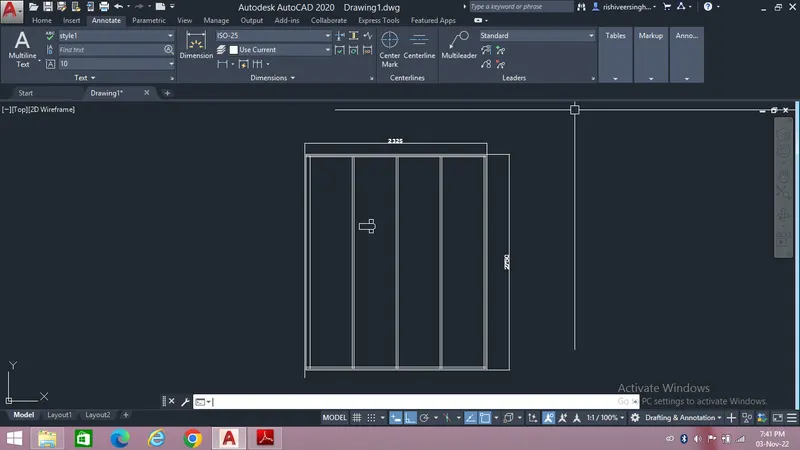
After creating the door type convert it into a block,
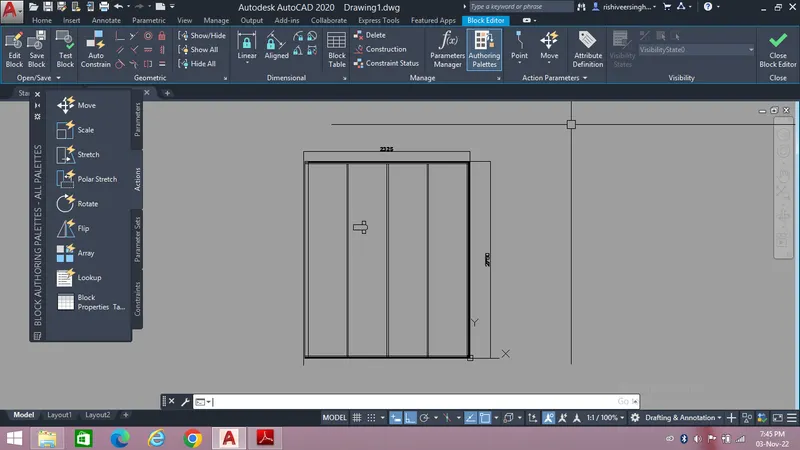
3. Aim - The pupose of this drawing is to create electrical symbols and to tabulate it by using diffrent tools to enhance my AutoCad learning. After creating the drawing convert it into a block.
The first step is to create the electrical symbols and then follow the steps as shown below,
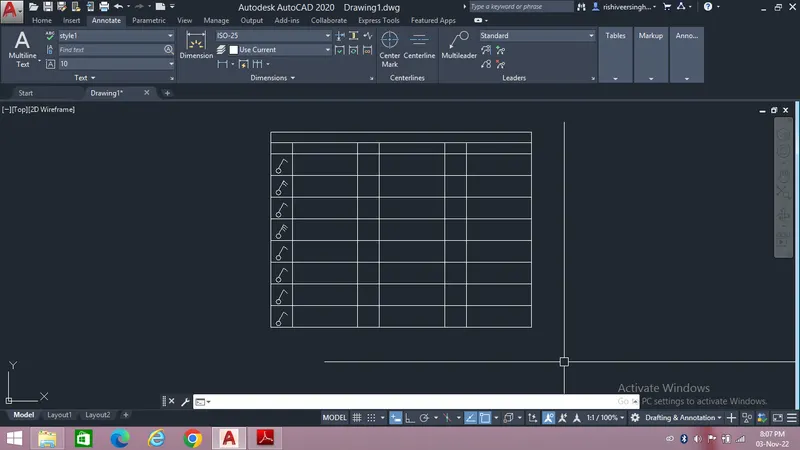
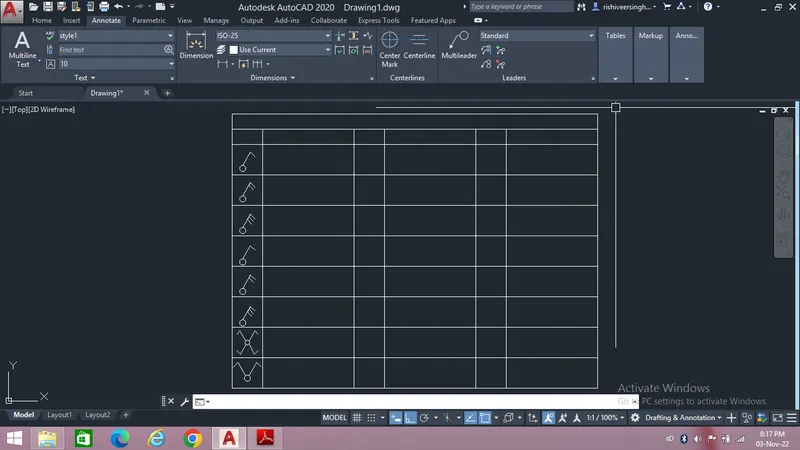
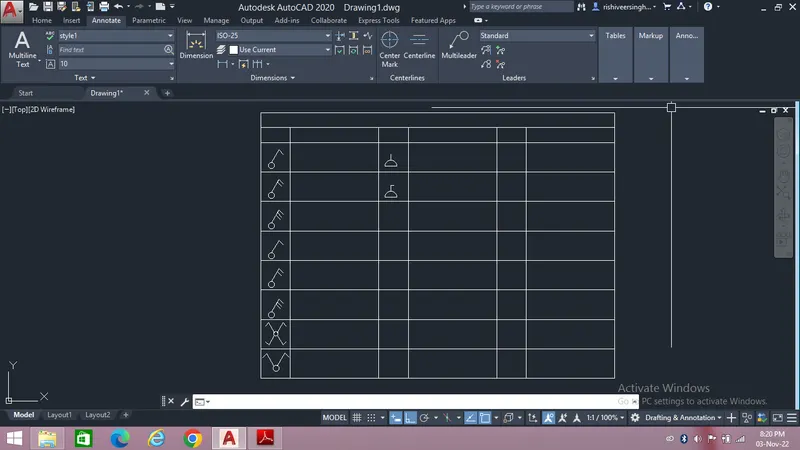
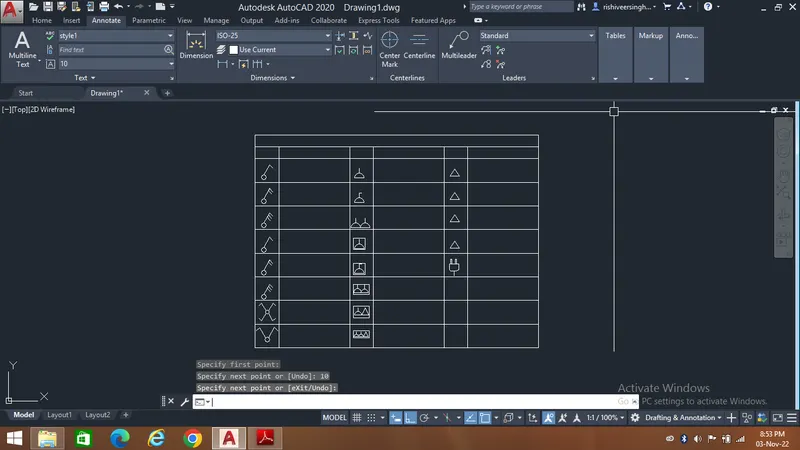
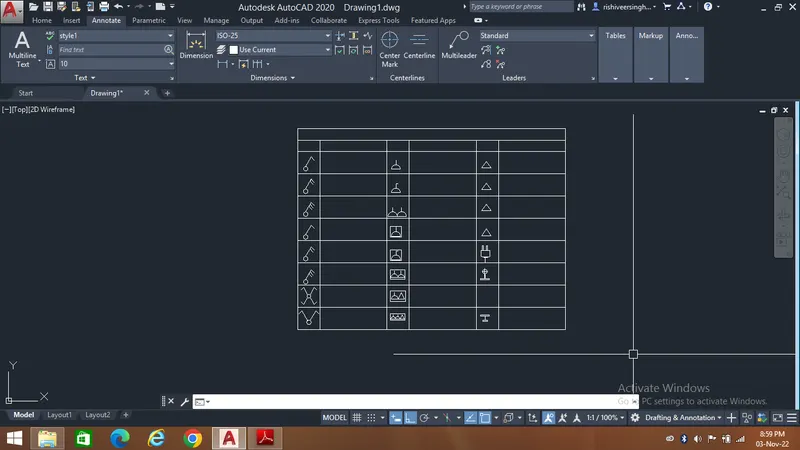
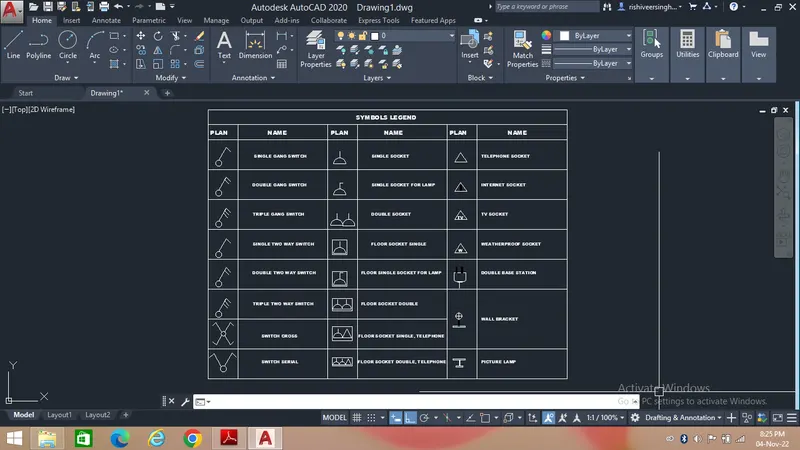
After creating the symbols and table convert it into a block,
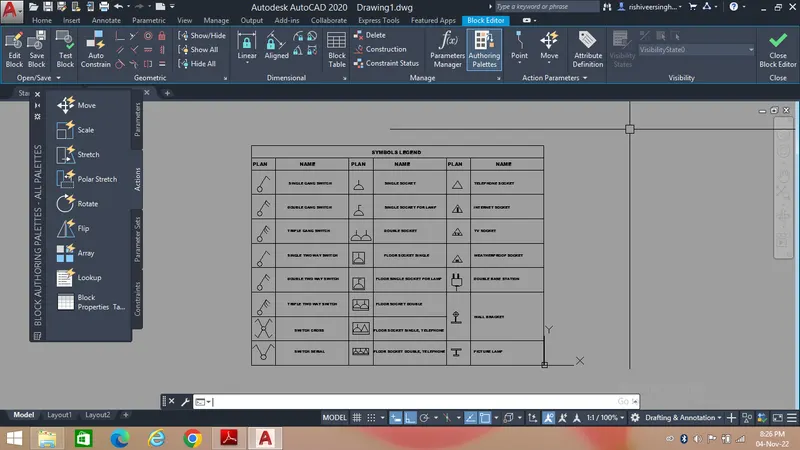
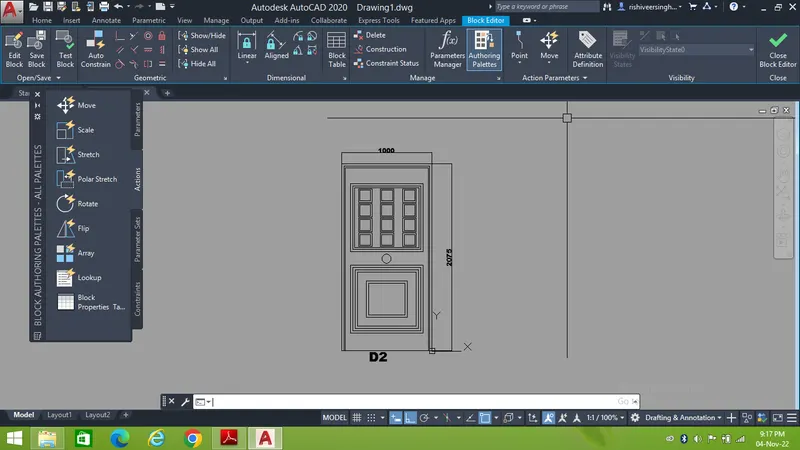
4. Aim - The purpose of this drawing to create diffrent types of residential door to enhance my AutoCad learning. After creating the doors convert each door type into block.
For creating the diffrent types of door follow the steps as show below,
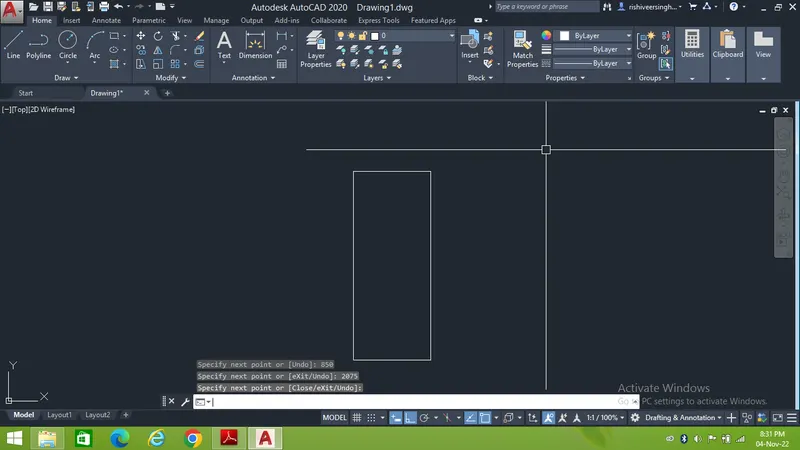
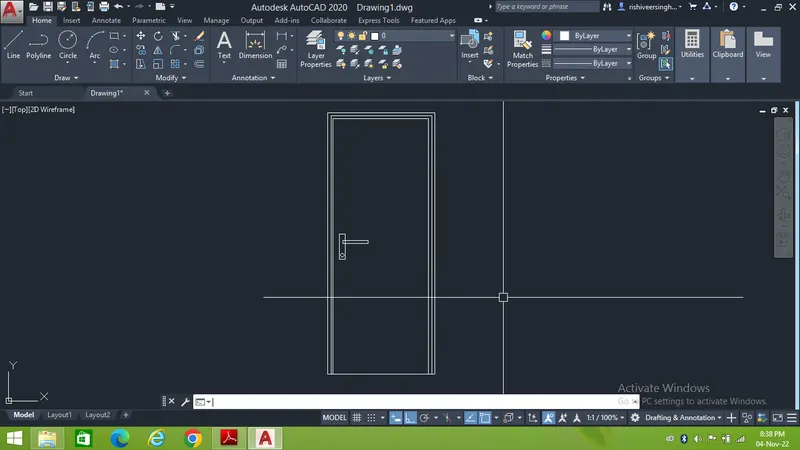
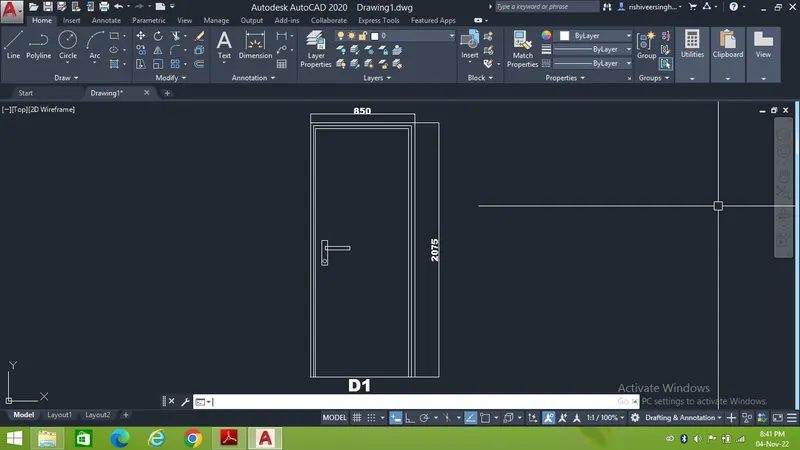
After creating the door, D1 convert it into a block,
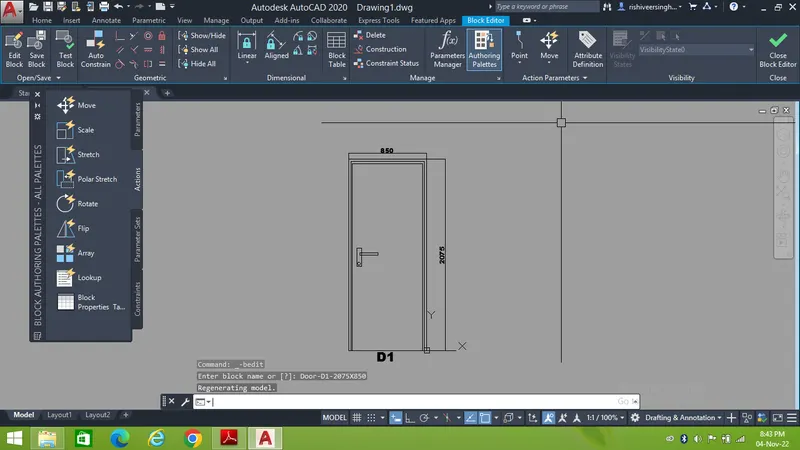
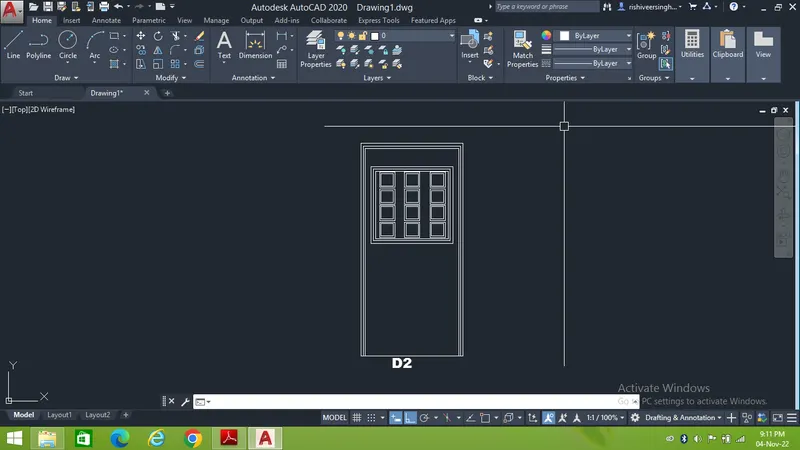
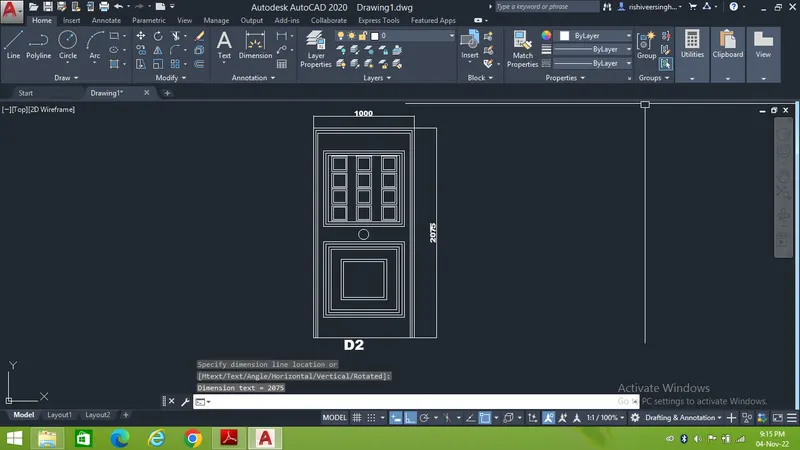
After creating the door, D2 convert it into a block,
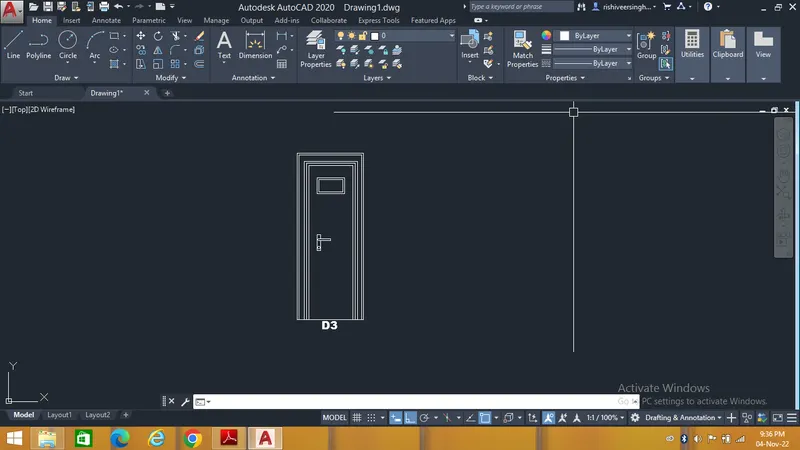
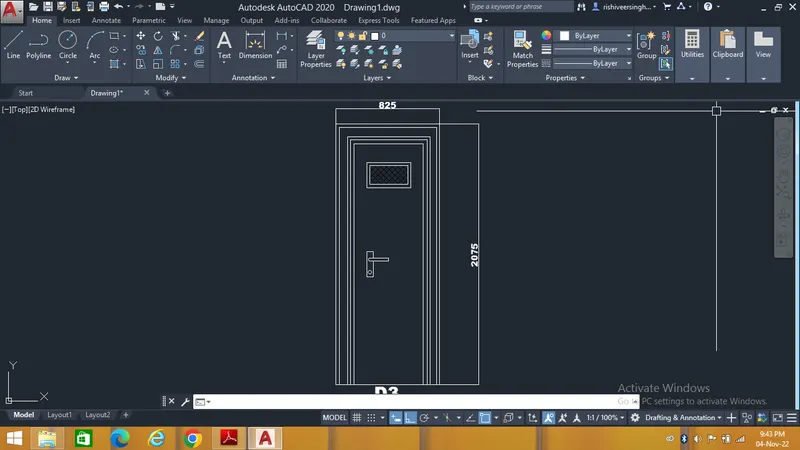
After creating the door, D3 convert it into a block,
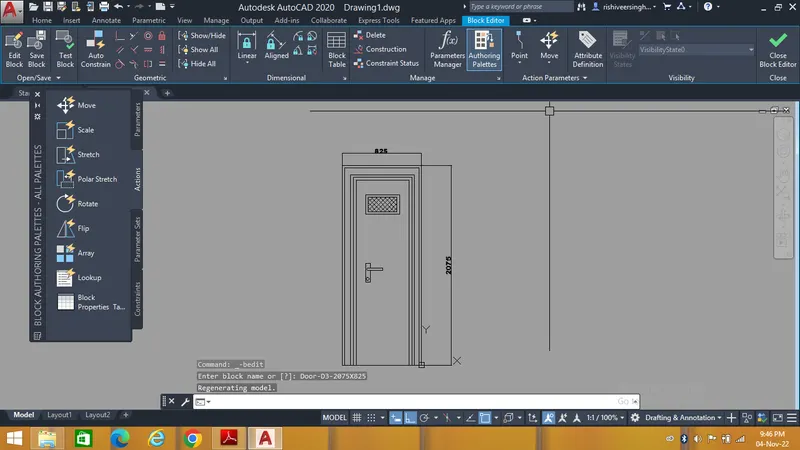
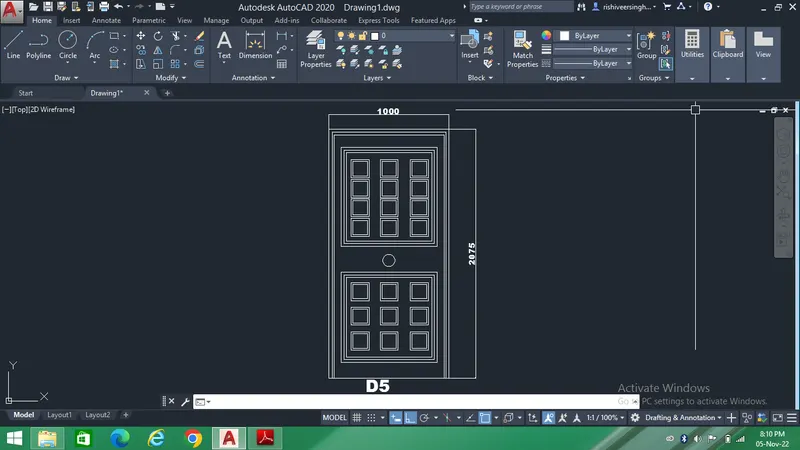
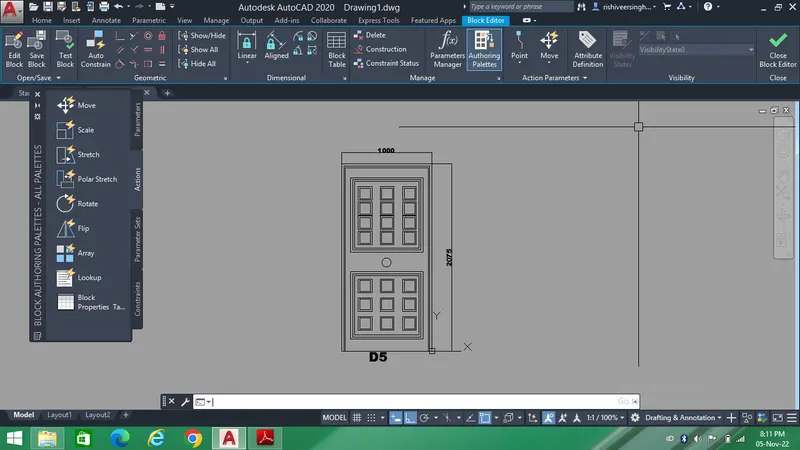
After creating the door, D5 convert it into a block,
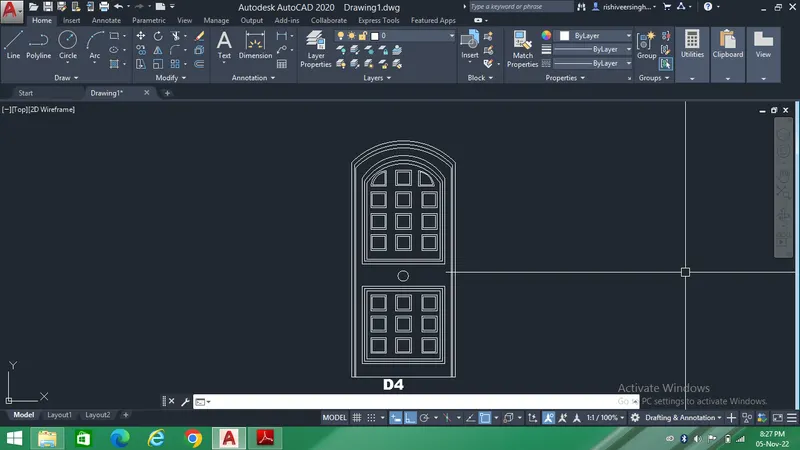
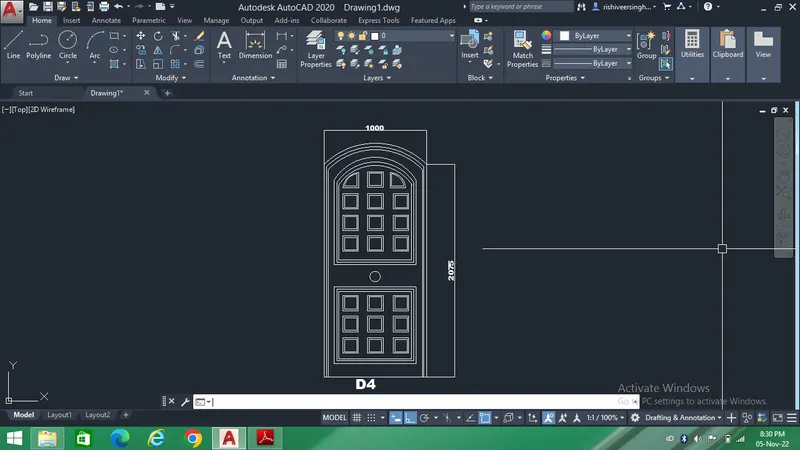
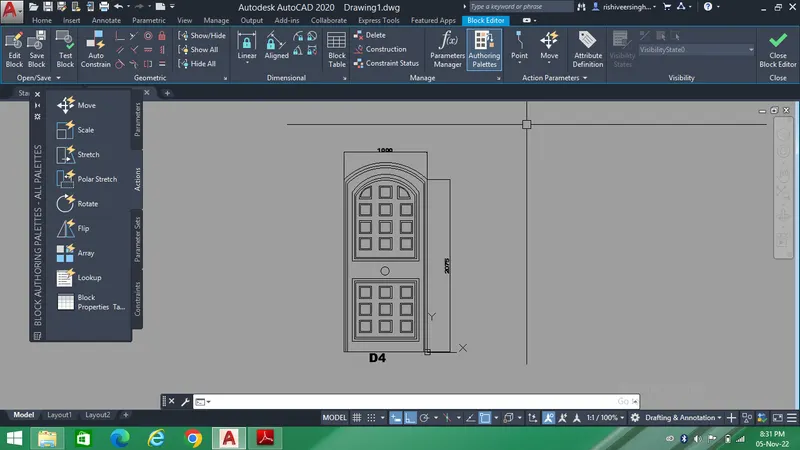
After creating the door, D4 convert it into a block,
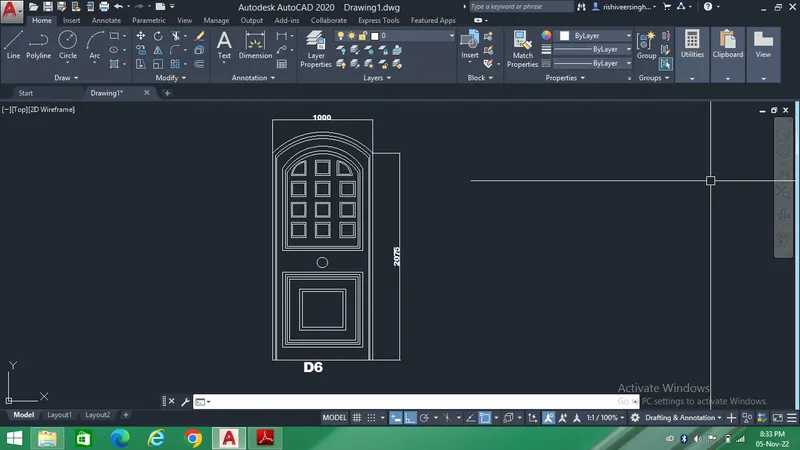
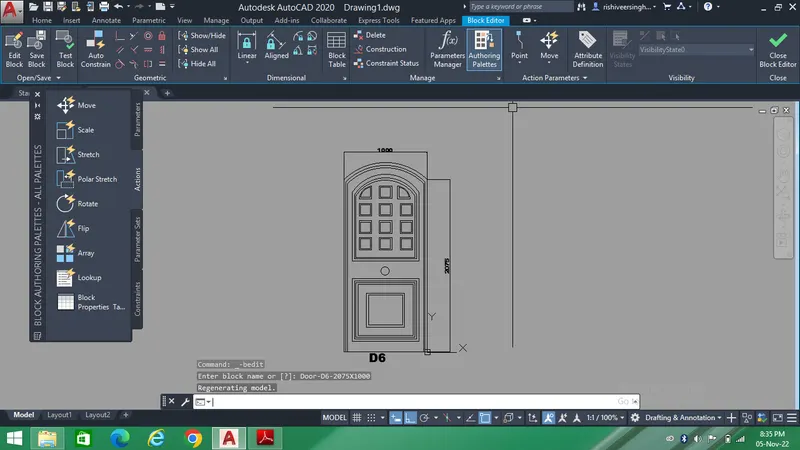
After creating the door, D6 convert it into a block,
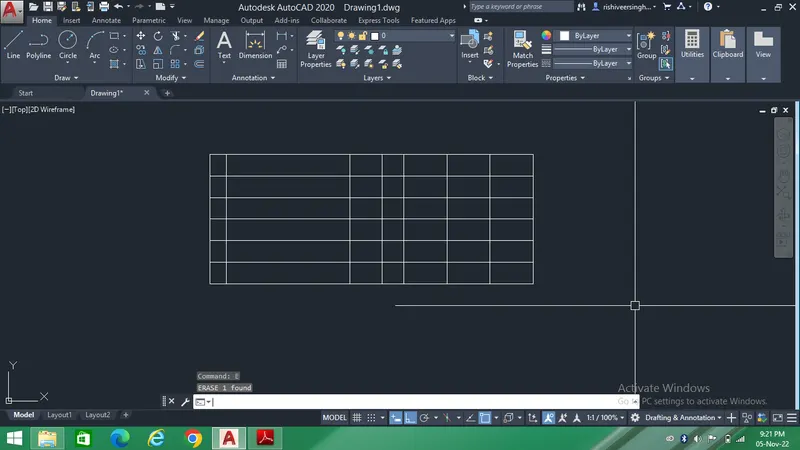
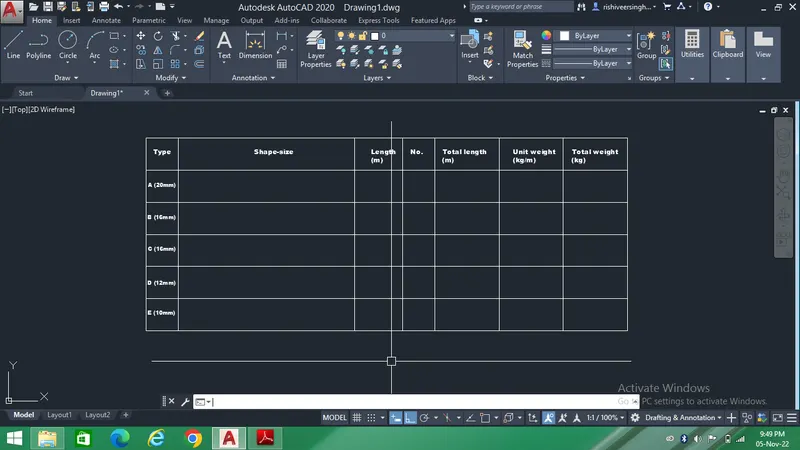
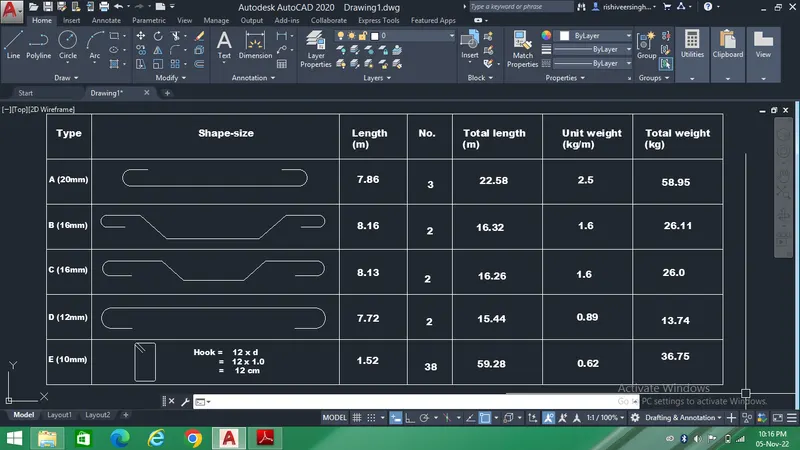
5. The purpose of this drawing is to create BBS as shown in the figure and convert it into a block to enhance my AutoCad learning.
First we will create the shape of the bar as per the given dimenssions and size and the tabulate it in a table.
After tabulation we will convert it into a block.
To create the BBS follow the steps as shown below,
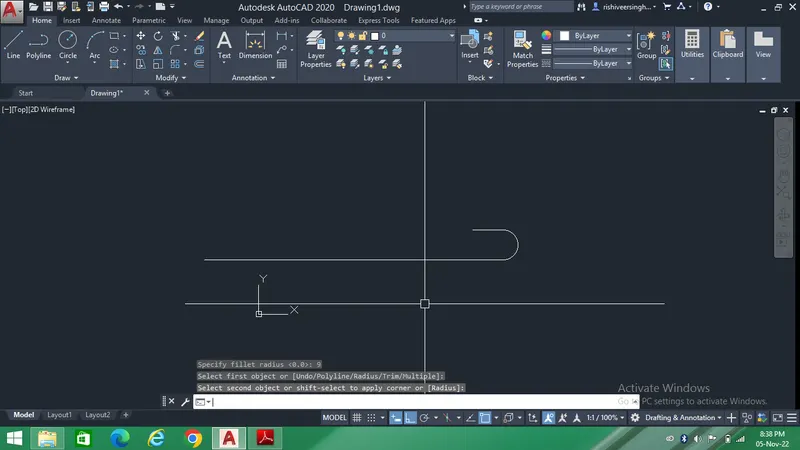
After creating the BBS convert it into a block,
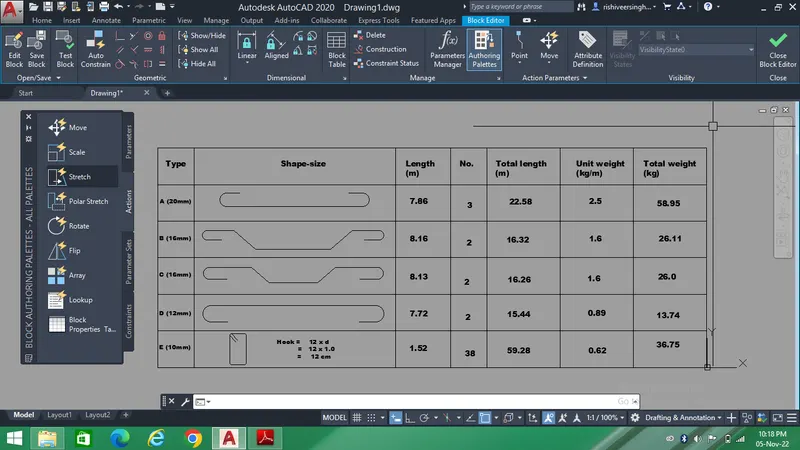
The final reult of the challenge is shown below,