Creating Architectural and Structural model with 3D rendering using REVIT
1) Select the type of structure you want to build from one of the three below:
a. Multi-Unit Residential Apartment
b. Office Buildings
c. School
From the above options i selected the 'OFFICE BUILDING'.
2) Assume reasonable assumptions for geographic and location details for your project modeling. Based on assumptions and type of structure selected identify the modeling requirements from NBC.
The open space around the building shall not be less than 4.5m
The type of construction as type 2 construction, the FAR value for the business buildind shall be taken as 2.9.
The plot size is taken as 45mx35m and floor size taken as 22mx13m, hence the FAR value is 5.5 which is within the prescribed limits as per NBC.
The width of the road abutting the building is taken as 9m.
3) Using the structural model, include the following components based on the type of structure selected
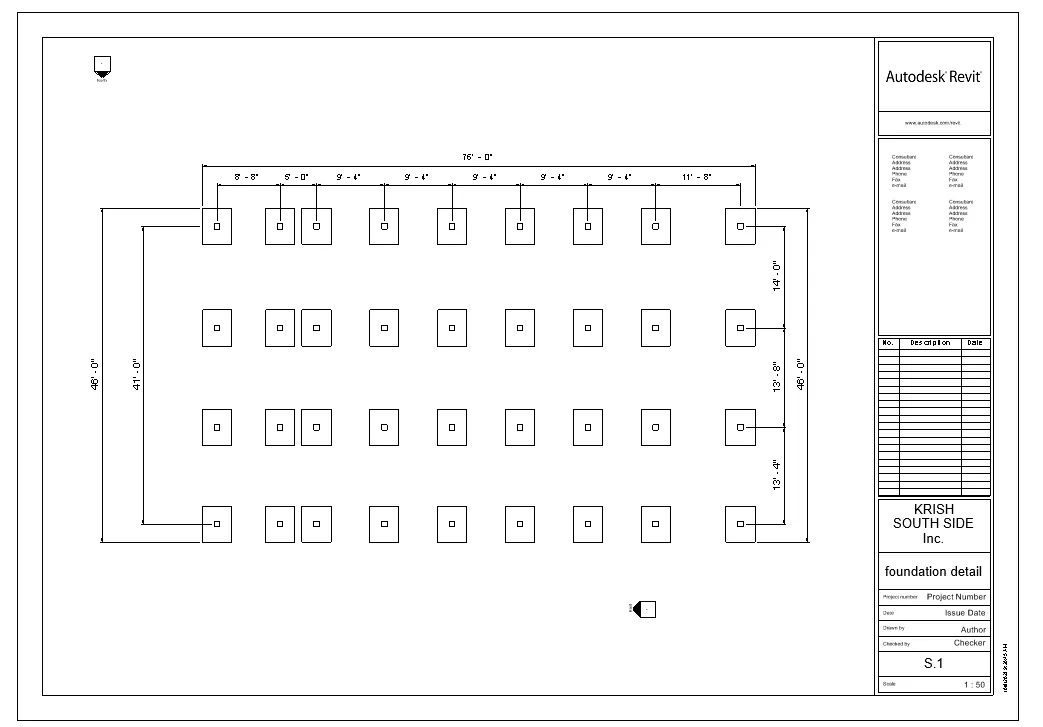
a. Foundation – Isolated / Wall/Matt Foundation
b. Columns
c. Beams Connected to Columns
d. Roof Framing/ Truss
e. Floor / Decks
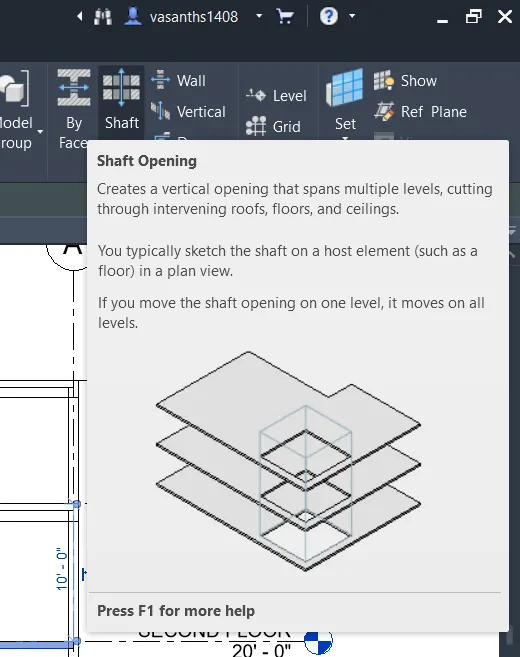
f. Floor Openings for Elevators and Stairs
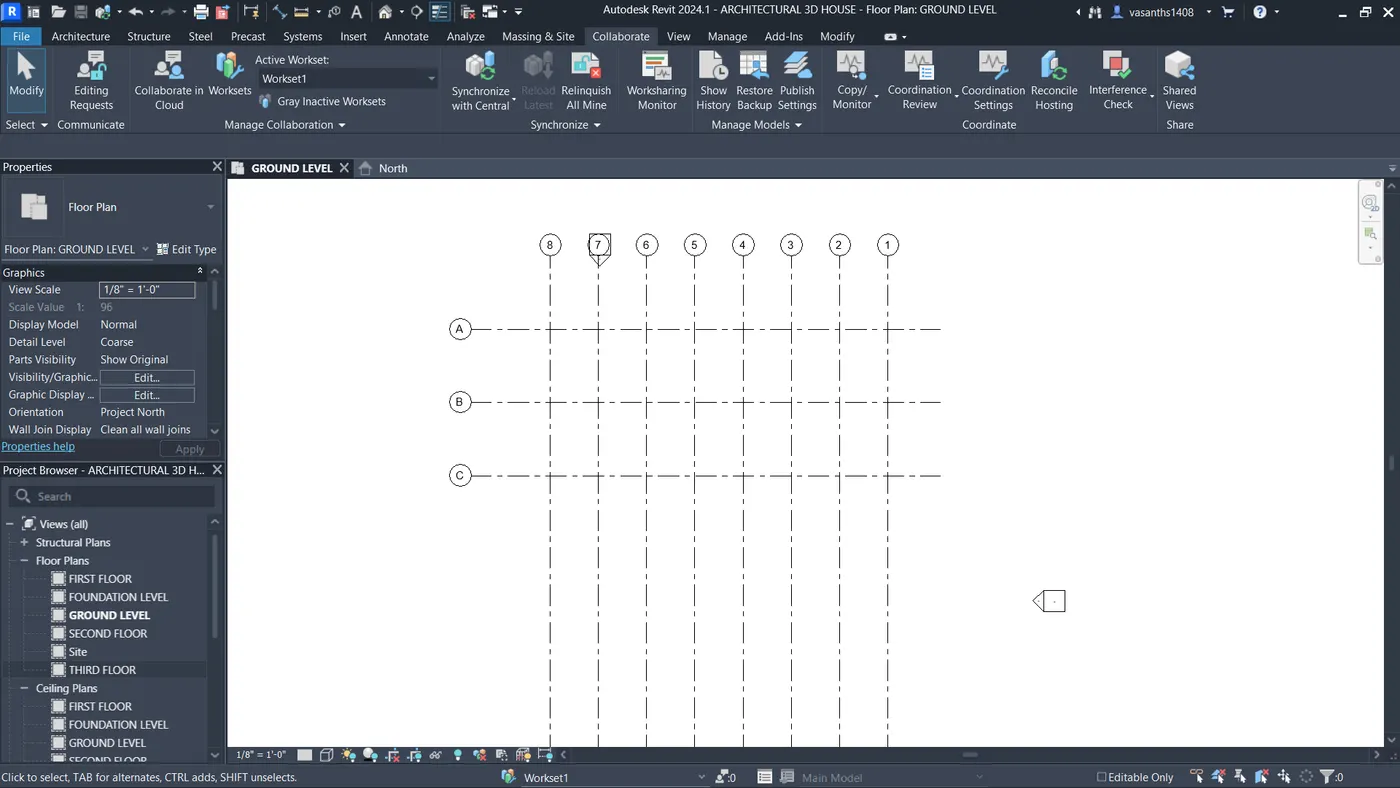
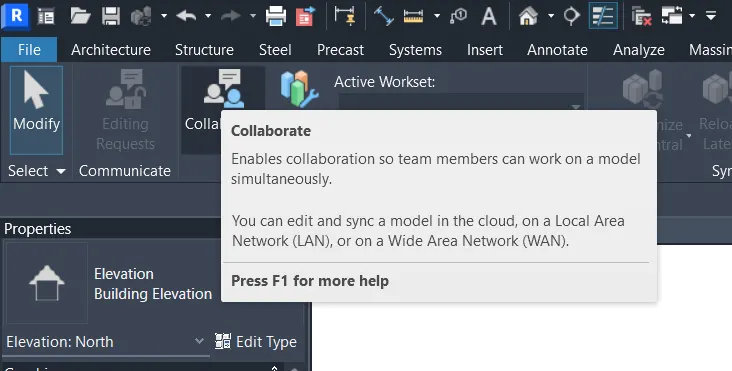
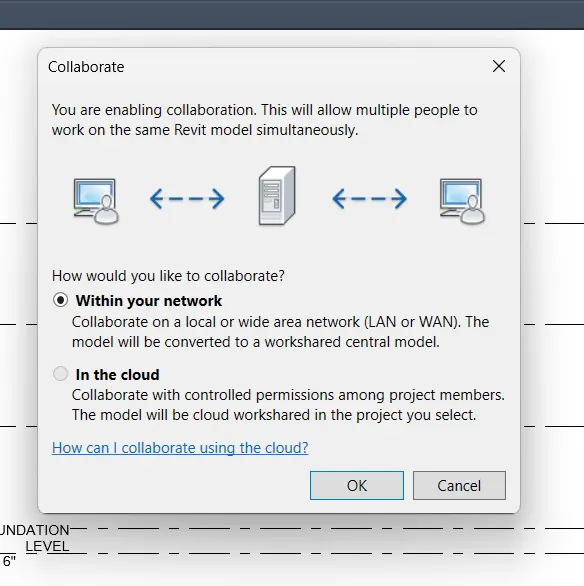
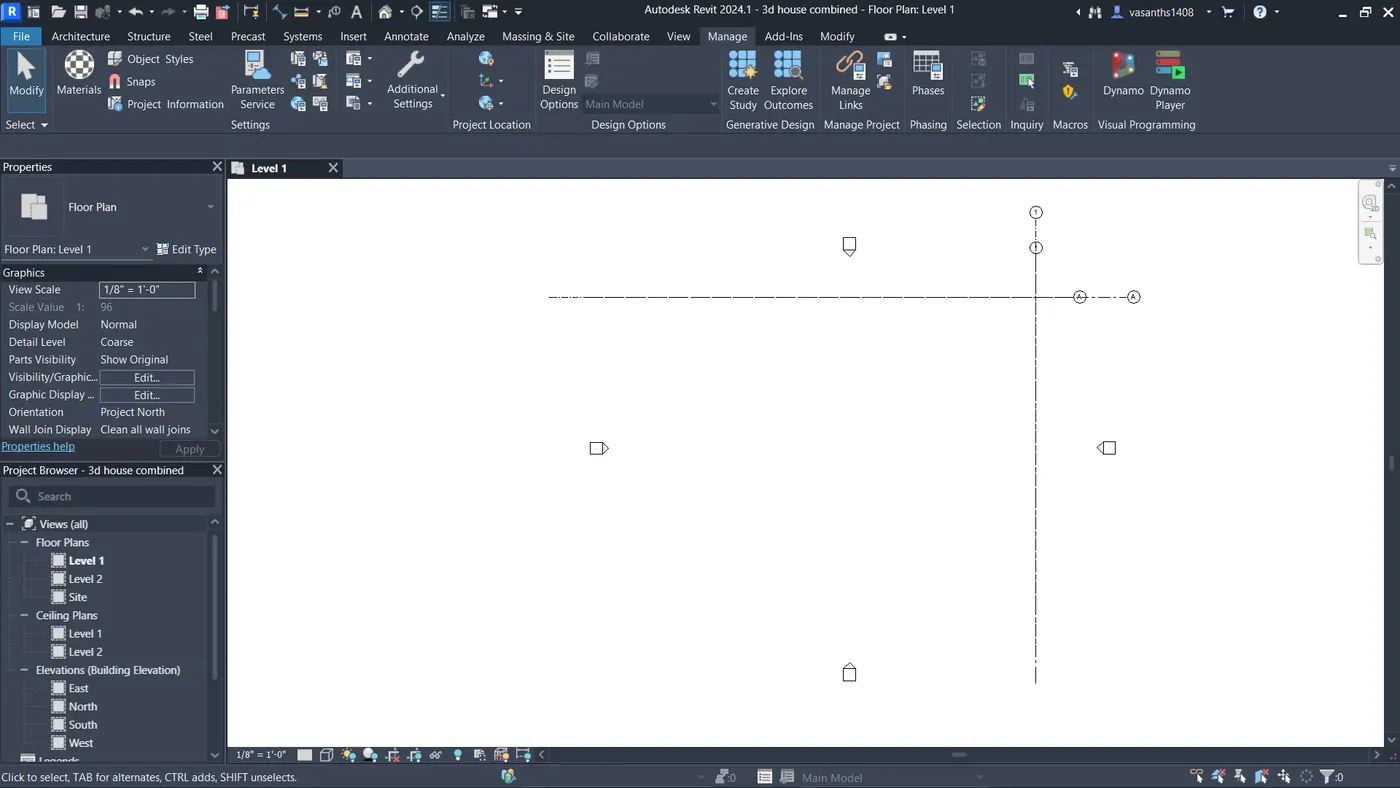
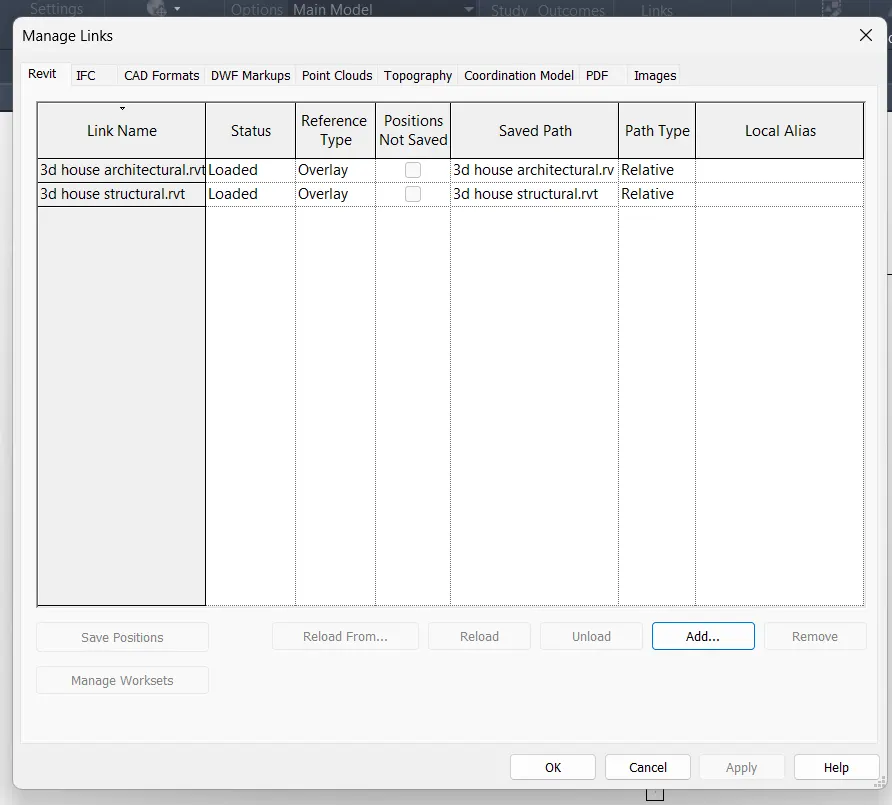
Create seperate file for structural and architectural plan to work on a collaborate mode and link that two on a combined model to the central model,which helps to switch in between the two files without any confusions and collisions. use the coordinate points to link the two models at a exact location on both models.
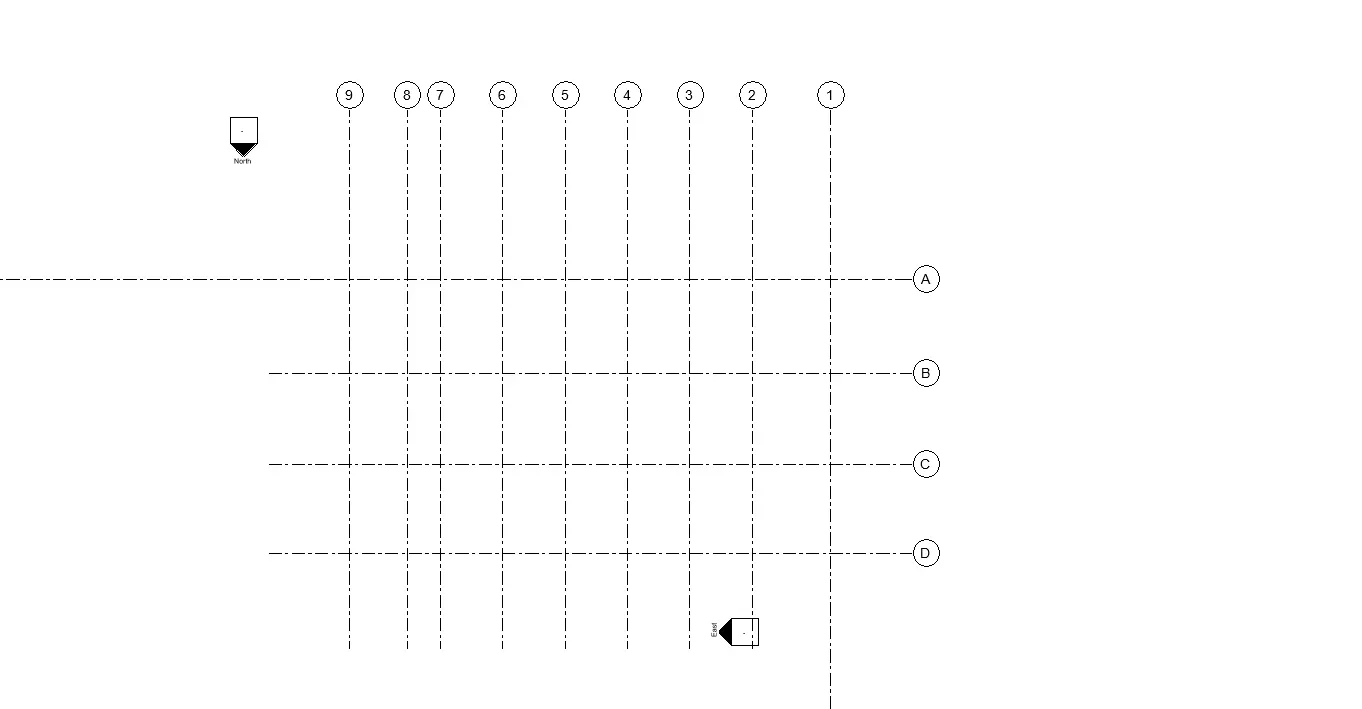
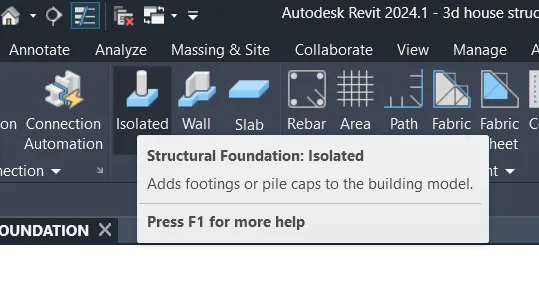
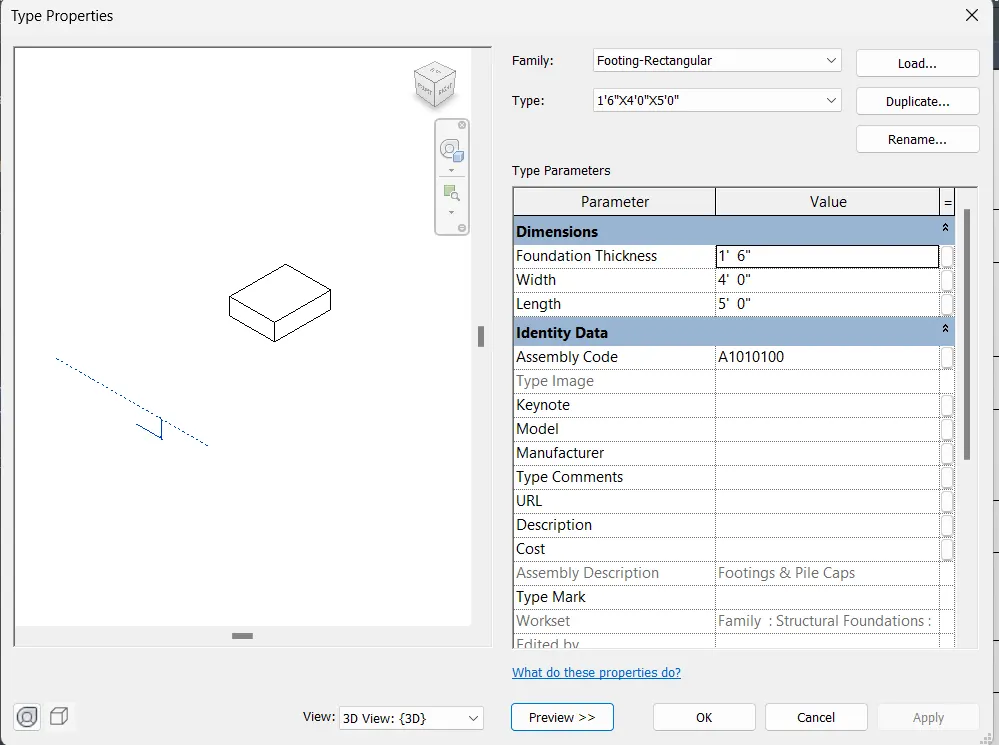
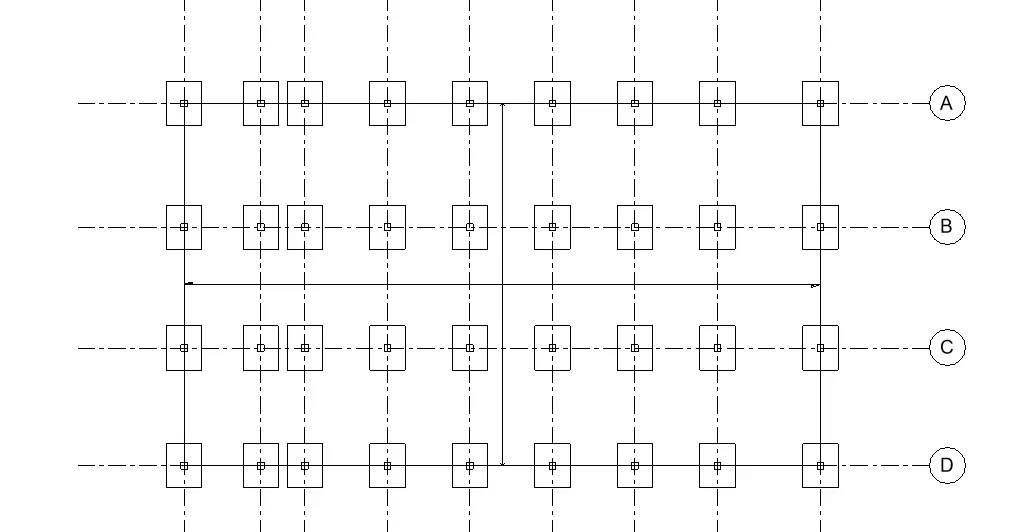
Foundation – Isolated / Wall/Matt Foundation
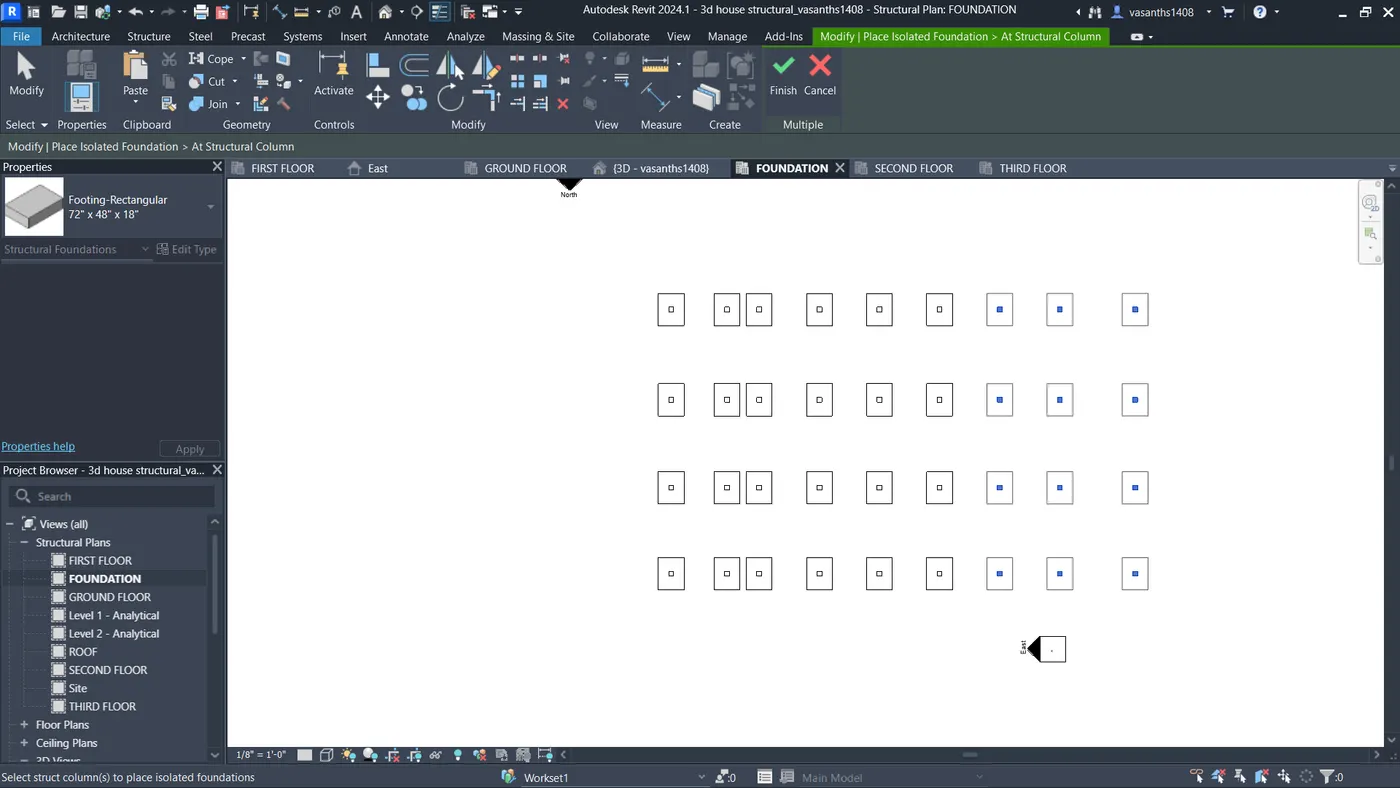
. Columns
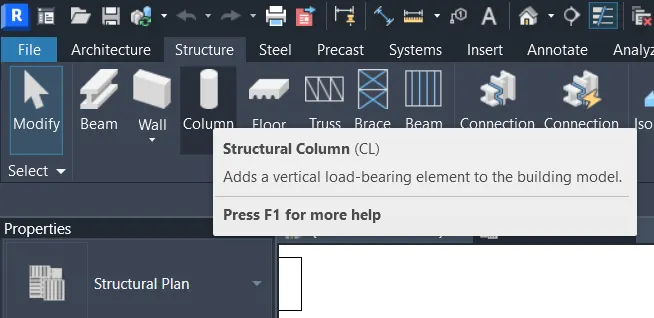
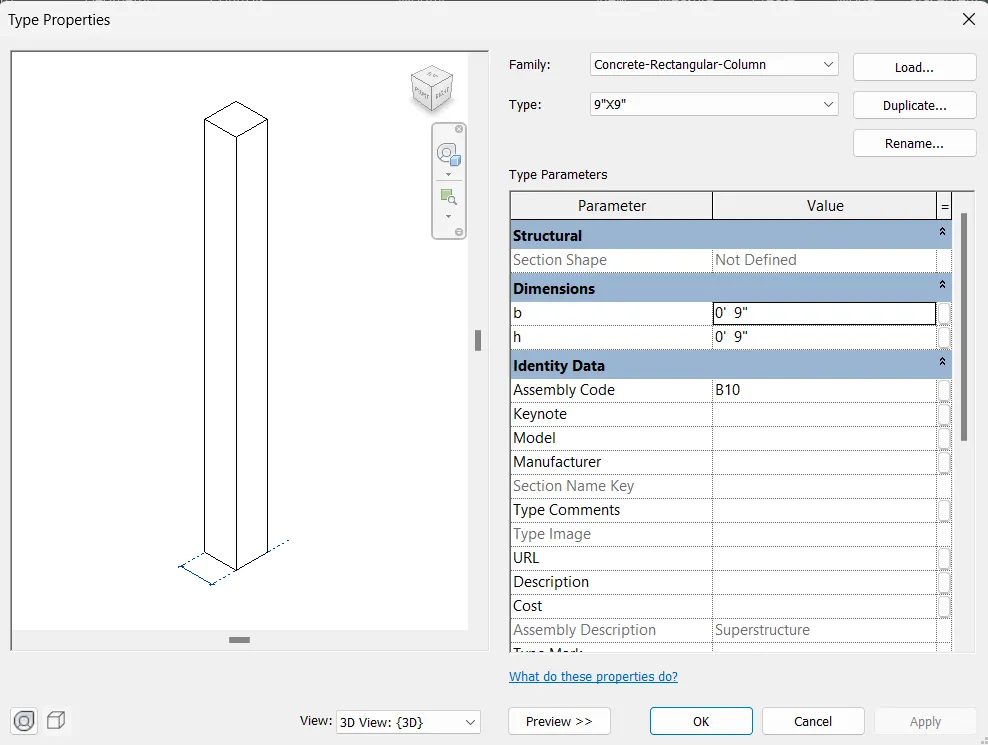
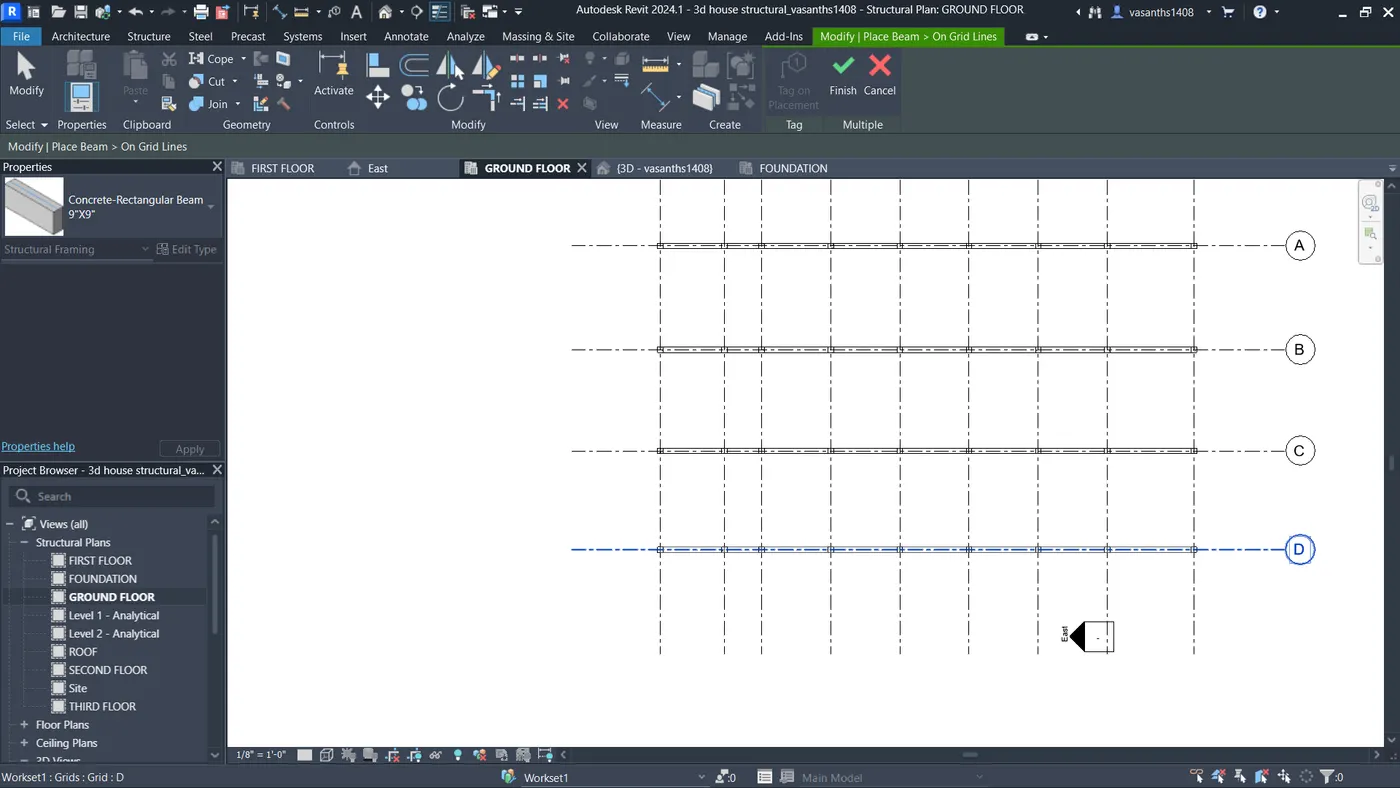
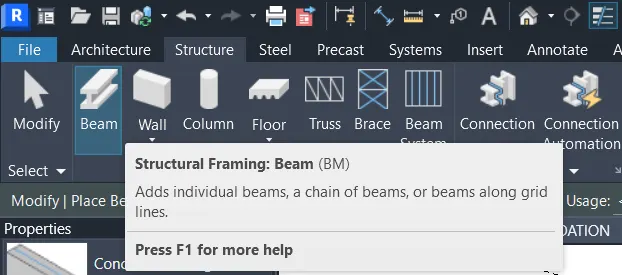
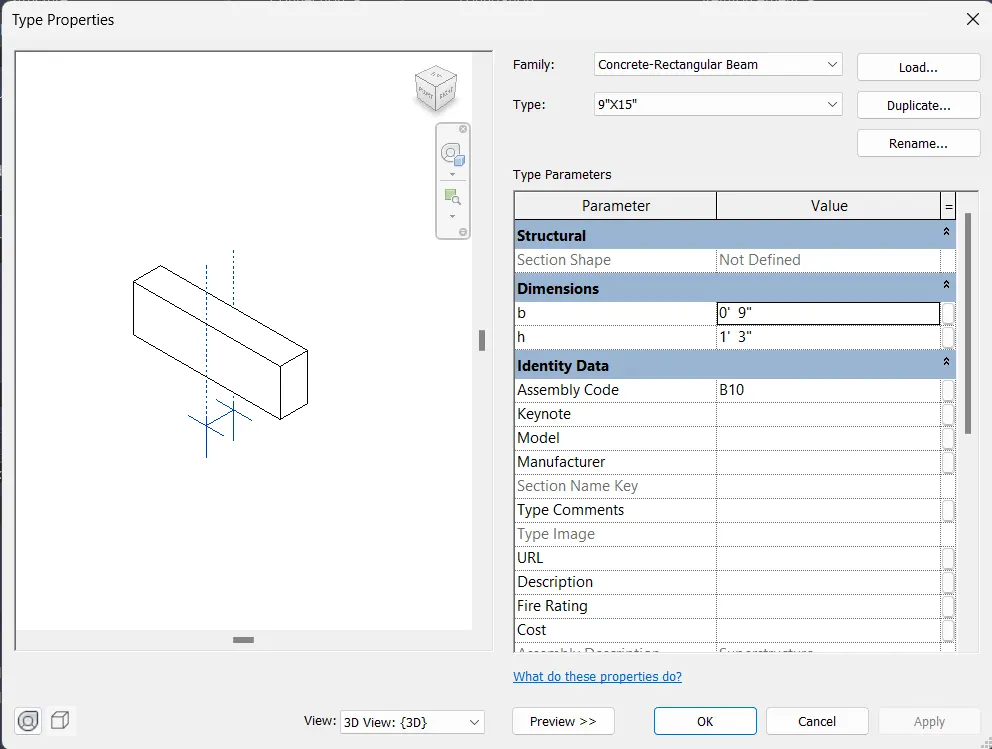
Beams Connected to Columns
. Floor / Decks
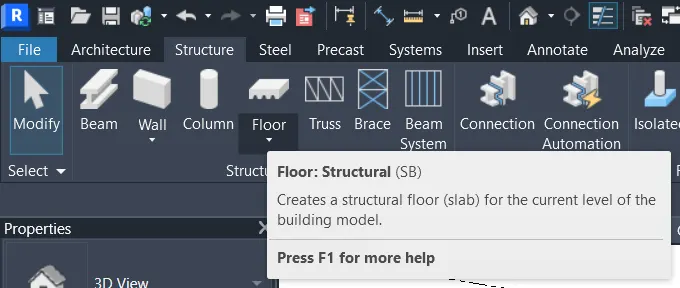
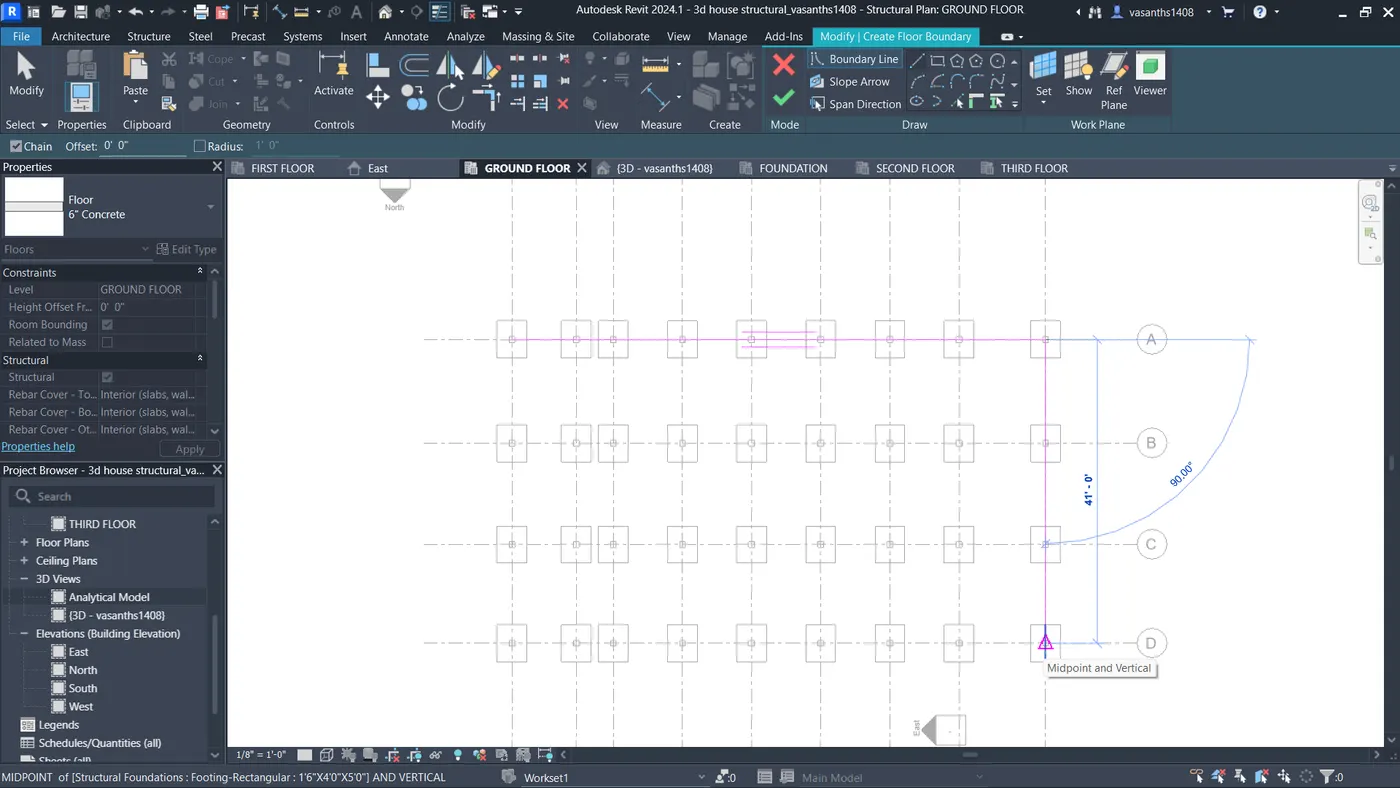
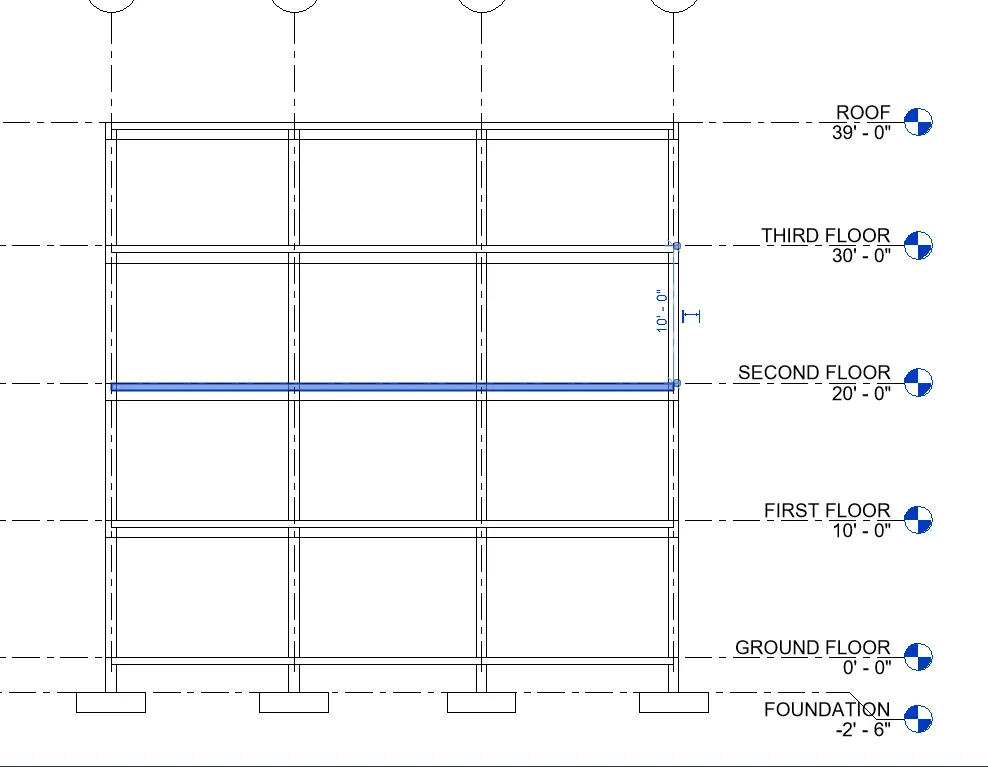
Floor Openings for Elevators and Stairs
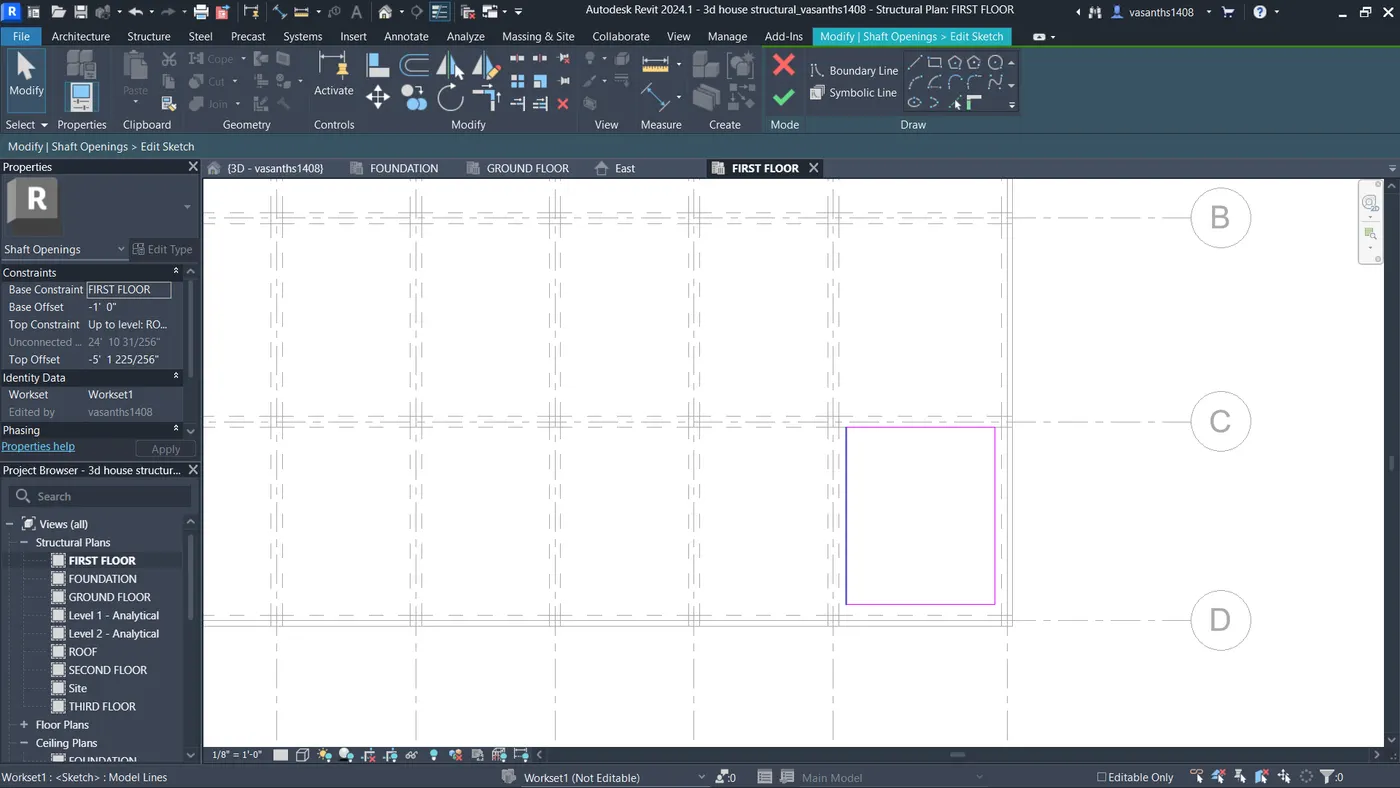
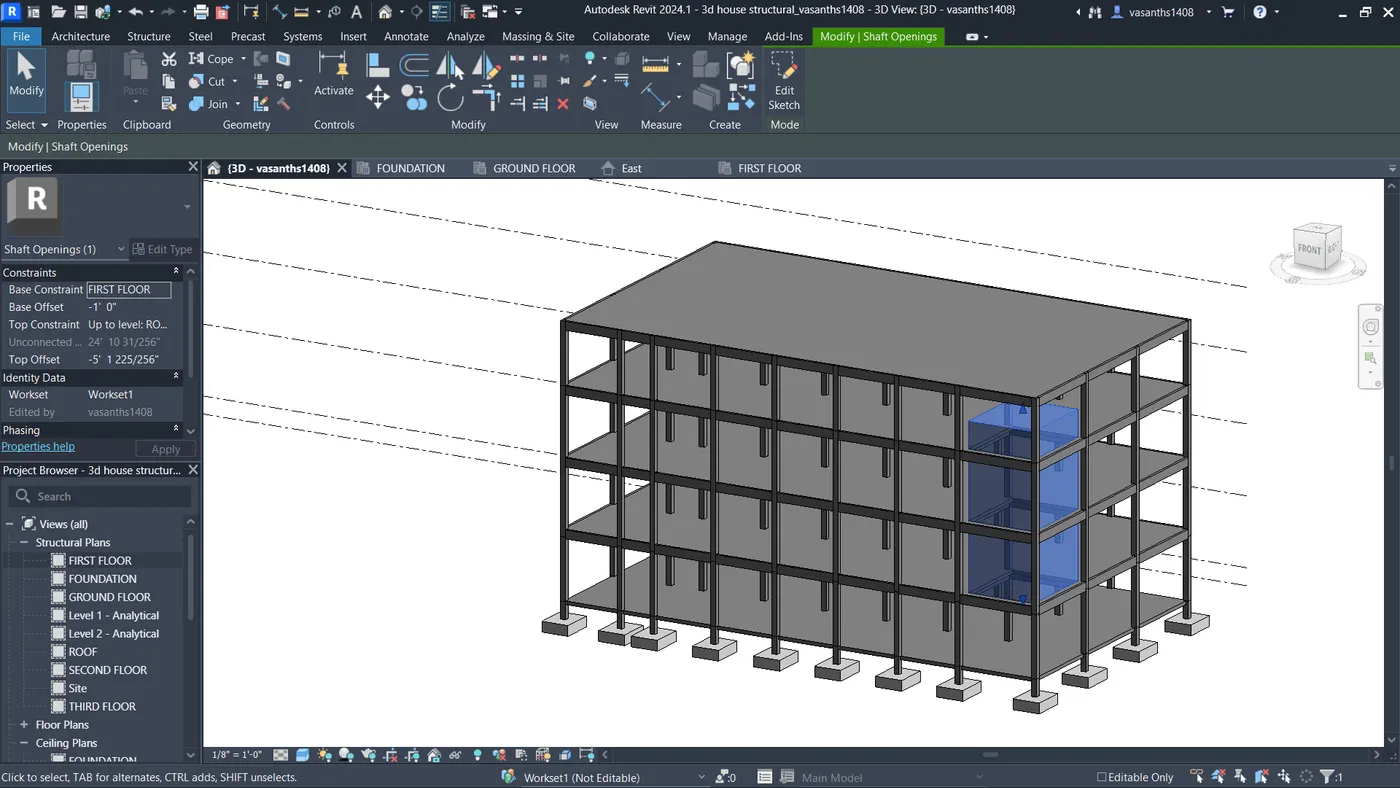
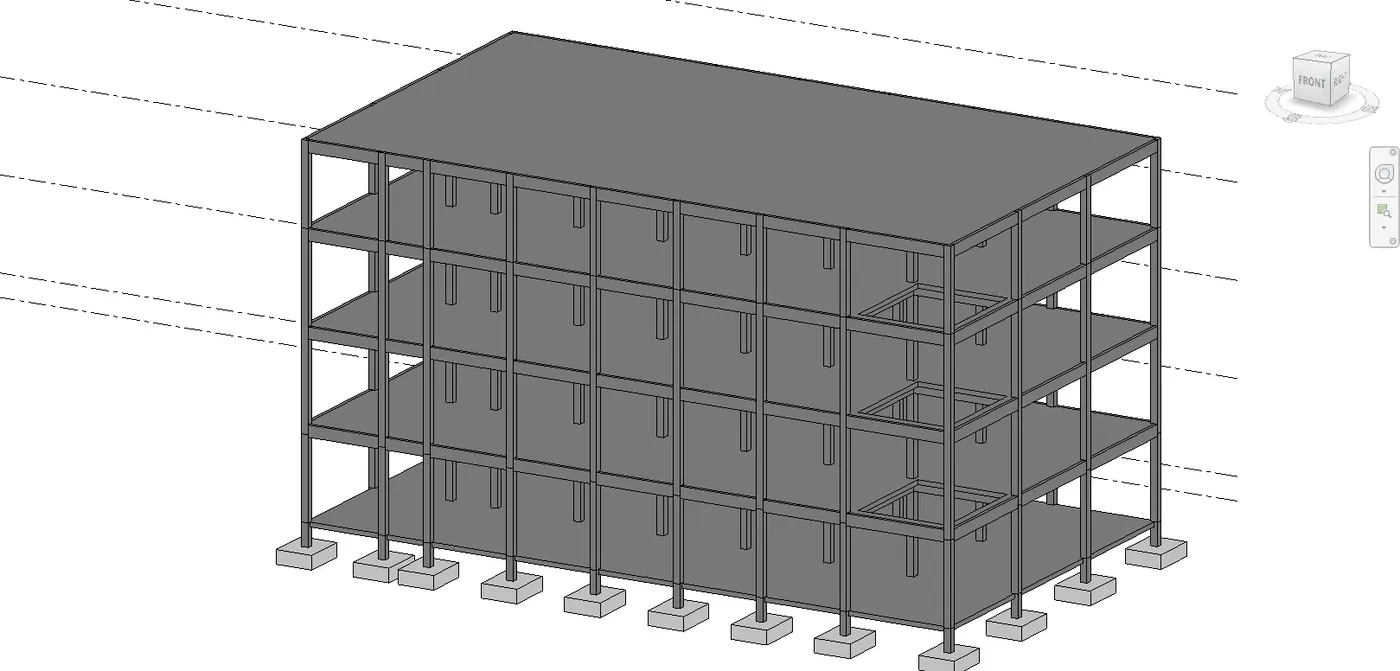
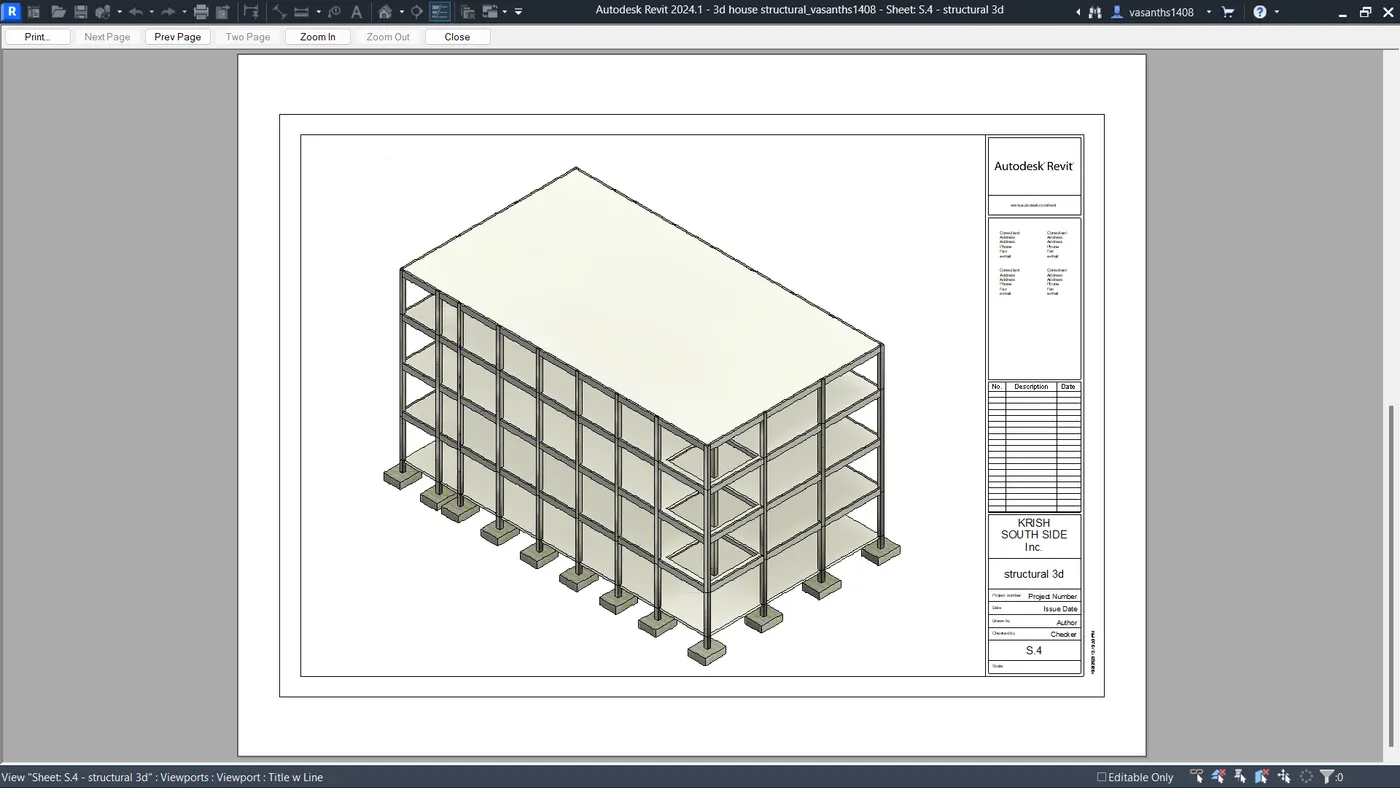
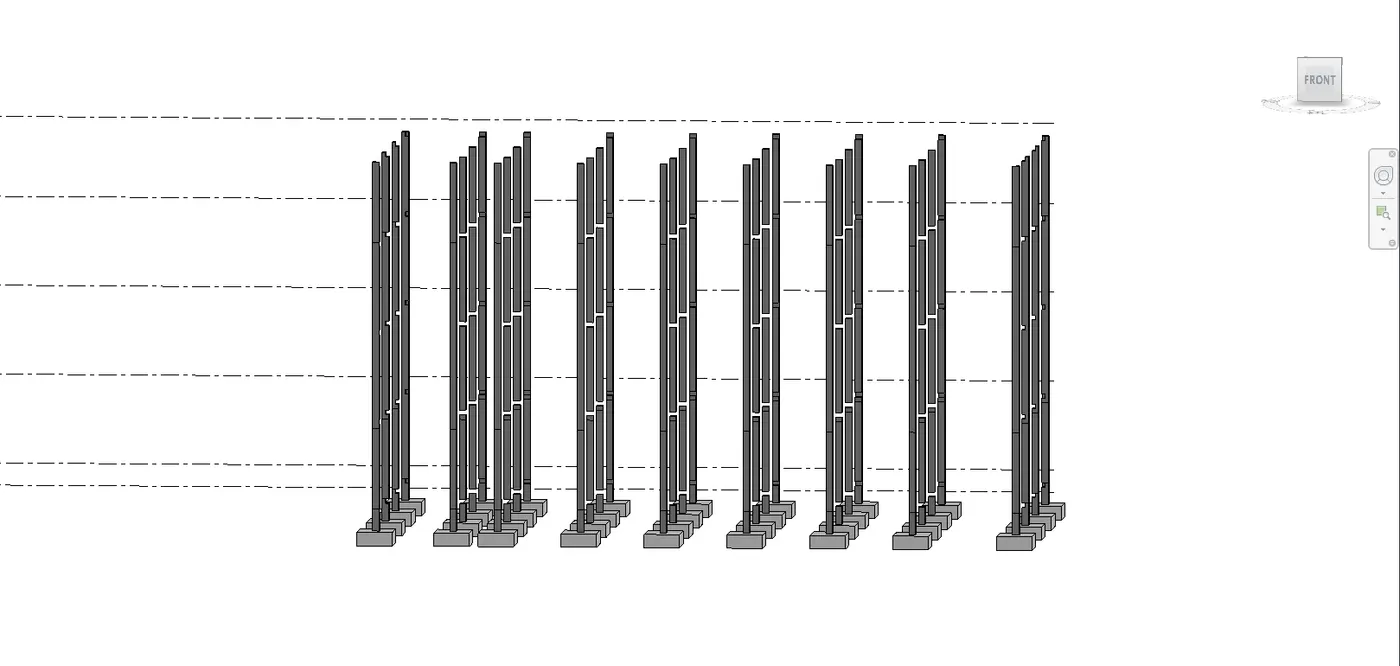
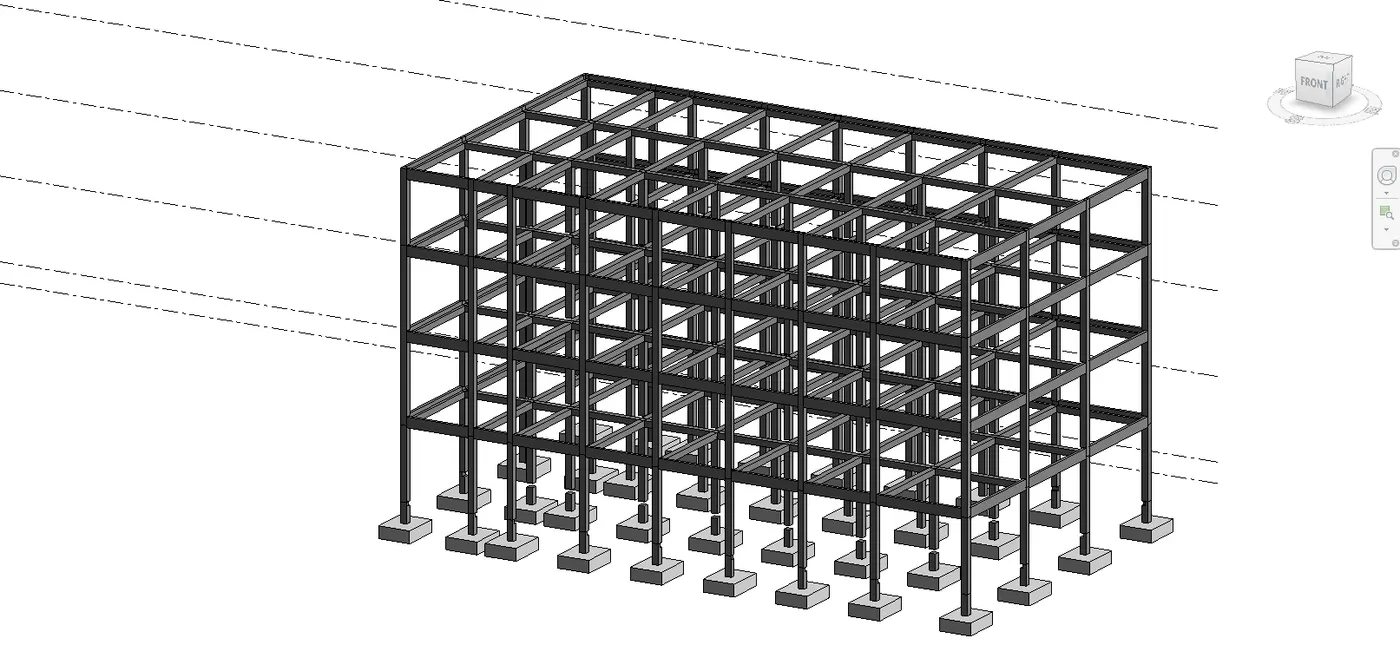
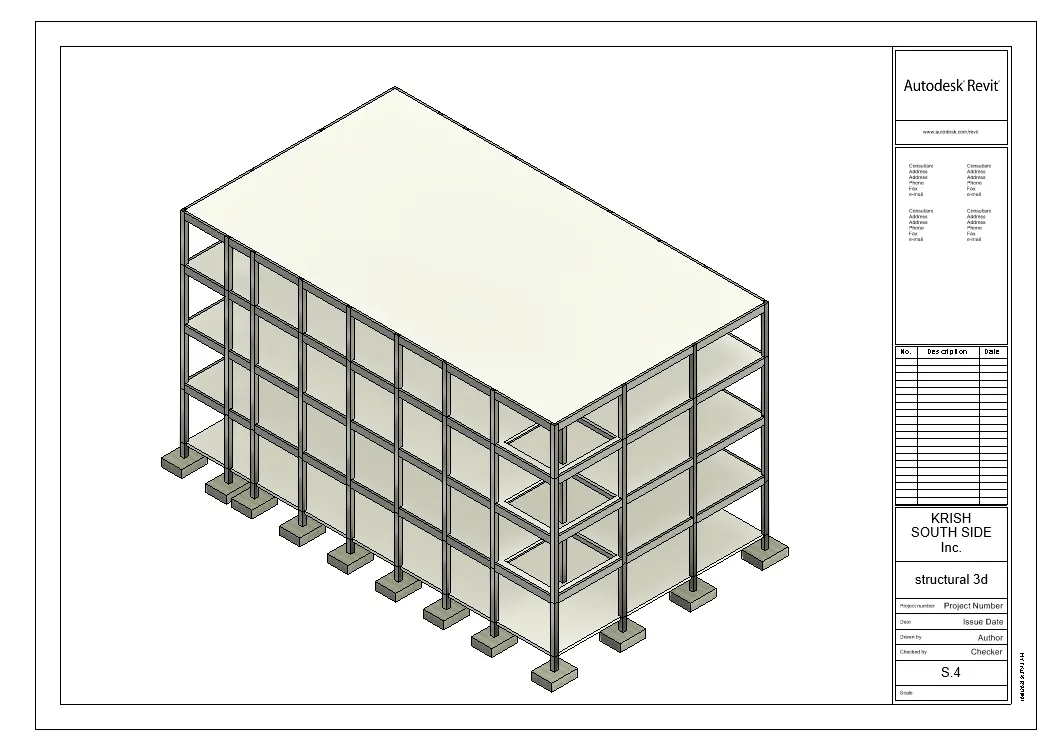
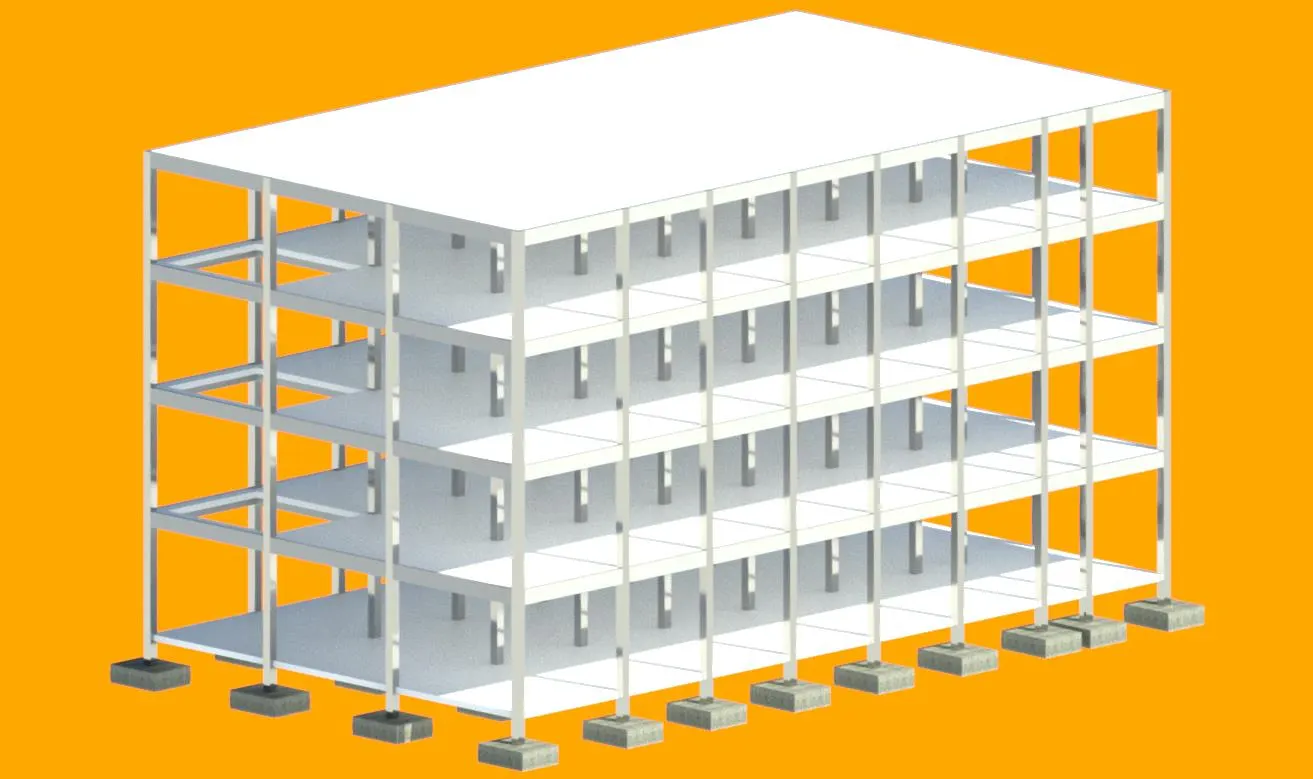
structural model with isolated footing,column,beam,floor and a slab.
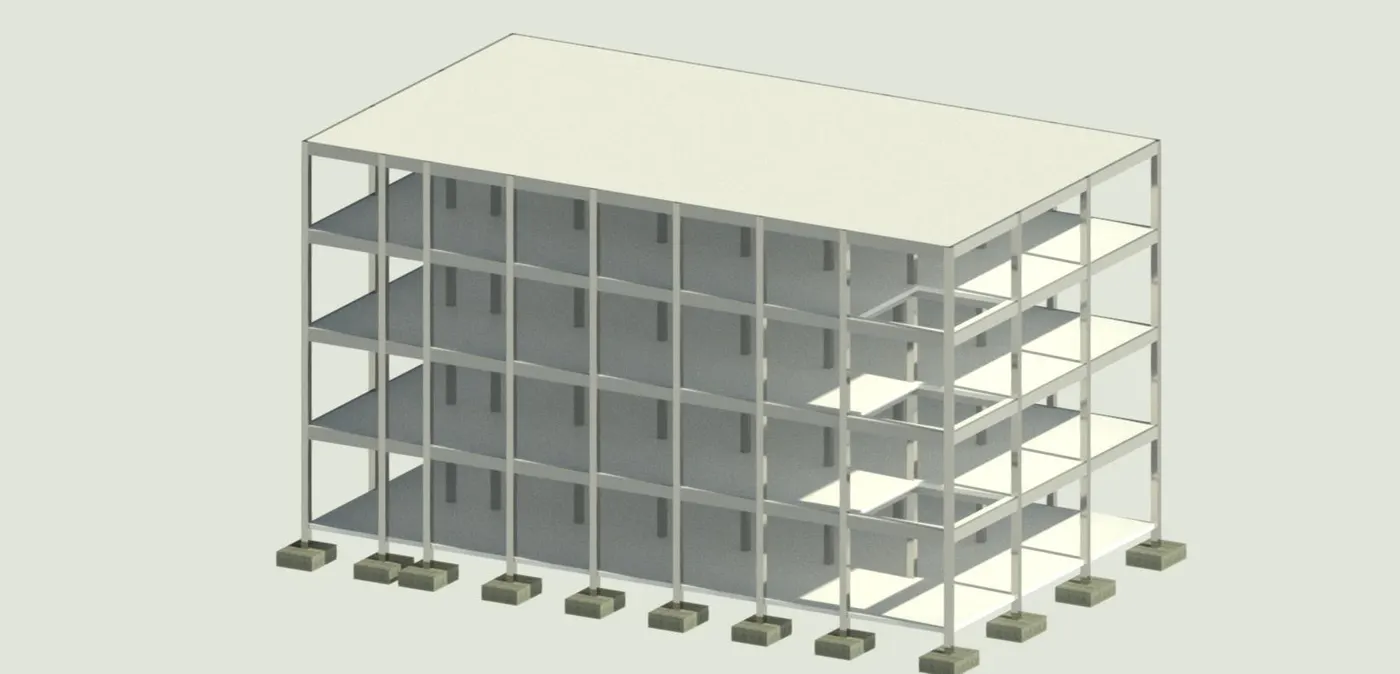
4) Using the architectural model, include the following components based on the type of structure selected
a. Wall Layout with appropriate material and finishing
b. Exterior façade with fancy finish
c. Interior partition walls to size rooms
d. Components to add details to a room ( Desk, Chair, Lighting, Plumbing fixtures)
e. Add components such as stairs Elevators
f. Have at-least one side of the building with curtain walls and glass panels
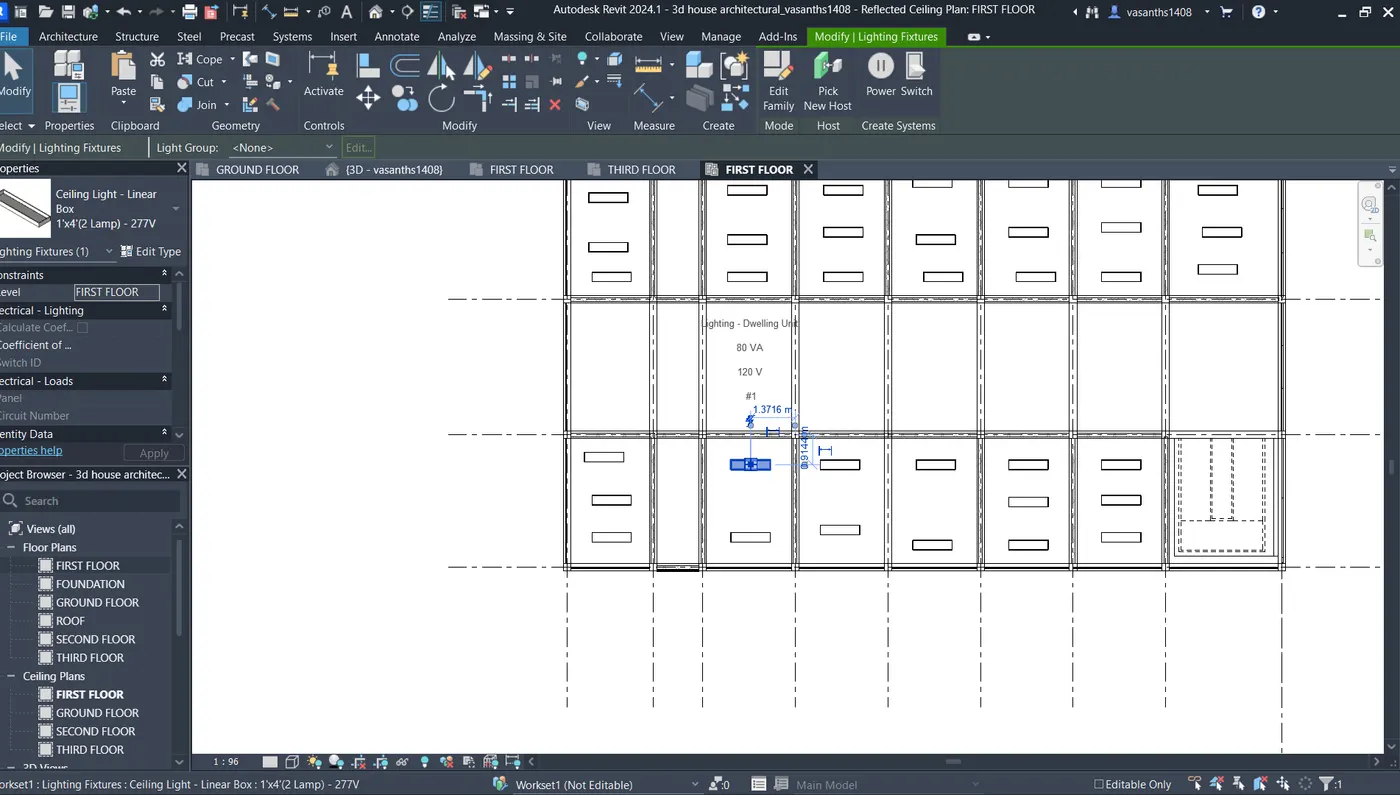
g. Include interior and exterior lighting fixtures
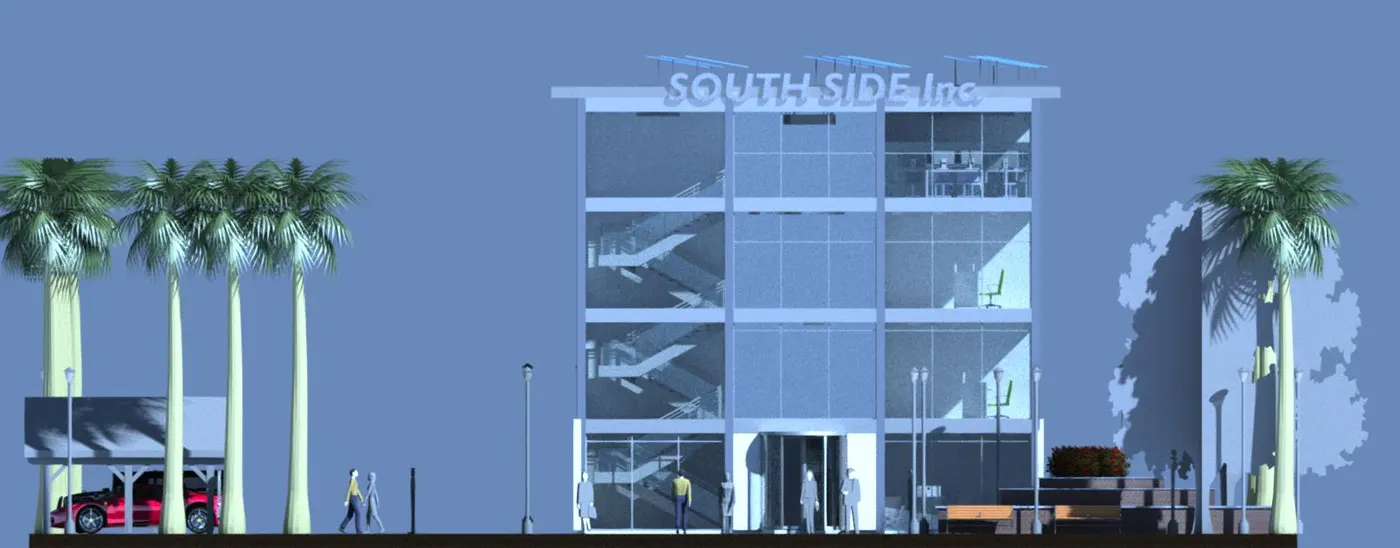
h. Place proper topographic components from outside ( Trees, Parking, Plants) to add details to the model
a. Wall Layout with appropriate material and finishing
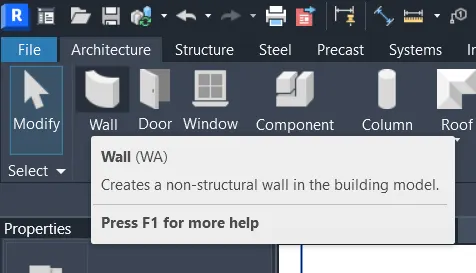
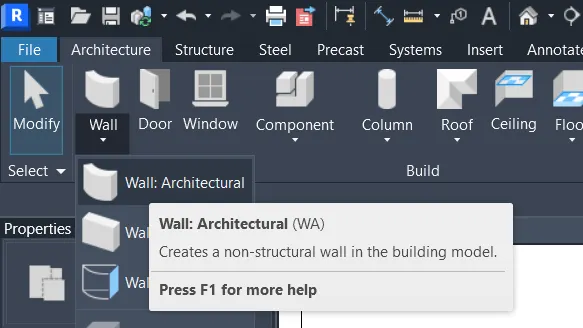
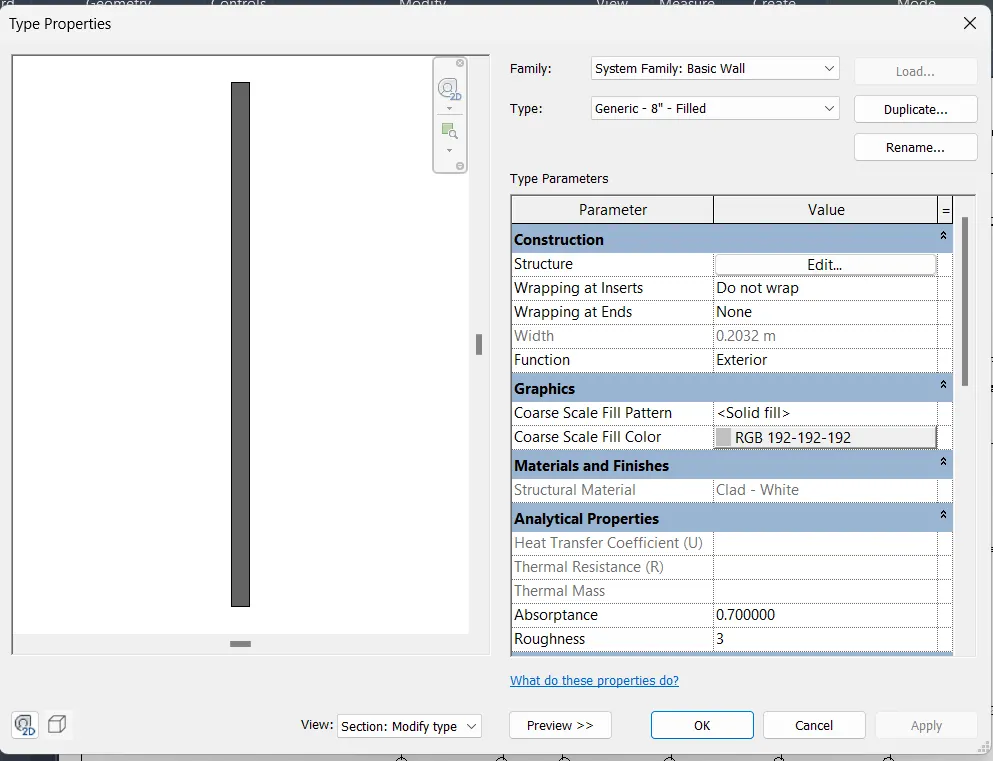
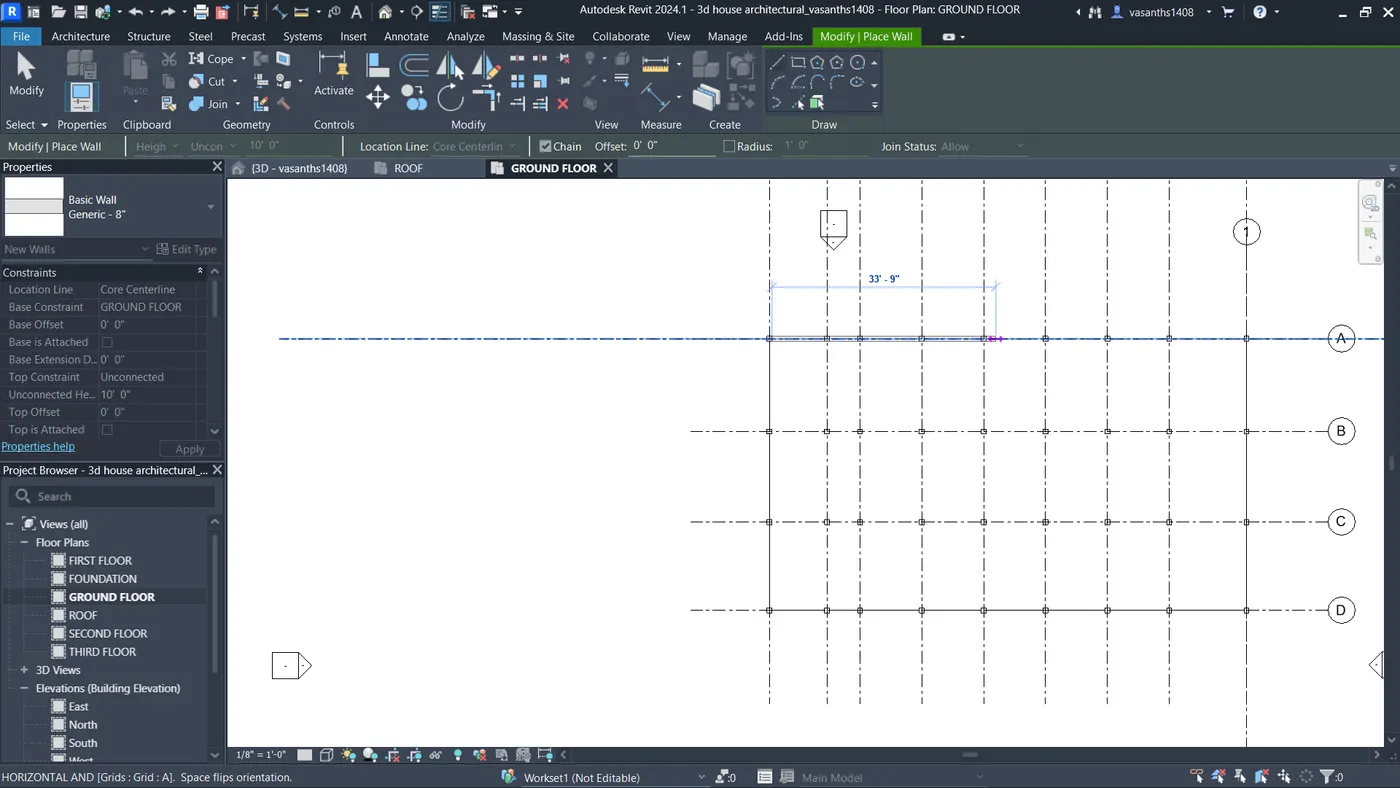
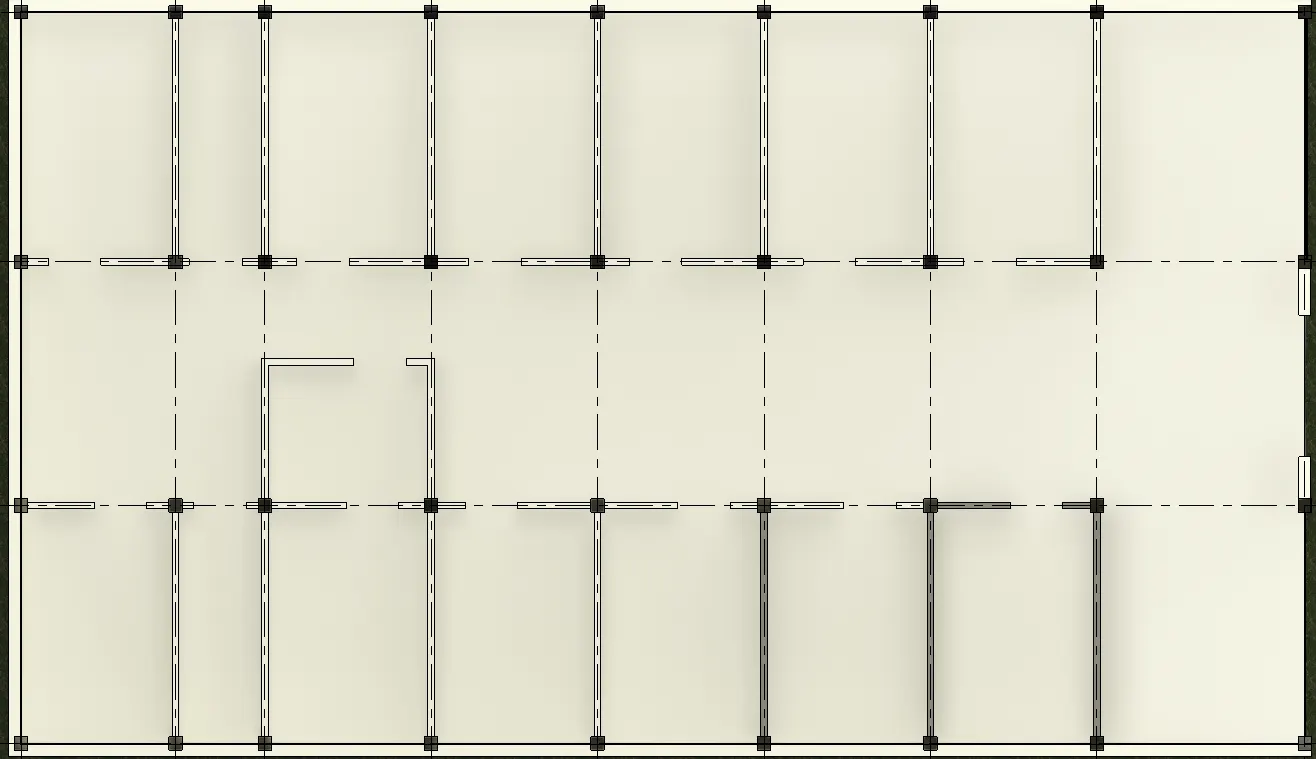
b. Exterior façade with fancy finish
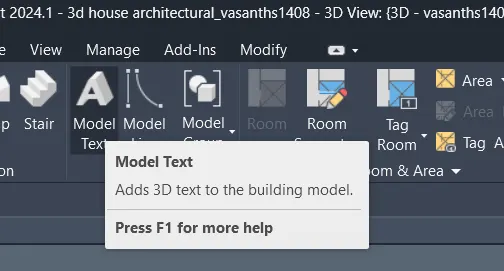
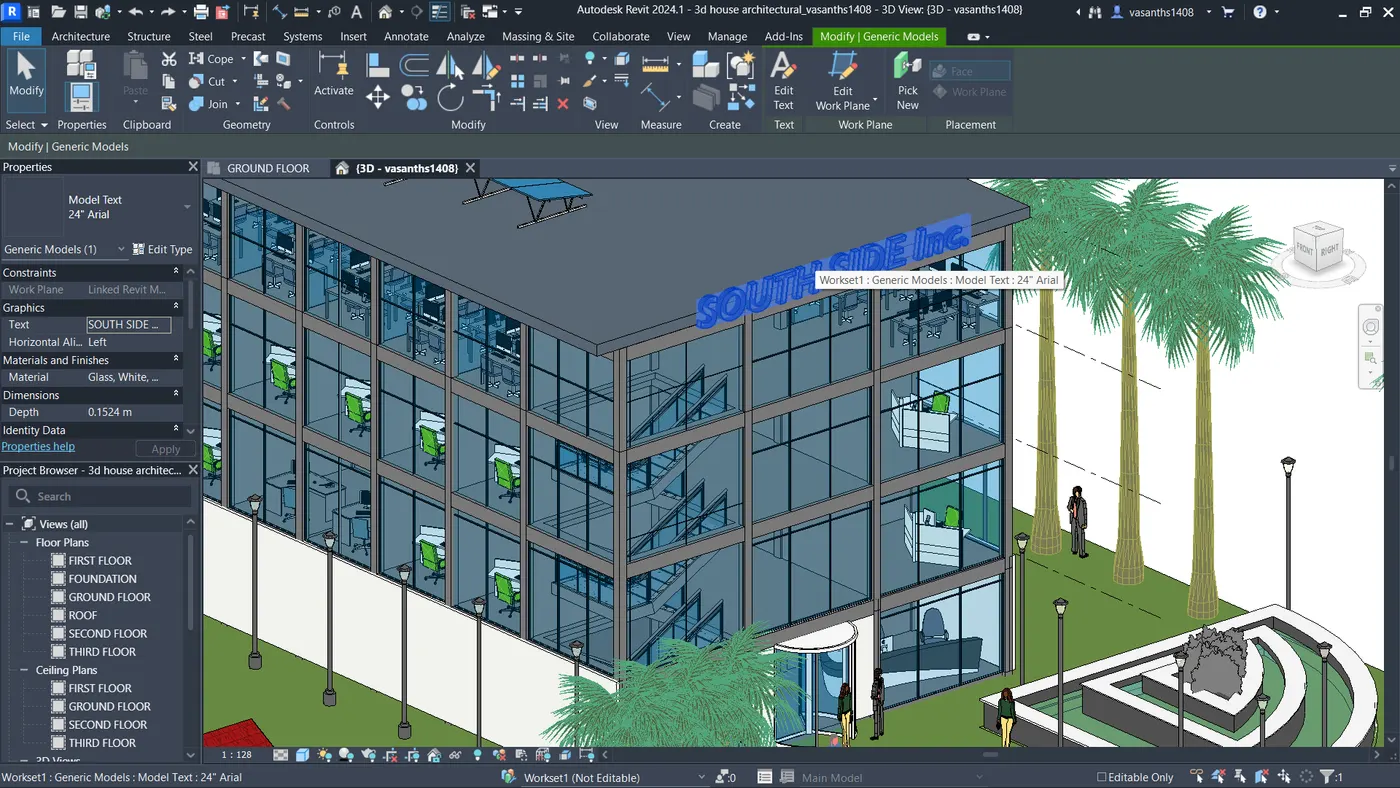

c. Interior partition walls to size rooms
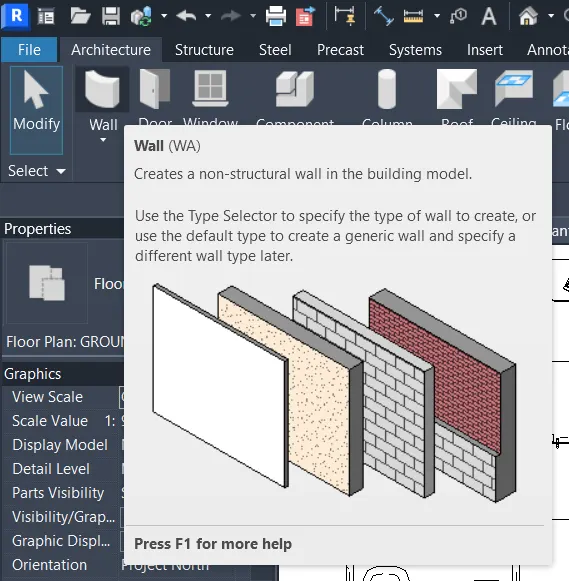
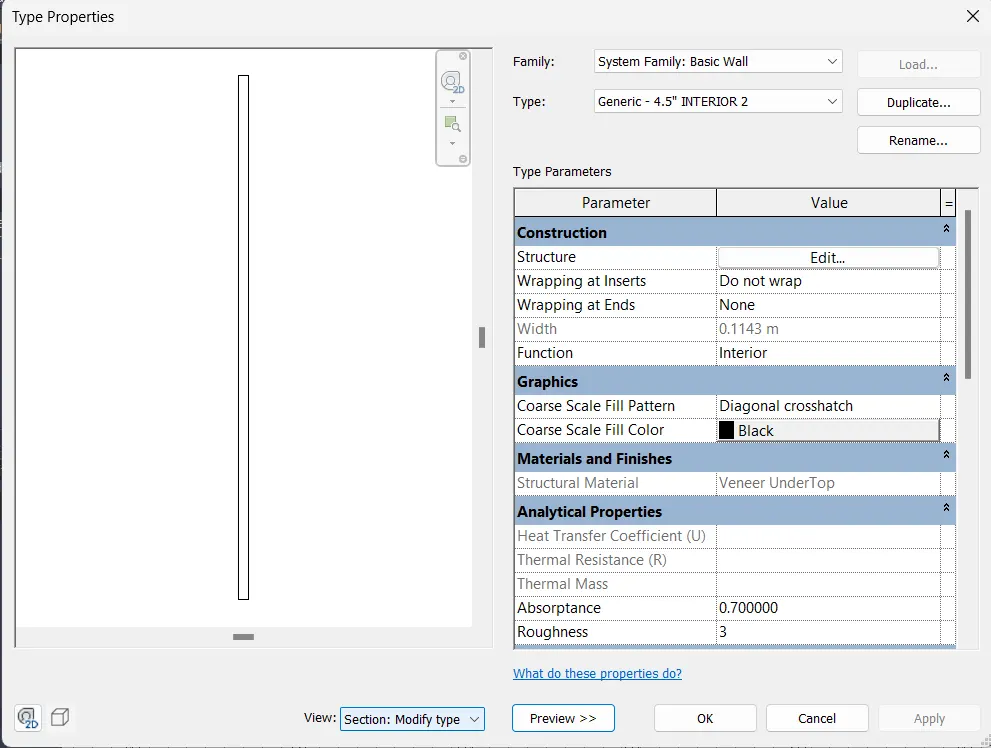
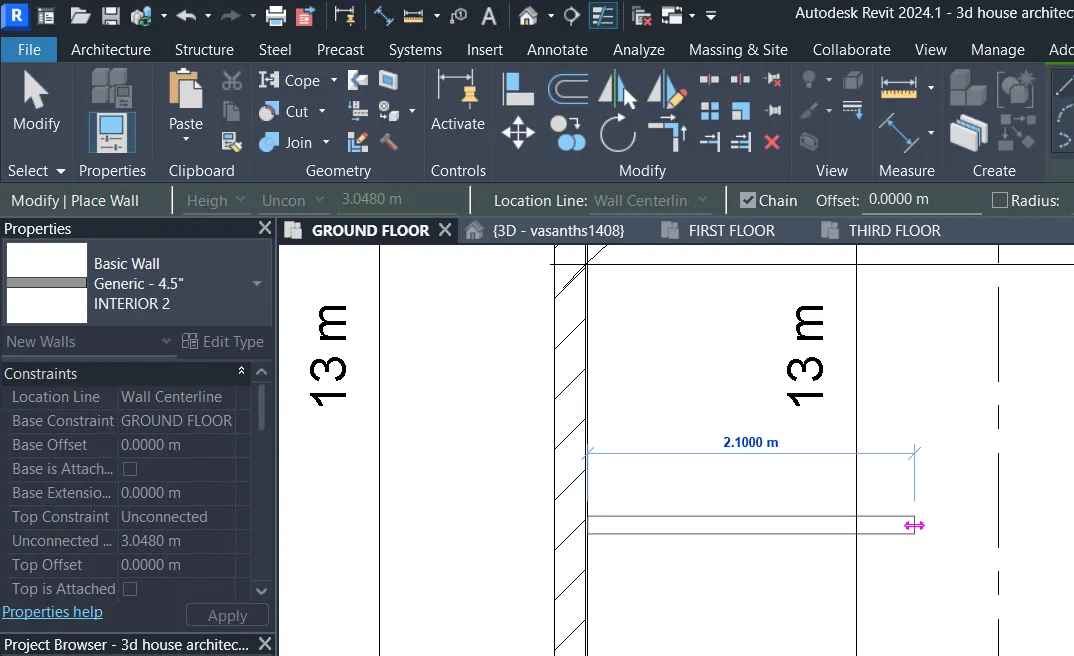
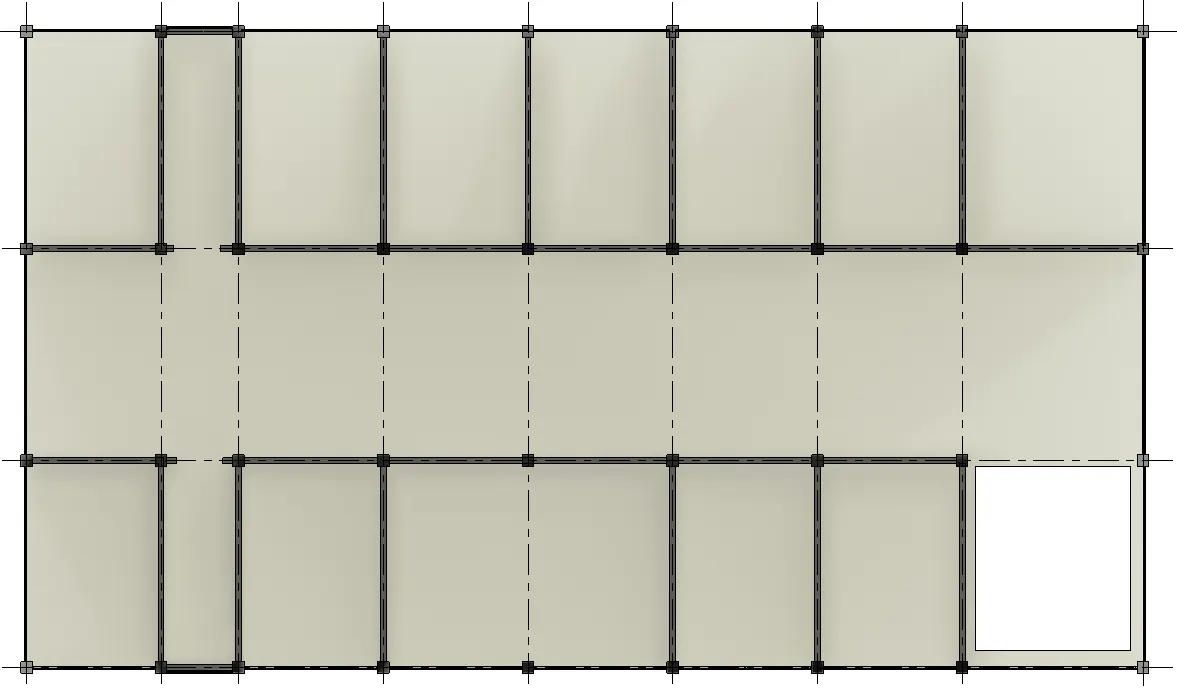
d. Components to add details to a room ( Desk, Chair, Lighting, Plumbing fixtures)
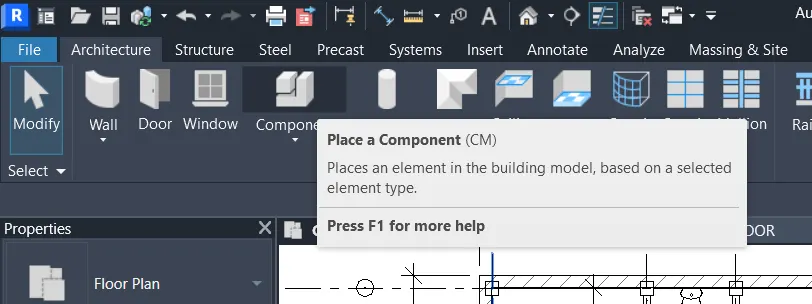
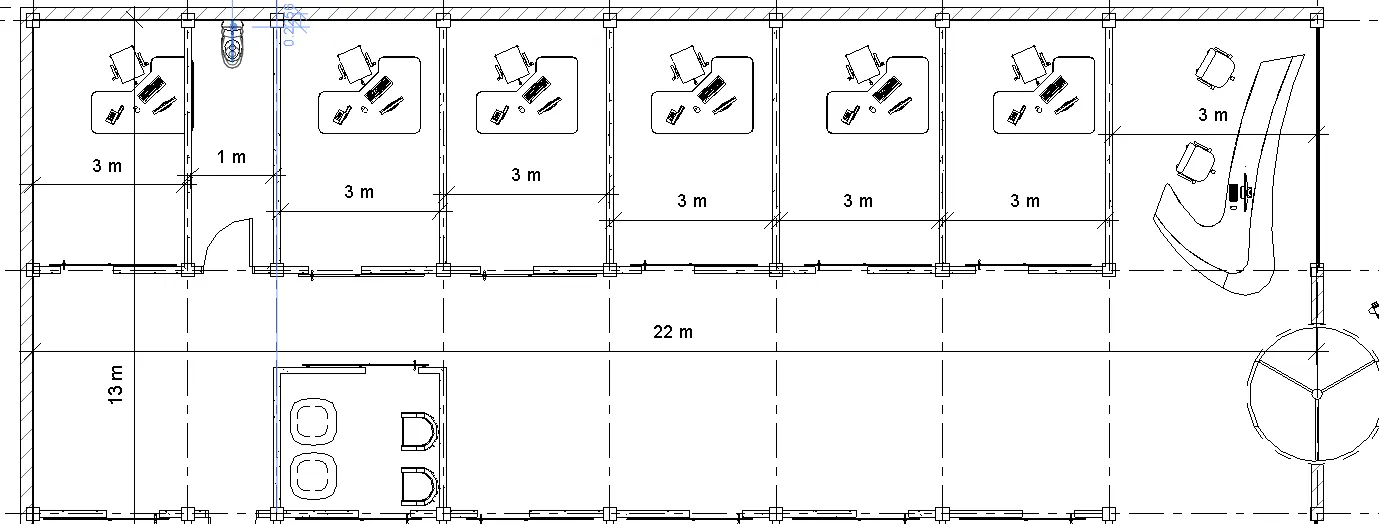
e. Add components such as stairs Elevators
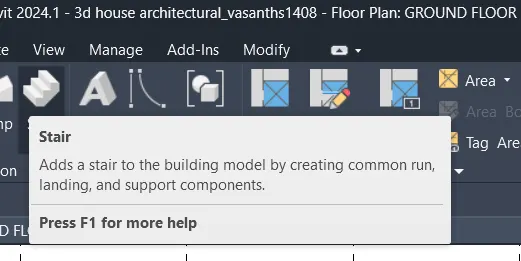
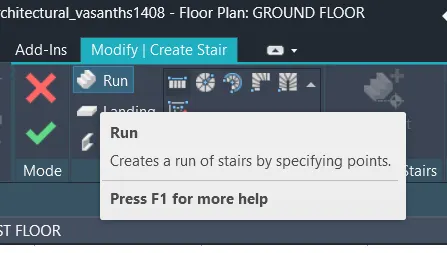
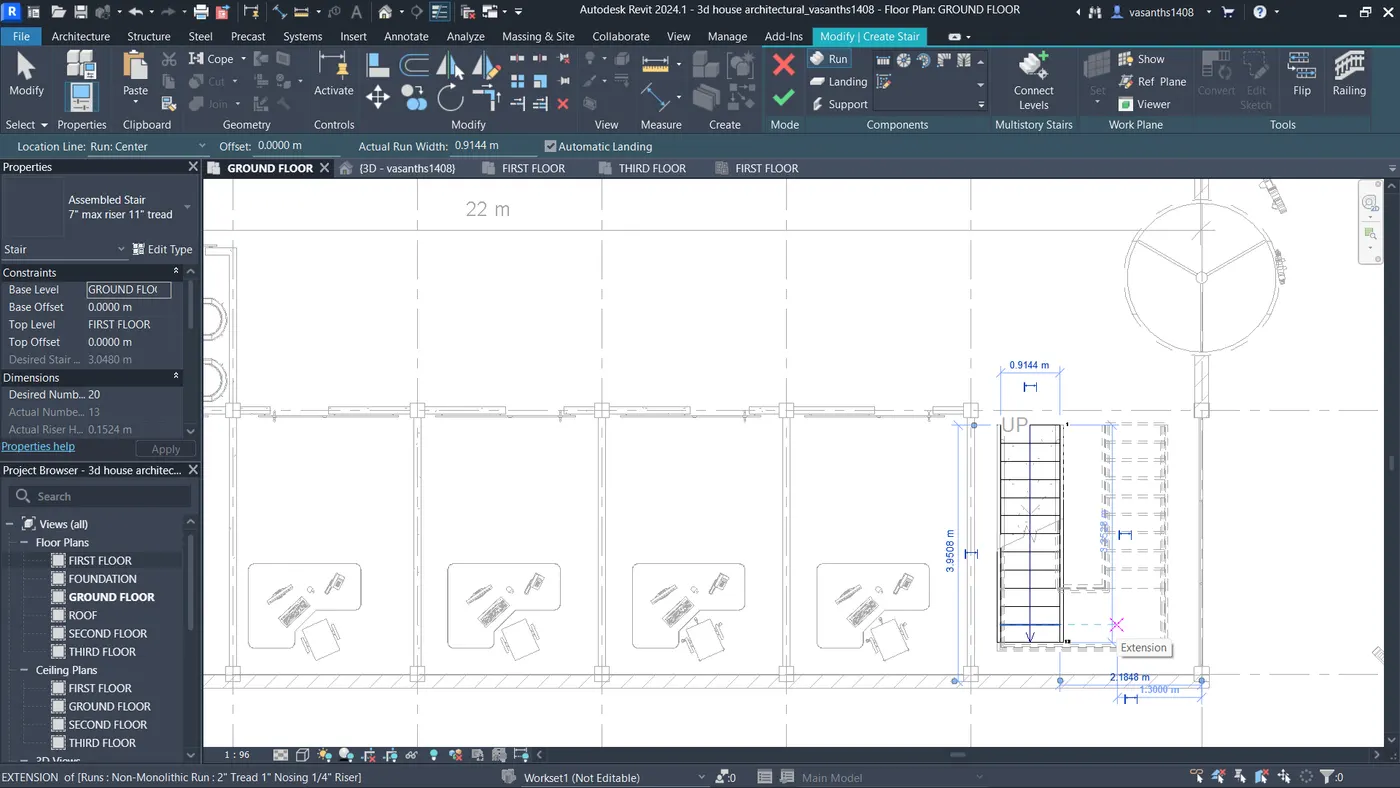
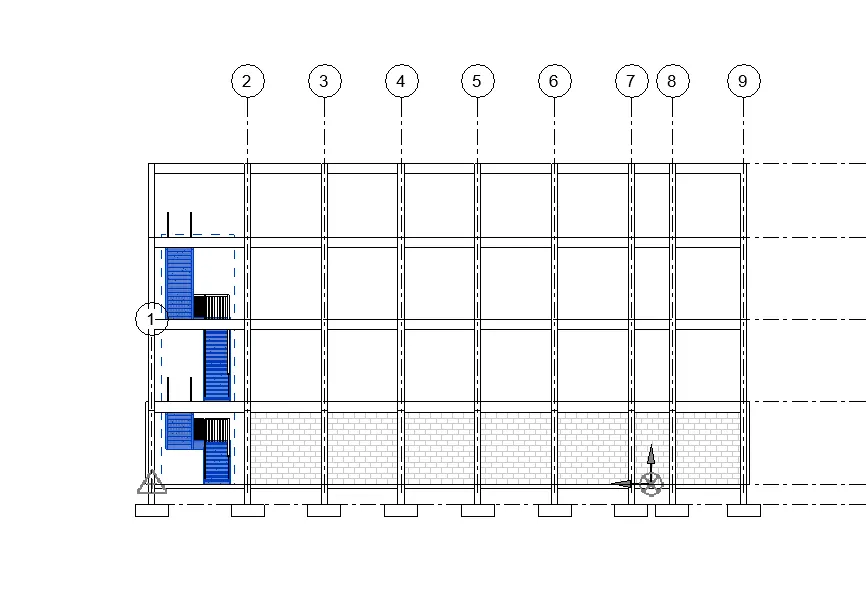
f. Have at-least one side of the building with curtain walls and glass panels
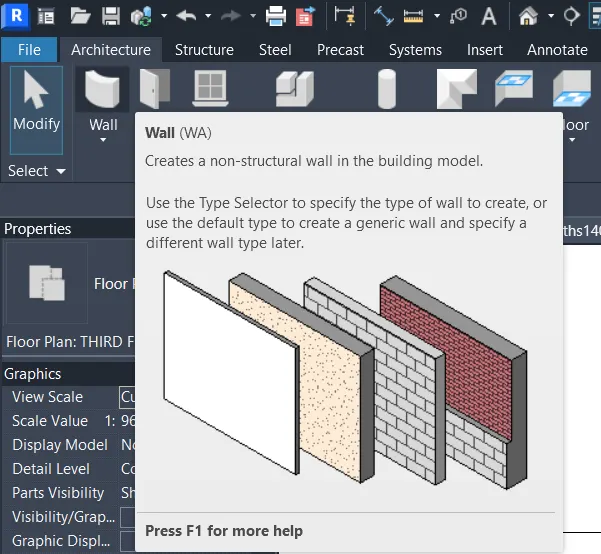
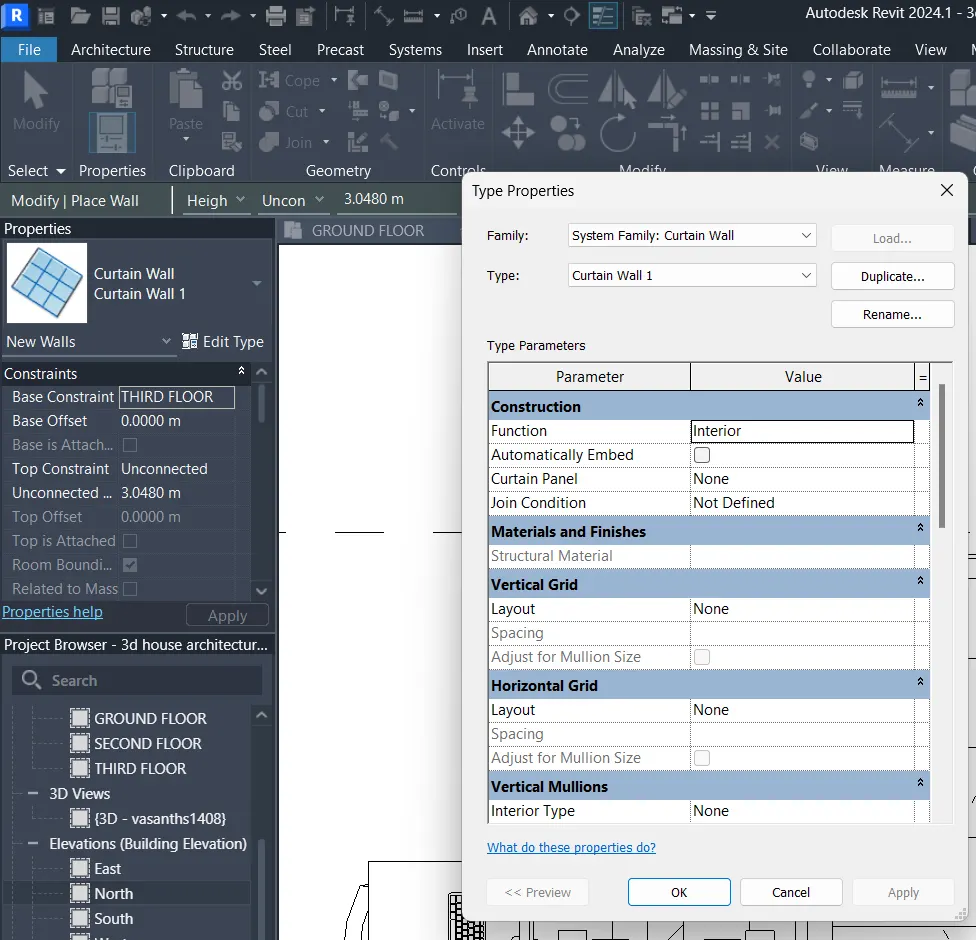
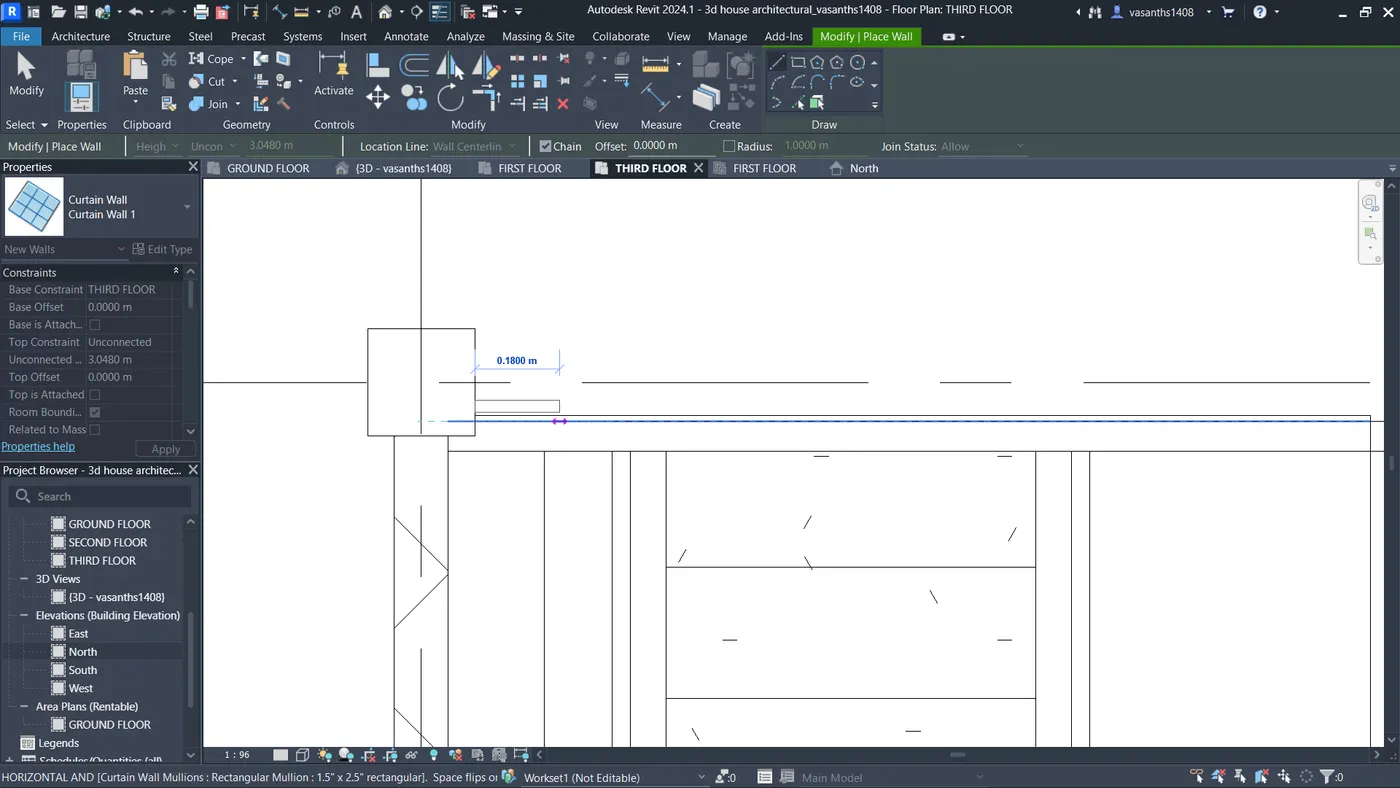
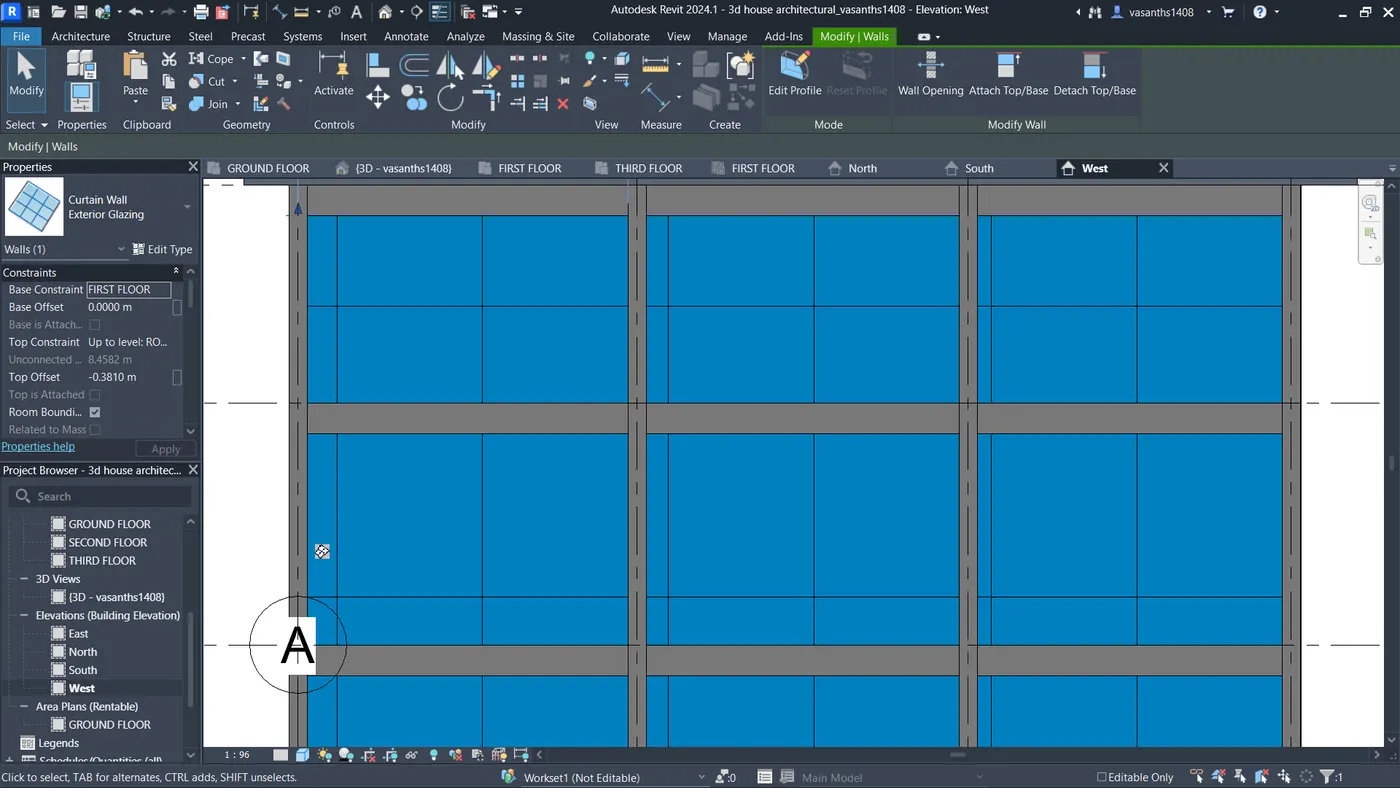
g. Include interior and exterior lighting fixtures
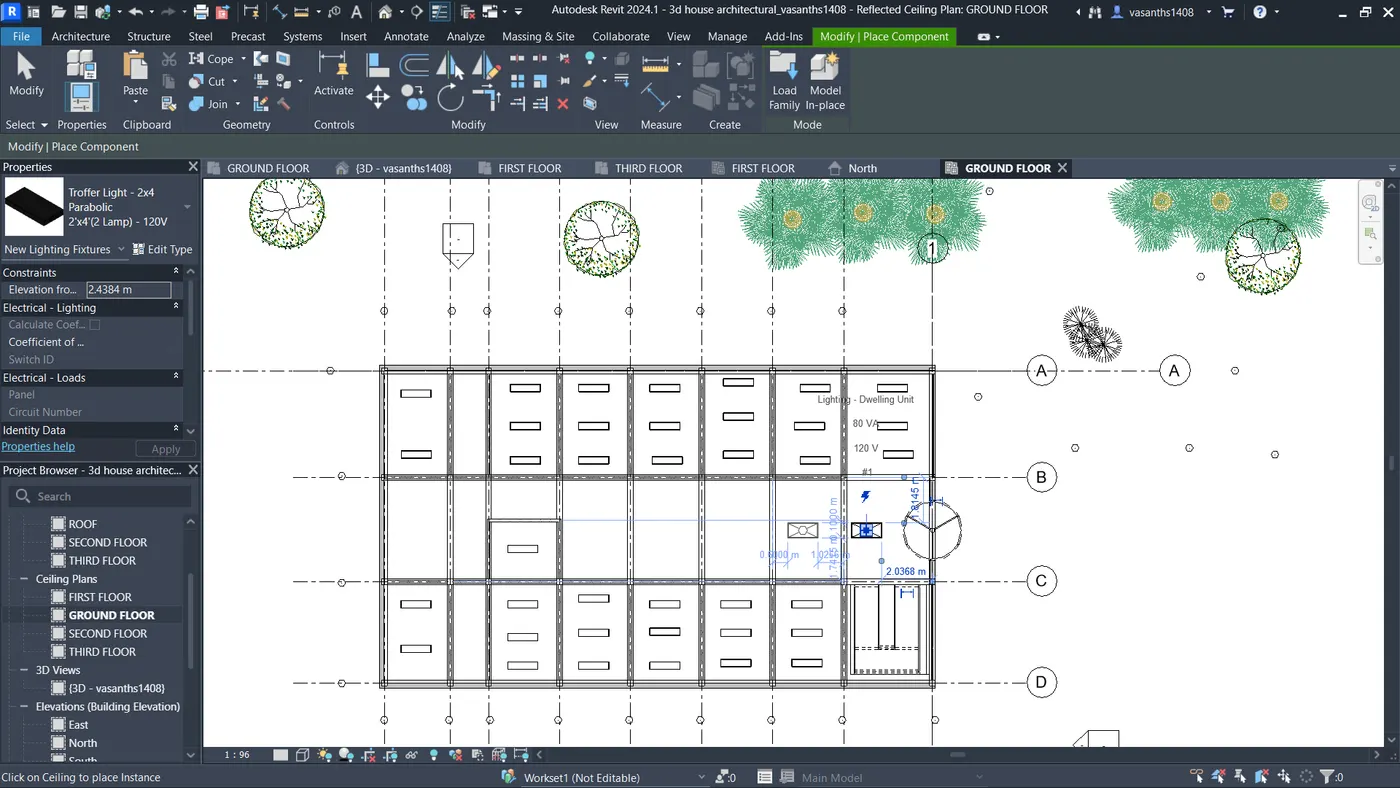
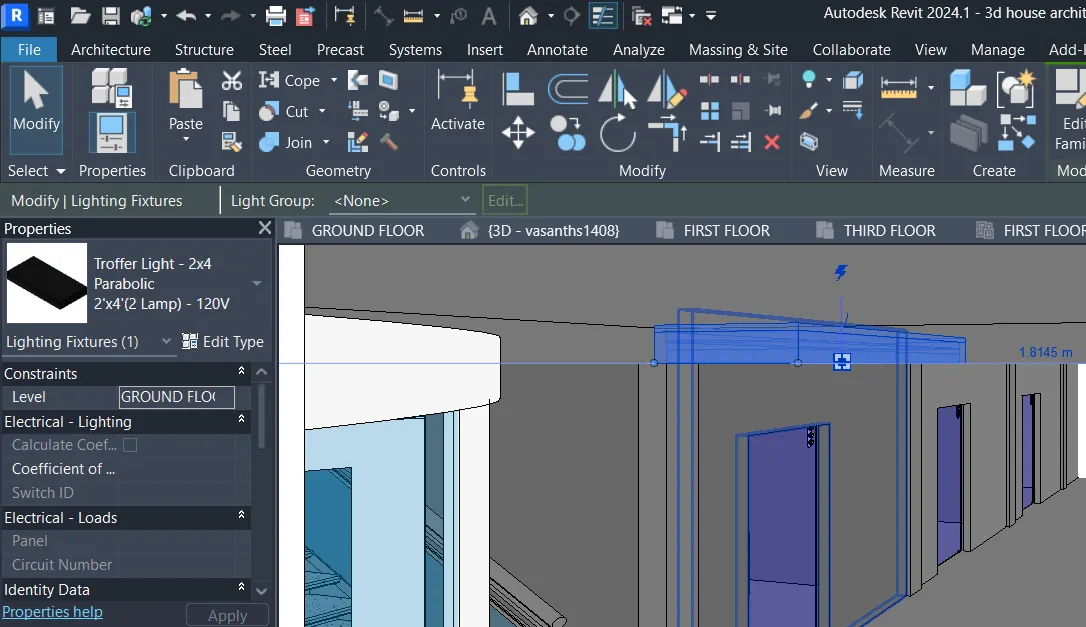
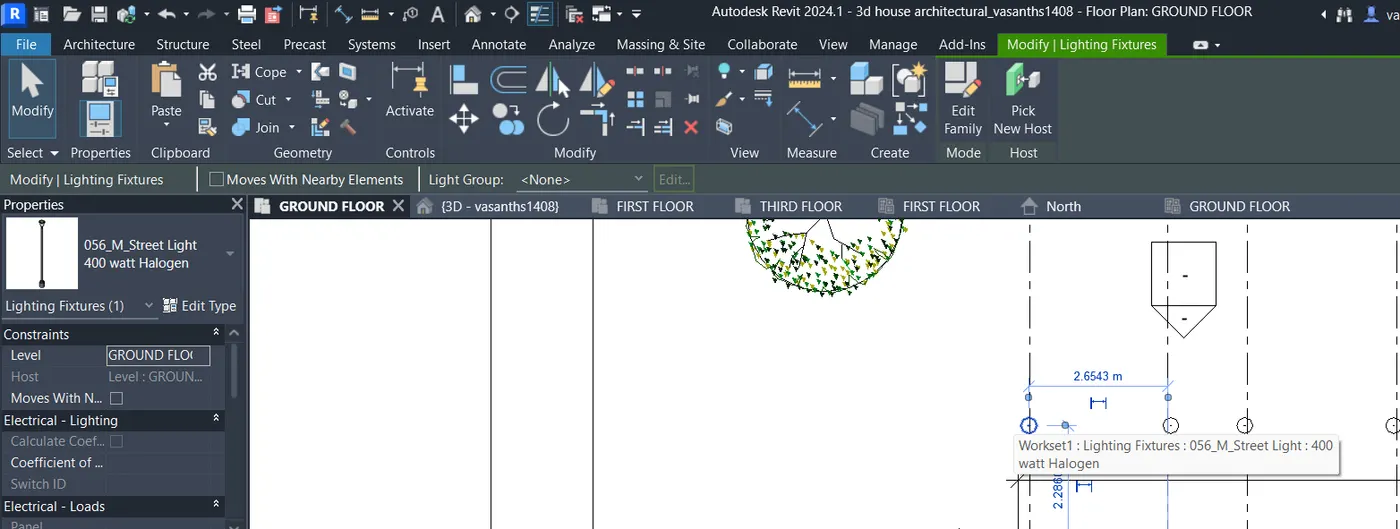
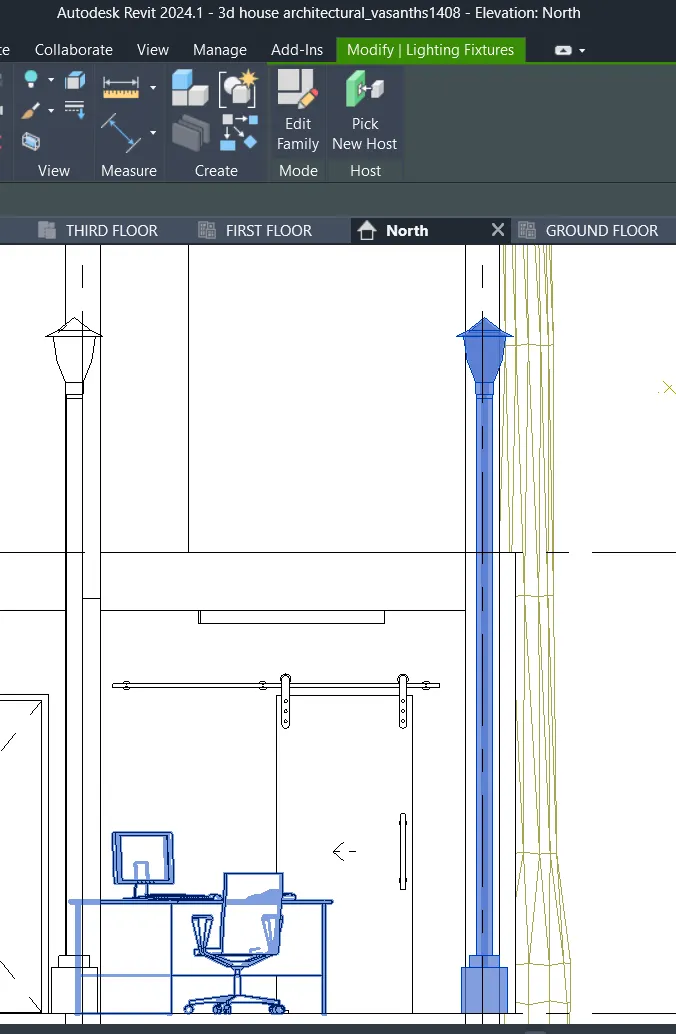
h. Place proper topographic components from outside ( Trees, Parking, Plants) to add details to the model
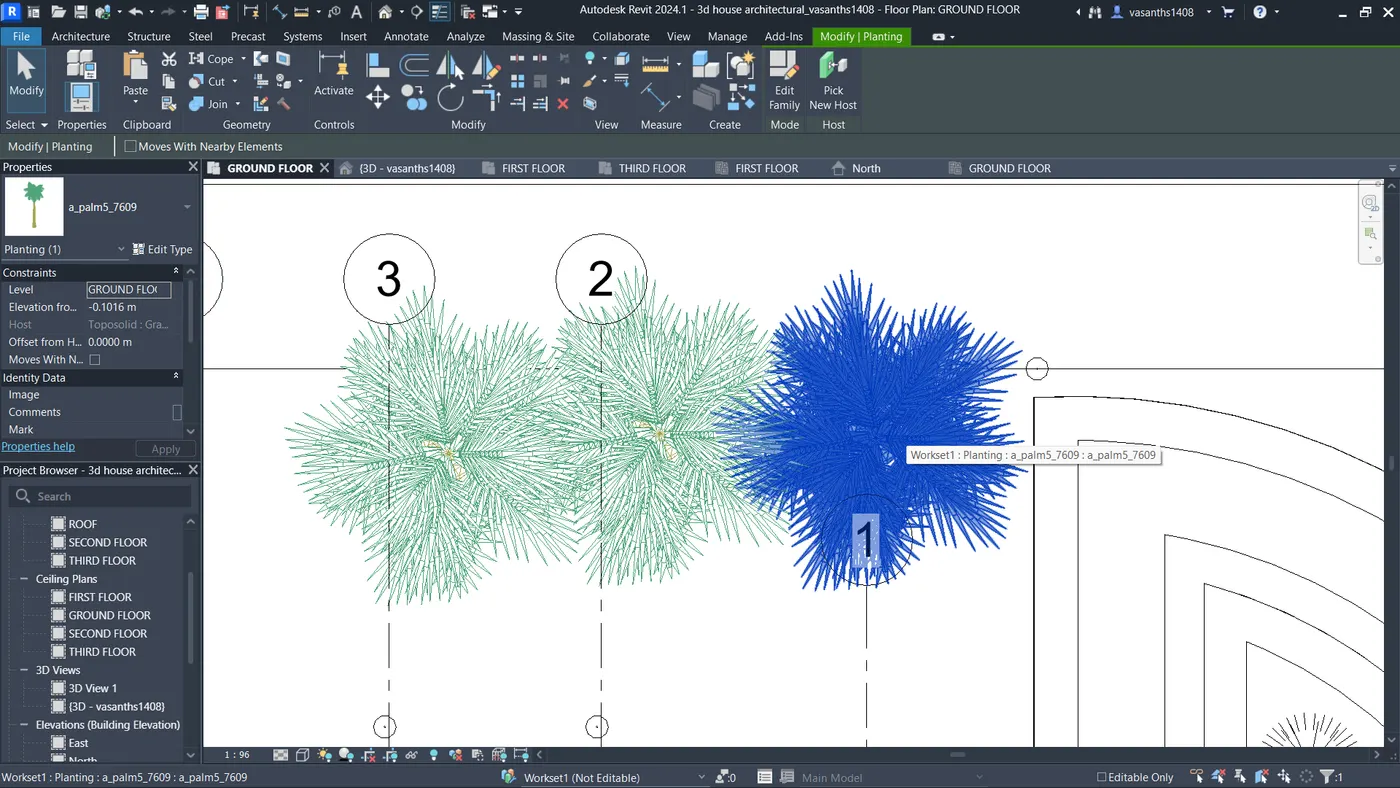
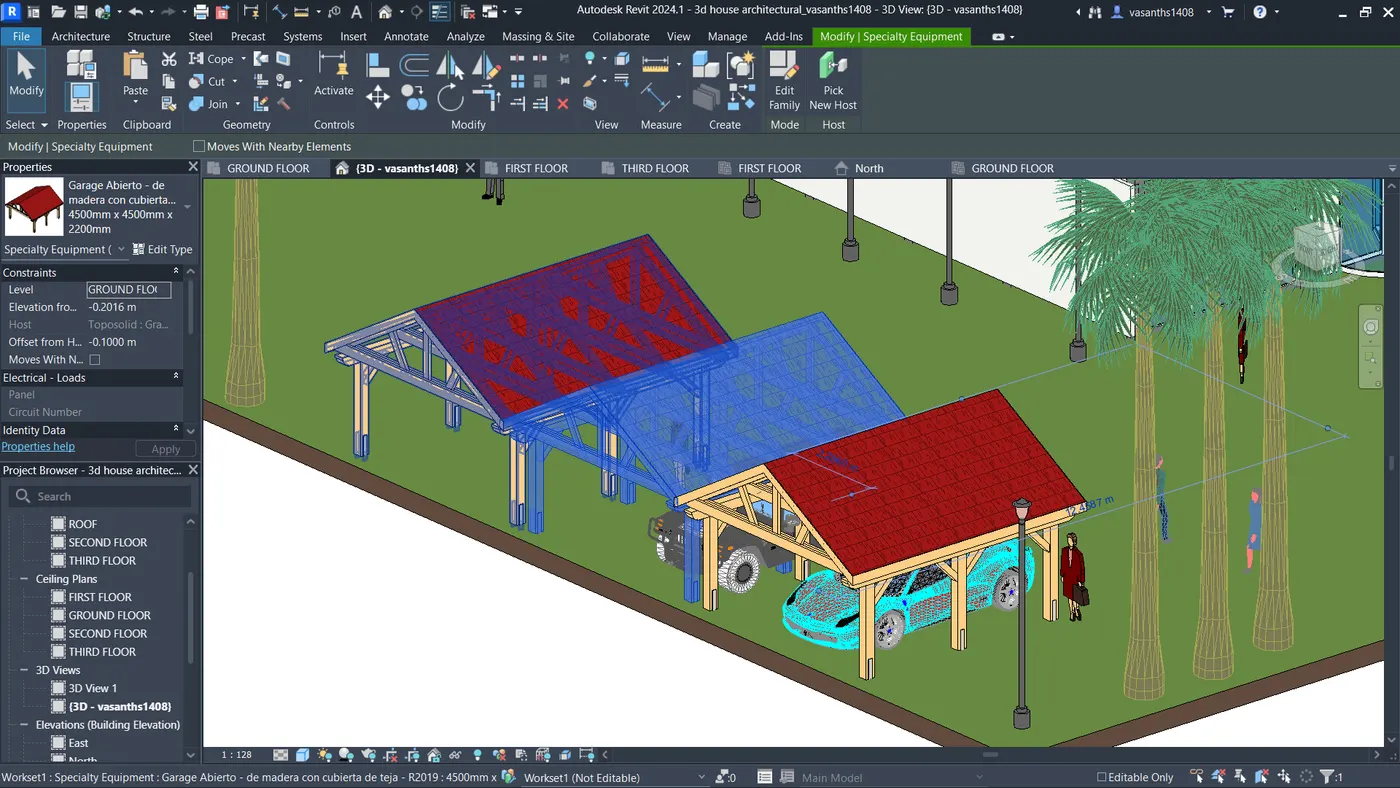
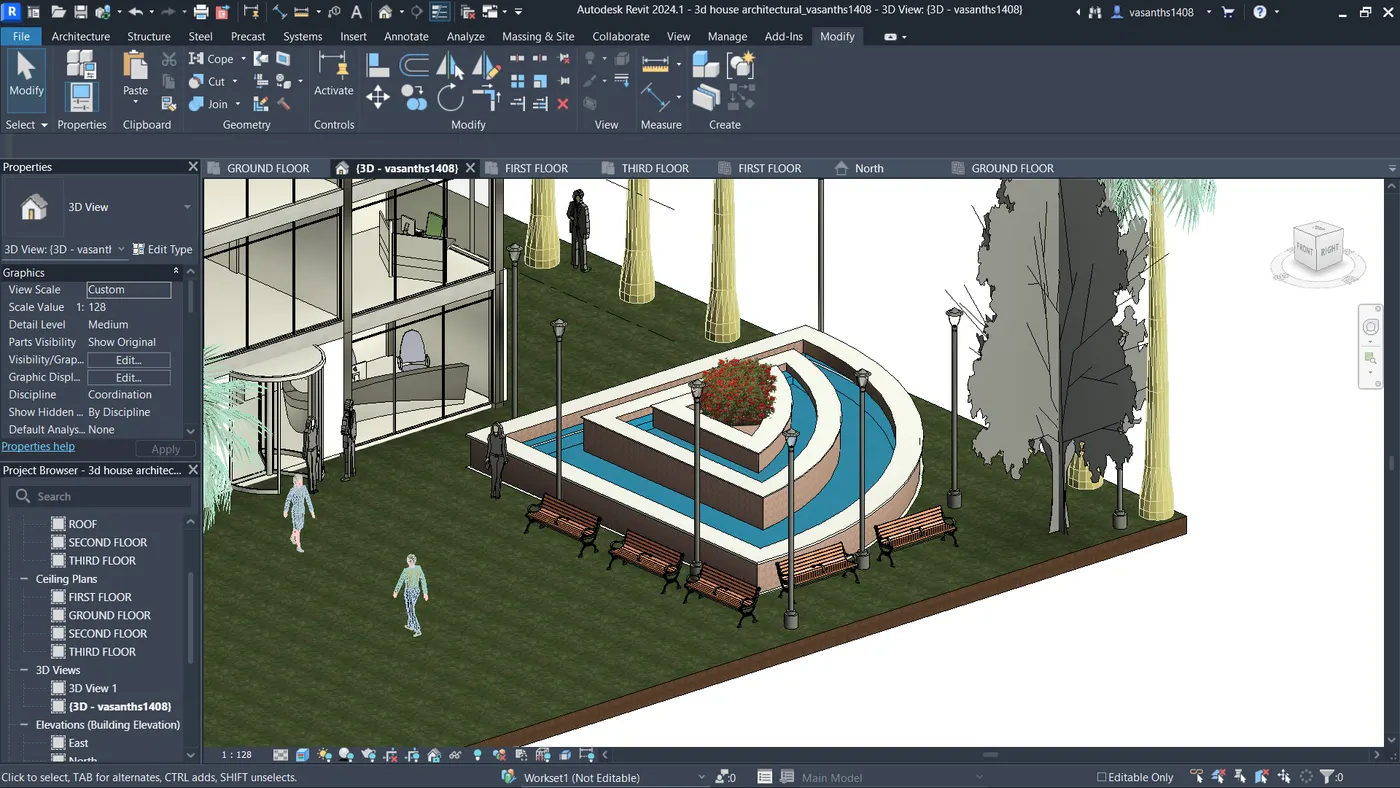
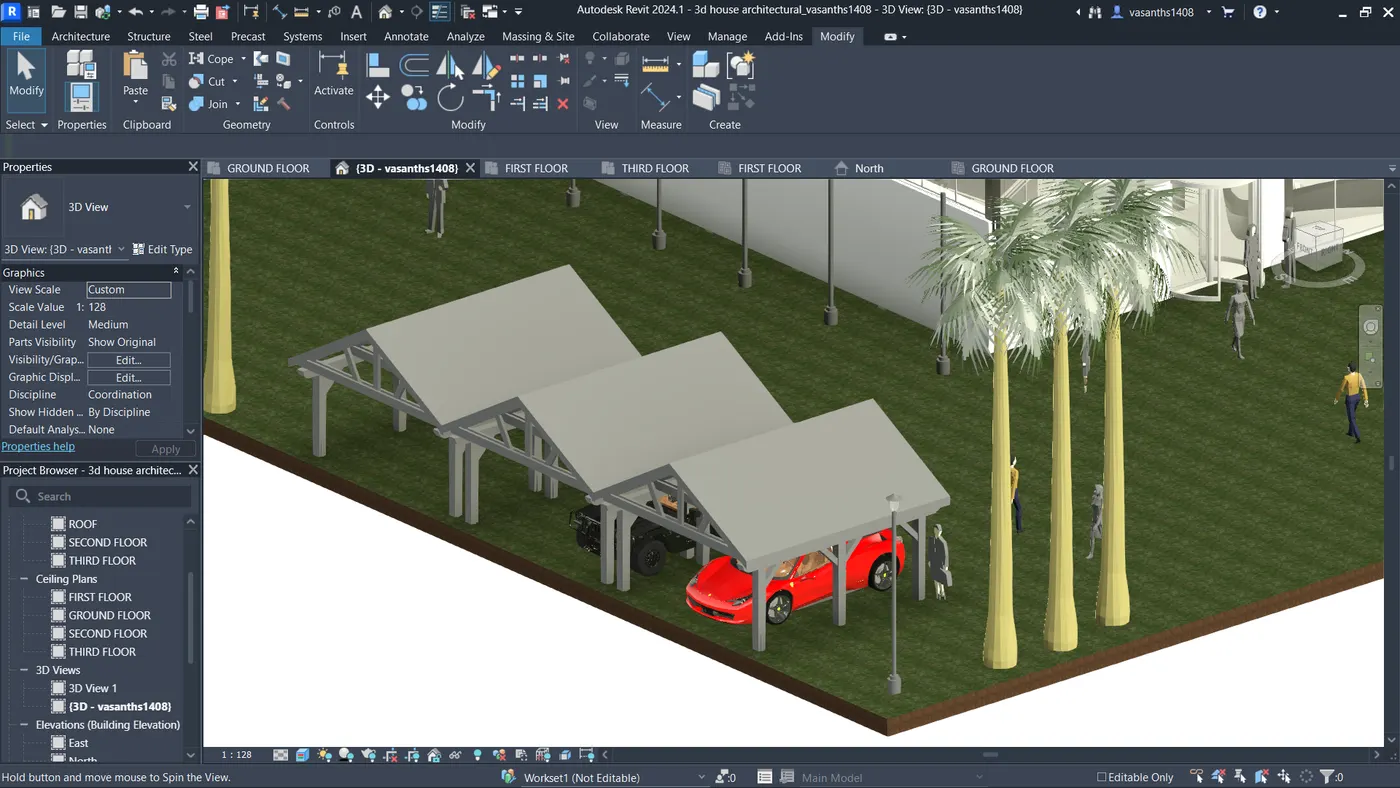
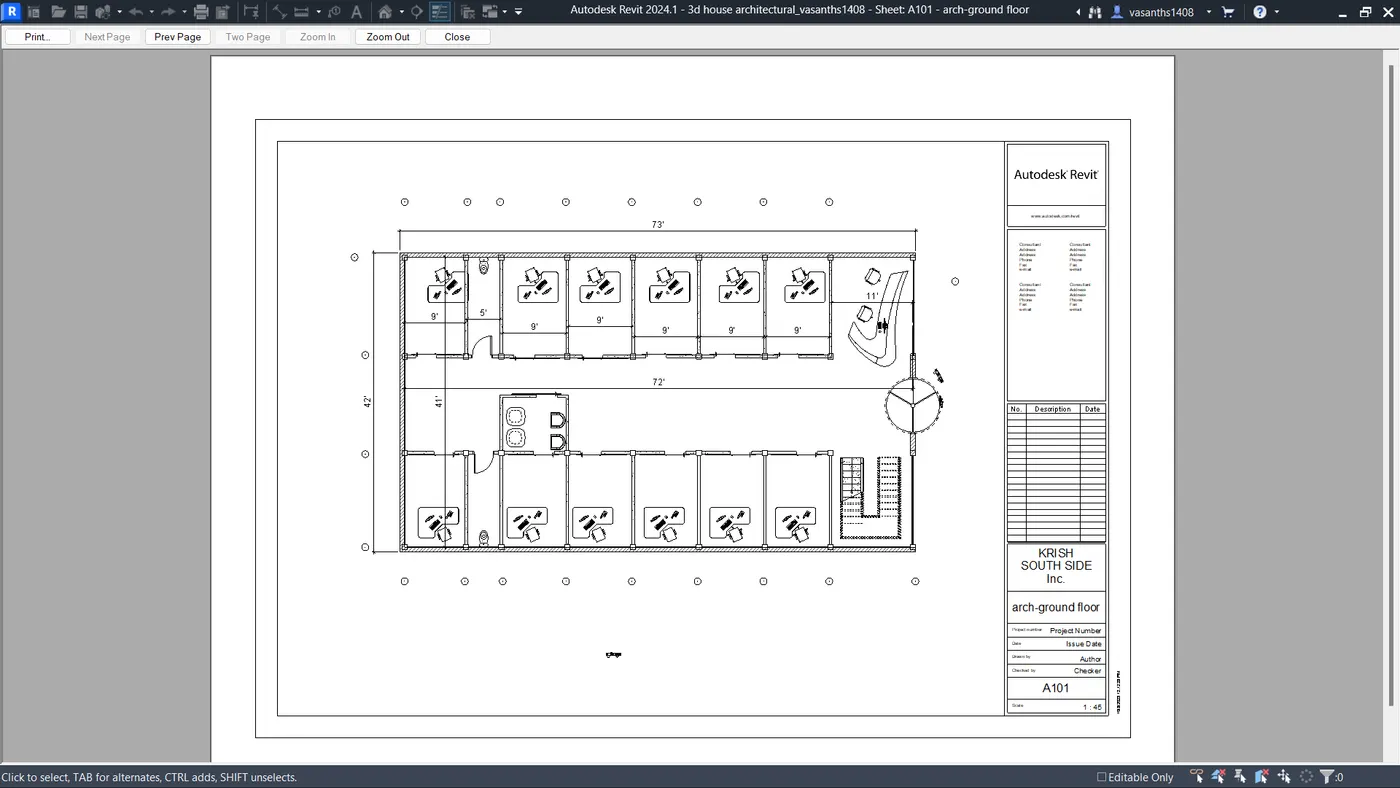
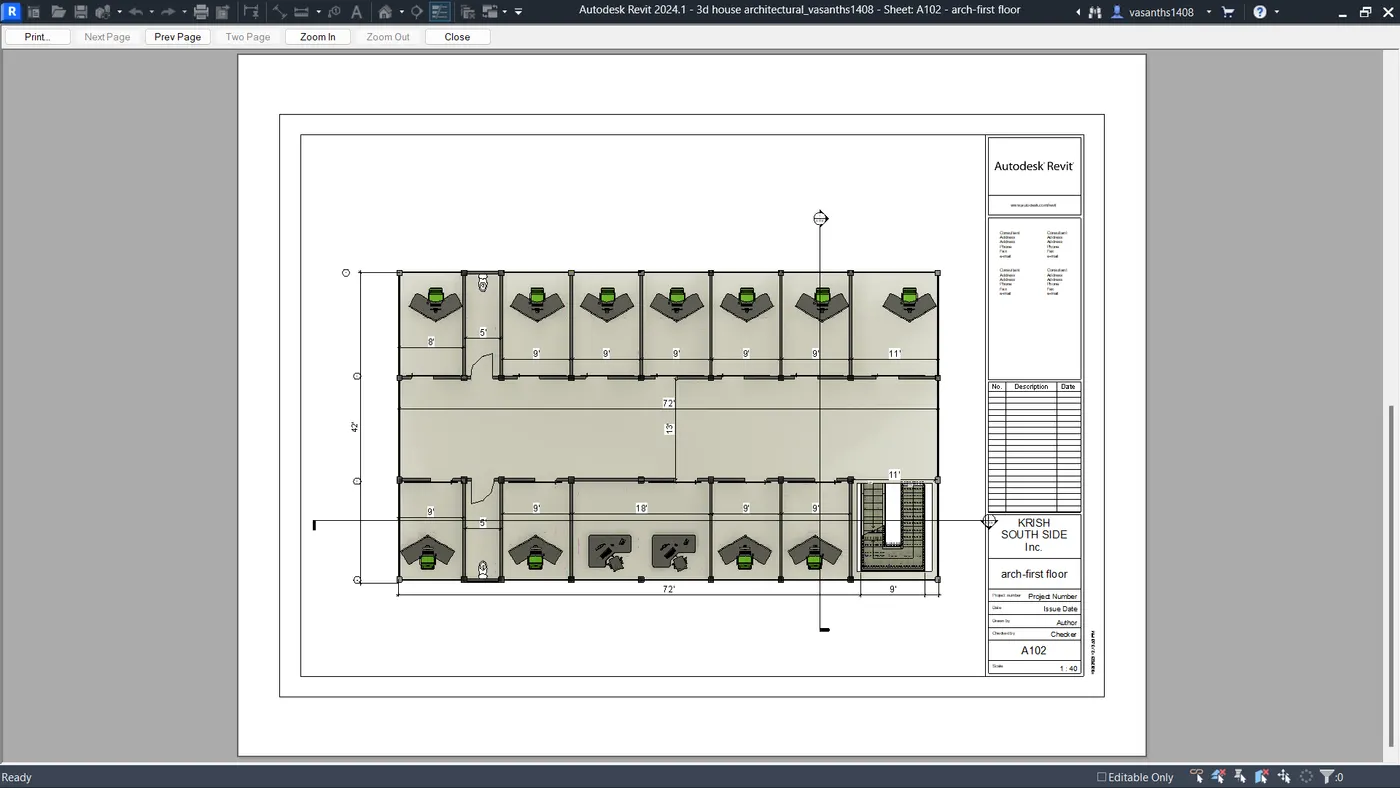
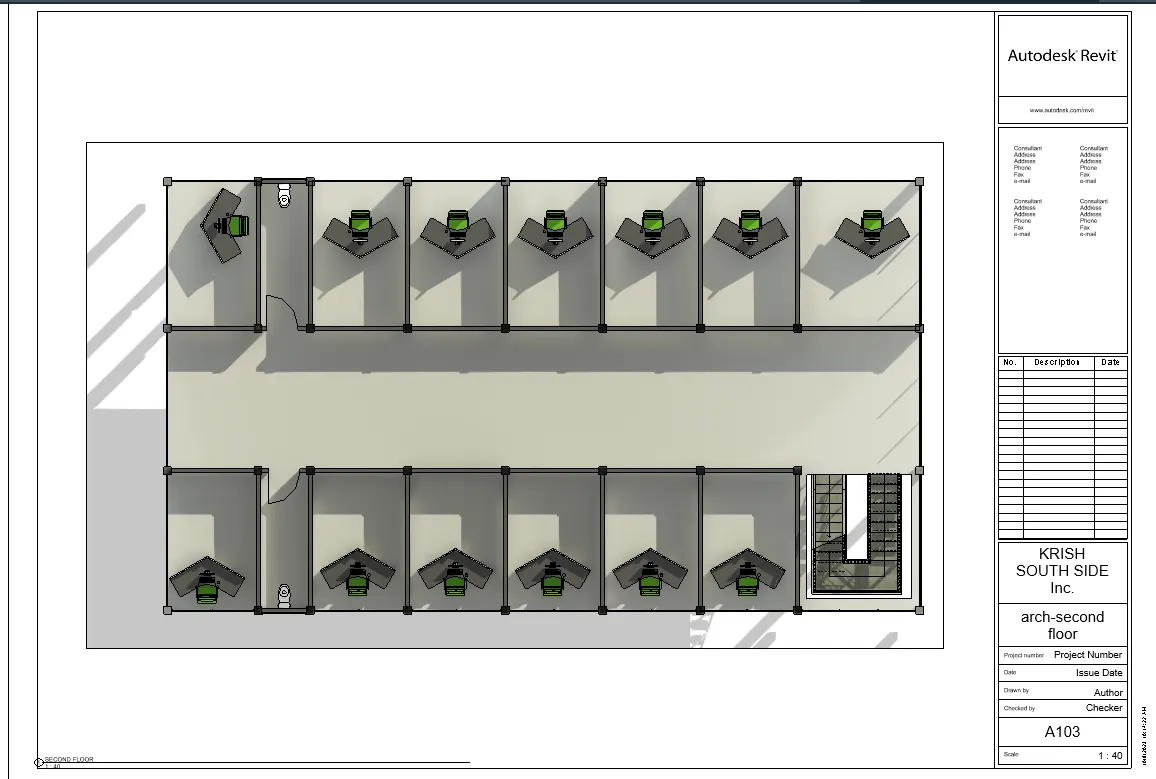
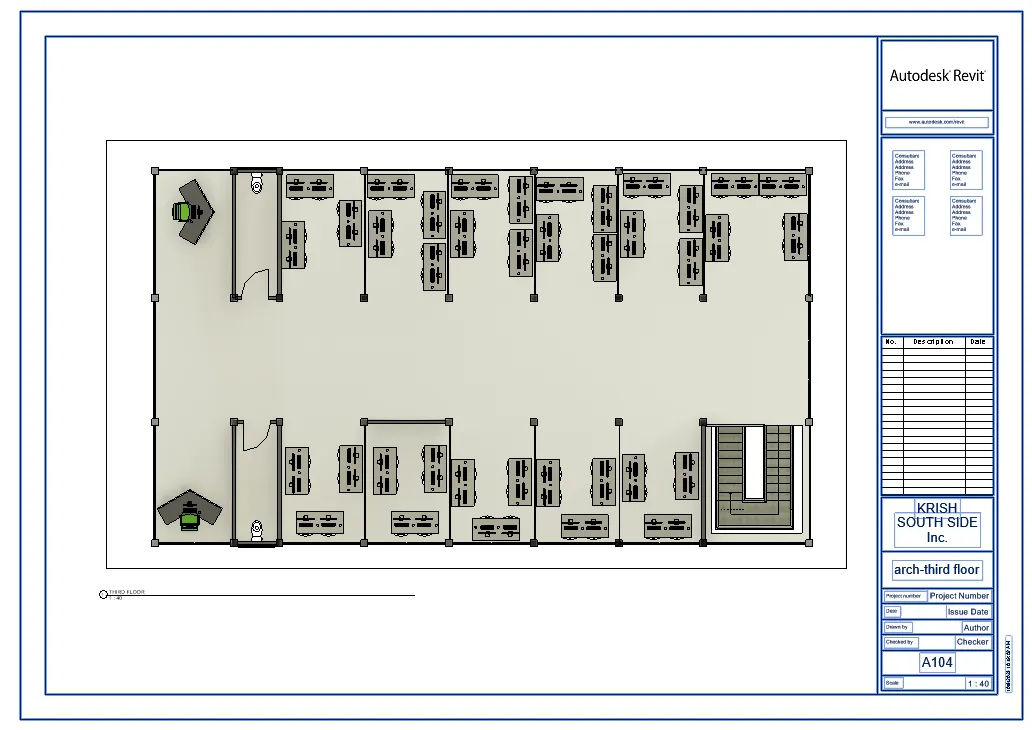
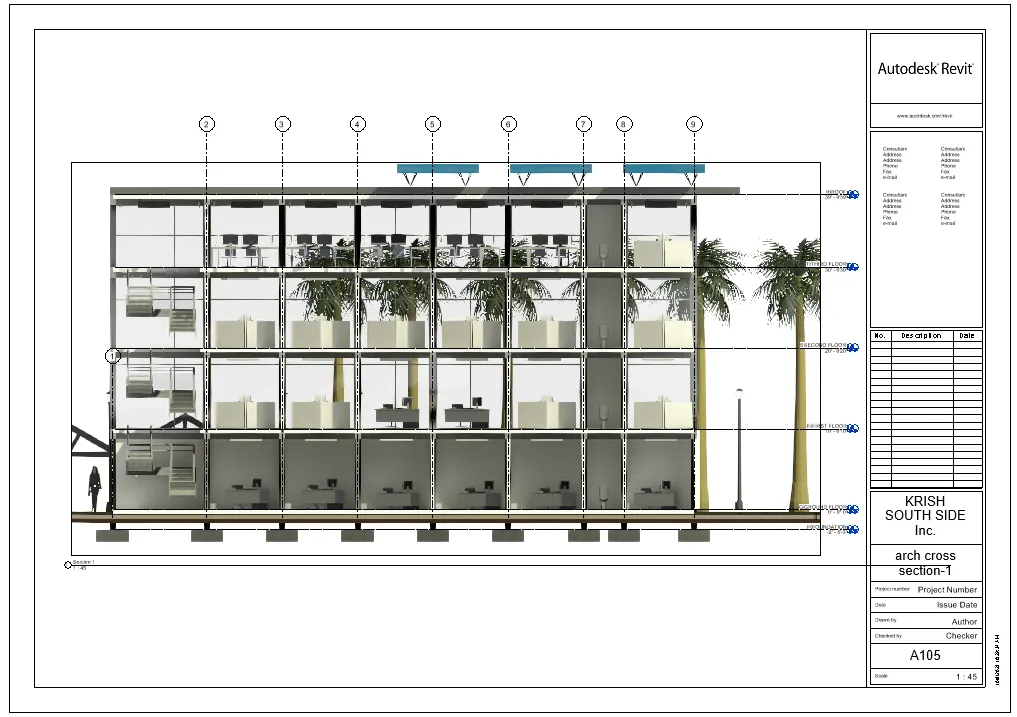
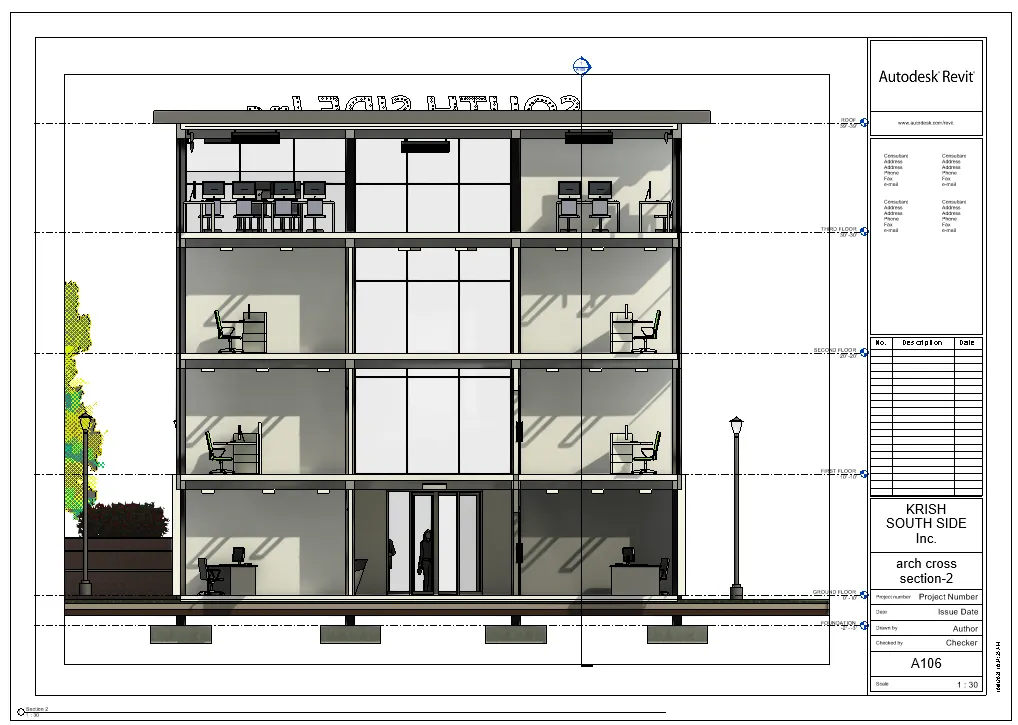
5) Provide a set of drawings in an architectural and structural model to list the following details with categories and appropriate sheet templates included
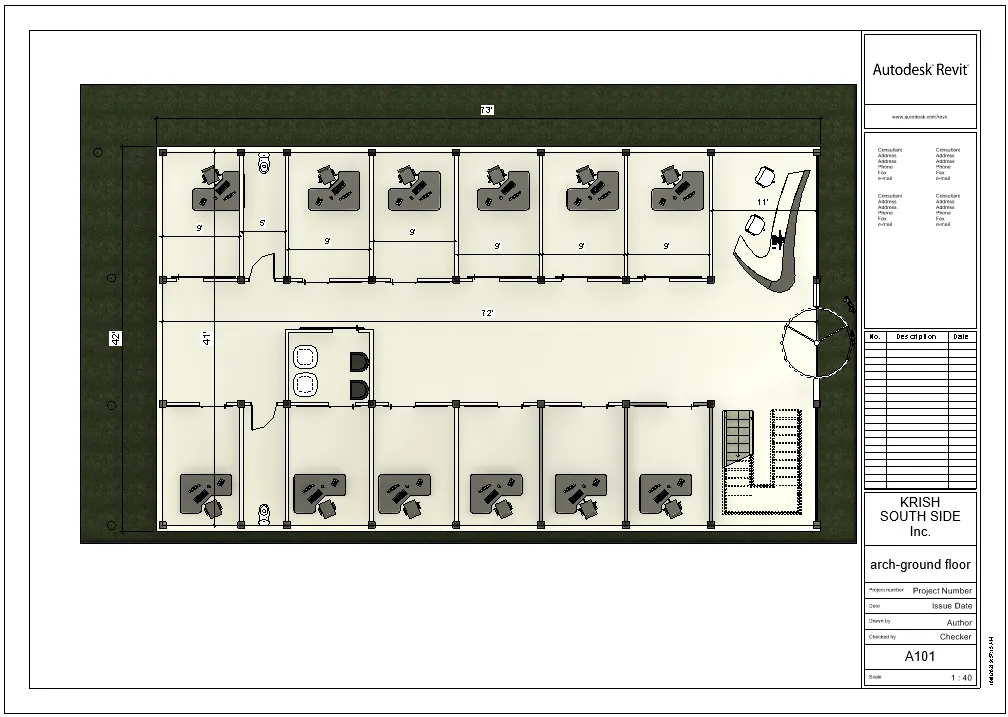
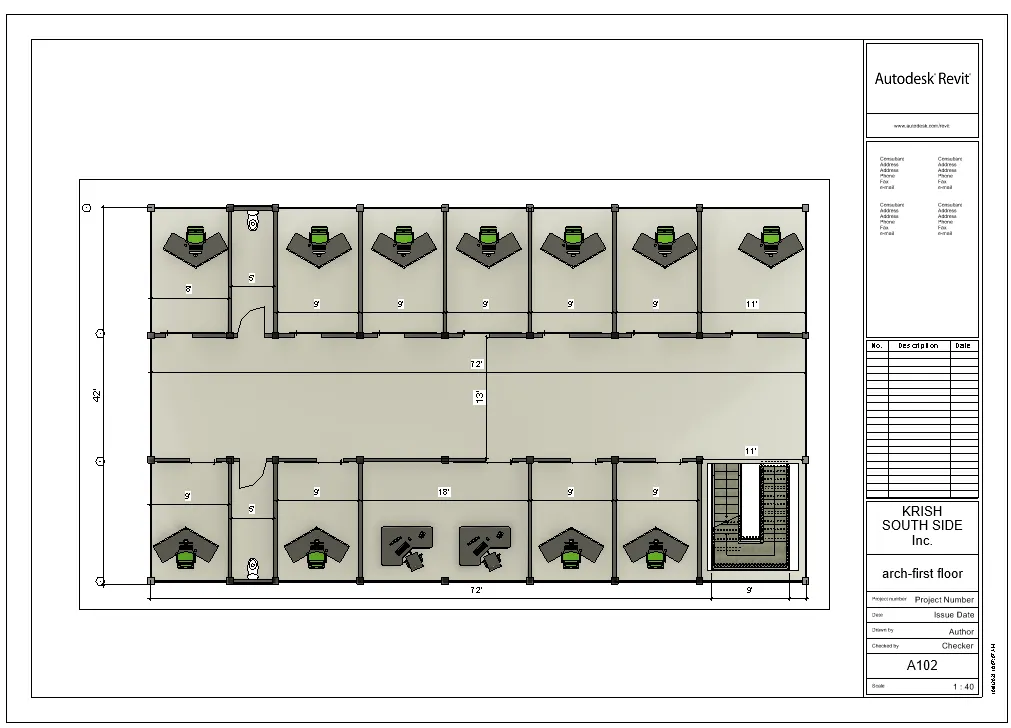
a. Floor Plans with Annotations
b. Elevations
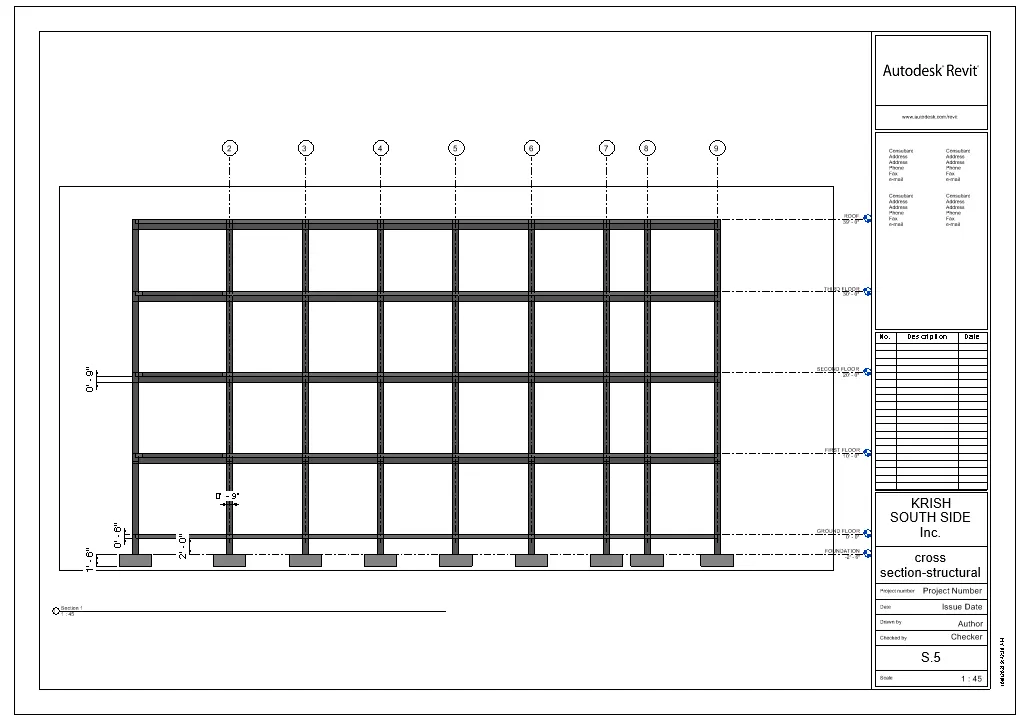
c. Sections
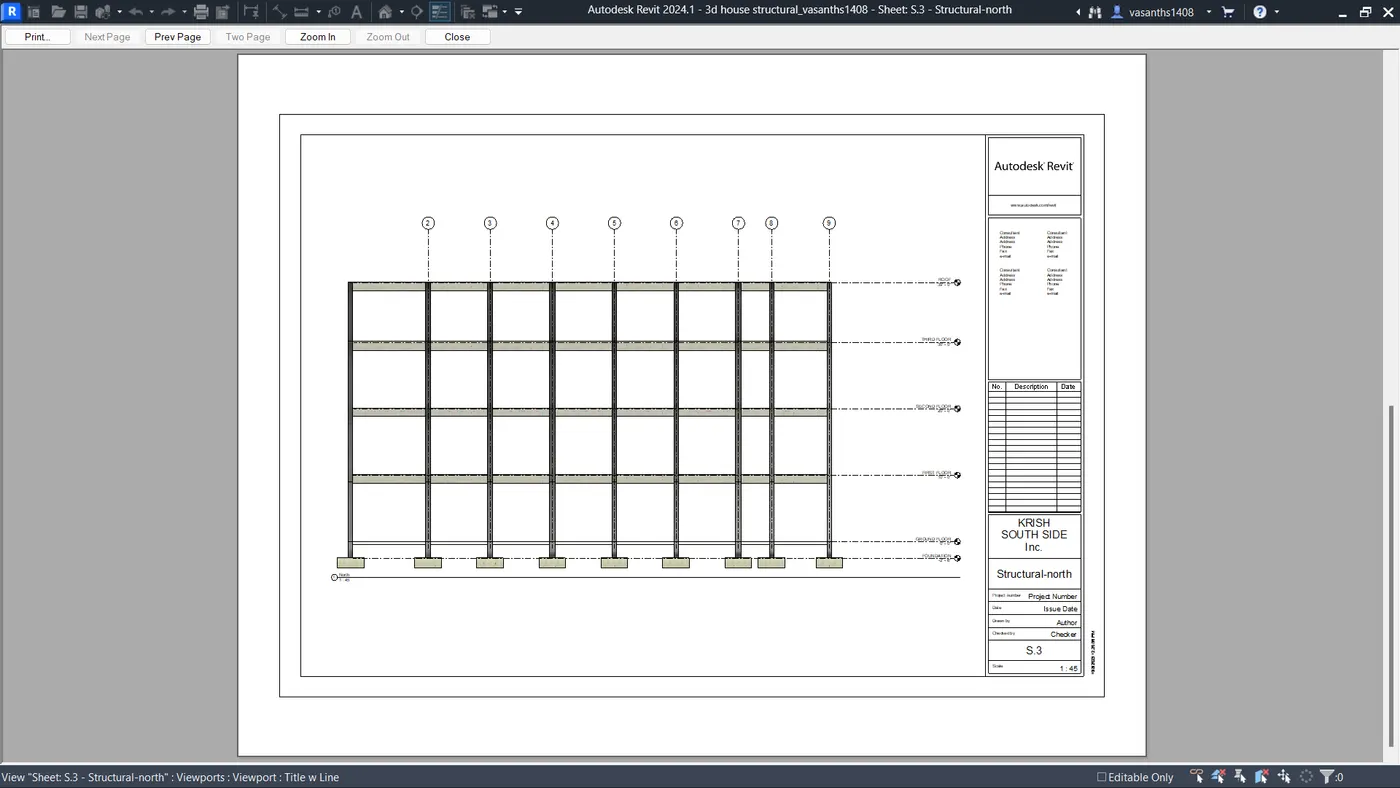
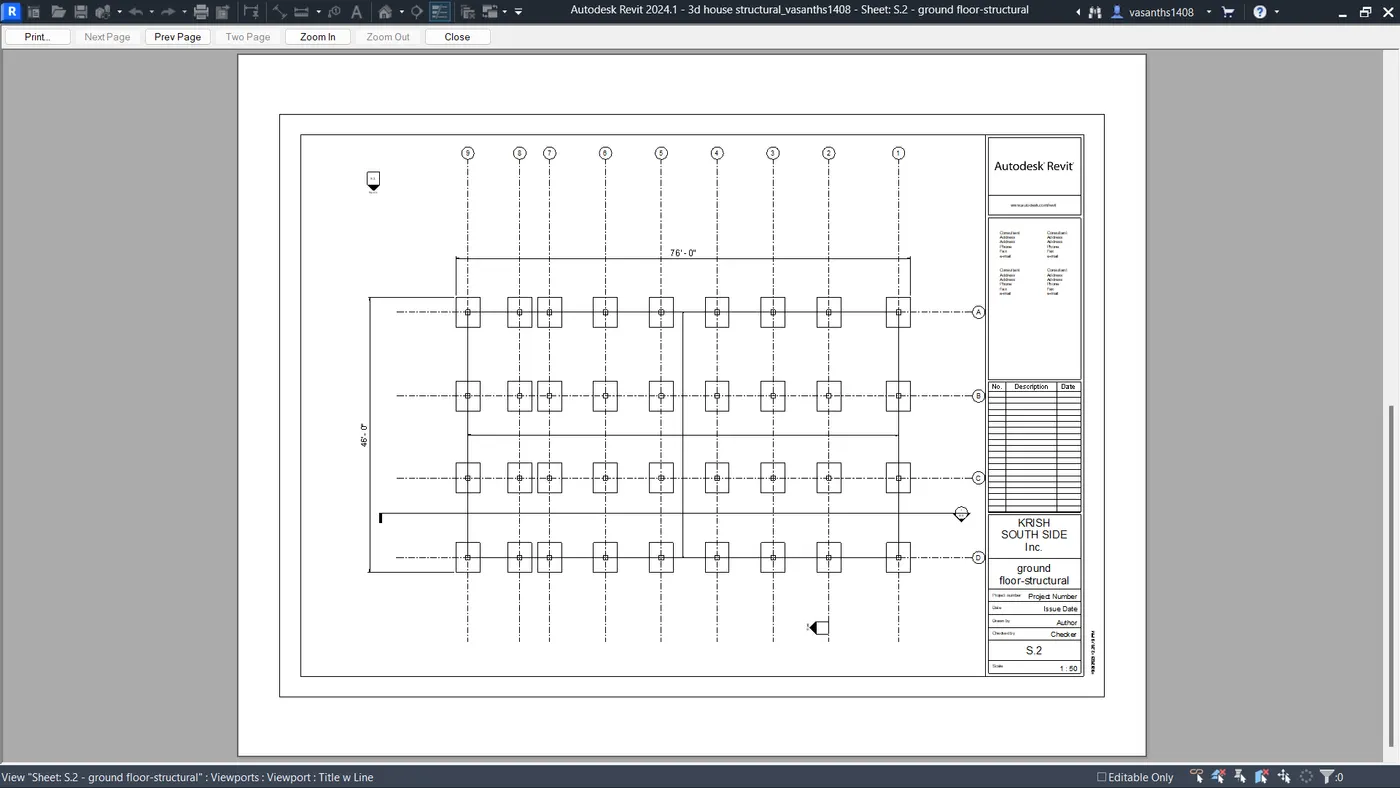
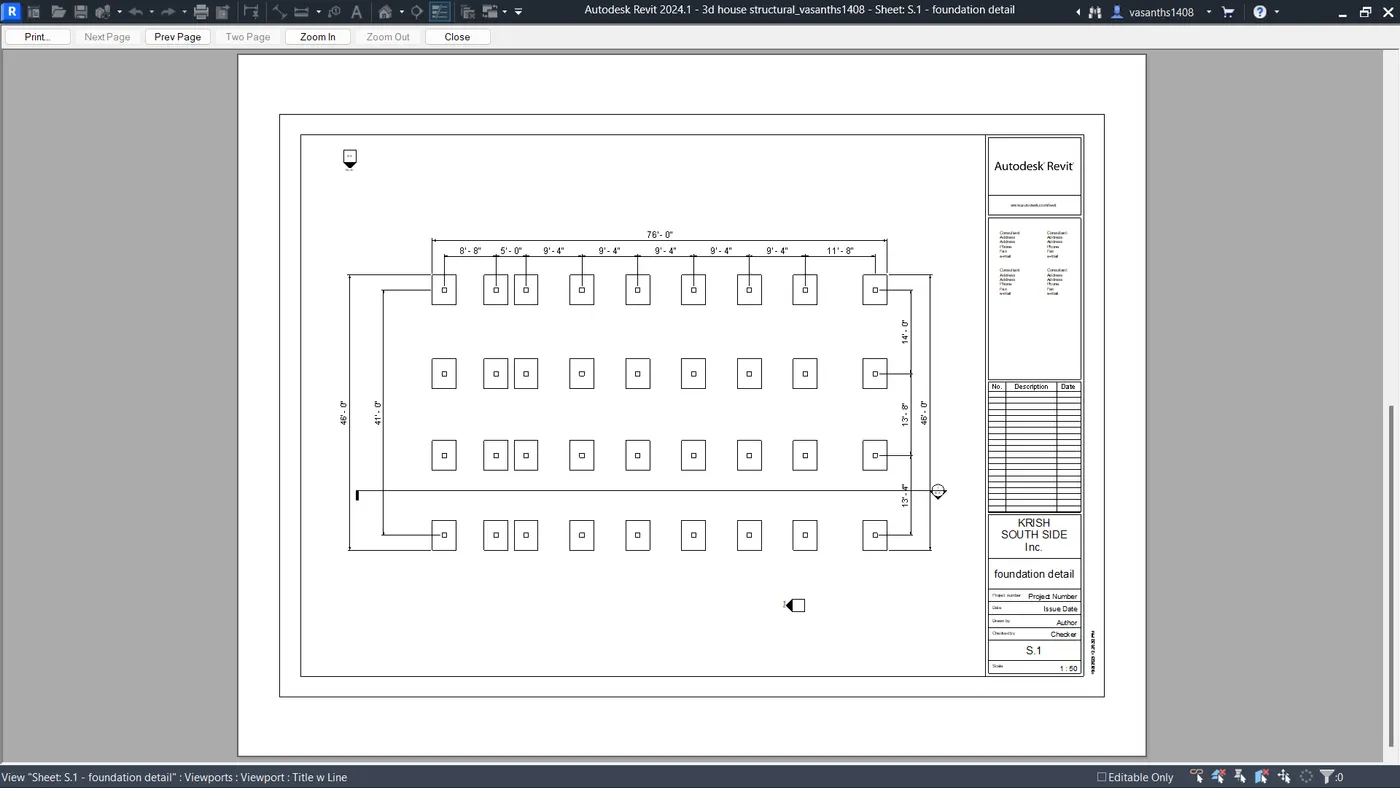
STRUCTURAL DETAILS.
FOUNDATION
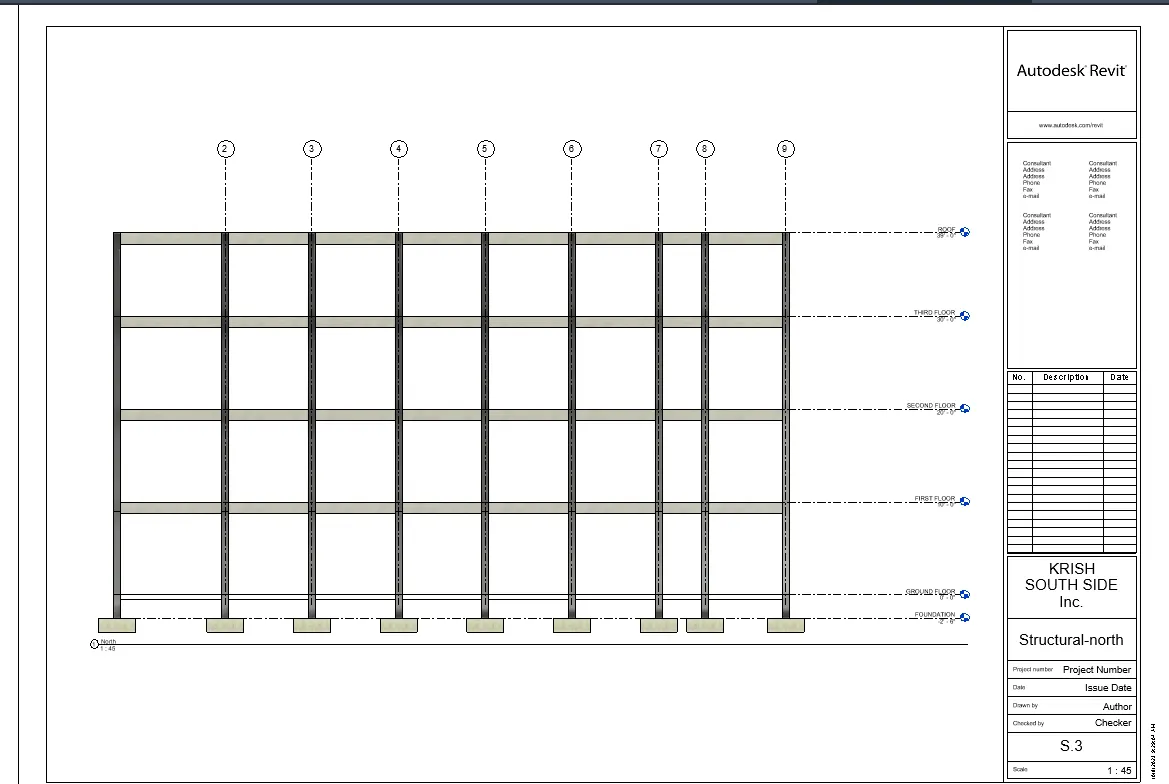
ARCHITECTURAL DETAILS.
6) Using the Rendering settings, Render images of the 3D model produced and include the rendered images to the drawing sheets
a. Rendering from interior rooms
b. Rendering from out showing topographic features
c. Rendering through structural framing
a. Rendering from interior rooms
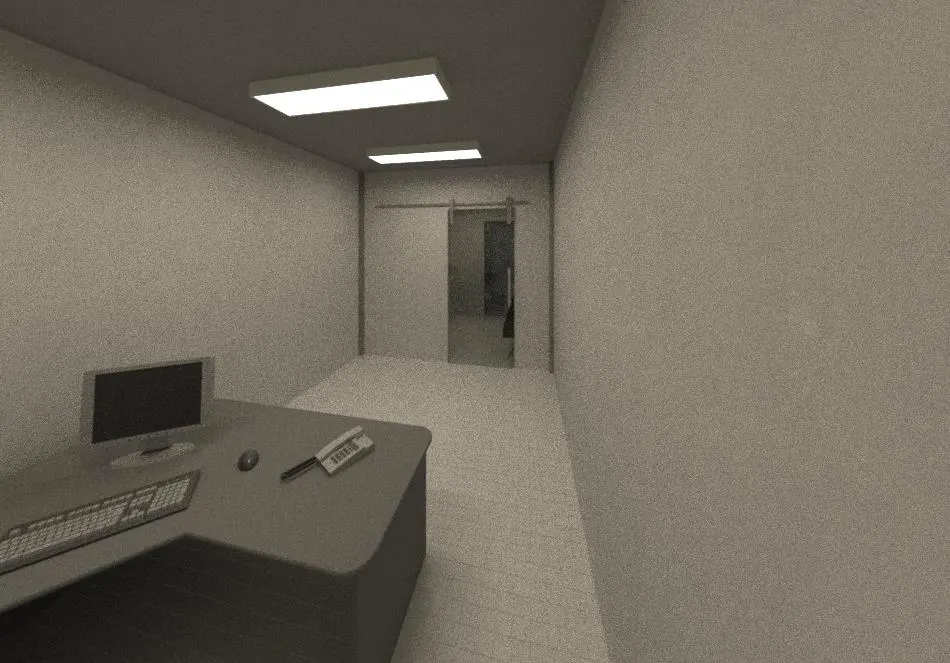
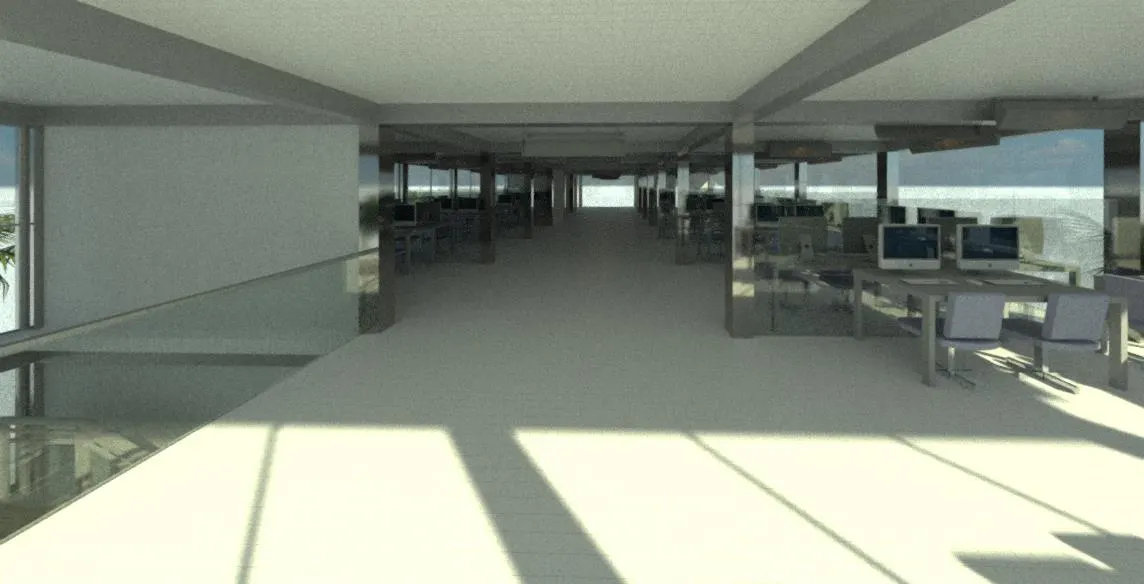
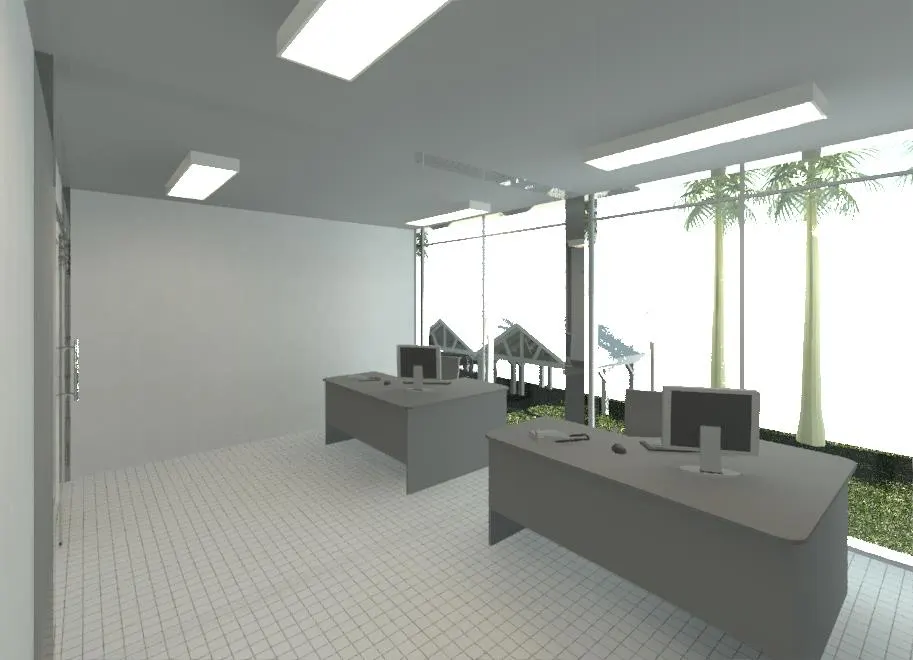
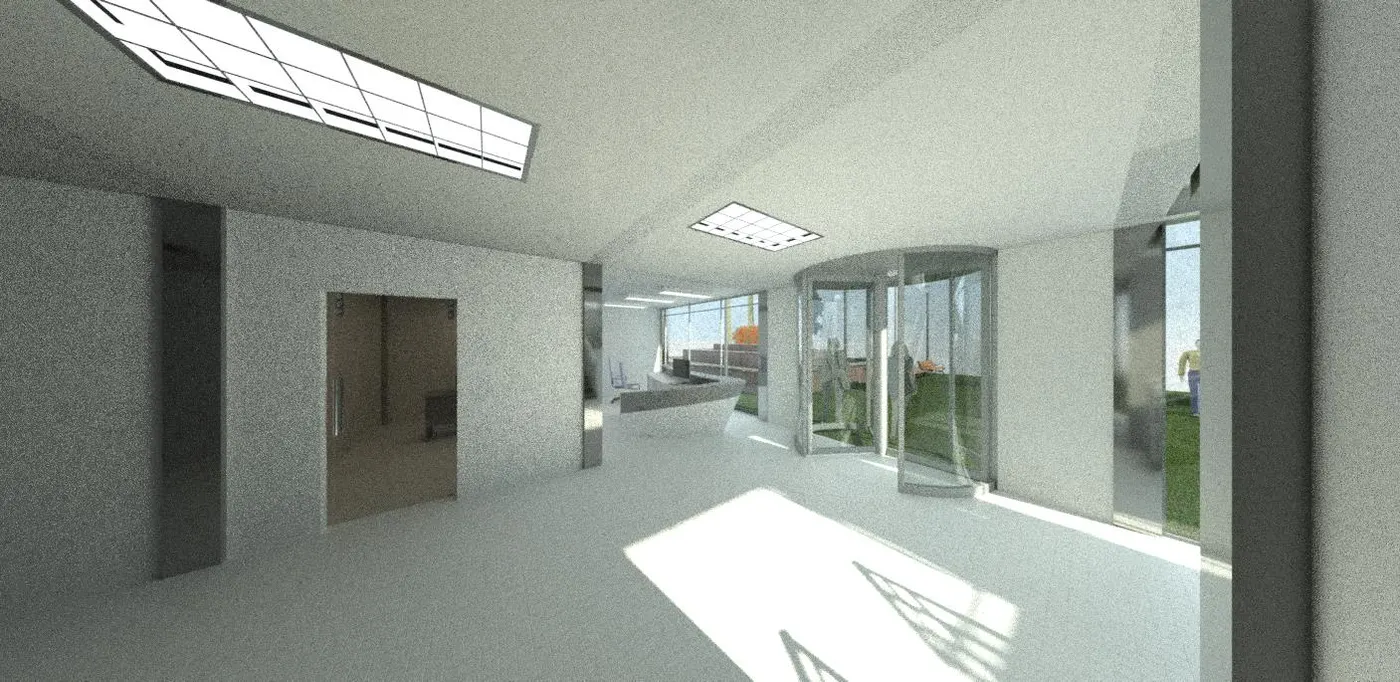
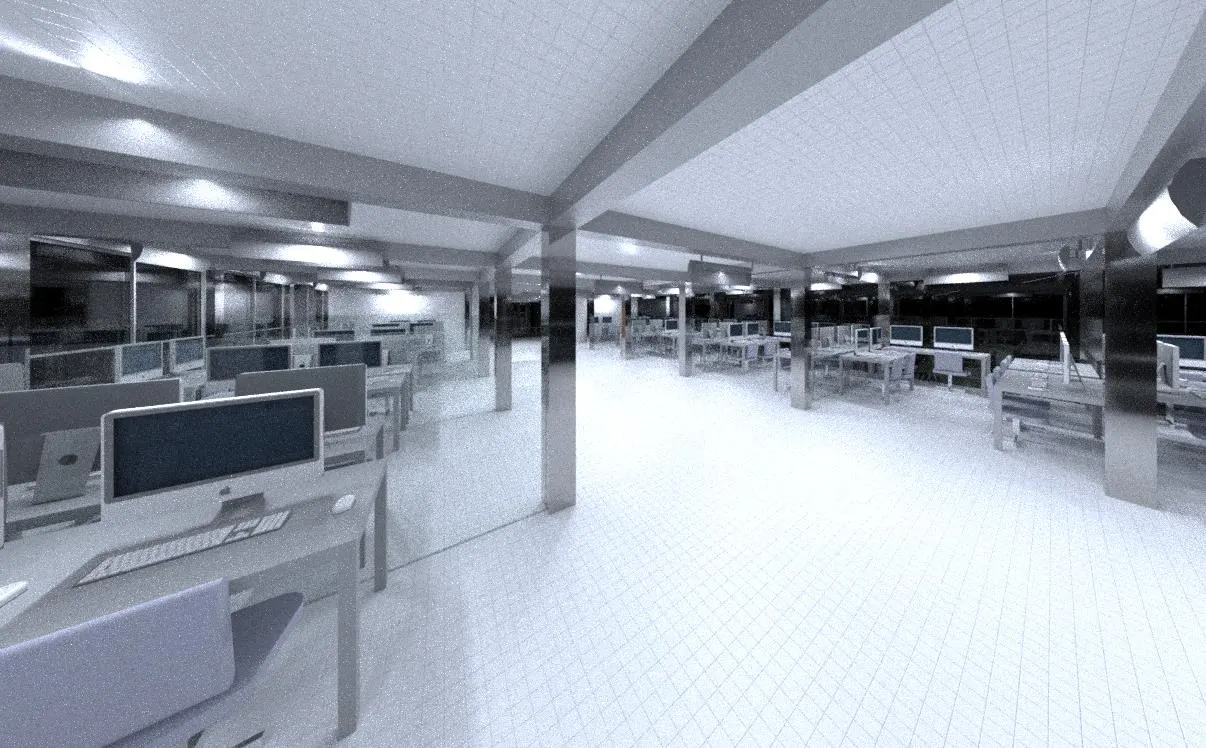
b. Rendering from out showing topographic features
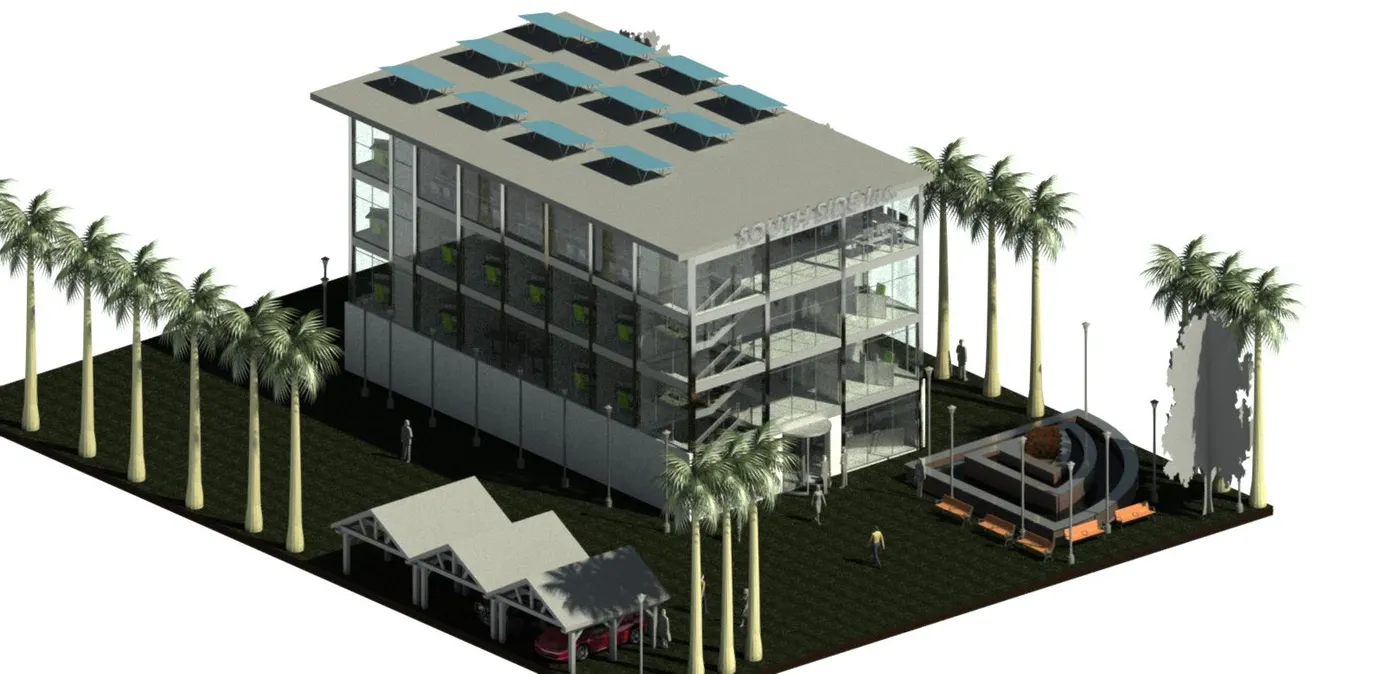
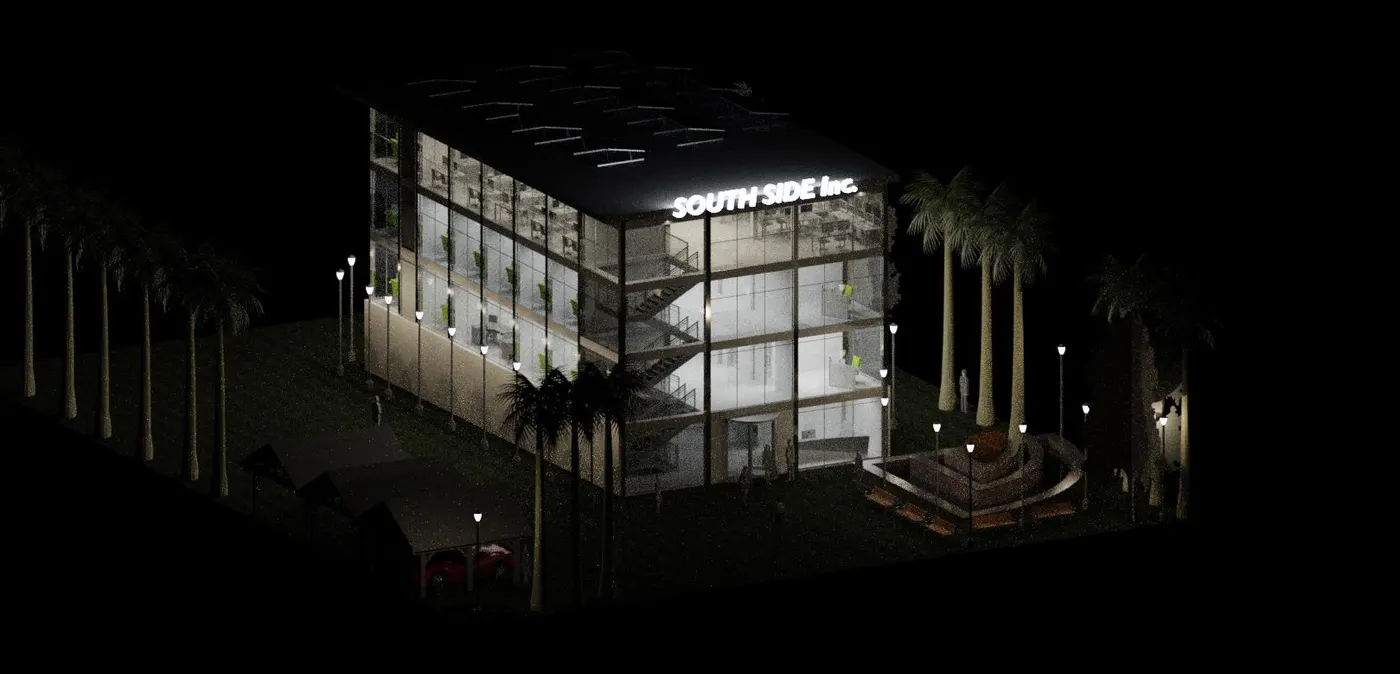
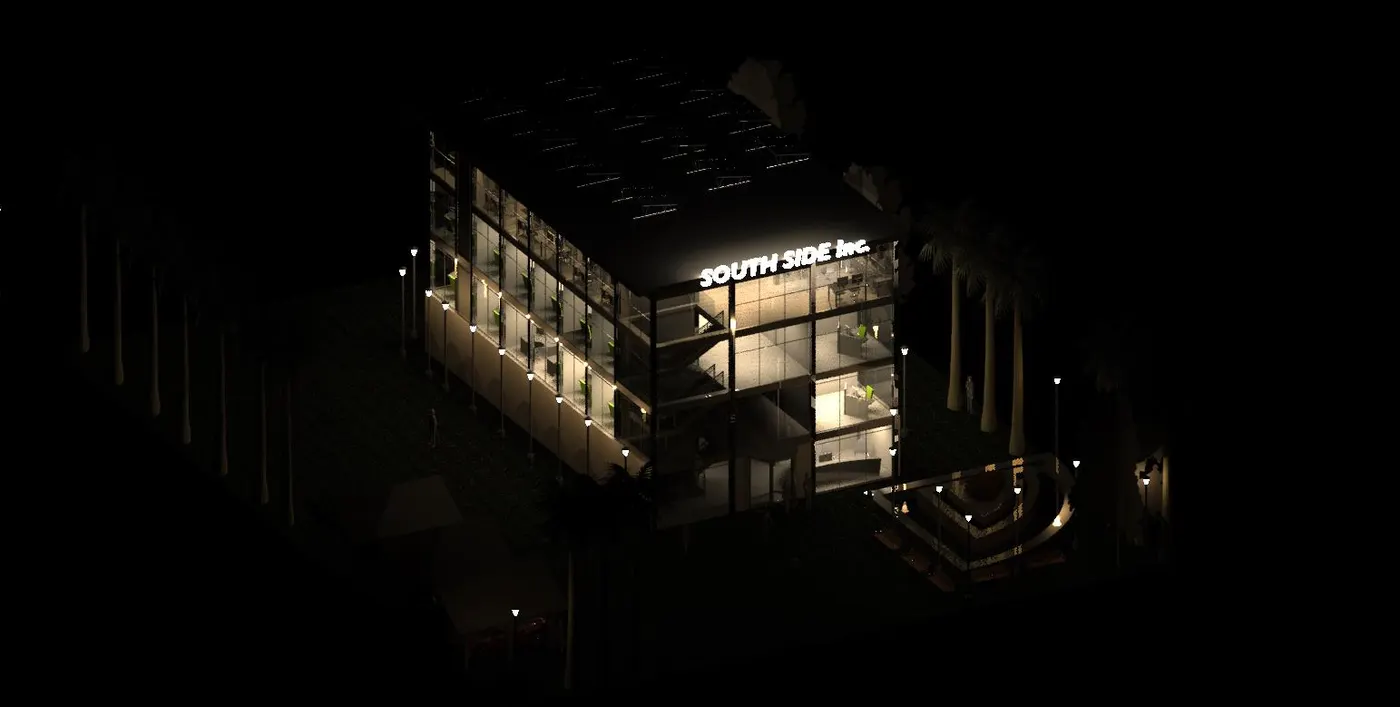


c. Rendering through structural framing
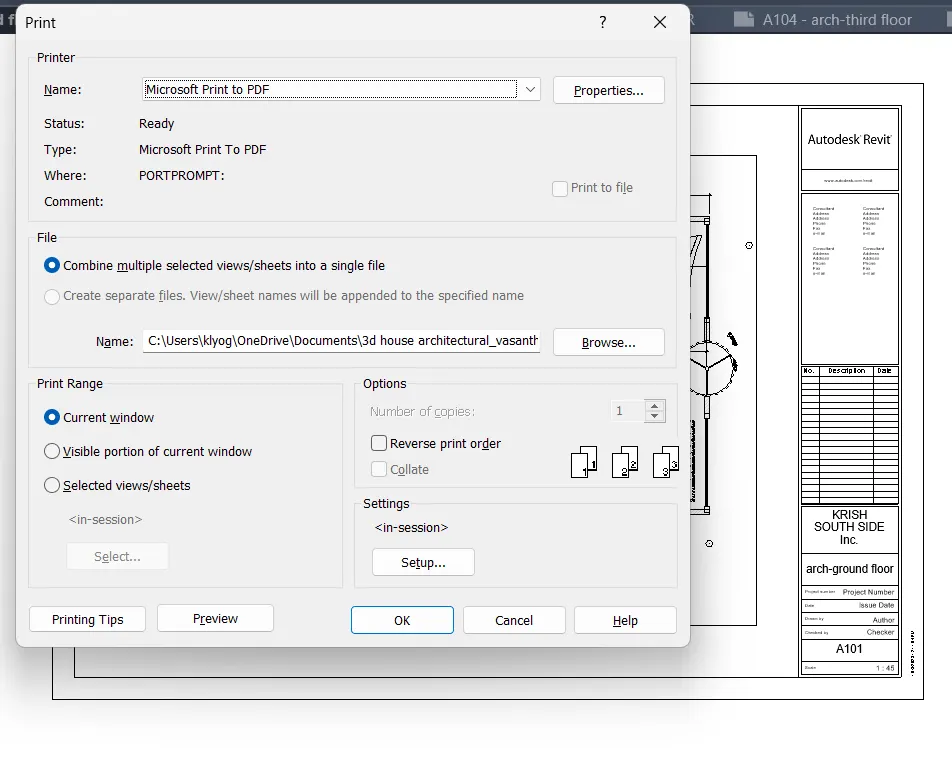
7) Print the set of drawing sheets created and submit the drawings from the architecture and structure model
use ctrl+p to print or save the file as a pdf format.