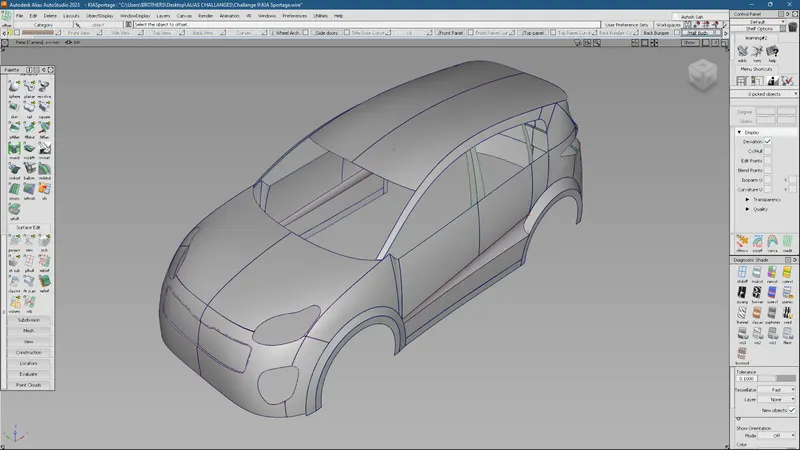
Challenge 9 : Project : Technical Surfacing Kia Sportage
1. Title of the Project: Technical Surfacing Kia Sportage
2. Objective: To build the surfaces of the Kia Sportage
3. Introduction:
A surface, as the term is most generally used, is the outermost or uppermost layer of a physical object or space. It is the portion or region of the object that can first be perceived by an observer using the senses of sight and touch and is the portion with which other materials first interact. Surface provides a geometrical description of the article boundary with no topology data.
Autodesk Alias (formerly known as Alias StudioTools) is a family of computer-aided industrial design (CAID) software predominantly used in automotive design and industrial design for generating class A surfaces using Bezier surface and non-uniform rational B-spline (NURBS) modeling method.
4. Design Approaches:
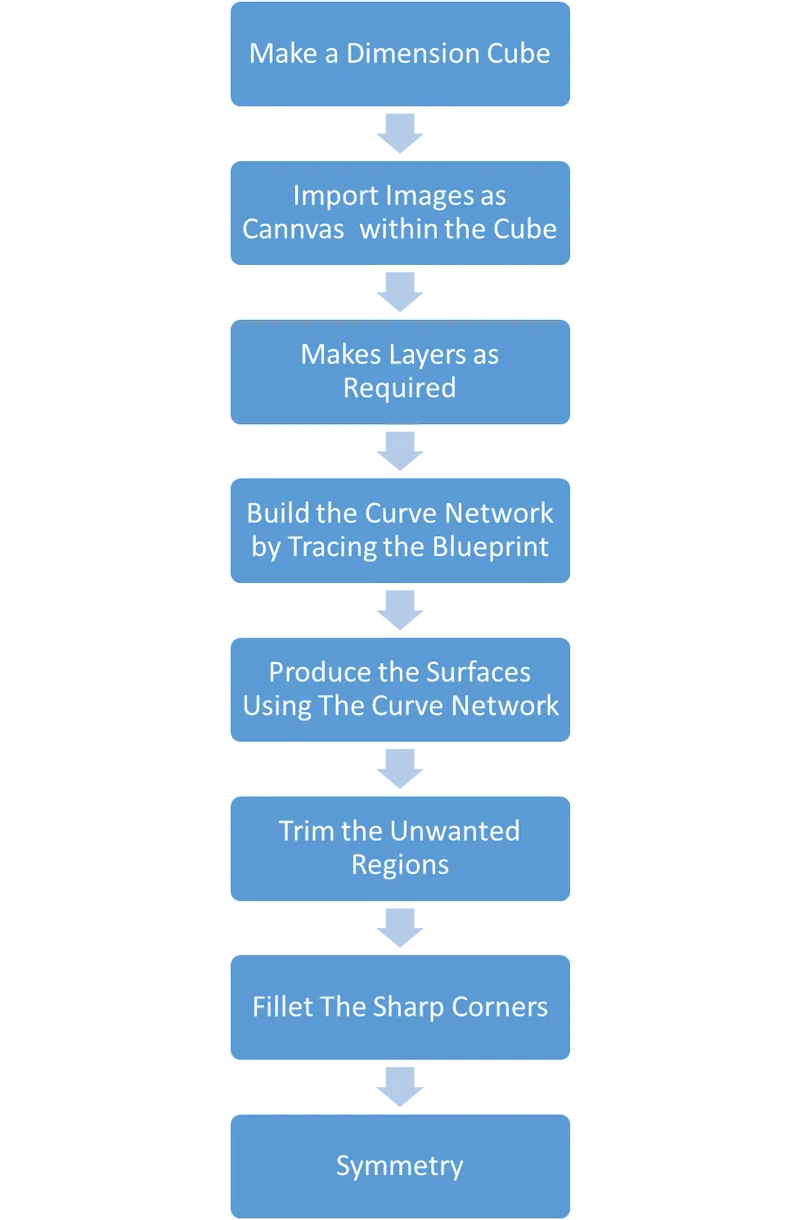
Description:
1. First of all, a dimension cube is made by considering the length, breadth, and height of the blueprint.
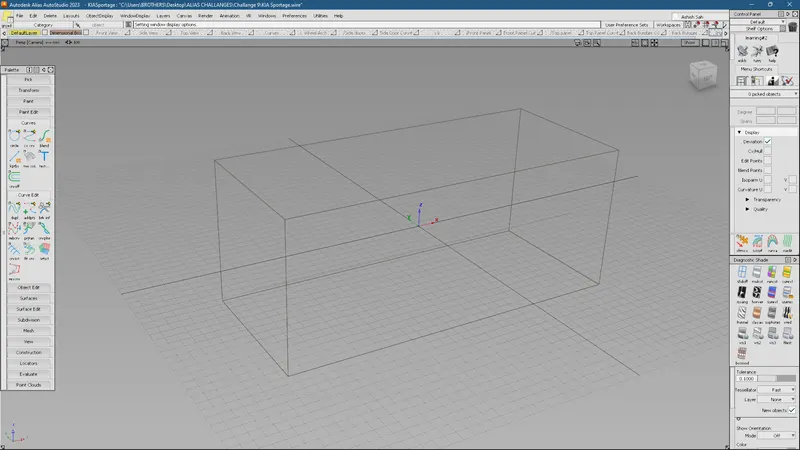
2. Import the image of each view and align it within the dimension box as shown in the figure:
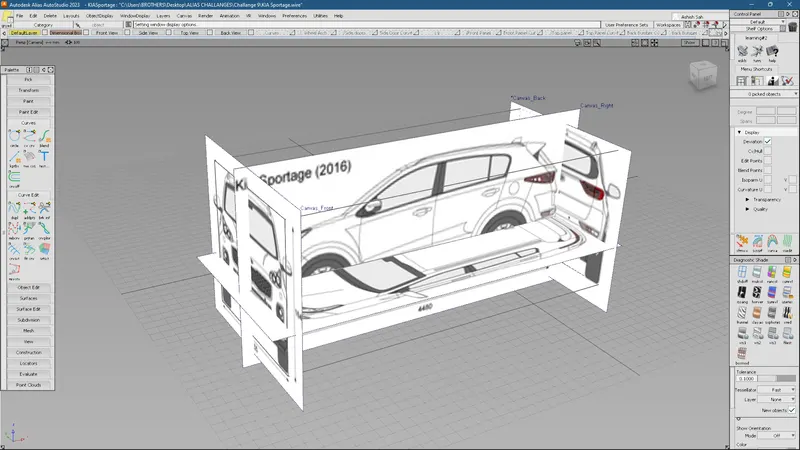
3. Make layers as required and assign a particular 'image view' to each layer separately and make each of them a reference.

4. Build the curves by tracing the blueprint as shown in the figure.
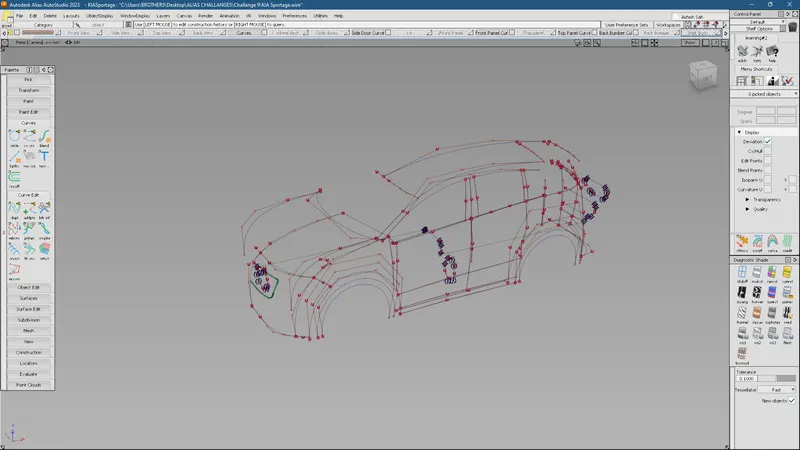
5. Build the surfaces with the help of these curves.
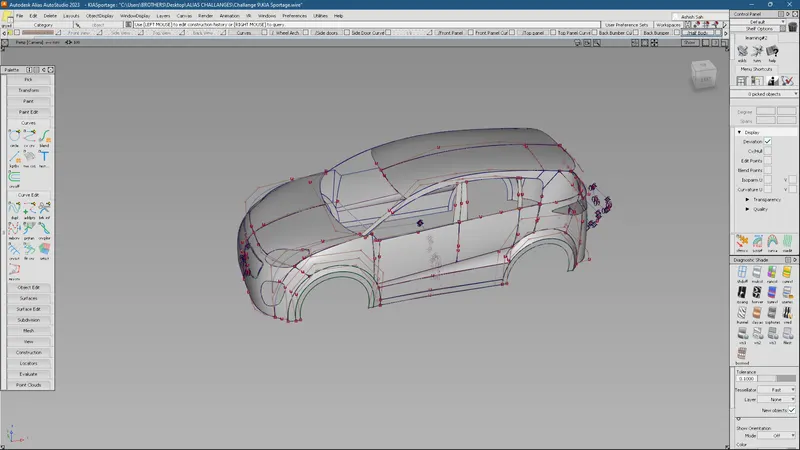
6. All these parts were created by using different commands and features. Some of them are listed below:
- cv curve tool
- align tool
- blend
- skin
- rail
- square
- srfcon
- project & intersect
- surface fillet, etc.
Some of them are explained below:
Features Used:
To build the curve networks, cv Crv and blend commands are used.

Surfaces are generated using Surface Tools such as:
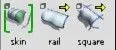
- skin: Creates a skin across multiple curves
- rail: Extrude profile freely or on path curves to make sweeping
- square: fill in the boundaries outline by connecting curves
After creating these surfaces, they are aligned and the continuity is applied to the adjacent surfaces. The surfaces are aligned using the Align tool and the continuity is checked using srfcon under evaluate tab.


To create some cut-outs on the surfaces as shown in the figure, first of all, the curves are projected onto the surface and the unwanted surface is trimmed out using the project tool and trim tool respectively.

To know the construction history, you can use the following tool:

To form Fillets between the surfaces, 'Surface Fillet Tool' is used.

After the completion of one half of the part, the other half is produced by using the symmetry feature in the layers menu.
Conclusion:
Hence, the surfaces for the Kia Sportage are built.
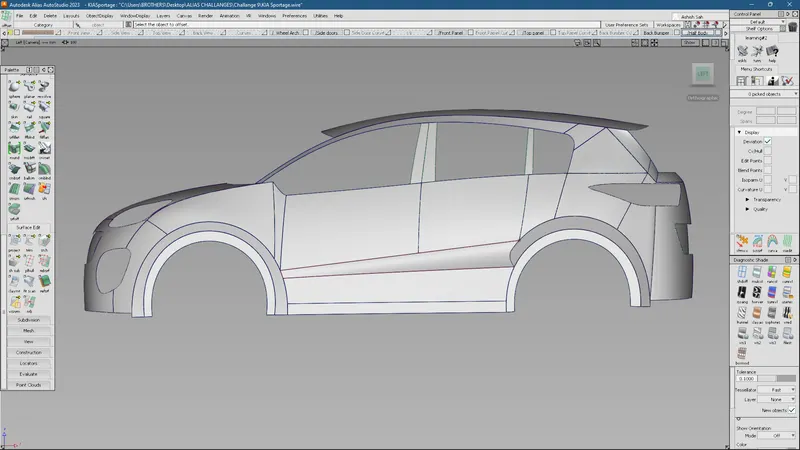
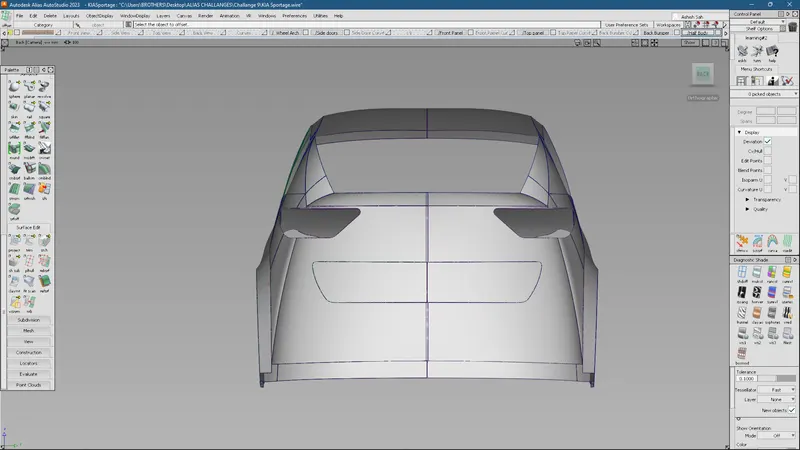
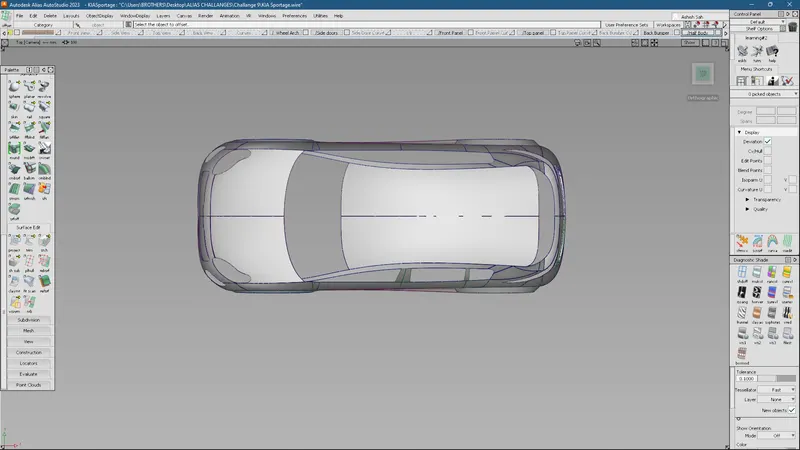
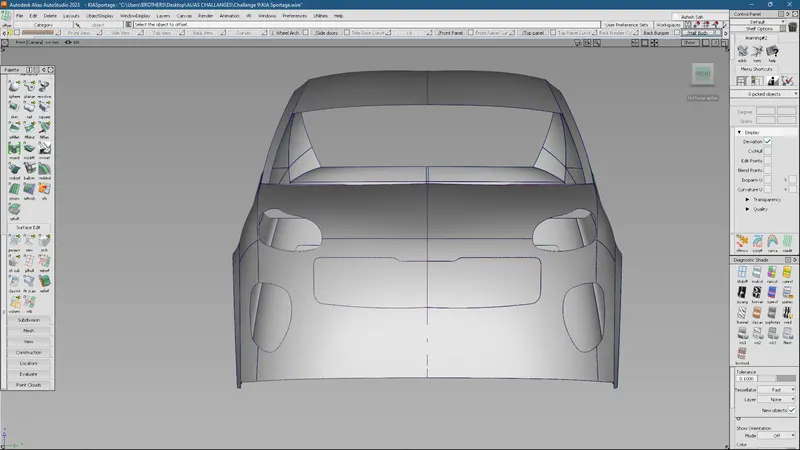
Different views of the Model are as shown: