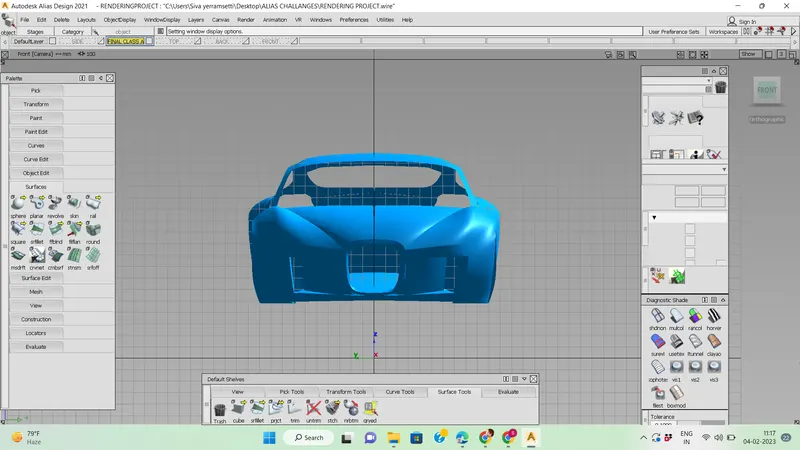
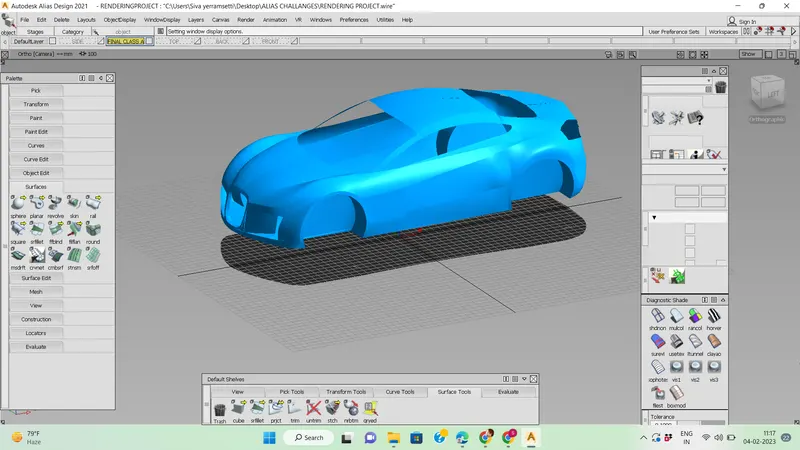
Challenge 12 : Rendering Project
RENDERING USING AUTODESK ALIAS
Objective:
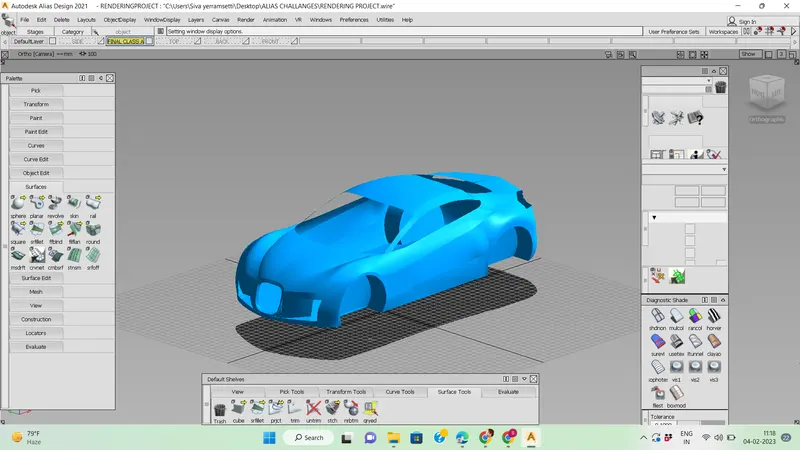
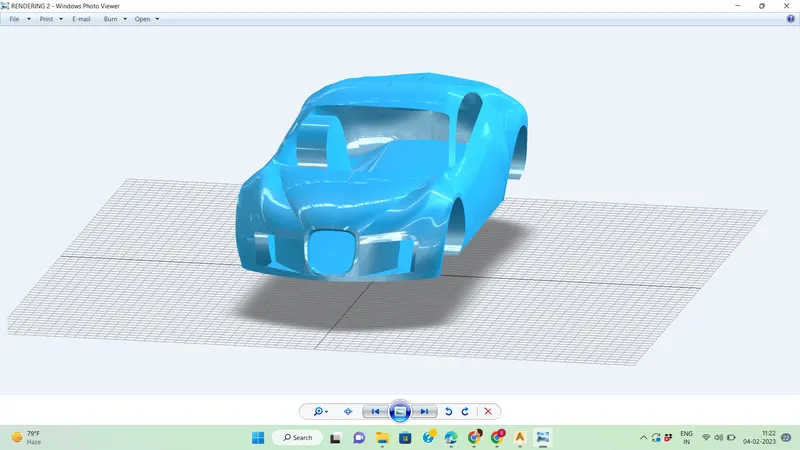
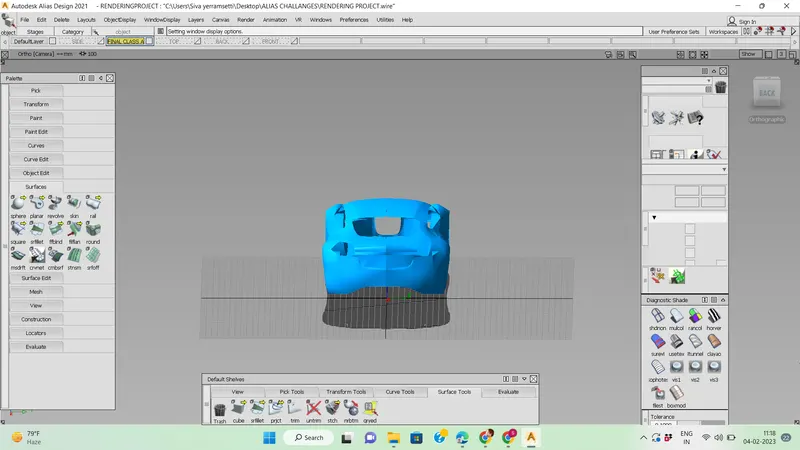
In this challange, the task is to render some models we did earlier using Autodesk Alias. Rendering is done through switching to the 'Visualize' option available under the control panel.
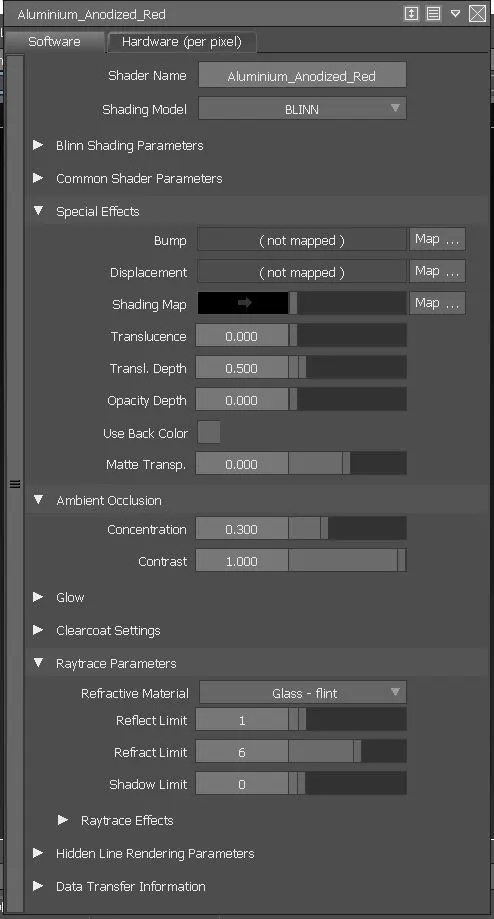
We can select the whole surface and double click on the material we want to assign on the surface. Then click onthe ' Assign' option. We can further adjust the environment and material. Double click on the assigned material to do further manipulations. we can adjust the factors such as reflectivity, glow, colour, shadows, environment etc.