Assignment 6-Frontal Crash Simulation Challenge
OBJECTIVE:
- Objective of this project is to set the model for frontal car crash with mentioned time step
- Create rigid wall with specfied friction
- Create appropriate Interface, cross section for required output
- Balance the required mass and balance the COG to desired location
Steps Carried out:
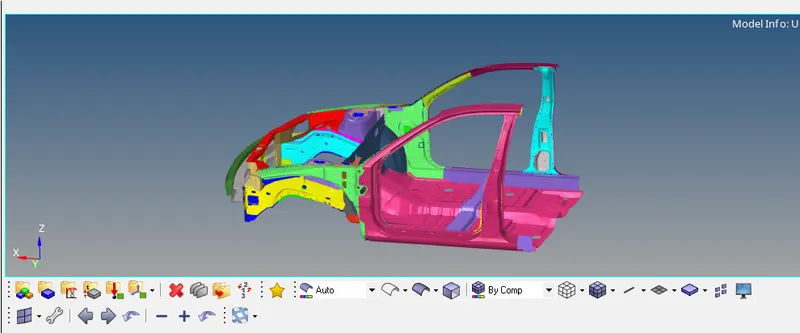
Import the rad file
- Import the 000.rad file into the software by import solver deck option
- Before starting with the process,keep in mind about the unit system
- Let it be same in both hypermesh and hypercrash, open the .rad file in notepad to see the unit system used in the model

- The above image show the unit system used here is Kg,mm,ms
the same will be used further
Create Rigid wall
- Create rigid wall by goint to Solver>right click create>RWALL>Plane
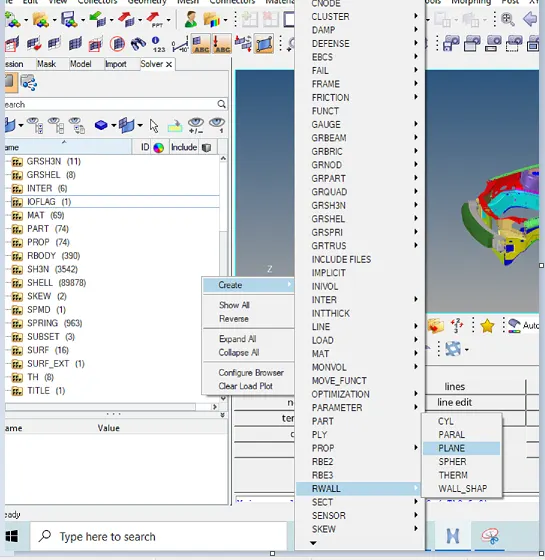
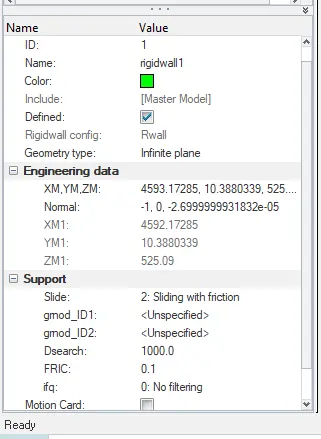
- Select the required node, Normal node and give the friction value as 0.1
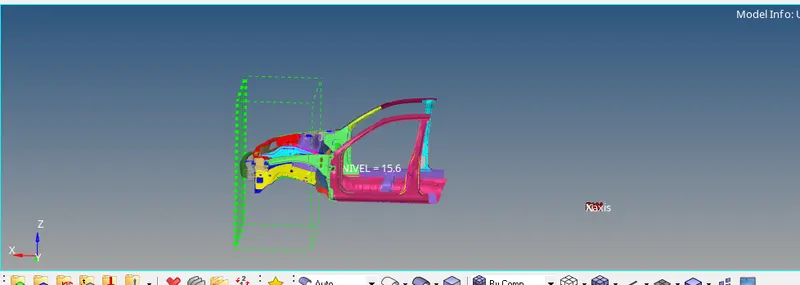
- The rigid wall will be created like shown in below image
Create Appropriate interface
- Create the appropriate contact in the groups
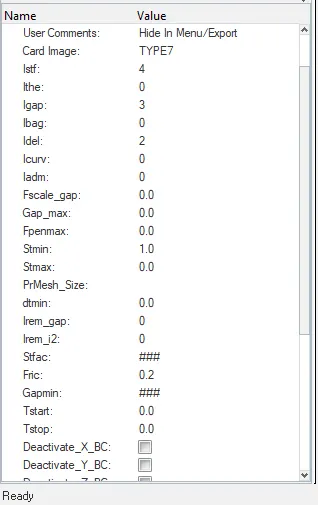
- Go to Solver>Inter>Type 7>create interface with suitable parameters
- Give the friction value 0.2 as mentioned
- Below image shows the Type 7 intrface card
Check for penetration and intersection
- go to tool>penetration check>selct the group >check
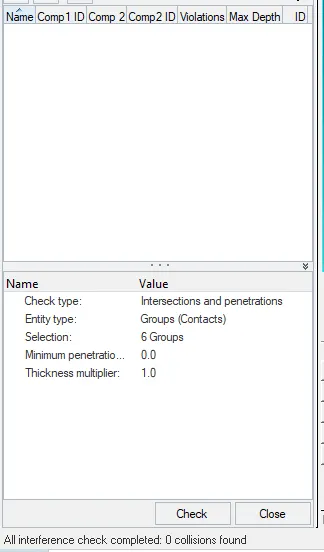
- The above image tells us there is no collisions found in the group
Initial Velocity
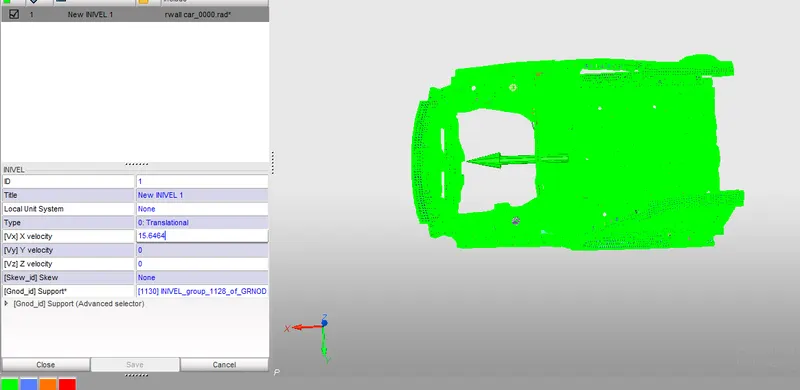
- Now we have to create initial velocity card of 35mph
- we should covert m/h to mm/ms, by this we will get velocity value as 15.6464
- Go to solver>INIVEL>set the properties>select all the nodes
Add mass to balance the COG
- Check the weight of the model and the cog point
- compare it with the full model and adjust the cog point by adding the few masses to get the desired weight
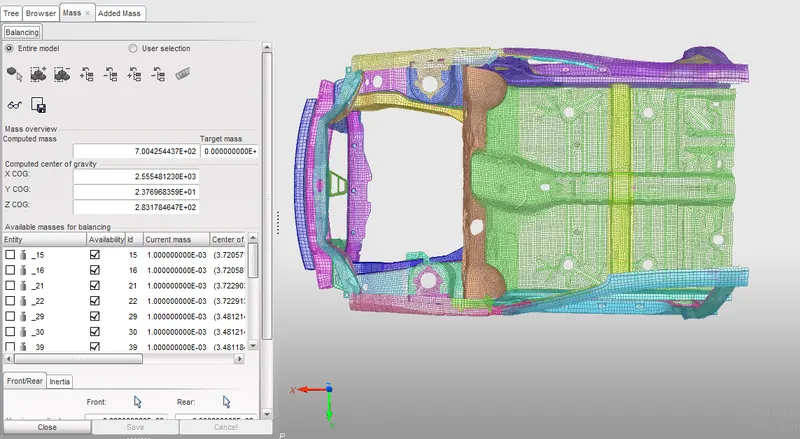
- Now the weight of the model is 188kg, desired weight is 700 kg
- add some weight on the both seat frames to get the cog to required location
- in hypercrash go to mass>balancing , there we can see the weight of the model and cog
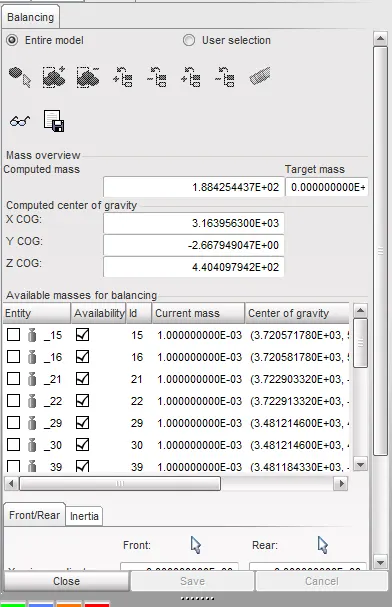
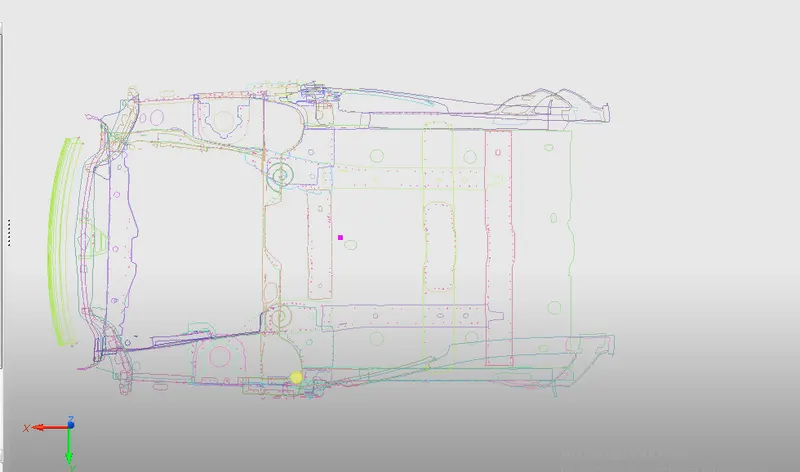
- Add mass in hypercrash by Load case>added mass>create new mass with type=1
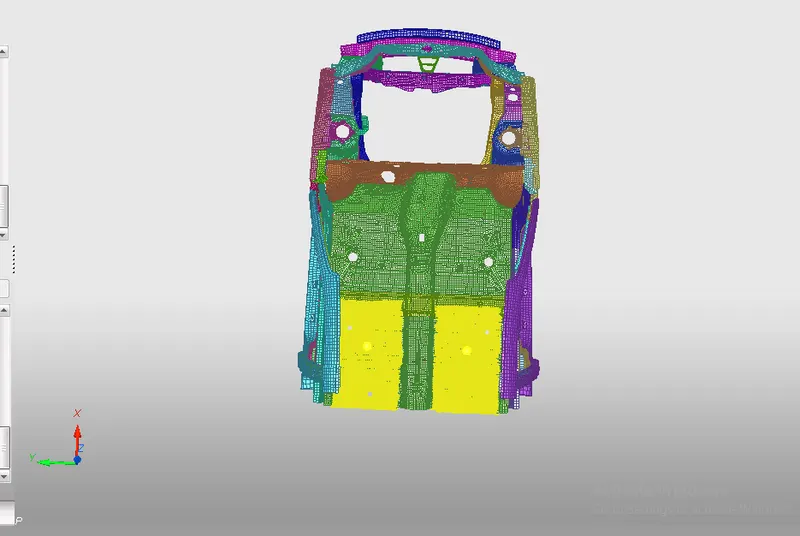
- After adding the mass cog and total weight will be changed
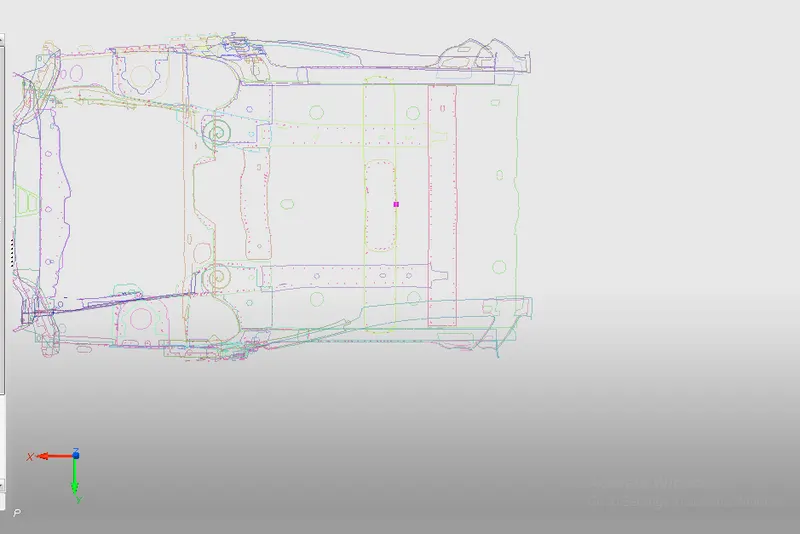
Model checker
- Go to hypercrash>quality>model checker>run
- look for any errors and fix the same
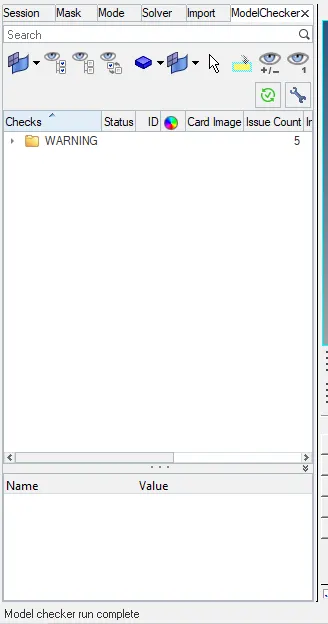
there is no error in this model so we can move further
Set the frquency and run time
go to solver>run>ENG_run> set the tstop as 80ms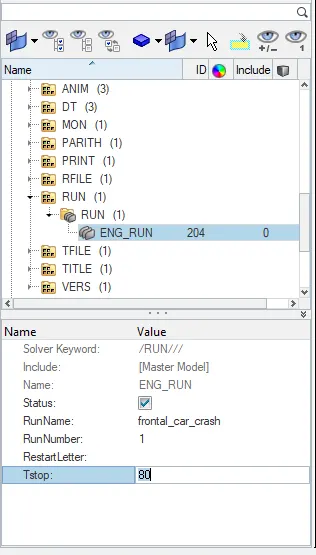
OUTPUT Request:
Sectional force
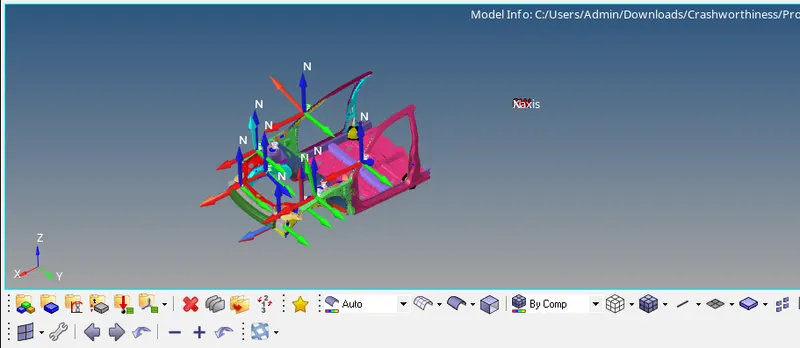
- We have to create sections in mentioned area, before creating section we have to create frame
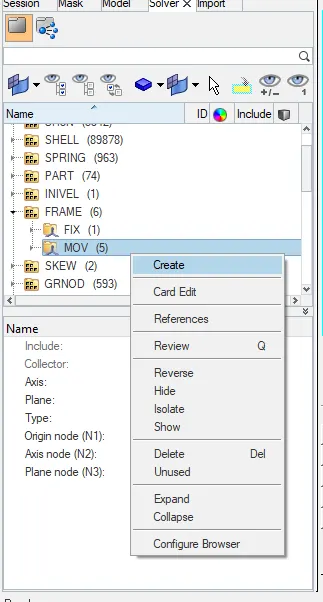
- go to solver>frame>mov>create frame in required nodes using N1,N2,N3
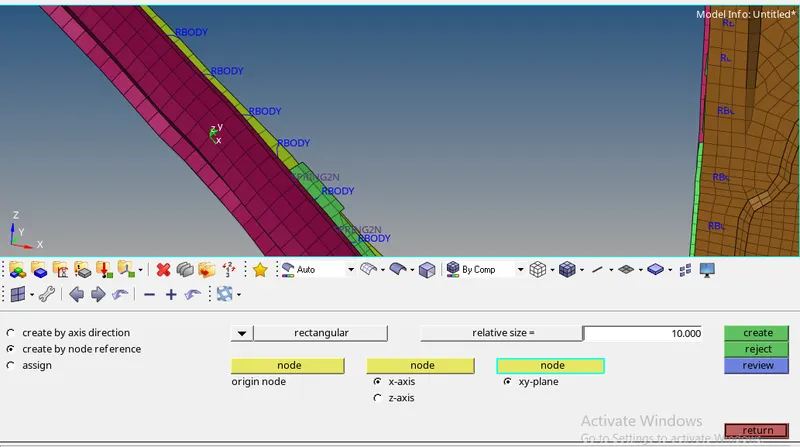
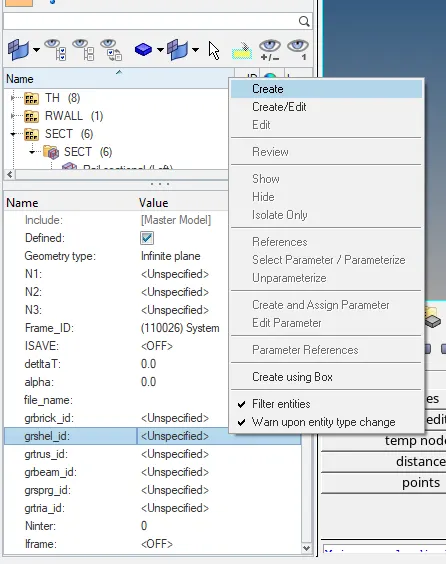
above image shows the frame is created - Create section card by solver>right click sect> create section by selecting frame id created in prev step
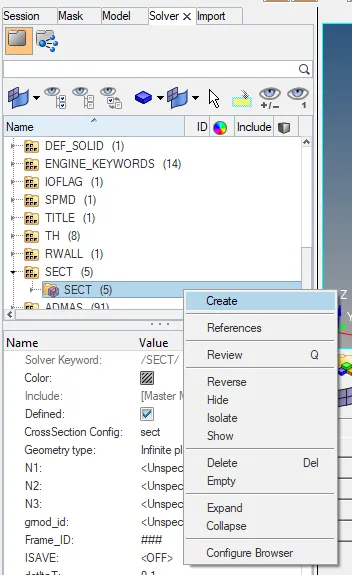
- Select the elements in gr shell id; delta=o.1(it cannot be zero); iframe=12; alpha=1.94;
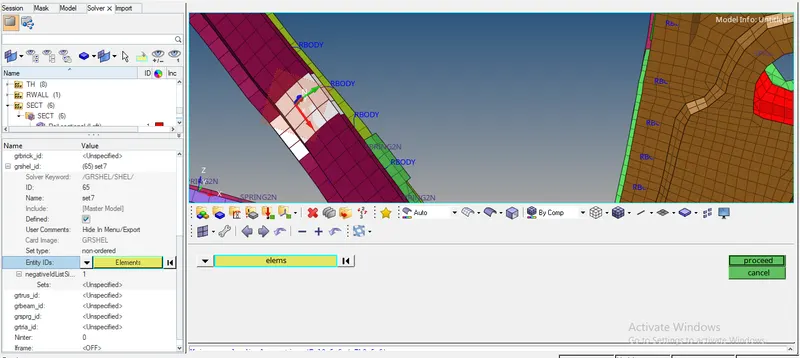
- Create same type of sections with frame, wherever is required
Create Accelometer for B pillar
- Create accelometer for rocker component under B pillar
- go to Solver>right click>ACCEL>selct the nodes from rocker
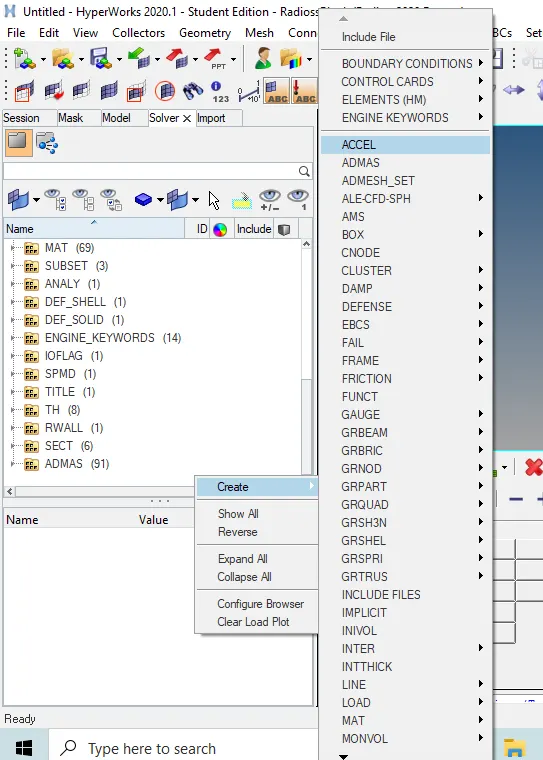
- Acceleometer will be created lik shown below
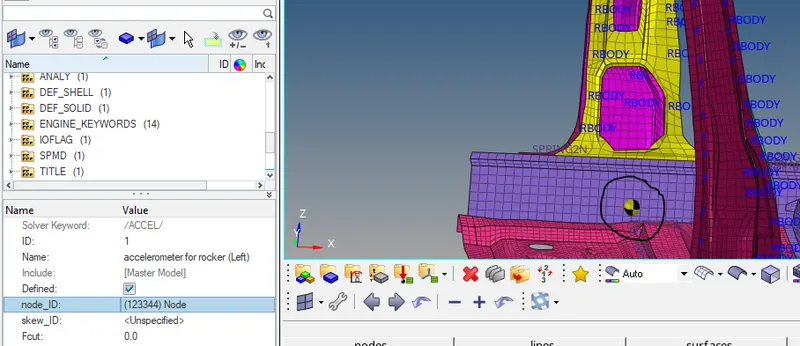
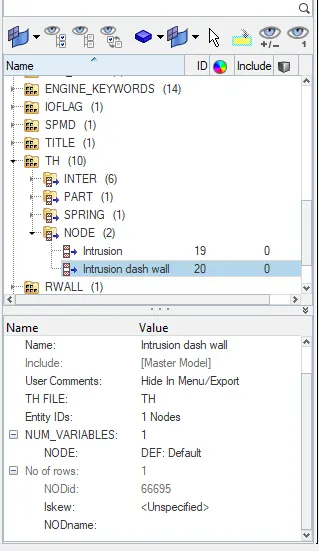
INTRUSION FOR NODE 6695 AND 66244
- go to solver>TH>Node>create intrusion in above mentioned nodes
Create Output Blocks:
- So far we have setup the model, created sections and created accelometer
- Now we have to take the results from the same by creating output blocks
- go to model>output blocks>create new blocks for cross sections and accelometer
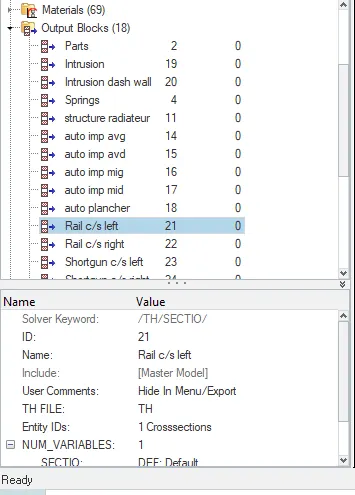
- Entity ID should be crossection and accelometer for respective types
RESULTS and DISCUSSION:
- Run the model and look for energy error
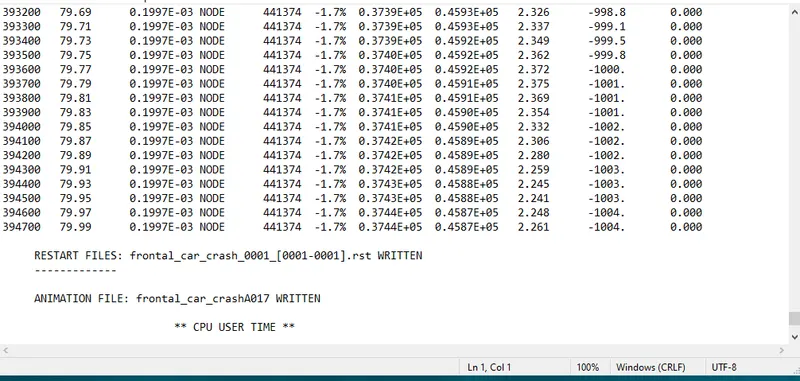
- The energy error is less than 15%, so it is acceptable , now we can carry on with further steps
- The total ellapsed time is shown below
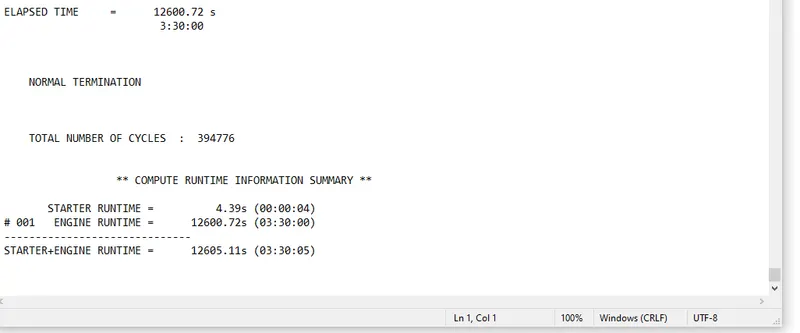
- Go to Hyperview open the .h3d file , look for displacement and von misess
Displacement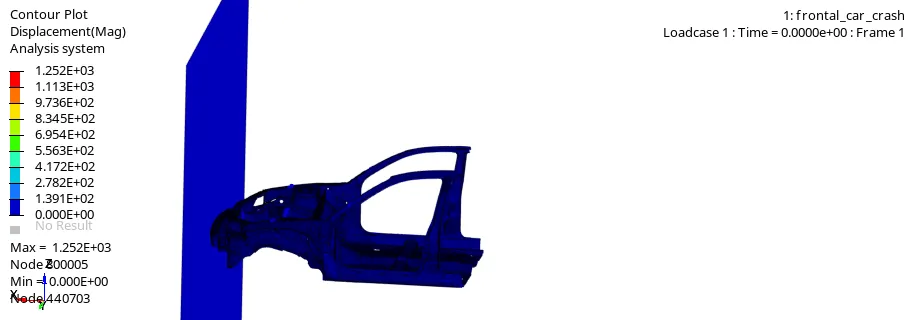
Max displacement=1.252E+03
Vonmises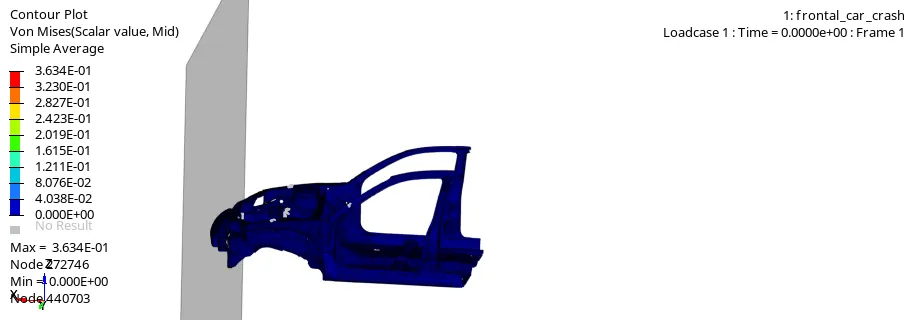
Max von mises= 3.634E-01 - Go to Hyper graph2d for plotting the energies
- Sectional force in rail left and right
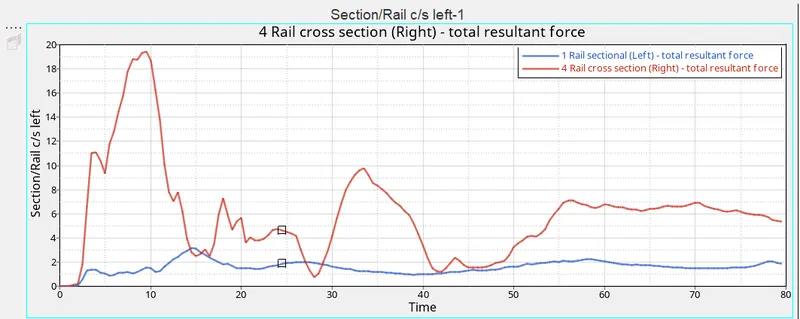
Total resultant force of Rail left=3.190323
Total resultant force of Rail Right=3.190323 - Sectional force in shortgun left and right
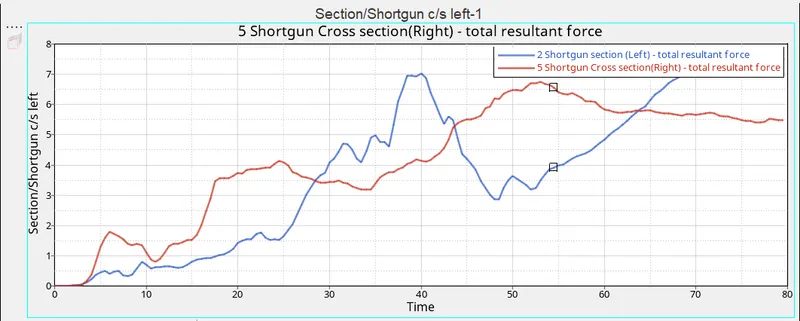
Total resultant force of Shortgun left=7.396165
Total resultant force of Shortgun Right=6.742527 - Sectional force in A pillar Left and right
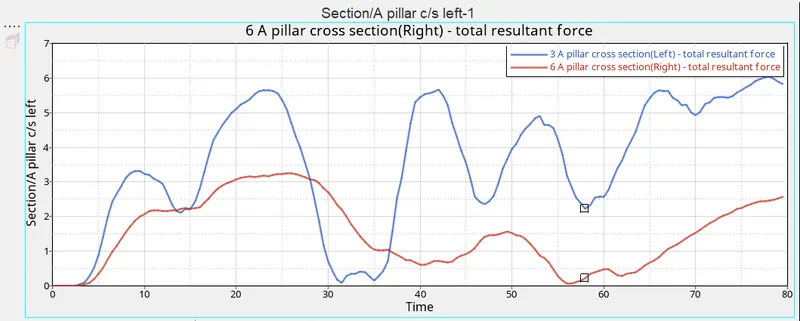
Total resultant force of A pillar left=6.041878
Total resultant force of A pillar Right=3.256452 - Axial Force recieved on rails of bumpers left and right
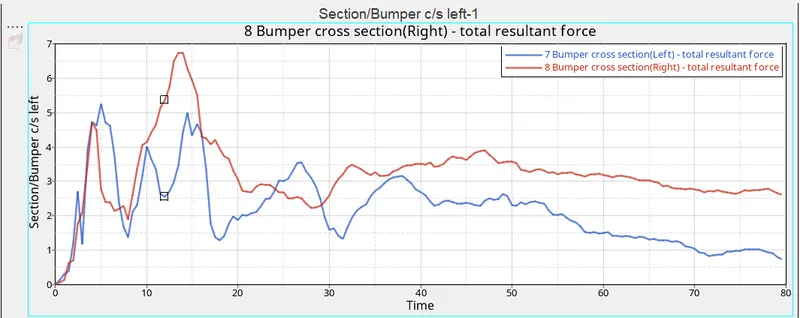
Total resultant force of Rail of Bumpers left=5.260850
Total resultant force of Rail of Bumpers right=6.740247 - Accelaration recieved at base of B pillar[ at rocker component]
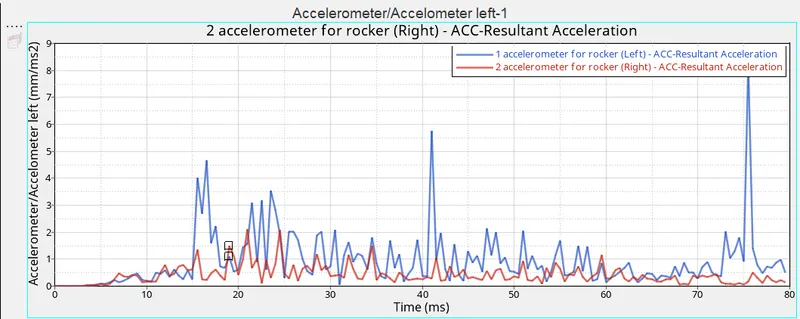
Accelaration on left side=8.259418 mm/ms2
Accelaration on Right side=2.102724 mm/ms2 - Intrusion on dash wall
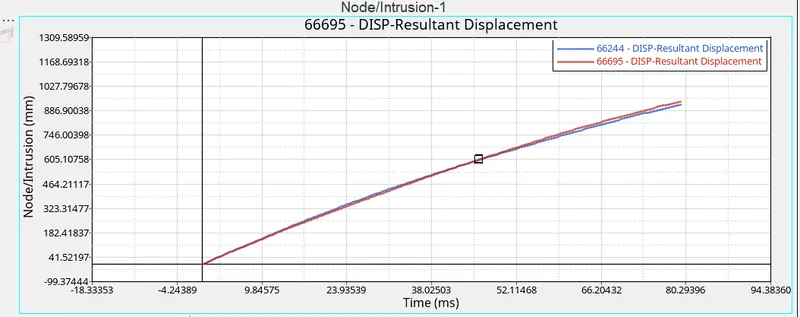
Intrusion at node 66244= 923.37mm @79.5ms
Intrusion at node 66695= 942.3997mm @79.5ms - Energy Plots
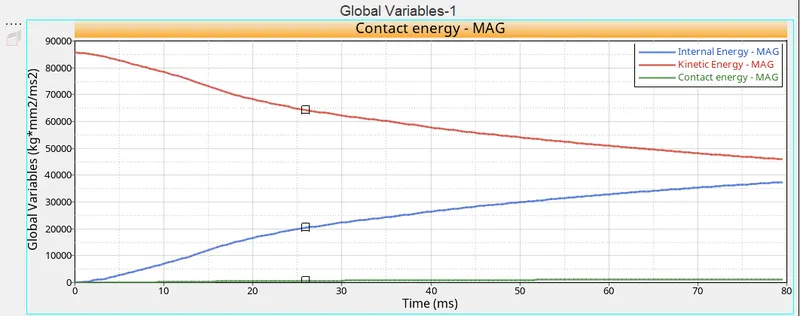
Kinetic energy
max=8573.203 kg*mm2/ms2
min=45969.722 kg*mm2/ms2
Internal Energy max=37352.03 kg*mm2/ms2
Contact Energy max=1198.01 kg*mm2/ms2
COCLUSION:
- The given model is set up for frontal crash with required interface, without any penetrations and intersection
- Created section in required positin for desired results
- Created Initial velocity card and applied to all the nodes
- Created all the required output blocks to plot the results