Assignment 4-RADIOSS Material Laws Challenge
Aim:
Perform the simulation as per the cases given below for 7 cases with using 7 different type of material and compare the results.
Case 1. Import the FAILURE_JOHNSON_0000.rad file and run the model as it is. Give the title name as Law2_epsmax_failure
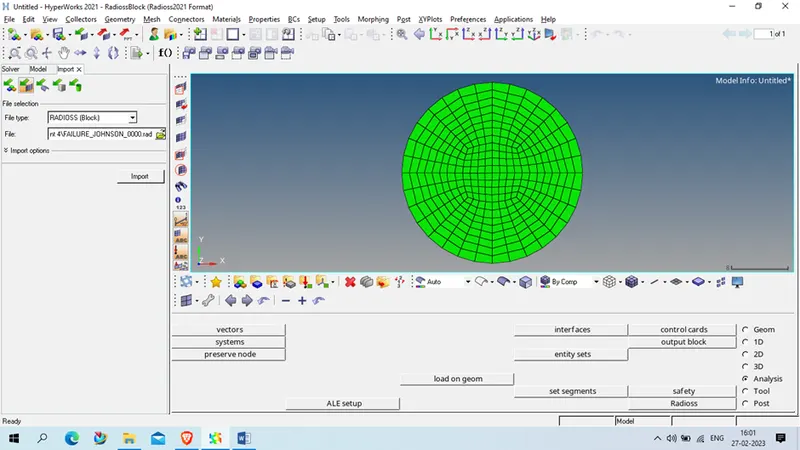
Procedure: Import the FAILURE_JOHNSON_0000 in radios solver in hyermesh
Export the same component with Different name I,e Law2_epsmax_failure in different location
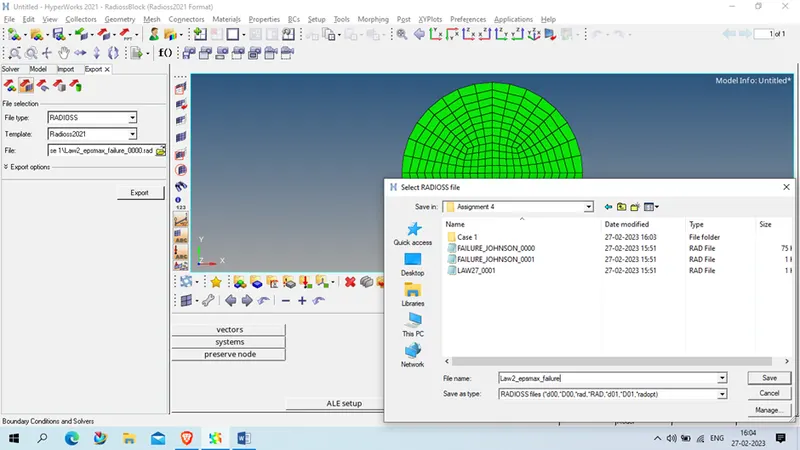
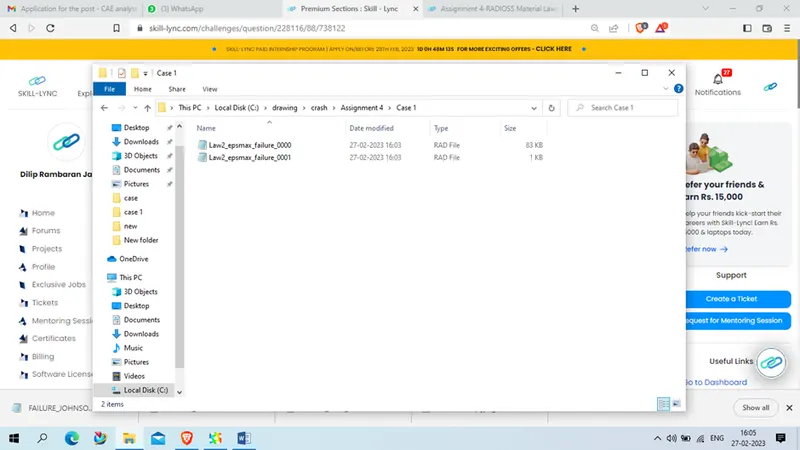
After export
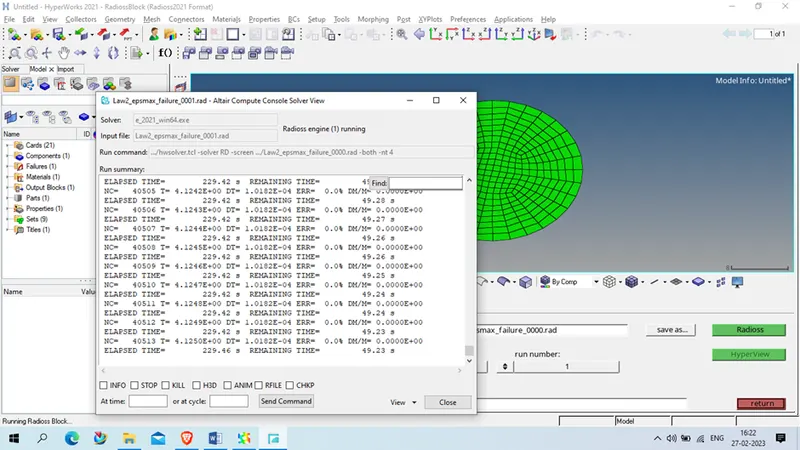
Go to analysis > radioss
Set the path( wtih Correct run name), option (-nt 4)
Click on radios to run the simulation
Case 2: Import the case 1 rad file, named “Law2_epsmax_failure” and perform the simulation with failure plastic strain (EPS_p_max) and fail_Johson card enabled.
- Changes to be made in /FAIL/JOHNSON card:
- ifail_sh= 1
- Dadv= 1
- Ixfem= 1
- Use the recommended values for the property card.
- Give the title name as Law2_epsmax_crack.
Procedure: Import the Law2_epsmax_failure in hypermesh radios solver
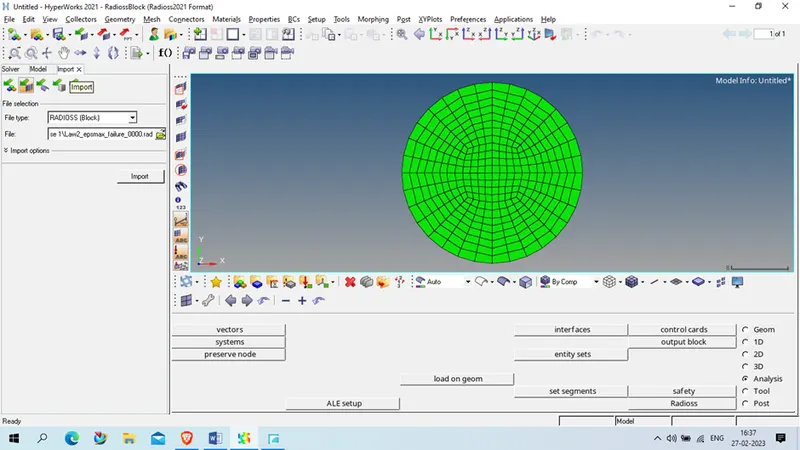
Now go to model> Failure > Failure_johnson_1
Set parameter as per given
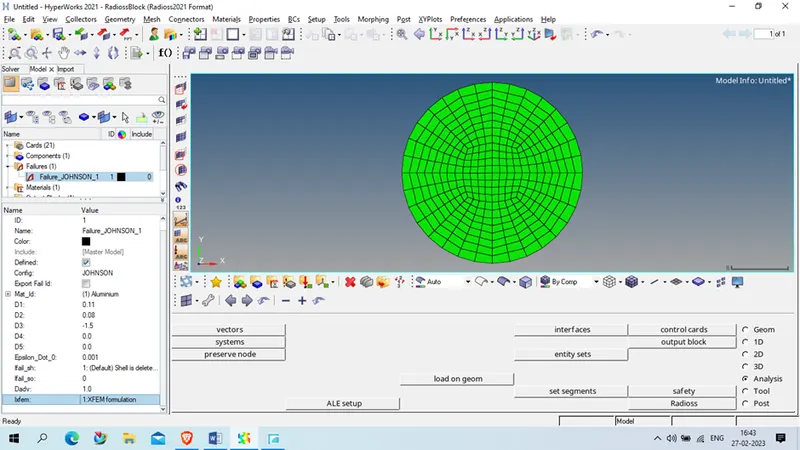
Now check the property card
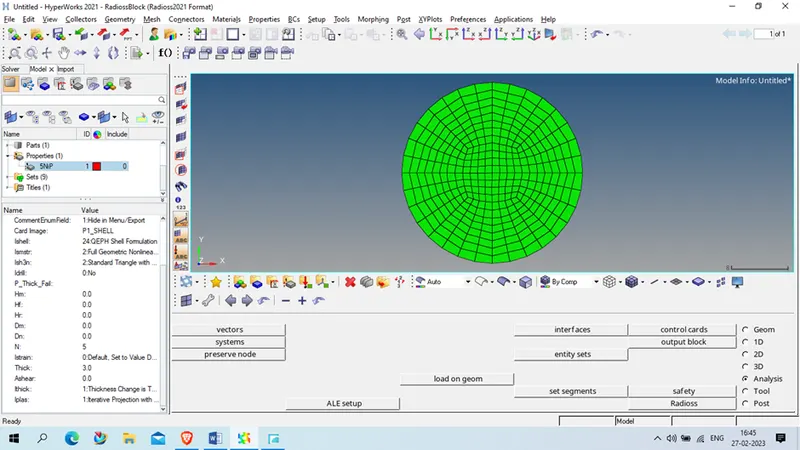
As given details we accept , so we proceed for next
Now export the model with Law2_epsmax_crack name in different folder
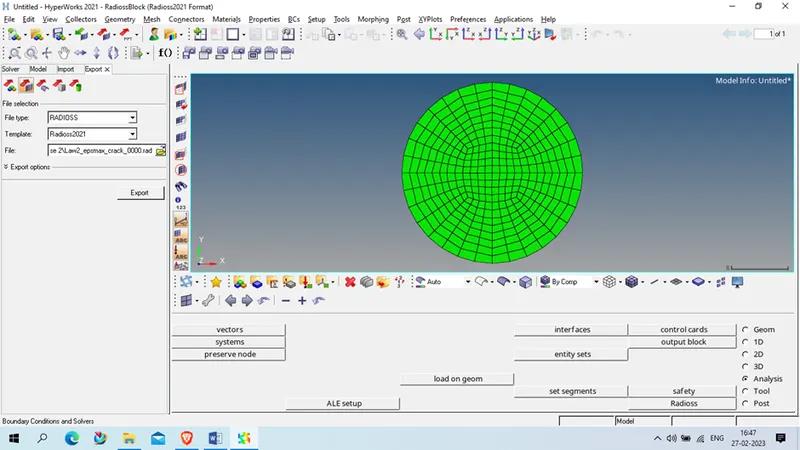
Now new renamed model and run for simulation
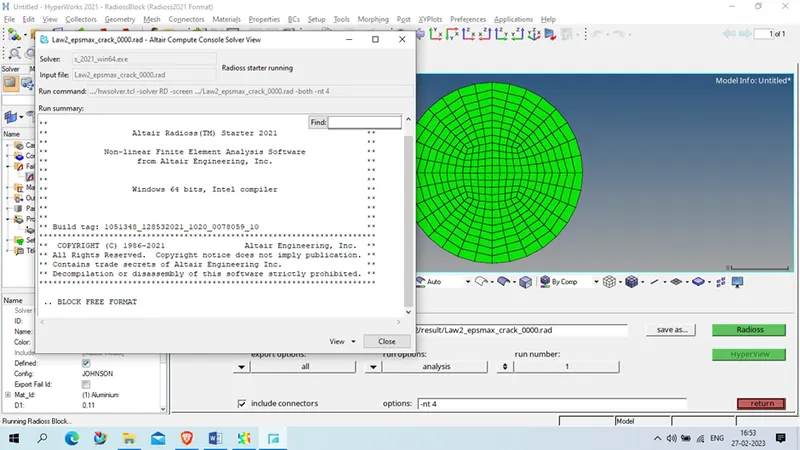
Case 3: Import the case 2 rad file, named “Law2_epsmax_crack” and perform the simulation by removing the fail_Johnson failure card. Give the title name as Law2_epsmax_nofail.
Procedure :
Export the Law2_epsmax_crack with the name of Law2_epsmax_nofail In case 3 folder
Now we delete the failure folder in model tree
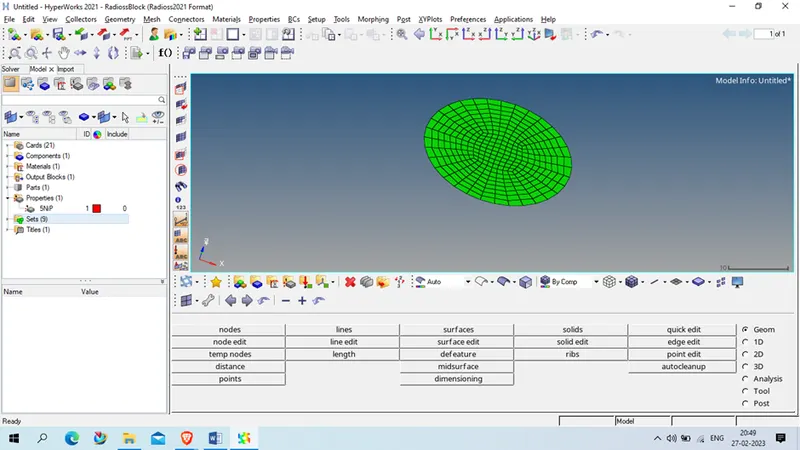
After that open geometry in new session and run for simulation
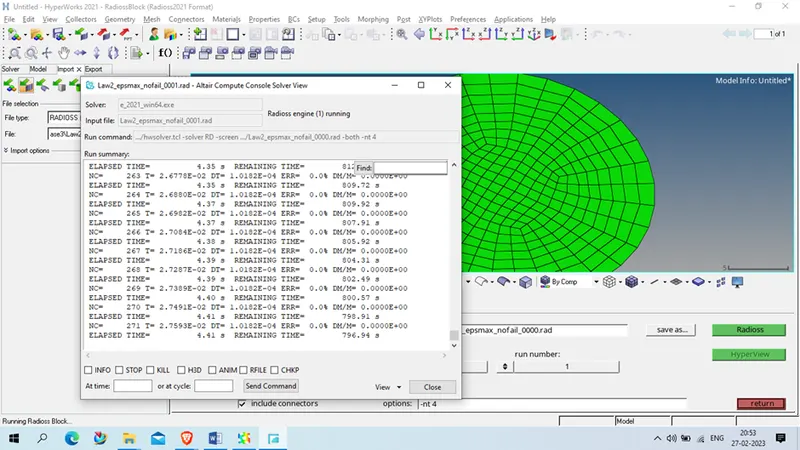
Case 4 : Import the case 3 rad file, named “Law2_epsmax_nofail” and perform the simulation by removing both the failure plastic strain (EPS_p_max) and the fail_Jhonson failure card.
Procedure:
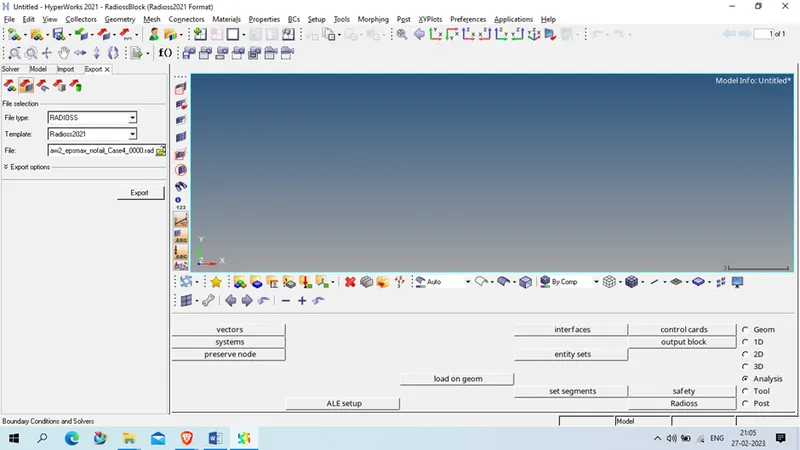
Now we remove the Plastic stain value from 0.151 to 0 in material
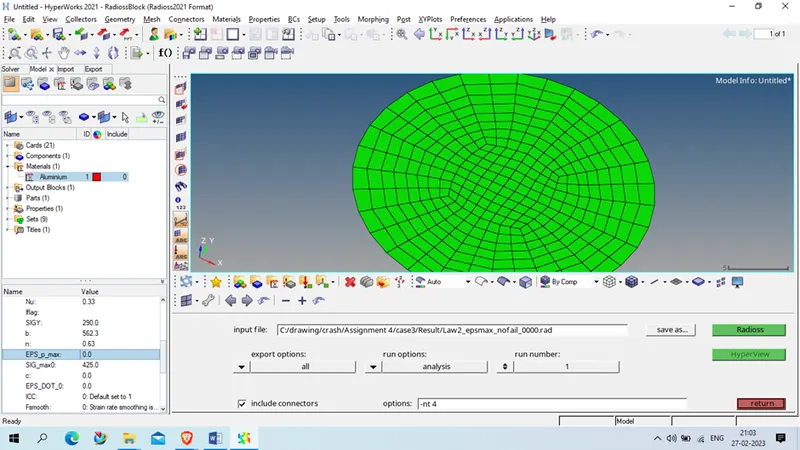
And export the file in case 4 folder with name Law2_epsmax_nofail _case4
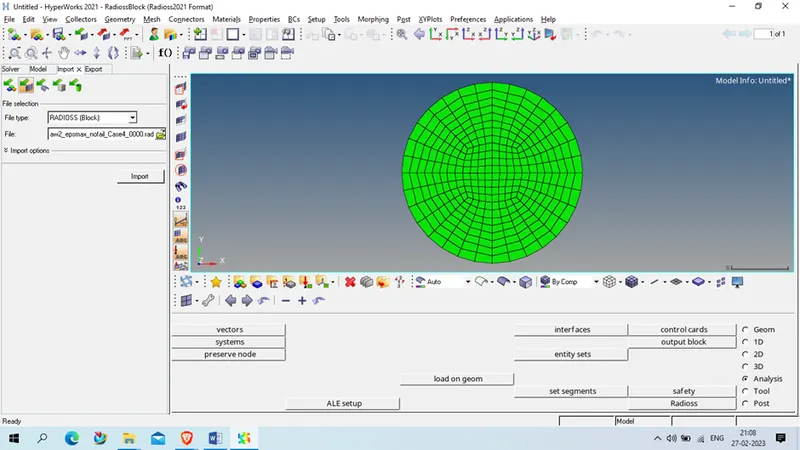
Import geometry in new session
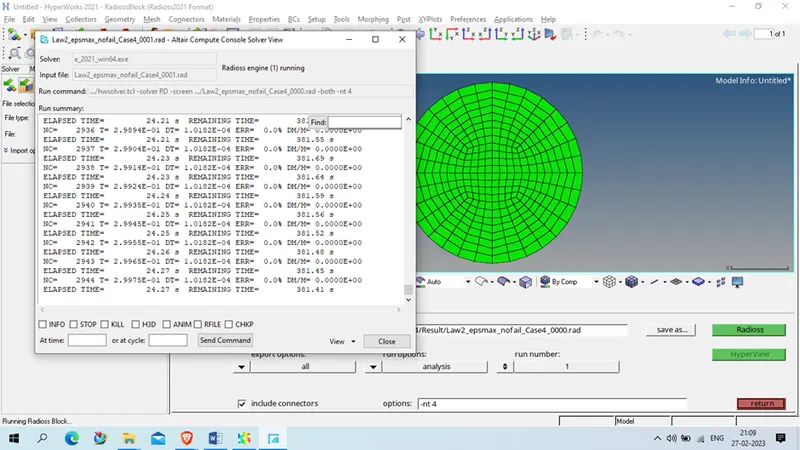
And run for simulation
Case 5: Import the case 4 rad file and perform the simulation by changing the material card to Law 1. Keep the same value for rho, E, and nu values.
Procedure:
Import the geometry from case 4
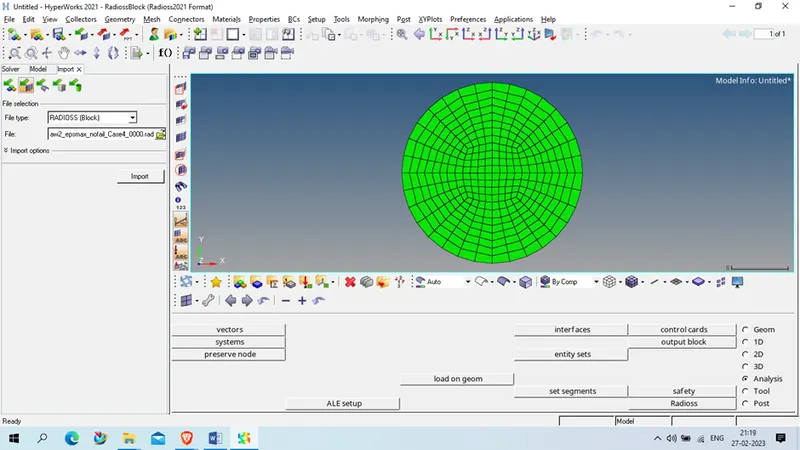
Open model > material > alumininum
Note the details of material
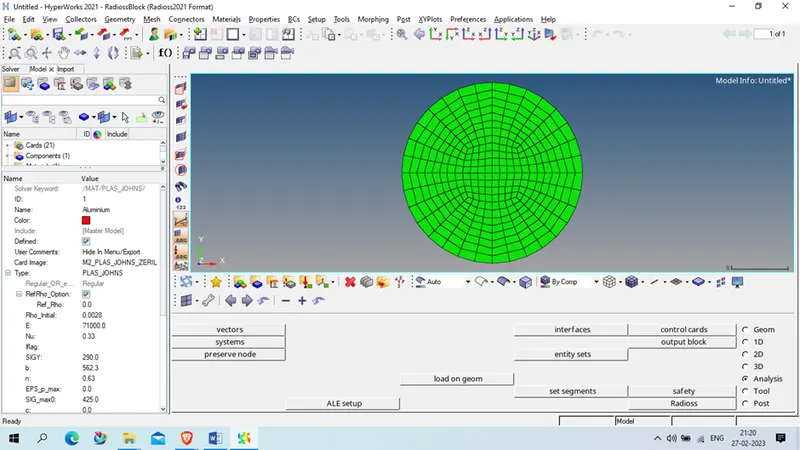
Rho: 0.0028
E: 71000
Nu: 0.33
Now change the material card to M1_elast and assign the material for law _1 mateial like Rho, E and Nu
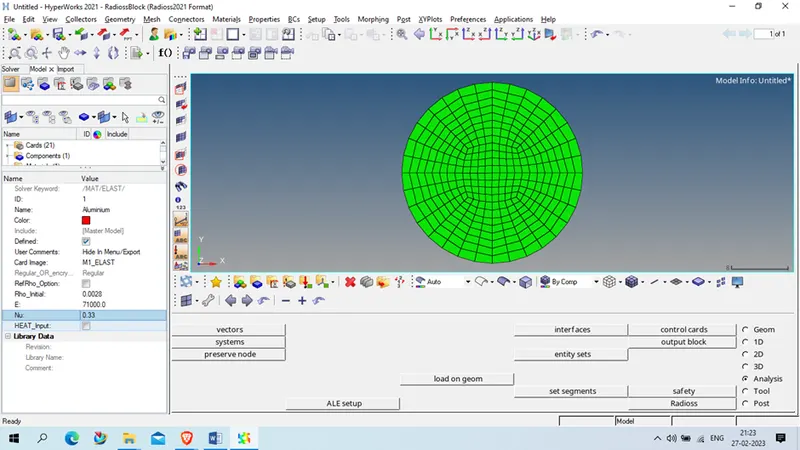
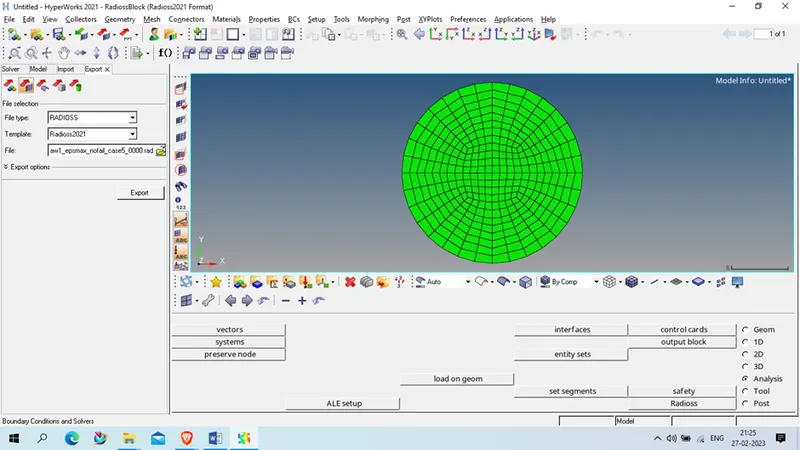
Now save the export the geometry in case 5 with new name using Law1 Law1_epsmax_nofail_case5
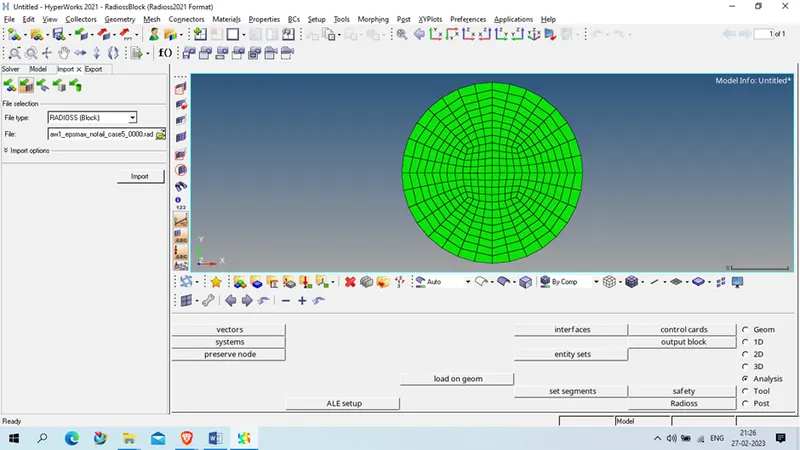
Now open new geometry in new session
Now run the simulation
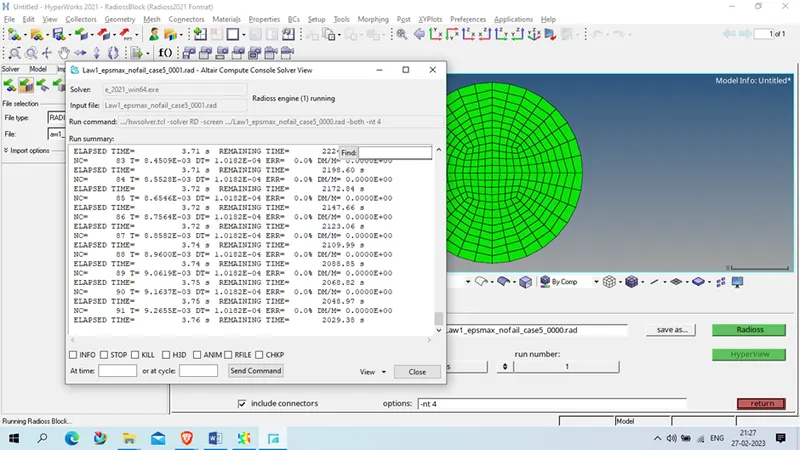
Case 6 : Import the case 1 rad file, named “Law2_epsmax_failure” and perform the simulation with the law 36 material card. Refer to the video titled "Materials 7" for further information
Procedure :
Open case 1 geometry
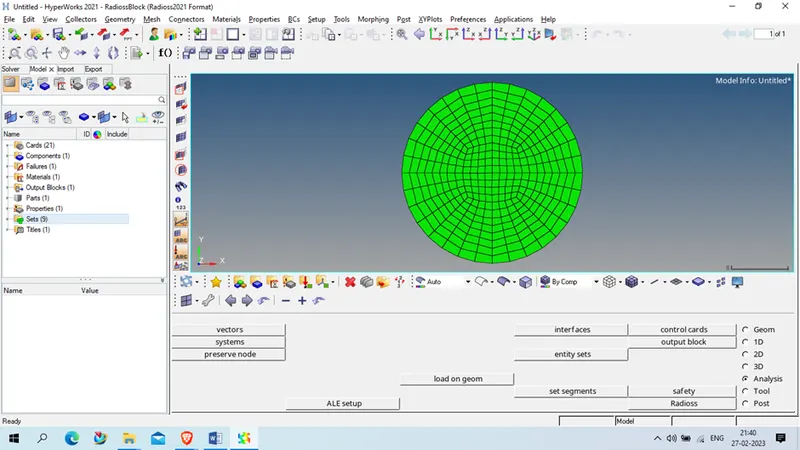
Change the material property as given
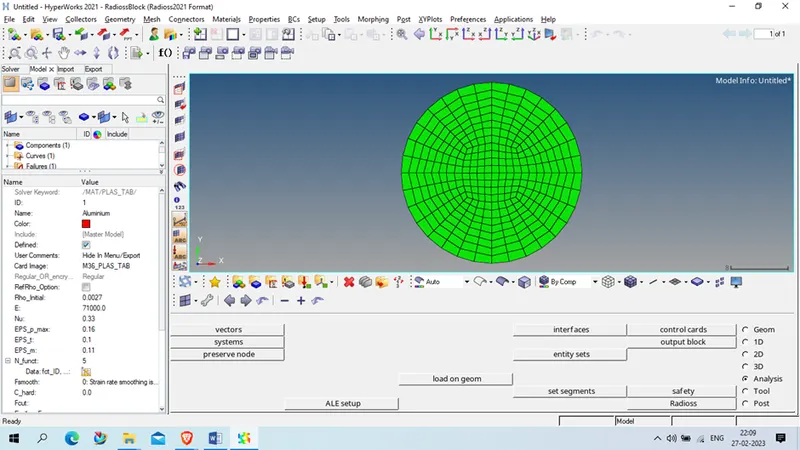
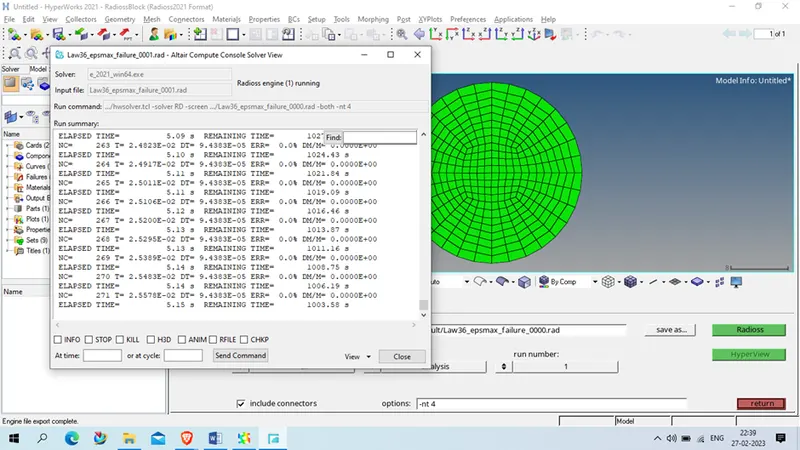
Export the geometry with name Law36_epsmax_failure and open in new session
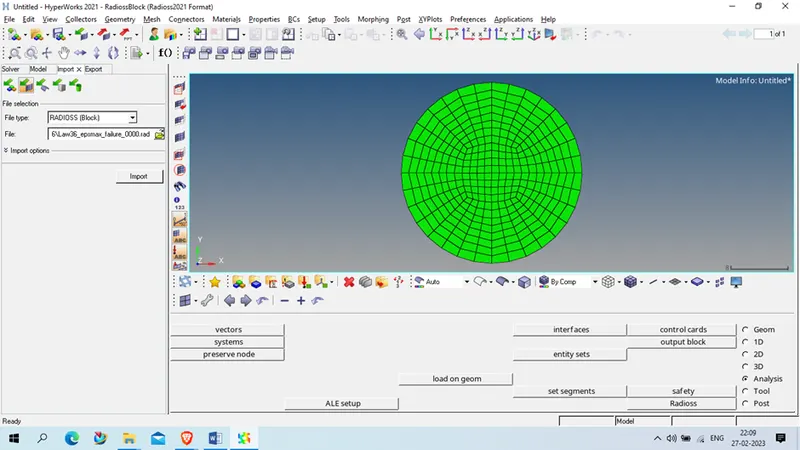
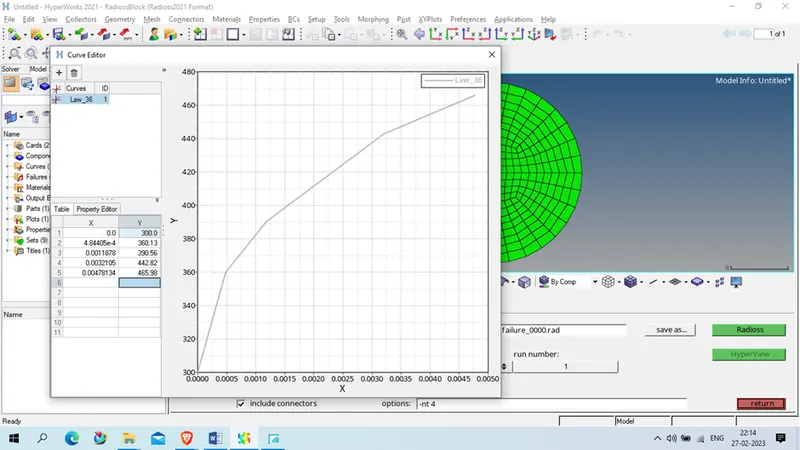
Now run the simulation
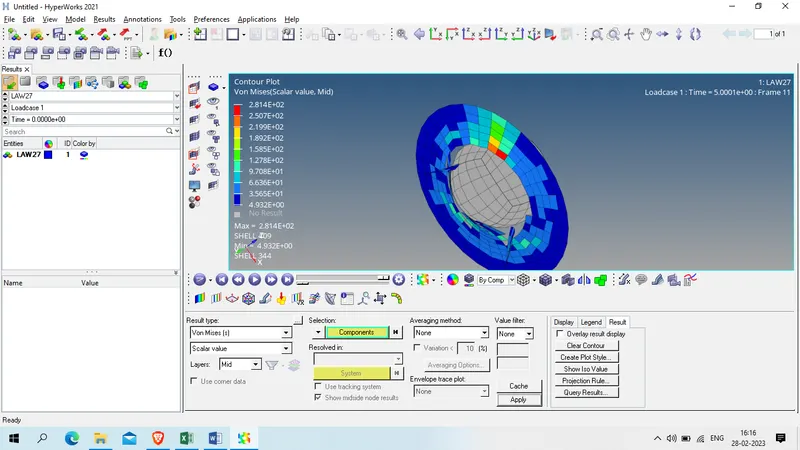
Case 7 : Open the Law27_0000.rad file and perform the simulation with the law 27 material card. Use the recommended shell properties
Procedure:
For this case we open Law27_0000.rad file
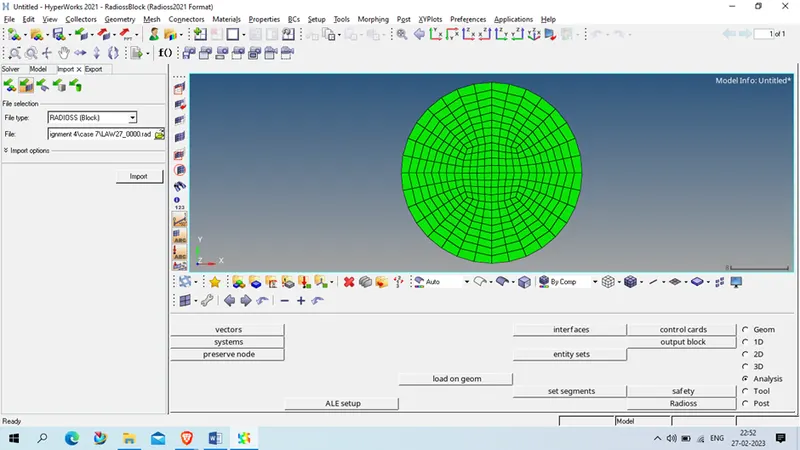
change the property as per given below
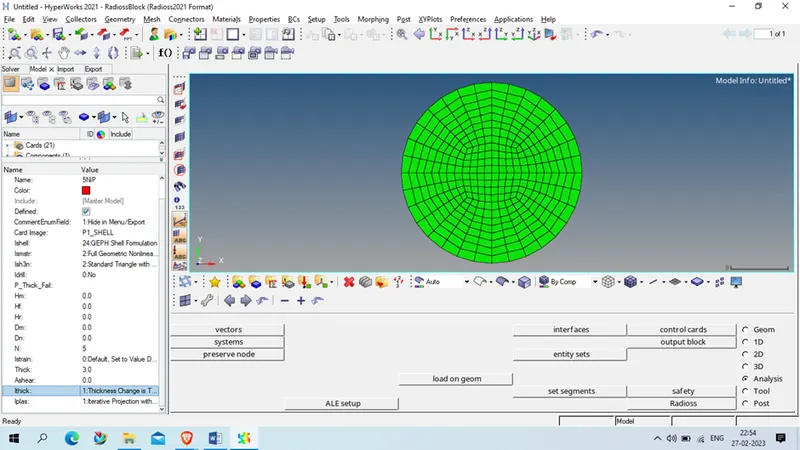
Now export this geometry in case 7 folder
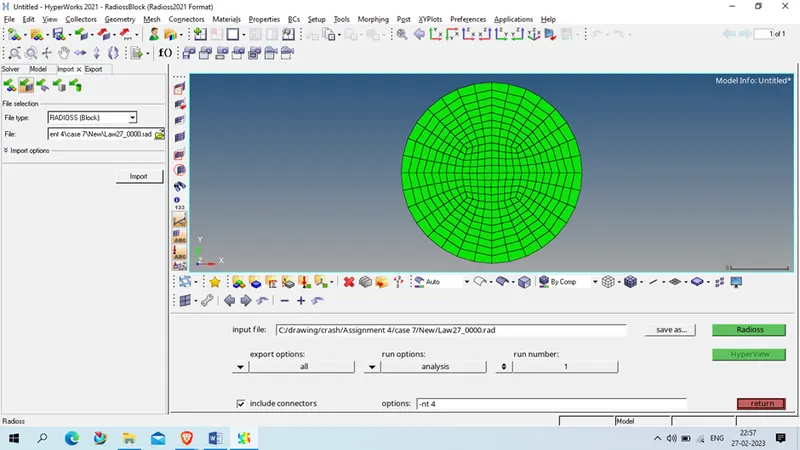
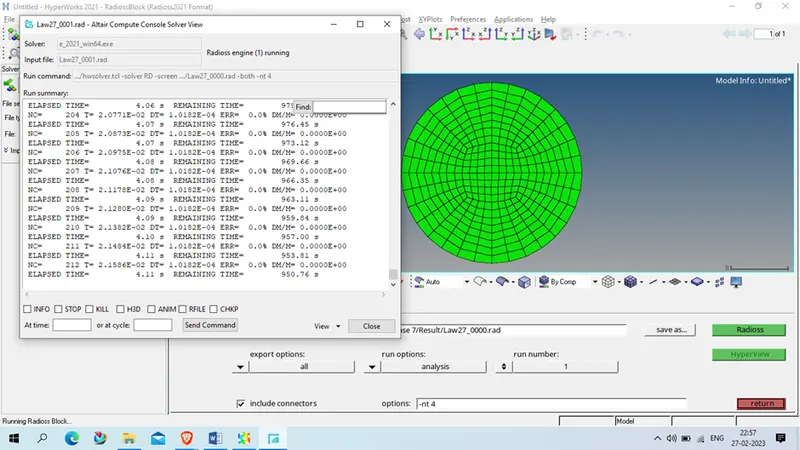
Result :
The Total number of cycles, Energy error, mass error, and simulation time.
| File_name | Total number of cycles | Energy error | mass error, | simulation time | |
| Case 1 | Law2_epsmax_failure | 49380 | 0.80% | 0 | 00:06:32 |
| Case 2 | Law2_epsmax_crack | 49217 | 4.10% | 0 | 00:07:18 |
| Case 3 | Law2_epsmax_nofail | 49408 | 0.80% | 0 | 00:04:39 |
| Case 4 | Law2_noepsmax_nofail | 48737 | 3.00% | 0 | 00:04:39 |
| Case 5 | Law1_noepsmax_nofail | 47969 | 1.30% | 0 | 00:04:29 |
| Case 6 | Law36_epsmax_failure | 53143 | -1.90% | 0 | 00:05:16 |
| Case 7 | Law27 | 49508 | 0.80% | 0 | 00:05:25 |
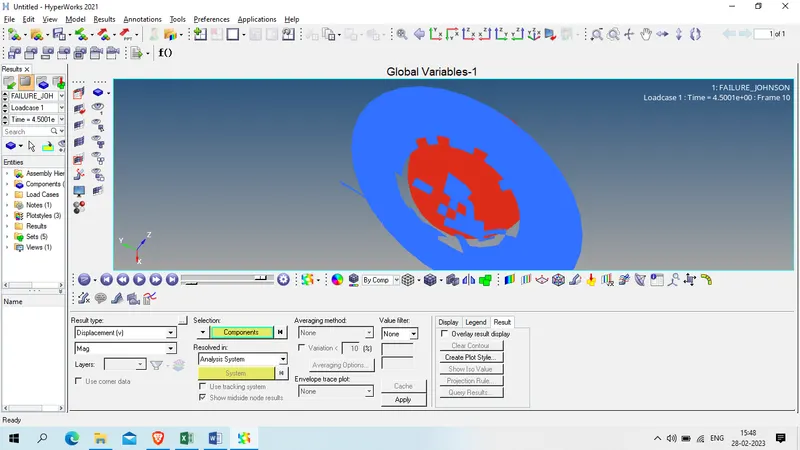
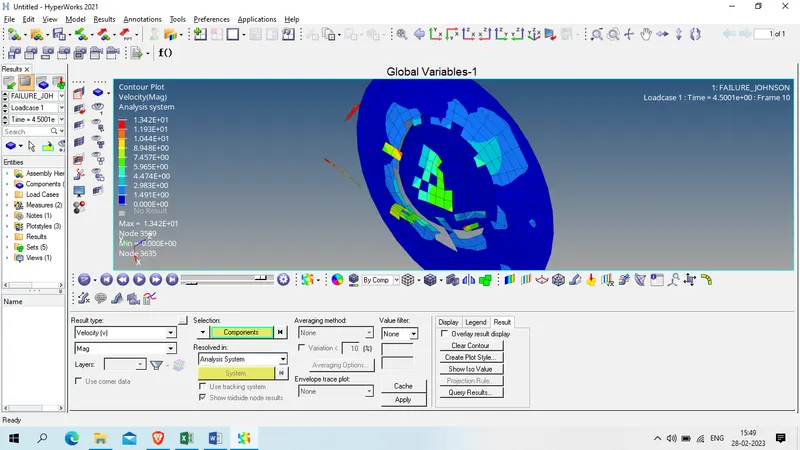
ANimation file for case 1
Displacement :
Velocity :
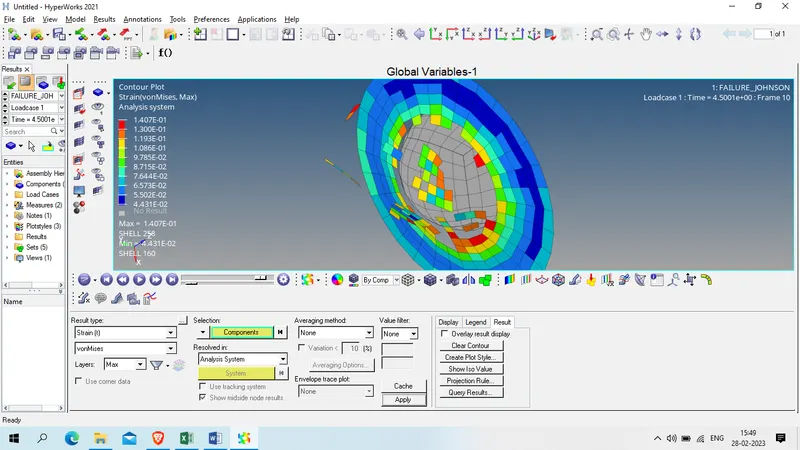
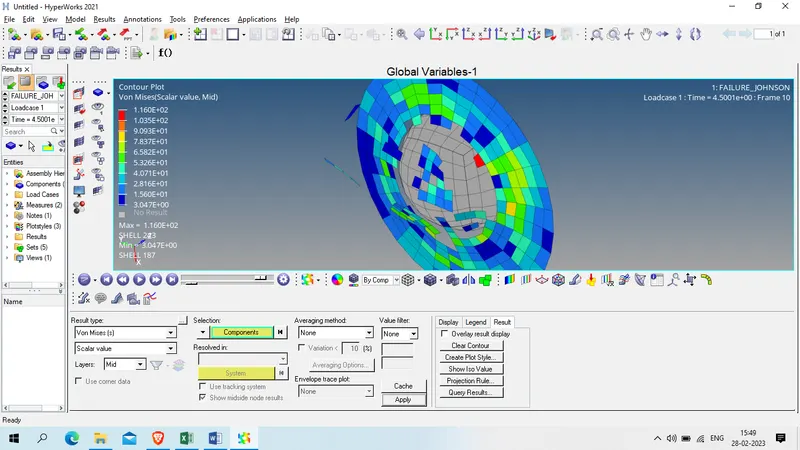
Von misses stress
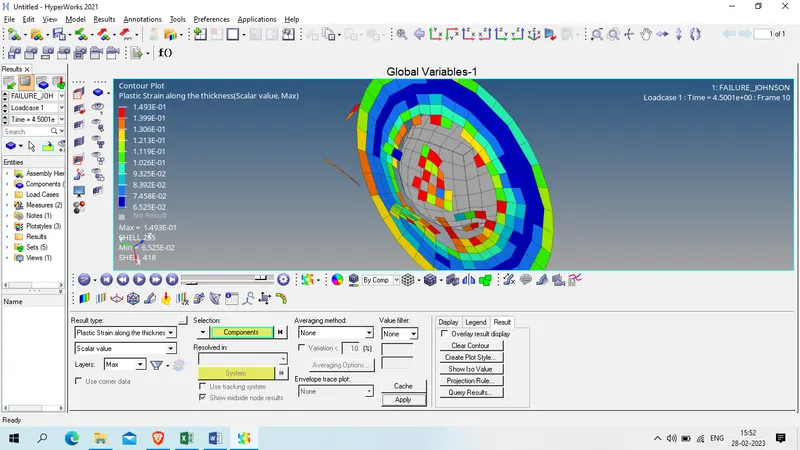
Plastic stain
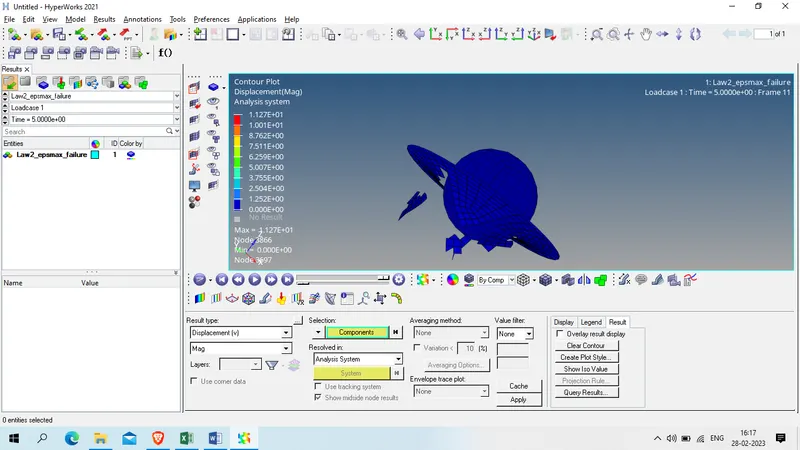
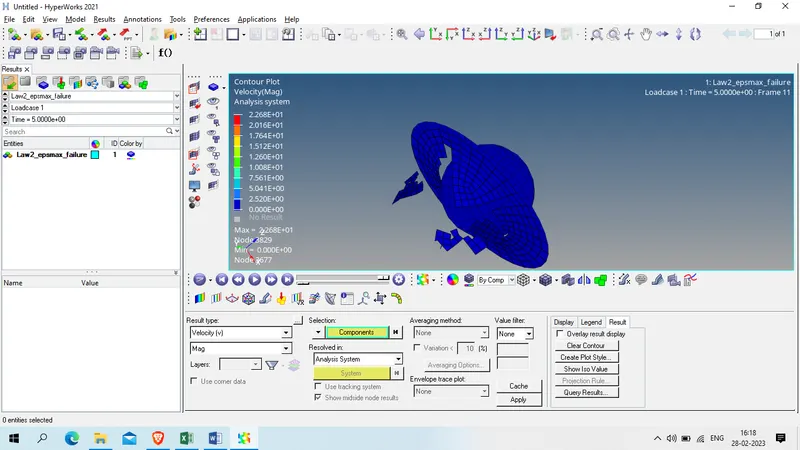
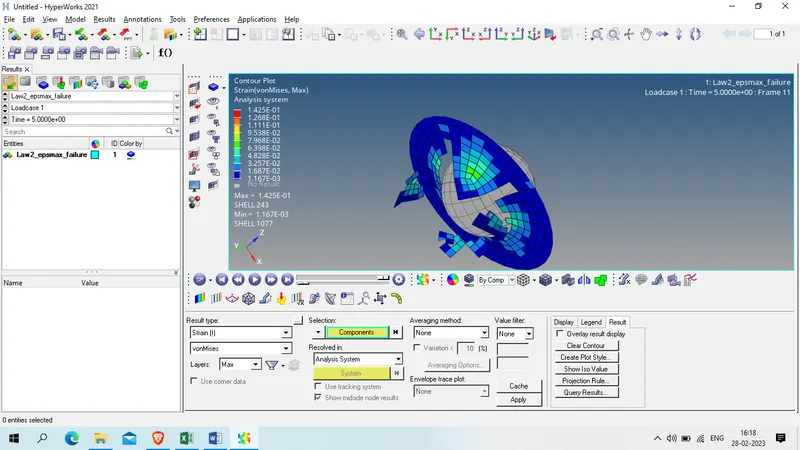
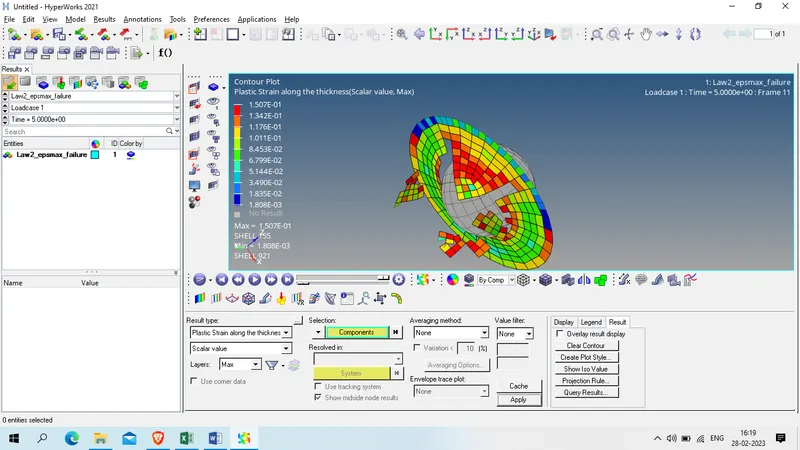
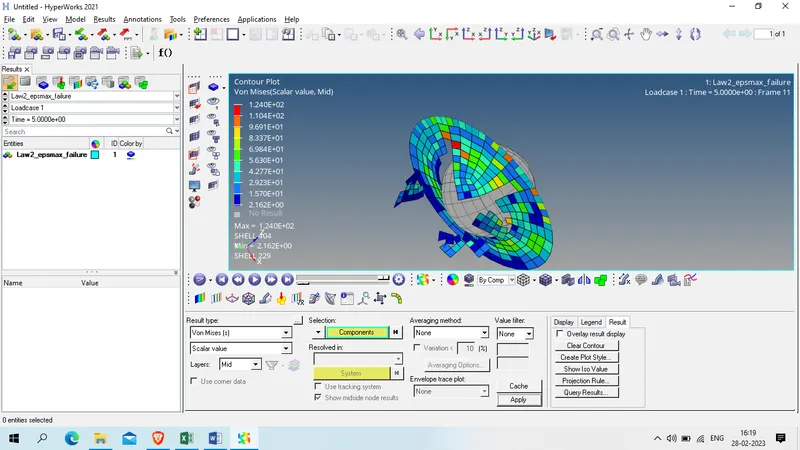
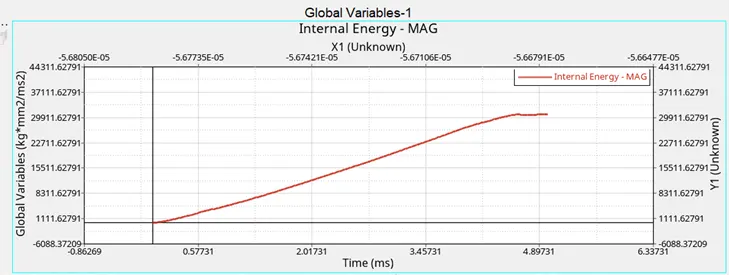
Case 2:
Displacement
Velocity
Strain
Plastic Strain
Von mises
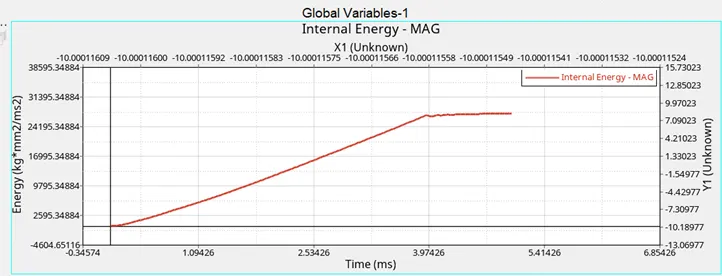
Case 3:
Displacement
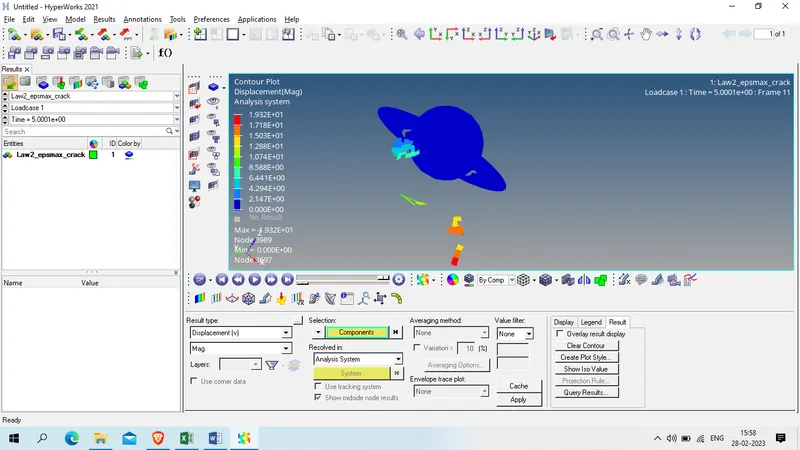
Velocity:
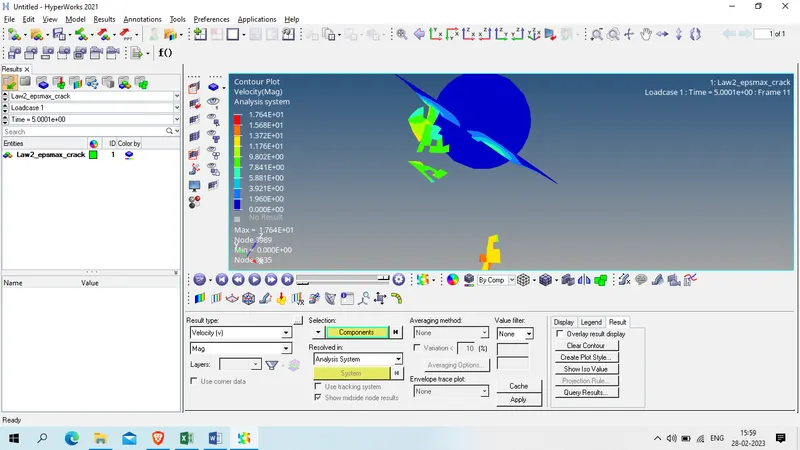
STrain:
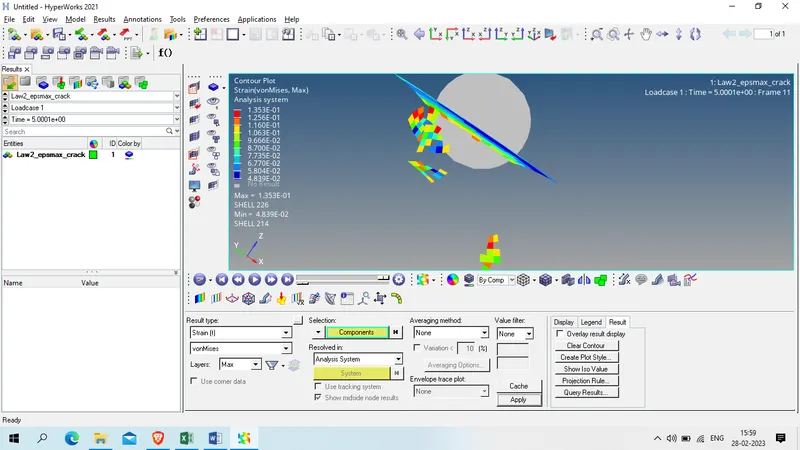
Plastic STain
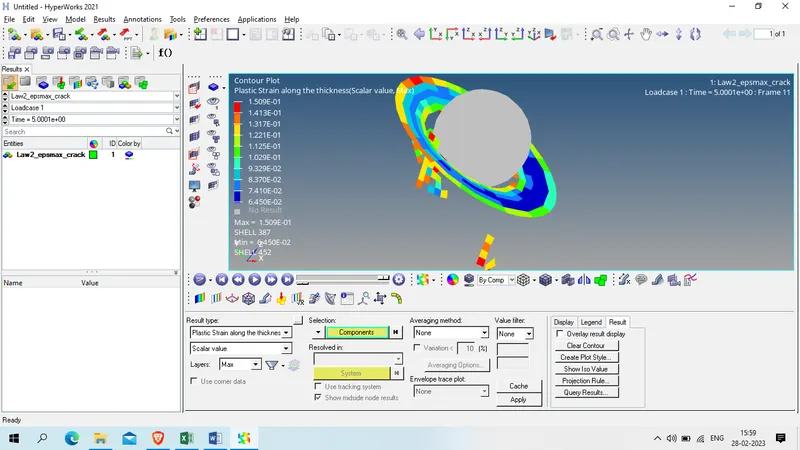
Von Mises:
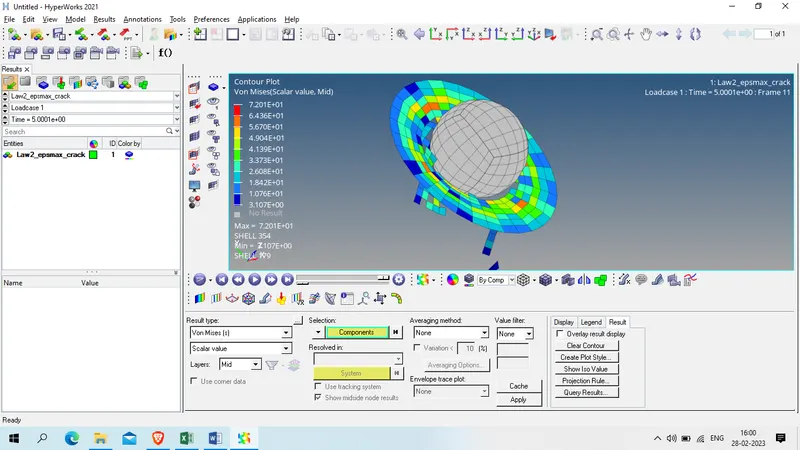
Case 4:
Displacement
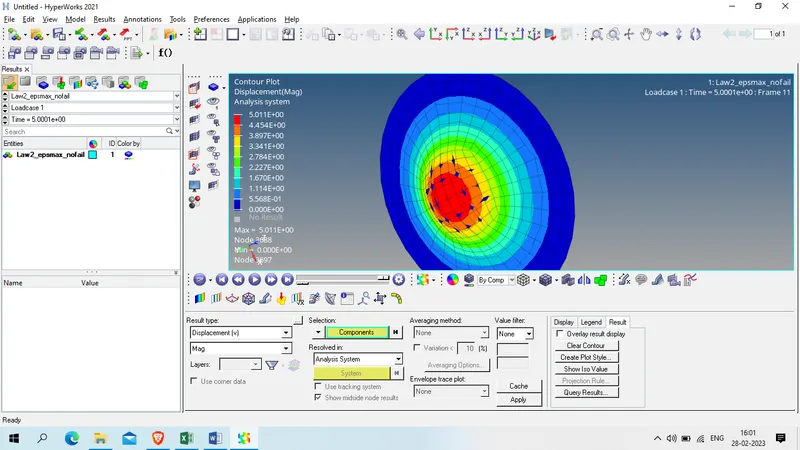
Velocity:
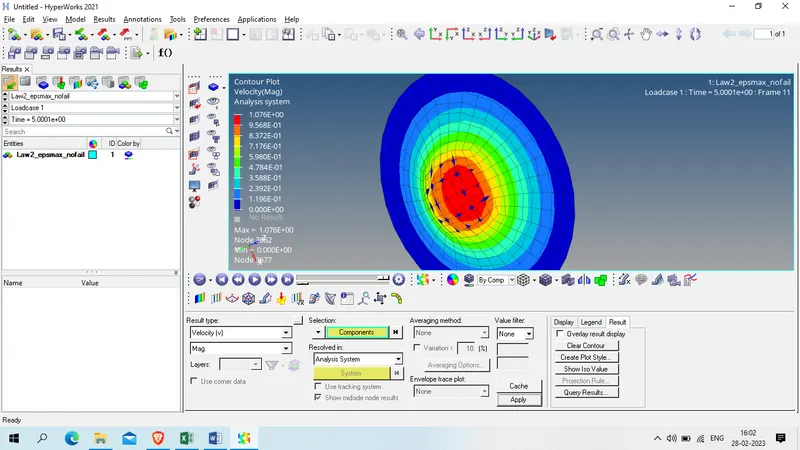
Strain:
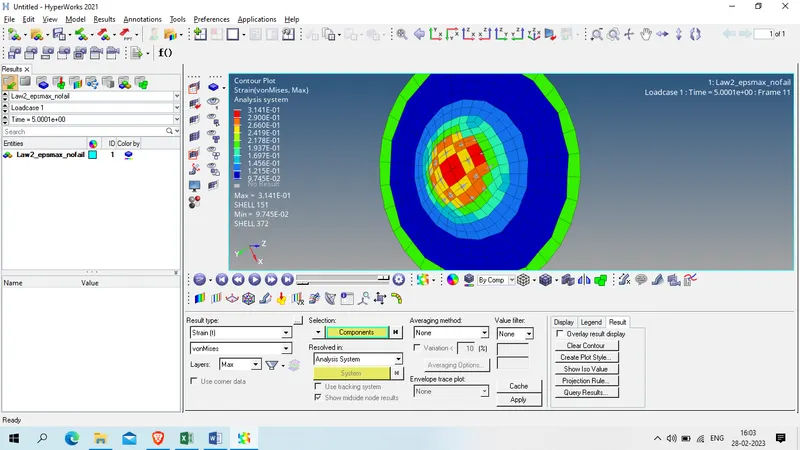
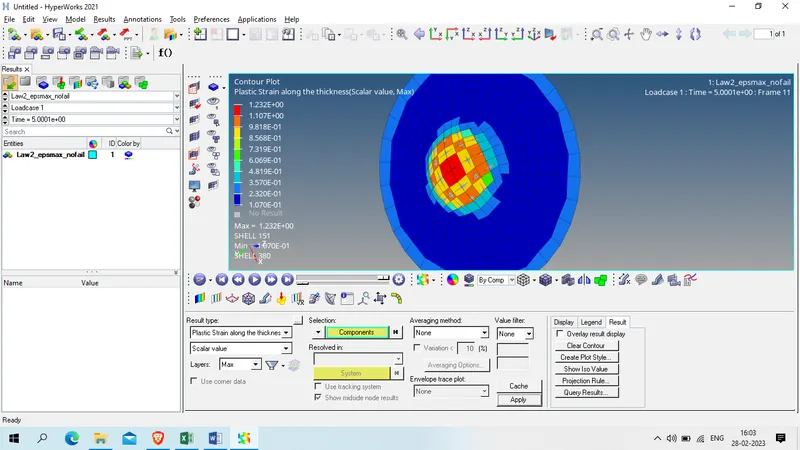
Plastic STrain
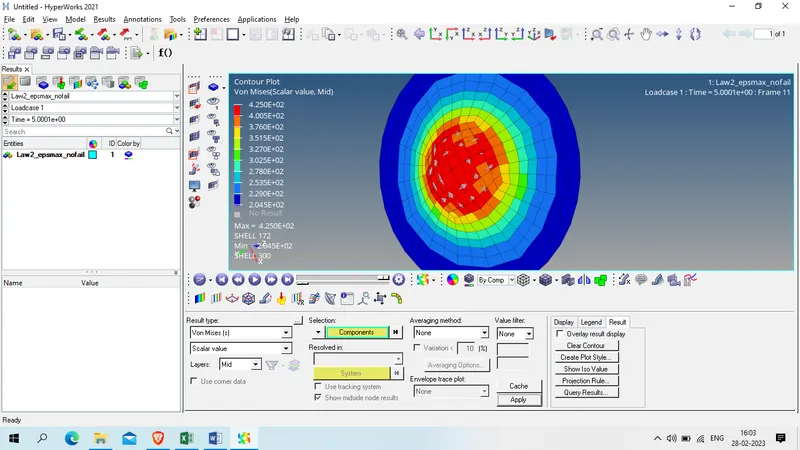
Von mises:
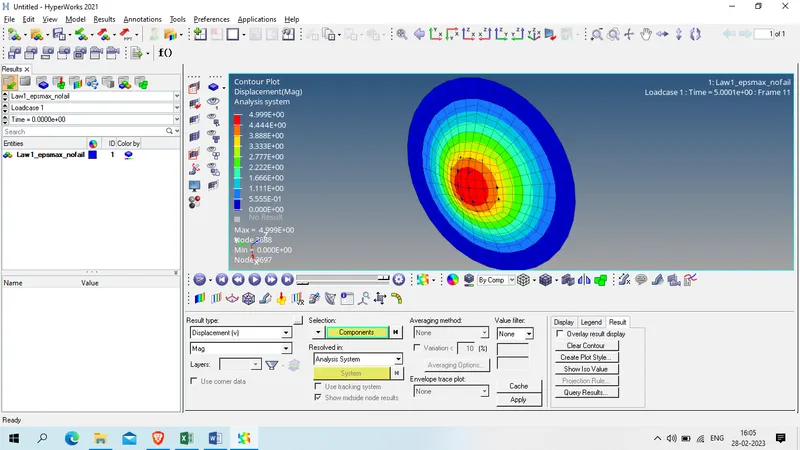
Case 5:
Displacement
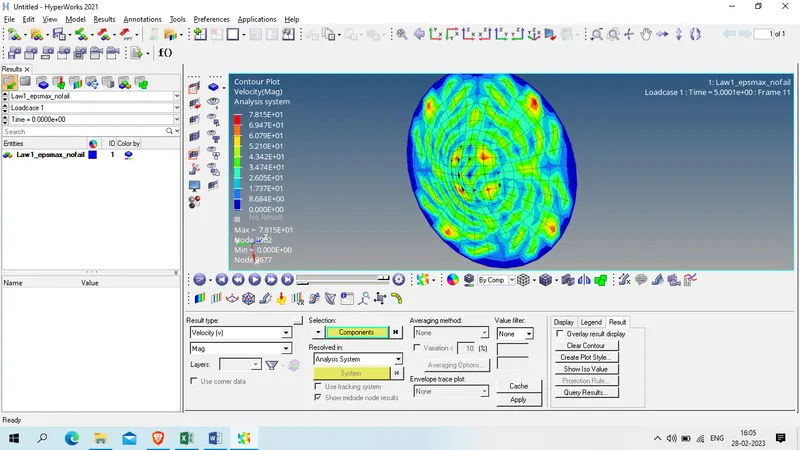
Velocity :
STrain:
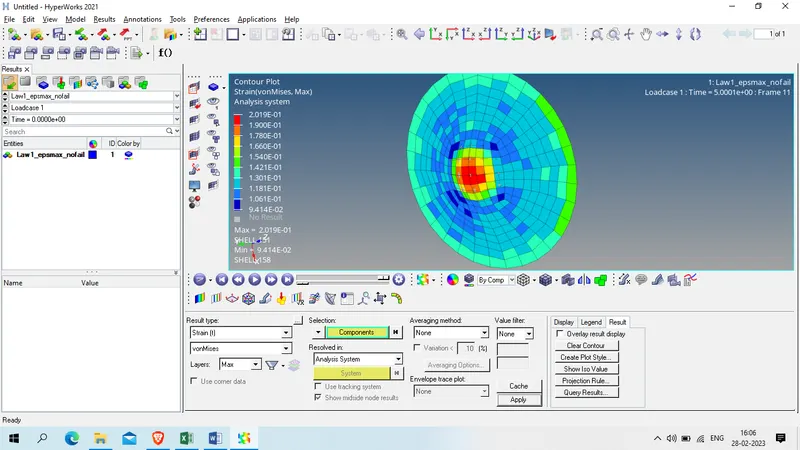
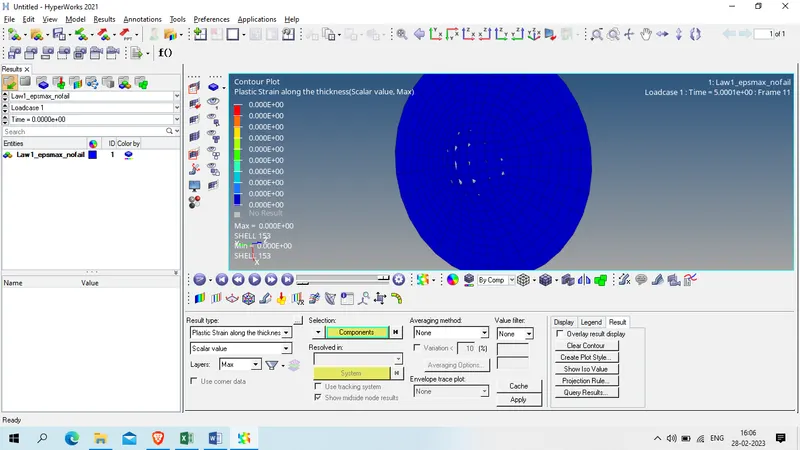
Plastic strain
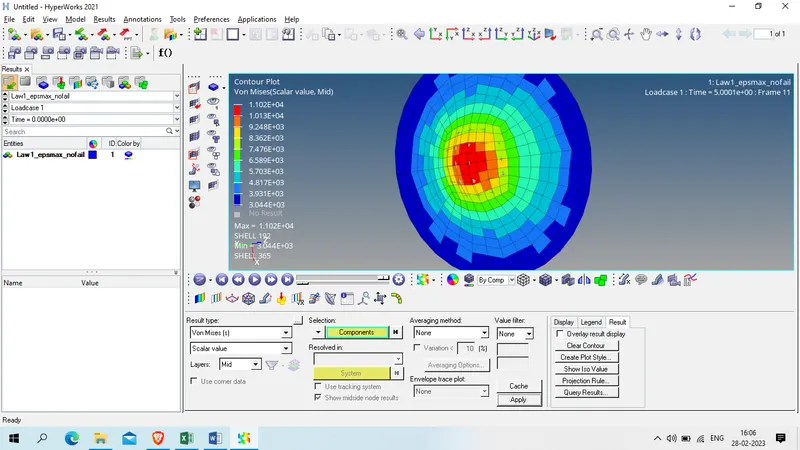
Von mises
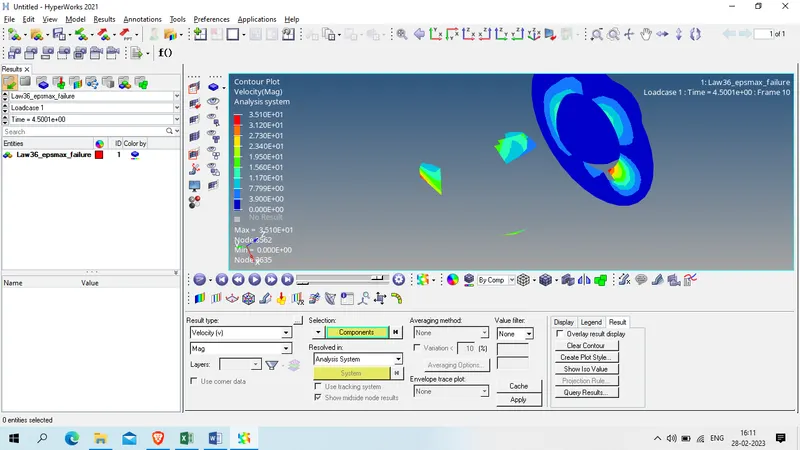
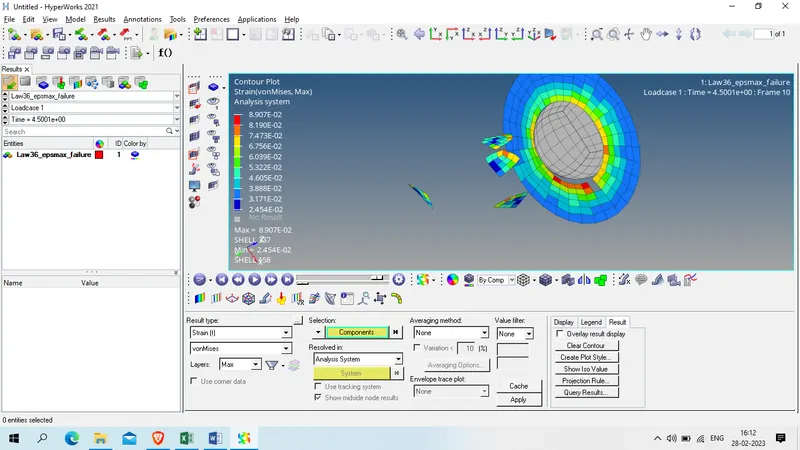
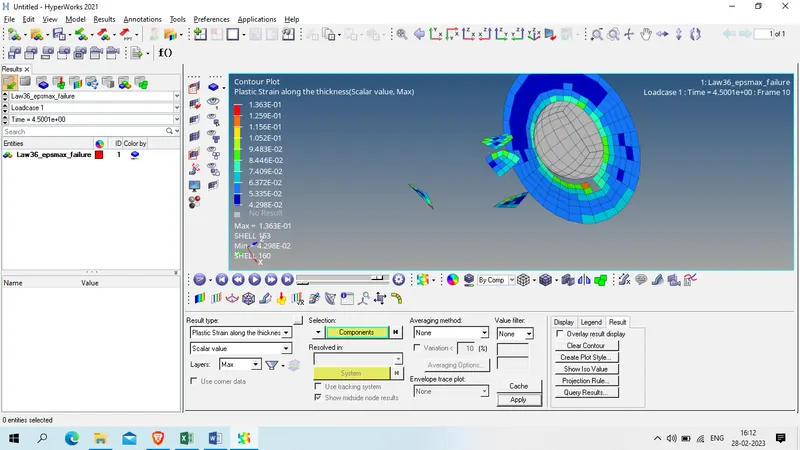
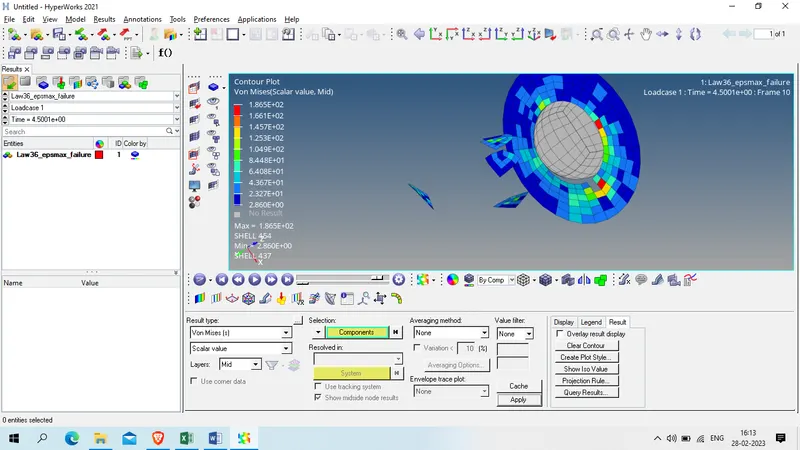
Case 6:
Displacement
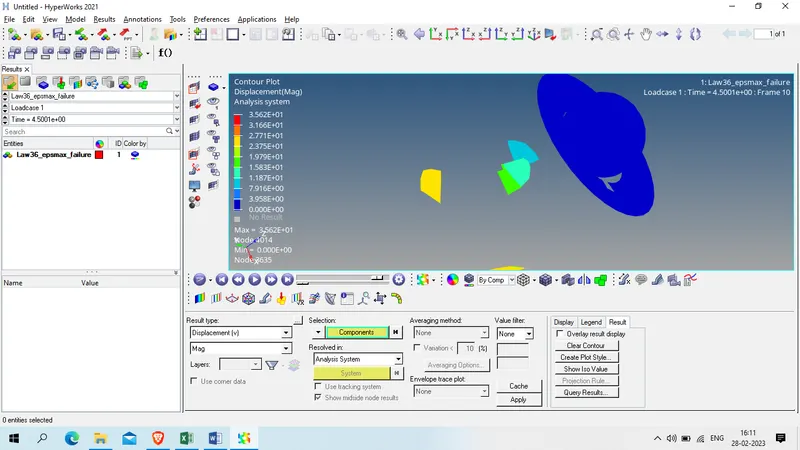
Velocity:
Strain :
Plastic strain
Von Mises :
Case 7:
DIsplacement
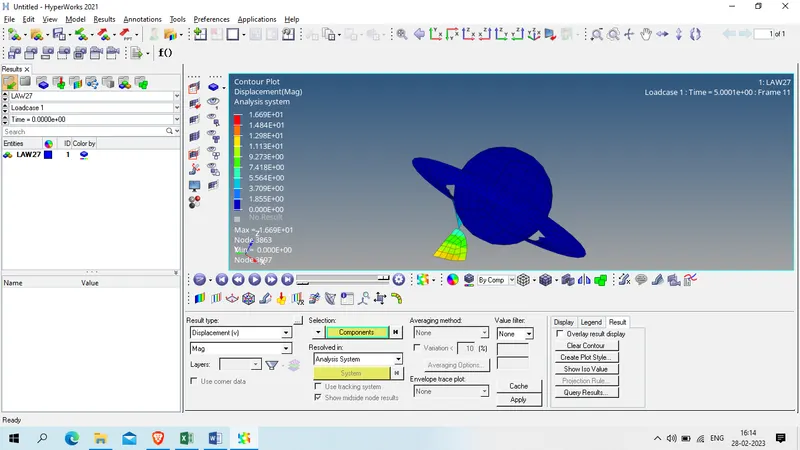
Velocity :
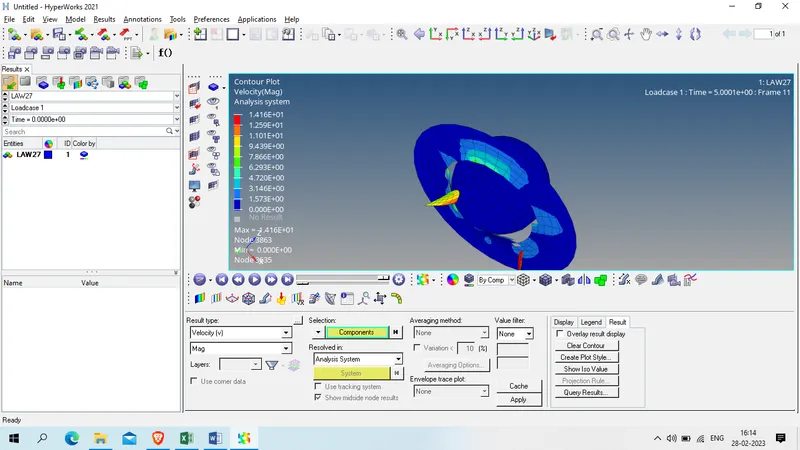
Strain
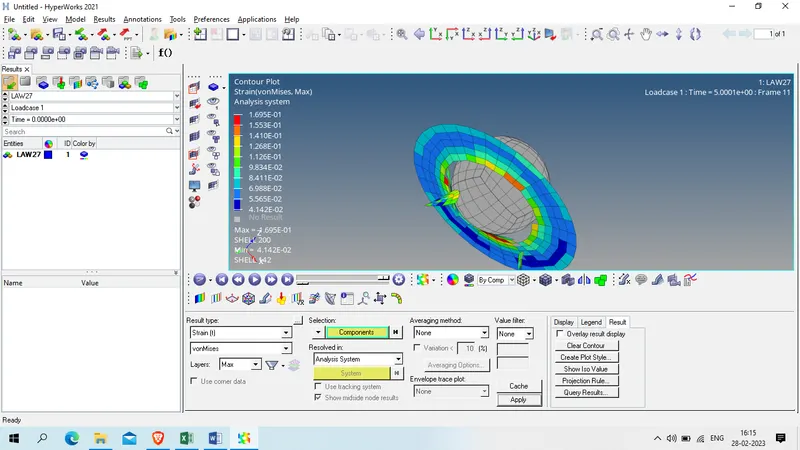
Plastic strain
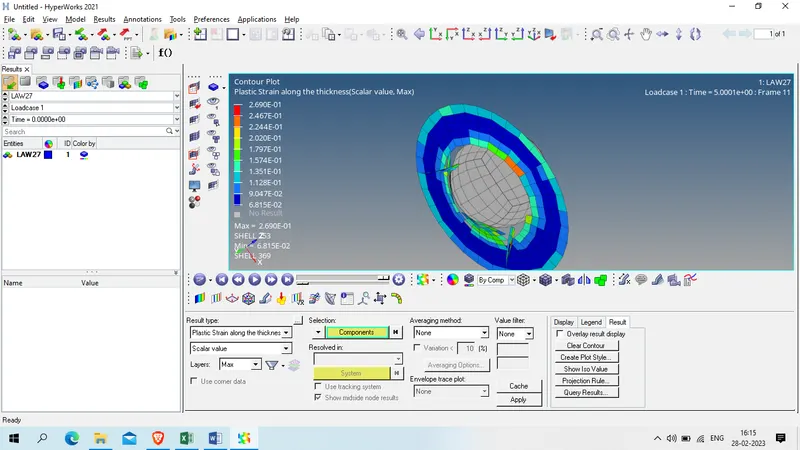
Von Mises
Result :
| File_name | Displacement (mm) | Velocity (mm/ms) | Strain | Plastics strain | Von mises (KN/mm^2) | |
| Case 1 | Law2_epsmax_failure | 1.19E+01 | 1.34E+01 | 1.41E-01 | 1.49E-01 | 1.16E+02 |
| Case 2 | Law2_epsmax_crack | 1.23E+01 | 2.27E+01 | 1.43E-01 | 1.51E-01 | 1.24E+02 |
| Case 3 | Law2_epsmax_nofail | 1.93E+01 | 1.76E+01 | 1.35E-01 | 1.51E-01 | 7.20E+01 |
| Case 4 | Law2_noepsmax_nofail | 5.01E+00 | 1.08E+00 | 3.14E-01 | 1.23E+00 | 4.25E+02 |
| Case 5 | Law1_noepsmax_nofail | 5.00E+00 | 7.82E+01 | 2.02E-01 | 0.00E+00 | 1.10E+04 |
| Case 6 | Law36_epsmax_failure | 3.56E+01 | 3.51E+01 | 8.91E-02 | 1.36E-01 | 1.87E+02 |
| Case 7 | Law27 | 1.67E+01 | 1.42E+01 | 1.70E-01 | 2.69E-01 | 2.81E+02 |
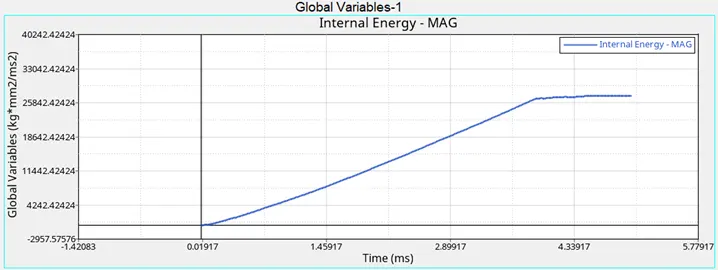
Curve
Case1
Case 2:
Case 3:
Case 4:
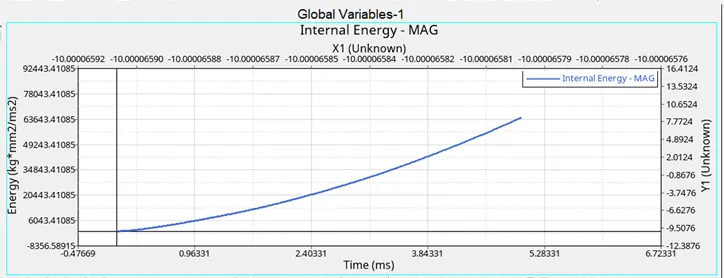
Case 5:
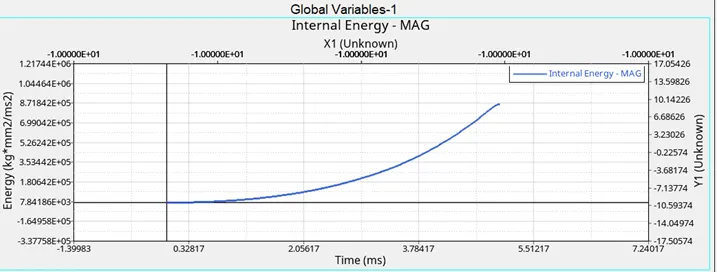
Case 6:
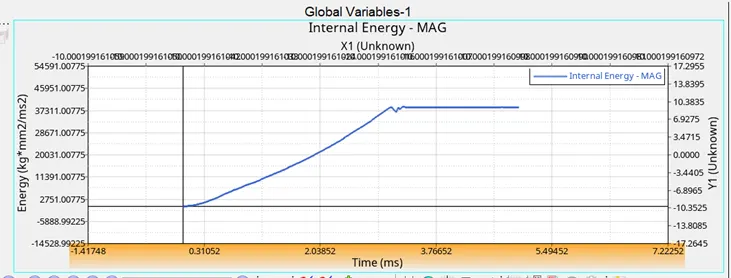
Case 7:
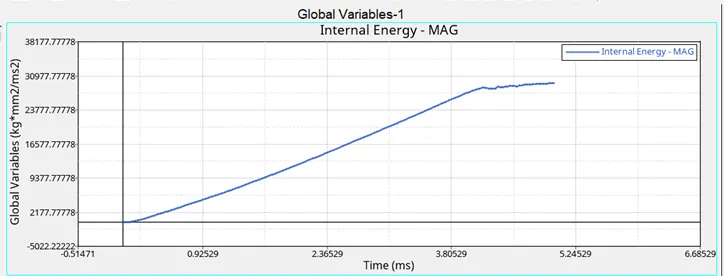
COmbine Graph for all 7 cases
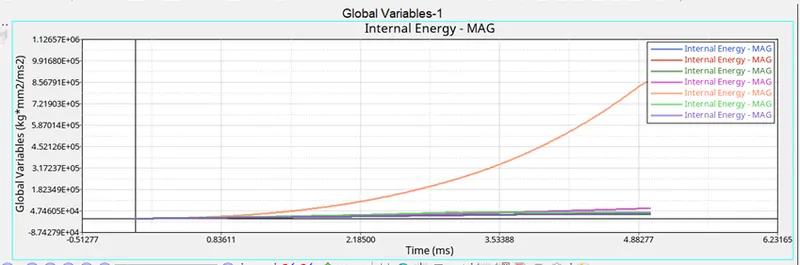
Zoom view
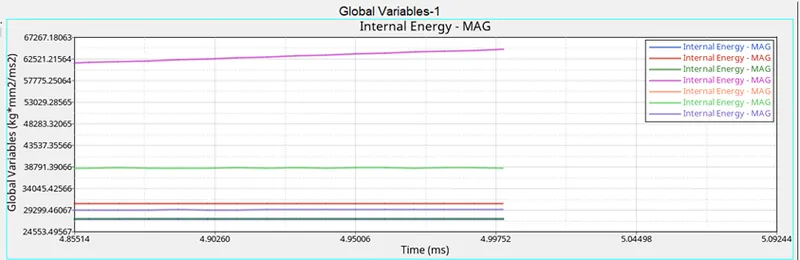
COnclusion :
from above table it is found that every material card is specified for different materials
Law 1 is for elastic material which following Hooke’s law ( Case 5)
Law 2 can calculate the stress according to the strain, strain rate and temperature. It is basically applied when multiple loading, large deformation and temperature generation is happened. (Cases 1 to 4)
Law 27 is for brittle material like Glass, mica etc. In this law failure is only occur in tension stress. (Case 7)
Law 36 is mostly used for the user defined data points of material.(case 6)