Week - 4 - 2D meshing for Plastic components
Aim :
2D meshing for Plastic components
Method / Steps
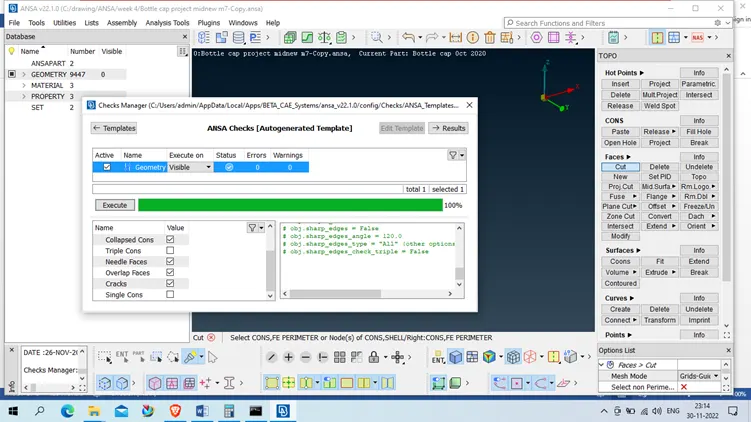
- Take the product from question and checked the from ( Tool – check- Geometry – select geometry using drop down select ) – select single corn also
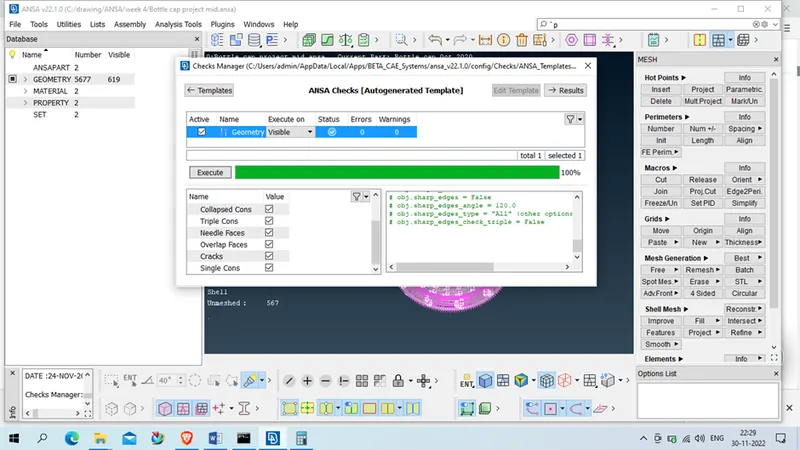
If any error found we have to clear that using fix or manually we have to fix it and we have to get clear geometry for proceed.
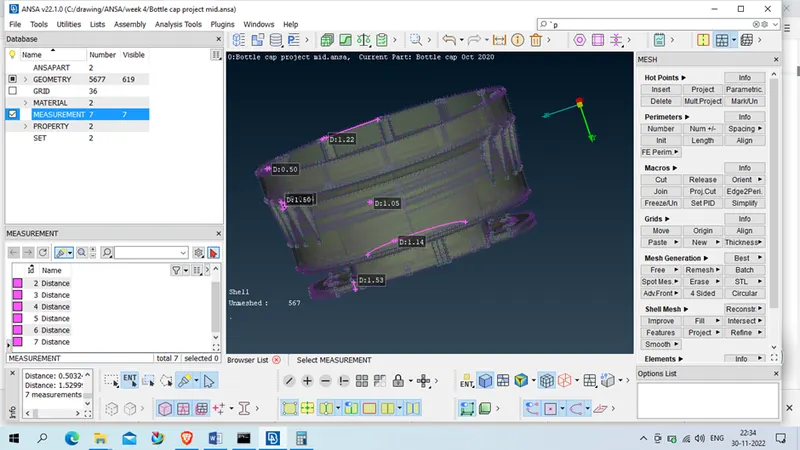
- Measure the thickness on various location as we found varying on different different thickness hence given product is plastic
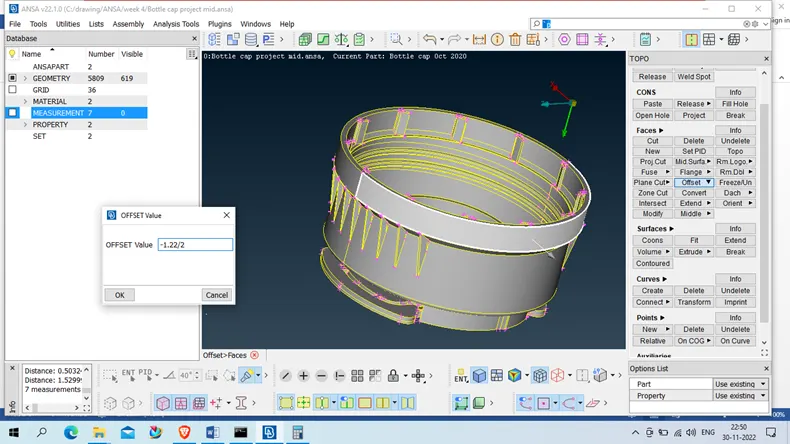
- Take the mid surface of product using below method
- Offset – which surface have clear thickness and have simple boundary like outer shell we will take off set using the thickness divide by two (Topo- Face – Offset –face – select the face which need to be offset – click right button on mouse – set the formula – click middle mouse button)
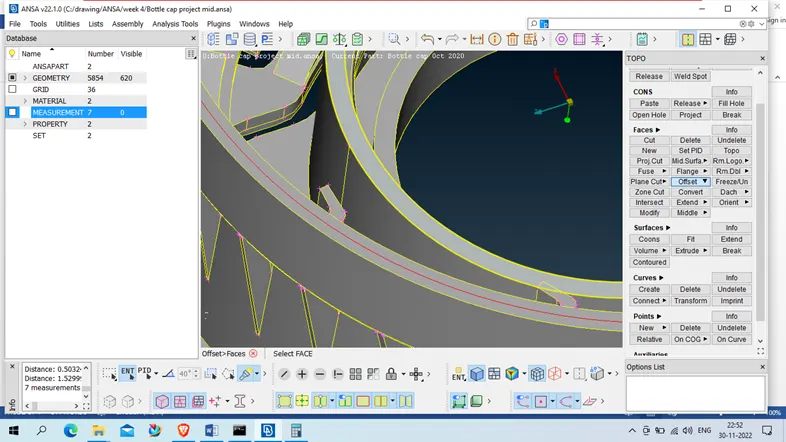
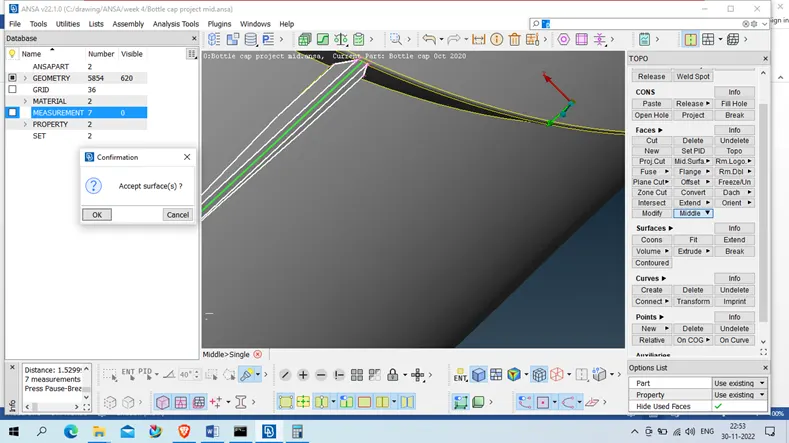
- Middle – which geometry have multiple thickness (e.g rib) , we will use middle ( topo- face- middle – faces – select 1st side after that select 2nd side of same part and accept mid surface )
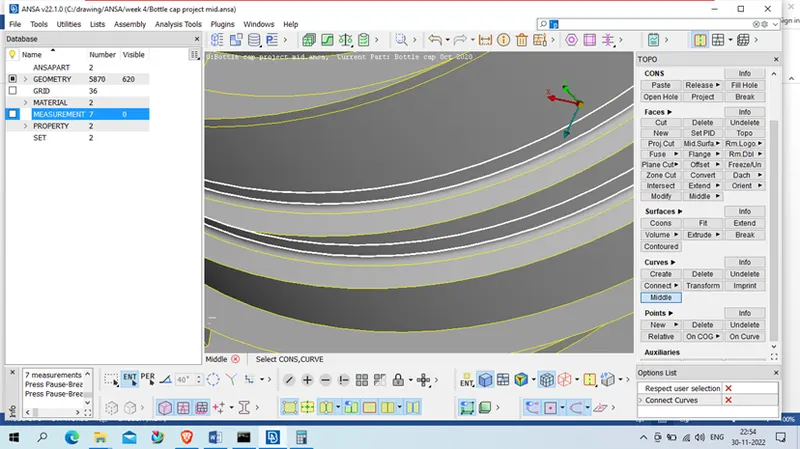
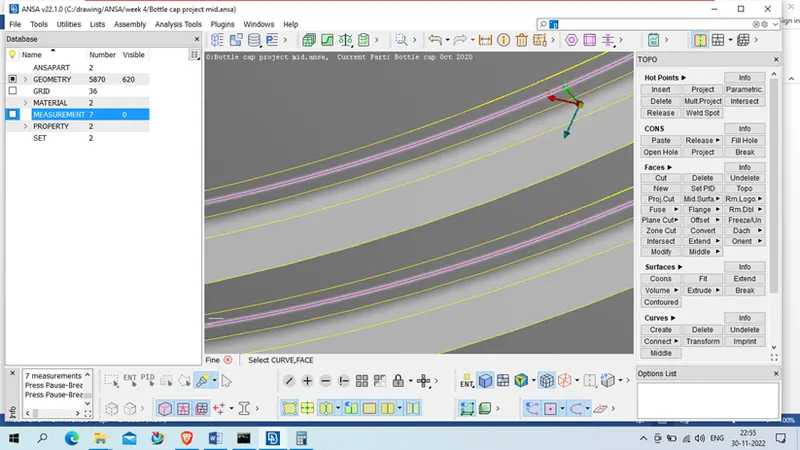
- Using curve – for thread for thread present inside of cap we will first take the mid of curve using ( topo- curve- middle – select 1st corn middle click 2nd respective 2nd curve middle mouse click we will get middle curve for that geometry ) , we will fine that curve using ( topo- axillary – fine – click on same curve on multiple curve we will get fine curve )
project same curve on mid surface of respective location using ( topo- cons – project – select curve – middle mouse click – select the mid surface where we have to project same – middle mouse click )
after getting projected curve we will generate new face which will be the middle curve for thread ) topo- face –new select curve – middle mouse – select projected curve – accept the face .
- Take the middle for rib side of cap using the middle face ( topo- face – middle – select respective face )
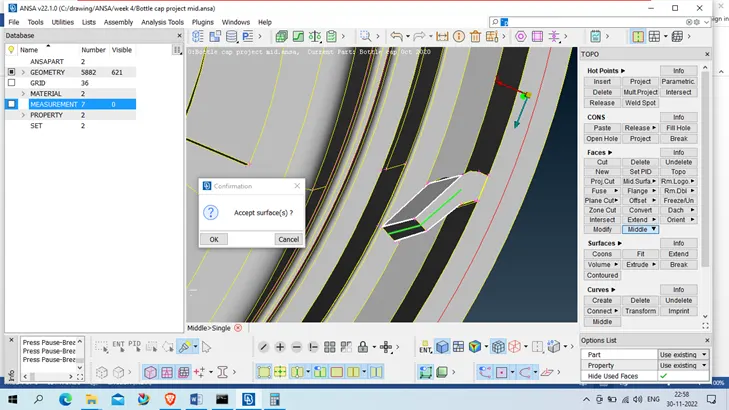
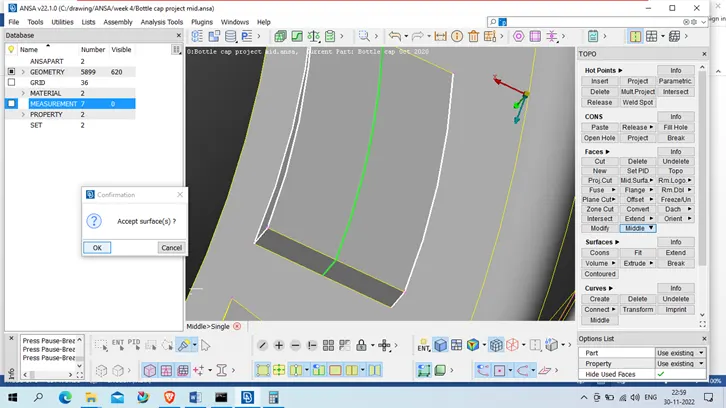
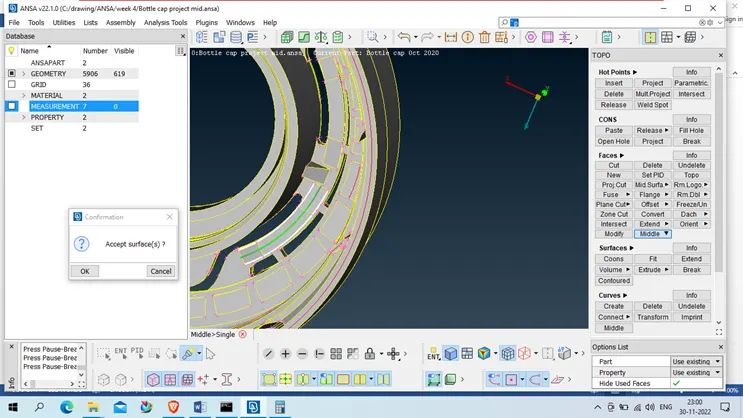
- After getting all time of mid surface we will take mid surface using ( Not – PID region – select the geometry )
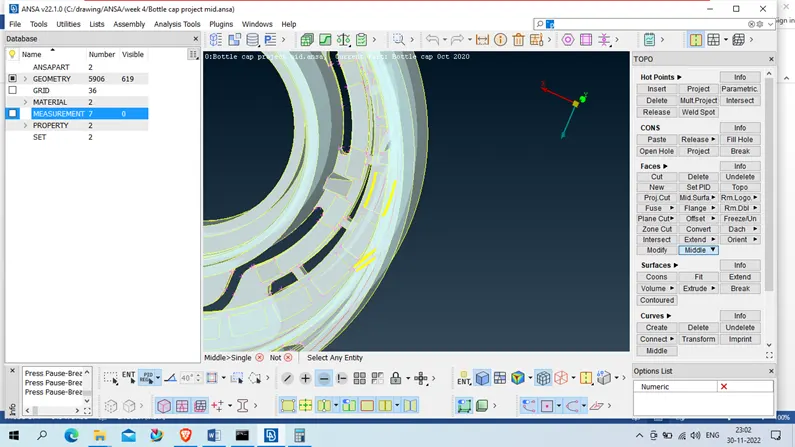
- Inside cap rib will be now multiply using transform –copy –rotate
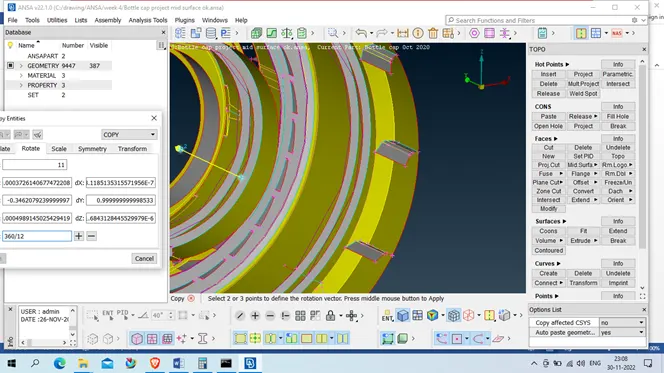
repeat same for down rib using 26 instead of 12 count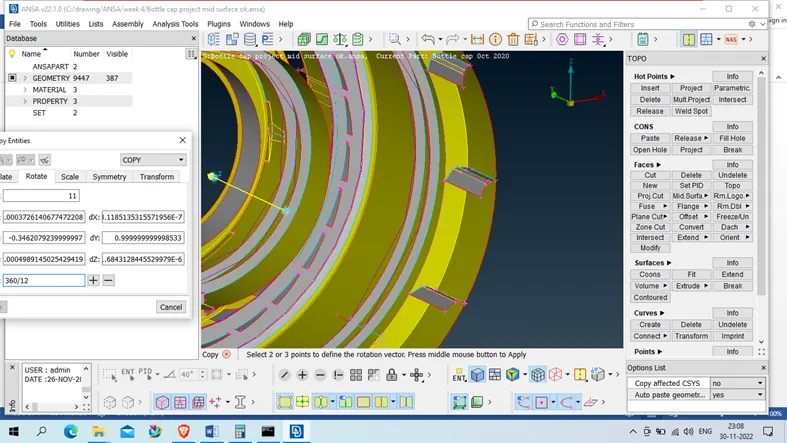
- Now connect all the mid surface using intersect and extend command on faces in topo to get T join where required
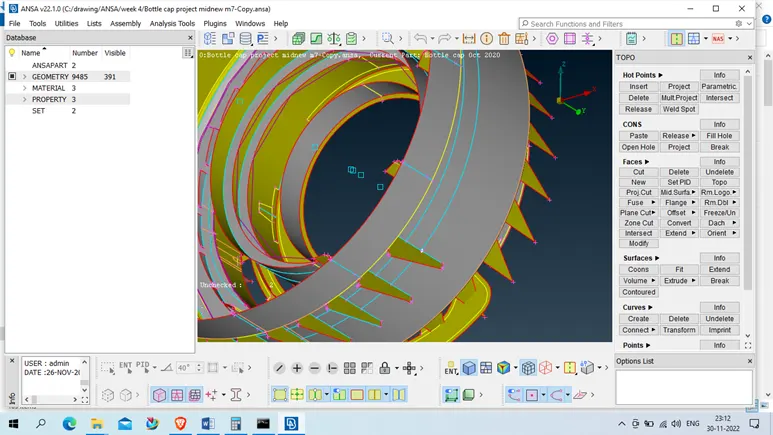
- After getting clear all mid surface we will check again geometry ( this time we will uncheck single and triple corn) and get clear if any error
- After this we will set PID ( thickness )
topo- face- set pid – select face – middle mouse click – right click- new –pshell- assign midsurface name and assign properties like thickness )
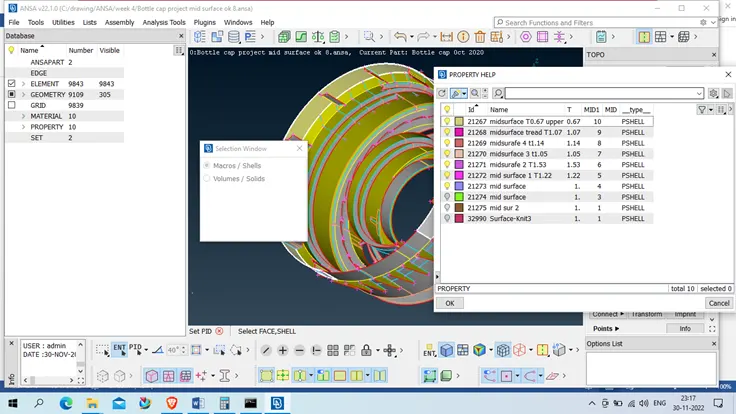
- After generating all parts thickness we will move to classic mess and remove all unrequired hot point 1st
- After this we will assign length to parts ( classic mesh – perimeter- length – perimeter- middle mouse – enter target length i.e 1- middle mouse click , repeat same for micros
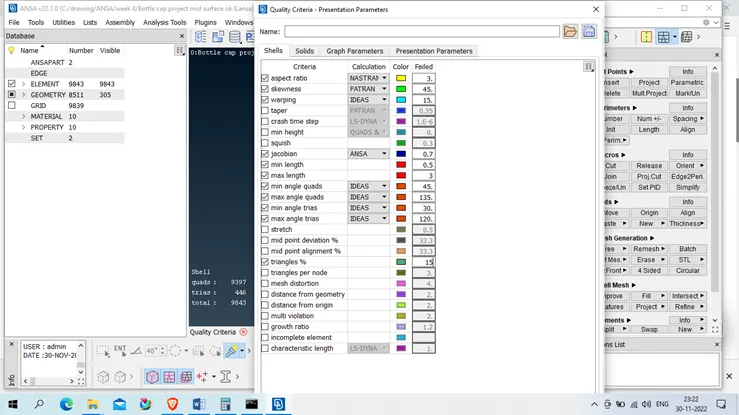
- Quality criteria
press f11 for quality criteria – assign all required quality criteria parameters
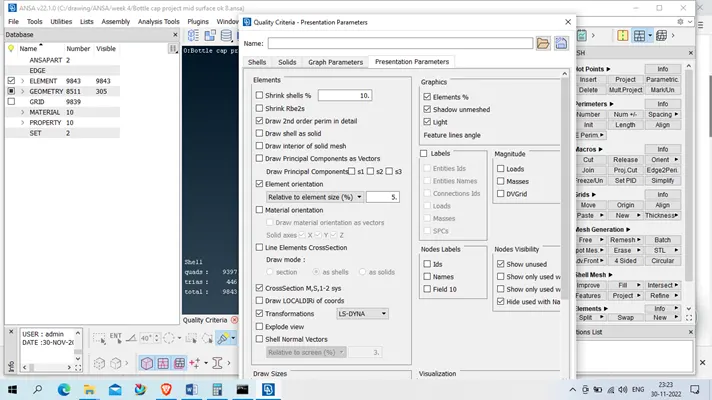
- Mess Parameter- (utility-mess parameter – assign parameter- middle mouse click
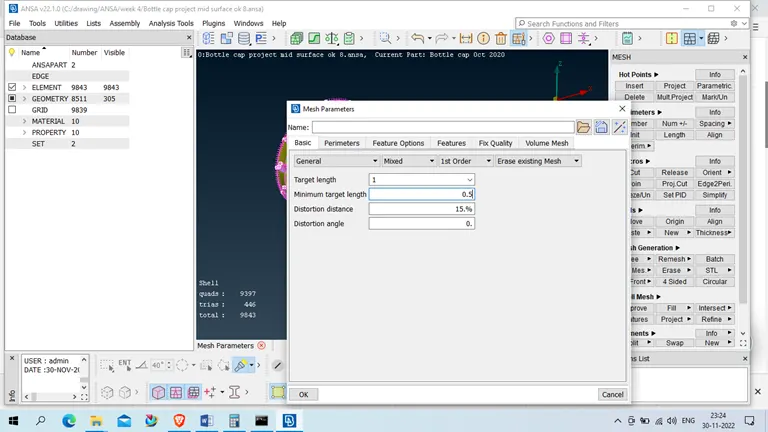
- Apply mess
now take 1 portion of product – apply mess using classic mess- mess generation –best select the face – middle mouse click
if any off element or more trias then we will correct it using recontruc , smooth, reshape command
or we will use element – split/swap/join command
we will repeat same till unmess geometry will be zero i.e. we will do same in all body
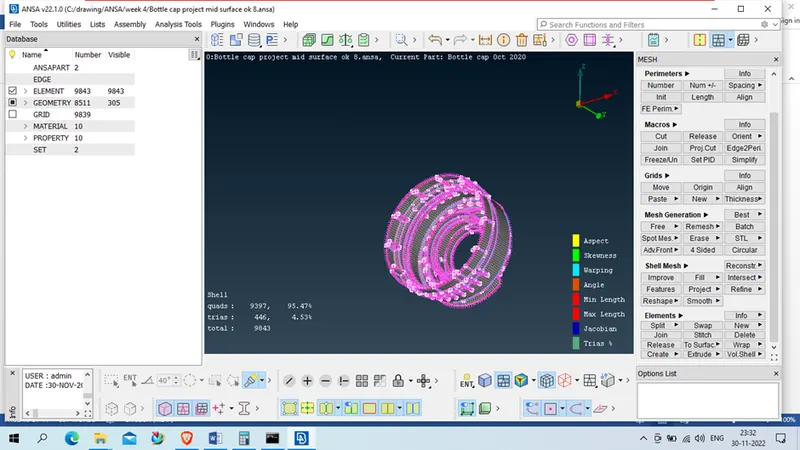
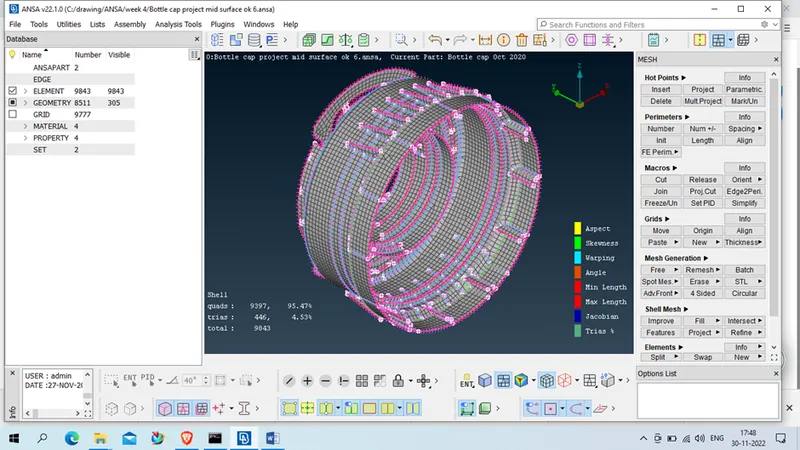
Conclusion: we will generated mid surface of plastic component as below