Assignment 3-2D Element Formulation Challenge
TO PERFORM 2D ELEMENT FORMULATION FOR RAIL BAR
CASE : 1
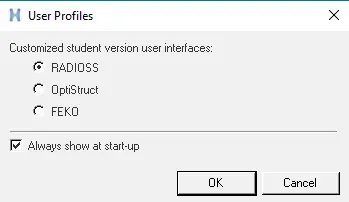
- Open Hypermesh>set user profiles to RADIOSS>OK
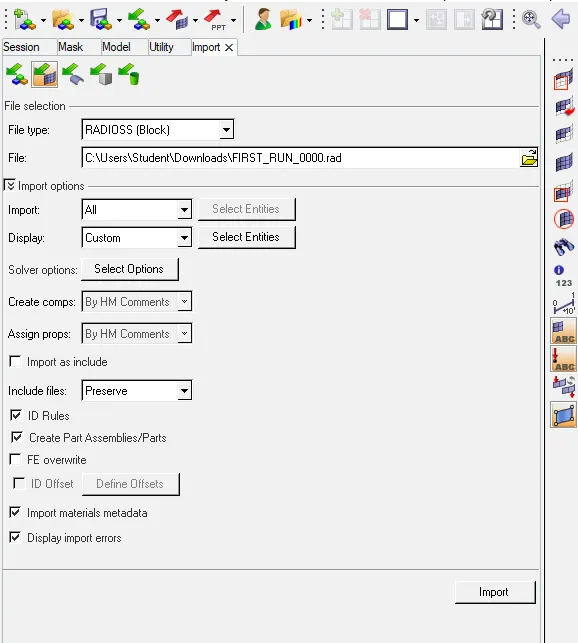
- Click on the Import solver desk > Import model > select file FIRST_RUN_0000.rad > import
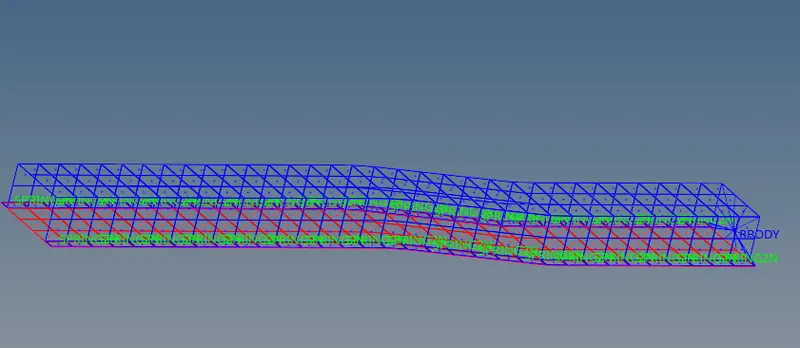
- The Import File of 0000.rad part looks like the below fig (_) in wireframe elements skin only
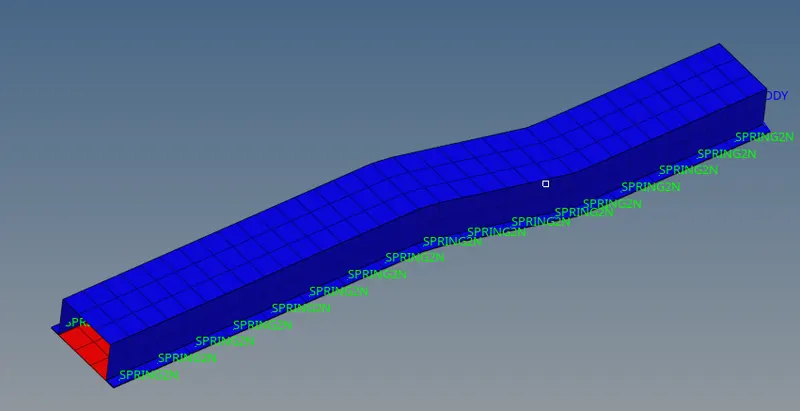
- Convert the rail part to shaded elements and meshed lines
- Next Step to perform radioss check to Analysis > Radioss
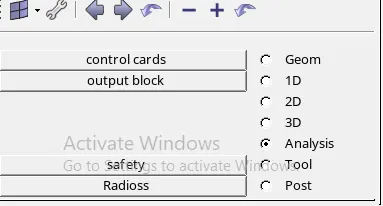
- Set | export options: all | run options : analysis | run number :1 | options : -nt 4 | > save as > select the folder in local disk >Radioss................the file gets run and ready for analysis after that check into the folder and open FIRST_RUN_0001.out file and go through energy error .

-
How is the Energy Error in the output file (Runname_0001.out) computed?
(1)%Error=100(Ek+Ekr+EiEk,1+Ek,1r+Ei,1+Ewk−Ewk,1−1)">%Error=100(Ek+Erk+EiEk,1+Erk,1+Ei,1+Ewk−Ewk,1−1)%Error=100(Ek+Ekr+EiEk,1+Ek,1r+Ei,1+Ewk−Ewk,1−1)Where,Ek">EkEkTranslational kinetic energy at current timeEkr">ErkEkrRotational kinetic energy at current timeEi">EiEiInternal energyEwk">EwkEwkWork of external forces (energy brought to the system)E,1">E,1E,1Energy at beginning of the RUN (not at time t=0)The Hourglass energy is not counted in this energy balance, so that a negative energy error generally occurs (except if using Ishell=24 (QEPH) or Ishell=12 (BATOZ) shells, and fully integrated solids, for which there is no Hourglass).
%Error MathType@MTEF@5@5@+=feaagKart1ev2aqatCvAUfeBSjuyZL2yd9gzLbvyNv2CaerbuLwBLnhiov2DGi1BTfMBaeXatLxBI9gBaerbd9wDYLwzYbItLDharqqtubsr4rNCHbGeaGqiVu0Je9sqqrpepC0xbbL8F4rqqrFfpeea0xe9Lq=Jc9vqaqpepm0xbba9pwe9Q8fs0=yqaqpepae9pg0FirpepeKkFr0xfr=xfr=xb9adbaqaaeGaciGaaiaabeqaamaabaabaaGcbaGaaiyjaiaadweacaWGYbGaamOCaiaad+gacaWGYbaaaa@3B43@">%Error is bounded to ± 99%.
The energy error is reset after each RESTART.
It is possible to stop a job and rerun it by using a control file containing /CHKPT. In this case, error and energy values will restart from their last value.
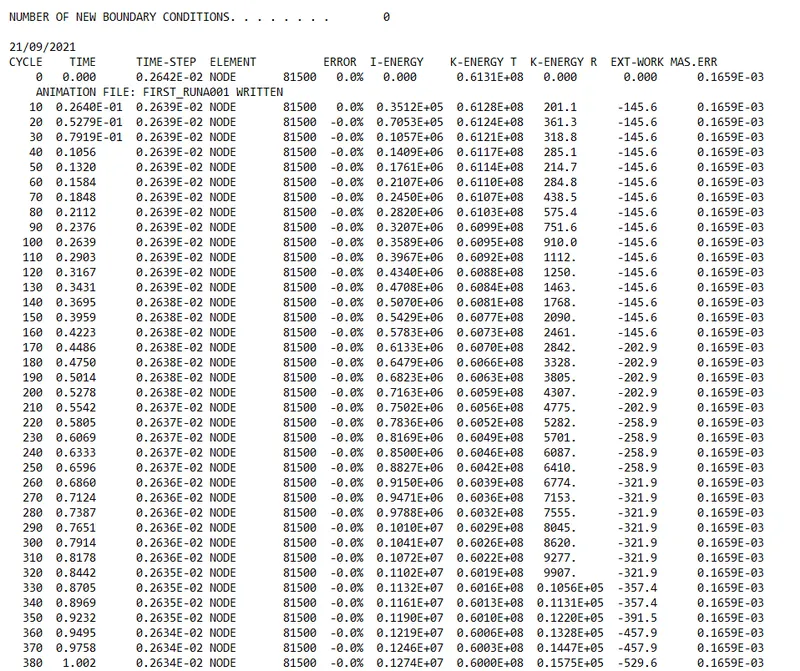
THE FIRST_RUN_0001.out file look like below fig(_)
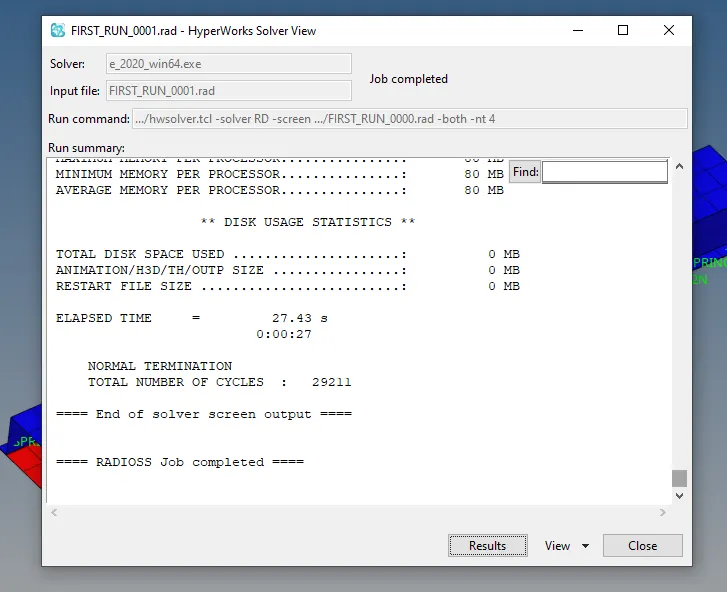
- Now, Its time to analysis the data for Rail_Crash check into > results from hypermesh solver view
- After checking into Results from as shown in above figure then the hymesh window is observed as show below
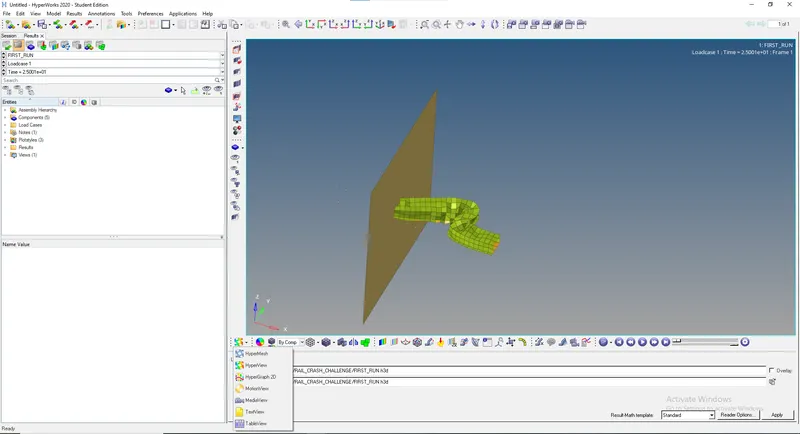
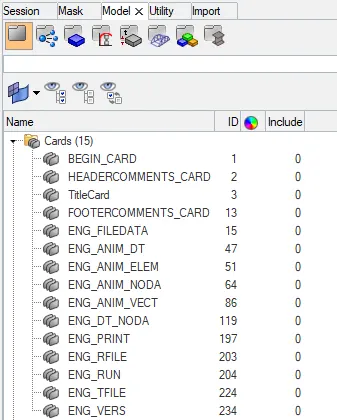
- As mentioned in the question change the Run time to 55 ms & animation data to 25 to do so click on the model > cards change ENG_RUN to 55 & ENG_ANIM_DT to 25 .
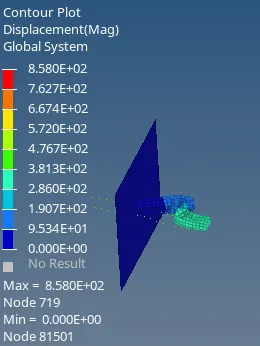
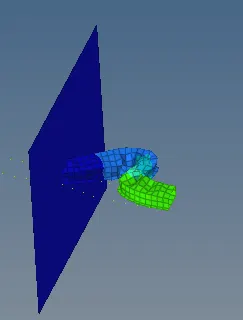
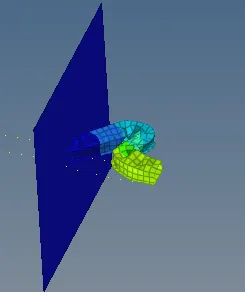
- Play the Video We find the crash Happens for rail start we find that
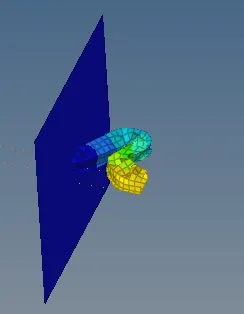
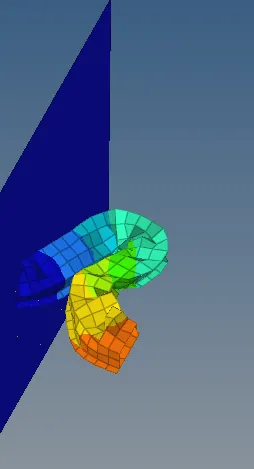
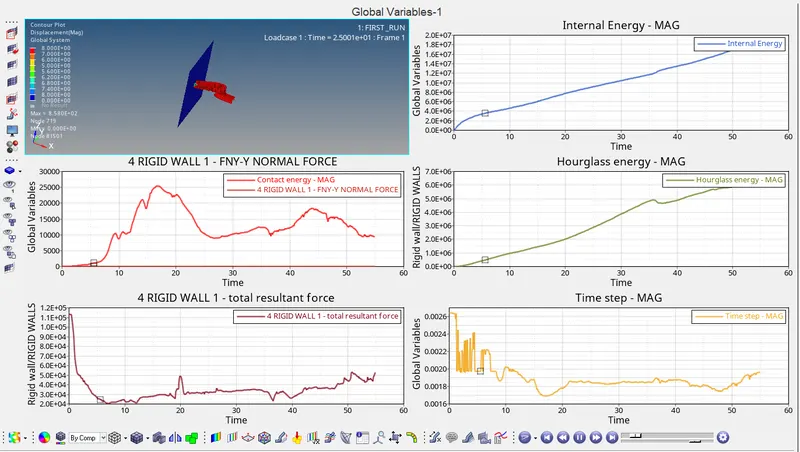
- PLOT the internal engery , 4 RIGID WALL, hourglass energy , total resultant force go to hypermesh icon > Hypergraph 2D
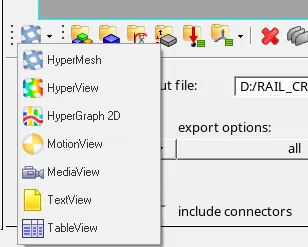
- Click on HyperGraph 2D > select file
 T01
T01

- Plot the above as shown in the figure .
CASE : 2
- Click on the Import solver desk > Import model > select file RAIL_CRASH_0000.rad > import
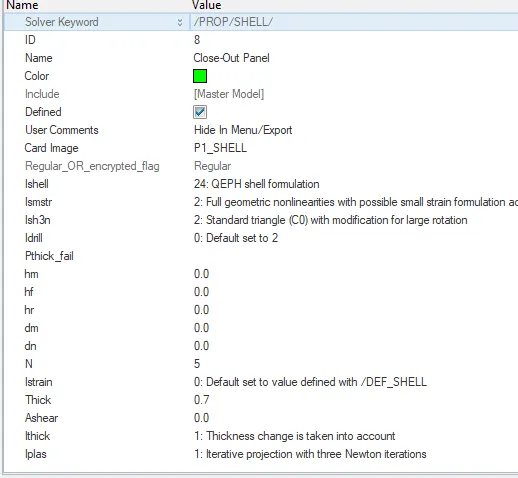
Change the Properties of Hat-Section & Close-Out Panel as Mentioned above
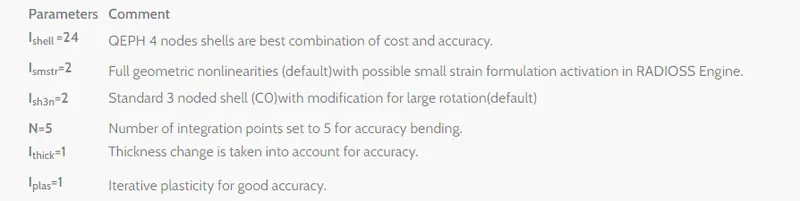
- Changing the property parameters for Hat-section & Close-out panel
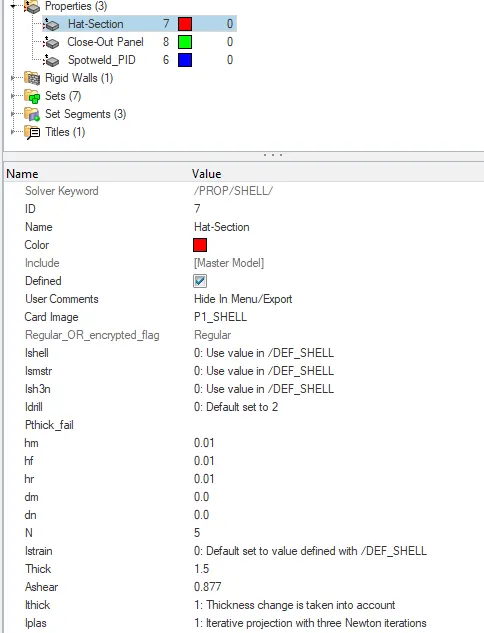
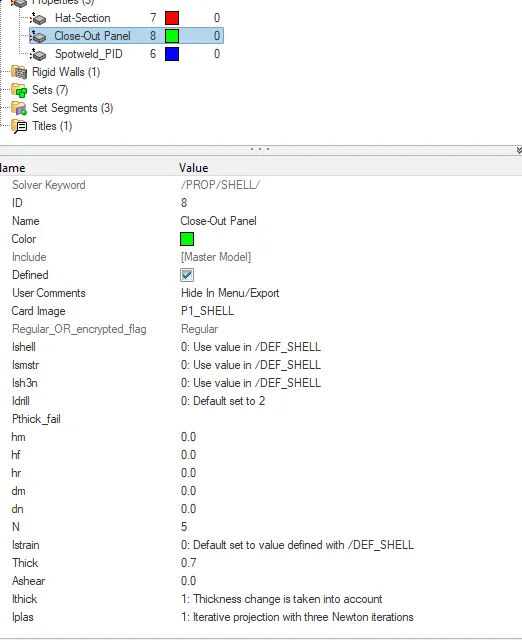
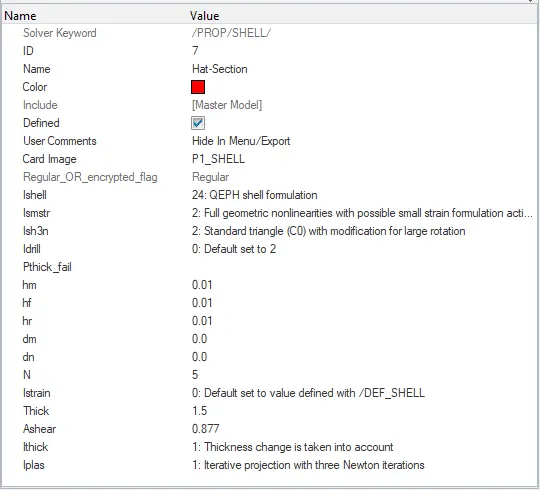
- After Changing the properties
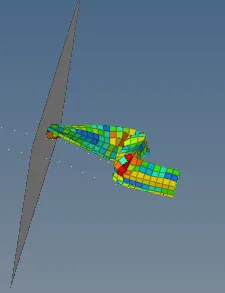
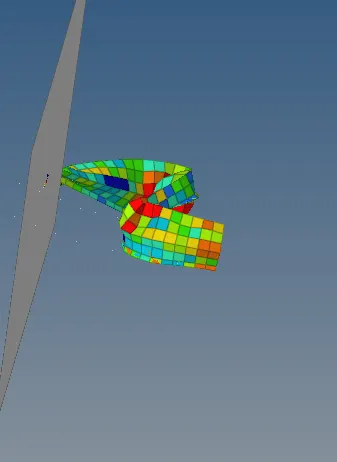
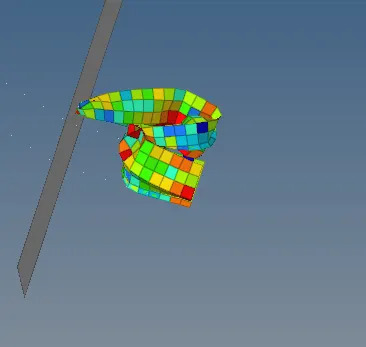
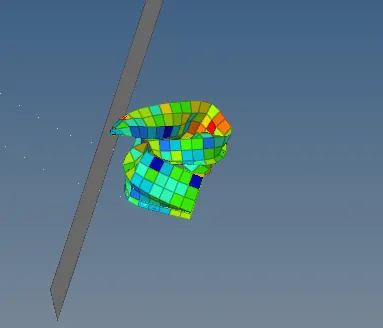
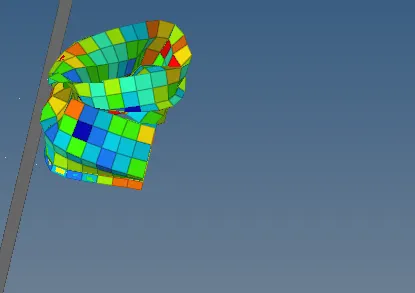
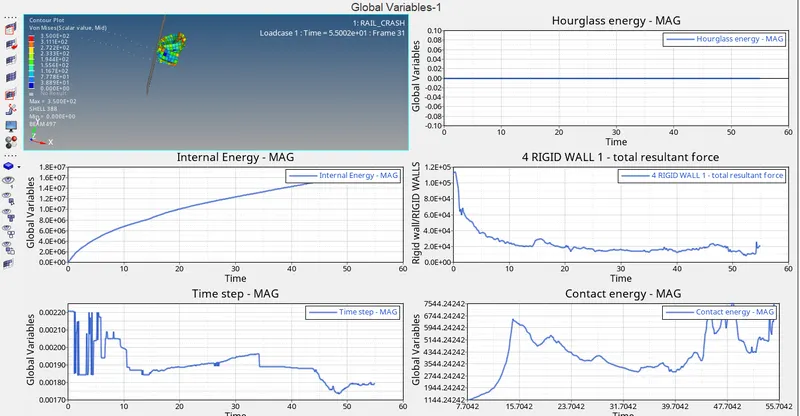
- Plot Hourglass energy, Internal Energy, 4 RIGID WALL , contact energy
Hourglass Deformation :
When the elements in a model deform but the strain energy is not computed for that deformation then it results in the Hourglass deformation. Usually, this can be clearly seen in the post-processing stage where the elements will have a zig-zag formation.
Now, whenever you are defining the property to a model or a component there is a parameter called Element Formulation ( in Radioss as ISHELL and in LS-Dyna as ELFORM) this name changes for different solvers.
--------------------------------------------------------------------------------------------------------------------------------------------------------------------------------------------------------------------------------------------
In Changing the parameters after testing the case 1 we can find the difference in case 2 with respect to changing the parameters ISHELL = 24 (QEPH 4 nodes shells are best combination of cost and accuracy).
We find constant linear plot in hourglass energy .
- CONCLUSION :
- Observed, Change in Hourglass energy with respect to time .
- Changing the property parameters gave a major change in the plotting the energy's.
- Saving the file and knowing the error in 0001.out file.