Assignment 2-RADIOSS Engine File Editing & 3D Meshing Challenge
Aim -
The Housing(Bottle Cap)need to be represented with refined mesh by removing geometrical error, providing surface and volume mesh with given quality criteria to it. In addition to it, understand the Radioss Engine Files and calculate the speed of sound and animation frequency.
Objective
- Check the material properties of the rail component and calculate the speed of sound in steel rail
- The length of the rail is about 1000 mm.calculate the time takes for a shock wave to travel from one end of the rail to the other.
- Time for sound to travel length of rail
- Edit the engine file so that the stress wave can be monitored, moving from one end of the rail to the other during impact -this will require a termination time equal to the time it takes for the sound to travel the length of the rail(set on/RUN card)
- Set the frequency of animation output to a time that will give 20 animation steps(/ANIM/DT)
- Change /print -10.
- 3d meshing tetra mesh and hex mesh
- Repeat class examples and, maintain the quality.
- Target tet size=5mm,hex size=10mm,tet collapse=0.15.
Engine File Test
- Radioss File is solver created by Altair which is powerful and robust solver for solving explicit analysis.
- The preprocessing of Radioss file can be carried out in HyperCrash. Radioss Follows two kind of file Starter file and Engine file.
- Starter file is called as input deck. All important input details like components, mesh nodes, material details, contact details, boundary conditions details.
- Engine file is file which contains the running instruction for solvers. It also contains the animation output expected from the mode
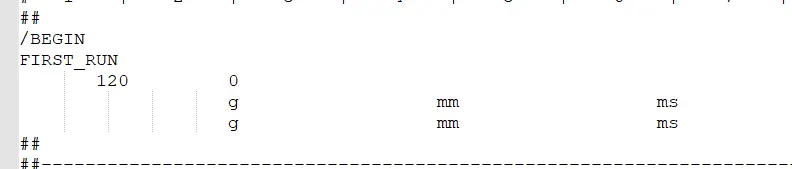
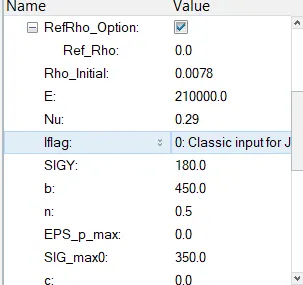
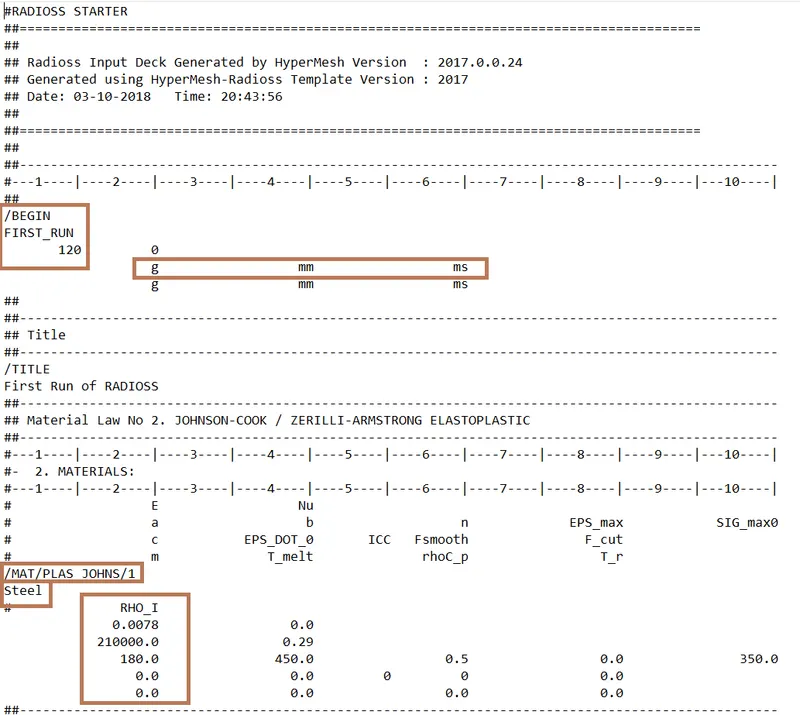
From the Radioss starter file FIRST_RUN_000 file, the important values shown like type of material, density, modulus of elasticity, poission ratio for calculation of speed of sound and critical timestep.
The following values are as follow as
Density = 0.0078 g/mm^3
Poisson Ratio = 0.29
Young Modulus = 210*10^3 g/(mm.ms^2)
Material = Steel
The equation which will give final calculation for the speed of sound
c=√E/ρ
The value for speed of calculation is 5188.74 mm/ms.
##Critical TimeStep
The equation which will give final calculation for the critical timestep
∠tc=lc/c
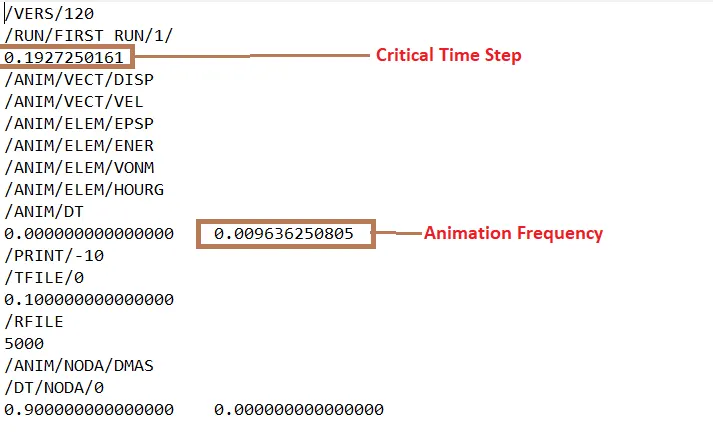
as we know the value of length and speed of sound, critical time step can be calculated which is 0.1927 ms
The frequemcy of animation output to a time thtat will give 20 animation step will be 0.1927= 0.009636ms
As we open the FIRST_RUN_0001.rad file in Notepad, we come realized that the already critical time step and animation frequency has been given.
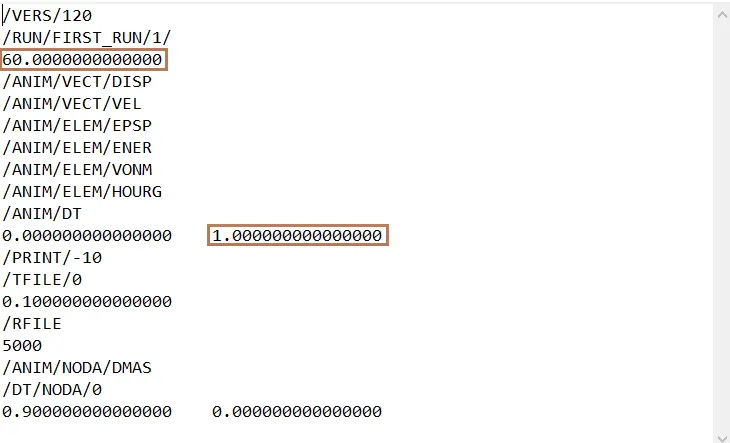
After calculating the speed of sound and animation frequency by their respective equations, we will insert this calculated value inside the FIRST_RUN_0001.rad file instead of given values.
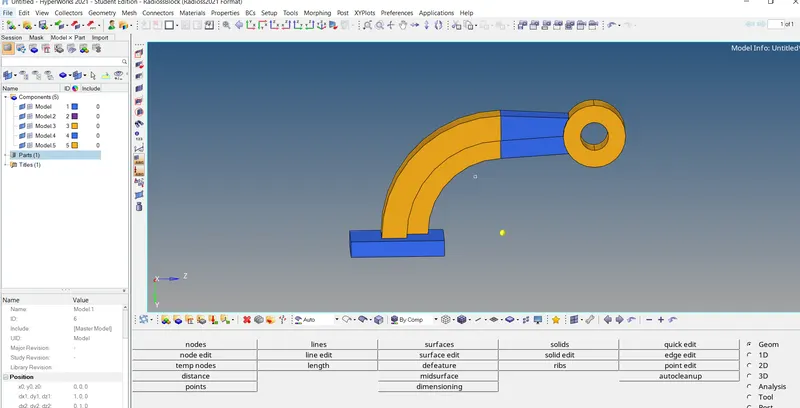
# ARM BRACKET
In this solid and surface mesh has to done in it.
Mesh this part with quad mesh then drag into other part.
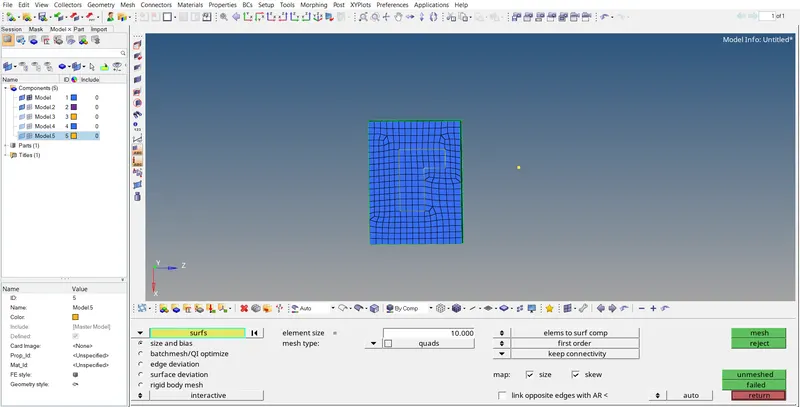
To create arc at center node point go to distance and create it.
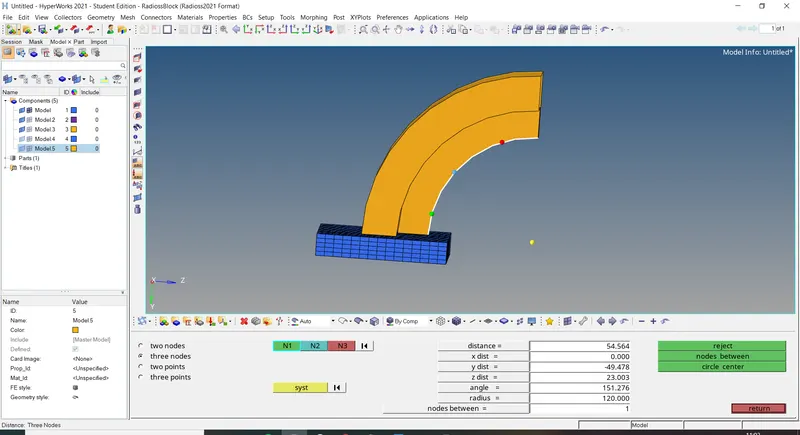
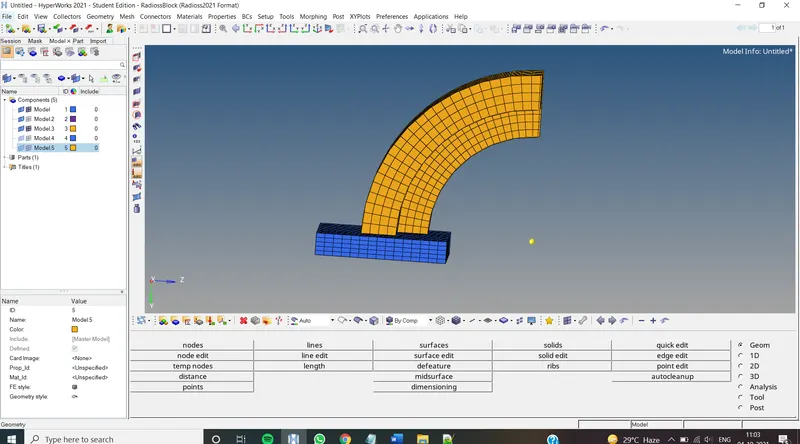
By using solid map Drag the mesh into other parts.
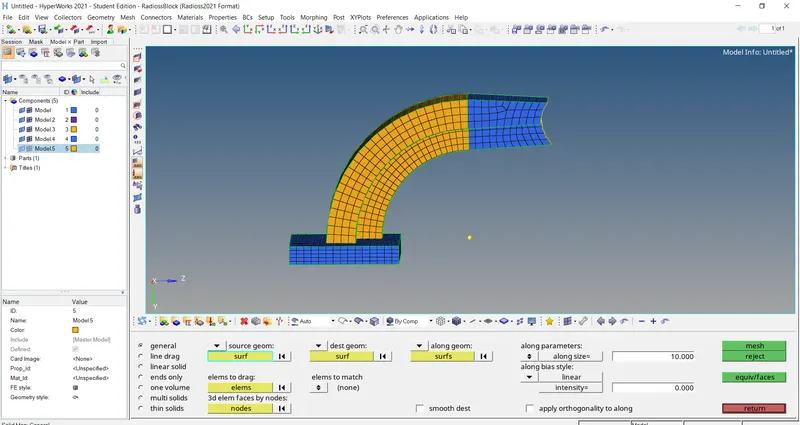

The arm bracket complete mesh has been done.
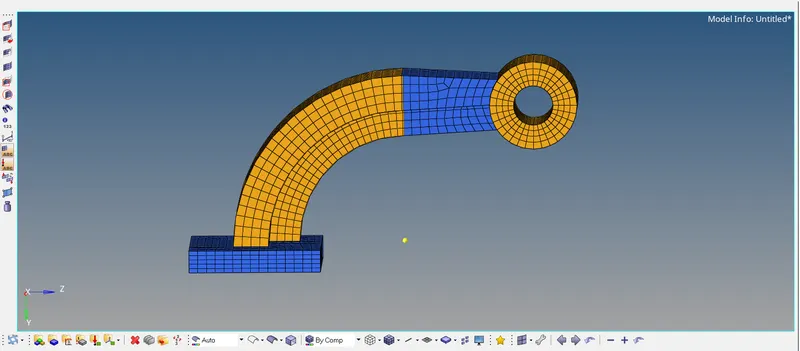
#Part 2
Given model.
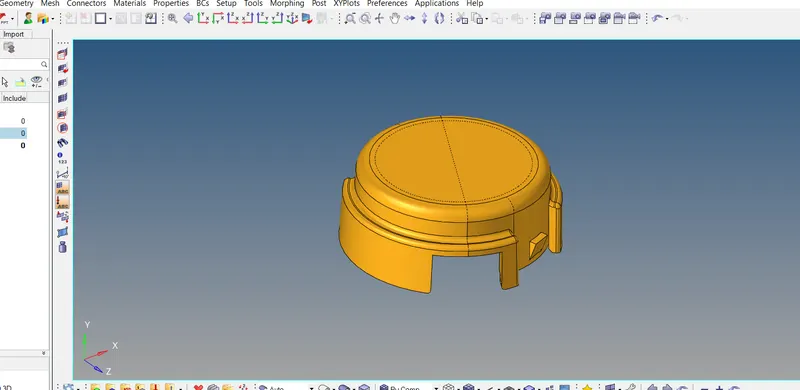
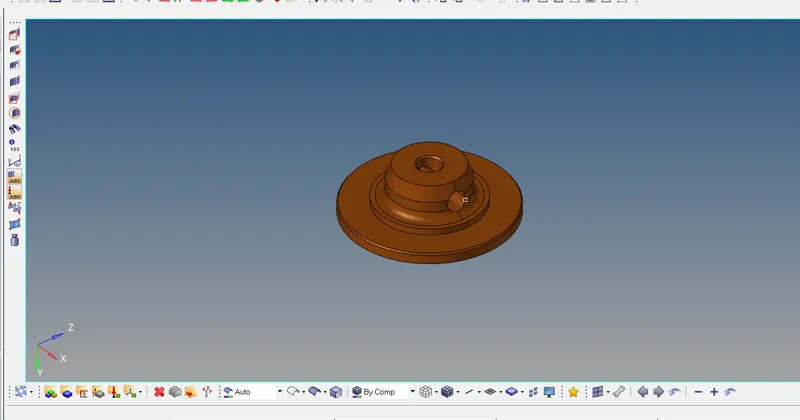
Mesh the geometry.

Mesh with 2D convert into 3d tetra mesh.
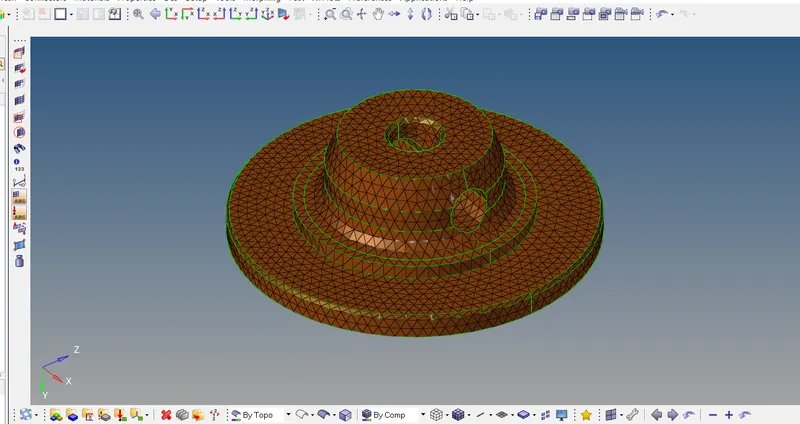

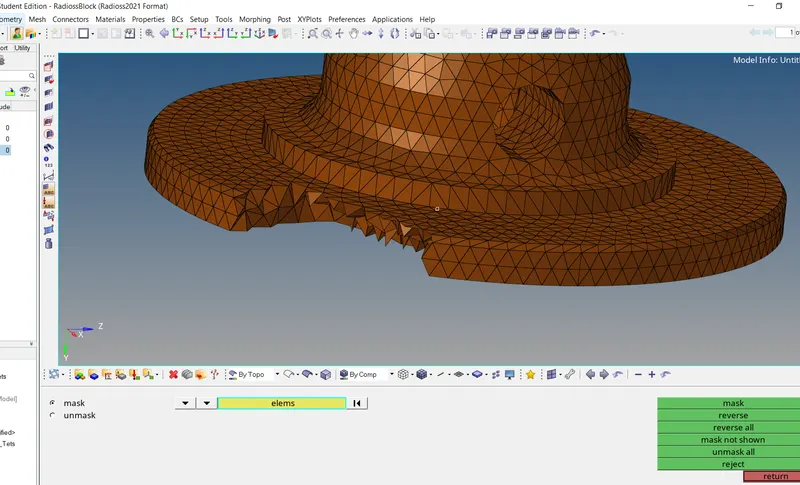
To do direct 3D mesh use QUICK TETRAMESH
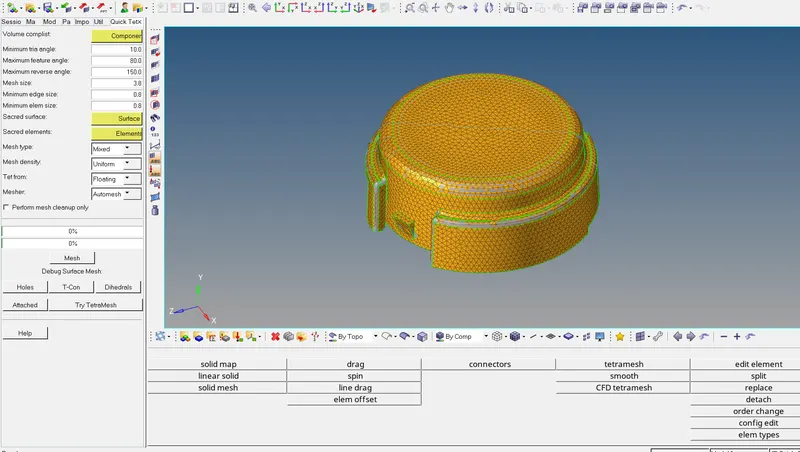
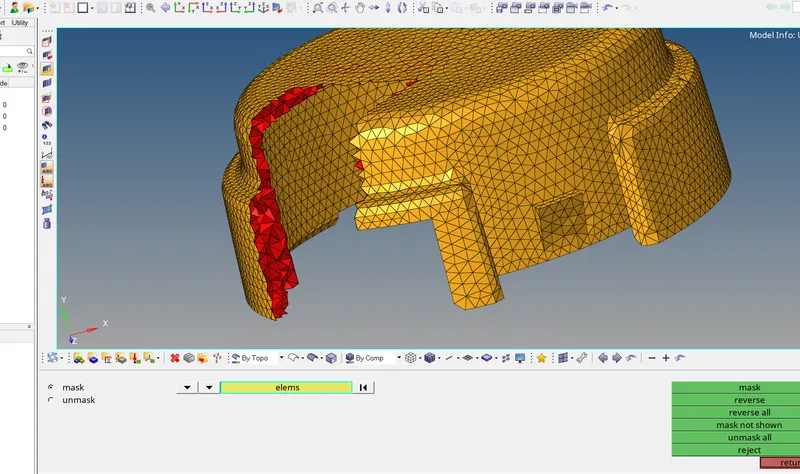
Check TETCOLLAPSE value.
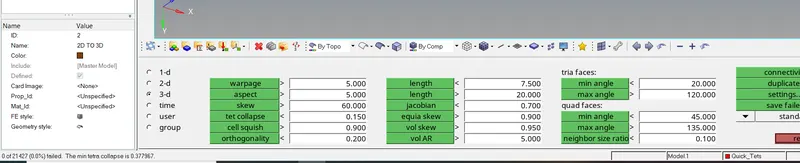
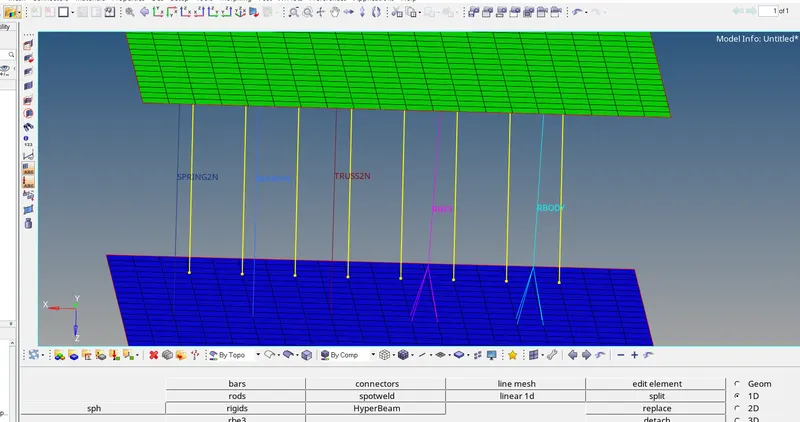
#PART 3:
Given model
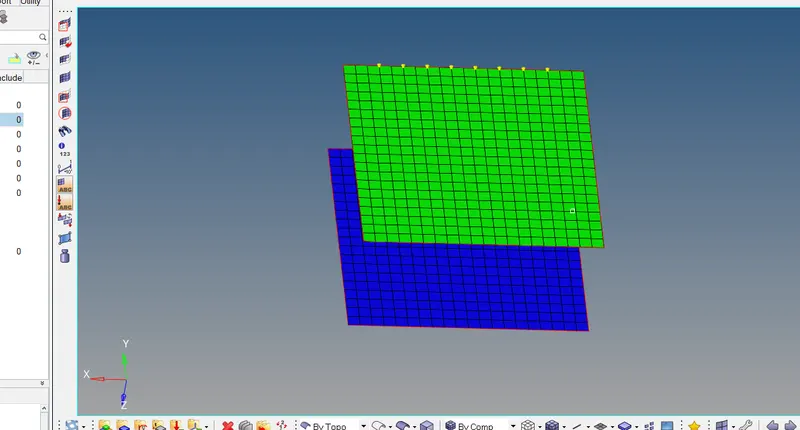
Mesh the component.

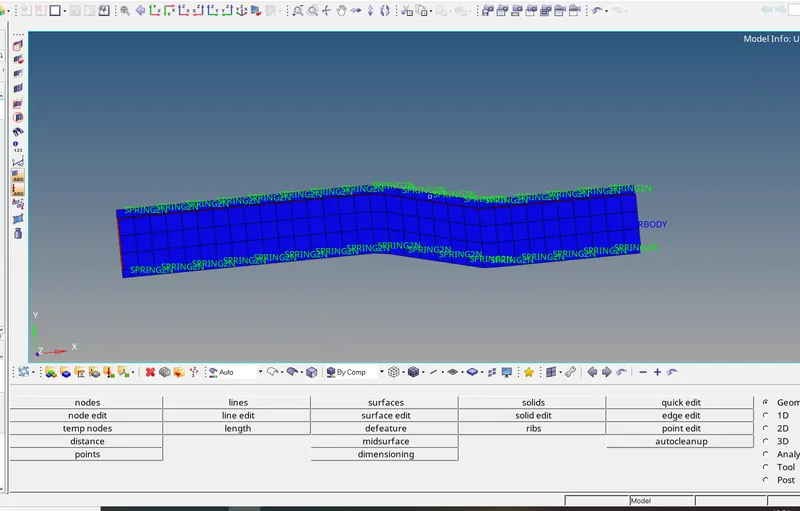
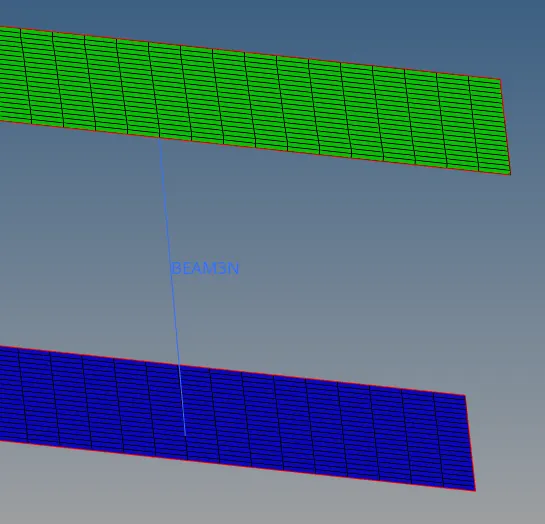
Use connector for it-Beam connector.

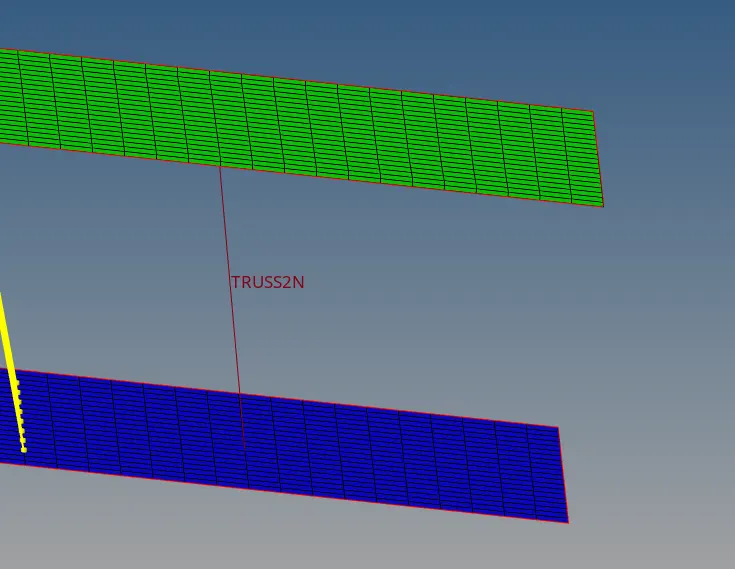
Use TRUSS connectors.

Use RBODY connectors
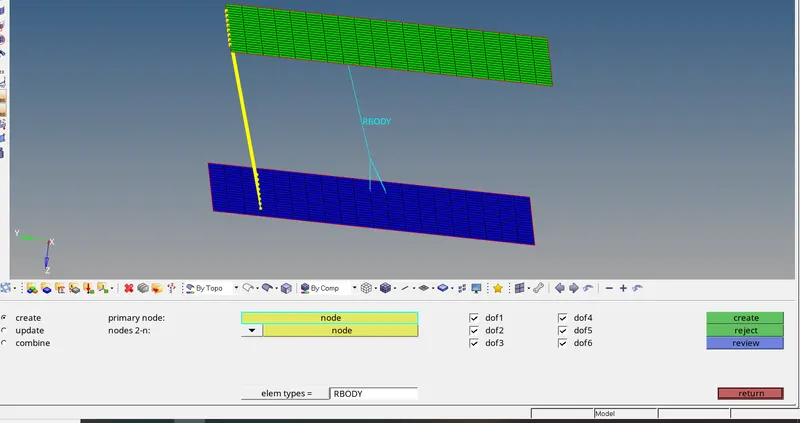
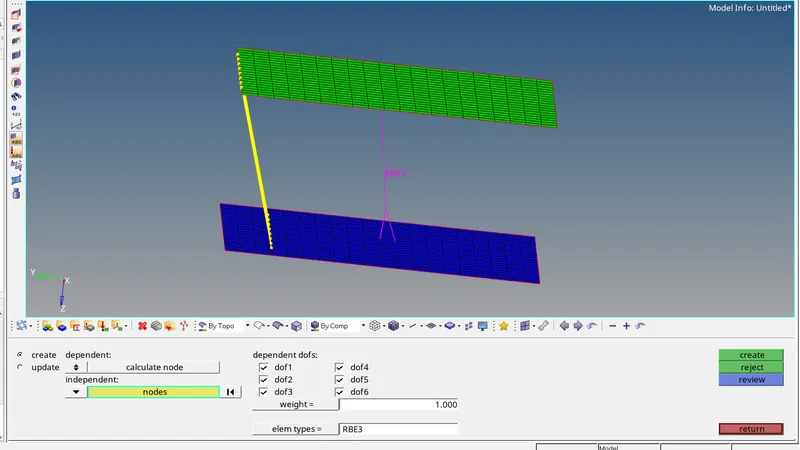
Here All respective connectors are there.
CONCLUSION:
1) We have understand the Radioss Engine File concepts and their different types of file. From the files, we try to evaluate important given values like critical time step and animation frequency. By evaluation, we will calculate critical time step and animation frequency by equations and insert this in the radioss engine files.
2) Housing(Bottle Cap) meshed by removing geometrical error, providing surface and volume mesh with given quality criteria to it.
3) Arm Bracket has meshed tactically with the help of various mesh options like linear solid, solid map, elements offset etc with zero tet collapse checked successfully.