Assignment 2-RADIOSS Engine File Editing & 3D Meshing Challenge
OBJECTIVE 1: The objective of this week is to create a Teramesh for Housing component
PROCEDURE:
Step 1: Import the object that is in step file format.
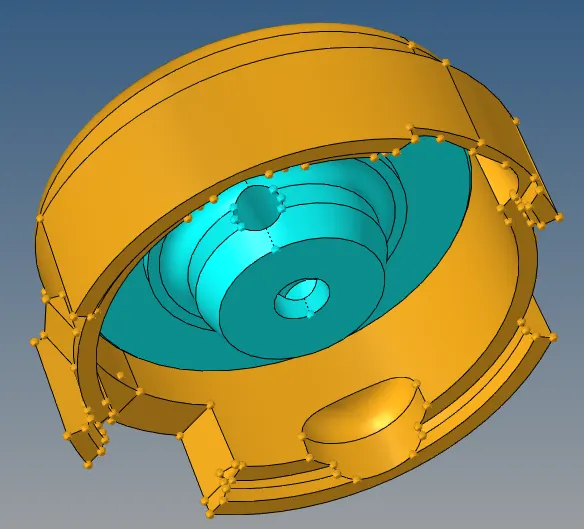
Step 2:Firstly, go to tool panel and click on delete option. now select all the solids in the component and click delete.Now the component will have only surfaces left.
Step 3: Now remove the surface fillet whose length are less than the target element size in order to capture the surface properly.
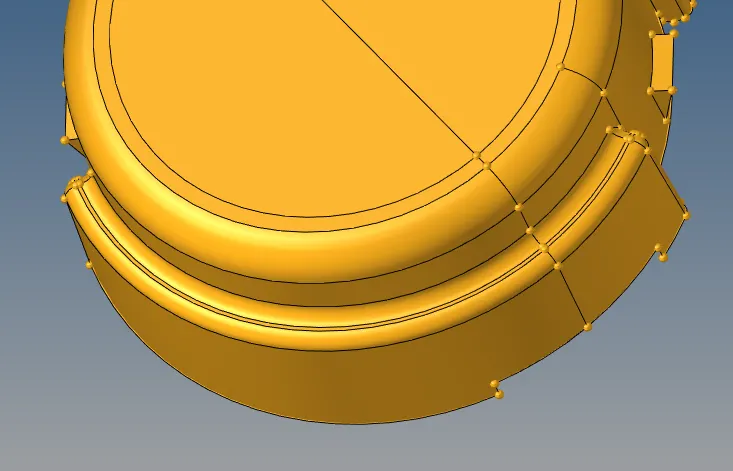
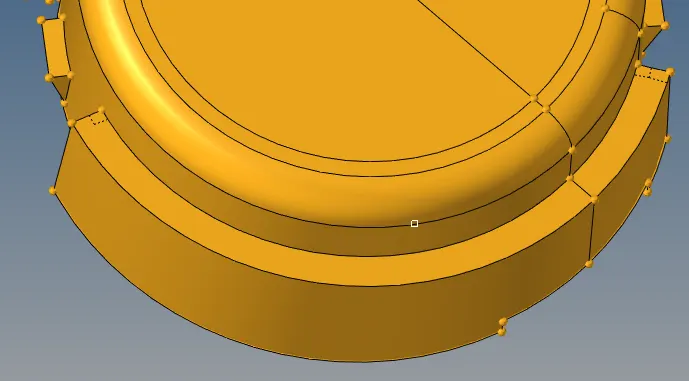
Step 4: After removing the fillet mesh the surface with 2d elements with element size 5 mm and element trias only.
Step 5: Now go to tools tab and click the check elements button.Now check the element for min and max element size.
Step 6: If the element are not within the range remesh the elements so that they will meet the element size limit.
Step 7: After remeshing now go to 3d tab and click on tetramesh button.click on tetramesh parameter radio button and and tet collapse equal to .15
Step 8: Now click on tetramesh radio button and select all the elements and click mesh.
Step 9: Now go to tools tab and click the check elements button.Now go to 3d tab check the tet collapse so that all the elements are less than .15
OBJECTIVE: The objective of this week is to create a 3D mesh for bracket component
PROCEDURE:
Step 1: Import the object that is in step file format.
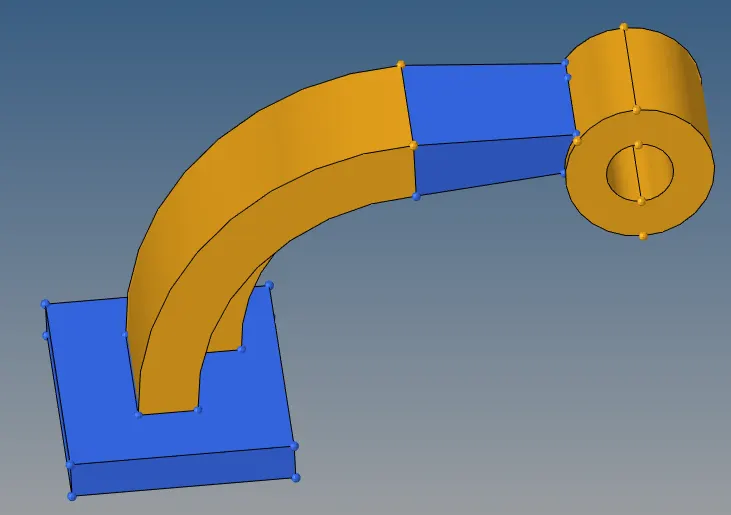
Step 2: Now mesh the upper surface of the blue base component.
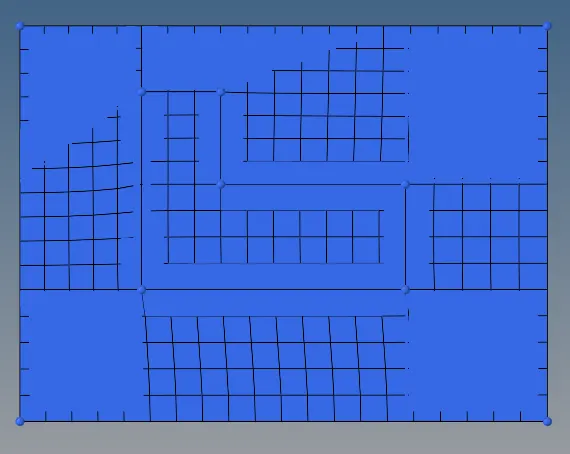
Step 3: Now go to 3d panel and click solid map.Go to line drag option and select the elements and line along which the parts needs to be dragged.
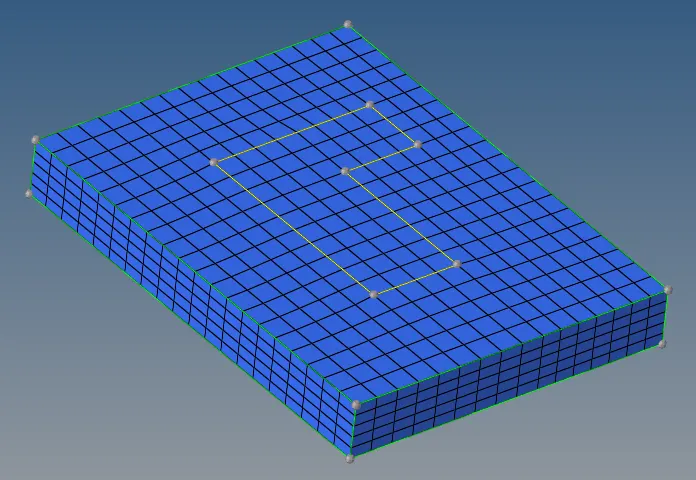
Step 4: now to create the mesh along the arm curve go to 3D tab and click spin.Then select spin element and select the elements that needs to be spinned and click spin.
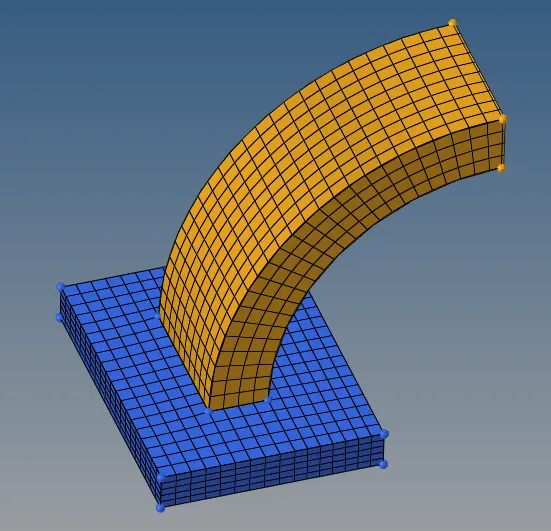
Step 5: Now to create the mesh along the arm straight first create mesh on both sides of the arm and perform as linear solid along the arm.
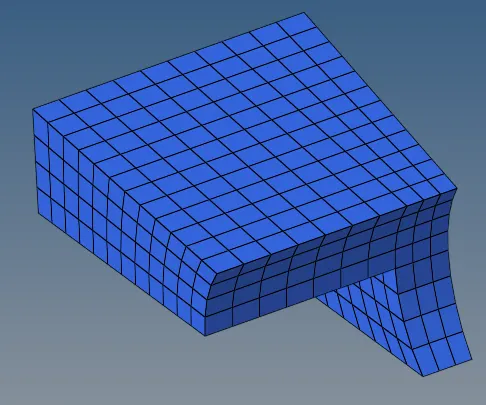
Step 6: Now create the 2d mesh on the side surface of the boss component and now drag the elements along the node path of the arm straight component so that there are connected to each other.
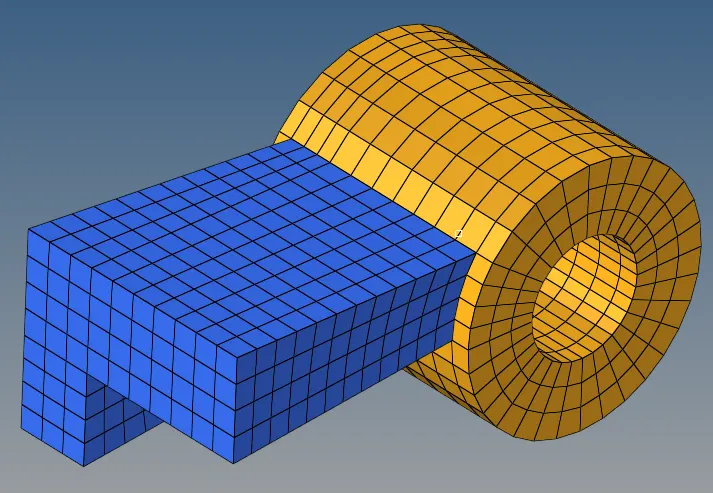
Step 7: Now go to tools tab and click the check elements button.Now go to 3d tab check the tet collapse so that all the elements are less than .15