Assignment 2-RADIOSS Engine File Editing & 3D Meshing Challenge
1. Check the material properties of the rail component and calculate the speed of sound in steel rail
= 5188.745 mm/ms.
2 &3. The length of the rail is about 1000 mm.calculate the time takes for a shock wave to travel from one end of the rail to the other. Time for sound to travel length of rail
= 0.1927ms.
4. Edit the engine file so that the stress wave can be monitored, moving from one end of the rail to the other during impact -this will require a termination time equal to the time it takes for the sound to travel the length of the rail(set on/RUN card)
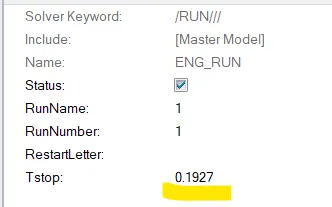
5. Set the frequency of animation output to a time that will give 20 animation steps(/ANIM/DT)
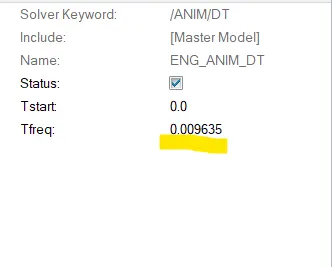
Timestep for entire simulation= 0.1927
For 20 steps= 0.009635
6. Change /print -10.
It was already -10.
7. 3d meshing tetra mesh and hex mesh.
Objective: To learn tetra and hexa meshing.
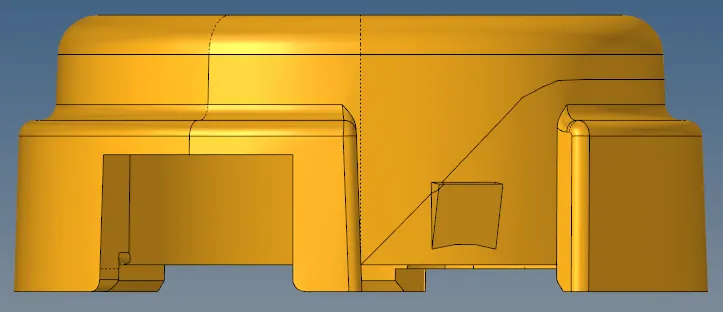
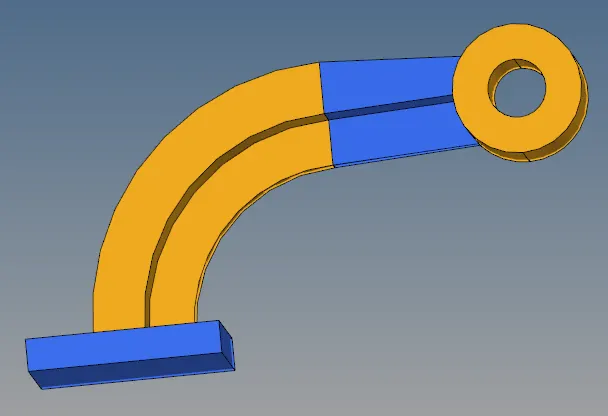
Cad model image:
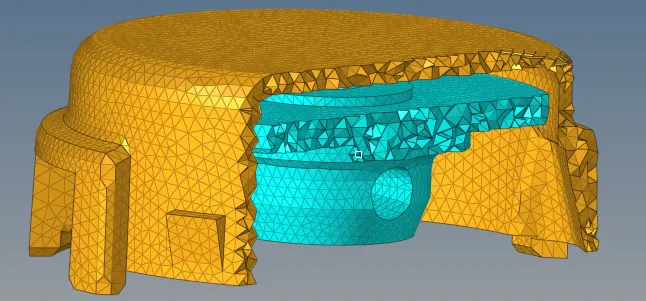
- Tetra mesh
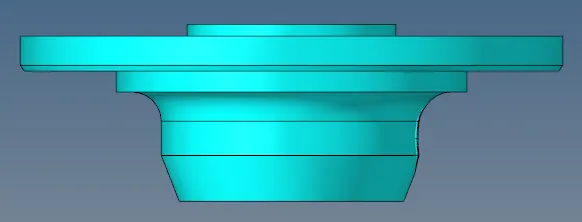
- Hexa mesh
Procedure:
- For Tetra meshing,
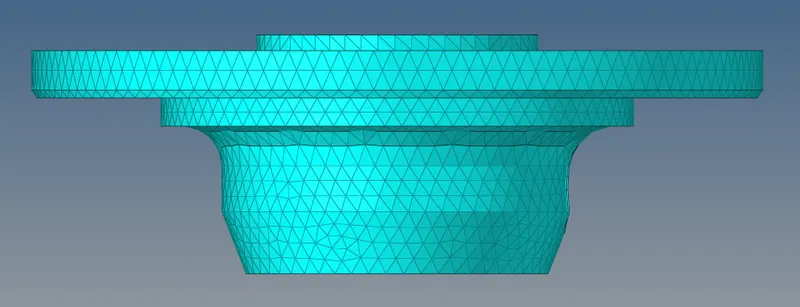
There were two parts in tetra mesh challenge, 1 cover and 2 hub.
For the cover we did the quick tetra mesh, it automatically does the geometry cleanup and tetra meshing we just have to give the element size.
For quick tetra mesh, go to view- browsers- hypermesh- utility- quick tetramesh and then select the component, give element size.
For hub the 2d meshing was already done, so we went to 3d - tetramesh - select elements from dropdown box and mesh.
To check the mesh use mask option to mask few elements.
Then we should check for tet collapse, and save the failed and mask remaining, then unmask the adjacent elements of failed and tetra remesh it. Most of the time it removes tet collapse by repeating this step 3 to 4 times.

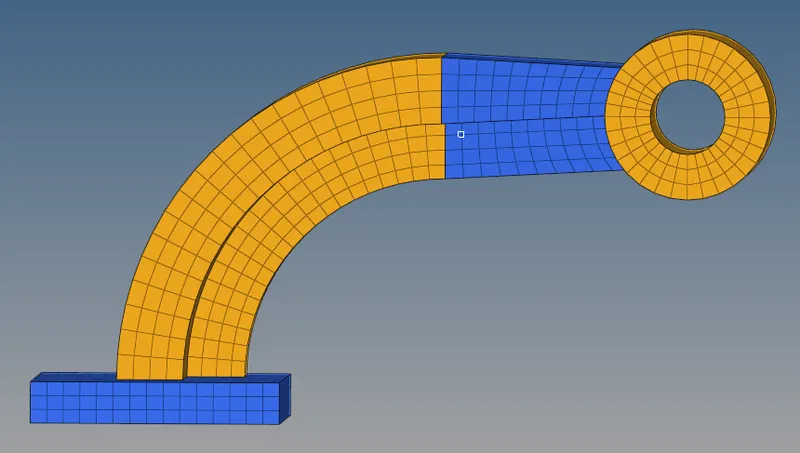
- For Hexa meshing,
We start with the base, we make an even mesh. Then we use line drag option and we select elements choose the line at which we have to drag, we put on drag value i.e. the elements along the thickness.
After that we use the spin option as there is a curved geometry and before using spin option we will have to make a node that becomes the center of the arc of rotation as it will become the base point of rotating axis i.e. X axis in this model.
Then for varying thickness part we use linear solid, here we put equal elements on both size as the thickness is varying, but before doing that we have to extract 2d elements from 3d elements we do that from face tool.then we delete the elements from the sides as we just need the face elements. Here we have to make sure we have equal elements on both sides.
Boss part is little tricky as we need to maintain connection from arm straight the elements must be aligned. Here, we use general solid map option there we need to select source geom and elements and destination geom and the nodes along which the elements will follow. As the sourse geom is divided and we need single geom we have to press O and change mesh into keep mesh and toggle the lines in sourse geom surface.
The final step is to remove all the 2d elements by configuration.
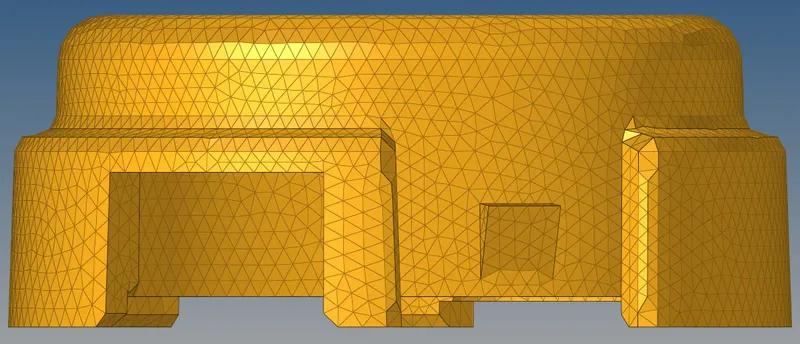
Result and final model:
- For Tetra meshing,
- For Hexa meshing,