Assignment 1-2D Meshing Challenge
Procedure -
1) Extract the midsurface - Go to geometry - midsurface and select appropriate method of extraction select surface and extract.
2)Once the midsurface is extracted check if there is geometry errors like open edges or surfaces.
3)Perform autocleanup this will give washer split to holes and cutouts. and remove all unnecessary edges which will cause problems in meshing specially in fillets areas.
4) To generate mesh Go to 2D mesh - automesh and select the surface mesh.
5) To check the mesh quality and update the failed mesh mesh go to 2D mesh -quality index then cleanup tool option
select appropriate options for elements to optimize which are failed shown in yellow and red.
6) To check the elements qyality ceiteria go to tools and check elements and fill the given criteria as shown in above image and check.
7) check for failed elements and perform quality check task, smooth curve and even remeshing certain area until it match the given criteria.
8) Create general Properties for components provide card and appropriate thickness and assign card to the model.
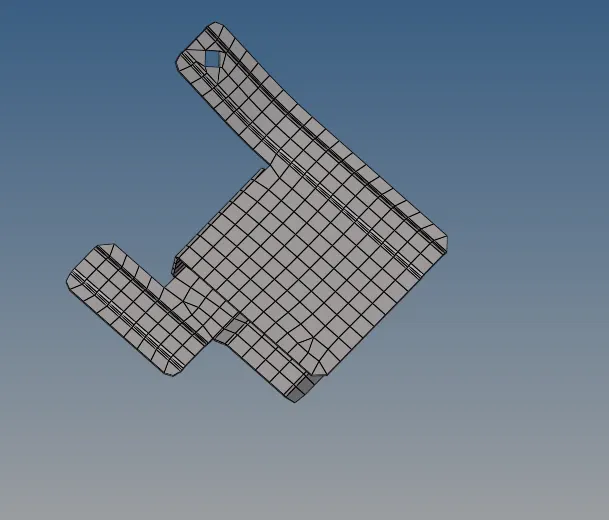
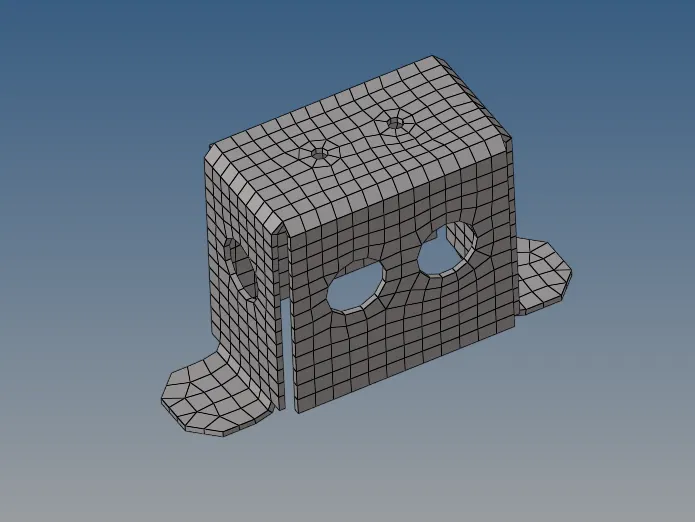
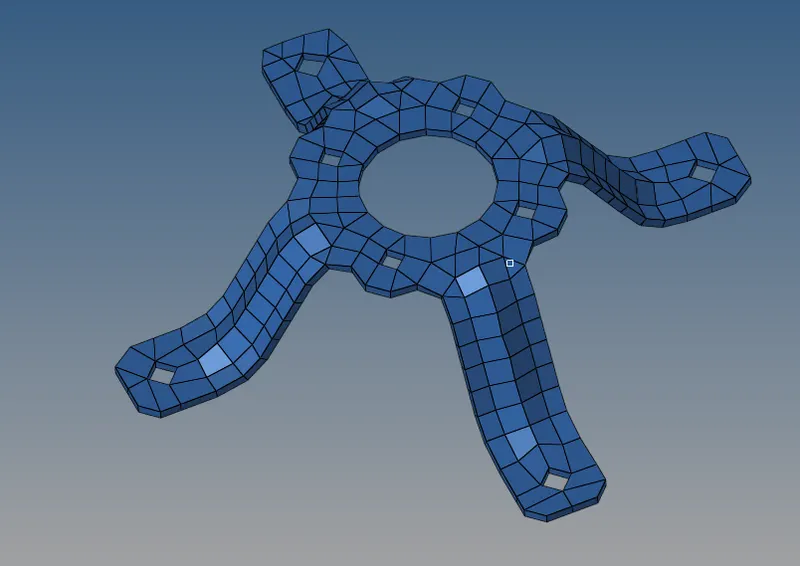
Please note that I have not maintained the elements quality due to time constrain. Please see the attached Files.