Assignment 1-2D Meshing Challenge
Aim-Midsurfacing and meshing of the given model.
Objective-
Clean the geometry.
Extract midsurface.
Clean midsurface geometry.
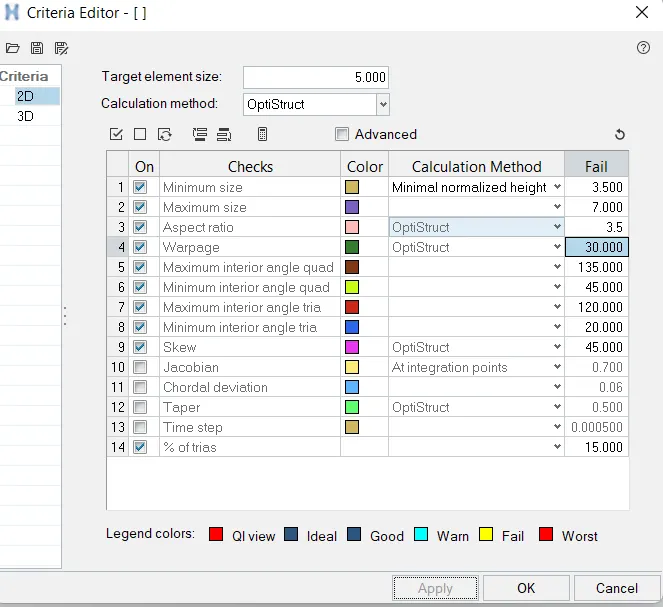
Create 2D mesh with target length 5mm, min 3.5mm max 7mm.
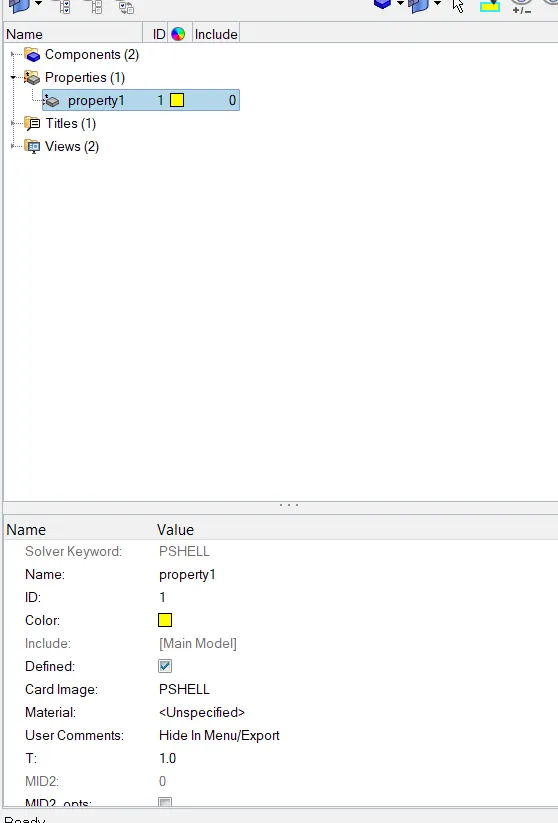
And assign proper thickness, by creating a generic property.
Procedure-
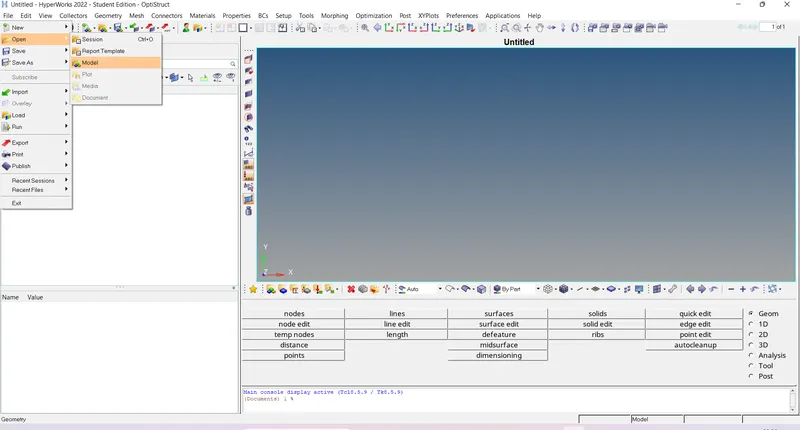
1.Import the model- First of all import the model by using file>open>model
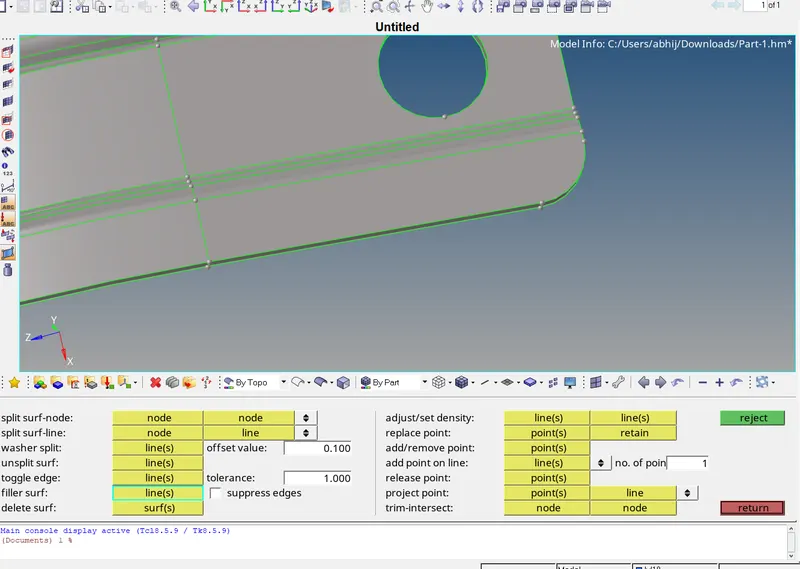
2.Geometry clean-up- Do the geometry clean up because the mid-surface will not capture properly and because of that the mesh will not generate properly. For geometry clean-up we can use quick edit option in geometry panel.
In quick edit we can use toggle option and filler surf option.
before clean-up-
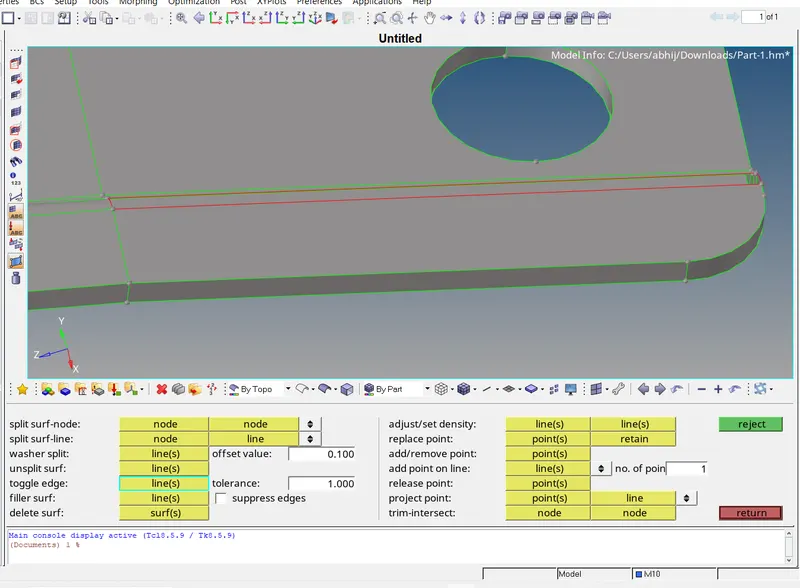
after clean-up-
there are some tripple cons means more than two surface attached-
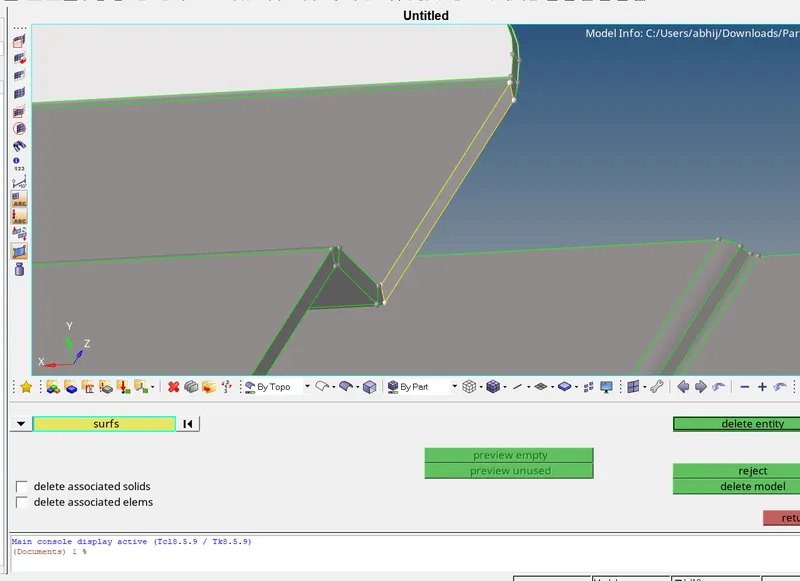
We can directly delete the surface-
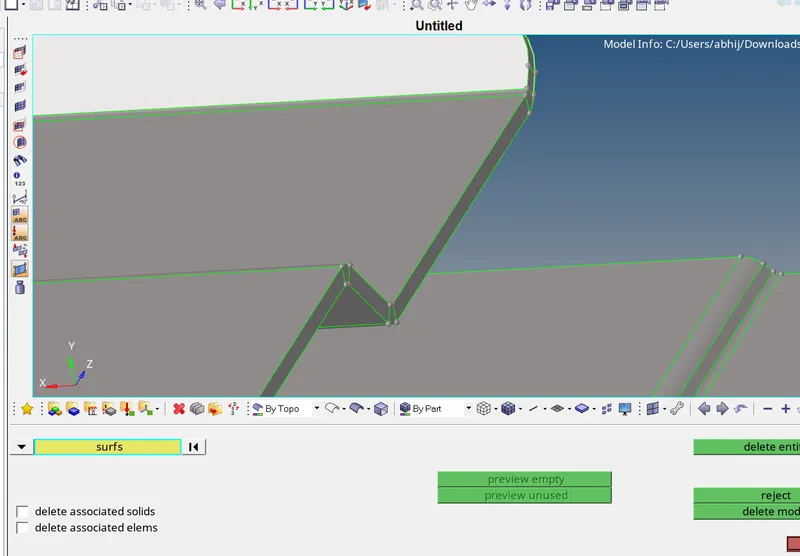
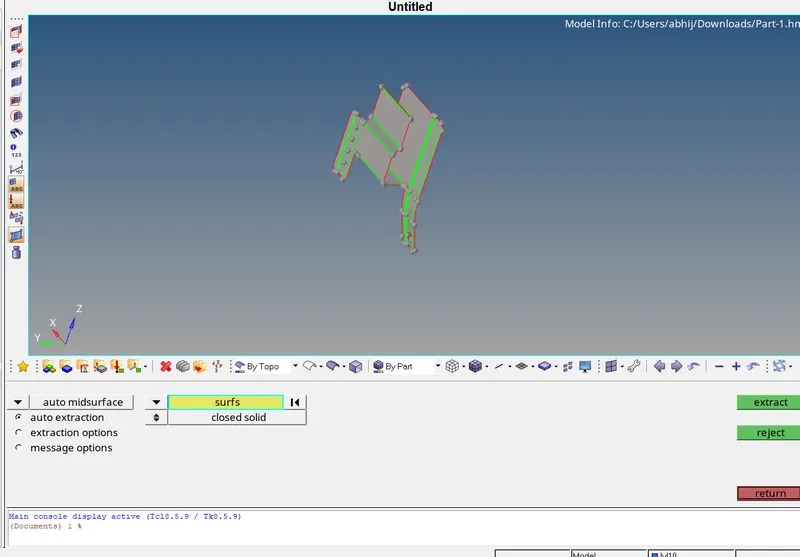
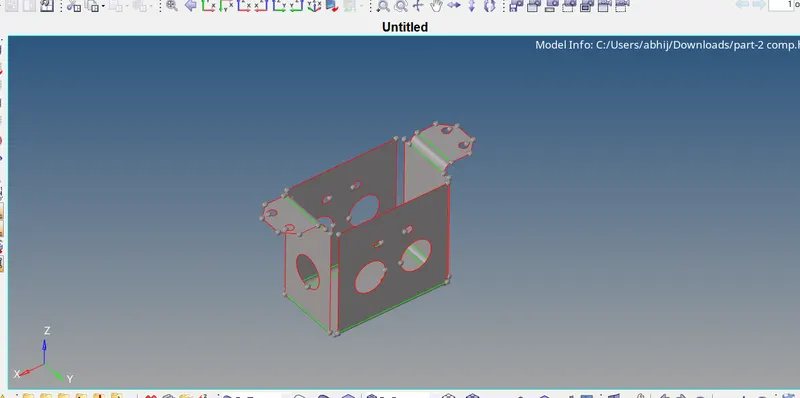
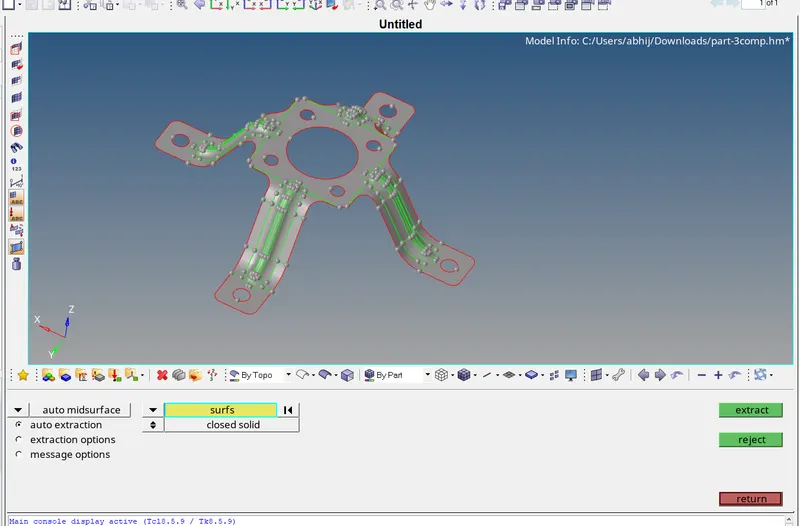
3.Mid-surfacing- Because of uniform thickness of component we are going to use auto-mid-surfacing option in geometry>mid-surface>select surface>extract.
part-1=
part-2=
part-3=
4.Mesh- For meshing we are using the auto-mesh. We are going for automesh. 2D>automesh>set quality parameter>hit the mesh.
adding max and min length-
part-1=
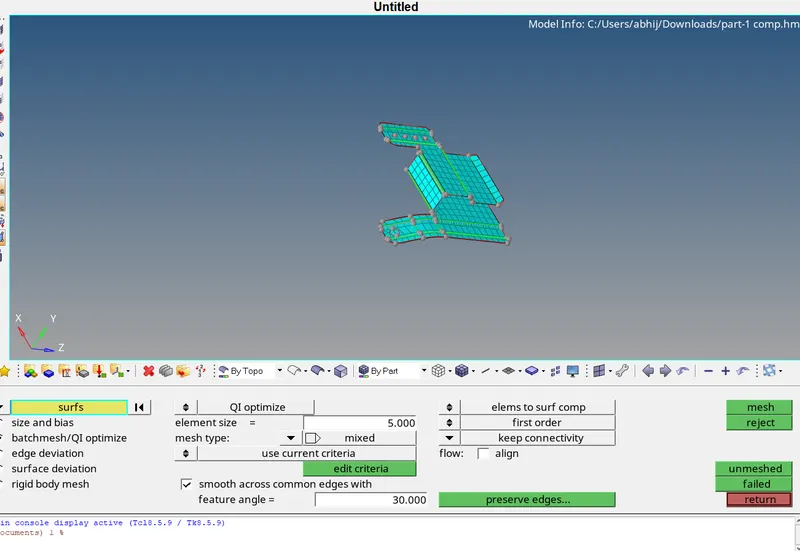
part-2=
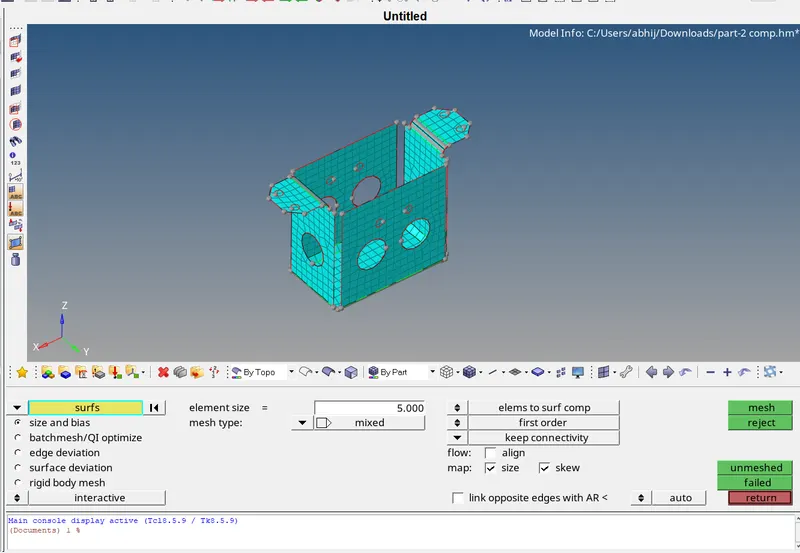
part-3=
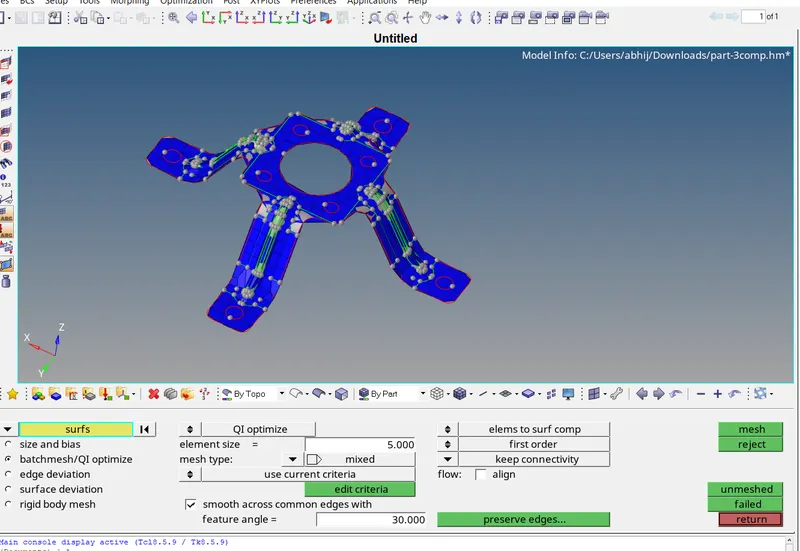
5.Assign property- For assigning property right click on model window create>property>assign thickness.
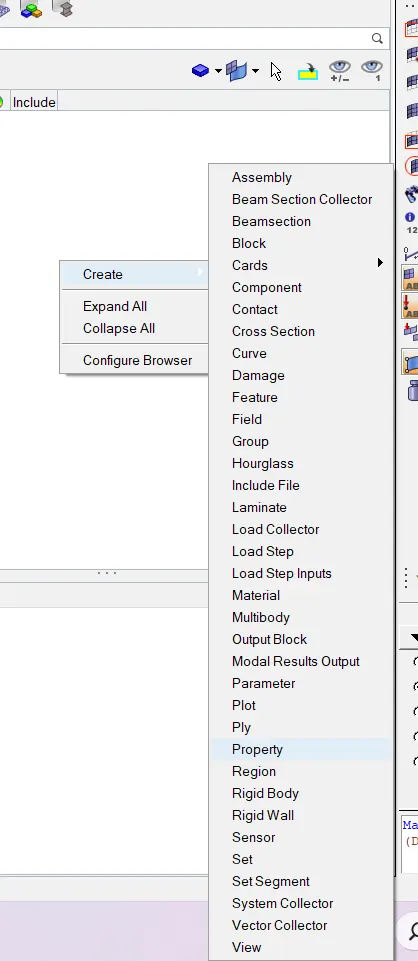
assigning the thickness-
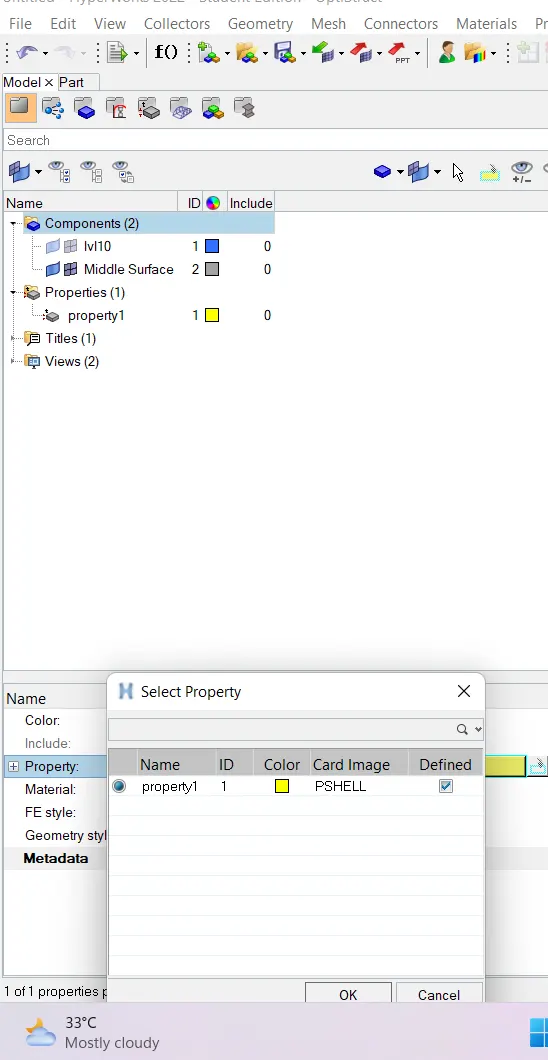
Then click middle sf which we have created the property >select property>ok.
Outcomes- Learned about mid surfacing ,meshing and assigning the property.