Assignment 1-2D Meshing Challenge
Carry out the geometry cleanup operation on the given 3 files.
- Practice
- Clip Repair
- Mounting Bracket
Objective (1):-
Practice Model
The Cad Model Provieded.
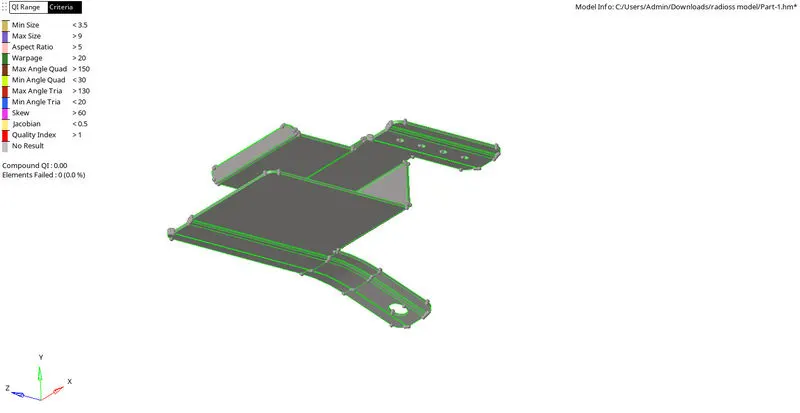
The rest of the Surface was clear using the quick edit menu.
The toggle menu was used the most

In one instance the filler surface was used to make a surface that was missing.

The Extension on the edge fillet was trimmed using the self-intersecting menu.

The Mid Surface:-
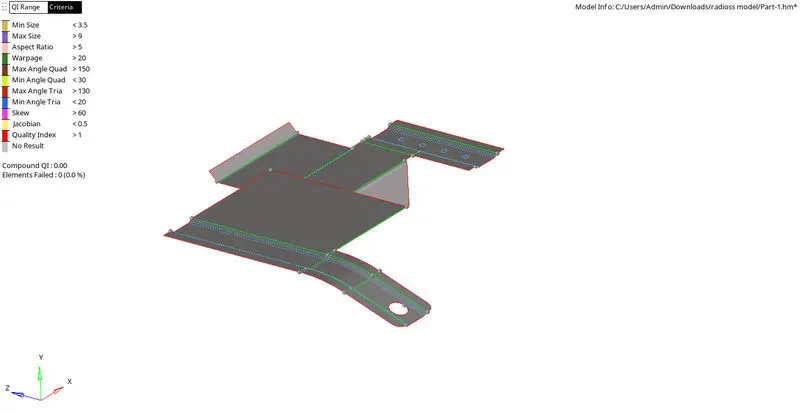
The Meshed Model:-
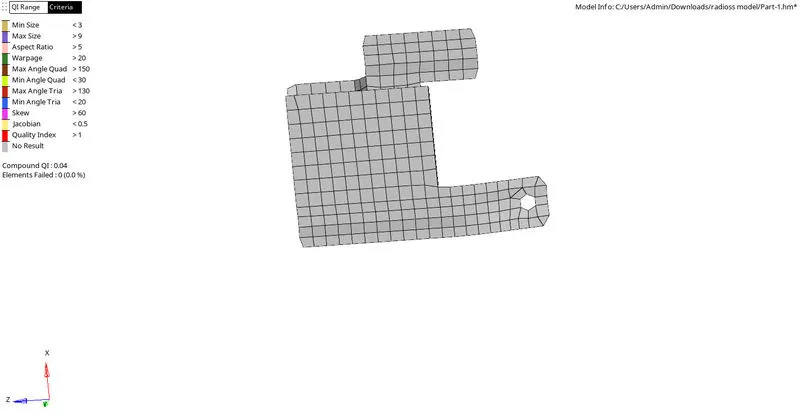
Quality check:-
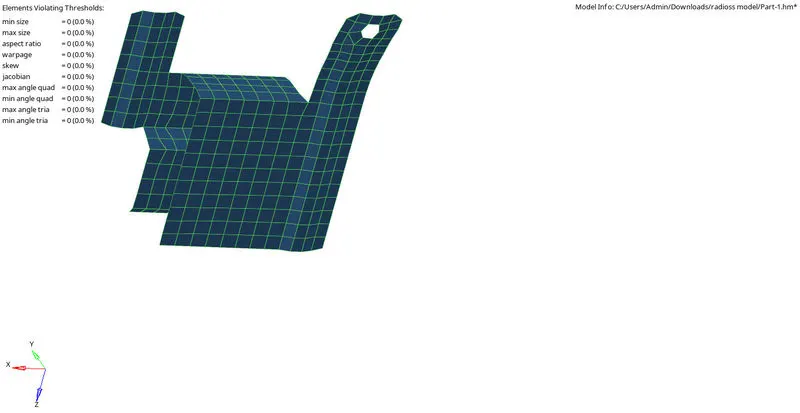
Thickness Assignment:- (Auto assign)
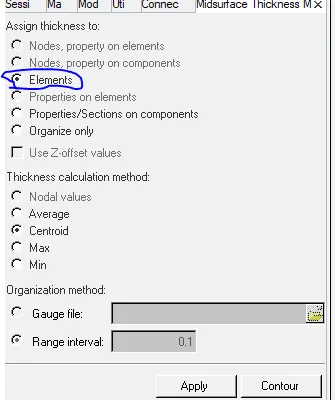
Objective (2):-
Clip Repair
The Cad Model Provieded.
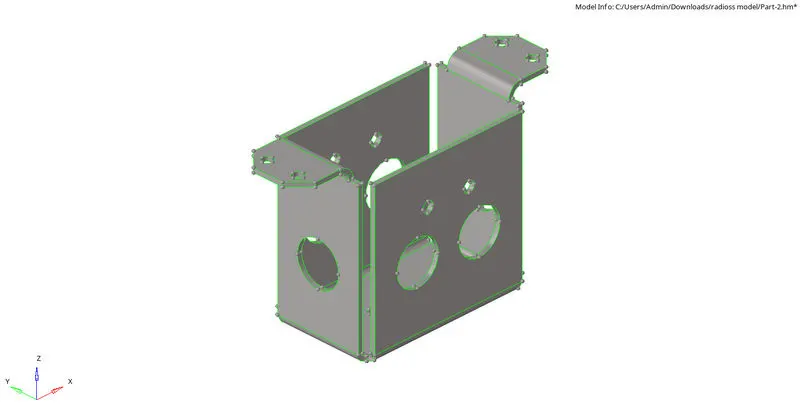
The rest of the Surface was clear using the quick edit menu.
The Extension on the edge fillet was trimmed using the self-intersecting menu.
The Mid surface:
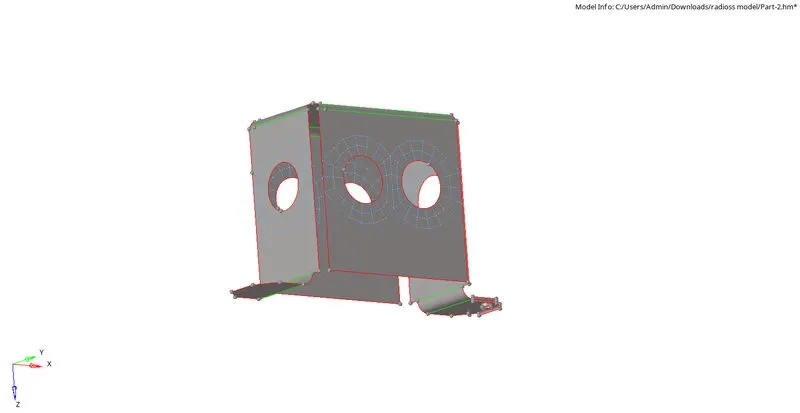
The model was divided along the axis of symmetry.
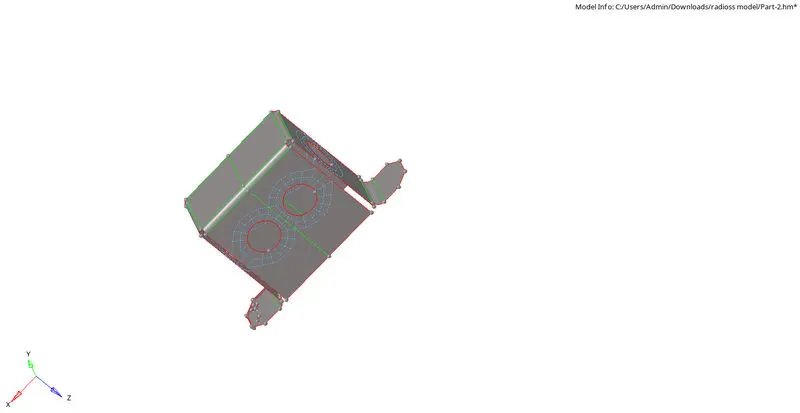
Since it was a symmetrical model, it was meshed on one side the other was reflect in the other half of geometry.
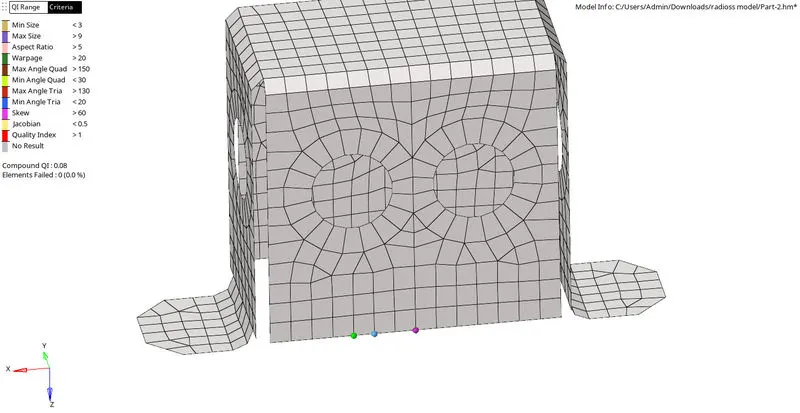

The Element connectivity was checked using the edges.
Final 2D mesh
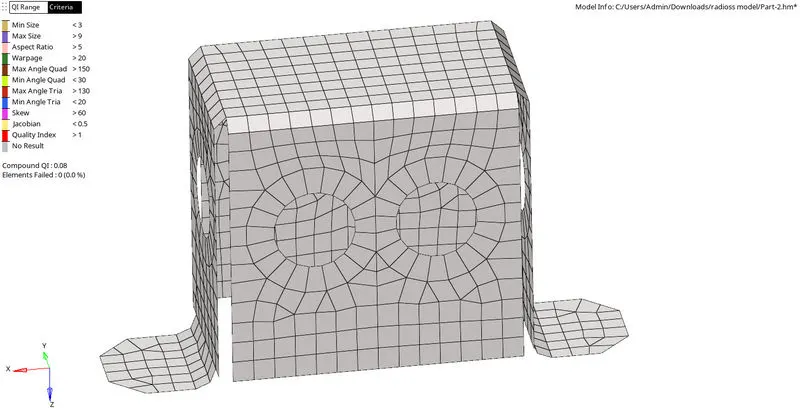
Quality check
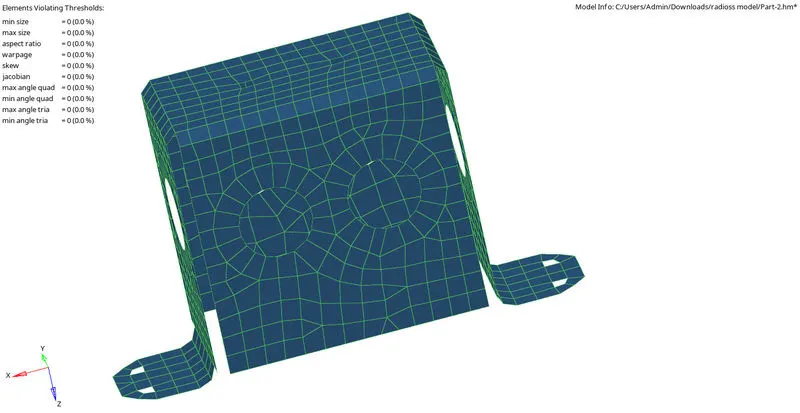
Thickness Assignment:- (Auto assign)
Objective (3):-
Mounting Bracket.
Cad Model provided
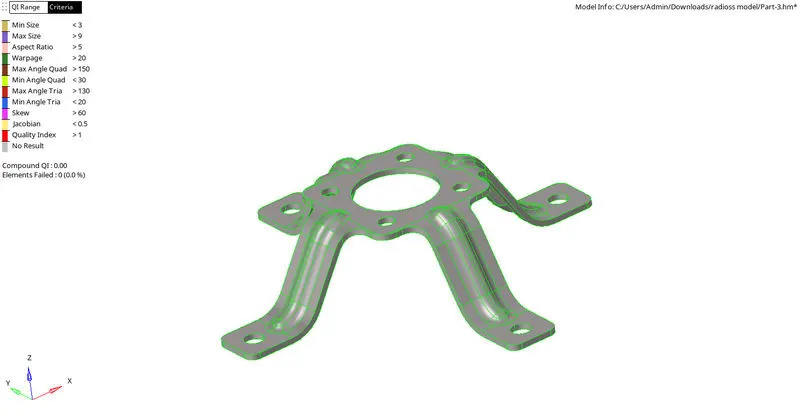
The rest of the Surface was clear using the quick edit menu.
The Extension on the edge fillet was trimmed using the self-intersecting menu.
Midsurface:-
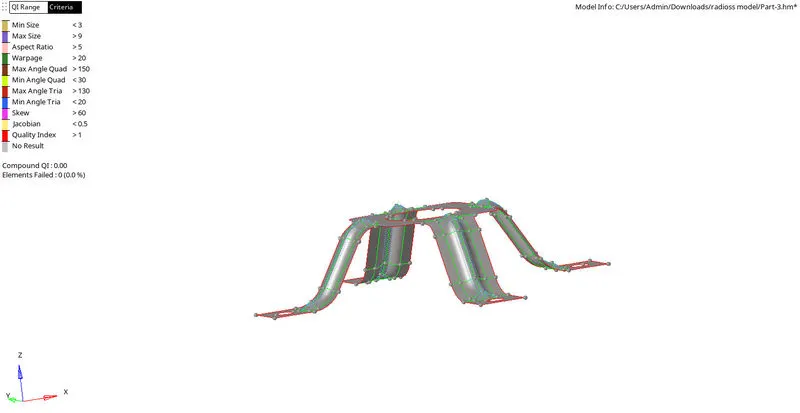
Final meshed model.
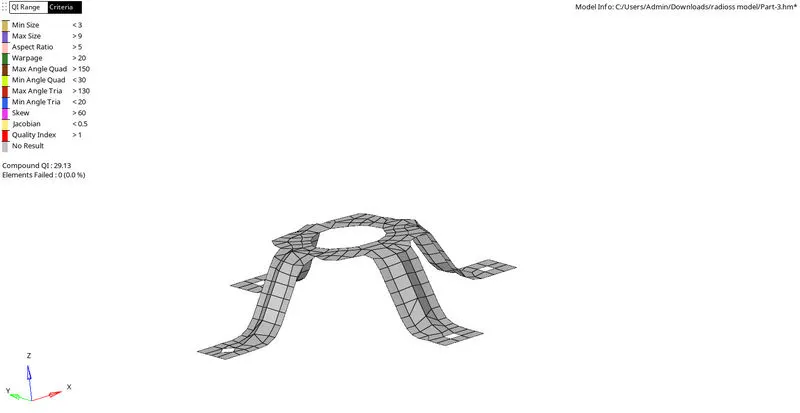
Quality criteria:-
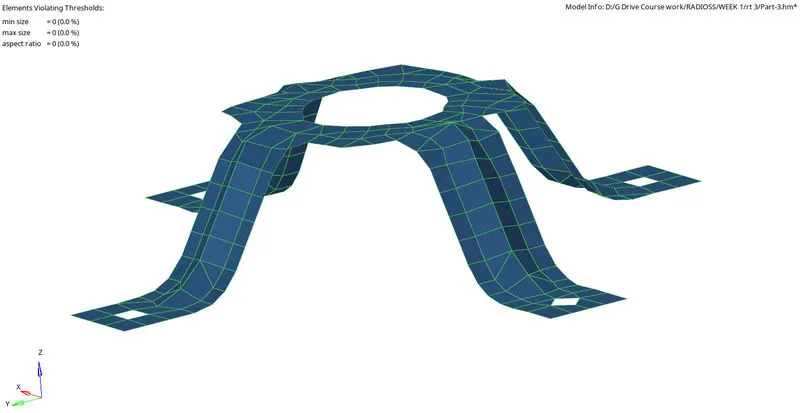
Thickness Assignment:- (Auto assign)
Conclusion:-
(1) How to set up the file
(2)Clean the geometry, and remove unnecessary conditions.
(3)Extract the mid-surface.
(4) Generate the 2D mesh.
(5) Check for quality criteria.
(6) Creating property card in the model browser
(7) Assigning thickness in a manual and automatic way.