Assignment 1-2D Meshing Challenge
Aim :
To perform geometry cleanup and meshing the given files by using Hyperworks software.
Objective :
To mesh the given files and to satisfy the given quality criteria by using Hyperworks software.
Procedure :
- Import the given model to the software workspace.
- Set the values for the quality criteria as it is given.
- Work on the geometry patches of the model to make a complete parent geometry.
- Create midsurface for the components to start working on the components.
- With respect to the given quality criteria check the distance and do geometry cleanup.
- After making proper split on the surface start to mesh the component to get a proper and quality mesh flow.
Given meshing element size 5 units, min size 3.5 units, max size 7 units.
Given three different models with process details are given below with images.
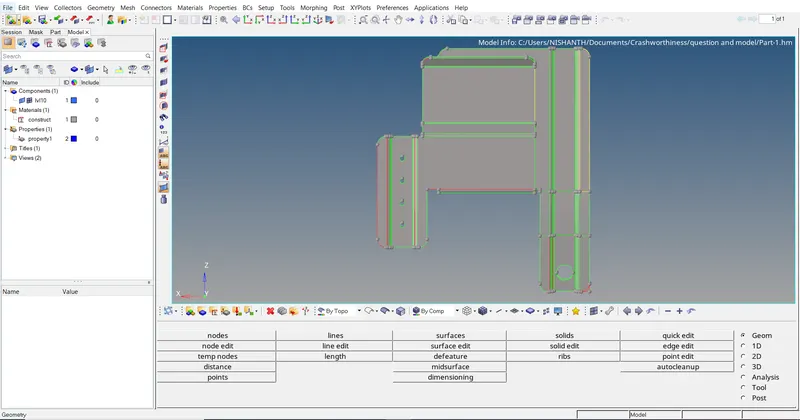
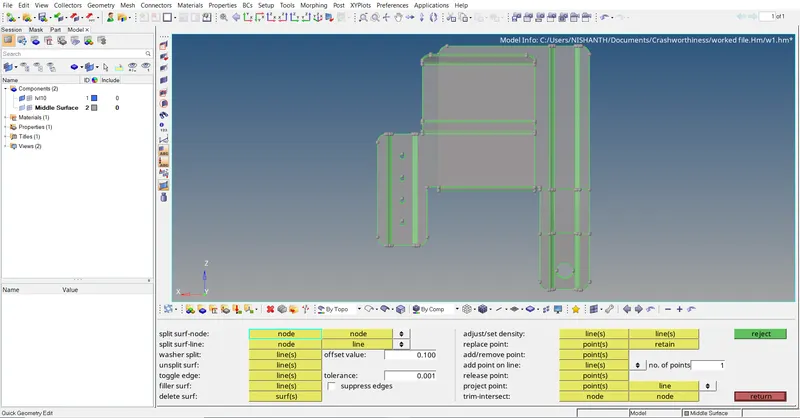
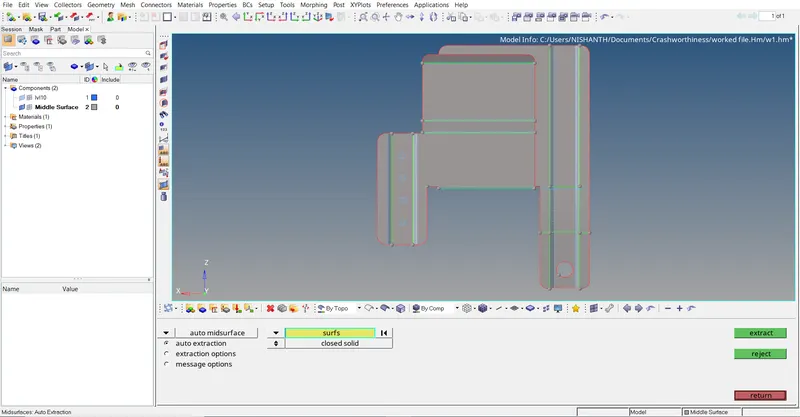
The given plastic component has few geometry errors with free edges. We fix the geometry errors and we take midsuface to mesh the component.
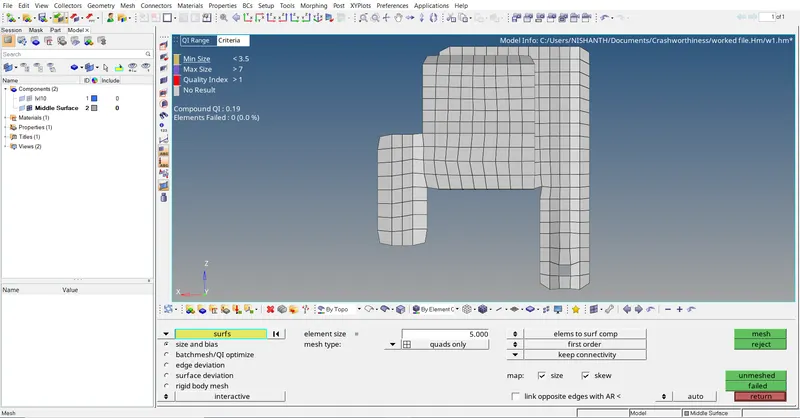
In meshing we do several changes in the midsurface as per the target length and given quality criteria.
It is given that to ignore holes in the geometry which is less than 5 mm.
As per the conditions and to attain good mesh flow we supressed few cons and holes and meshed the given model.
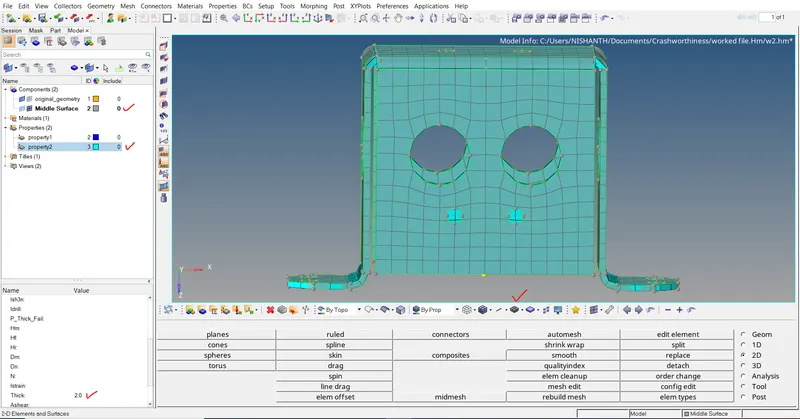
By measing the thickness from the parent geometry we create thickness property and assign thickness to the meshed surface.
Given practice model :
After clearing geometrical errors :
Mid surface skin :
Meshing process :
Thickness assignment :
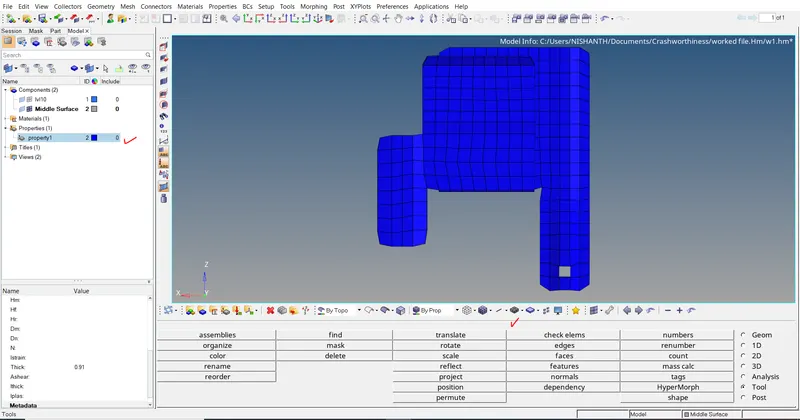
Meshed model matches the given geometry :
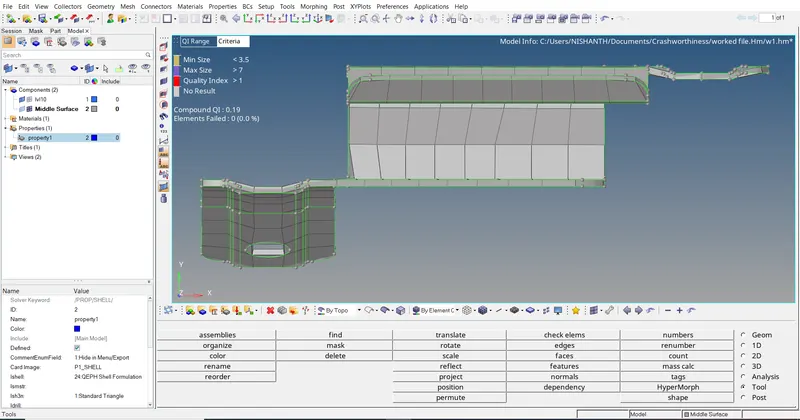
Model 2 : Clip repair.
The given model,
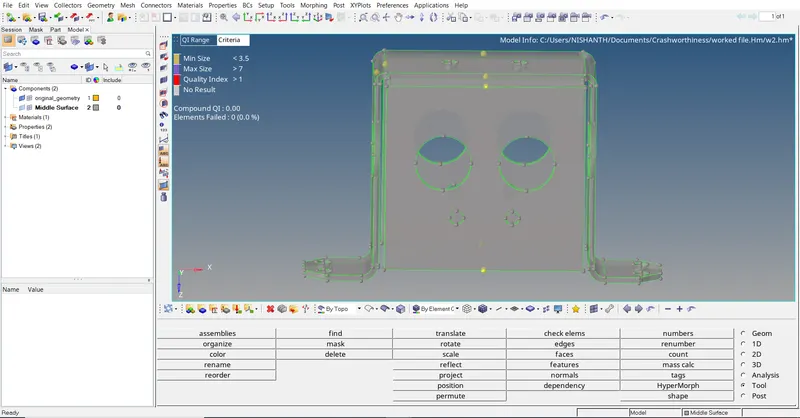
Mid surface skin :
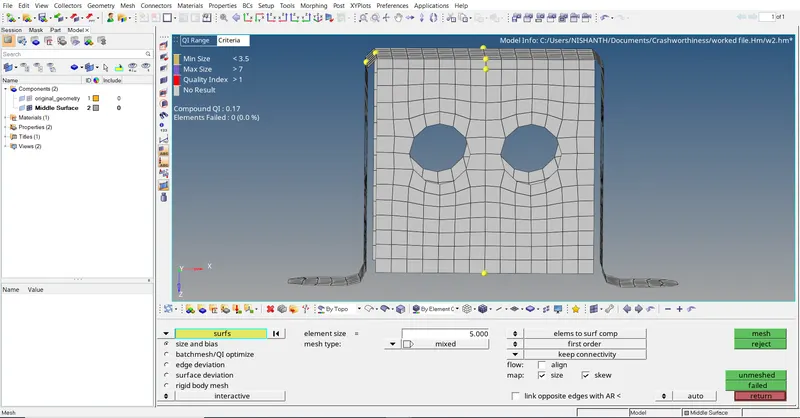
The given geometry is same on both the sides from center so we mesh it on one side and reflect the meshed element to other side.
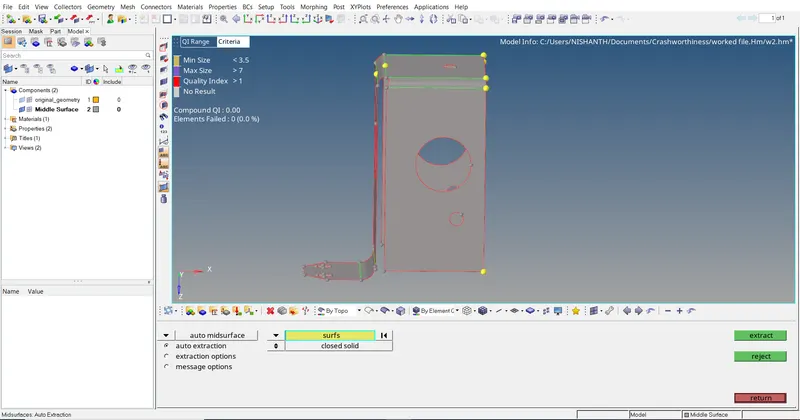
Meshing process :
Assigning thickness property to the mid surface :
Model 3 : Mounting Bracket.
Given model,
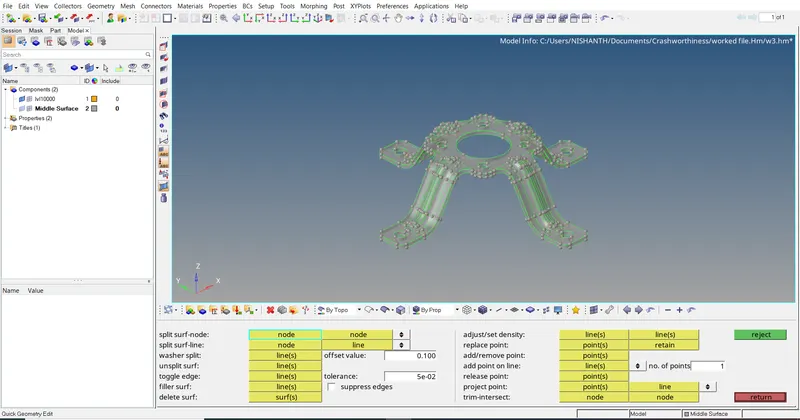
Mid surface extraction :
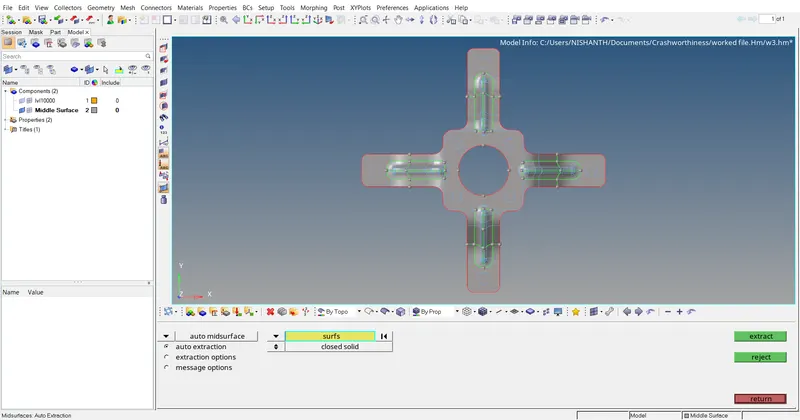
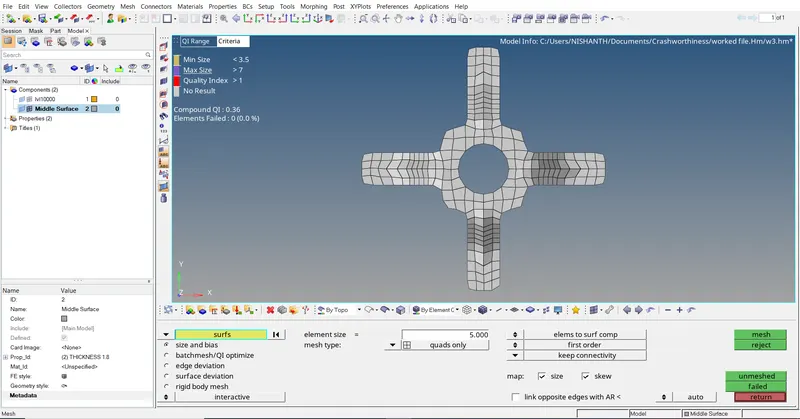
Meshing process :
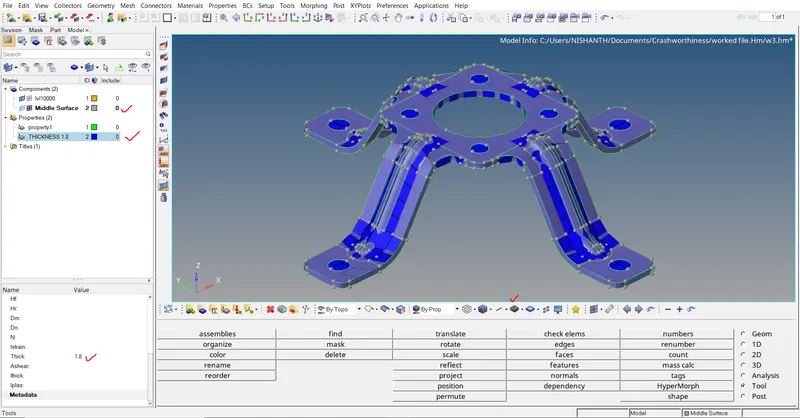
Thickness assignment to the midsurface :
Conclusion :
The given three models are meshed and the assignment of proper thickness property is assigned as per the distance in given geometry successfully using Hyperworks software.