Assignment 1-2D Meshing Challenge
Aim:
To carry out the geometry cleanup operation on the given 3 files.
- Practice
- Clip Repair
- Mounting Bracket
There should not be any free edges, convert all of them into refined geometry.
To clean the geometry, Extract and clean the midsurface, create a 2D mesh with a target length of 5mm, min 3.5mm max 7mm, and assign proper thickness, by creating a generic property.
Procedure:
Import the model into the workspace. Check the model for any discontinuity and use the autocleanup option if needed.
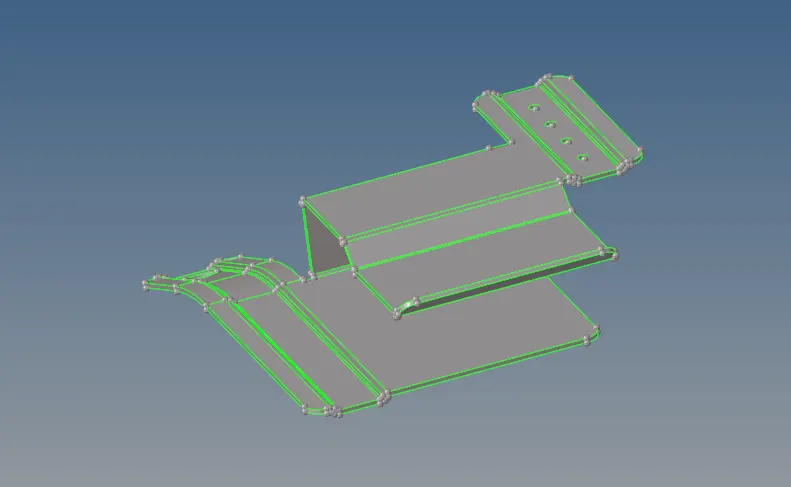
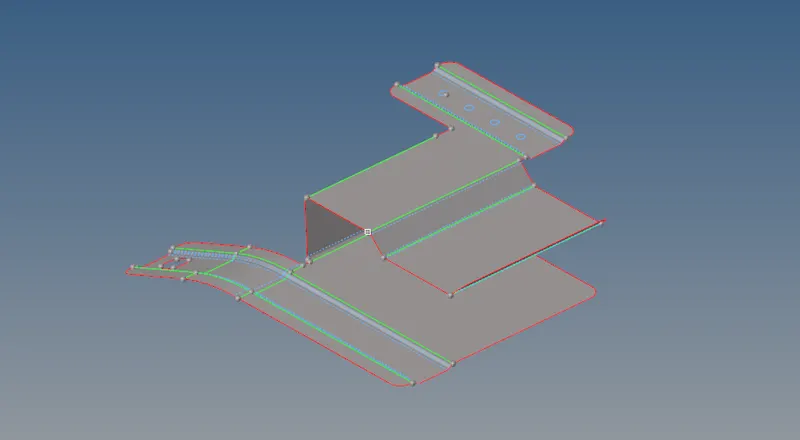
Extract the midsurfaces and keep the extraction option as skin offset using the automesh tool. To avoid element failure and to achieve a good mesh toggle all the unwanted lines from the quick edit panel after the midsurface generation. Fill the holes that fall under 5mm dia. with the surface option.
Mesh the model using the automesh tool from the 2D panel with a target element length of 5mm. Assign all the other parameters such as min, max, and target length from the criteria file. After meshing, control the number of nodes to control the mesh.
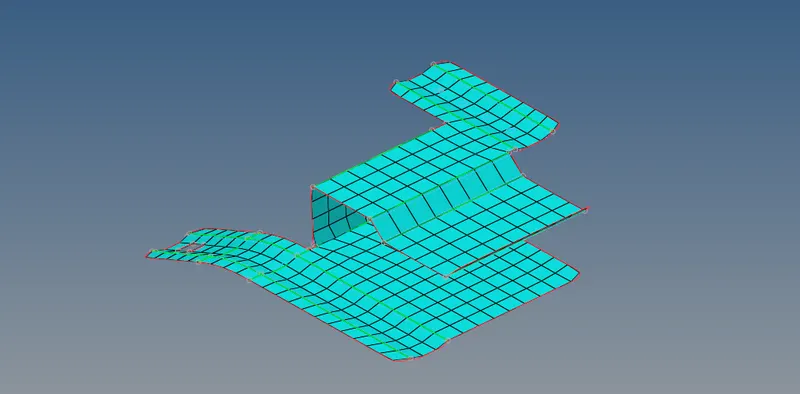
Check the elements for free edges using the edge tool. Correct the tolerance the replace tool can be used.
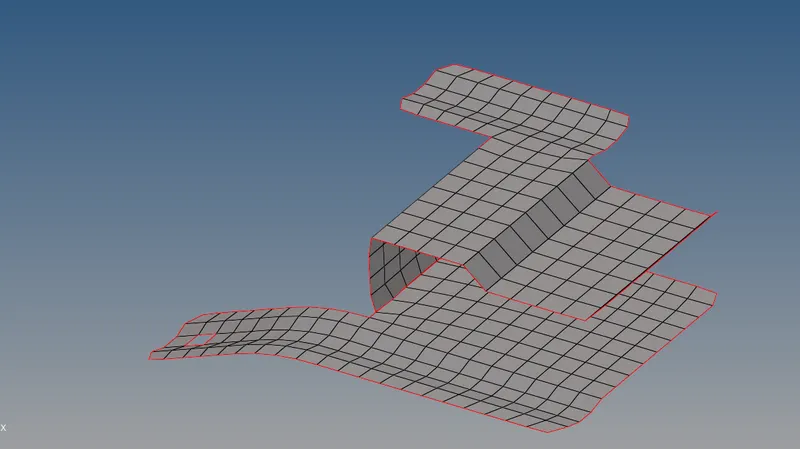
Measure the thickness of the component was measured and assign a new property card to the midsurface component. Turn on the 2D representation to view the thickness.
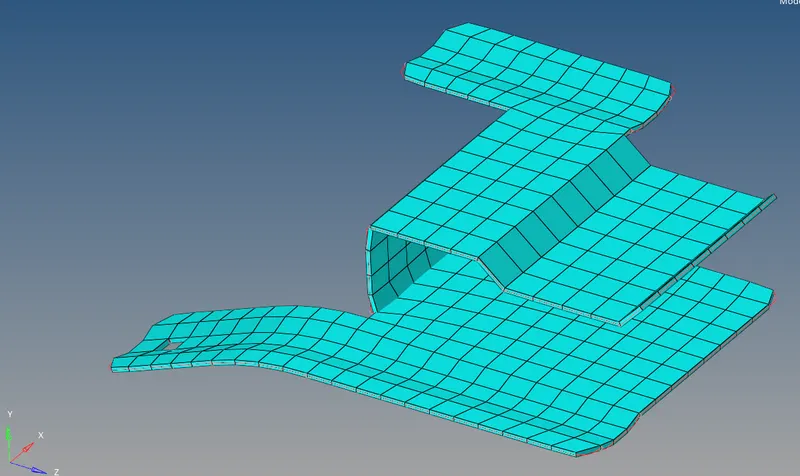
A similar procedure can be followed to mesh the remaining components. As the other parts have symmetry meshing is done on one surface and reflected on the other side.
Part 2:
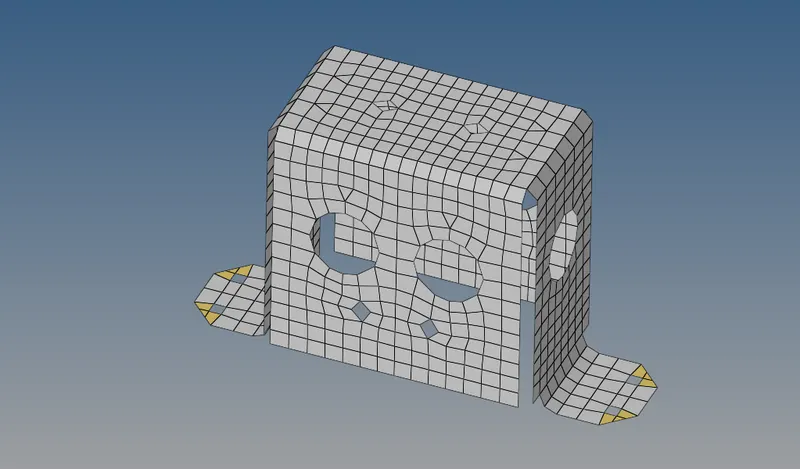
Part 3:
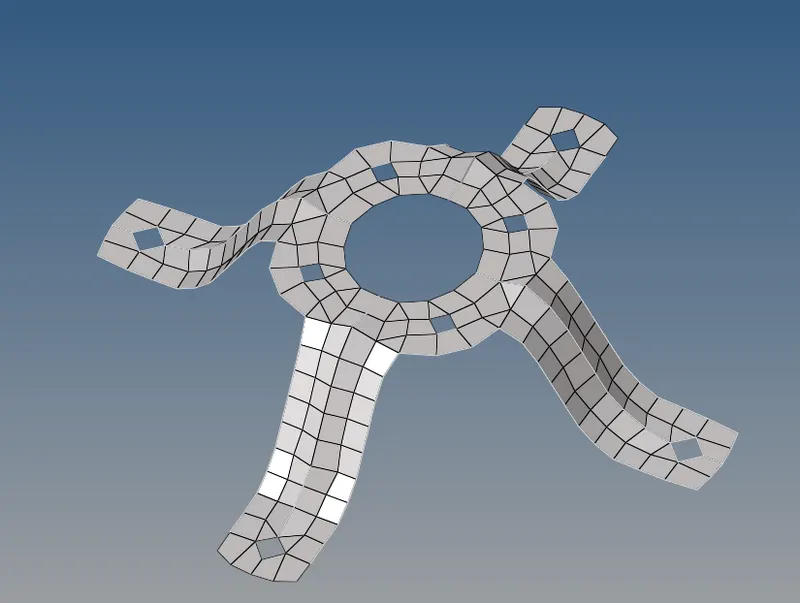
Result:
The midsurface for the three components is taken and meshed as per the given quality criteria given. Thickness was assigned to every part. The challenge was successfully completed as per the given requirement.