Assignment 1-2D Meshing Challenge
Aim:
To clean geometry ,Extract mid surface ,clear issues and assign the property.
Given CAD:
Part 1:
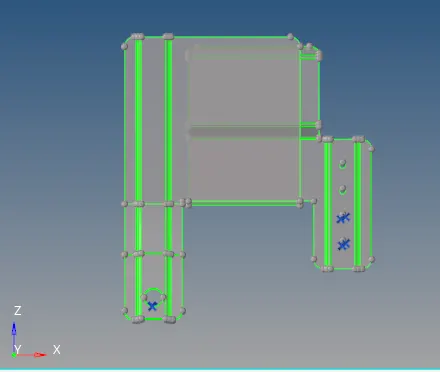
Part 2:
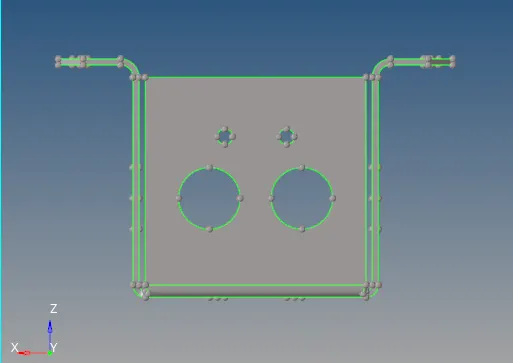
Part 3:
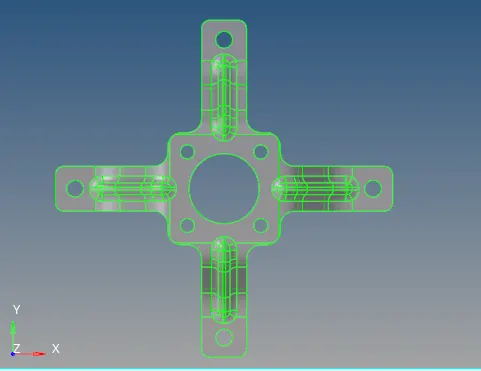
Procedure:
part 1:
¬ Inport the CAD file into the hypermesh software.
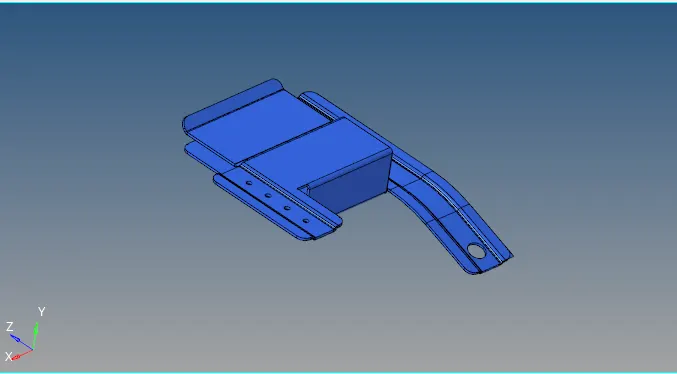
Geometry clean up:
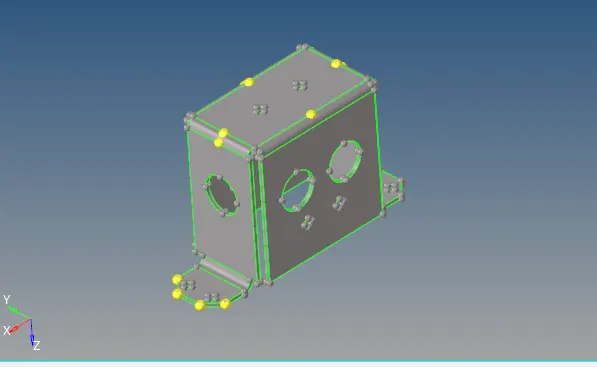
¬ First clean geometry where it needed.
¬ Topo modo on check wheather the red line or yellow line available .
¬Check the missing surfacce.
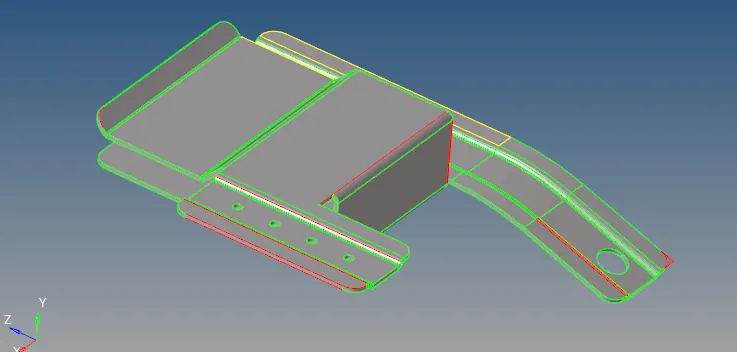
¬There are some surface missing using the fillet surf option to clear that.
¬ some are in red lines clear it using the toggle option.

Extract Mid surface:
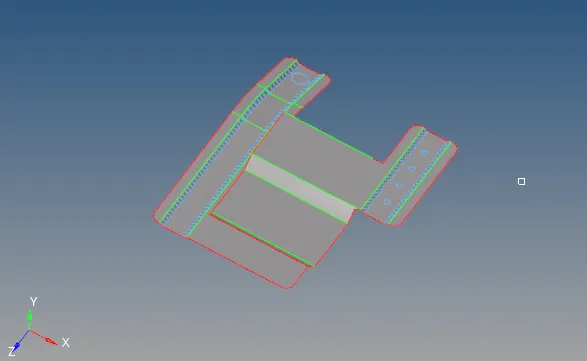
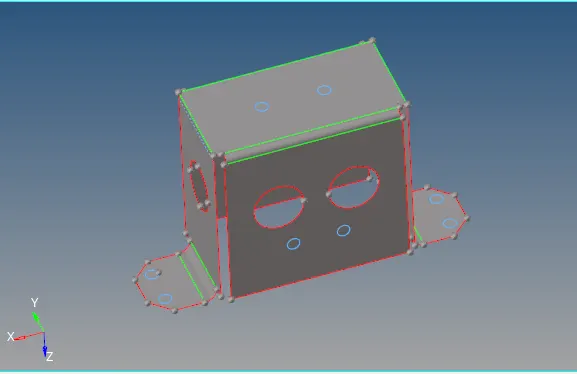
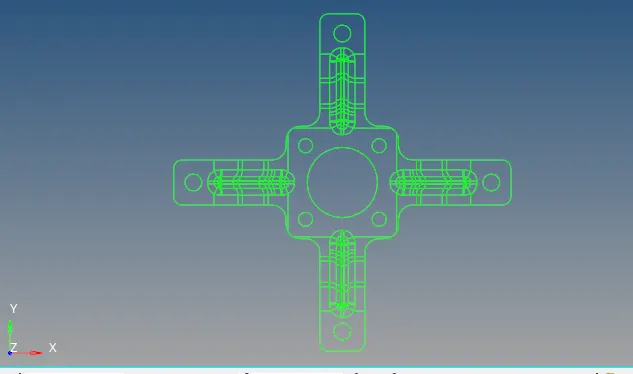
¬ Then extract the mid surface using suto mid sutrface option.
¬ Geometry - midsurface - automidsurface - select surface.
¬Etract the midsurface.
Defeature:
¬Defeature means ignore the fillet which have min length of quality issues.
¬
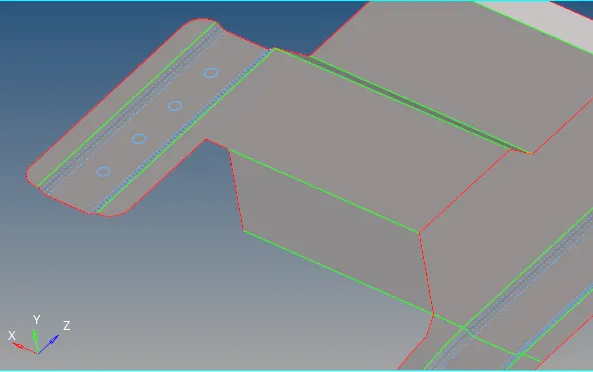
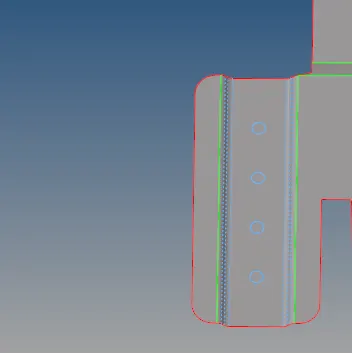
¬ neglect the hole which have below the 5mm dia .
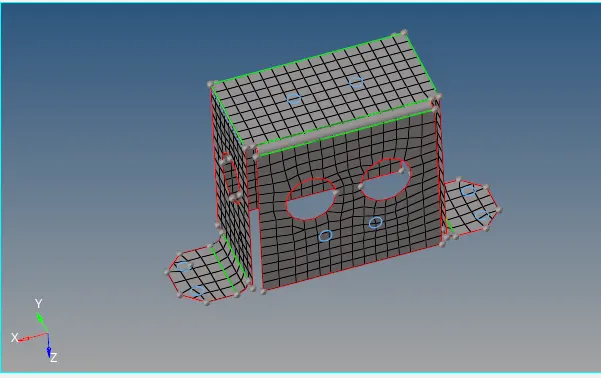
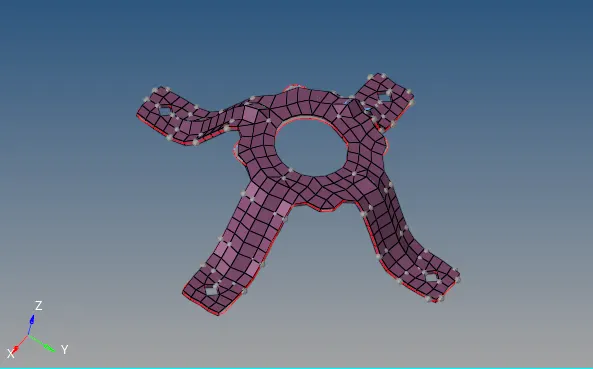
Generate Mesh:
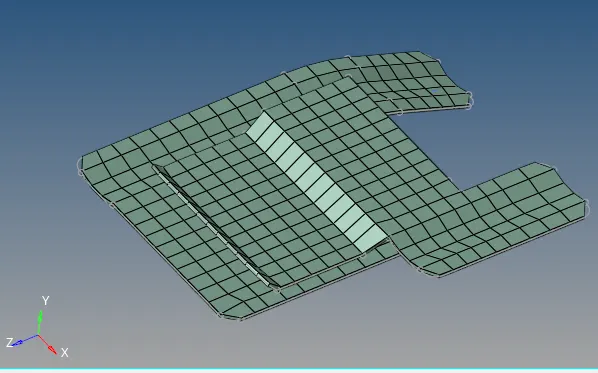
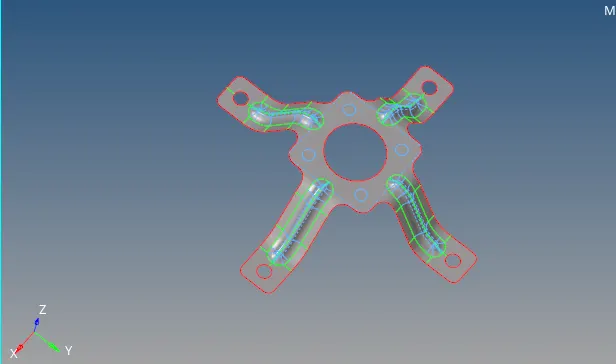
¬Then generate the mesh before that assign the quality criteria.
¬Set the min length as 3.5mm
¬Set the max length as 7mm
¬Target length as 5mm
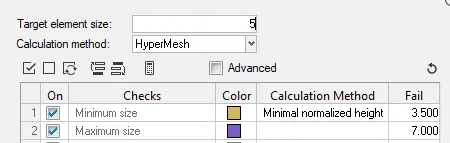
¬Then start meshing area by area.
¬ Go to 2D-automesh - set target lenghth as 5.

¬Meshing is completed.
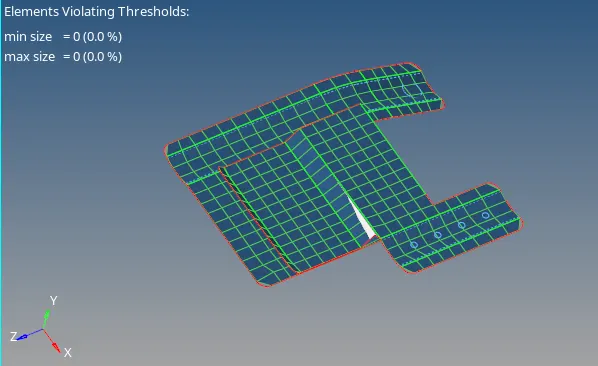
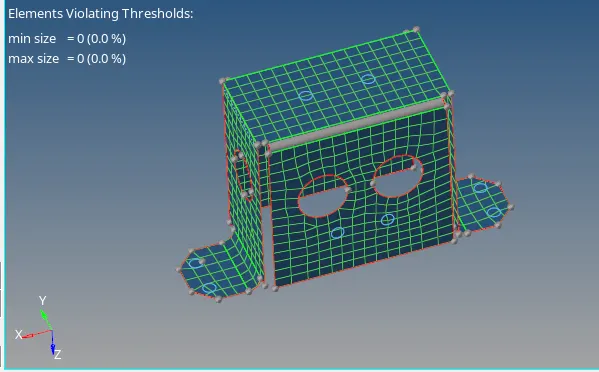
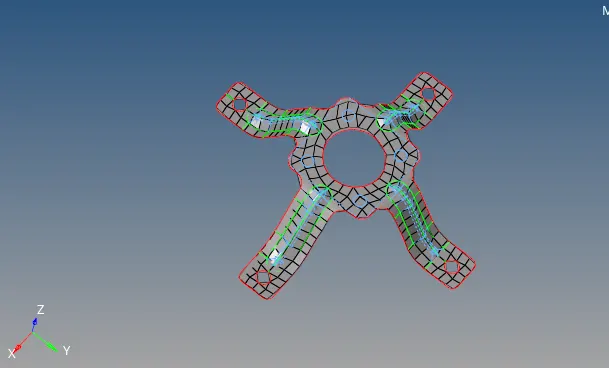
¬check the quality issues as well.
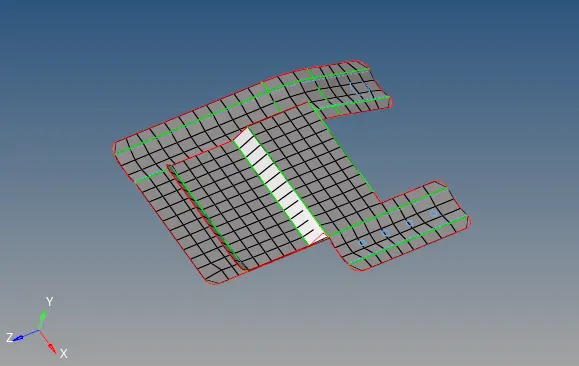
¬Clear all the quality issues.
Assign the thickness:
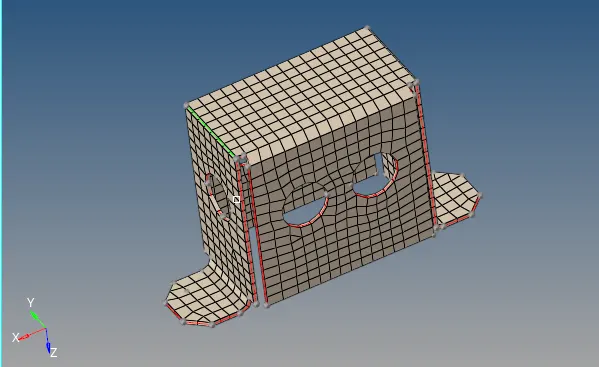
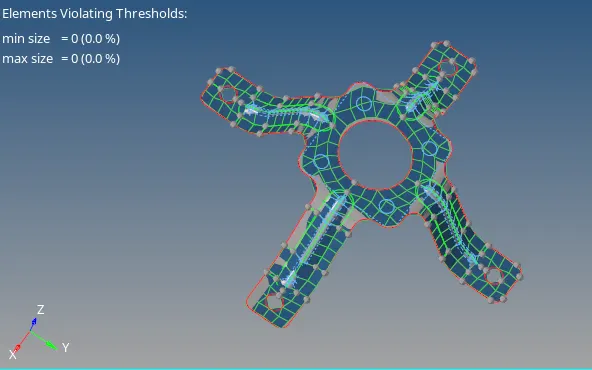
¬Next step to assign the thickness.
¬Create property card , right click on the tab bar and select the proerty.
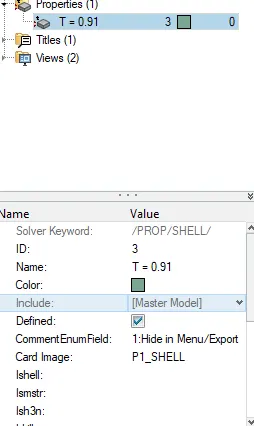
¬ The assign the thickness right click on the midusrface.
¬ select assign option choose the T = 0.91 property .
¬ Then Tool bar - 2d Detail representation option.
Part 2:
¬ Part 2 is similar to the part1 .
¬ Doing the same process what done in part1 .
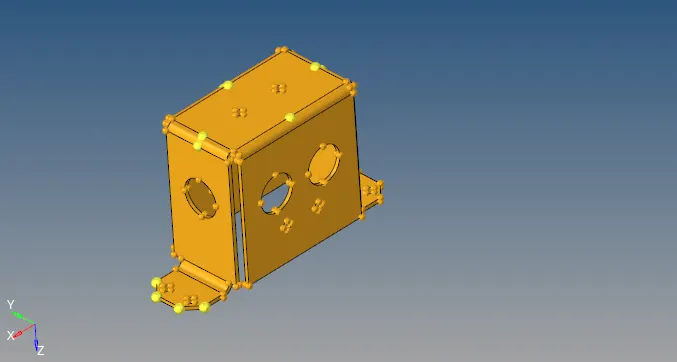
import:
Clean up geometry:
Extract Mid surface:
Generate Mesh:
Quality issues:
Assign the Thickness:
Part 3:
¬Similar to part 1 & 2.
Import the CAD:
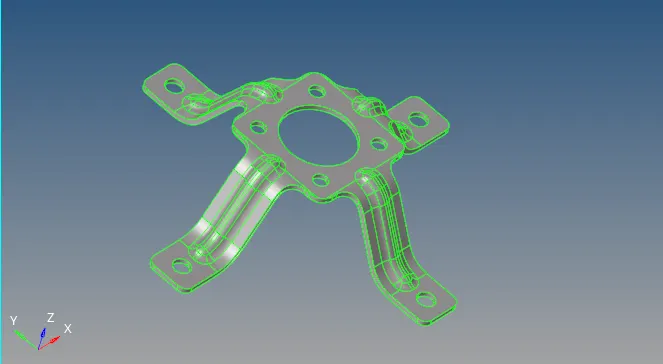
Clean up geometry:
Extract mid surface:
Generate Mesh:
Quality issues:
Assign thickness:
Conclusion:
¬learn to extract mid surface.
¬ learn to assign thickness.
¬ learn to clear quality issues.
¬ Learn to clear surface issues.