Assignment 1-2D Meshing Challenge
AIM; To Carry out the geometry cleanup operation on the given models and extract midsurface to those models ,finally generate 2d shell elements on the midsurfaces of the model .
PROCEDURE;
- Import the given models in the hyperworks.
- Clean the geometry of the given models.
- Extract the midsurfaces to those models.
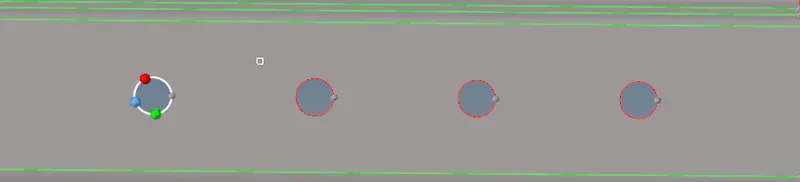
- ignore the holes which are less than 5mm diameter .
- Create 2D mesh with target length 5mm, min 3.5mm max 7mm.
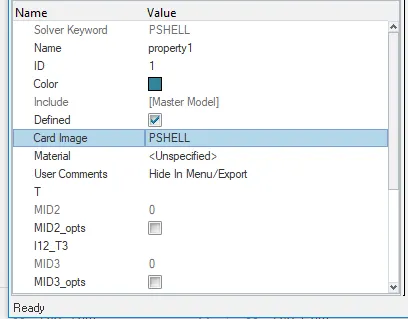
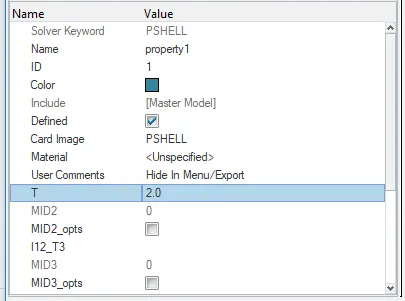
- Assign the proper thickness, by creating a generic property.
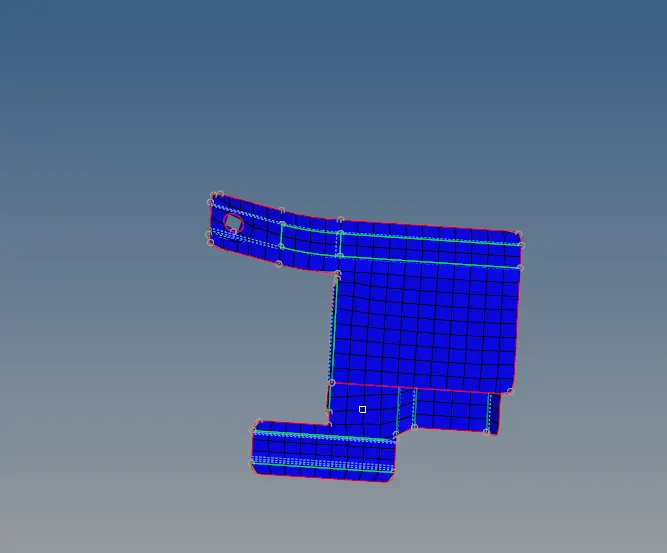
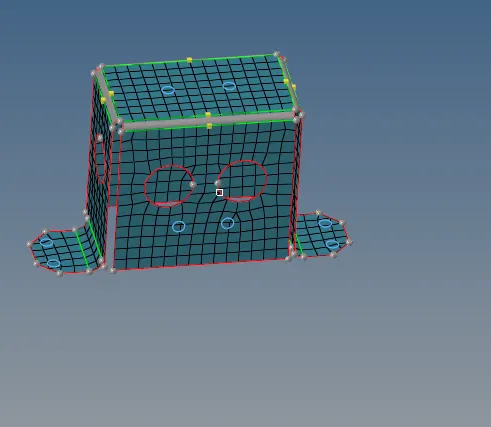
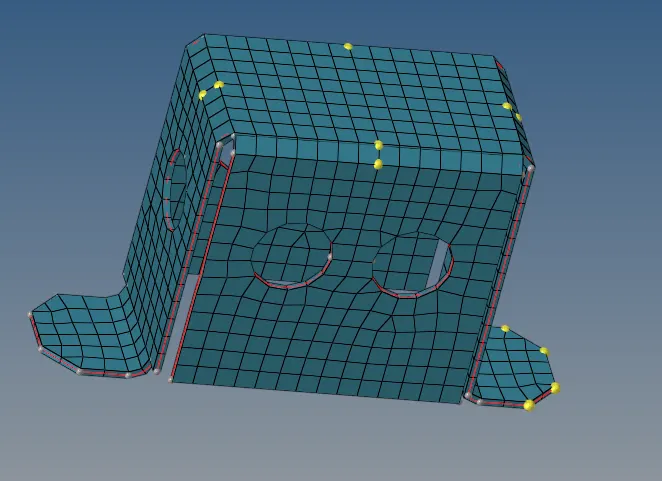
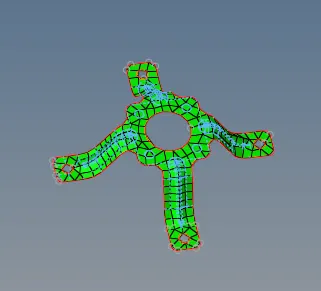
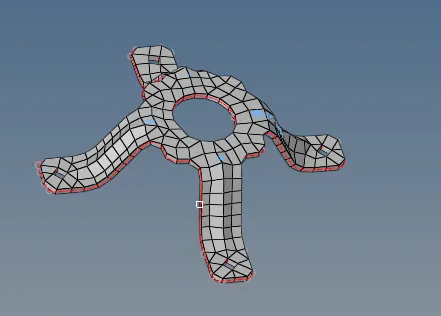
- Check the free edges for the models
IMPORTING CAD GEOMETRY:
- In first step we want to import the CAD geometry into the hypermesh software by selecting the File>import>model>geometry>select file name>click import option.
- The downloaded geometry will displayed in the screen, now save the model by using save as option in the file menu Click File>save as>model.
GEOMETRY CLEANUP:
- After importing the model we want to clear the geometry clean up in that model. A geometrical errors will lead to change in geometry it will also affect the mid surface and mesh.
- Geometry cleanup is performed to make sure that there are no free edges, duplicate faces, or any surface void in the model and no unwanted extended surface.
- During the geometry clean up errors are identified and rectified by using some of tools in the hypermesh software. The geometric errors in the model are shown as below fig.
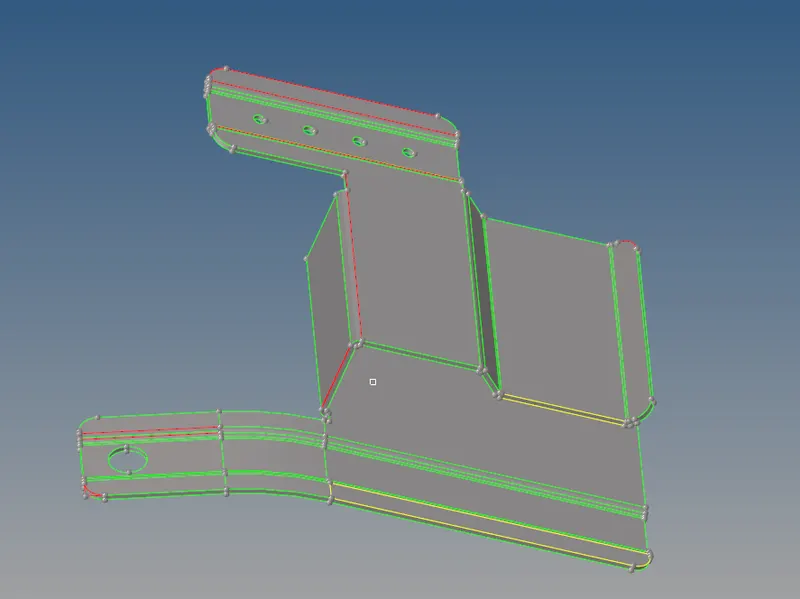
We remove the errors in the geometry by some tools known as a quick edit tools.

The yellow lines here indicates the formation of two or more surfaces and here we delete the extra surfaces which are formed due to the yellow lines.


Here we see the free edges are forming in the model , beacuse there is no surface in between the lines and in order to form the avoid these free edges we fill the filler surface .


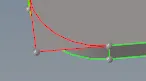
In the above figure we see the extra surfaces which was forming in the surface edges.
To trim the surface Press shift + F9> under with surf > Select the top surface as first surface selection and the perpendicular surface as the surface 2 and trim the excess surface otherwise select surf edit and select the trim with surf/plane option and select the surfaces.

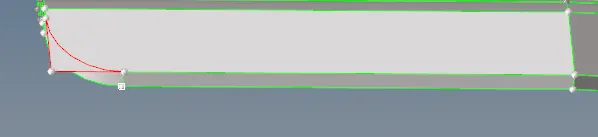
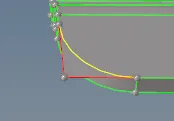
Finally we remove the extra edge by deleting the surfaces.

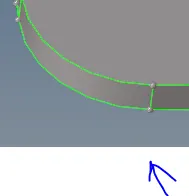
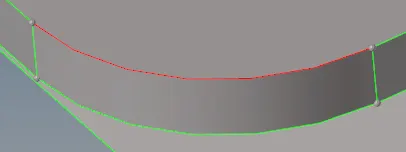

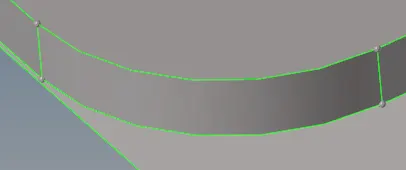
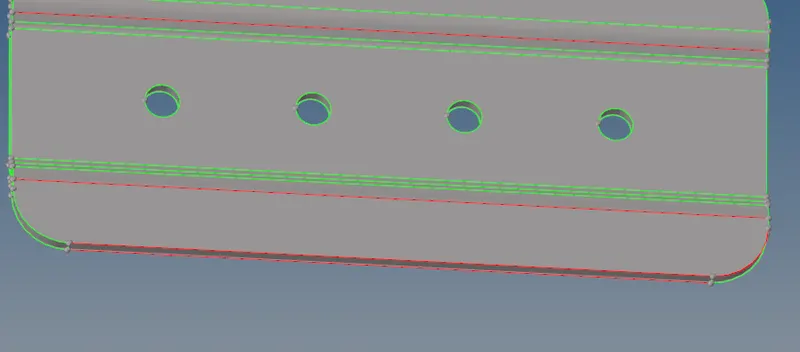
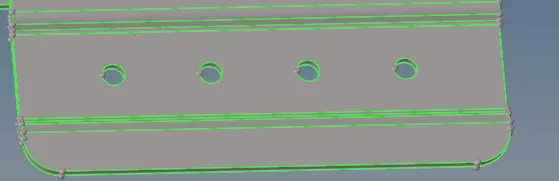
Here we use the replce point option in order to paste these extxa nodes to the another one.
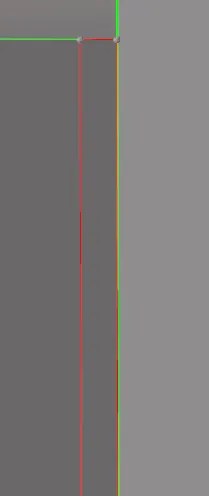


By using the different tool options we clear the all geometrical erors in the models.
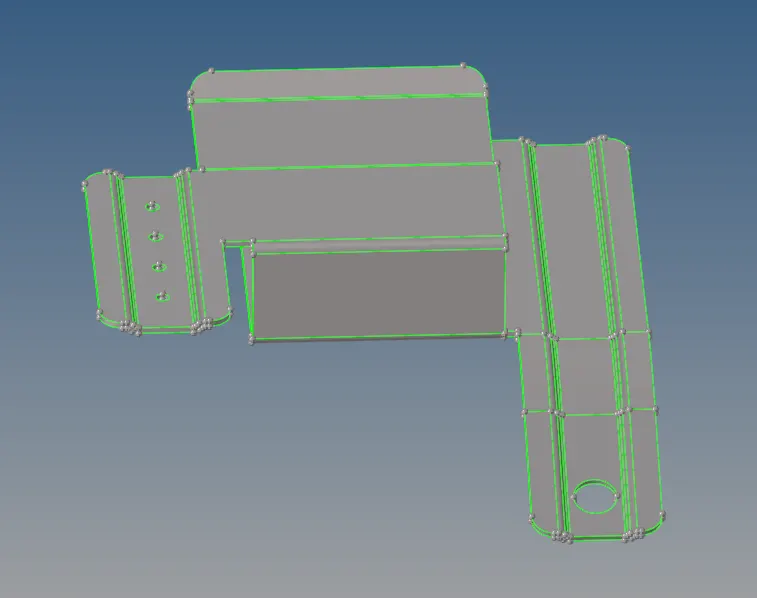
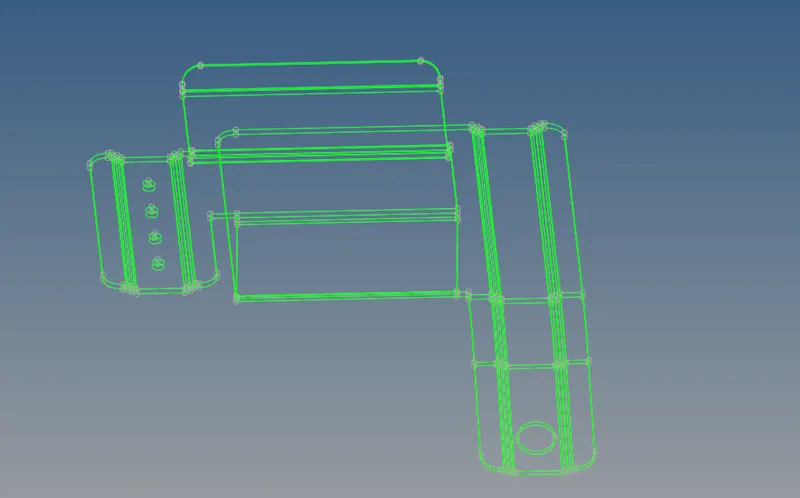
Removing the holes which are less then 5mm diameter.


EXTRACTING THE MID SURFACES;
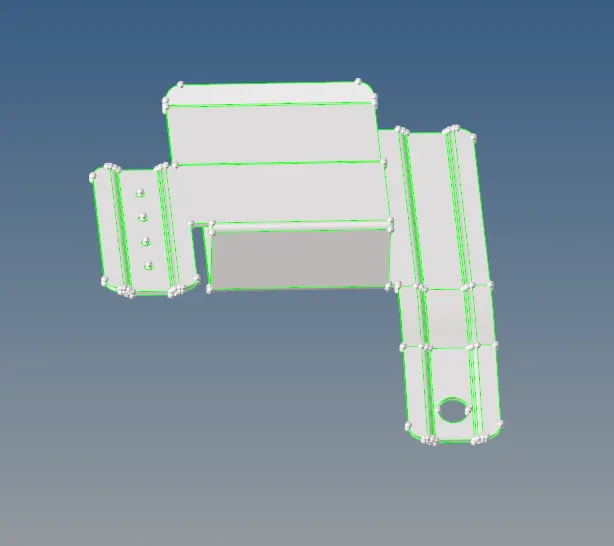
- After the geometry is cleaned the mid-surface is extracted from the model, to create mid-surface we need to select the Geometry > mid-surface > auto mid-surface > Select the surf > Extract .
- An obtained mid surface for the part is shown as below.



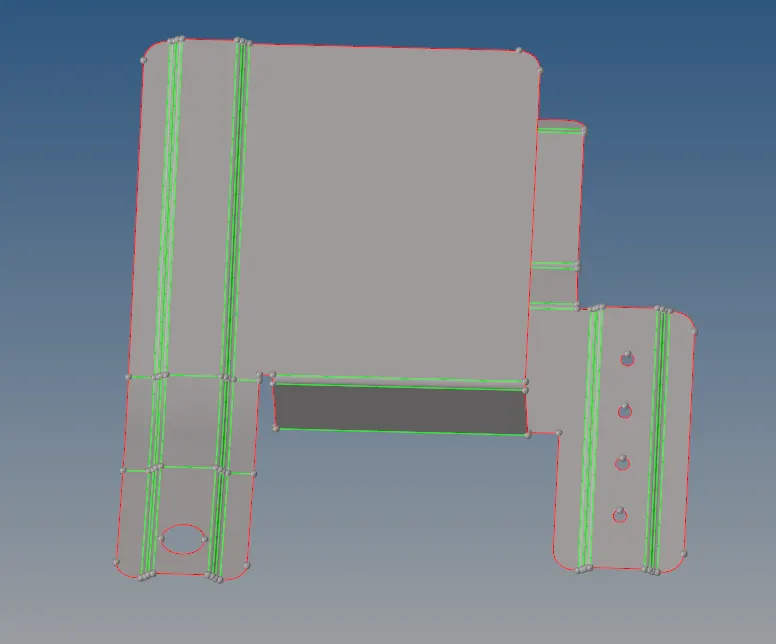
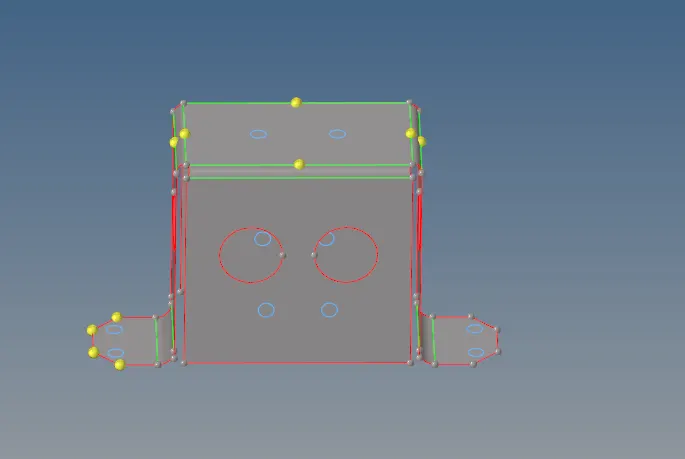
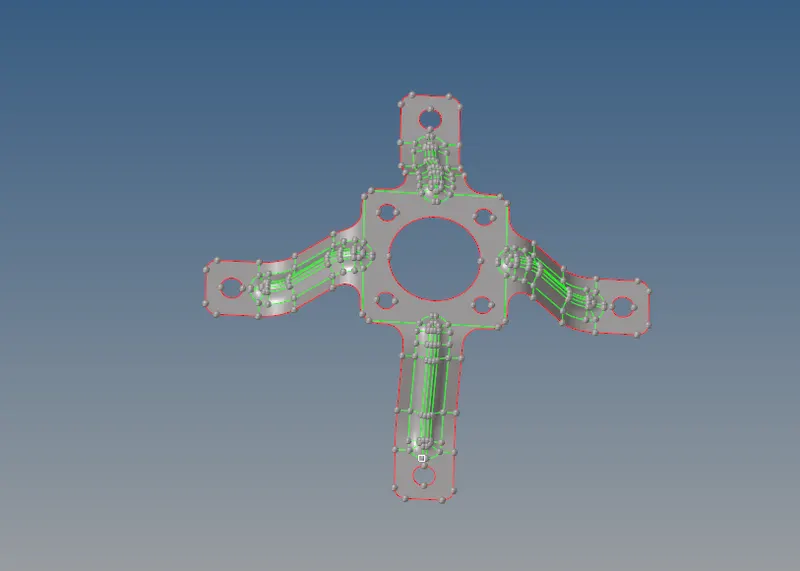
GENERATION OF A MESH ;
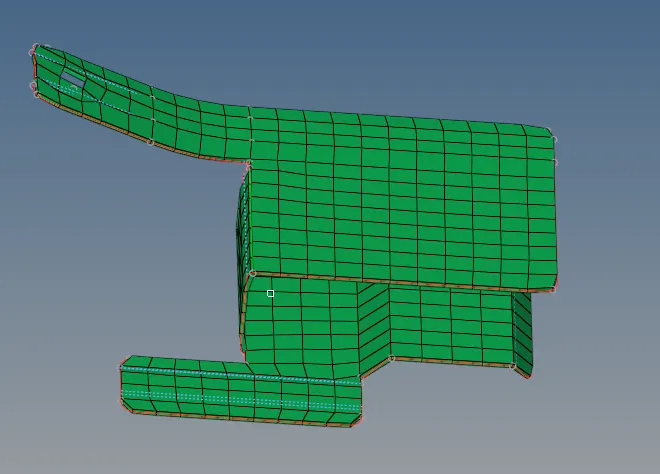
- After mid surface is completed we want to mesh the model by selecting th 2D > Automesh and select the surface of the model that you want to mesh on it and select the element size and give value 5mm as per the question and finally select mesh option. An mesh will be obtained on that part by slecting the auto mesh option. The mesh flow is controlled by increasing and decreasing of mesh density around edges.
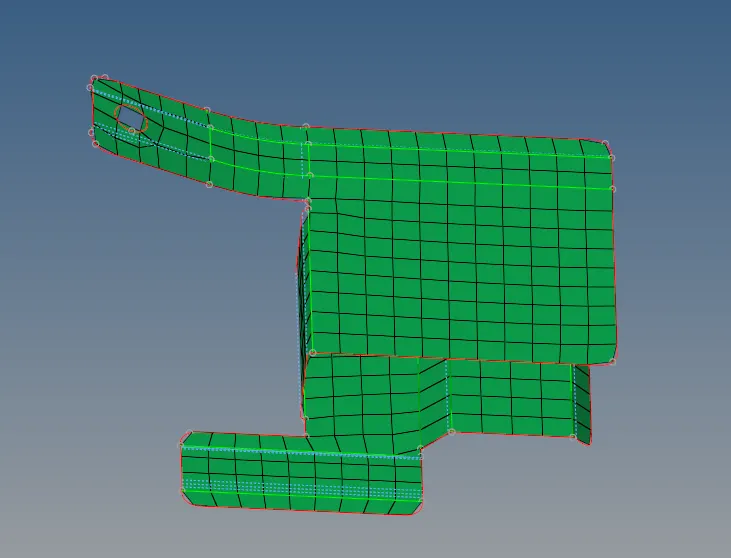
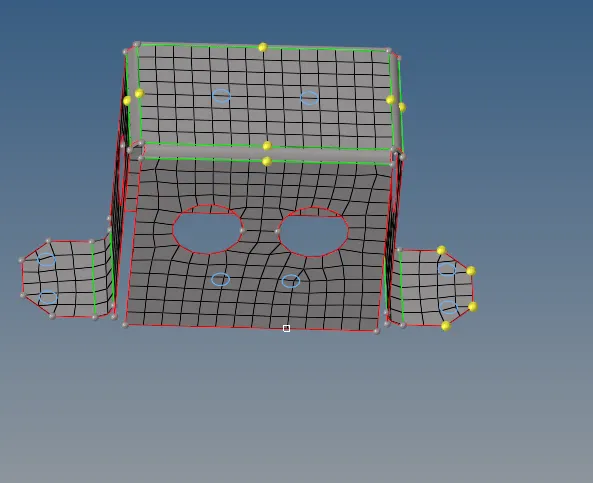
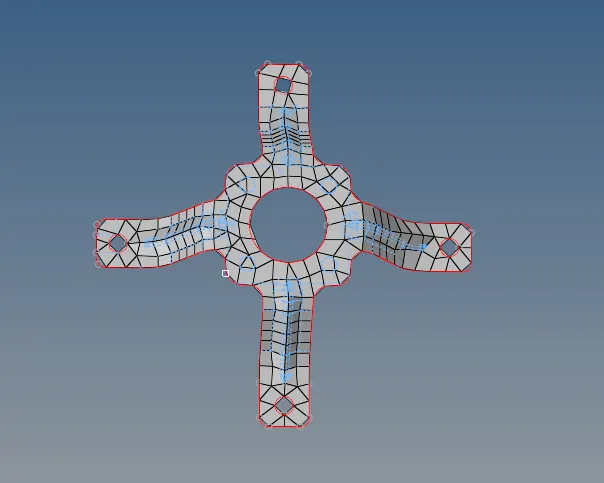
Checking the free edges of the models;
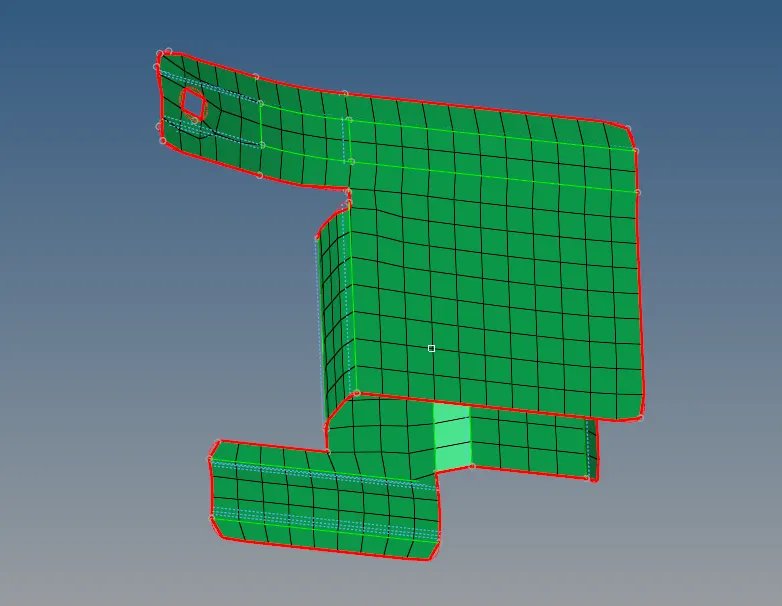
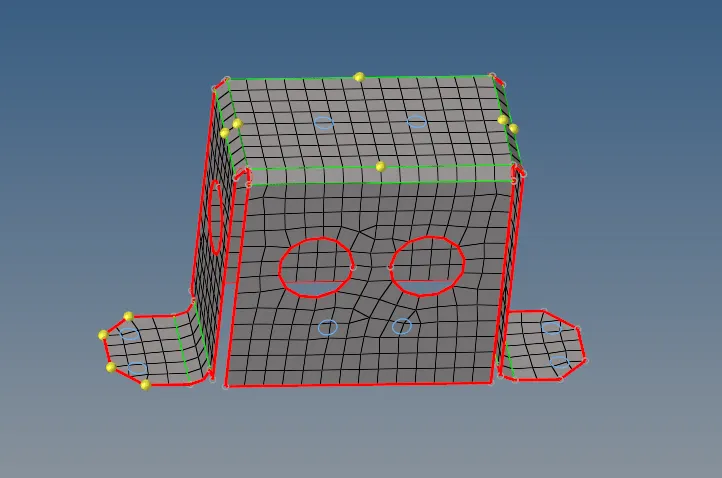
Assign the thickness;
CONCLUSION;
Clean the geometrical errors in the above models.
Extract the mid and generate the mesh .
assigning the the thickness to the models.