Assignment 1
Objective :-
- Creating 2D mesh with target length 5mm, min 3.5mm max 7mm.
- And assigning proper thickness, by creating a generic property.
Procedure :-
Import the files in the hyperworks 2020 .
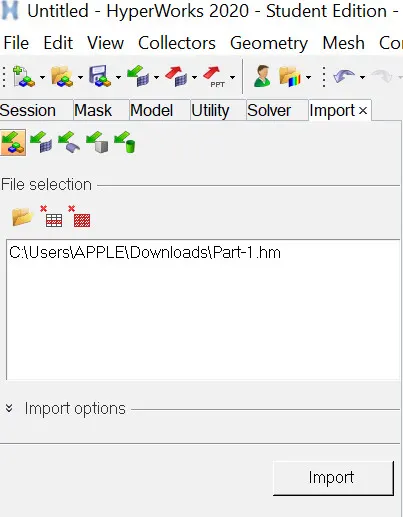
Browse the file and click on import.
1. The Cad model of part -1.
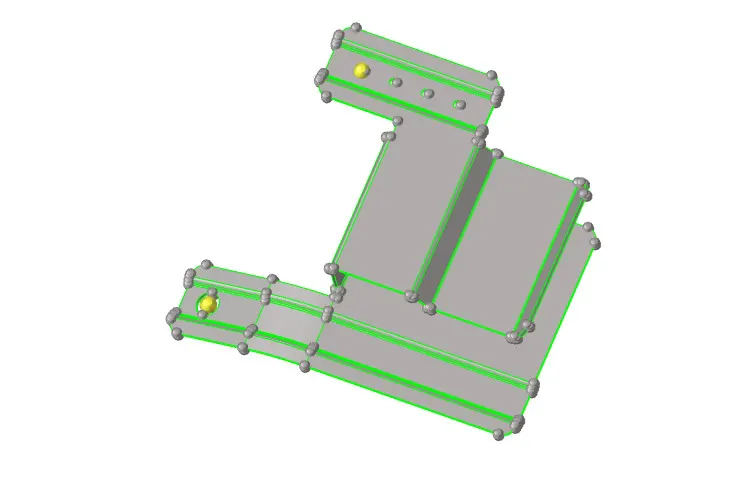
2. Necessary geometry cleanup should be made to make the geometry error free .
3. Commands used for geometrical clean up on the parent geometry.
- Replace point
- Toggle edge .
- filler surface .

4. The parent geometry is free from free edges after doing geometry cleanup .
5. Mid surface should be extracted .
6. Necessary clean up should be done on midsurface .
7. Holes less than 5mm diameter can be filled and lines can be suppresed by using toggle edge option.
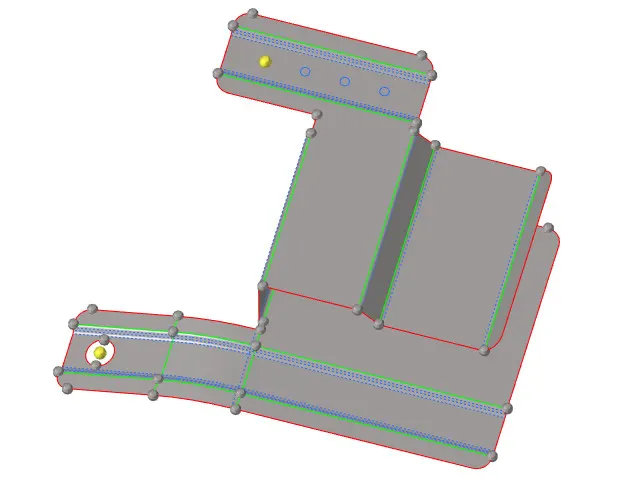
8. Now the mid surface is ready for meshing .
9. We can use automesh option from 2D to get the surfaces meshed .
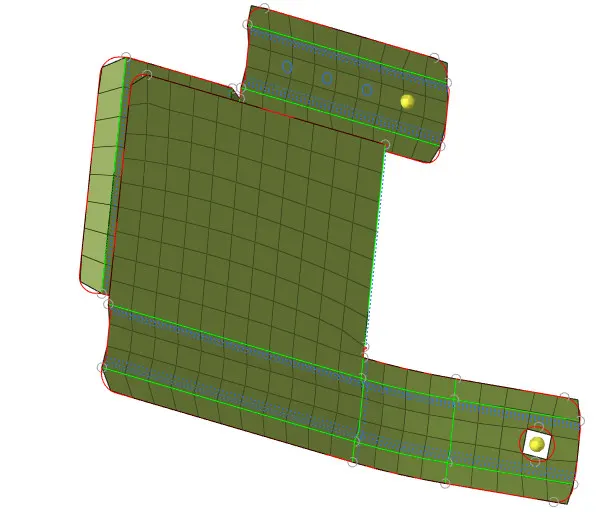
Results :-
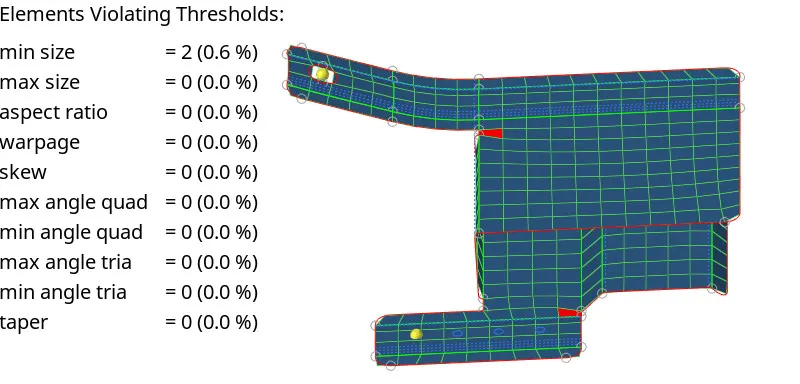
The meshed component in quality index .