Assignment 1
Objective: To generate the 2D mesh after geometry cleanup and assign thickness to the components.
Part 1:
1. Import the geometry
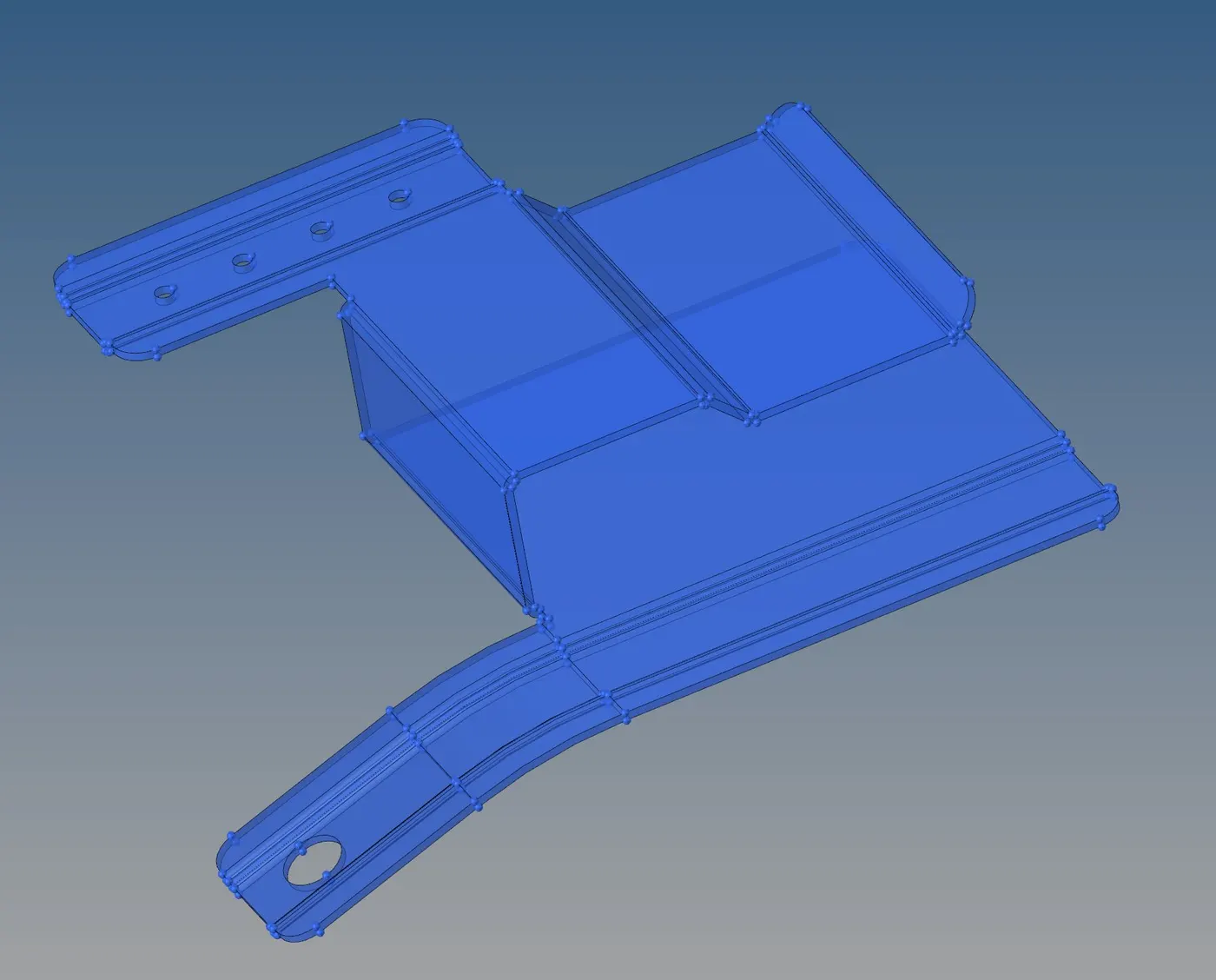
2. Check and resolve free edges:
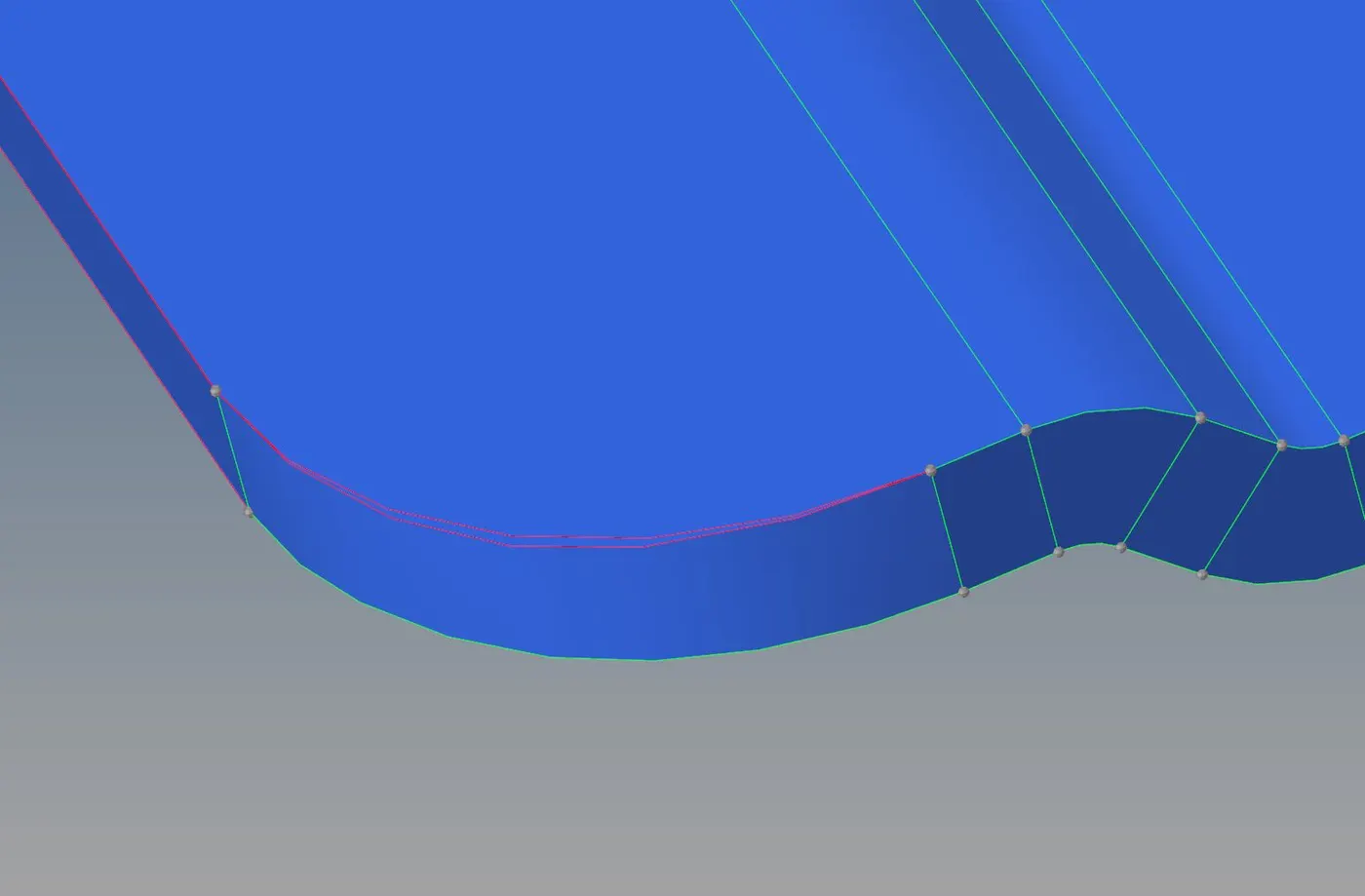
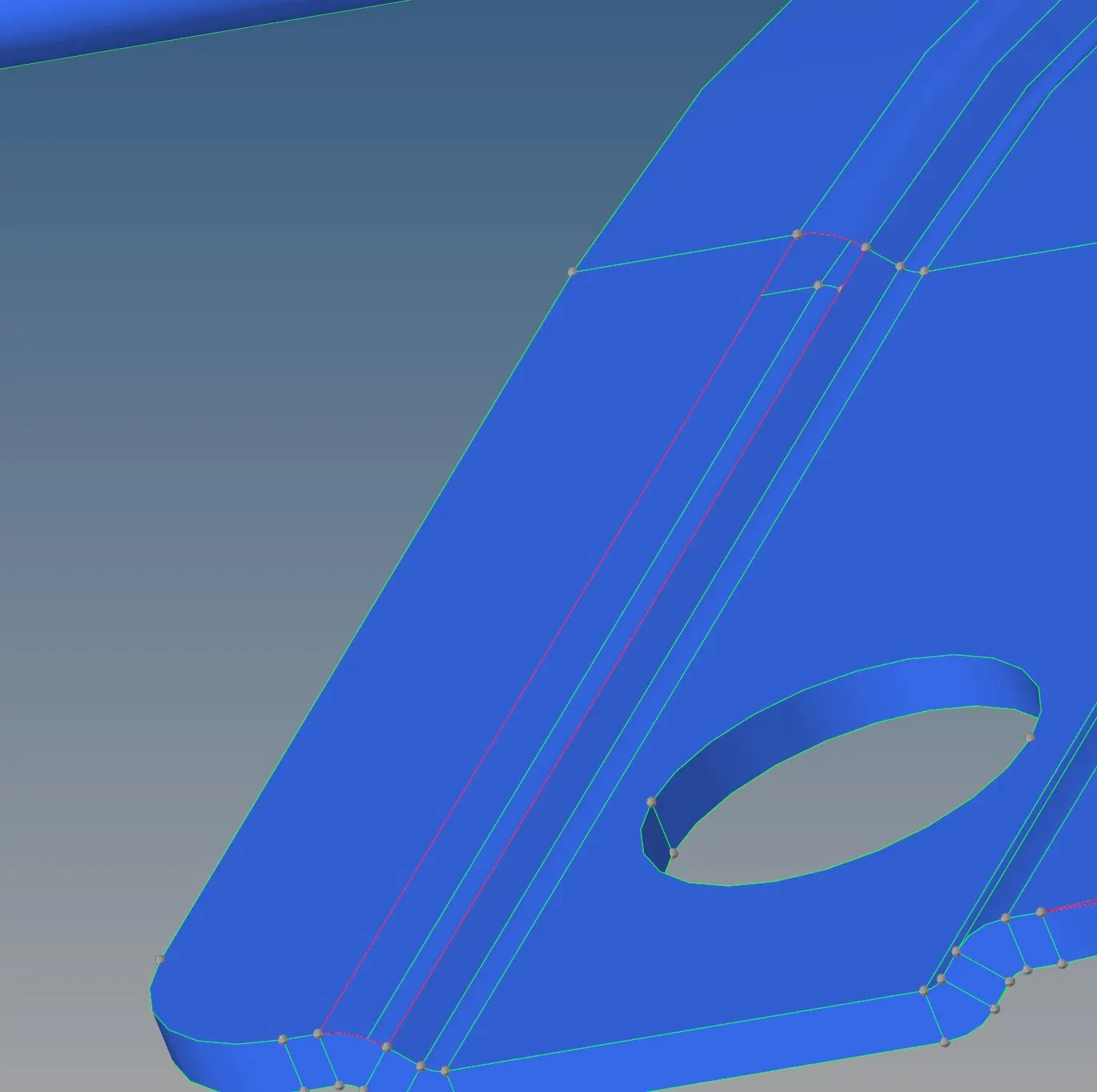
3. Delete extra surfaces:
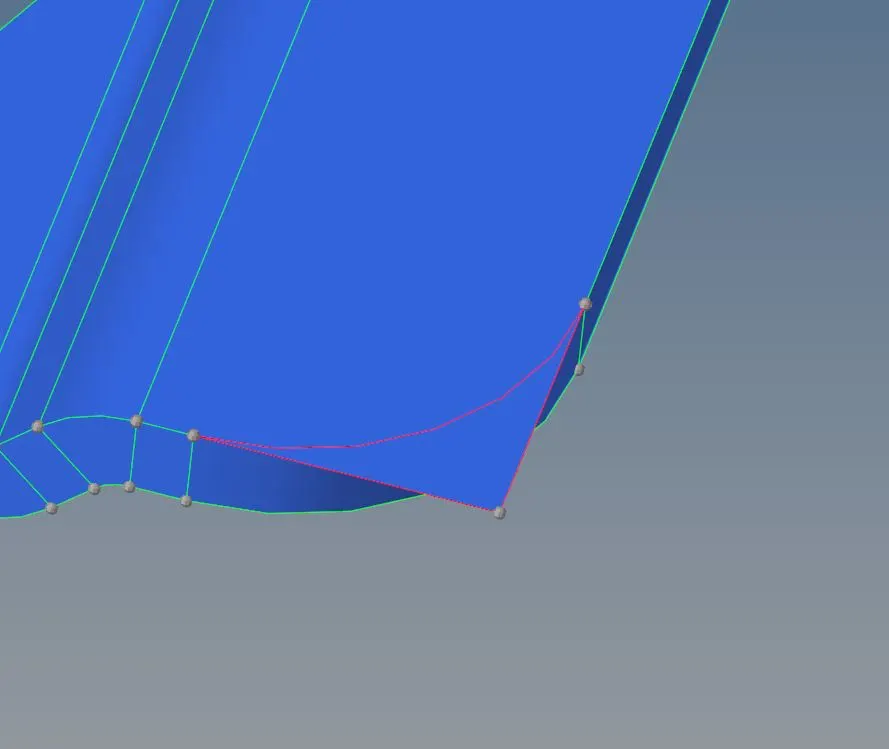
4. Extract the mid surface:
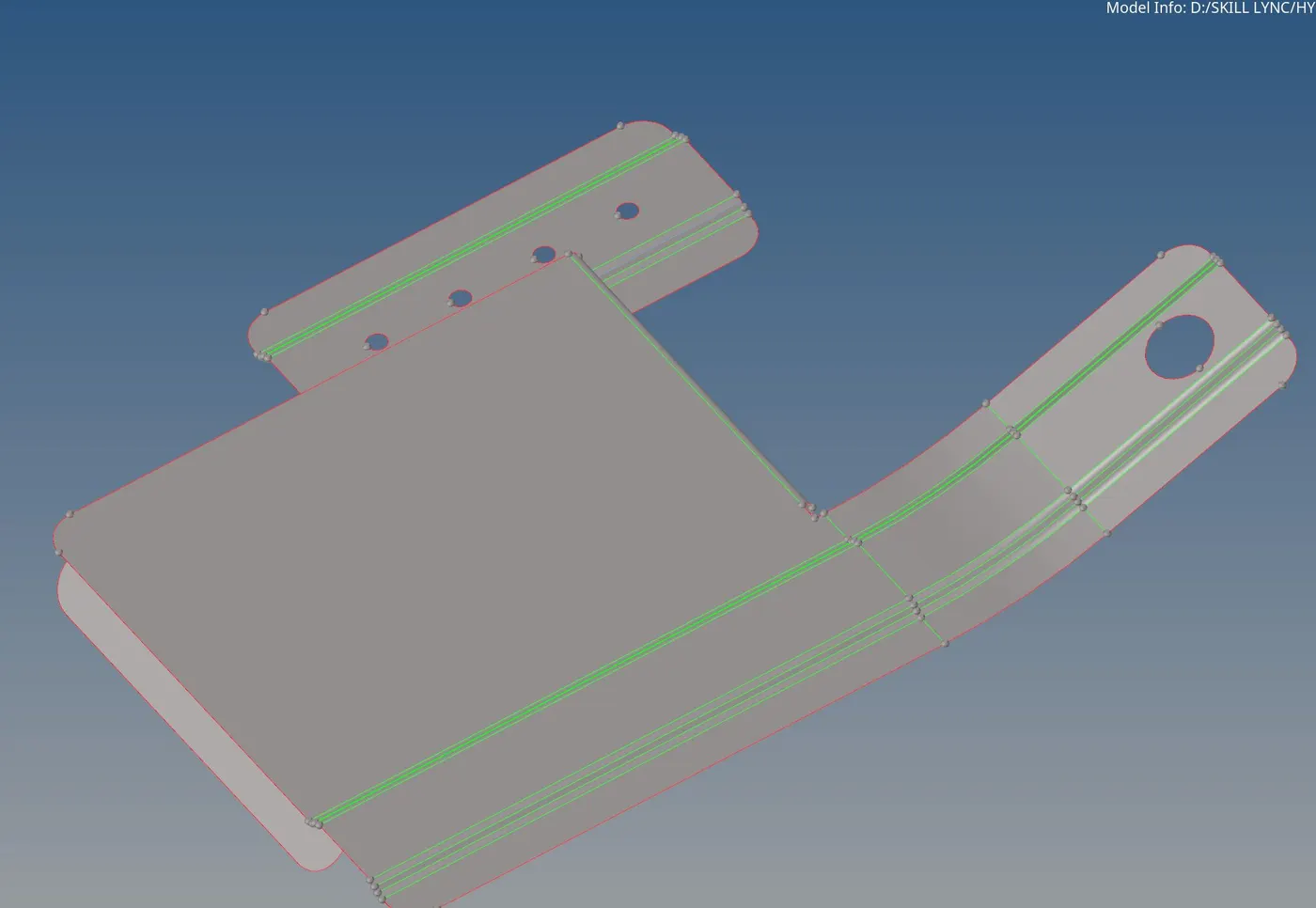
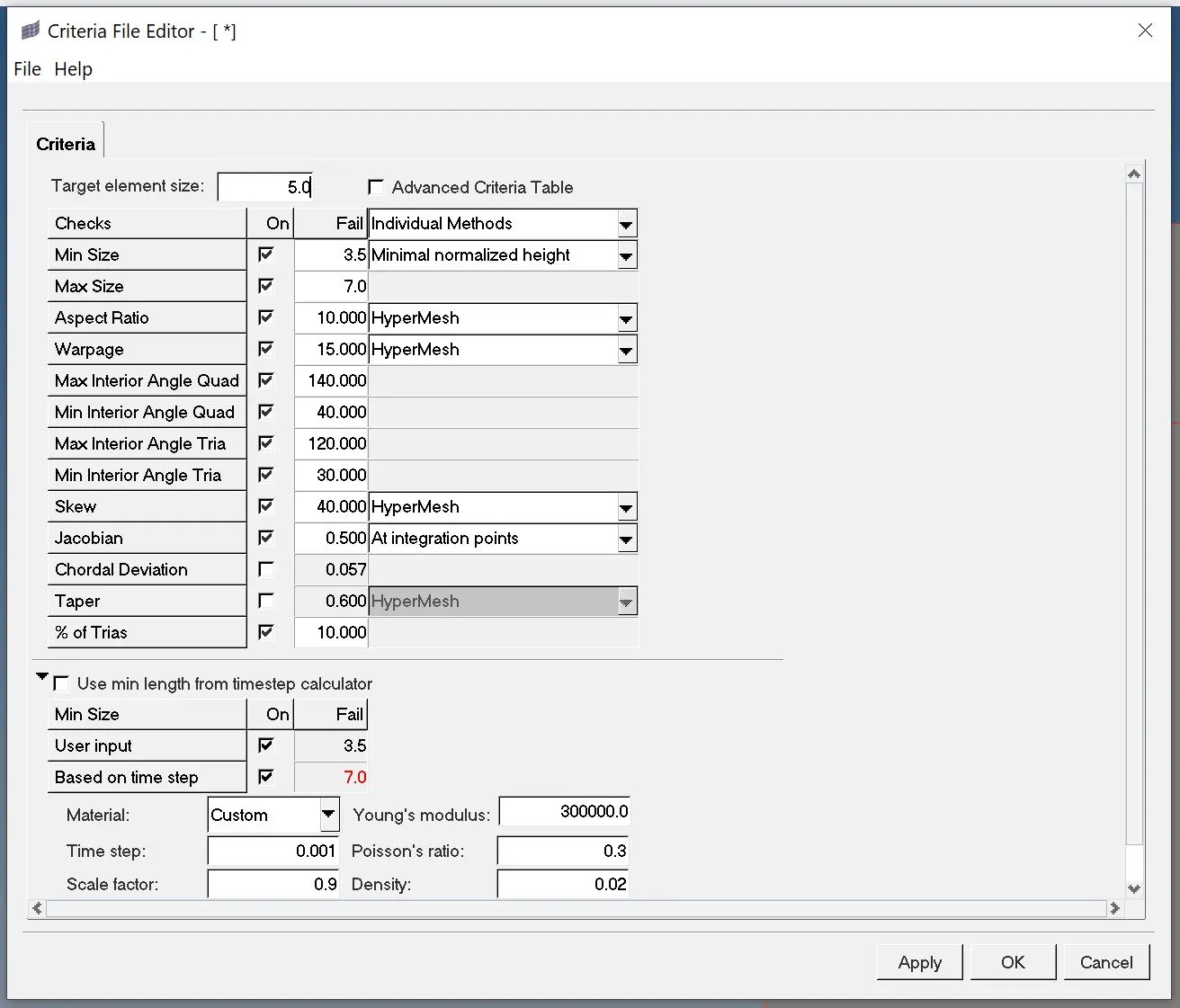
5. Set the element criteria:
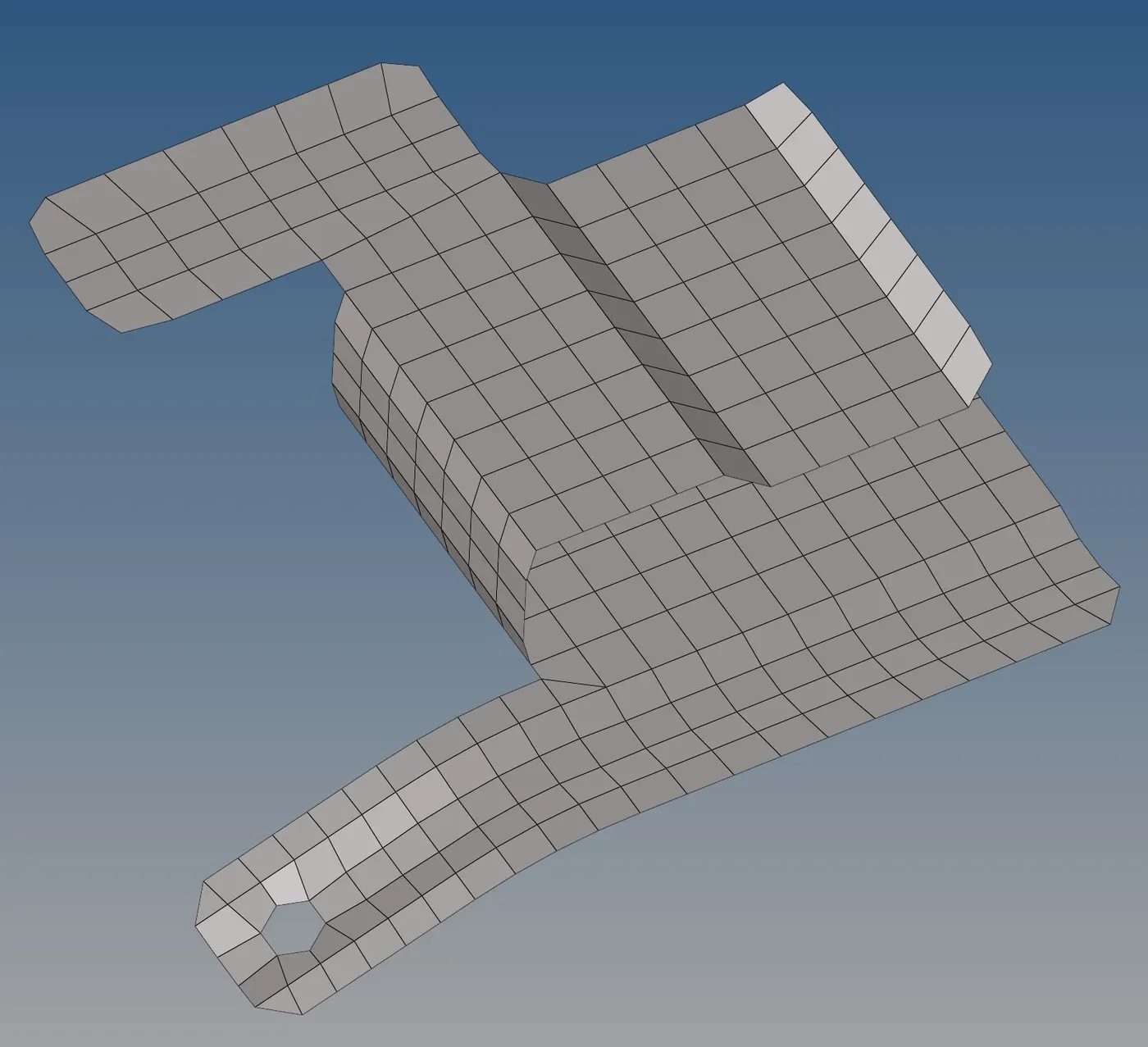
6. Mesh the component:
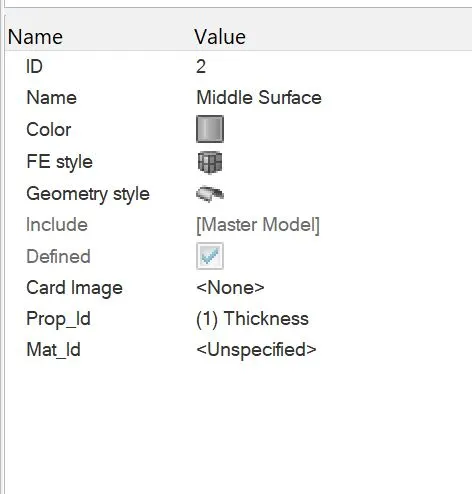
7. Create thickness property:
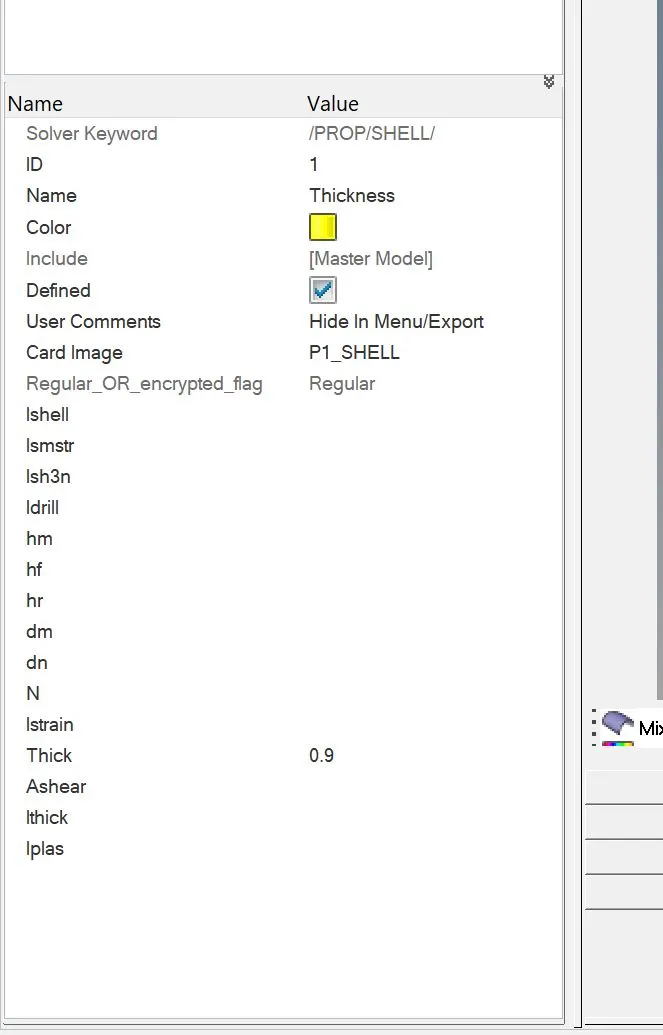
8. Assign thickness to the mesh:
Part 2:
1. Import the geometry:
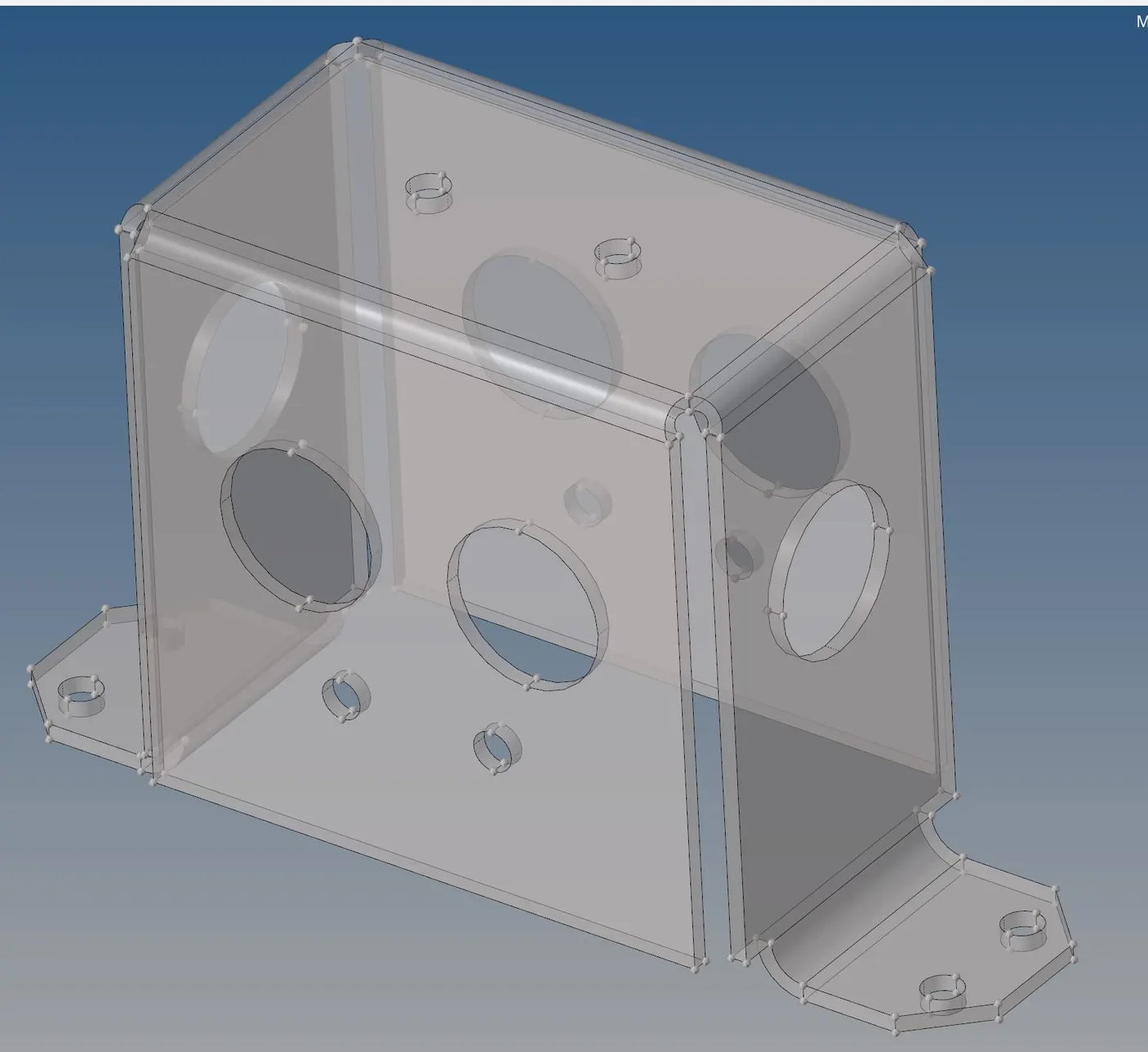
2. Resolve free edges, and delete extra nodes:
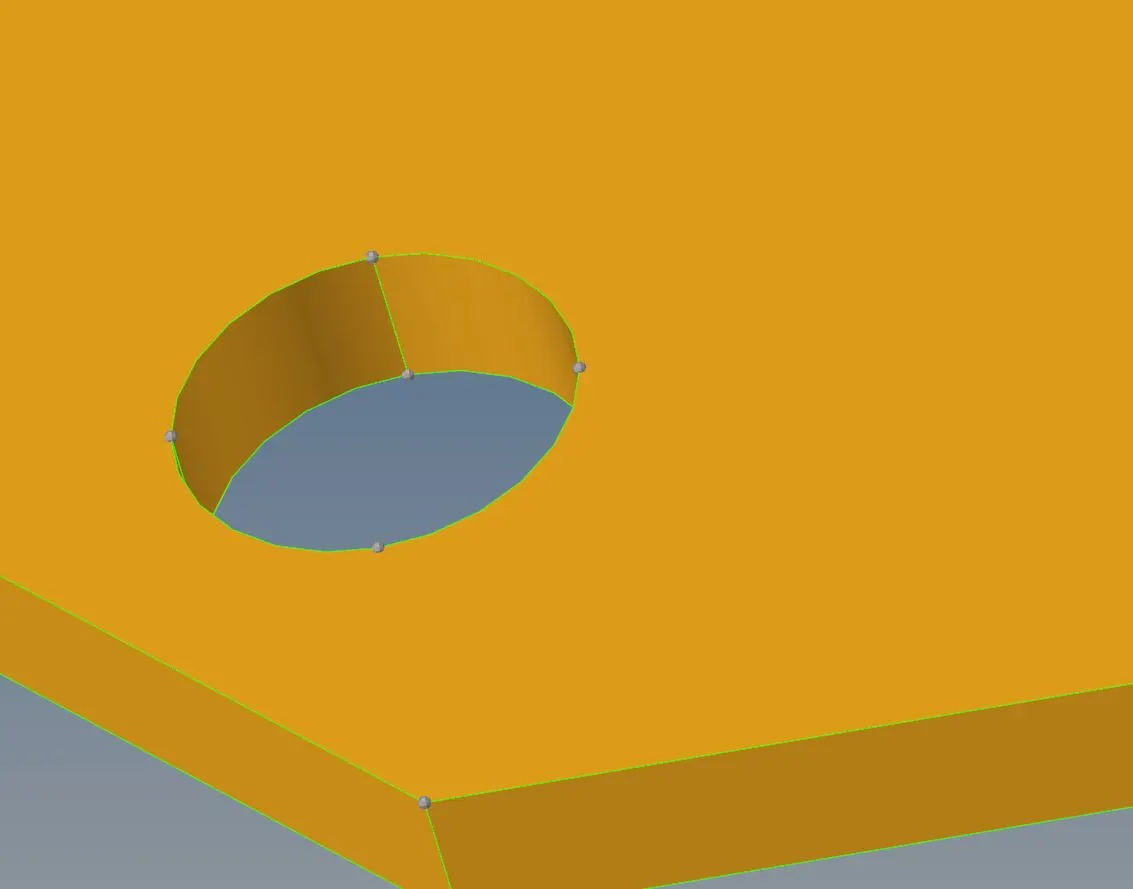
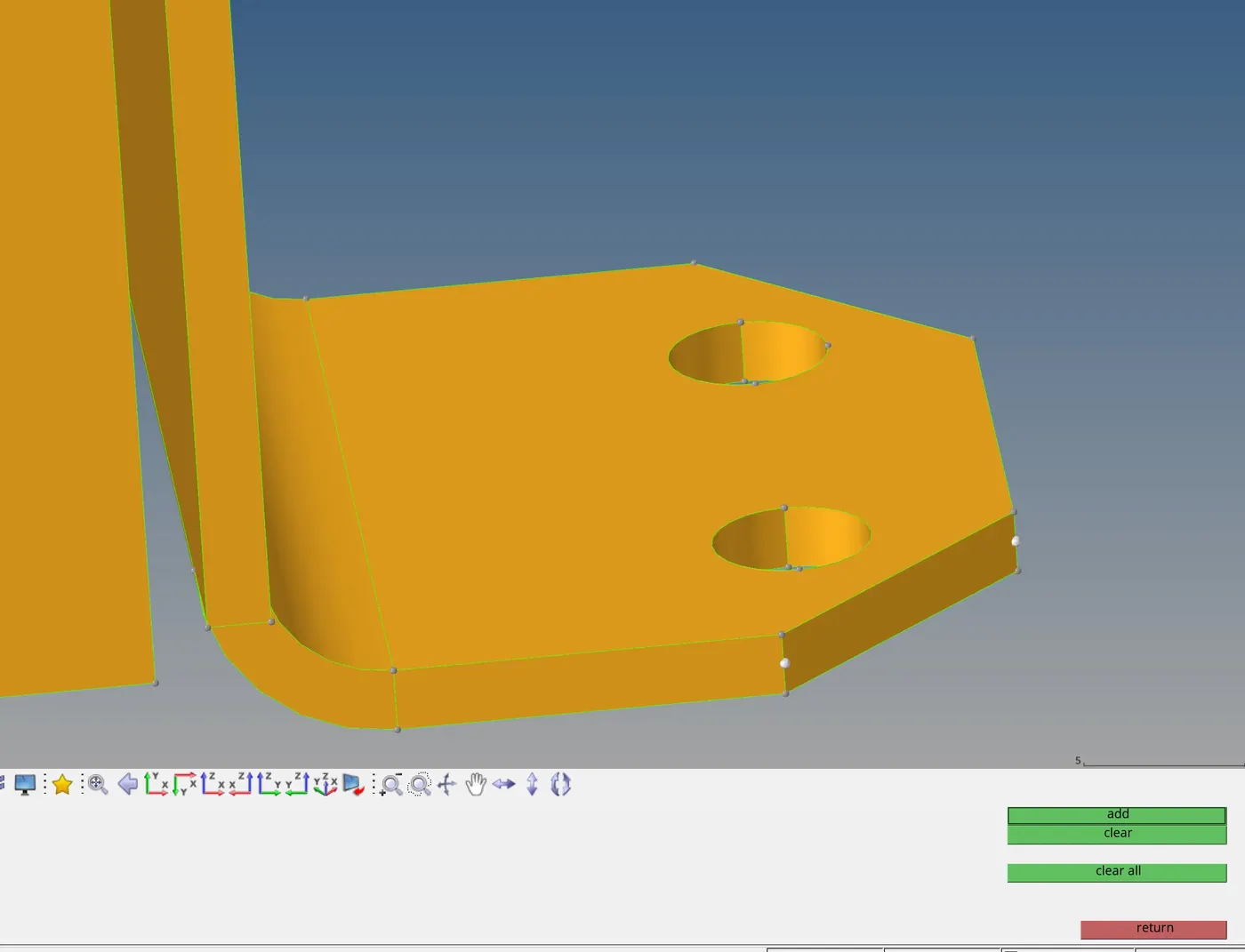
3. Generate the mid surface:
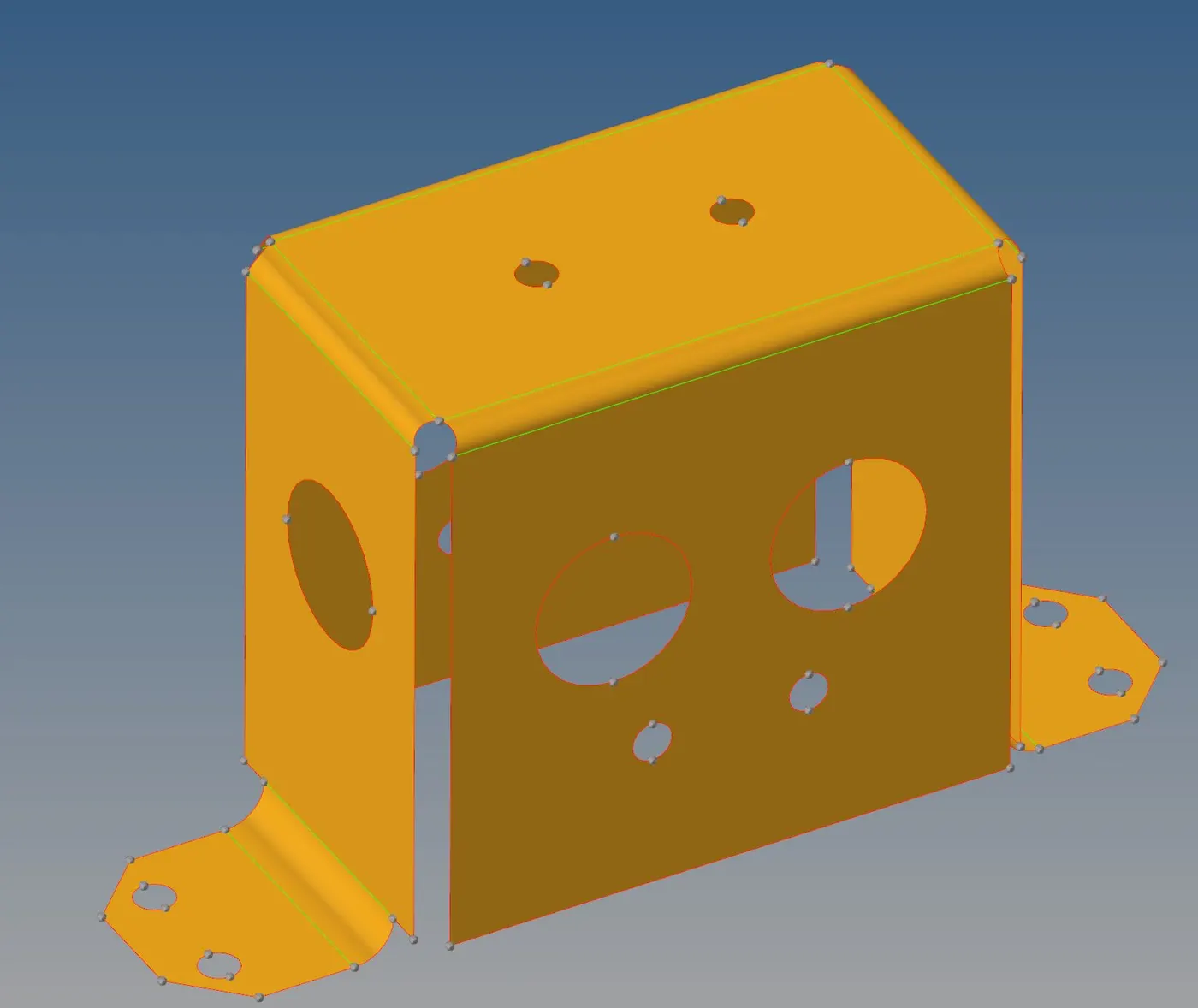
4. Align nodes to ensure the right size of elements:
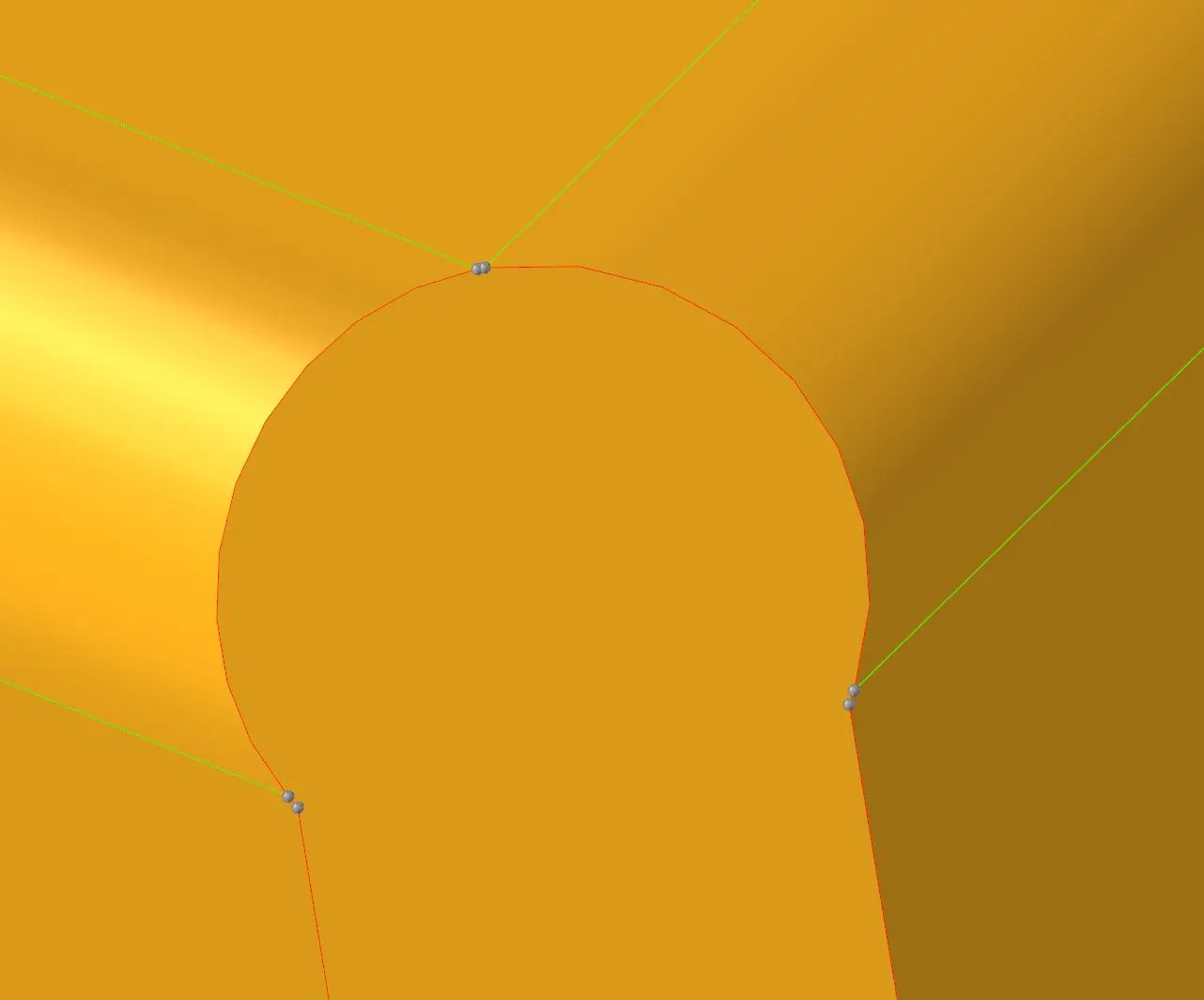
5. Fill the holes which are not required, and mesh the component:
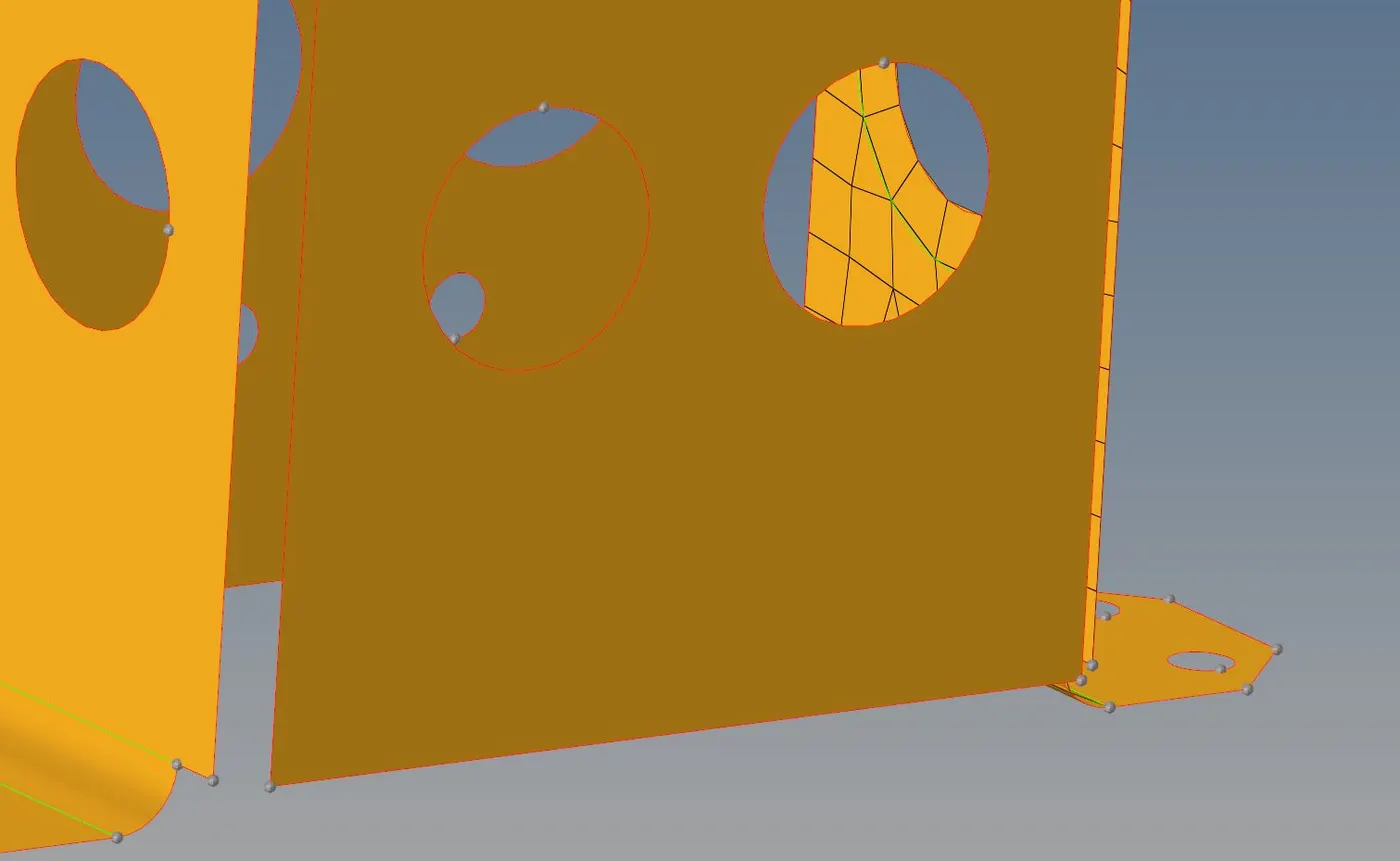
6. Use Reflect command for meshing, and equivalence the elements:
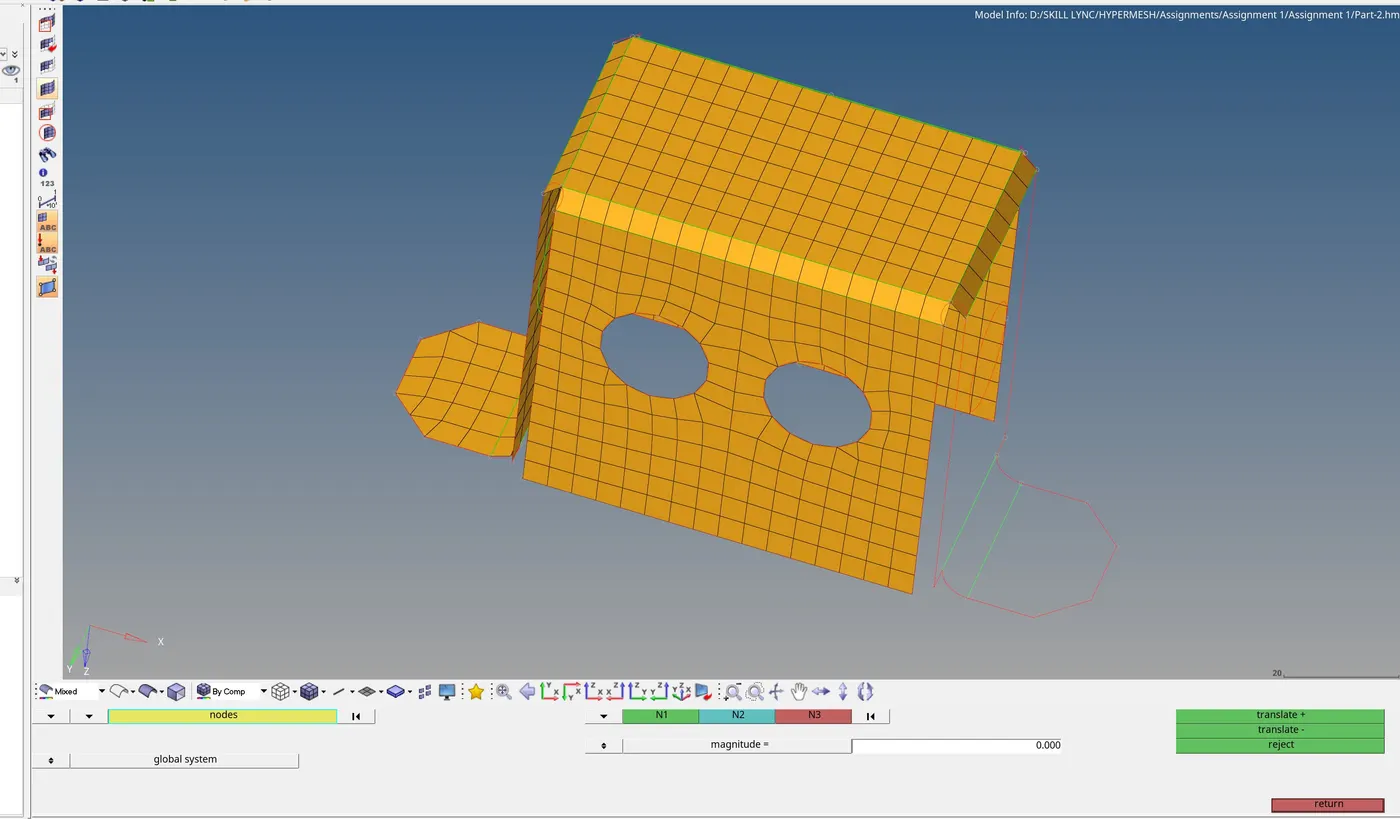
7. Assign thickness:
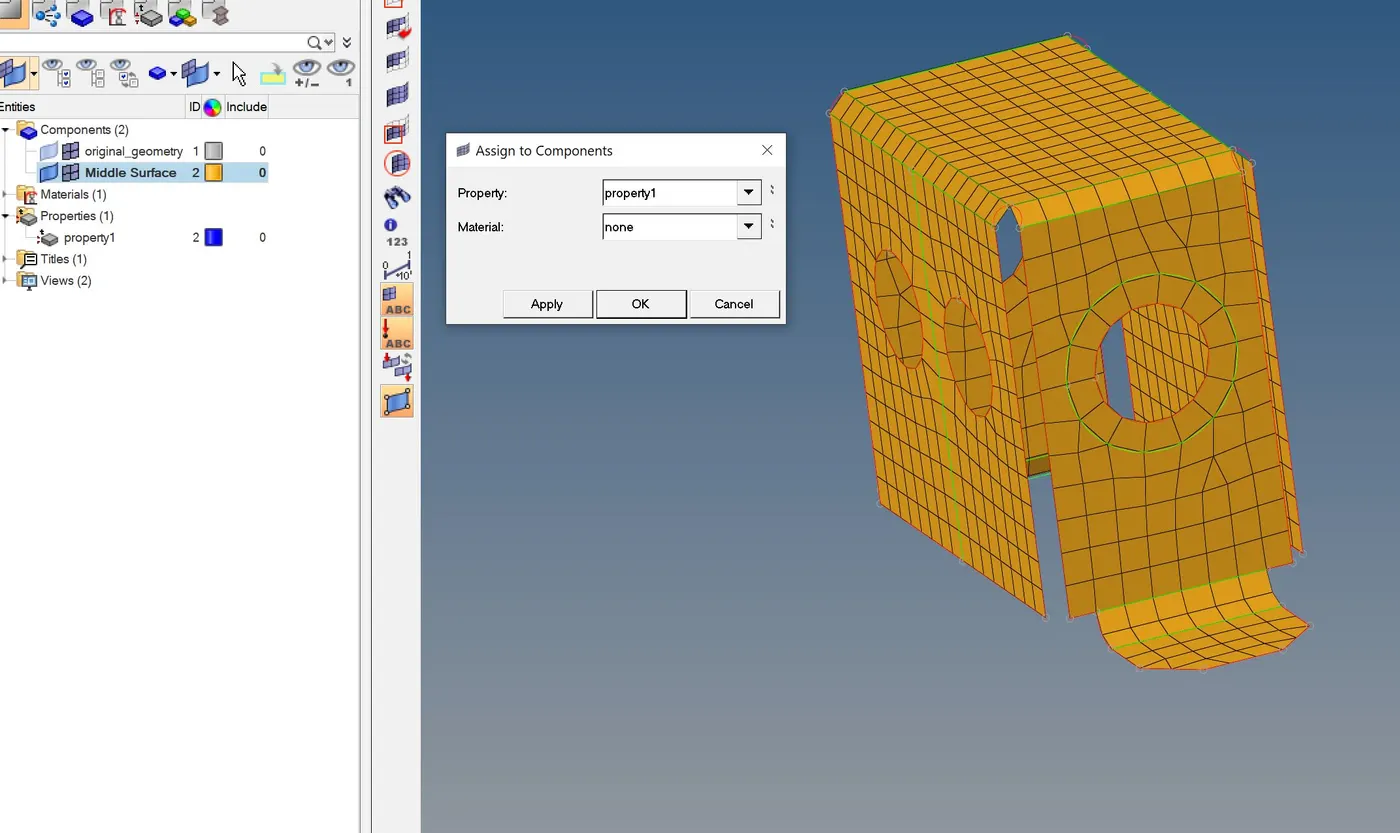
Part 3:
1. Import the geometry:
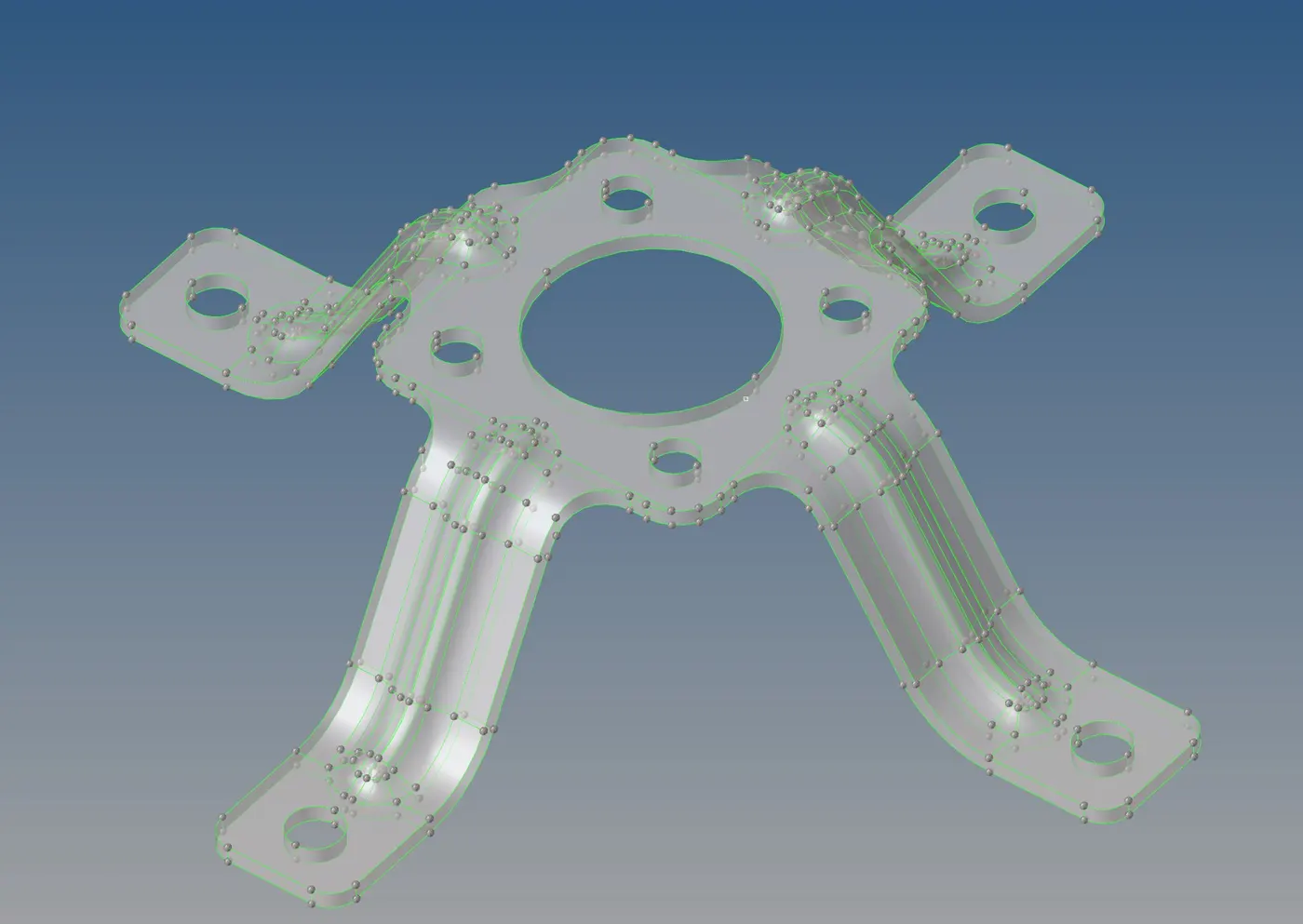
2. Generate the mid surface, and toggle the edges wherever possible:
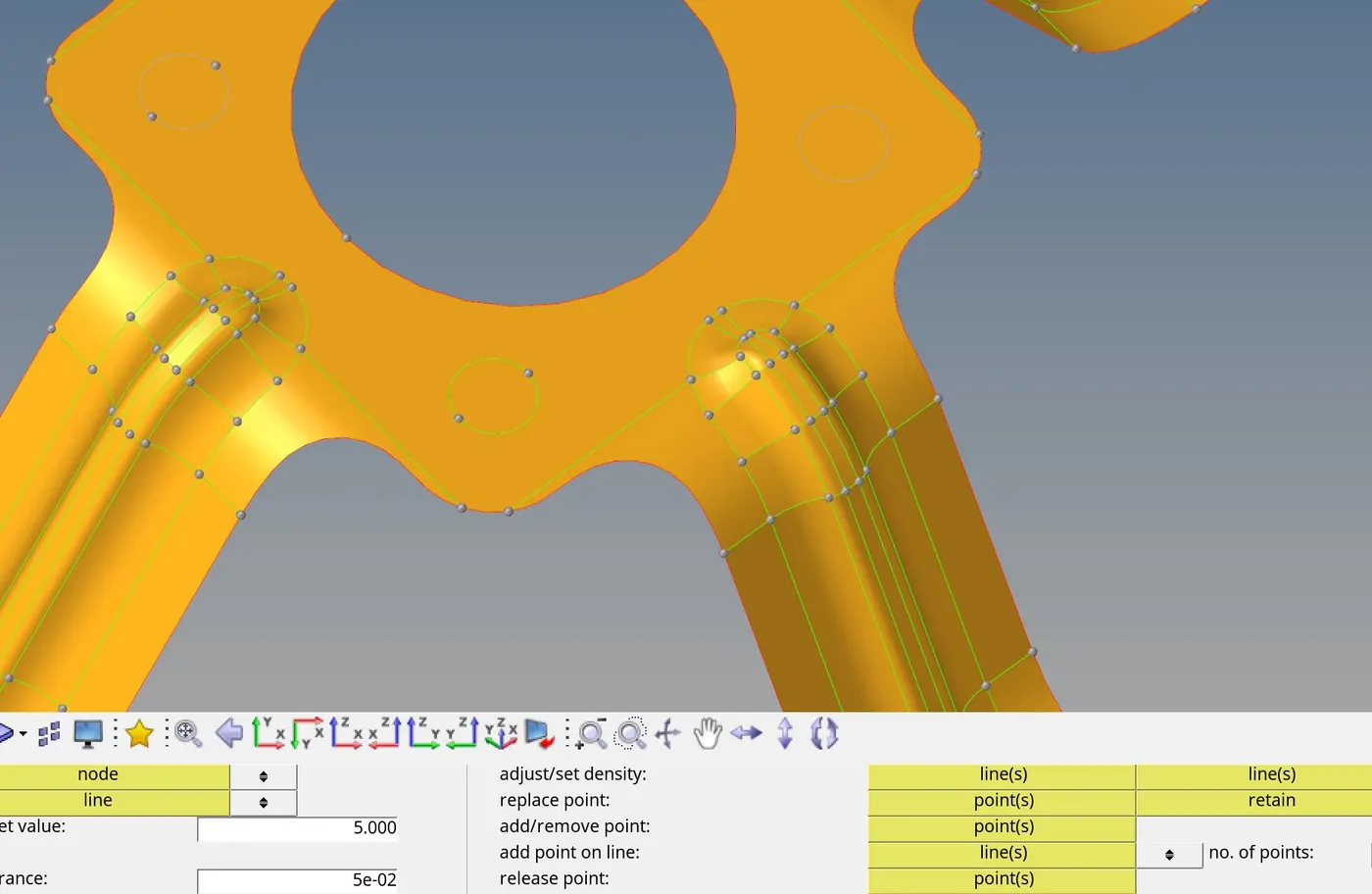
3. Generate the mesh, and use Rotate command to copy elements to other quarters:
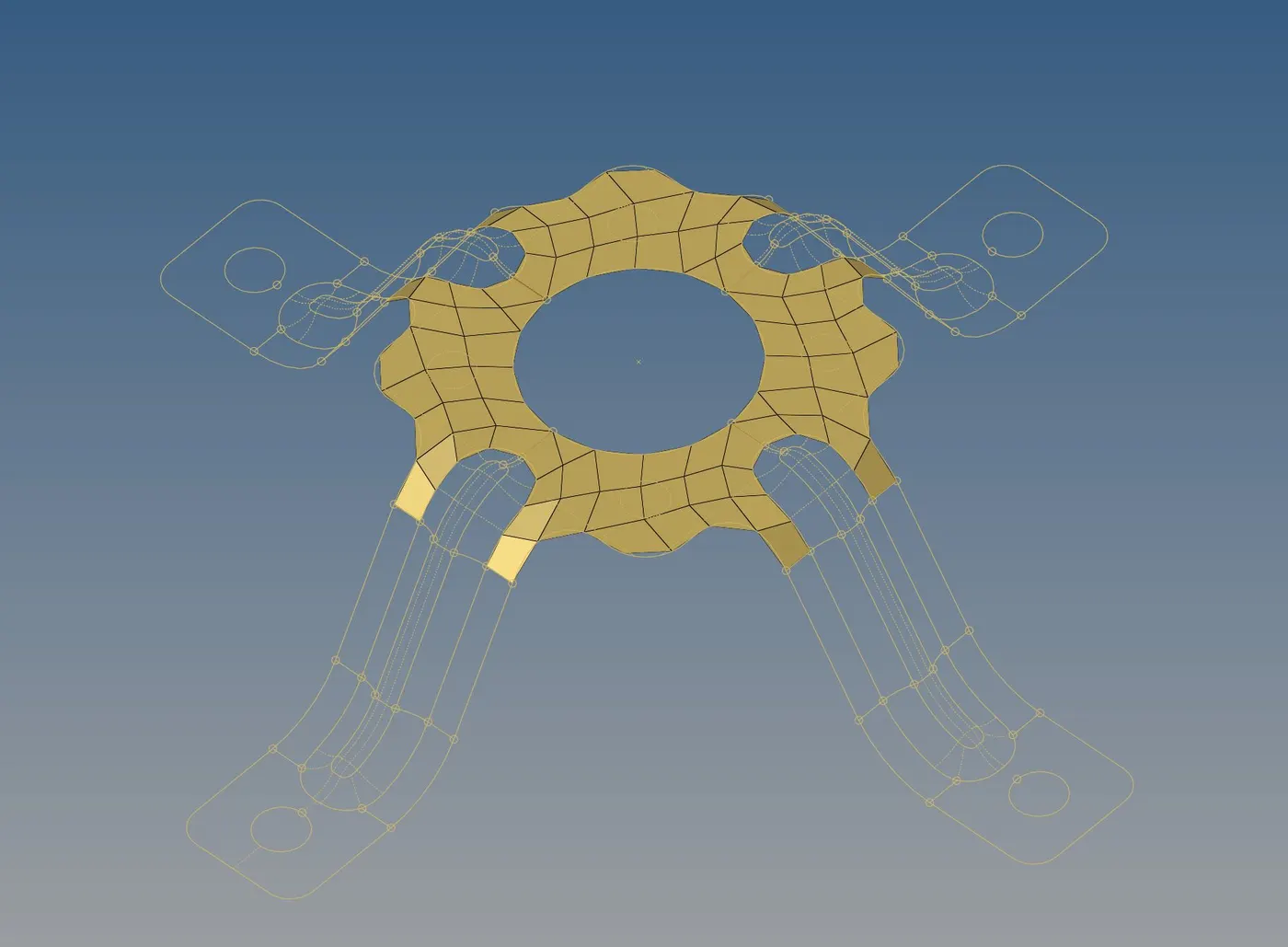
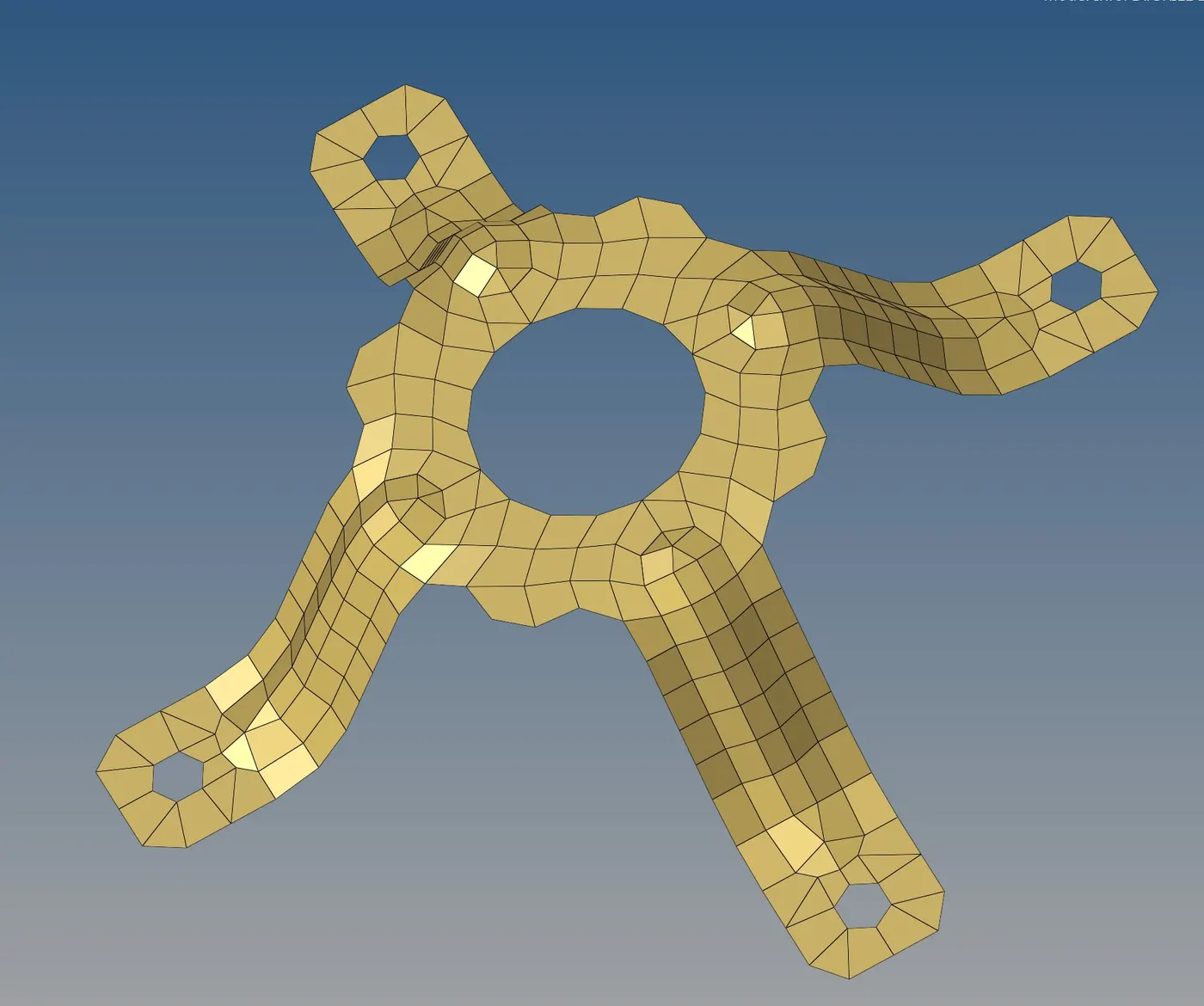
4. Equivalence the elements.
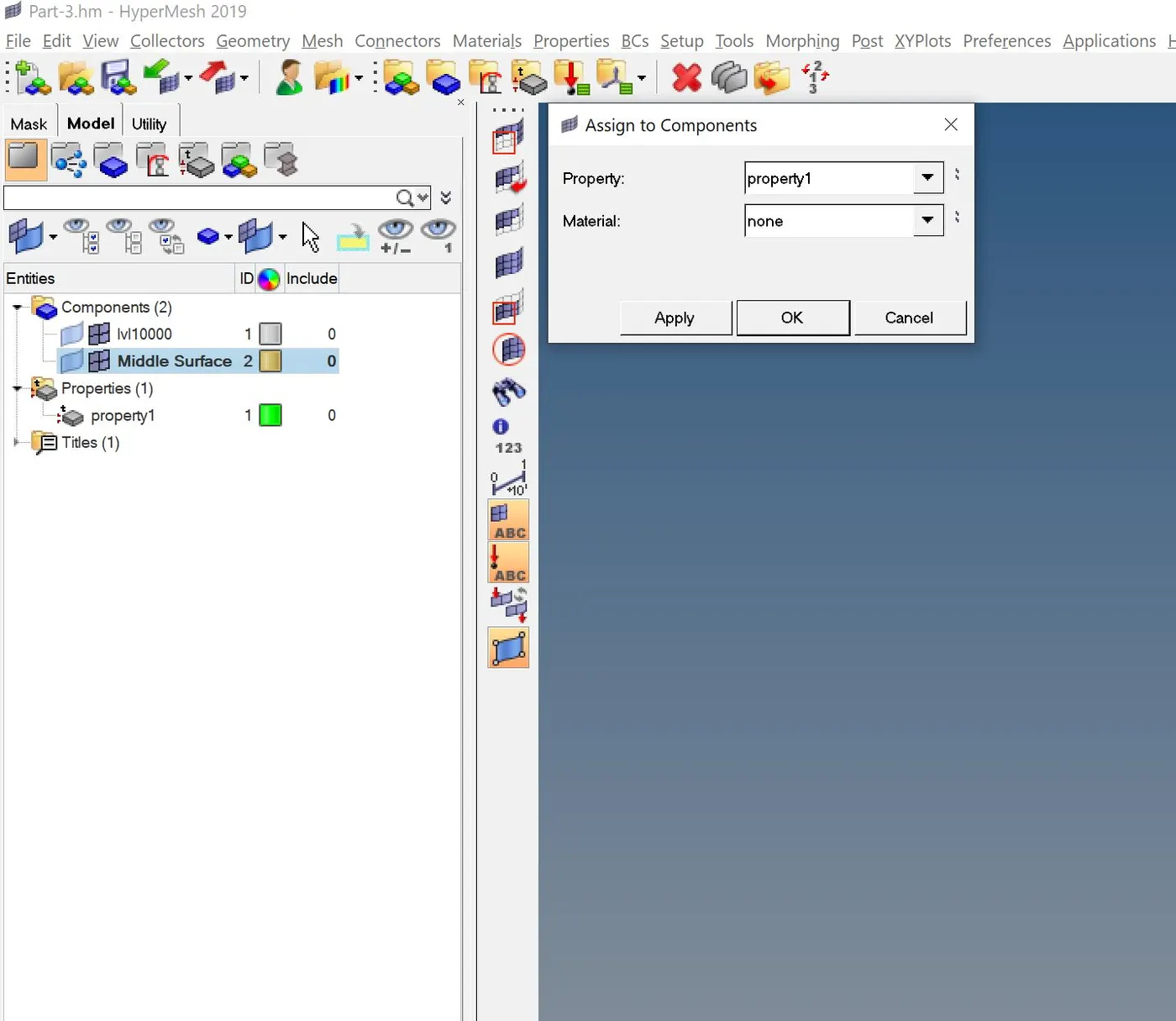
5. Assign the thickness:
Conclusion: Hence using various techniques of geometry cleanup and mesh generation the assignment is completed. Please note, files are attached for evaluation.