ANSA - Surface wrap on Geometry
Perform the Surfcae wrap for given geometry
Geometry should be error free externally and make sure the model is watertight before wrapping
Use an optimum target length
Since we were doing a similar process throughout the geometry and am explaining the theory tools initially and uploading screen shots later
What is ANSA?
ANSA is an advanced multidisciplinary CAE pre-processing tool that provides all the necessary functionality for full-model build-up, from CAD data to ready-to-run solver input file, in a single integrated environment.
ANSA is the user's preference due to its wide range of features and tools that meet their needs. The list of productive and versatile features is long and the alternative tasks and processes to be completed using them are countless.
Mesh generation:
Mesh generation is the practice of creating a mesh, a subdivision of a continuous geometric space into discrete geometric and topological cells. Often these cells form a simplicial complex. Usually, the cells partition the geometric input domain. Mesh cells are used as discrete local approximations of the larger domain.
Purpose of meshing:
Meshes are used for rendering to a computer screen and for physical simulation such as finite element analysis or computational fluid dynamics.
Finite element calculations cannot be done directly on solid parts. We know to perform those calculations only on points created by the mesh generation process. Thus generating mesh is a must and most important step for any CFD or FEA calculations to be performed.
Surface wrap:
The surface wrapper can be used to provide a closed, manifold, non-intersecting surface when starting from poor-quality CAD data. It is typically used when the imported surface includes problems such as:
- multiple, intersecting parts;
- missing data in the form of holes and gaps;
- surface mismatches;
- double and internal surfaces; and
- overly-complex geometry with too much detail;
The surface wrapper can achieve many different aims simultaneously when applied to such data.
Geometry clean up :
- Geomtrey cleanup has been done before moving on to the surface wrapping.
- since we are interested to do an external flow analysis we will have cleared all the errors before moving on to the surface wrapping.
- Common errors we have cleared in this geometry are filling the holes where ever is required.
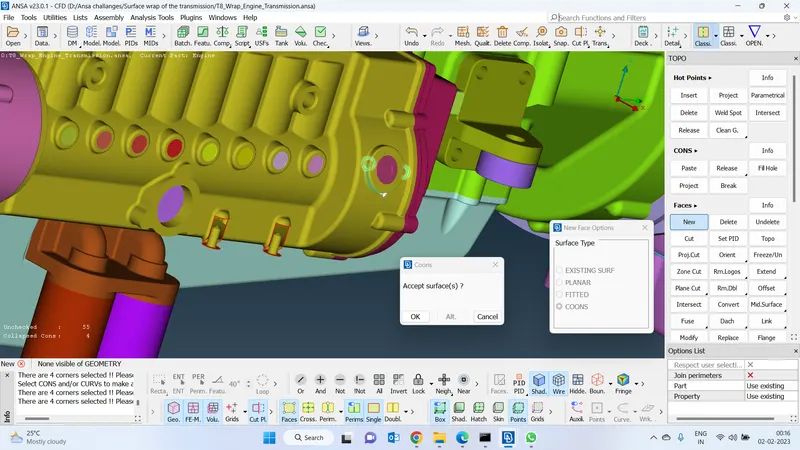
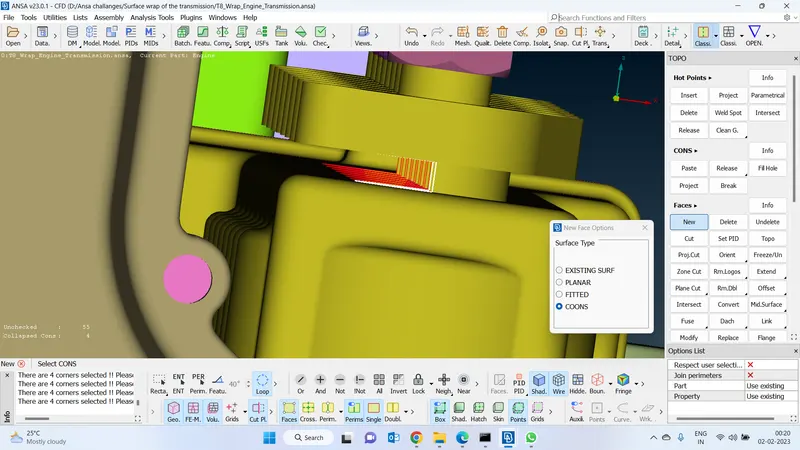
- rectify the single coons errors by creating faces over there and also clear the errors by projecting the faces.
- Function that I used to clean up the outer surface of the geometry
- CONs > project to delete the unwanted faces.
- faces > create new face > cons or fitted or planar option based on the requirement to clear the error.
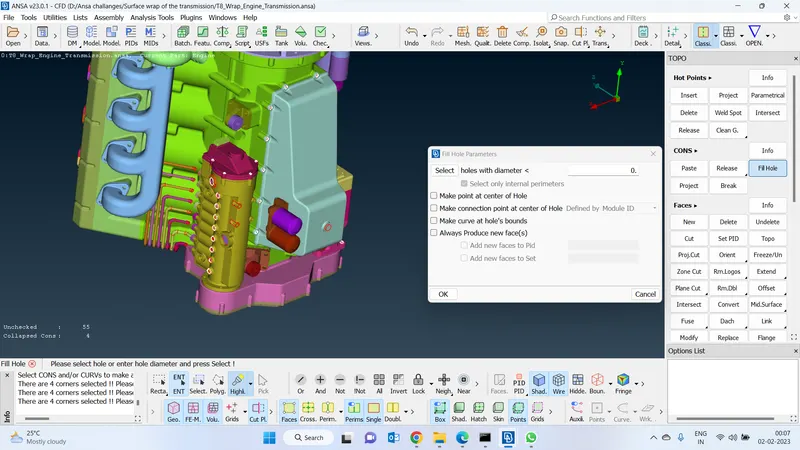
- Used the fill hole option to close all the unnecessary faces to create the watertight model.
- If we don't have a proper hot point to create a face we will have to create a hot point there to create hot points by using their reference we will have to project those hot points to the cons and Create a new face.
-Initially increase the resolution
-Isolate each PID and clear the external errors did this process for all the pids
Increase the resolution :
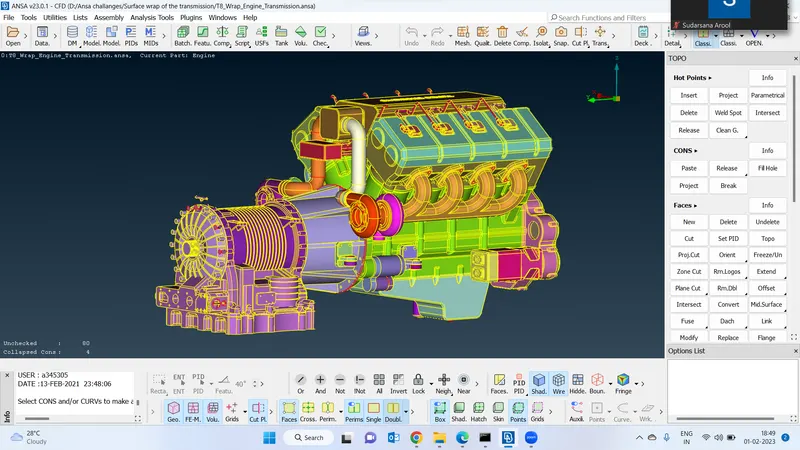
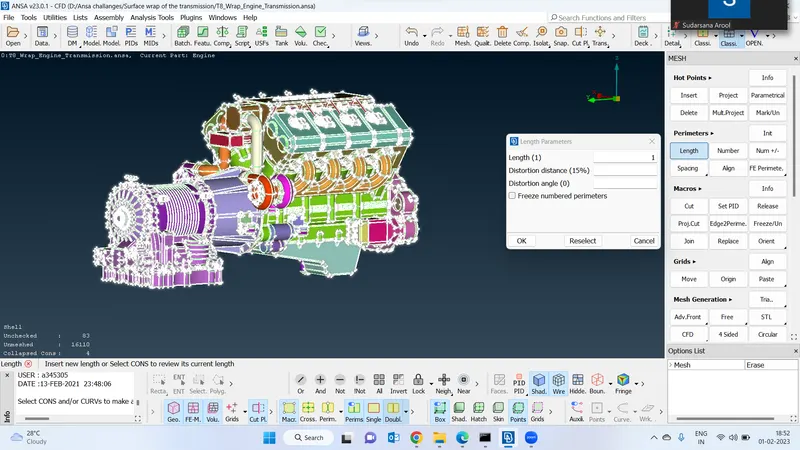
Isolate this pid :
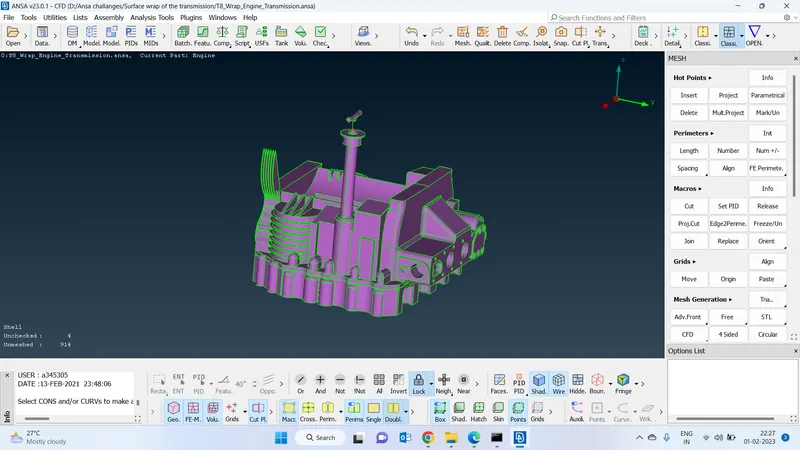
Clear all the errors only on the outside :
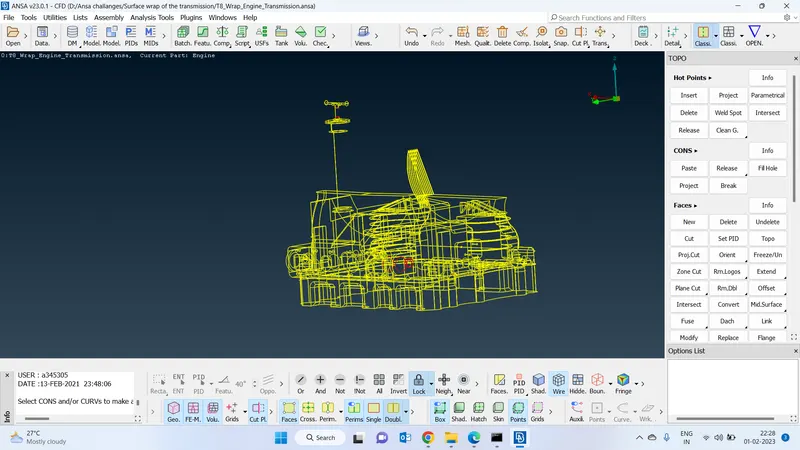
Close the gaps
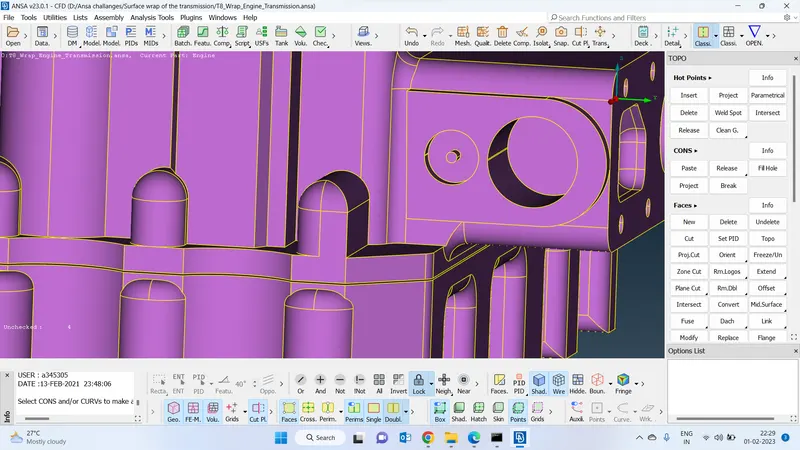
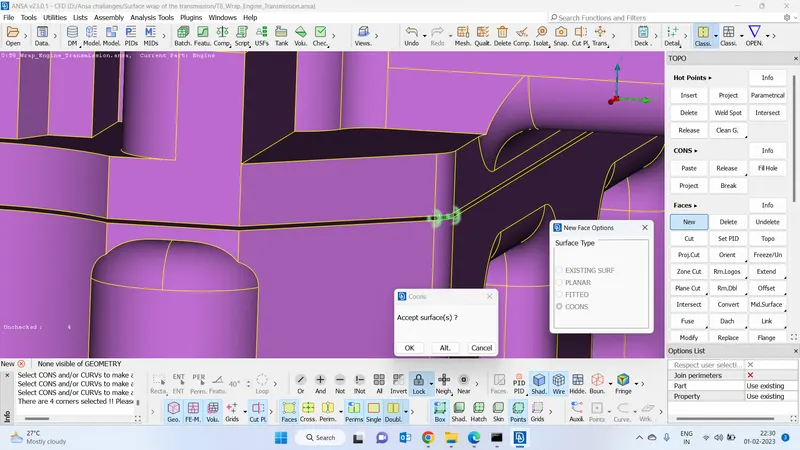
Create a new face :
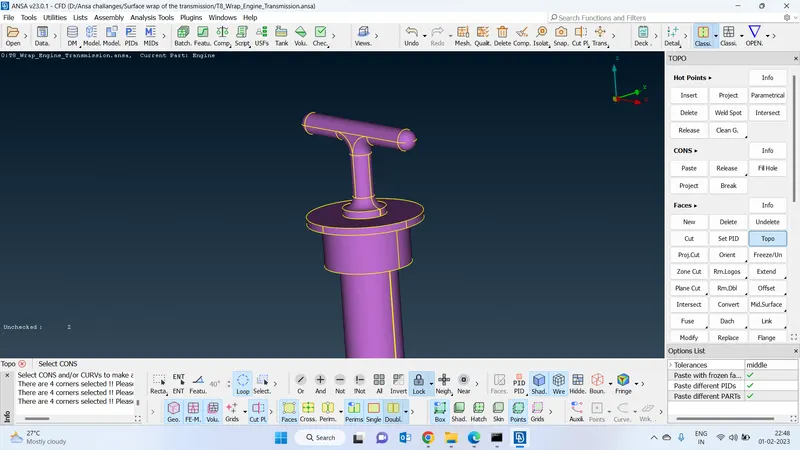
Isolate the second pid :
Used fill hole function close all the visible holes :
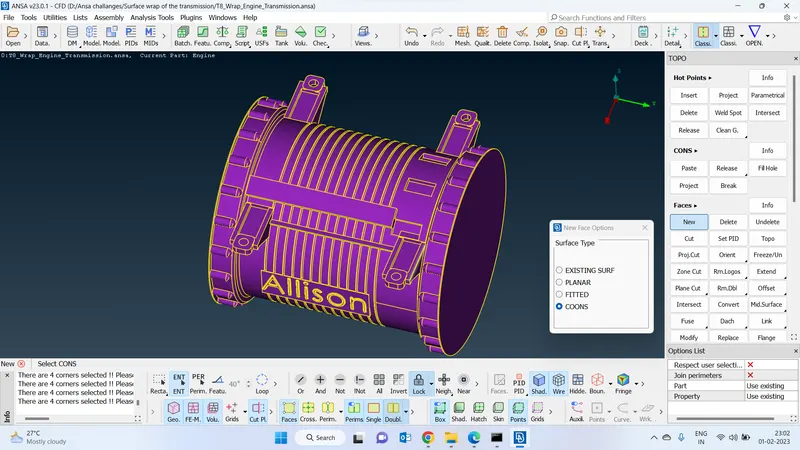
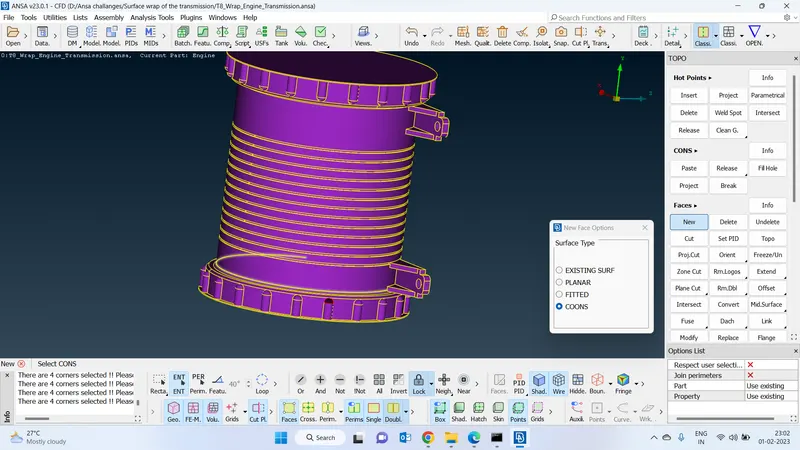
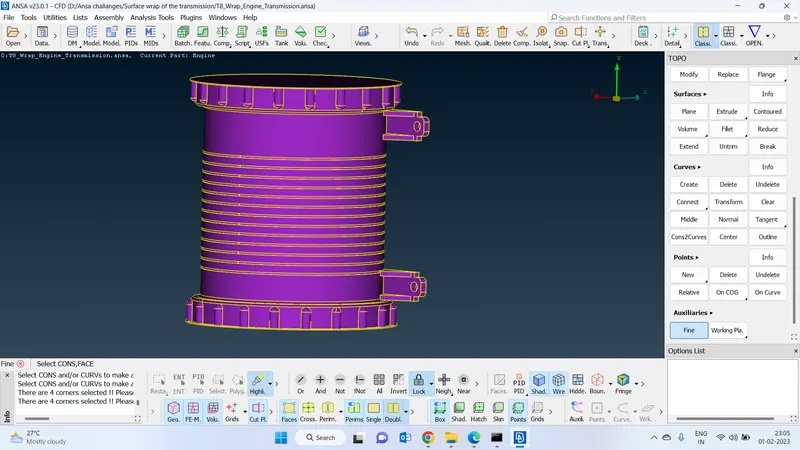
Create a missing face which has to be similar to near by faces :
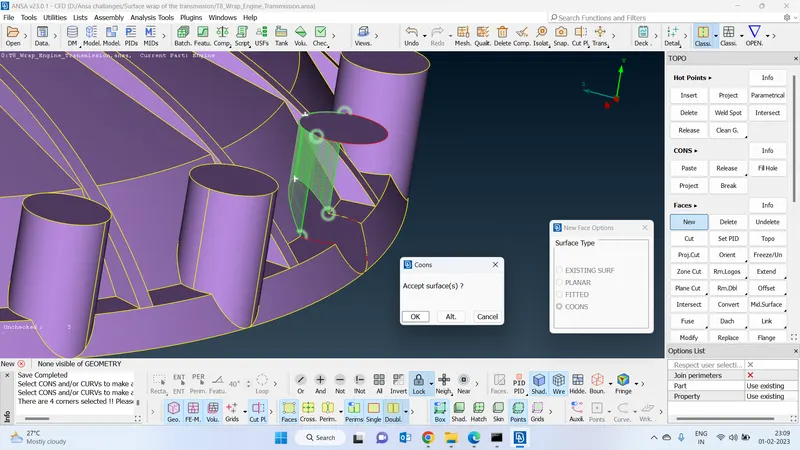
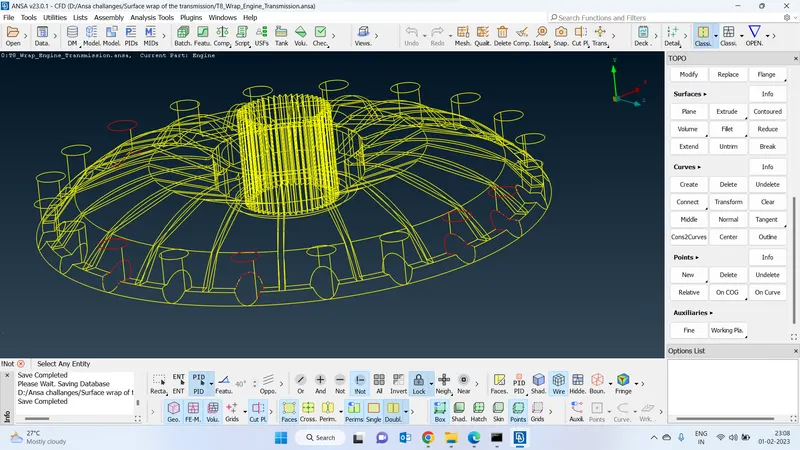
Create a new face :
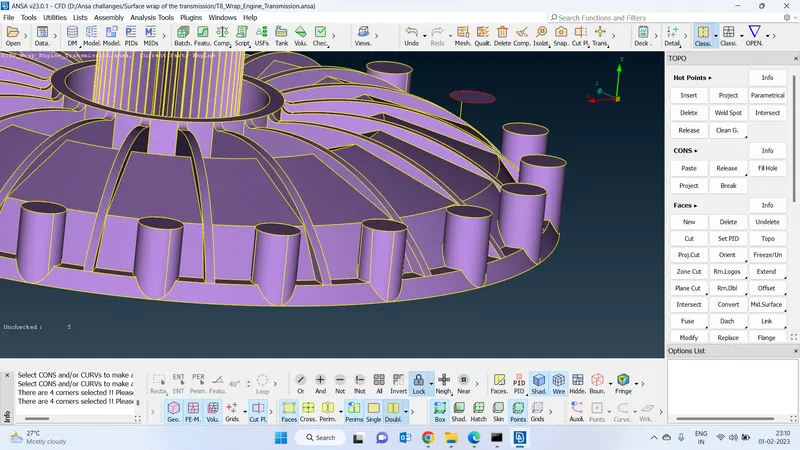
Error-free pid or cleared external pid :
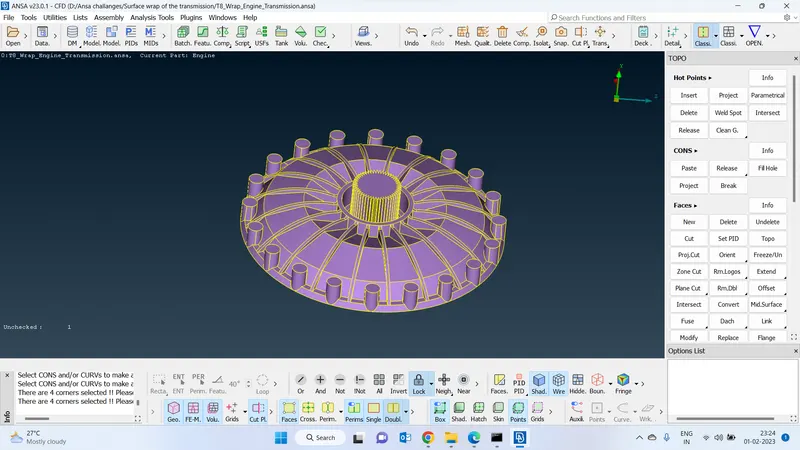
Isolate the 3rd pid and clear the errors :
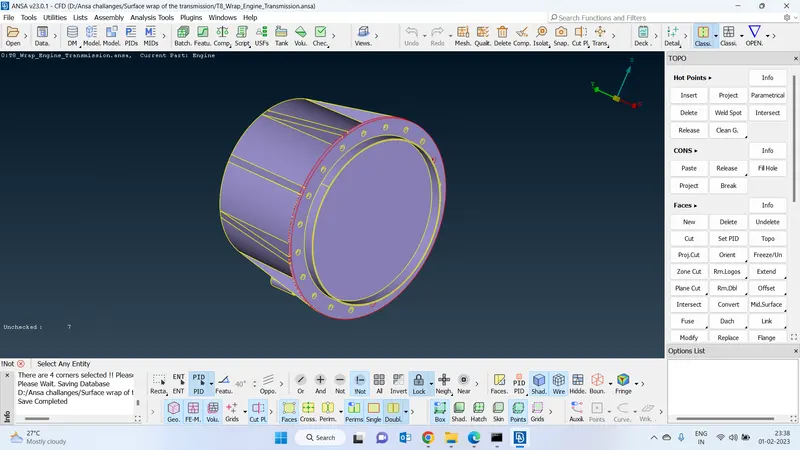
Fill the necessary holes :
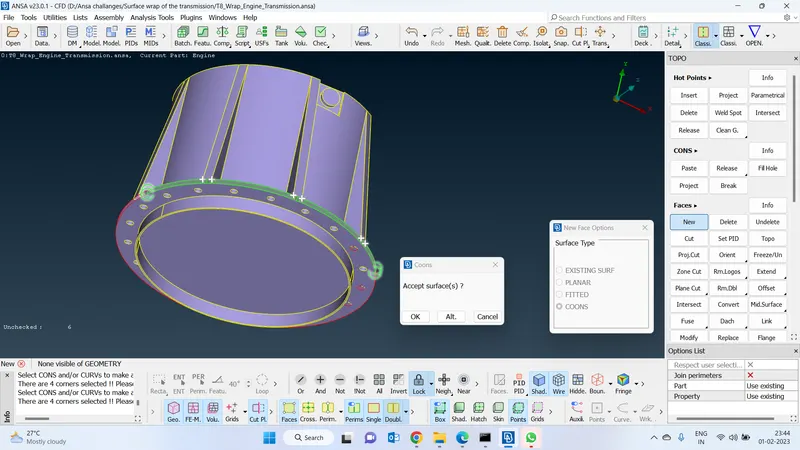
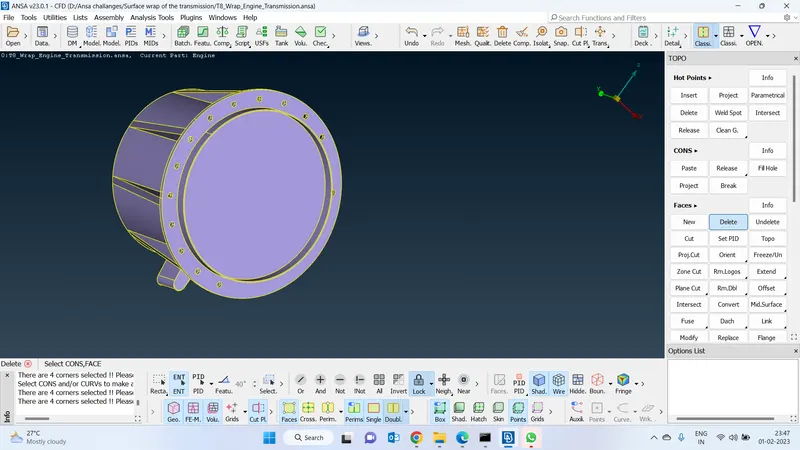
Isolate this pid using fill hole function cleared all the errors :
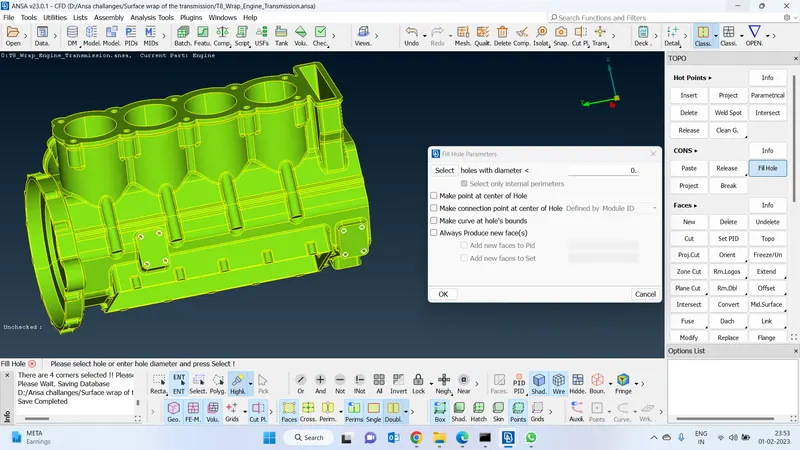
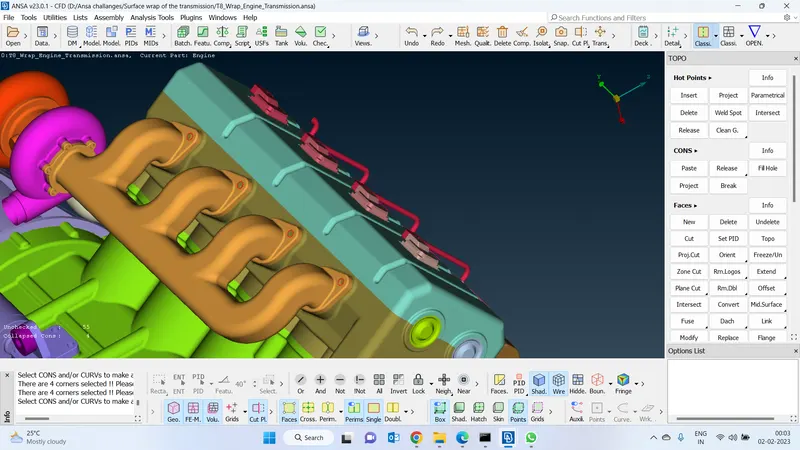
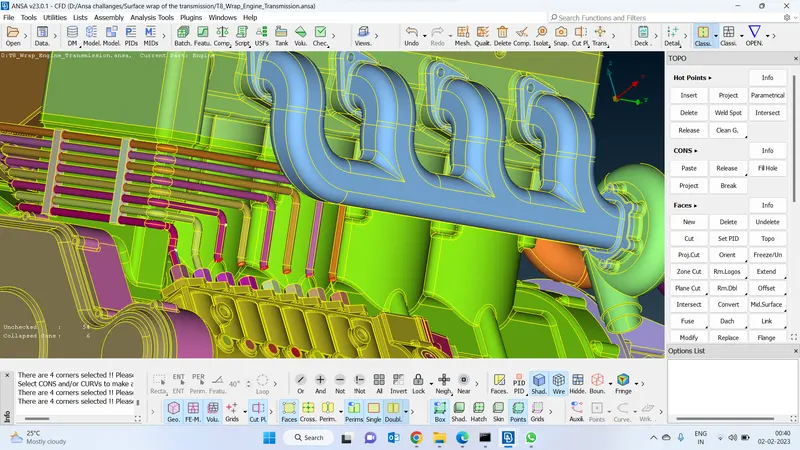
Joined all the tubes with one on the other :
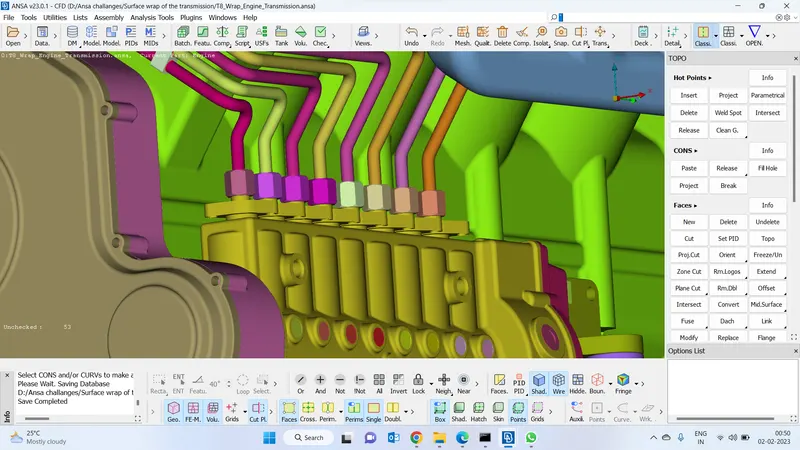
Close the gaps :
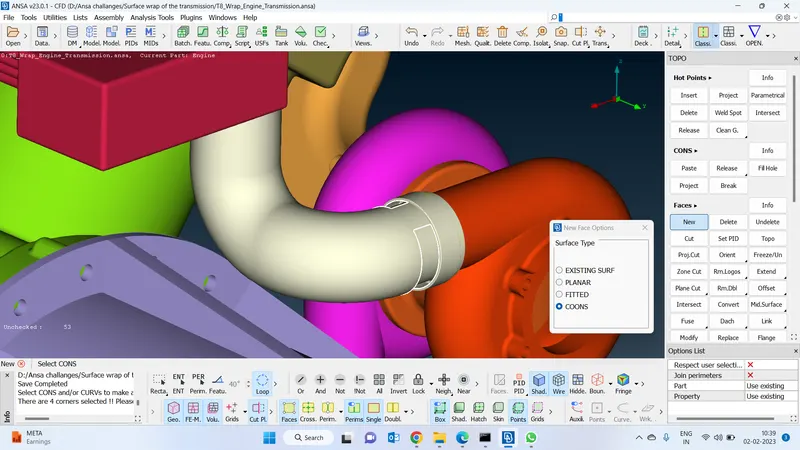
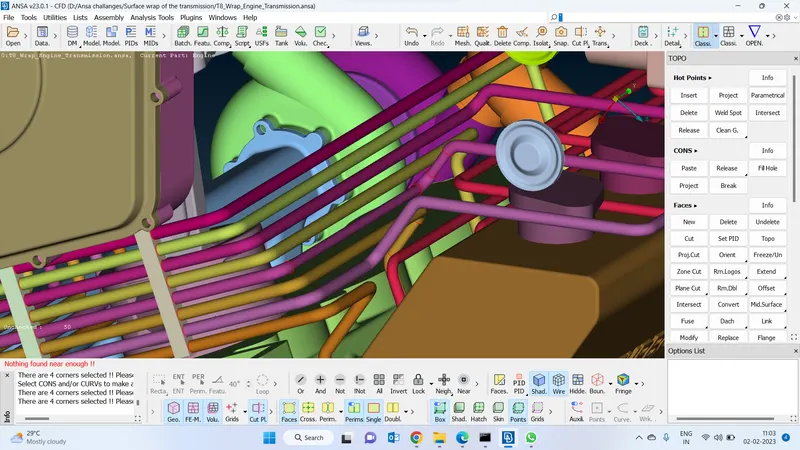
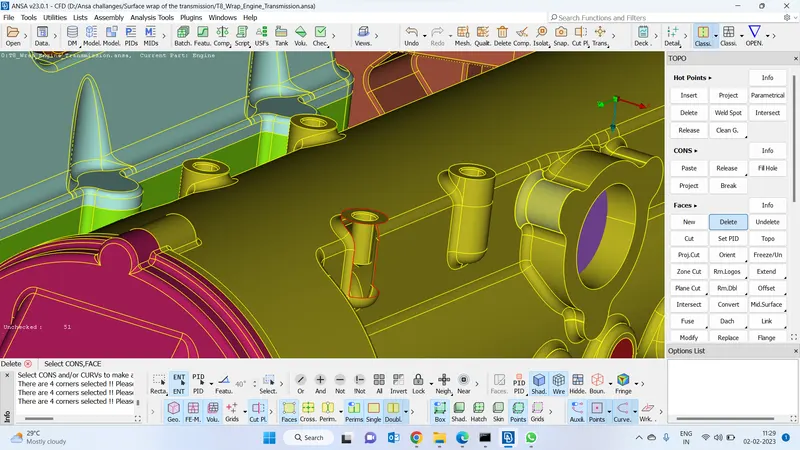
Create a curve and by using that curve as a reference create a surface over there and delete the curves.
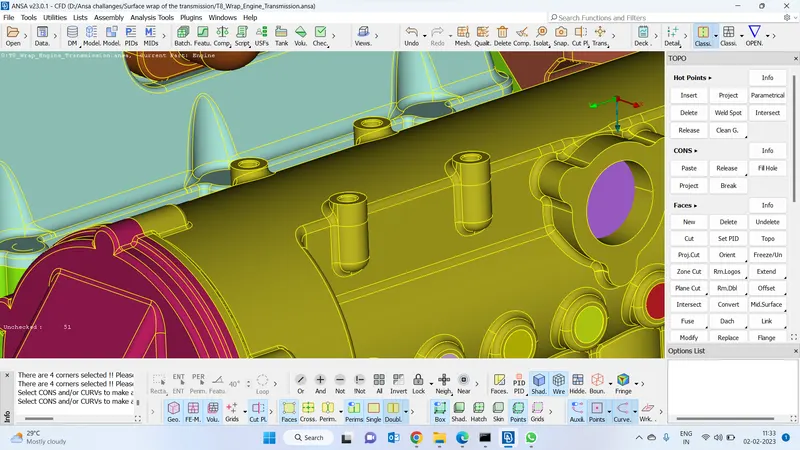
Cleaned up all the external errors :
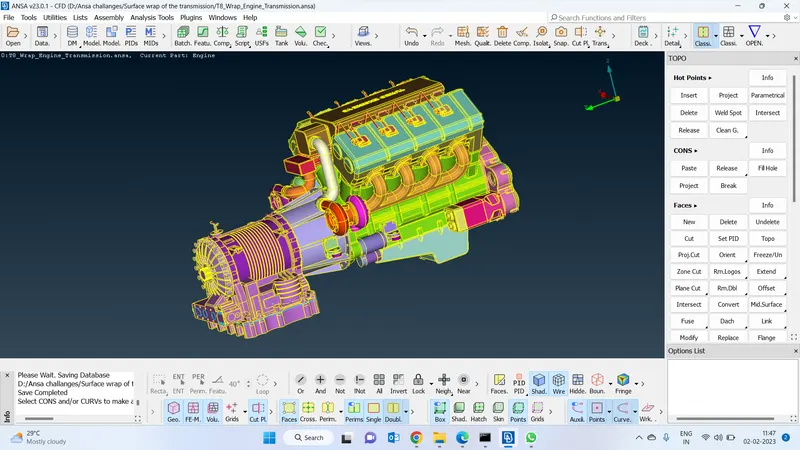
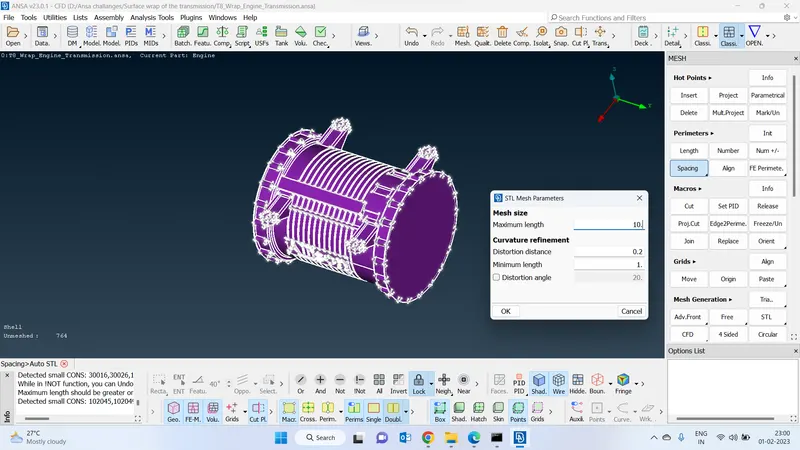
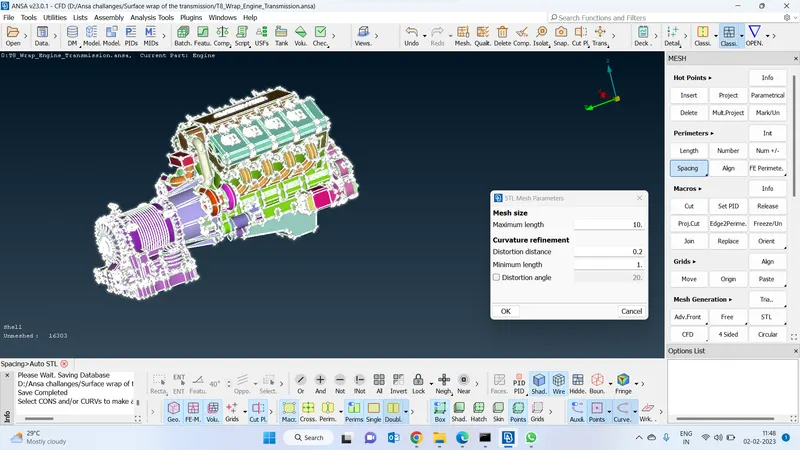
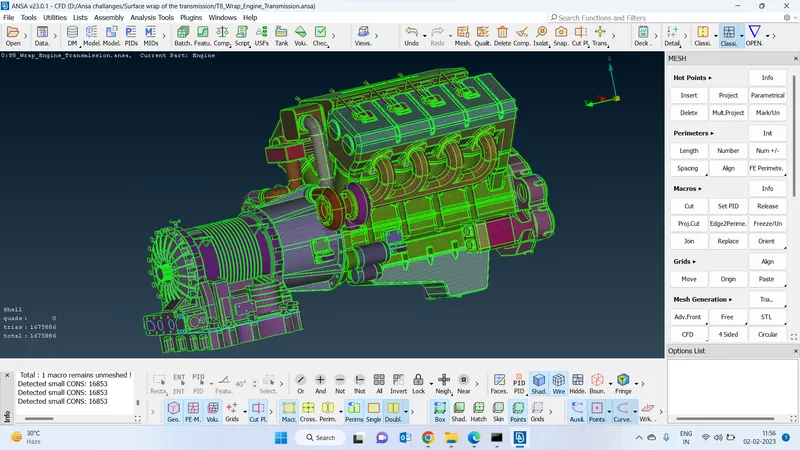
Before surface wrap, I have created an STL mesh to capture the geometry features.
Provide stl spacing minimum length is 1 and the maximum length 10mm
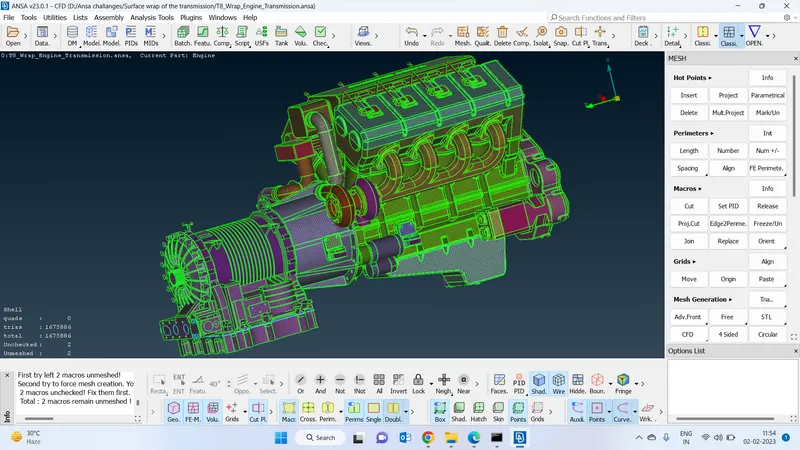
cleared all the unchecked faces and meshed all the unmesged faces
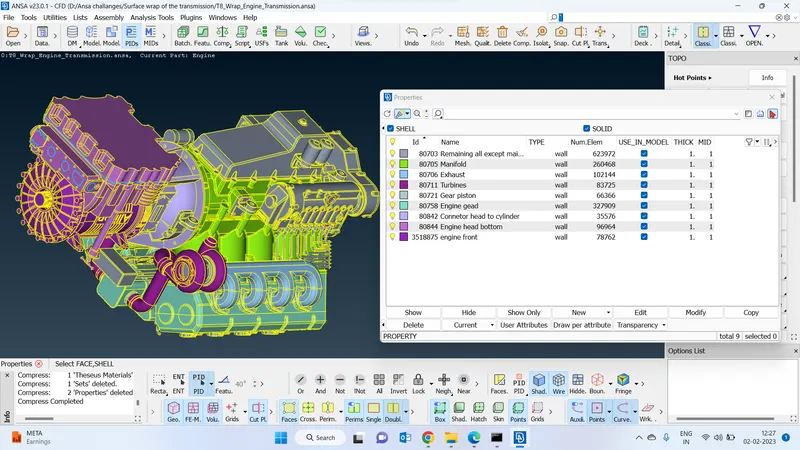
Create pid to identify components while doing surface wrap
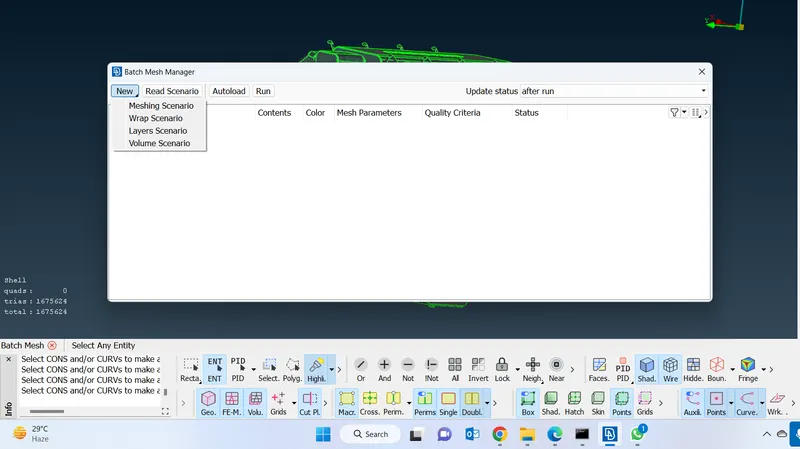
Go to the batch manager and go to the new and click on wrap scenario to create a new wrap scenario
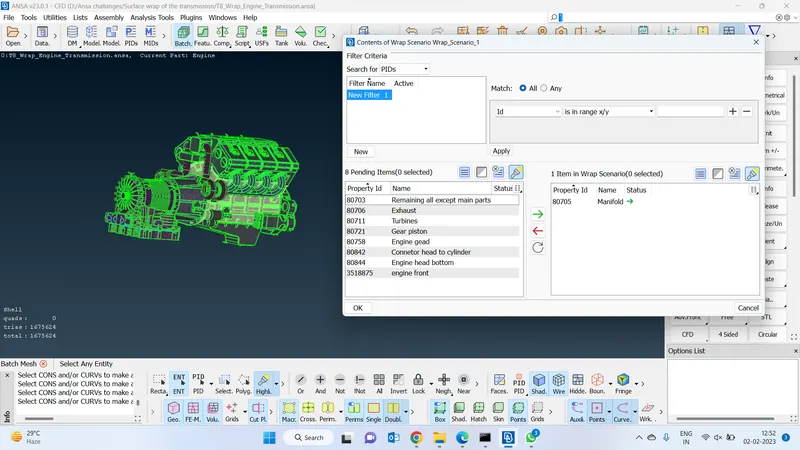
Create wrap scenario for manifold component :
Cfd parameters :
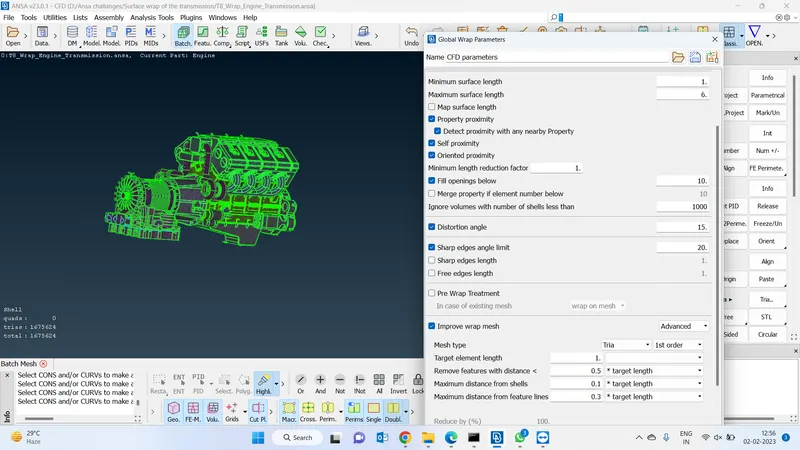
Quality criteria:
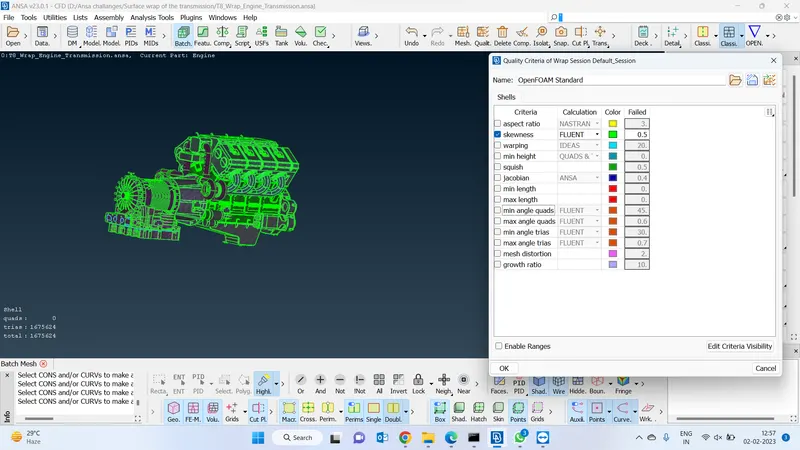
Once after completing all the steps, we will have to click on run to create a surface wrapping on the assigned component
Since I don't have a good system specification am not able to do that
I have attached the google drive link to this geometry till the cleaned up the process below :
https://drive.google.com/drive/folders/1BqoajafUehXiNlzH7fPSsrvucOXzxtzs?usp=share_link