Advanced Sheet Metal Design Using NX Cad Challenge_7_ Metal bracket-II
Sheet Metal Bracket 2 using NX Cad
INTRODUCTION
This project is to learn and understand the features and tools of NX cad software for modelling a sheet metal bracket and to get a clear knowledge and understanding of the software.
OBJECTIVE
The main purpose and objective of this project is to understand and getting used to all the features and tools used in NX Cad software.
METHODOLOGY
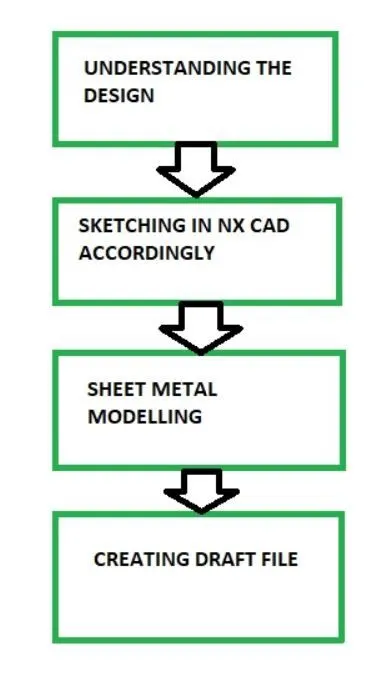
The first step is to understand the design of which we are going to model.
After that we will sketcch the model in NX cad.
Then using the appropriate feature and tools from the sheet metal we do the modelling.
After completing we draft the model.
DESCRIPTION
A. MODELLING
Features/Tools-
-
Sketch
-
Contour flange
-
Normal cutout
-
Break corner
-
Unbend
-
Re bend
-
Advanced flange
-
Simple Hole
-
Gusset
-
Flat pattern
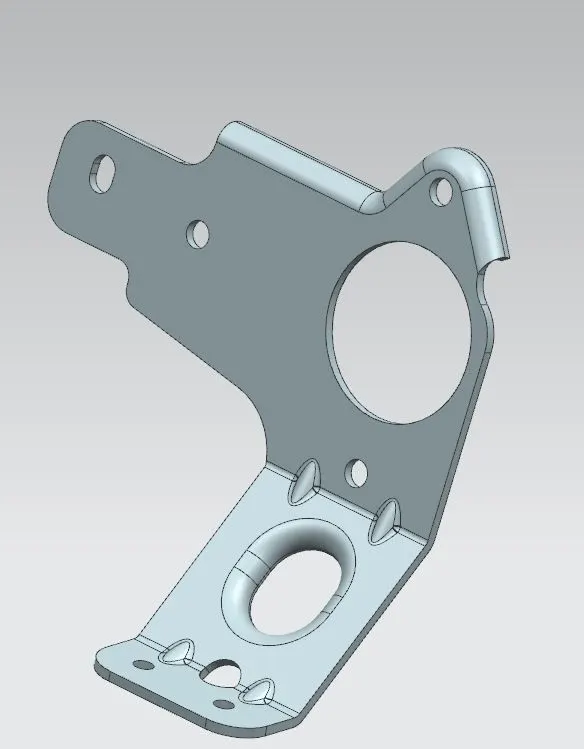
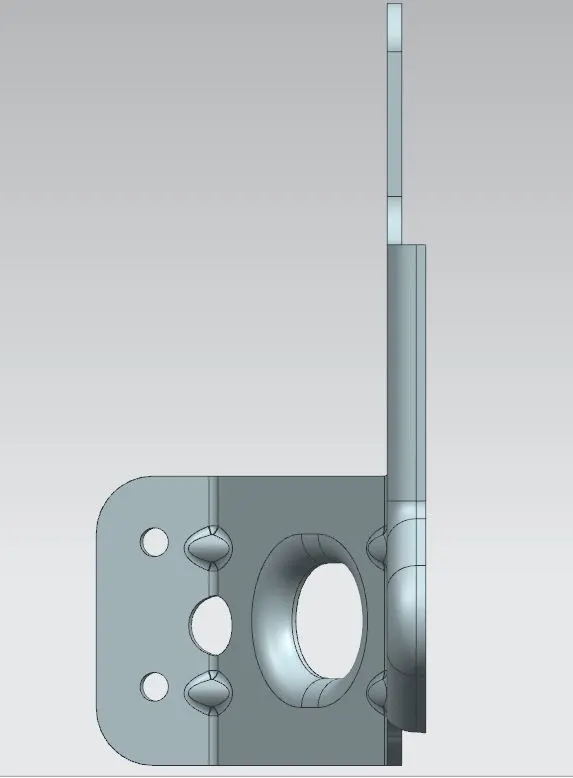
We create a sketch on YZ plane. This sketch we are going to use for normal cutout. Then we sketch on the XZ plane. Using this sketch we use the contour flange feature which make a flange according to the sketch. Cutout feature is used afterwards to cut some parts from the body. Using break corner we give rounded edges to the corners.
We then unbend the body and the draw a circle on the YZ plane so that we can use the normal cutout feature on it to reamove that portion. Then we again rre bend it.
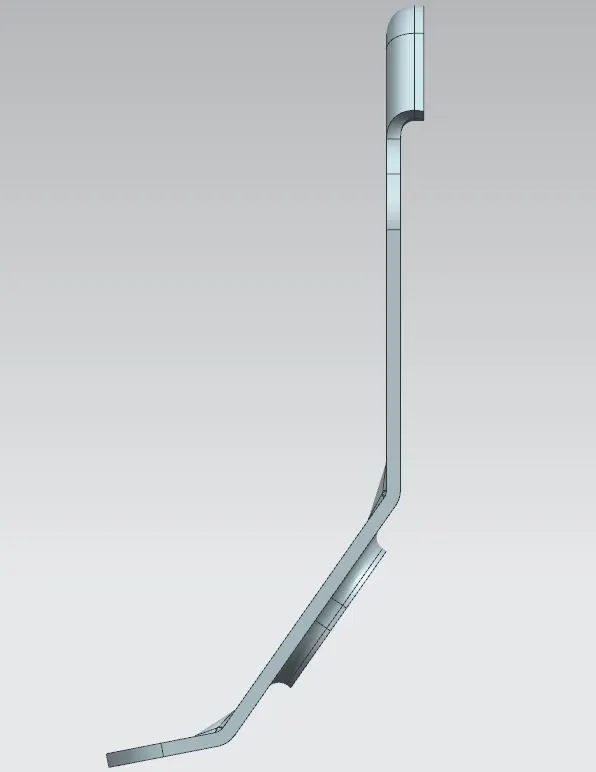
Advanced flange feature is used to add a flang along the edge using a bend angle or a reference face.
After this again unbend to make hole using the simple hole feature and again re bend it.
Then finally we use the gusset option on the bands. We usually make gusset on the bends to strengthen the model or to stiffen the model.
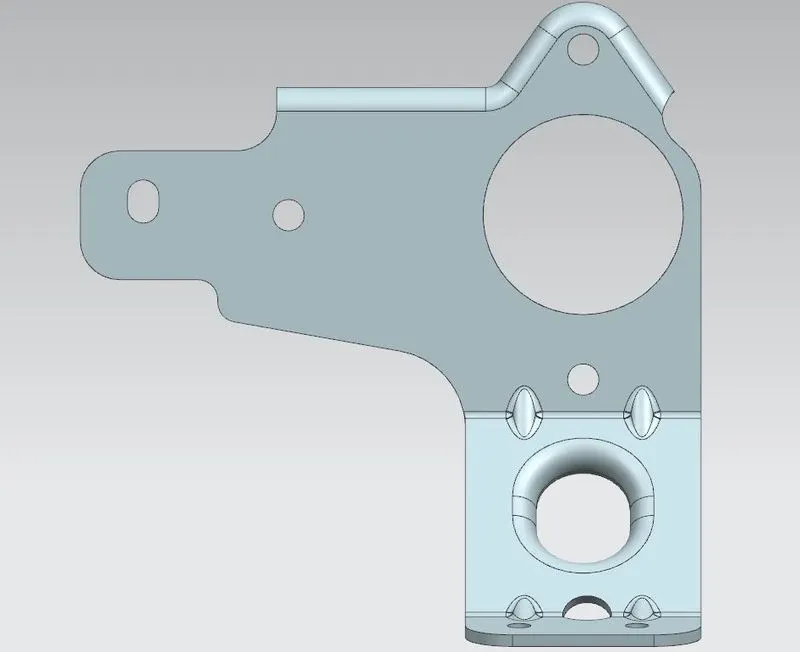
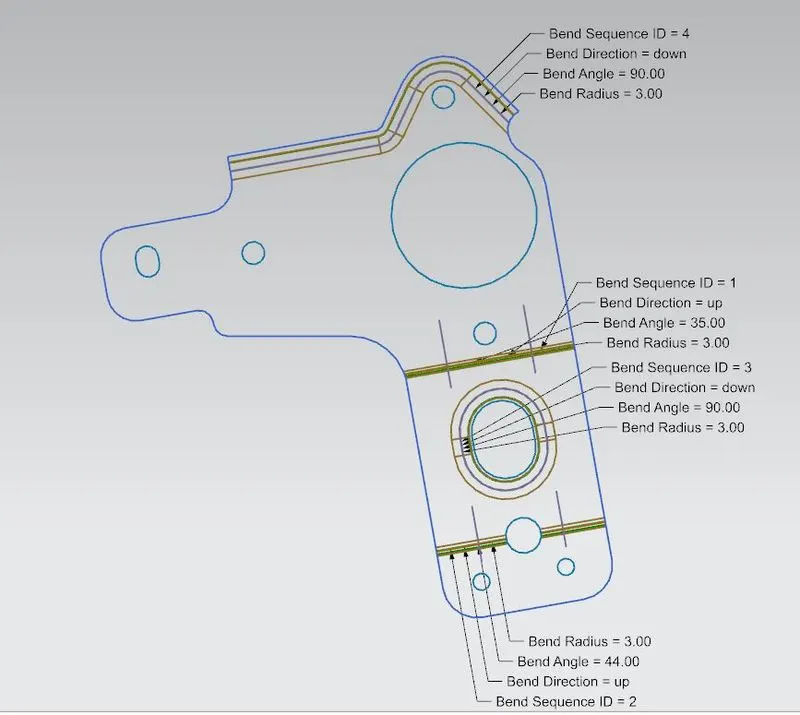
After using all these features and tool we have created the model. And then we create a flat pattern using the flat pattern feature. It helps in creating and visualizing the model in two dimension which makes it easier for manufacture.
B. DRAFTING
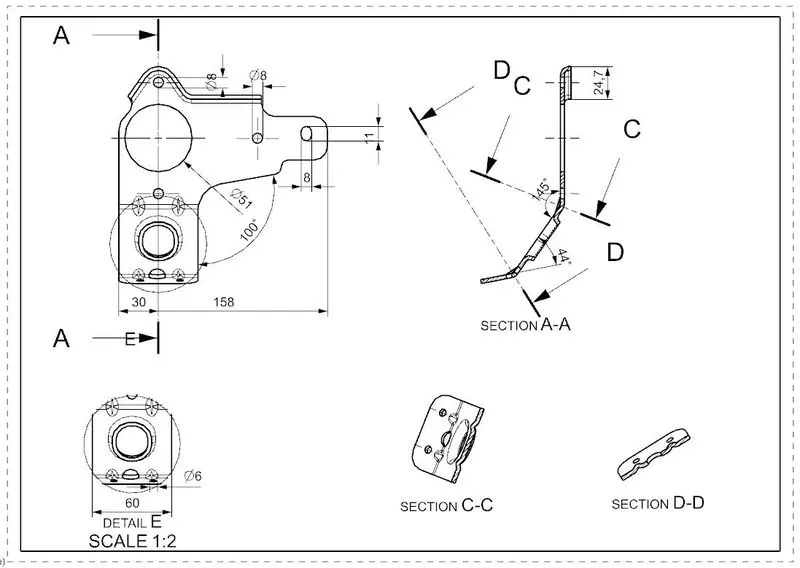
Drafting is nothing but creating two dimension drawing of the model for better understanding.
It also makes it easy for the manufacturer for understanding.
CONCLUSION
Thus we were able to model the part using all the above feature and we got to learn and understand above the features and tools of NX Cad.