Advanced Sheet Metal Design Using NX Cad Challenge_7_ Metal bracket-II
Project Title -Design of metal bracket
Objectives-
- Design of metal bracket
- use the tools like advance flange, gussets normal cutouts etc
- Use nx cad fotware for designing
Introduction
Sheet metal finds its application in automobiles and aerospace industries due to higher strength and less weight . it is easy to form into shapes through punch and die .Based on requirement and the standards sheet metals of varying thickness are used . Sheet metal comes from various materials such as steel , aluminium , brass titanium or more.
Design methodology / flow chart
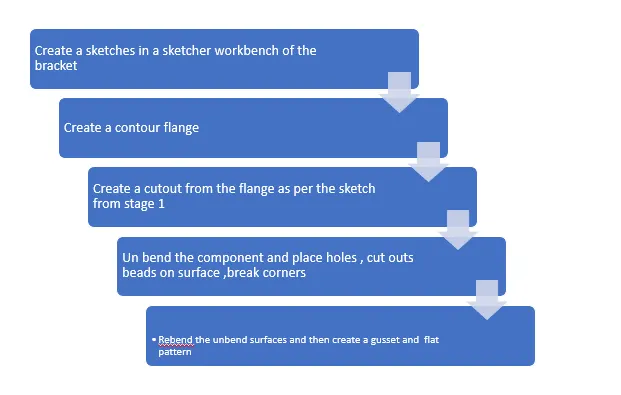
Procedure for designing the metal bracket
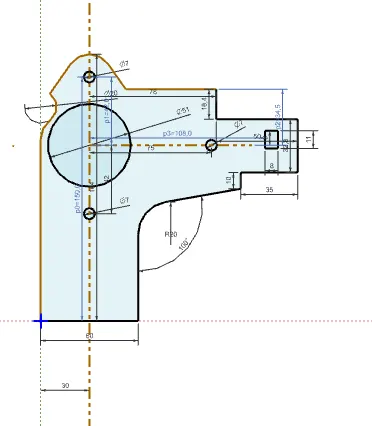
1. Create a sketch -this sketch is the front view of the bracket , we have to use it to create a cut out
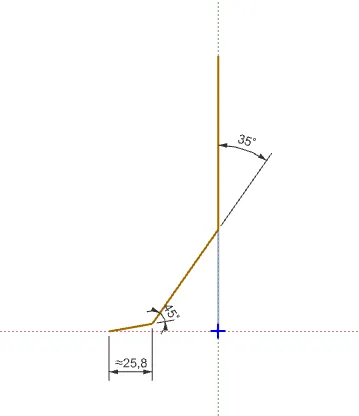
2.Create a sketch for contour flange creation -This sketch is side view of component and is used to create base of component
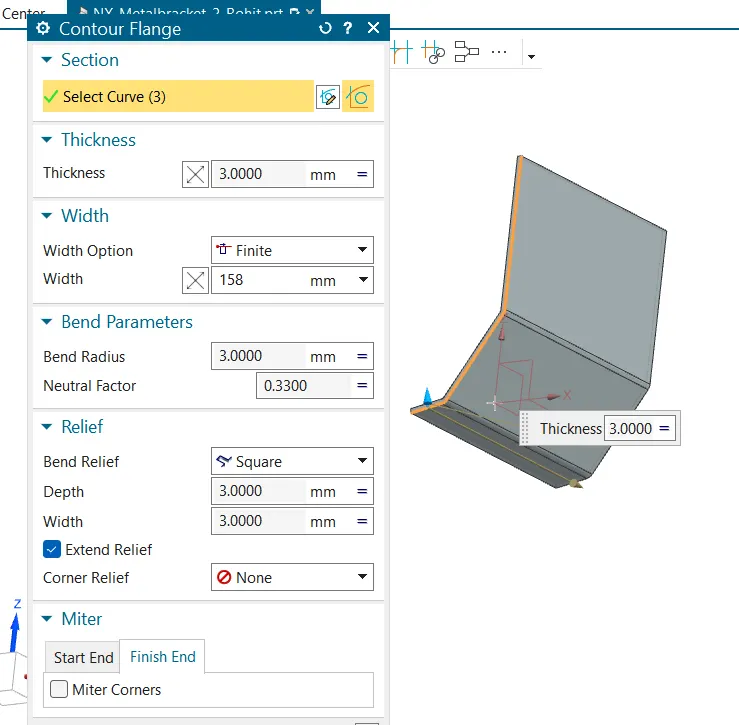
3.Create a contor flange - This command creates the flange as per the sketch with thickness we have to give width
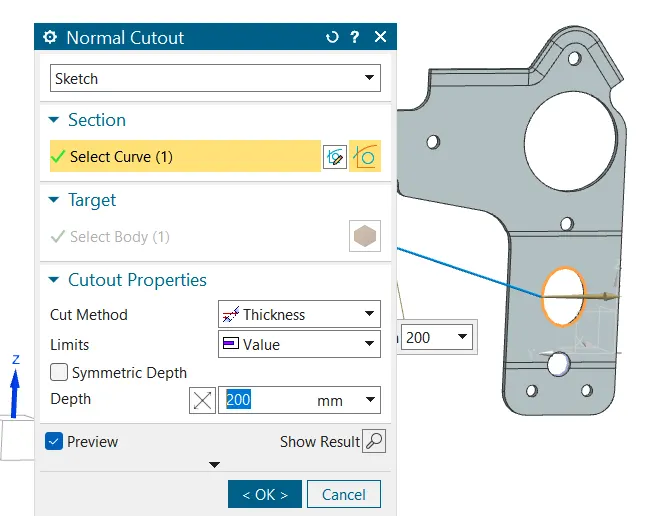
4. Create the nornal cut out as per the sketch
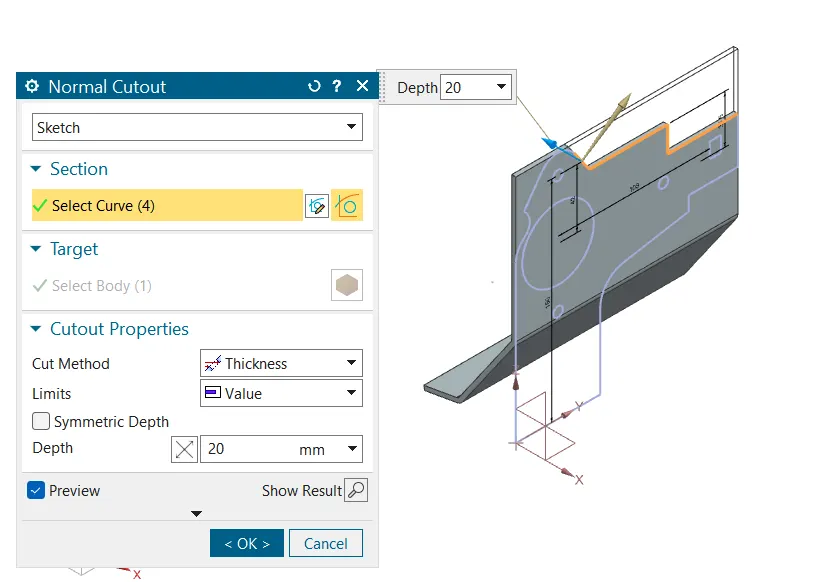
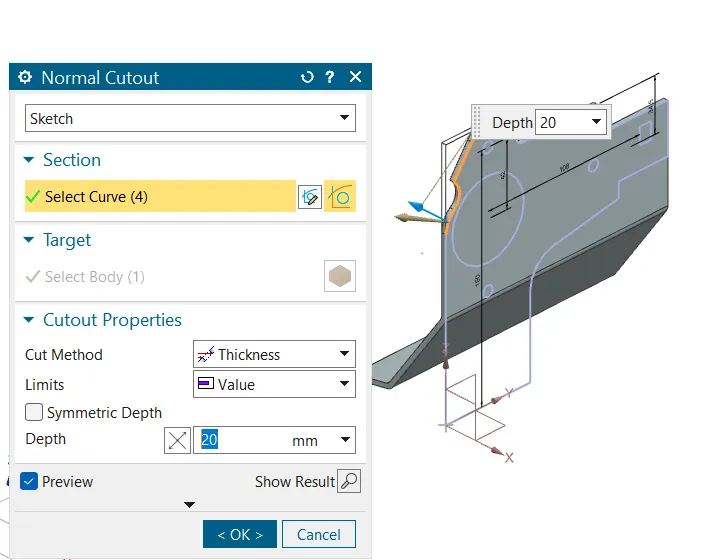
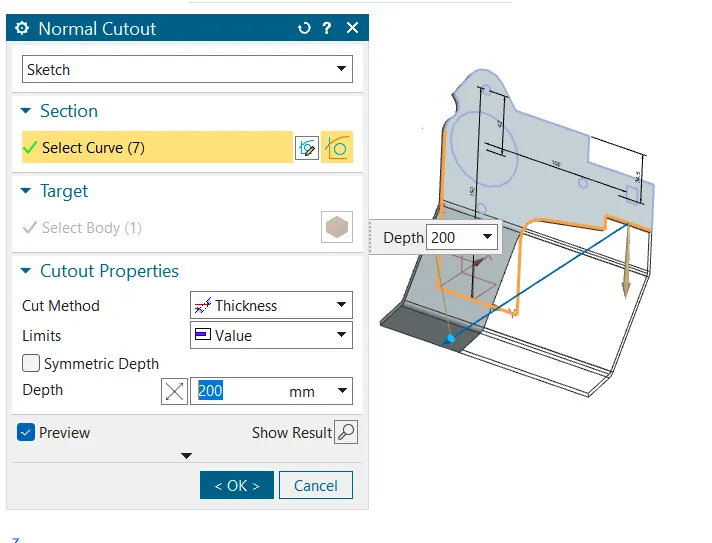
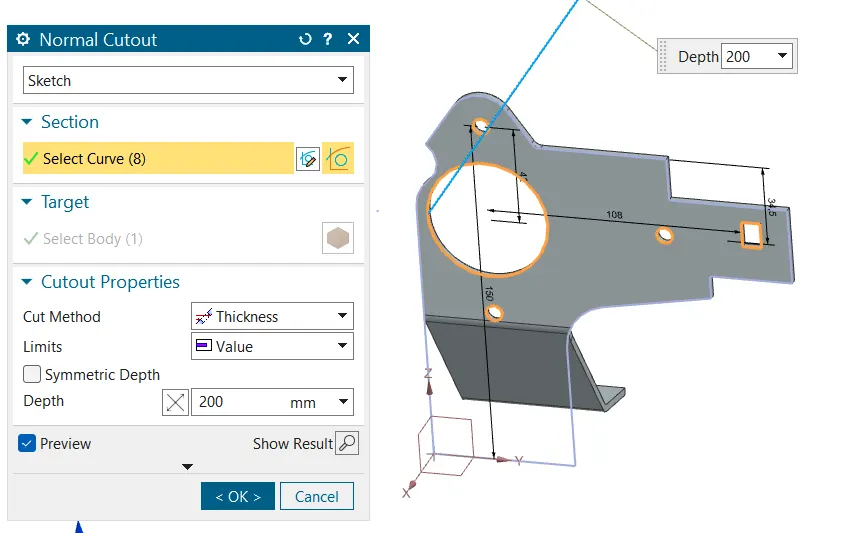
5. create a break corner at sharp corners
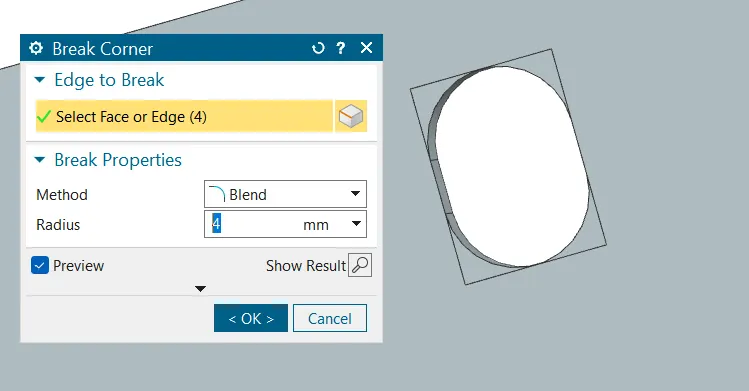
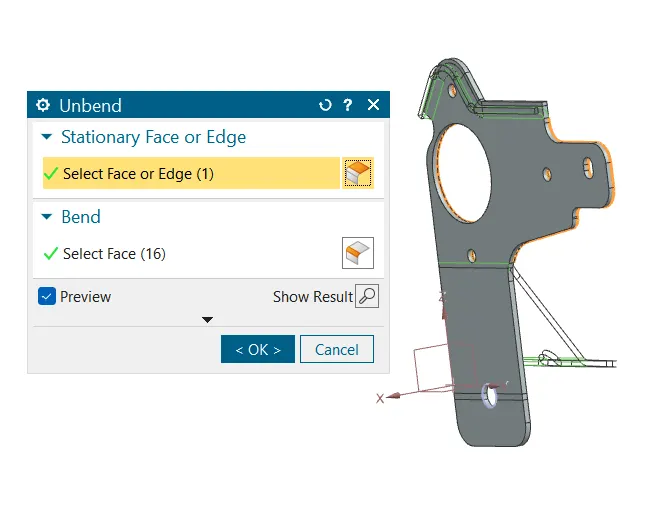
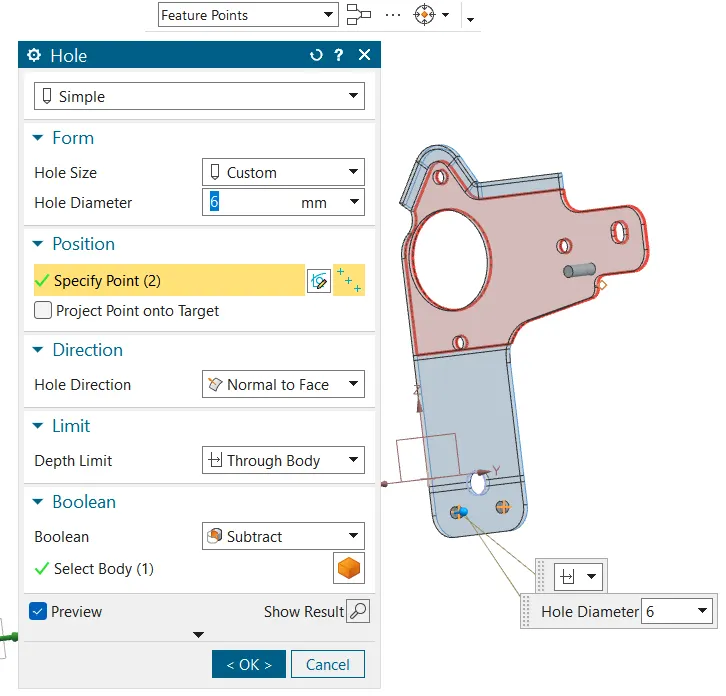
6. Unbend the component to produce holes on a body
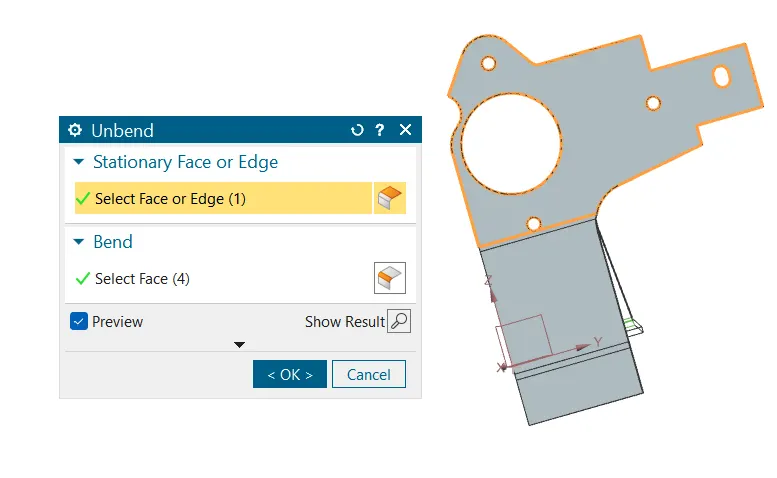
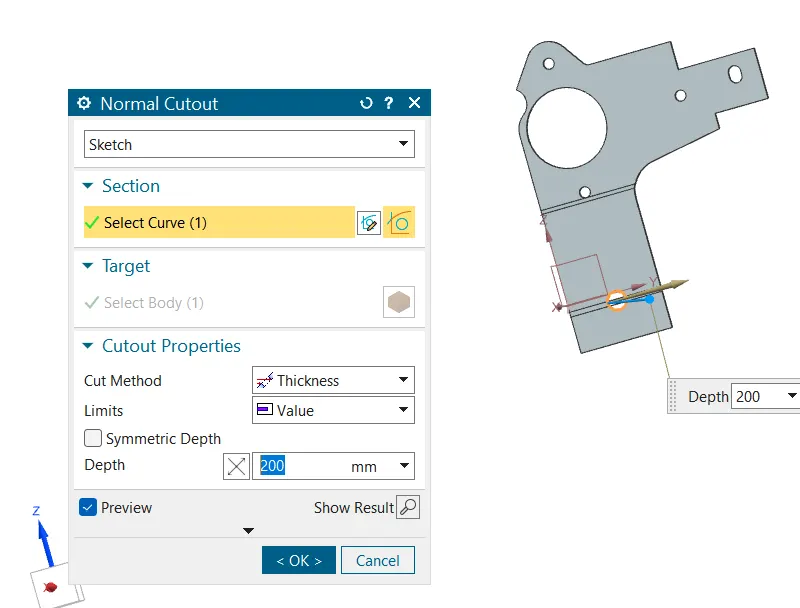
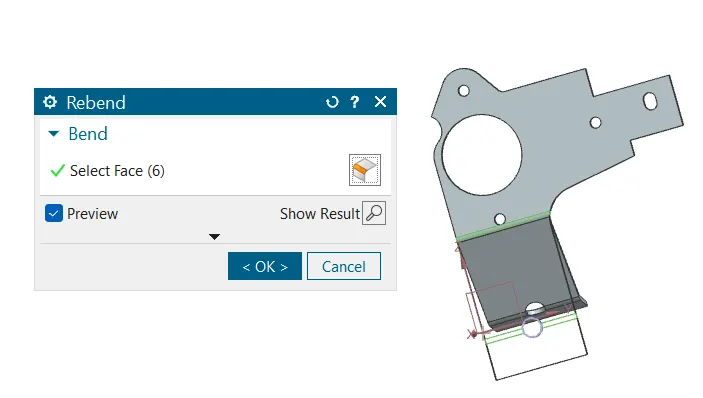
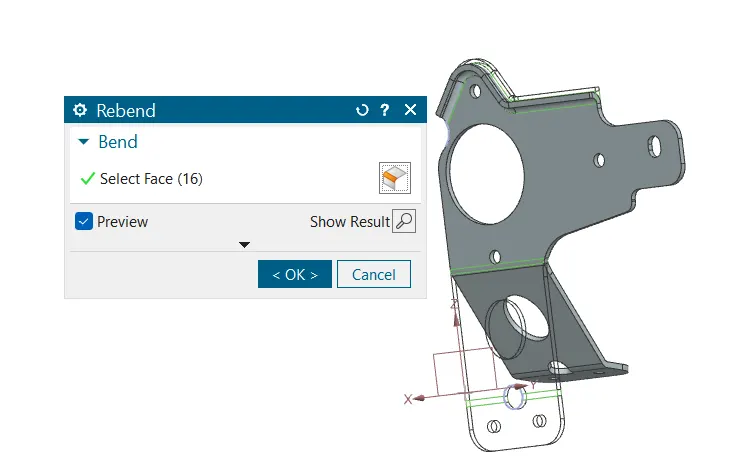
7.Rebend the unbend component
8. Break corner to reduce sharp corners
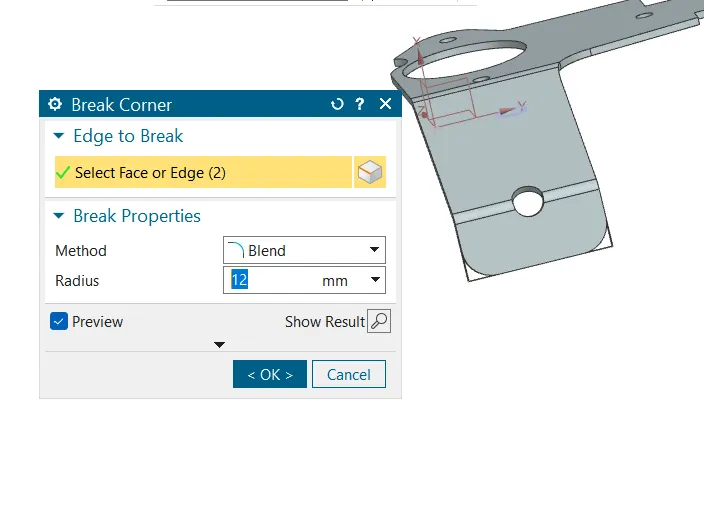
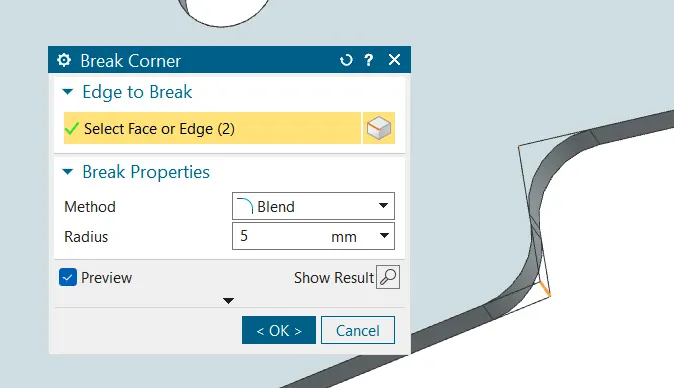
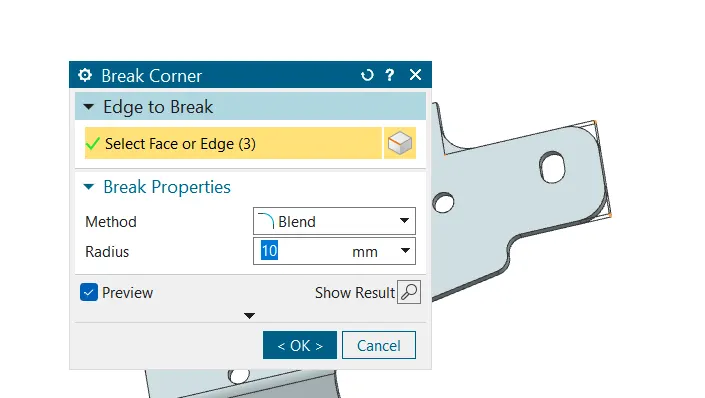
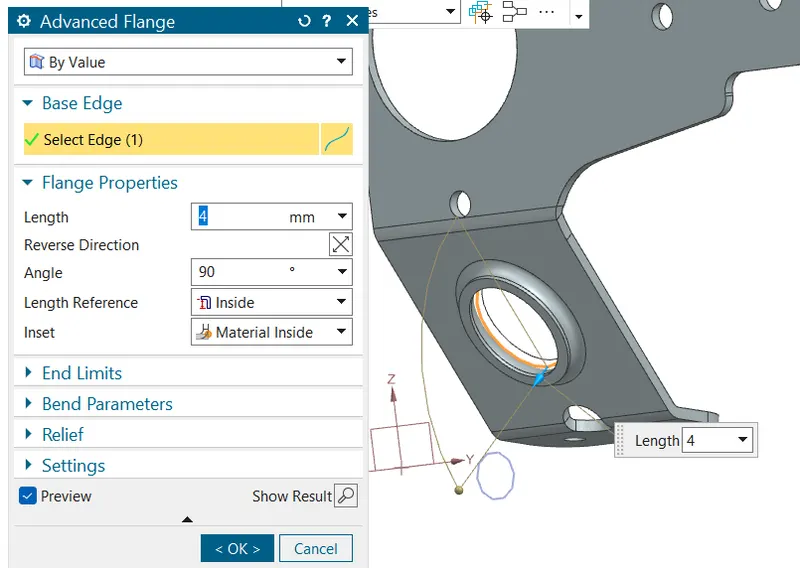
9.Create a flange by selecting advanced flange command
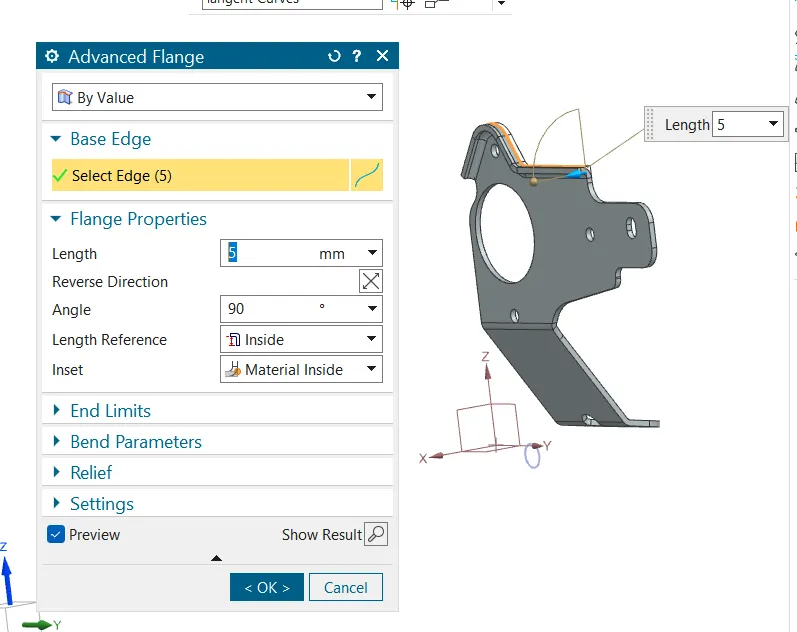
10. Unbend the component to create holes
11.Rebend the component
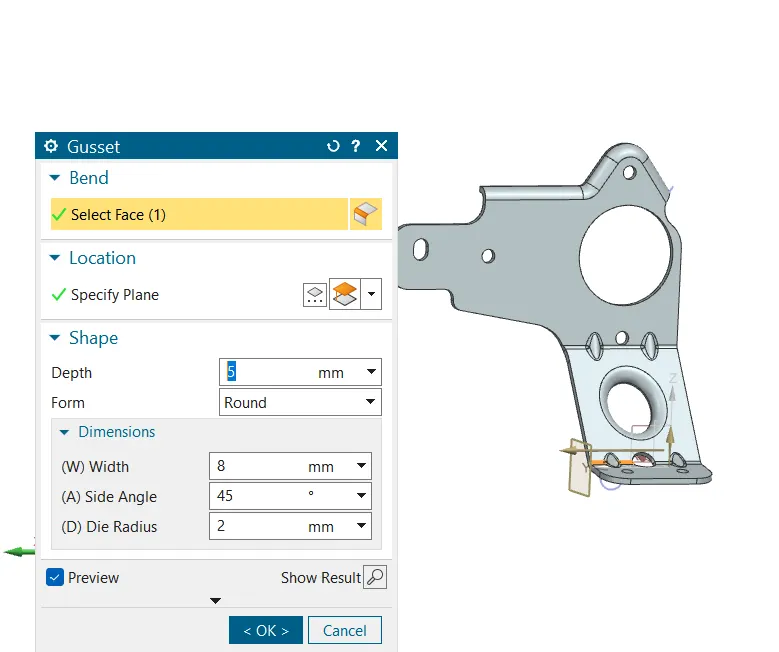
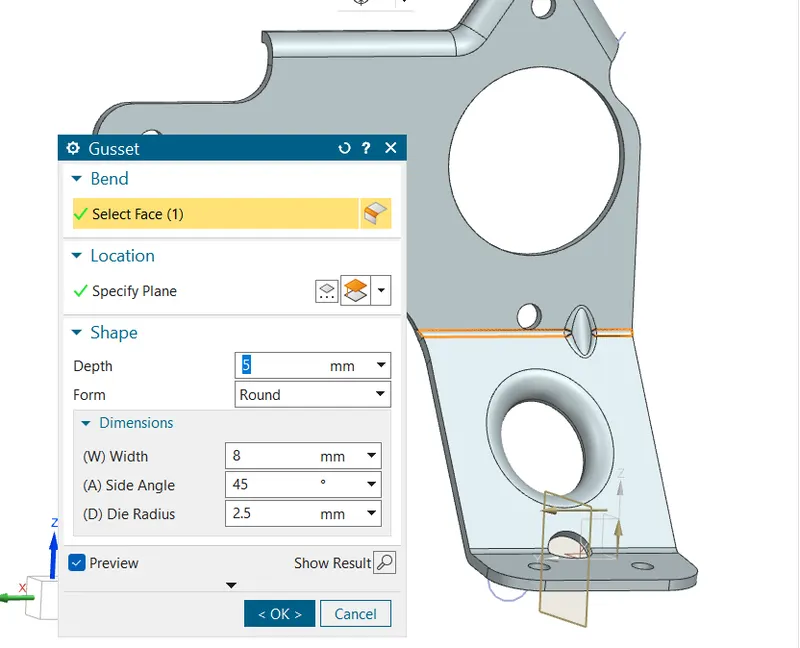
12. createing the gussets -click on gusset cammand , specify the plane acoording to distance of gusset in the drawing and provide depth on gusset and die radius to create the gusset
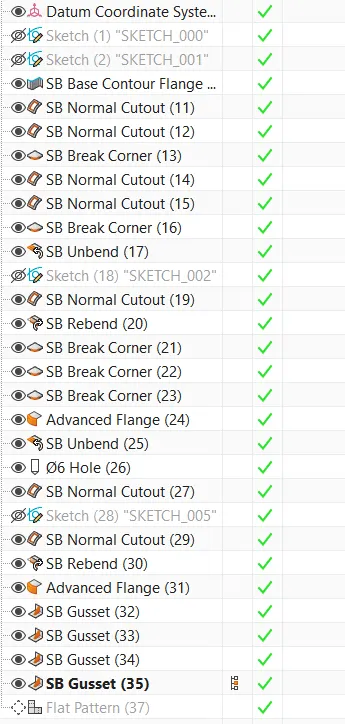
Product feature tree
Drafting sheet
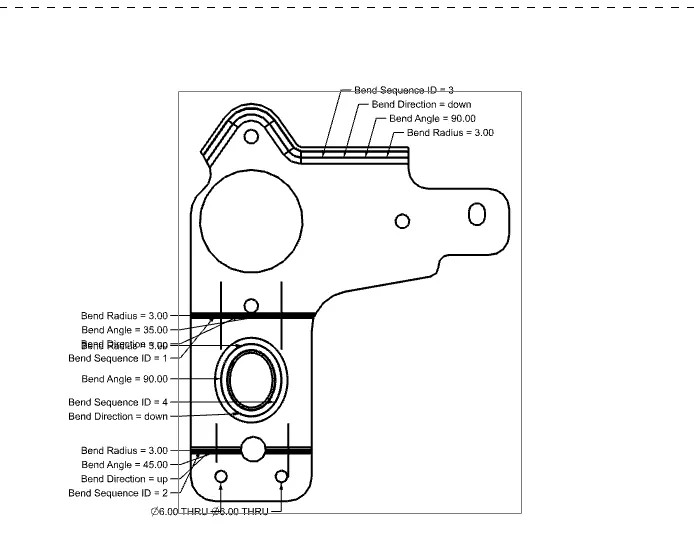
Views of the bracket
Isometric views
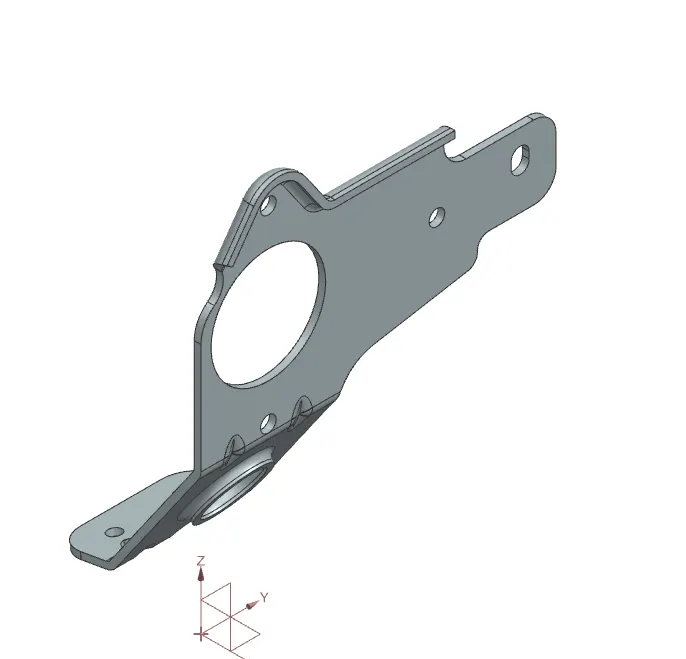
Front view
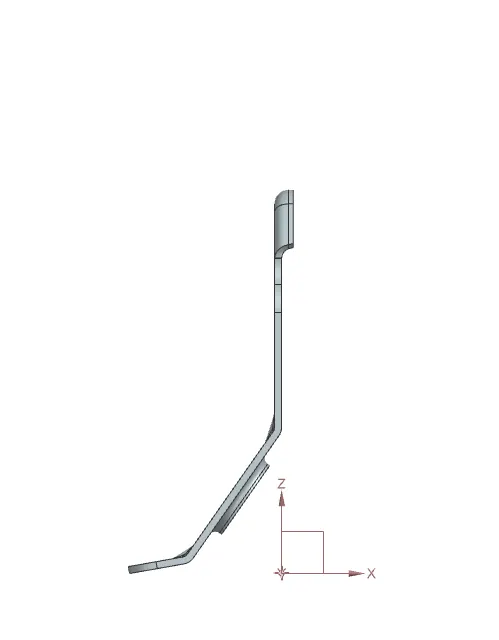
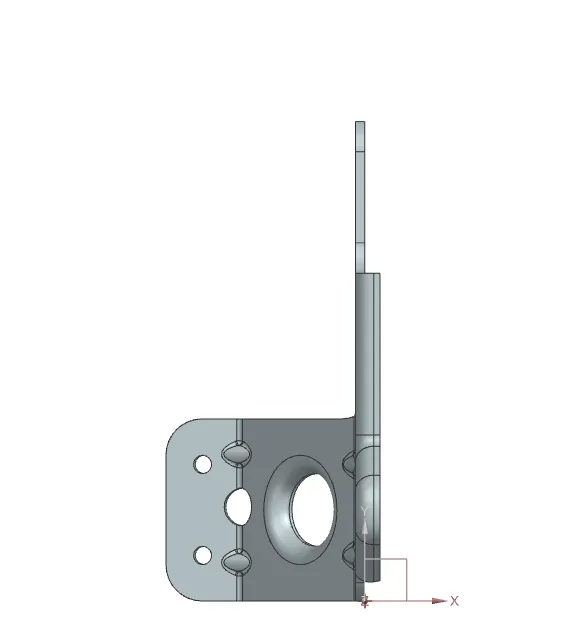
Side view
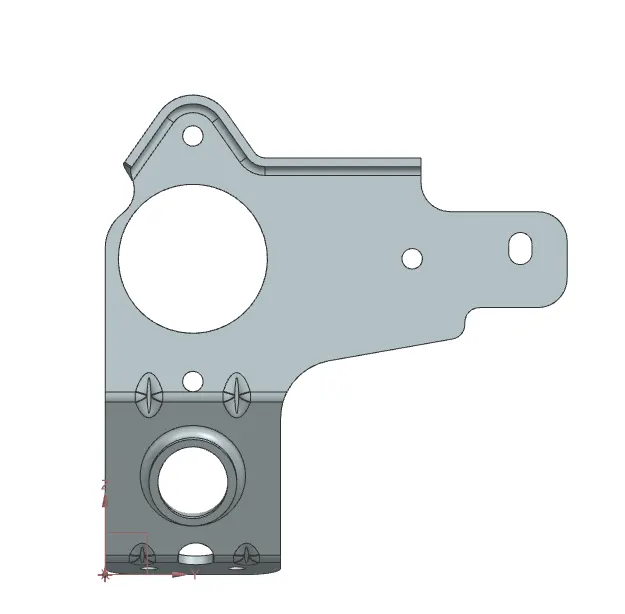
Top view
Conclusion
In this way we have designed the metal bracket useing nx cad sofftware appling commands liks gusset , cutouts advanced flanges