Advanced Sheet Metal Design Using NX Cad Challenge_7_ Metal bracket-II
Aim: Advanced Sheet Metal Design Using NX Cad Challenge_7_ Metal bracket-II
Write a detailed report on Sheet Metal Component with good explanation on Sheet Metal modelling tools applied throughout the modelling. Also attach the Final model Images (Min. 4 images) of Sheet Metal Bracket.
Link for PDF.
https://drive.google.com/open?id=1YZ0qKwN30MY_MUo2sM5d_F3DZIPd5Go5
Points to be followed in report
Title of the Project: Advanced Sheet Metal Design Using NX Cad Challenge_7_ Metal bracket-II
Objective: The aim of this project is to design a metal bracket 2 using NX sheet metal application.
Introduction:
The sheetmetal application provides an environment for the design of sheetmetal parts.The metal bracket is designed in NX 12 software using sheet metal features. Siemens NX is a high end CAD/CAM/CAE software. Siemens NX software is a flexible and powerful integrated solution that helps you deliver better products faster and more efficiently.
NX delivers the next generation of design,simulation, and manufacturing solutions that
enable companies to realize the value of the digital twin.Sheet metal is a metal formed by an industrial
process into thin , flat pieces. Sheet metal is one of the fundamental forms used in metal working
and it can be cut and bent in to variety of shapes .countless everyday objects are fabricated from
sheet metal.
Design methodology / approach (To be explained with the help of Flowcharts only)
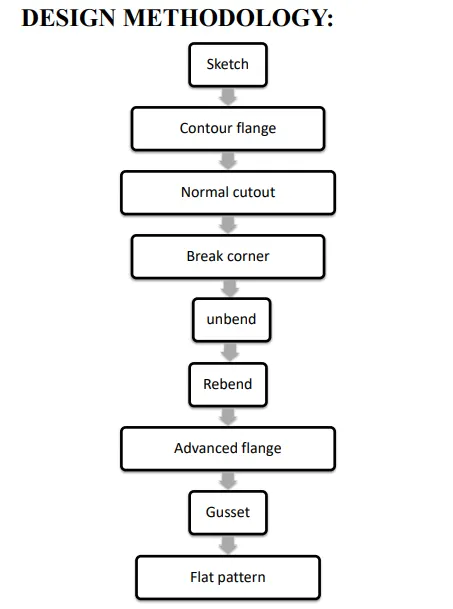
Description (Need to explain tools/ Features used while designing)
First we have to open the NX CAD sheet metal application and set the sheet metal preferences
for commands.
SKETCH:
It is a basic and initial operation for creating any kind of sheet metal components.
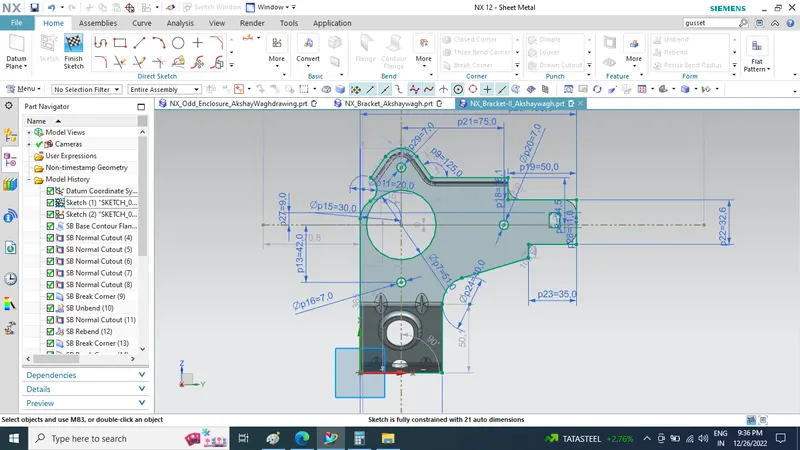
CONTOUR FLANGE:
For 2d sketch open profile we can create a contour flange by giving thickness and length .
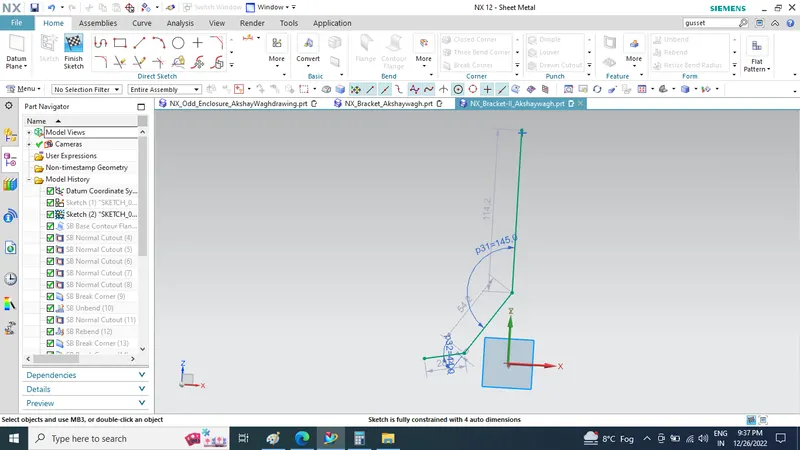
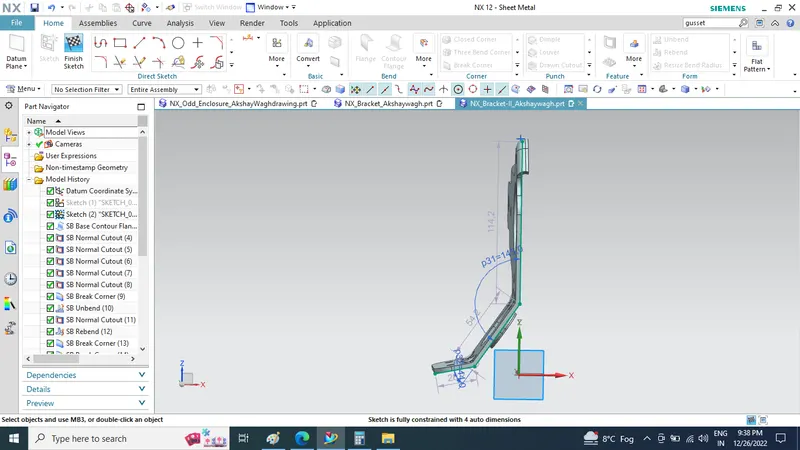
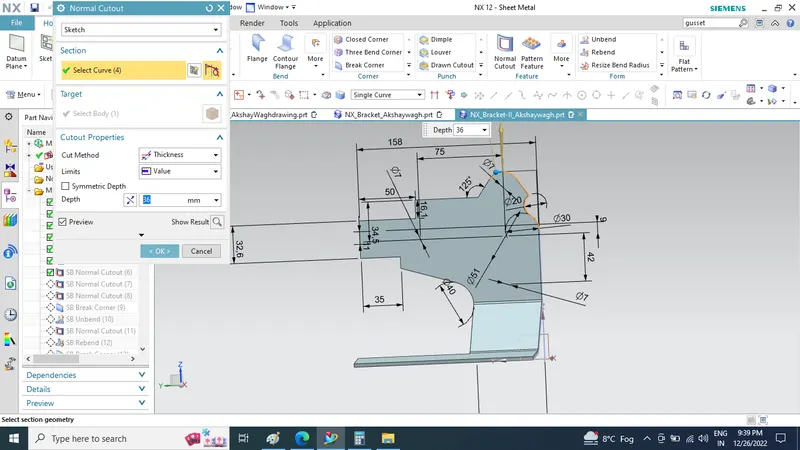
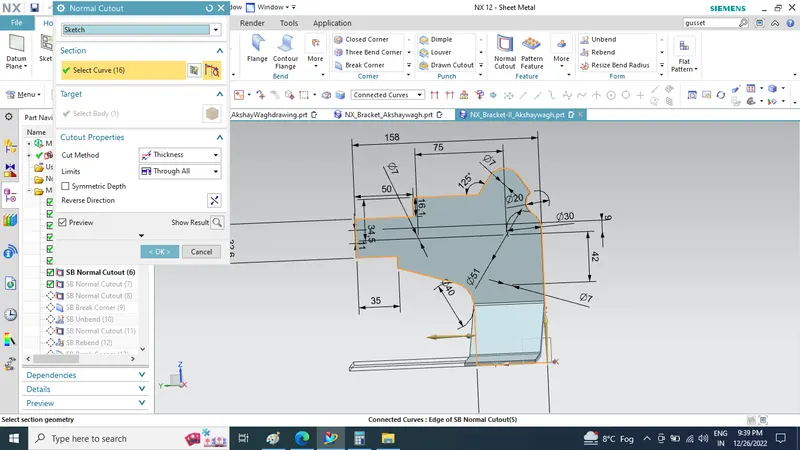
NORMAL CUTOUT:
This feature is used to cut a section using a reference 2d sketch.
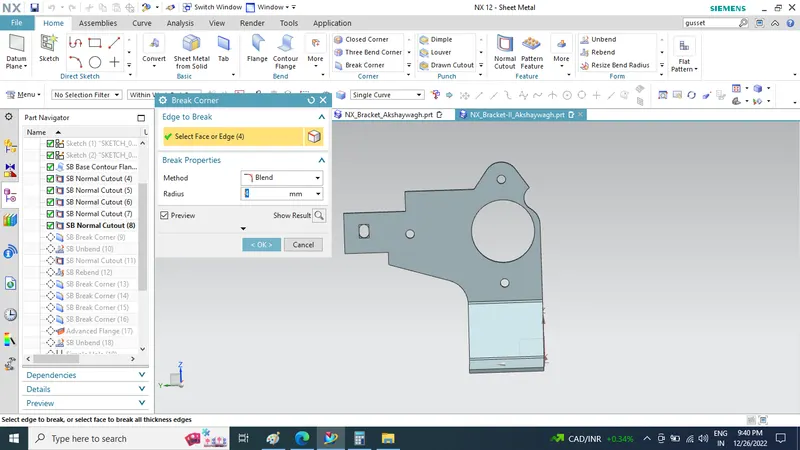
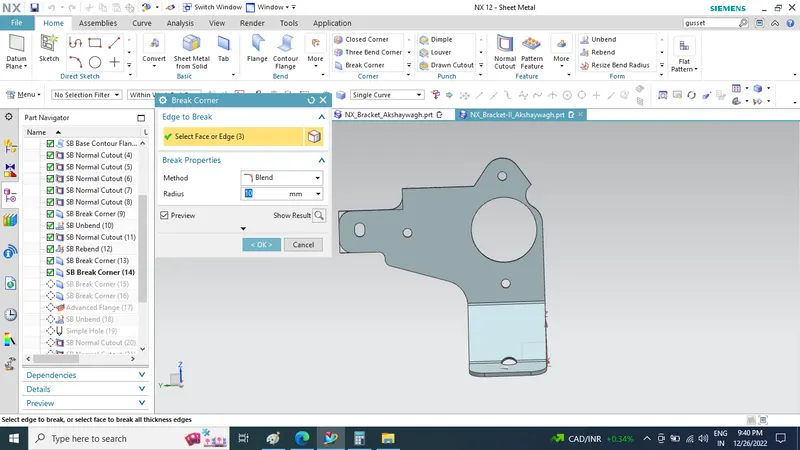
BREAK CORNER:This feature is used to create a smooth edge by selecting a fillet or chamfer
option and by defining certain values.
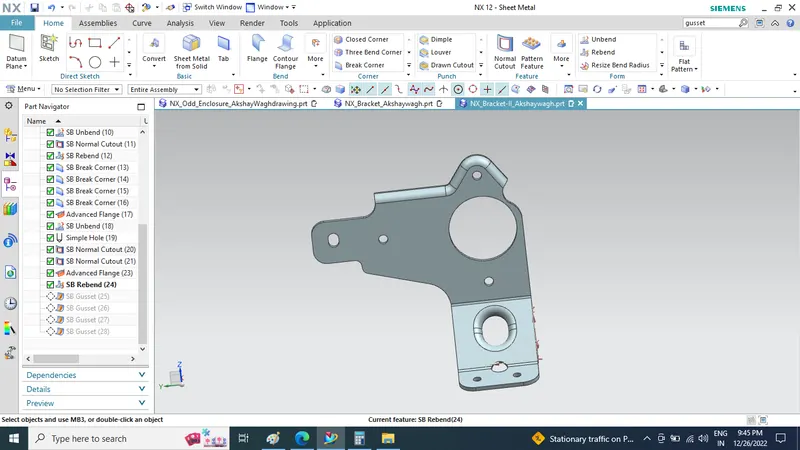
UNBEND:This is a feature which is used to flatten the bended edges in a sheet metal part.
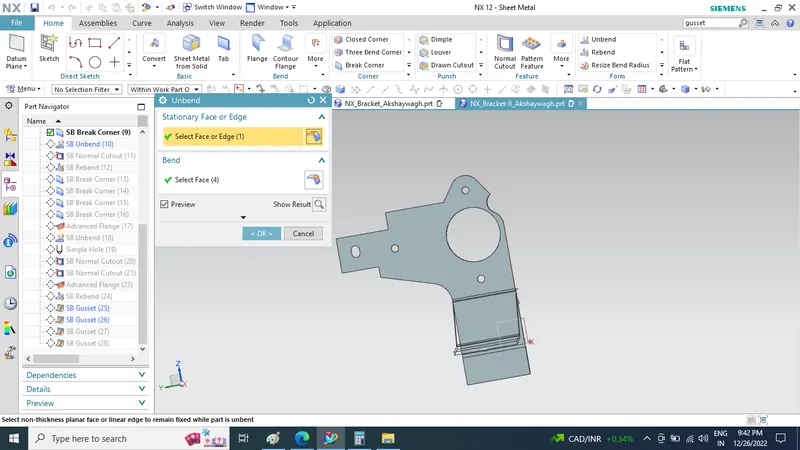
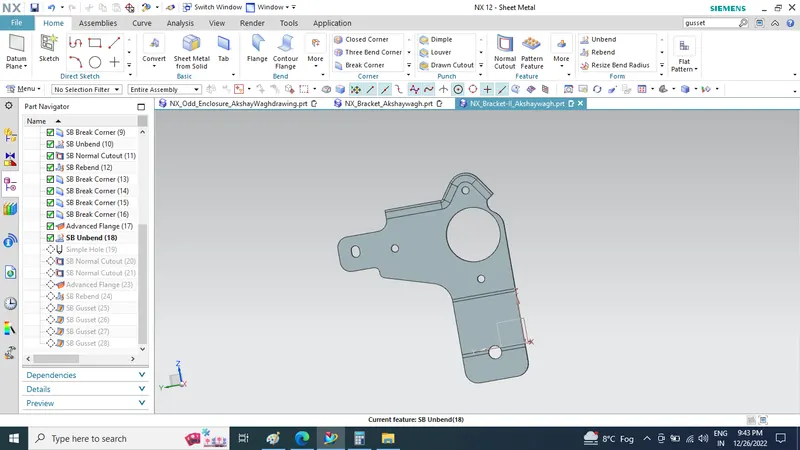
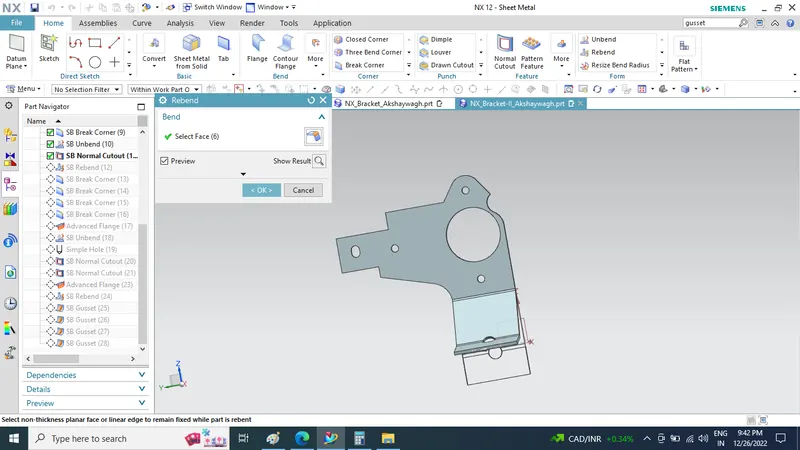
REBEND:This feature is used to restore a flatten sheet metal part.
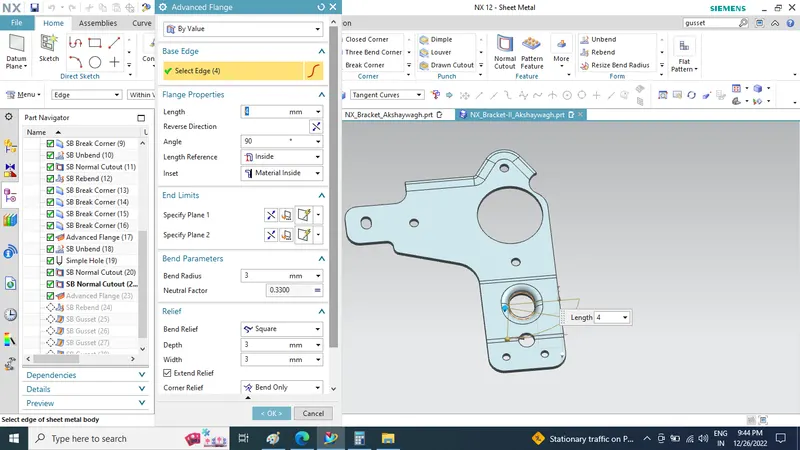
ADVANCED FLANGE: Advanced Flange adds flange along the edge using the reference face or bend
angle. The edge and reference face canbe curved.
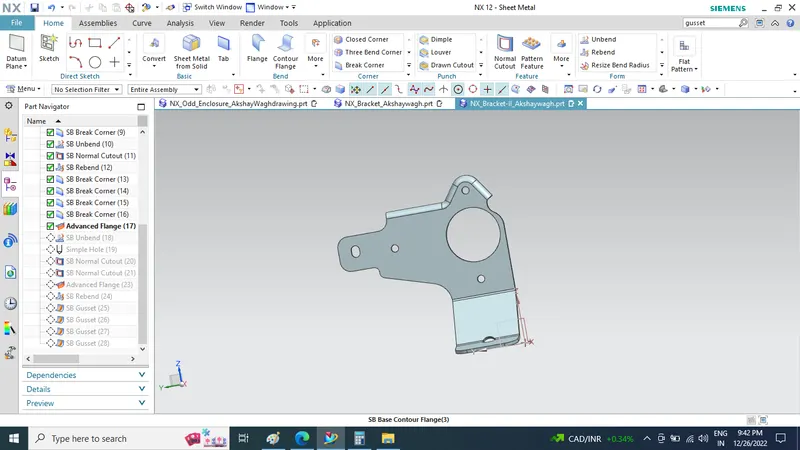
REBEND:
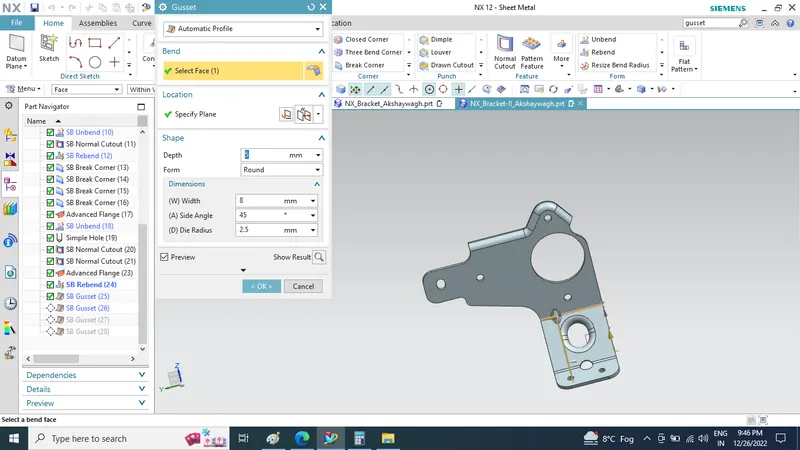
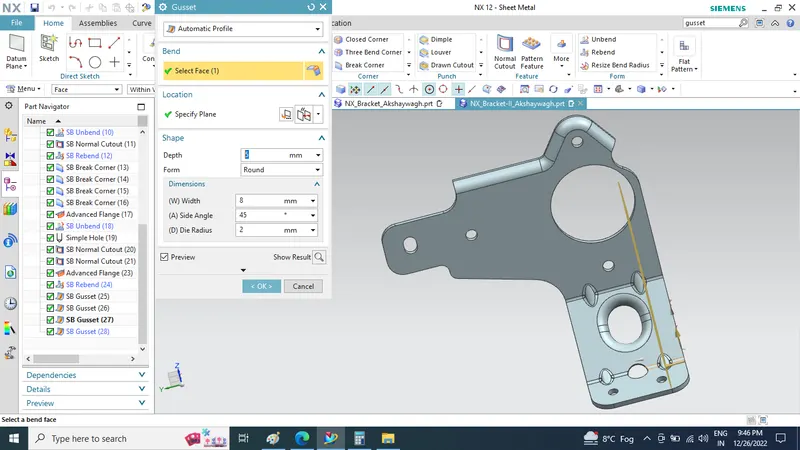
GUSSET: Gussets are stiffening features created across a bend to reinforce the sheet metal part . click on the gusset command and select bend face and plane and give values and click ok.
FLAT PATTERN:
It creates a flat pattern feature from the formed sheet metal part.
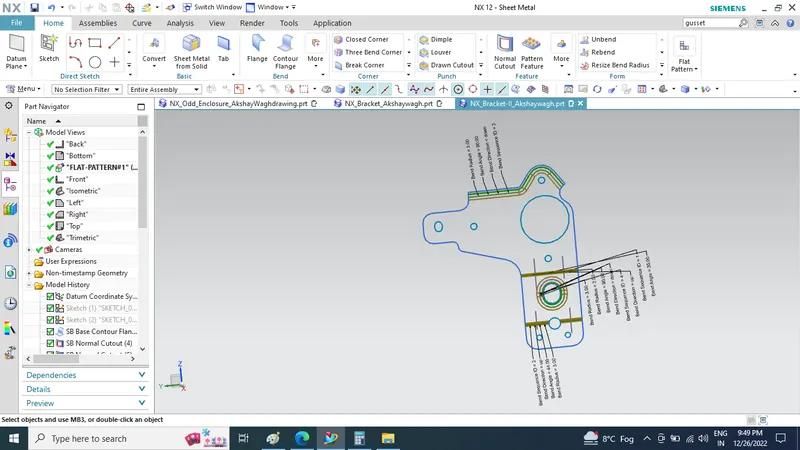
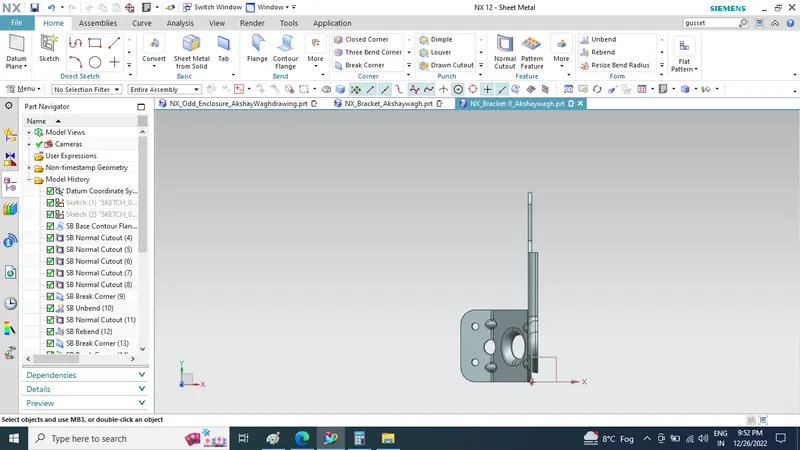
Upload a min of four screenshots of Model in the report. (Front View, Side View, Isometric View and the Top View)
Isometric View
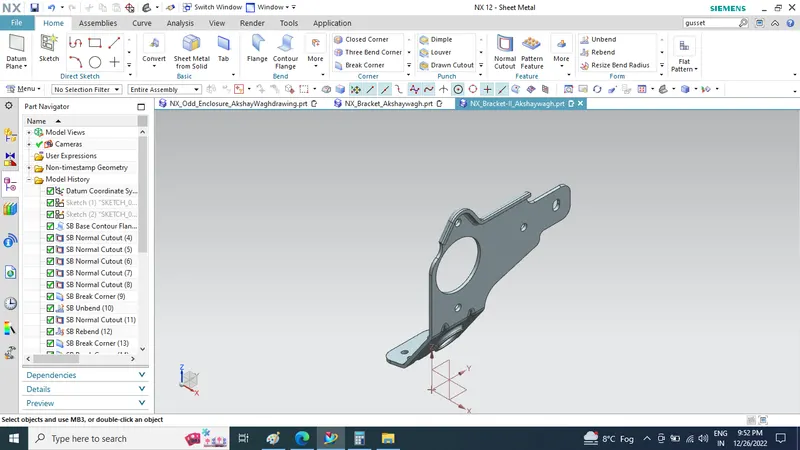
Front View
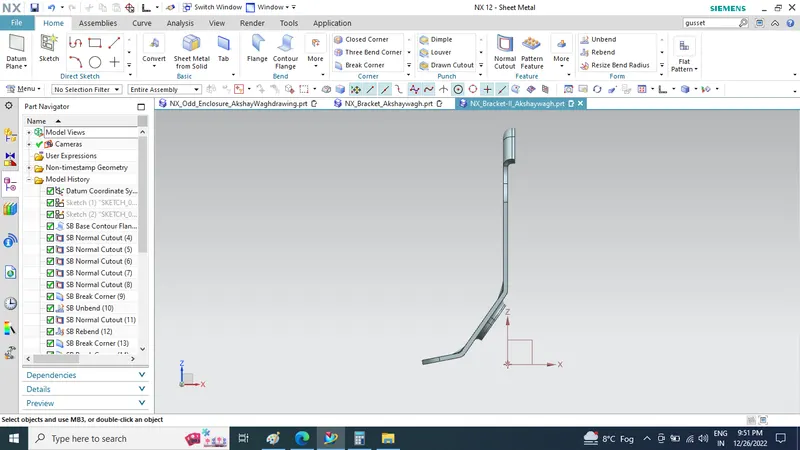
Side View
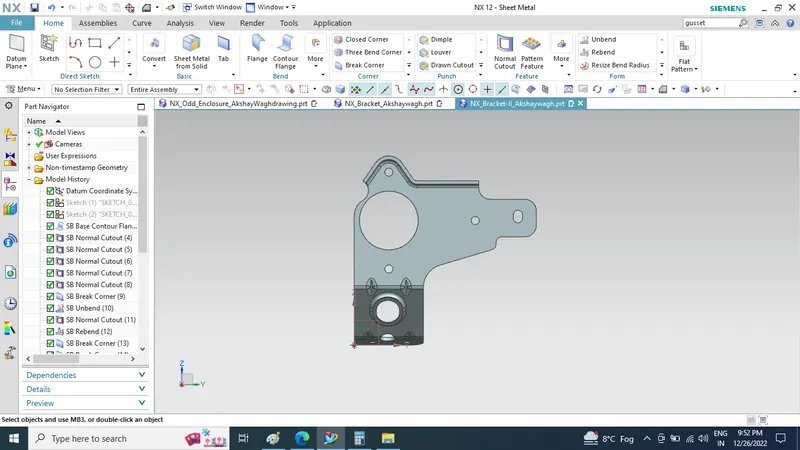
Top View
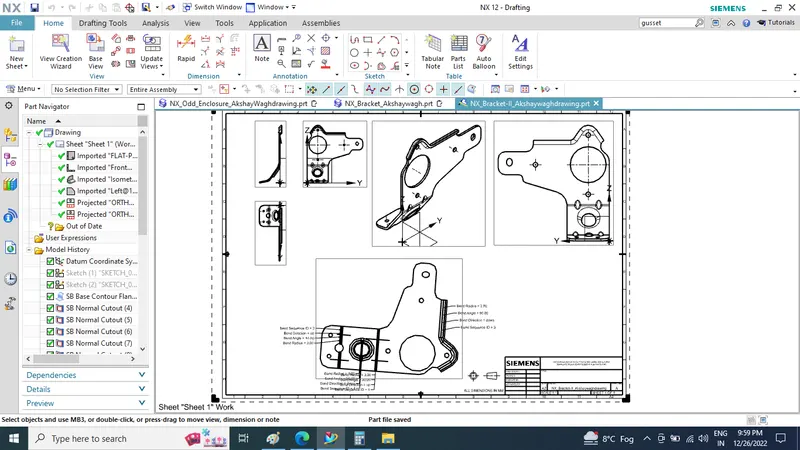
Attach Detailed Drawing Sheet Image (If Required)
Conclusion
Sheetmetal Bracket is created using NX sheetmetal application.Detailed drawing sheet and standard views are made and attached.Thus the design and drafting of metal Bracket 2 using NX cad(sheet metal application) has done.