Advanced Sheet Metal Design Using NX Cad Challenge_7_ Metal bracket-II
Title : Advanced Sheet Metal Design Using NX Cad Challenge_Metal bracket-II
Objective : To create Bracket 2 - Advanced sheet metal designing using NX CAD and submit design procedure with screenshots.
Introduction :
- Sheet metal is metal formed by an industrial process into thin, flat pieces. It is one of the fundamental forms used in metalworking and it can be cut, bent into a variety of shapes.
- Materials which can be made into sheet metal - Alluminium, copper, brass, steel, nickel, tin and titanium.
- Sheet metal used to design - Machinery
- Automobiles
- Airospace
- wings, Enclosures, brackets, etc.
Design Procedure Flow Chart :
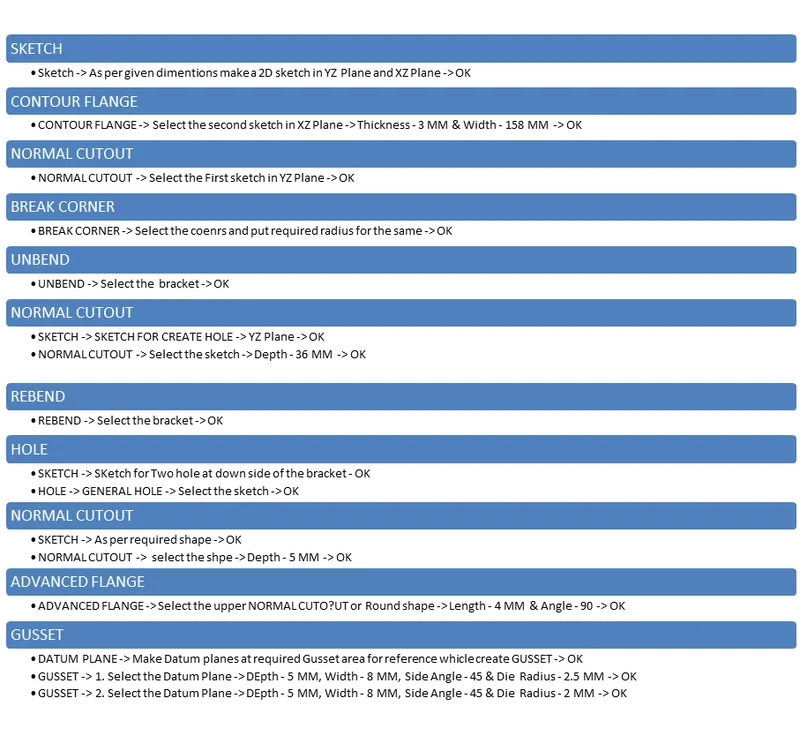
Design Methodology - NX Cad :
1. CONTOUR FLANGE :
- SKETCH XZ PLANE :
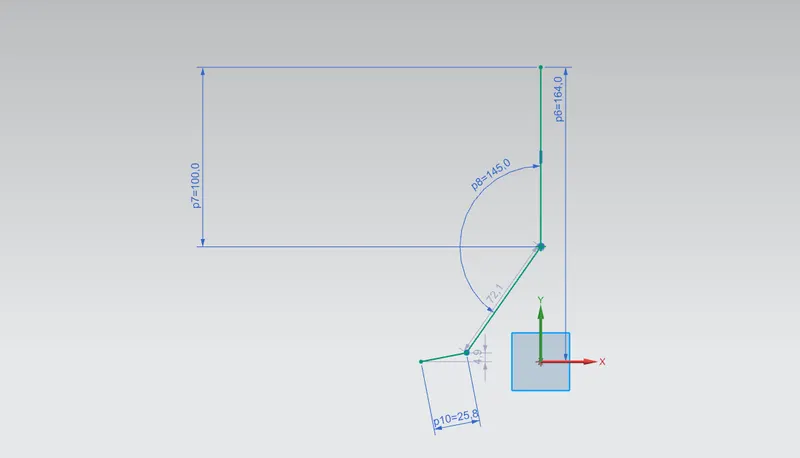
- CONTOUR FLANGE :
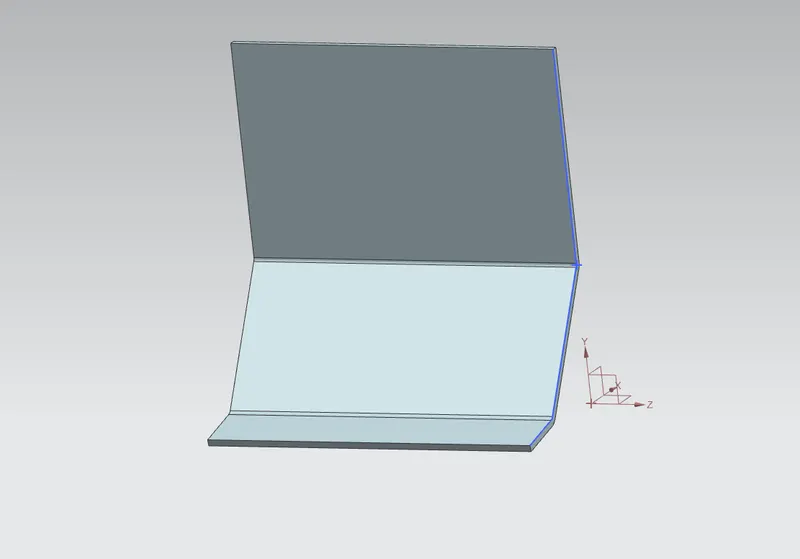
2. UNBEND :
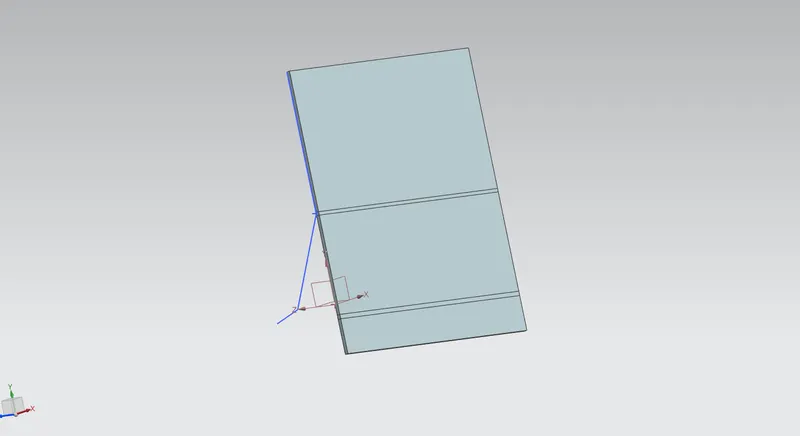
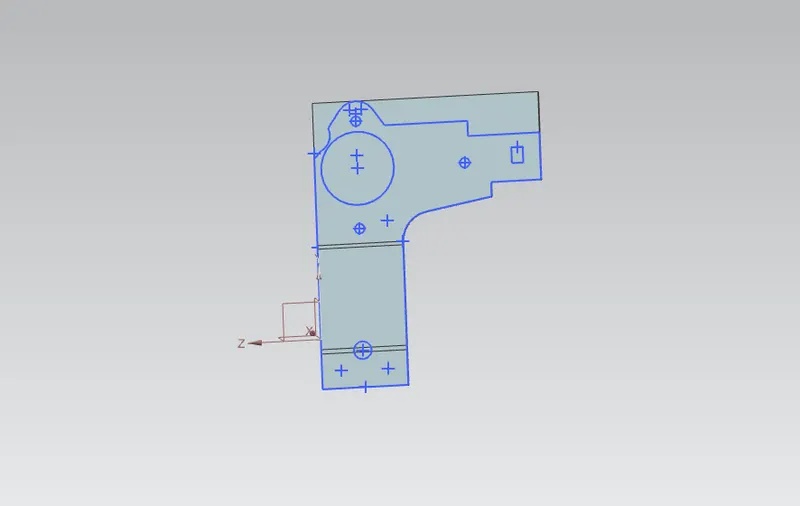
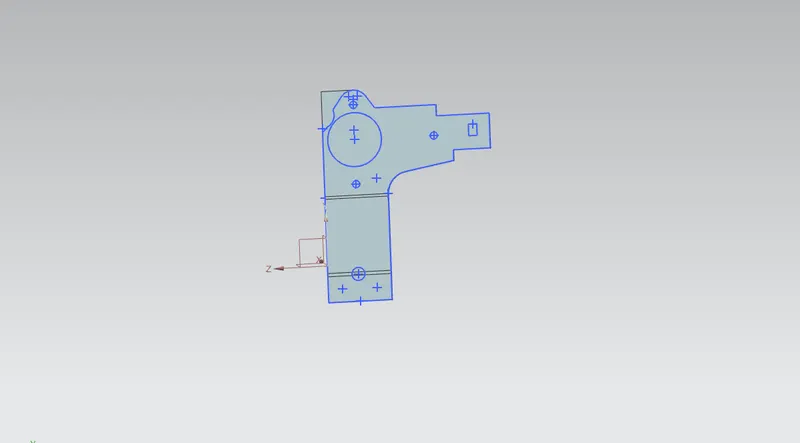
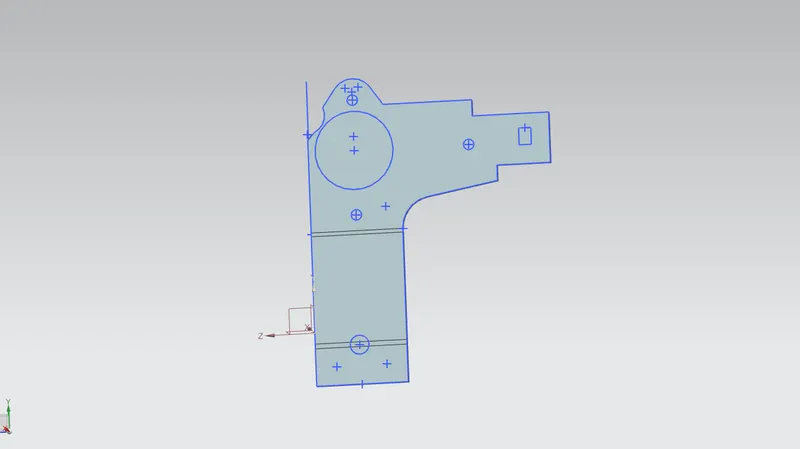
3. NORMAL CUT OUT :
- SKETCH YZ PLANE :
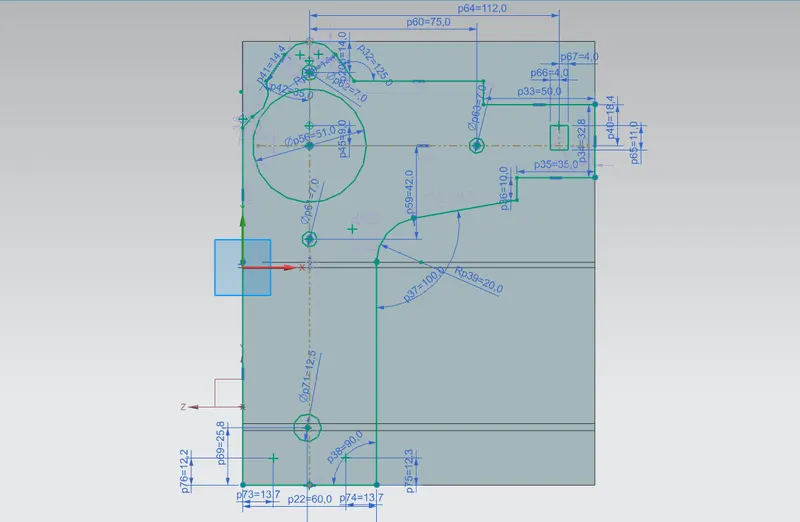
- NORMAL CUOUT :
4. BREAK CORNER :
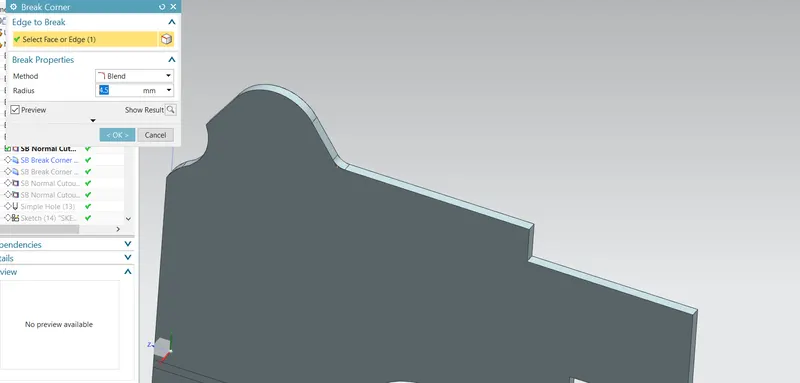
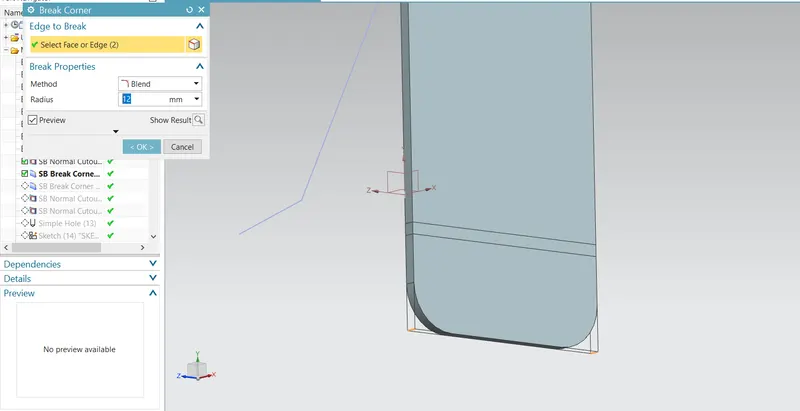
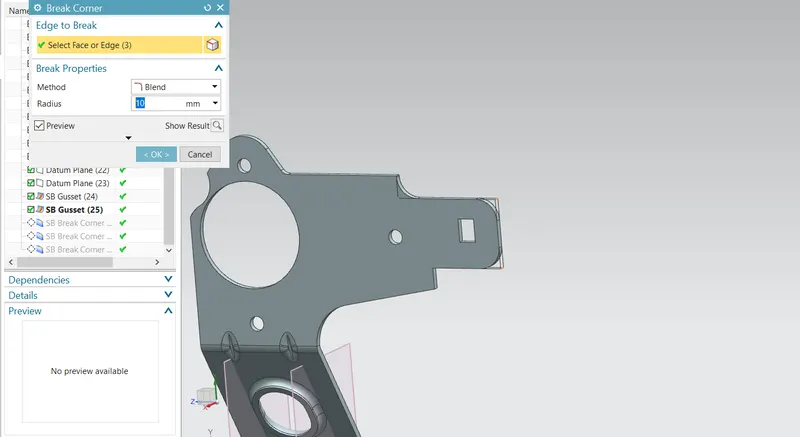
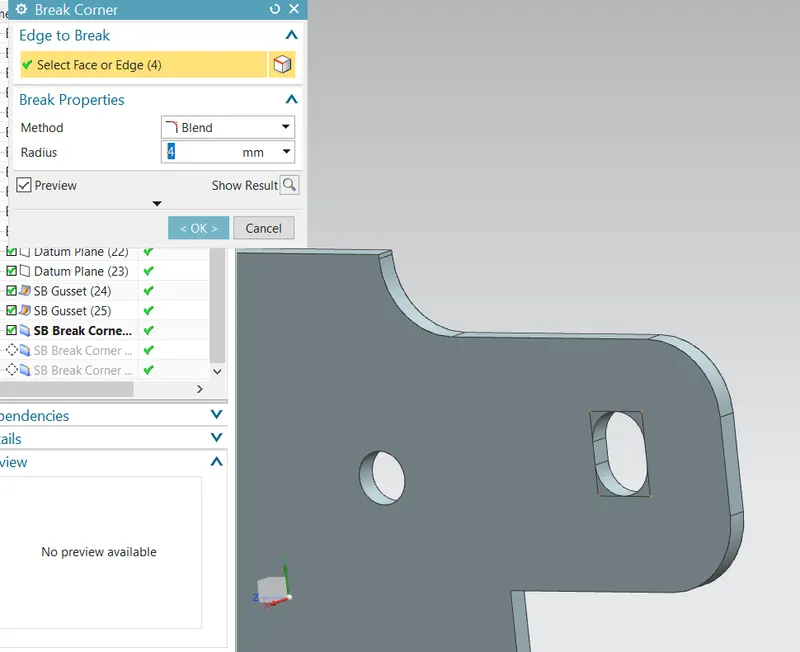
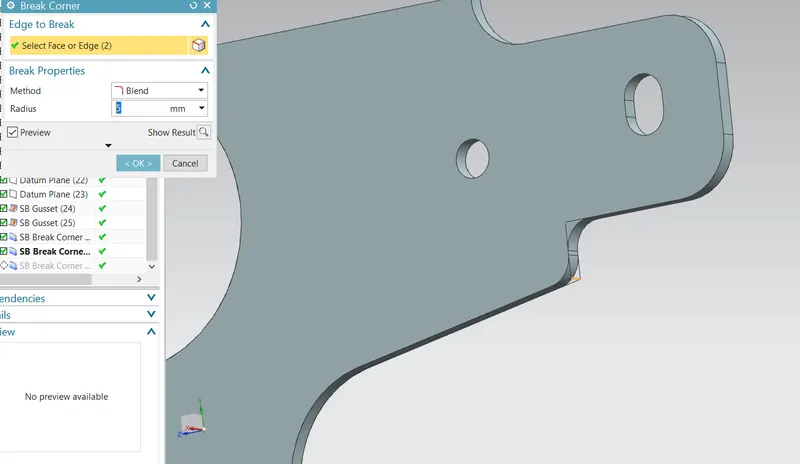
5. NORMAL CUTOUT :
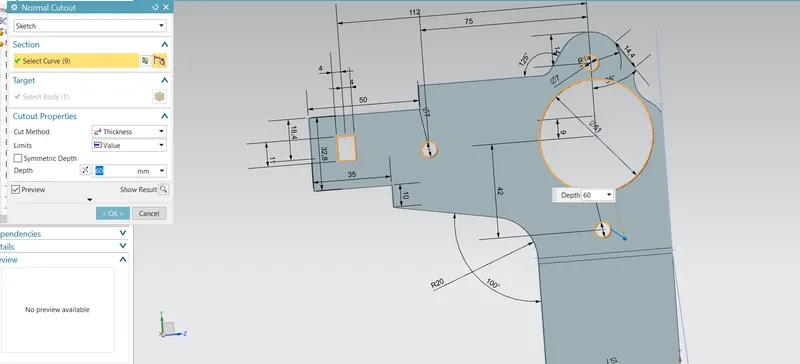
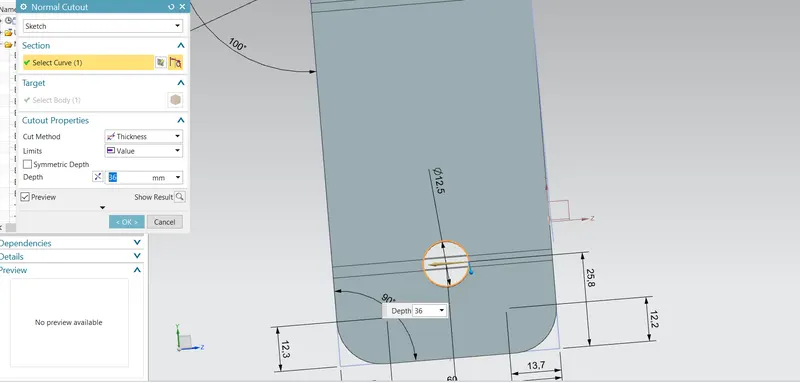
6. HOLE :
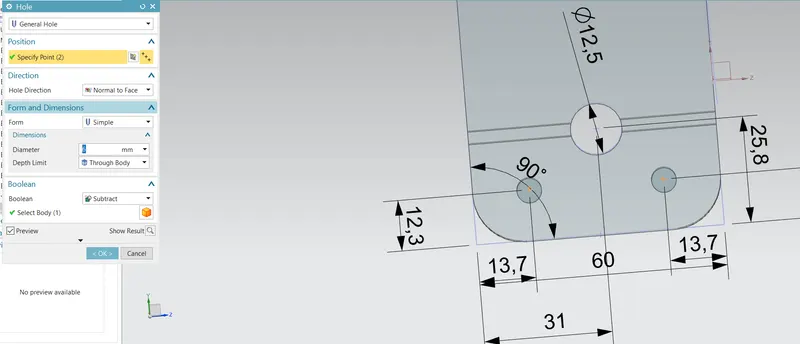
7. NORMAL CUTOUT:
- SKETCH :
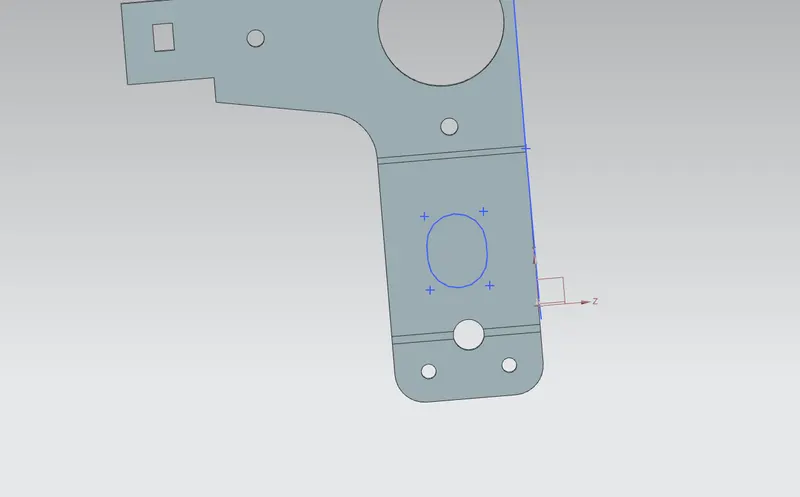
- NORMAL CUTOUT:
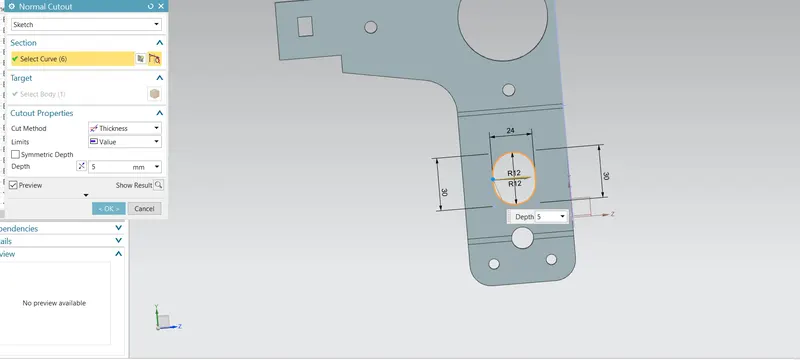
8.ADVANCED FLANGE :
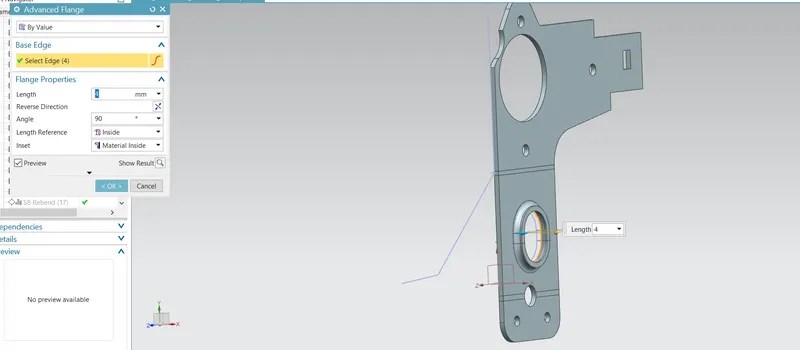
9.REBEND :
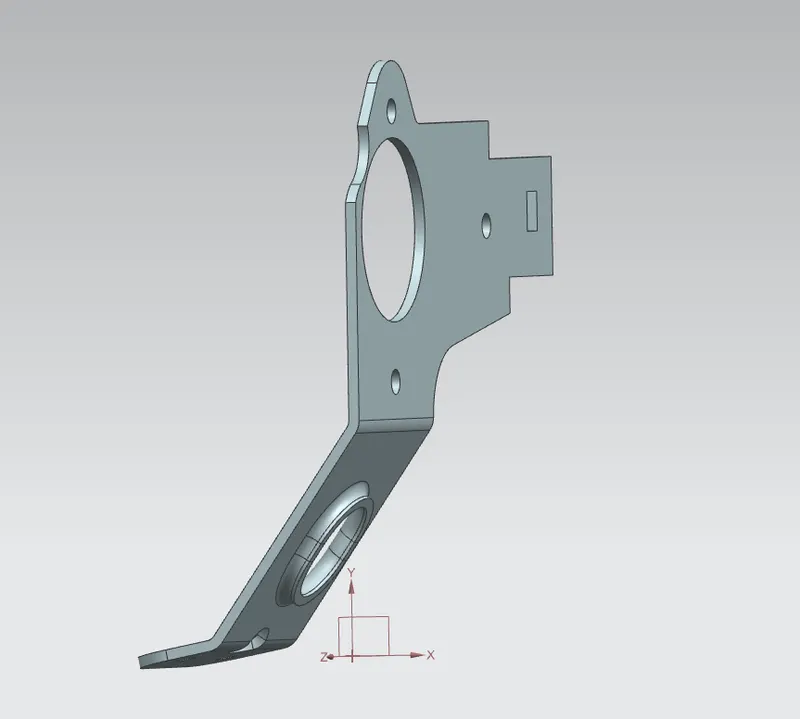
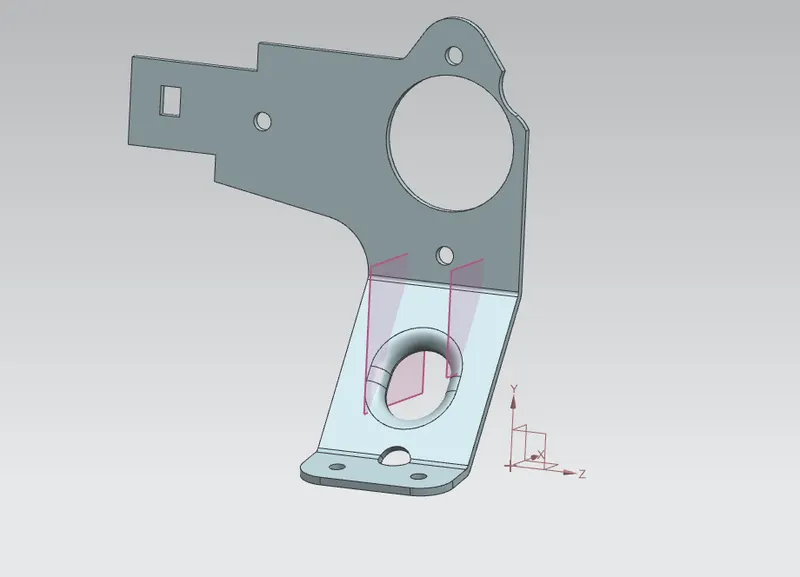
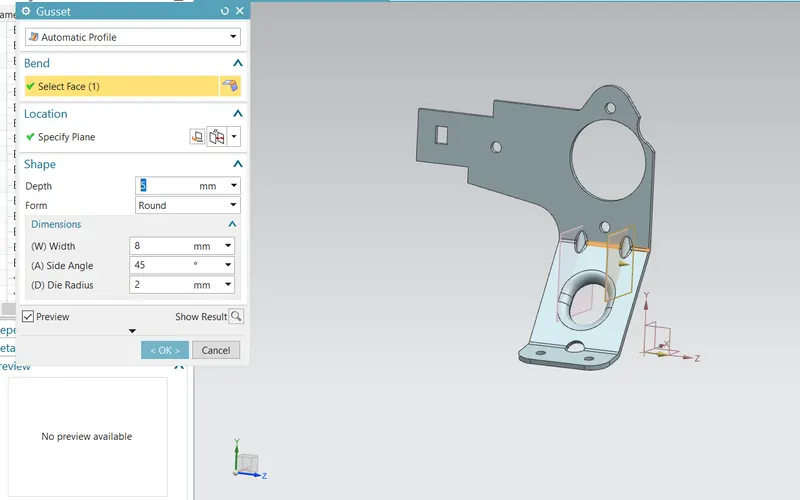
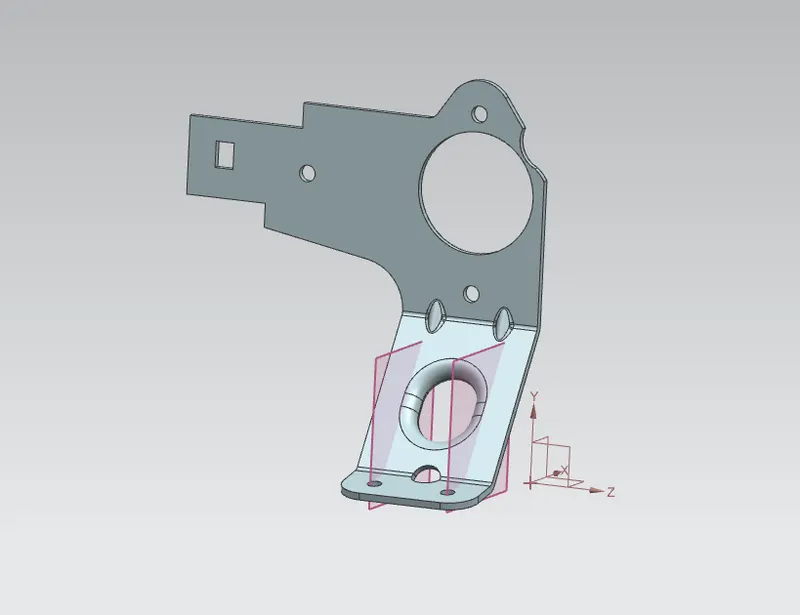
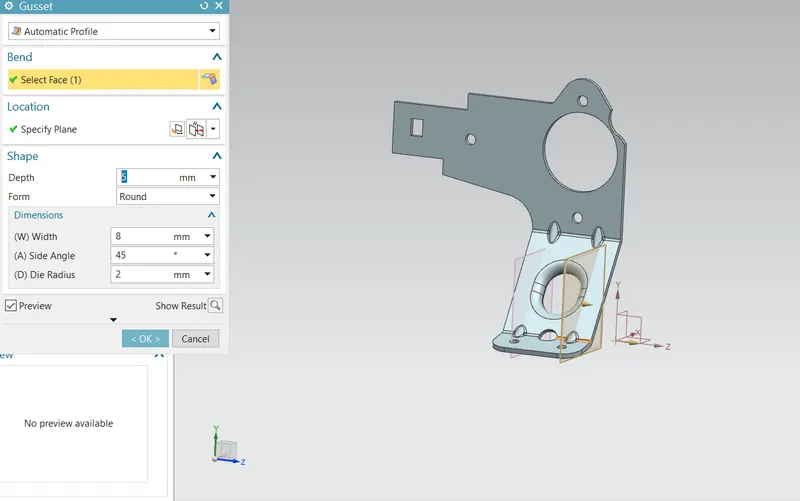
10. GUSSET :
A. GUSSET 1 -
- DATUM PLANES :
- GUSSET :
B. GUSSET 2 -
- DATUM PLANES :
- GUSSET :
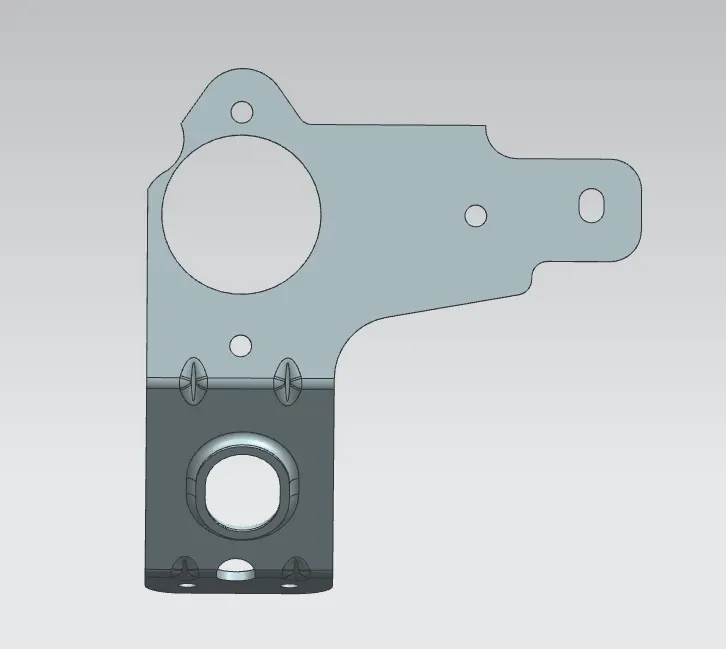
11. VIEW :
- TOP VIEW -
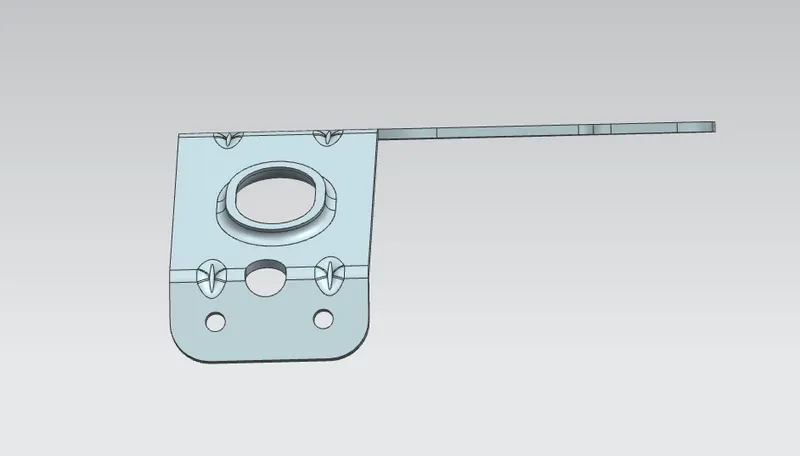
- BOTTOM VIEW -
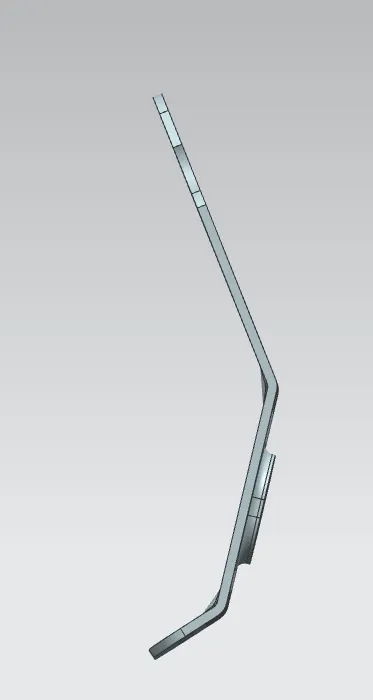
- SIDE VIEW -
- FRONT VIEW -
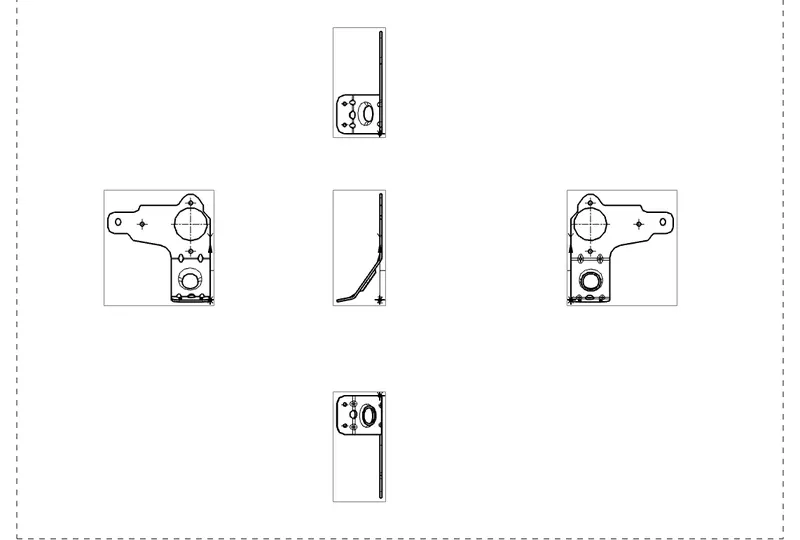
12. DRAFTING :
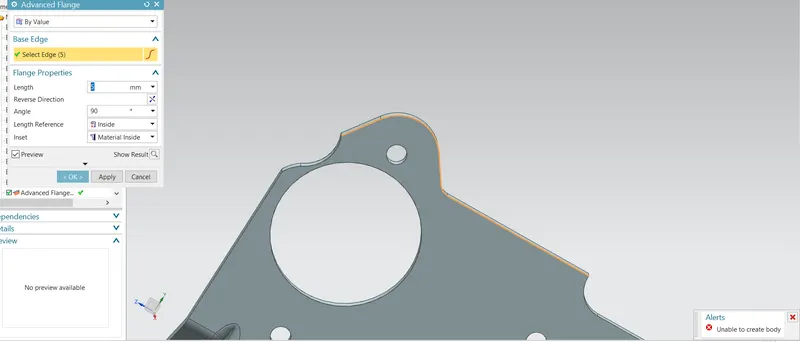
13. ADVANCED FLANGE ERROR :
As you can see i was facing error while creating Advanced Flange. I had three session with technical team but till date it was not resolved. Your team tried there best but some how it does not worked.
PFA - Image for your reference.
Request you to neglect this error while grading the challenge.
I have attached Model with challenge submission, if you can resolve this please revert back.
CONCLUSION:
- Learned all the functions or command of Advanced sheet metal designing - NX Cad.
- As per the given data have designed BRACKET - 2 & made flowchart to understand the flow of design process in future.
- Learned how to create detailed drawing using Drafting feature.