Advanced Sheet Metal Design Using NX Cad Challenge_7_ Metal bracket-II
Metal bracket-II
Objective: The objective of the Project is to design a metal bracket using the NX CAD - Sheet metal features
Introduction : Metal brackets are sheet metals which are bent and Several holes are drilled . These metal brackets are used as fasteners and reinforcements for the frames. Various shapes of metal brackets are availale. They range from Square type, L type , Bent type , T type and Corner type with thin design and numerous shapes which provide versatality to enable conection methods which canot be provided by the standard brackets
Design methodology / approach :
The NX cad is used to design the Metal bracket:
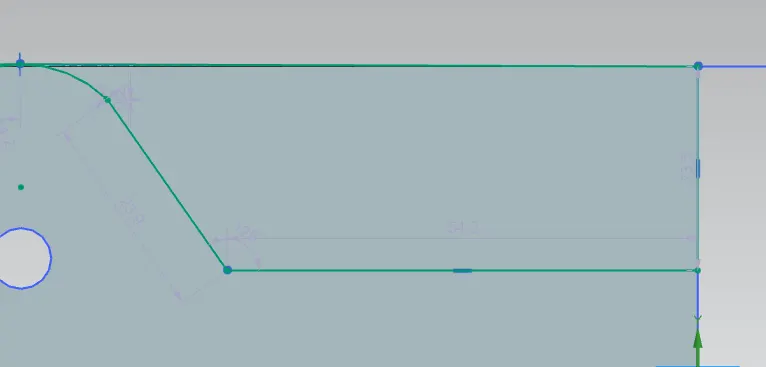
The sketch is designed and contour flange is used to create the sheet metal
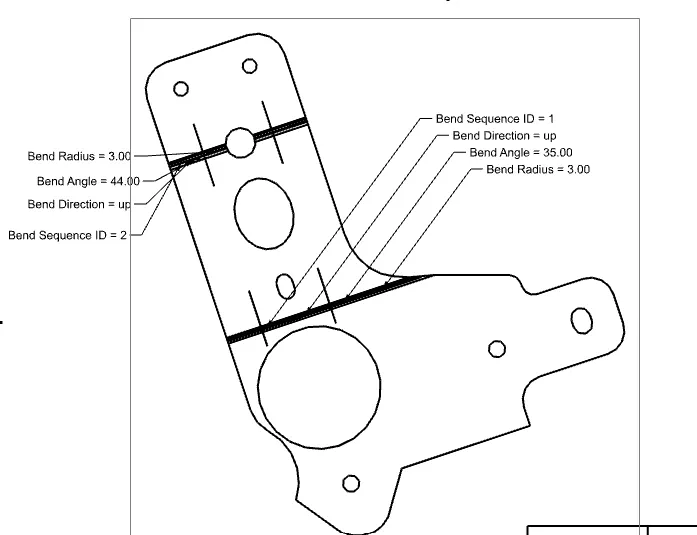
Unbend option is used to flatten out the profile in order to carry out the sheet metal operations.
The unwanted material is cut out from the whole part by drawing the sketch with suitable dimensions using the normal cut option
The points are located at points where holes must be drilled and tehn "Holes" option can be used to drow holes in the Sheet metal.
Break corner option is used to provide fillets to the model at selected places
Rebend option is then used to bring the sheet metal back to the original shape.
Finally Gusset feature is use to provide the stiffeners
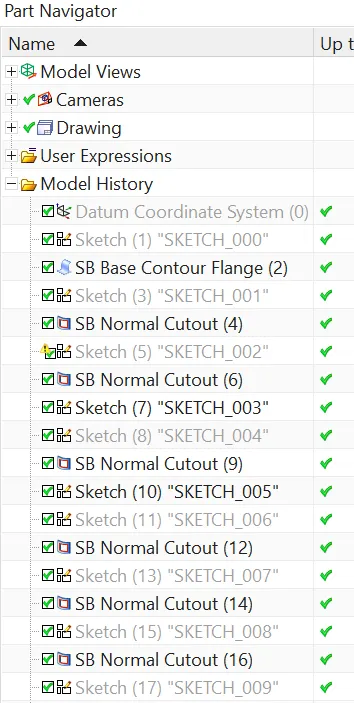
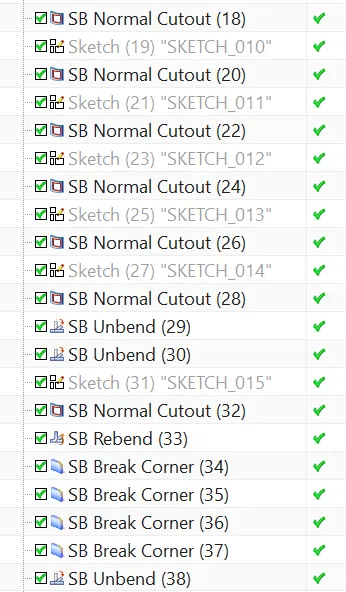
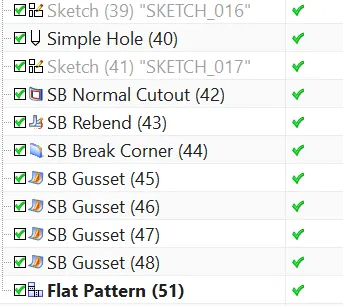

Description
The tools used are
Datum CSYS
Sketch features: Sketch, Rectangle, Rapid Dimensioning
Sheet metal features: Bend, Rebend, Unbend,Flange,Contour flange,Hole , Break corners , Gusset
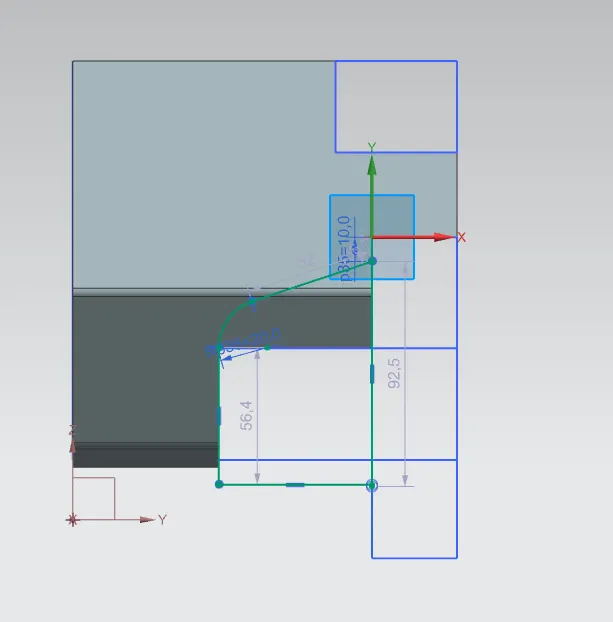
Sketch is used to draw the images in 2d format.
Contour flange is used to create the sheet metal from the sketch
Bend, Rebend, Unbend,Flange,Contour flange,Hole , Break corners , Gusset are several sheet metal features to design the model as per the requirements
Sketch
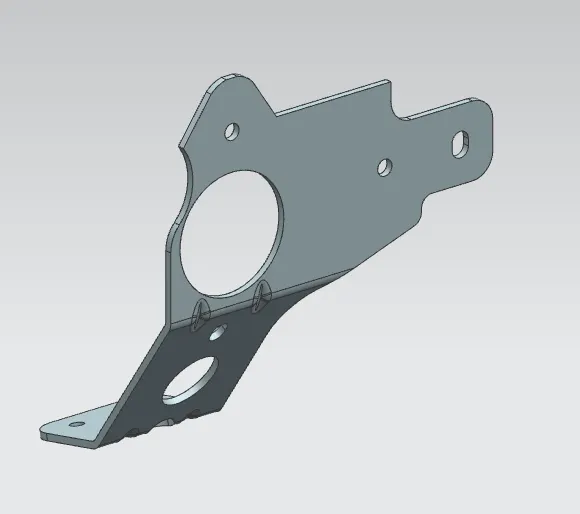
Isometric view
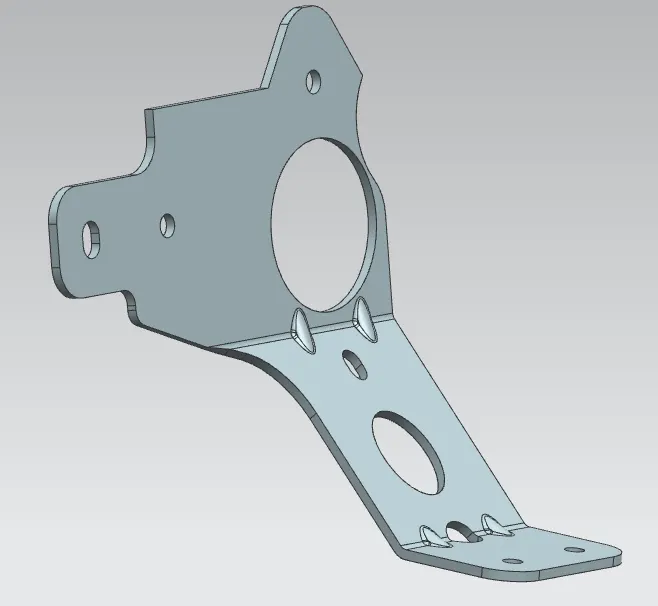
Front View
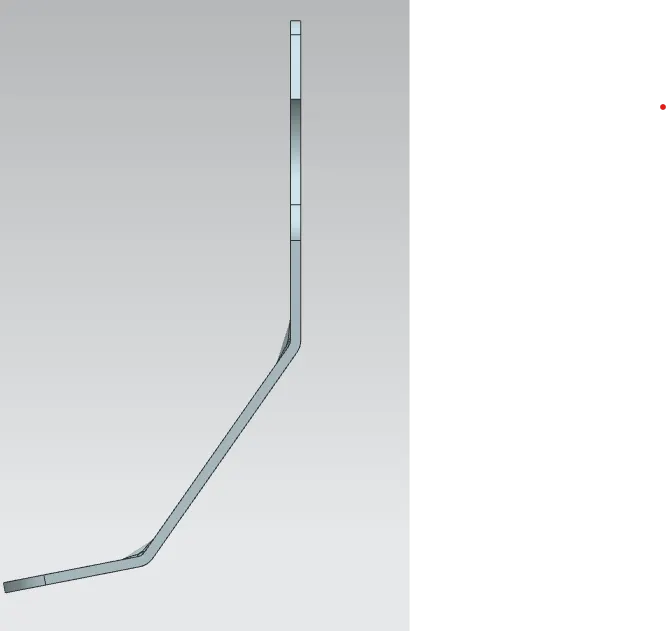
Side View
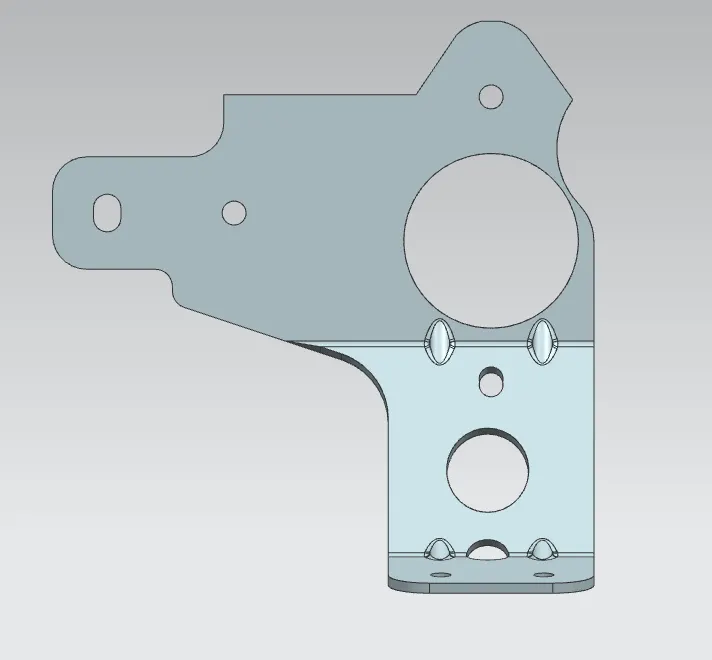
Top View
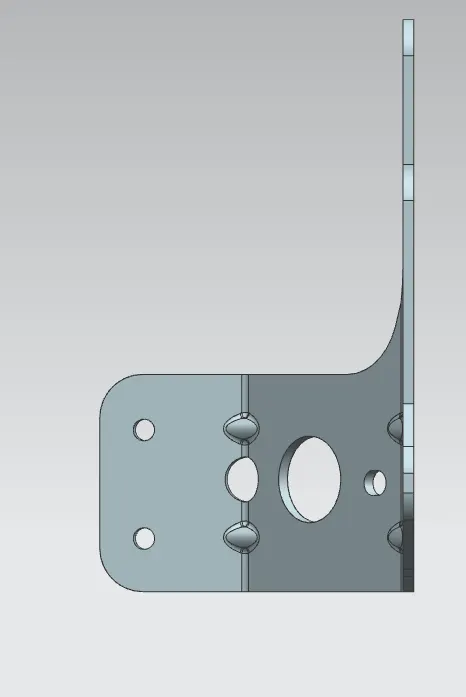
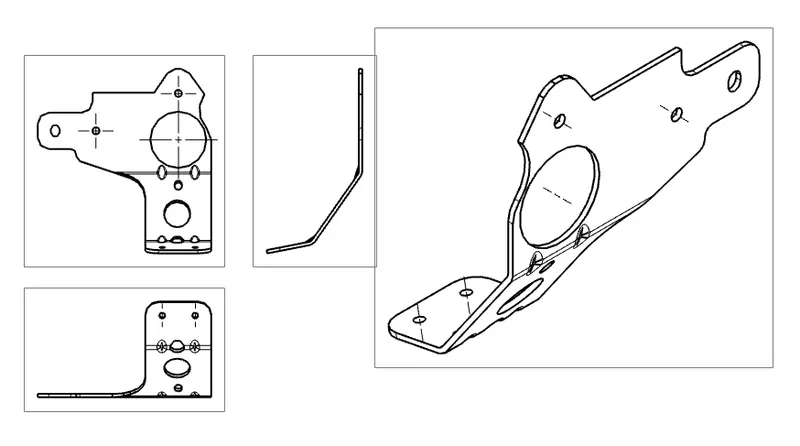
Detailed Drawing Sheet
Conclusion
The Bracket is designed using the NX- CAD Sheet metal work bench successfully