Advanced Sheet Metal Design Using NX Cad Challenge_7_ Metal bracket-II
TITLE : Modeling of BRACKET II using NX CAD Sheet metal with some advanced features like GUSSET
Objective : Draw BRACKET II in NX CAD using Sheet Metal workbench and list the procedure like tools used to create BRACKET II
Bottom View
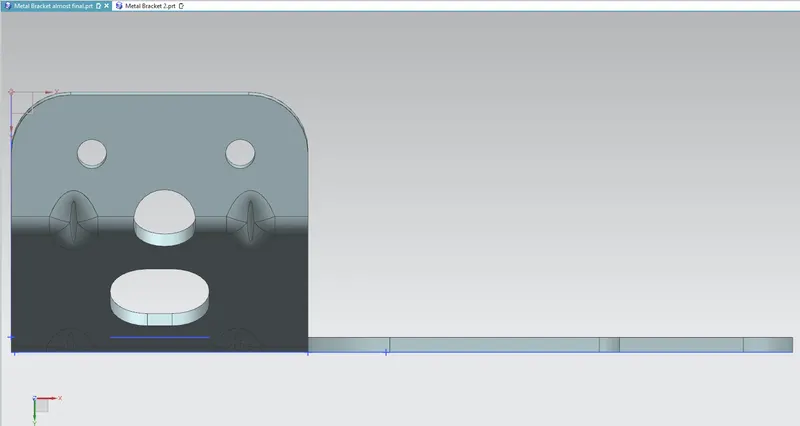
Side View
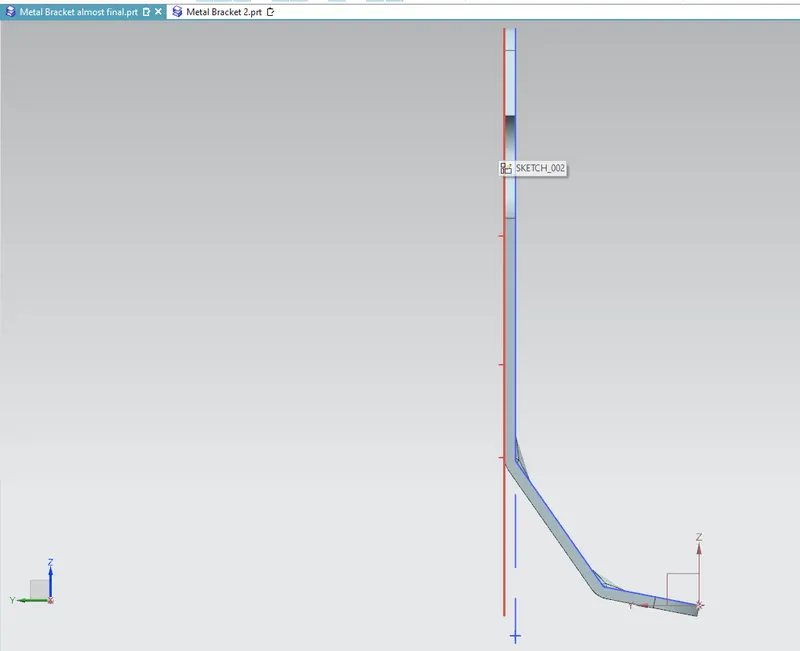
Front View
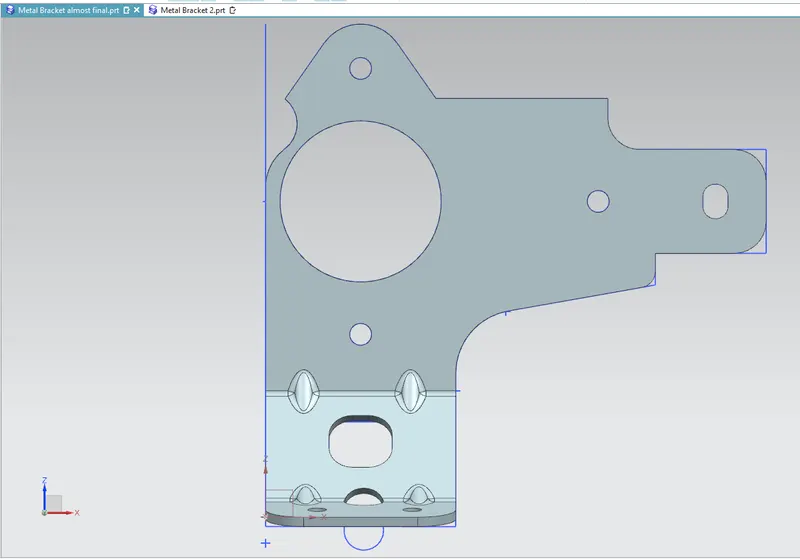
Isometric View
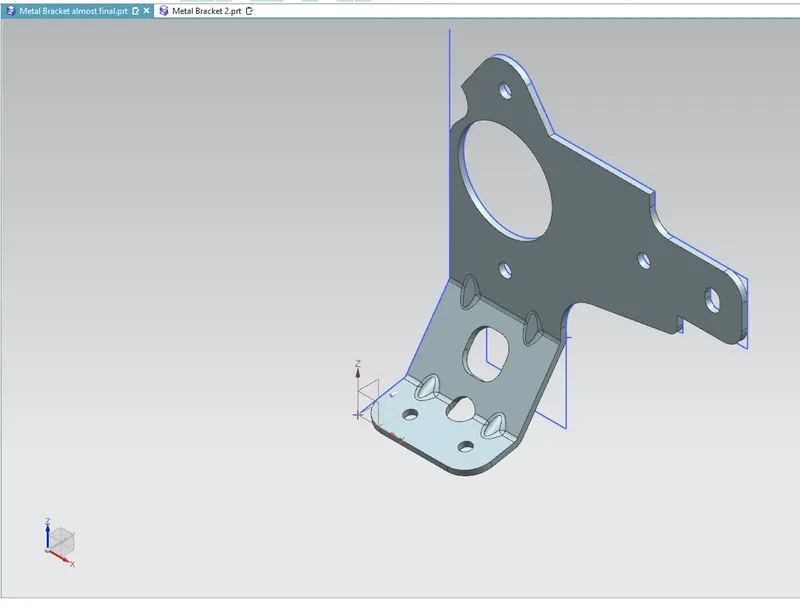
Explanation of Tools
1.Sketch: it is a tab in which we can create 2D sketches and give the required dimensions by incorporating different geometrical shapes like rectangle , line, curve, circle etc, this 2D sketch is used for the 3D developments by using Tab option
2.Tab: creates a base feature by extruding a sketch along a vector by a thickness value or adds a material to a plane face
3.Cut Out : it is used to create a pocket in desired shape, one can remove material by sketching the shape on the solid body and using this Cut Out tab
- Bend :It modifies the model by bending material on one side of a sketch line adding a bend between the two sides.
-
Break Corner : this commands allows to rounding off the sharp corners
-
.Undbend : It makes the part unbend that all the features done are made flat. This is useful while sketching on the corners and bends
-
Hole : his command allows user to create a hole in the part by sketching a point on the sheet metal
- ReBend : This command puts back all the bends already created also along with a new feature includes while in unbent state
9. Guesset : it is used to strengthen flange without use of secondary process.
Conclusion : TheBRACKET II have been drafted by using NX CAD software version 12