Advanced Sheet Metal Design Using NX Cad Challenge_7_ Metal bracket-II
Metal bracket-II - Advanced Sheet Metal Design Using NX Cad
Objective - To design the given casing in NXCAD using sheet metal workbench using various features along the way.
Introduction - NX is an advanced high-end CAD. Made by siemens and was formerly known as Unigraphics. Here in this exercise we are going to use the same to create a sheet metal part in the sheetmetal workbench of the above software.
Design methodology -
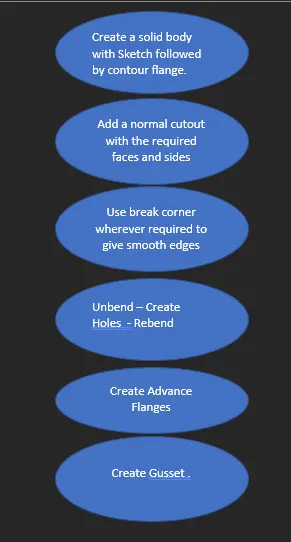
Description -
Flange - There are various types of flanges used throughout according to the use case they are used along the whole product. it is basically extending the Tab in any direction or in any angle with a freedom of many options and reducing the efforts making is very handy
Bend and Unbend - While working with sheet metal we could end up with various surfaces which are complex to work on thus bend and come in handy we can unbend the complex surface work on it and then rebend it again to its original shape with the required mods.
Normal cut - As the name suggests it is basically a cut through a given closed section on a extruded surface or sheet metal tab
Hole - It is a feature as its name suggests used to create hole of required specs at a given point.
Gusset – It inserts a require seam across the plane and the bended face selected .
Beads - Bead creates sort of a stamping effect for the required sketch projected outwards selected on the surface of the sheet metal
Break corners - Used to give fillets to the edges of the surface.
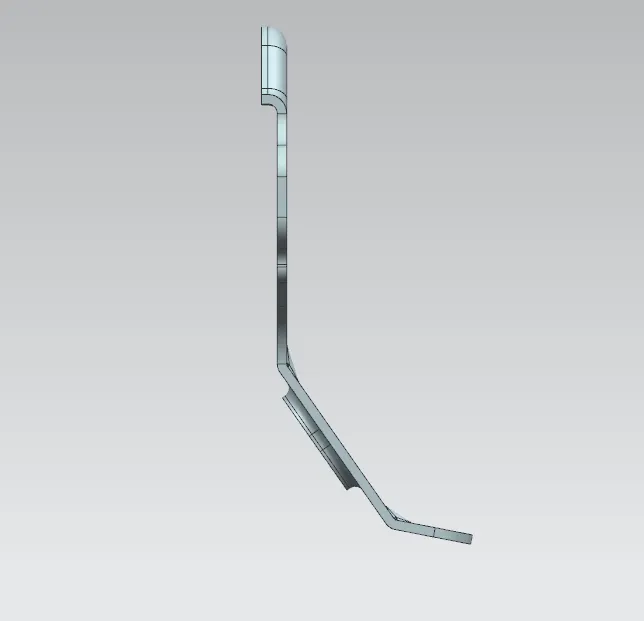
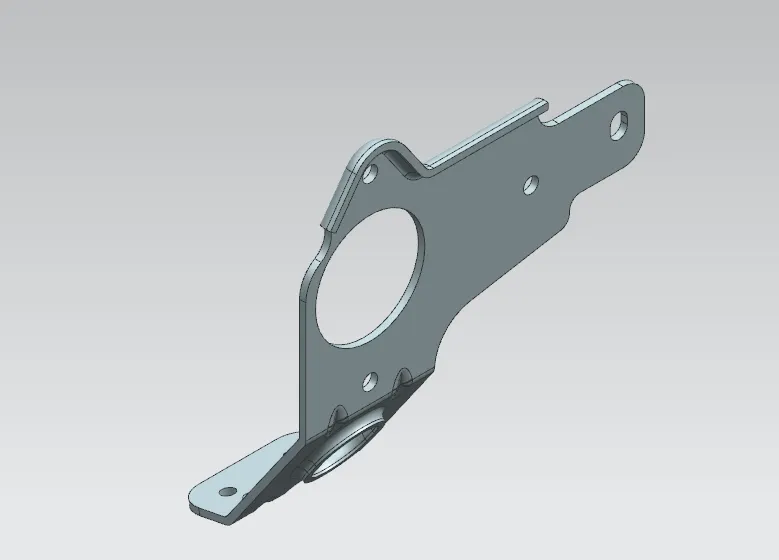
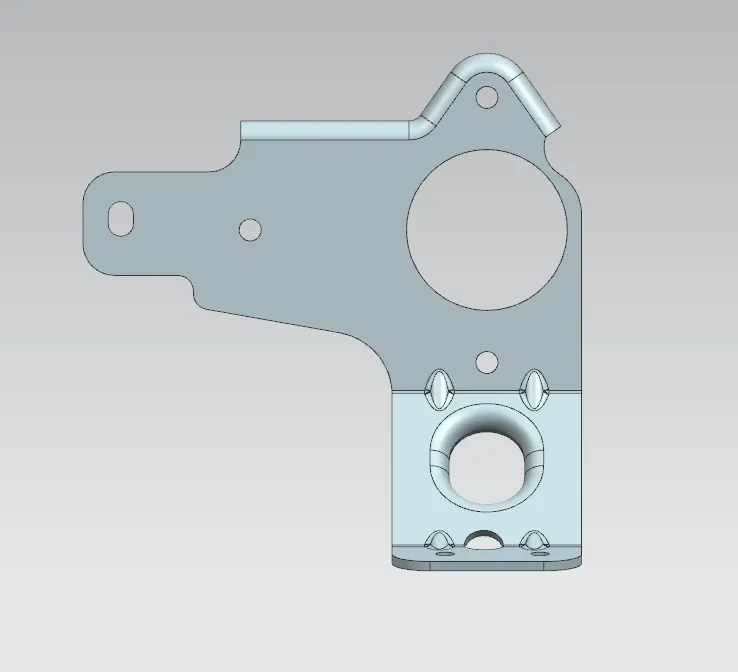
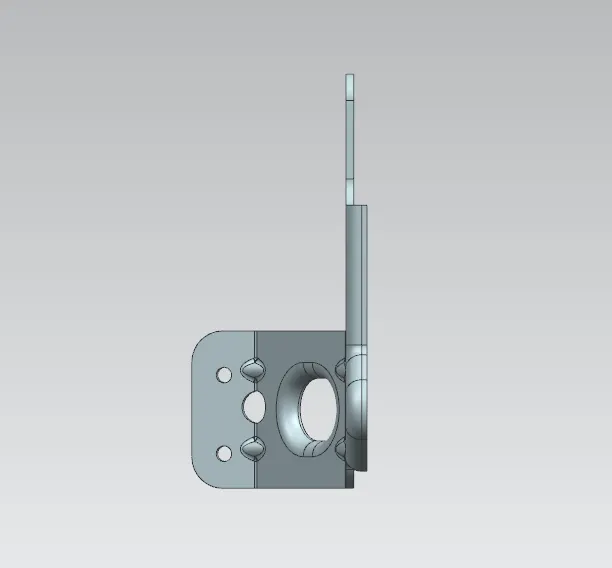
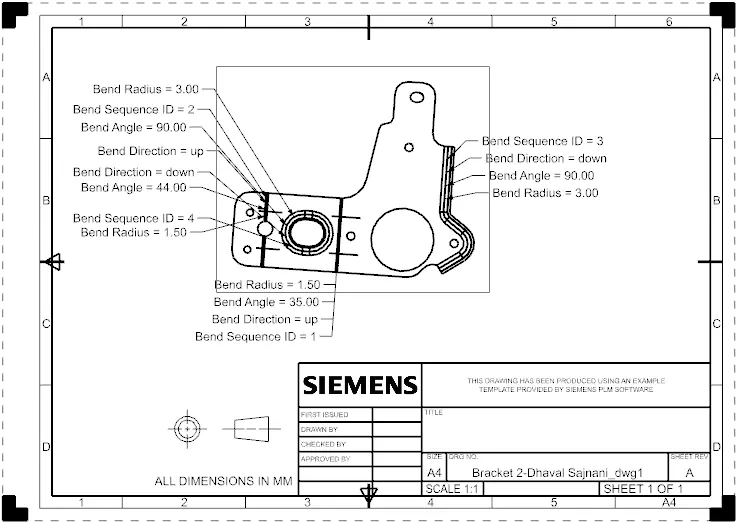
Concluding this we can say that we have various features of the NXCAD to create our product efficiently and precisely as per the requirements.