Advanced Sheet Metal Design Using NX Cad Challenge_7_ Metal bracket-II
CHALLENGE-7
ADVANCE SHEET METAL DESIGN USING NX CAD-Bracket-II
Aim: Create a Bracket-II using the NX-CAD as per the provided data. Also provide a report.
Steps used
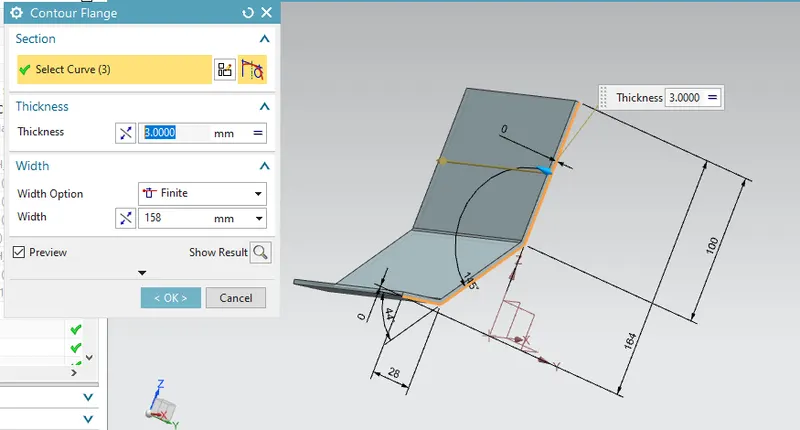
1. As per the dimension, the line profile was created and contour flange commend used to create a base sheet.
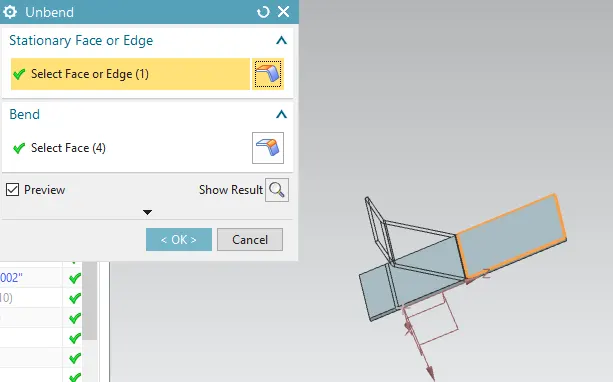
2. The sheet was unbended to apply the further operation on this.
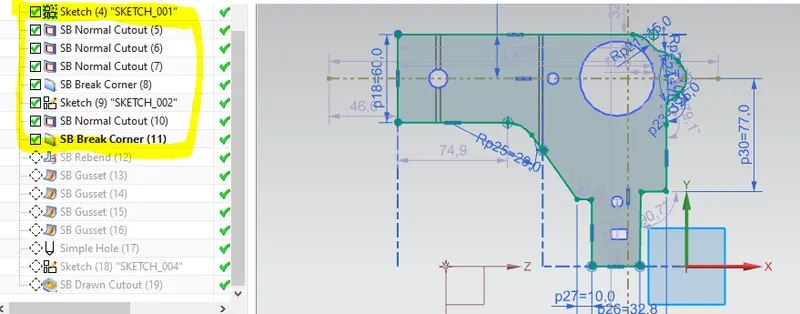
3.As per the given sketch, line profile was created for the normal cutout on the above sheet. Further different normal cutout i.e. circle, rectangular shape were done on the the sheet.
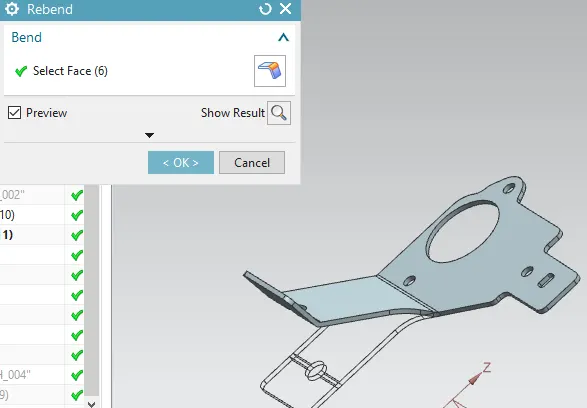
5. Rebend the sheet and use the gusset commend to provide the support
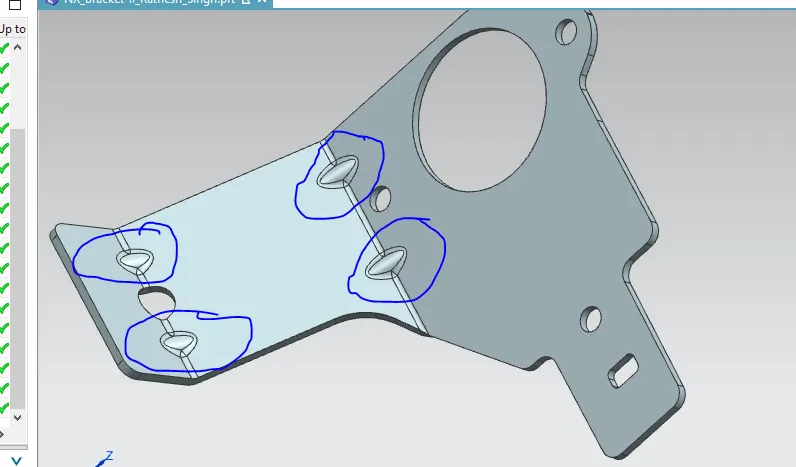
6. Drawn cutout commend can be used to remove the material and along with it provide strength in that region.
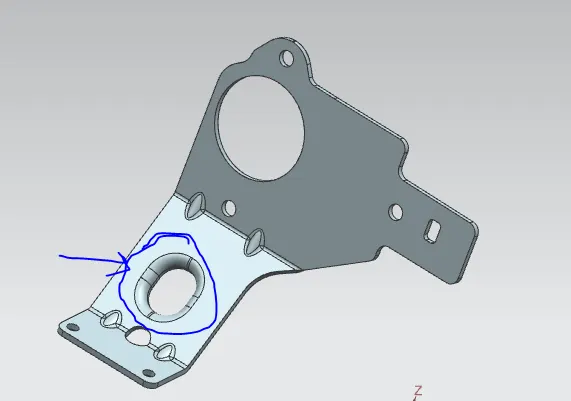
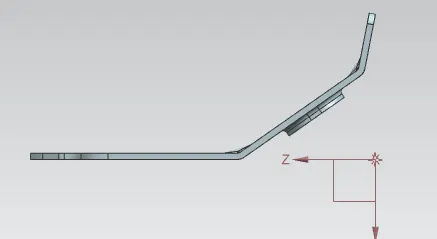
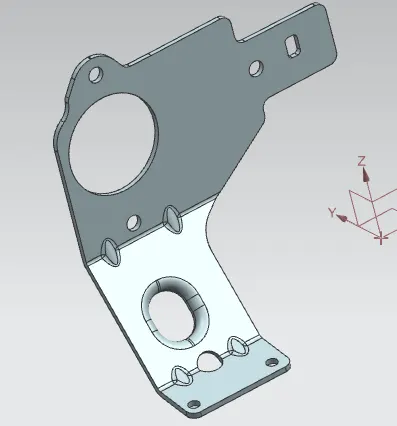
Different view
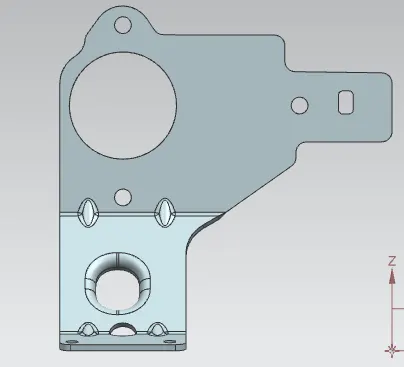
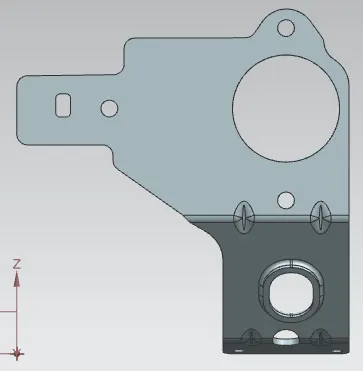
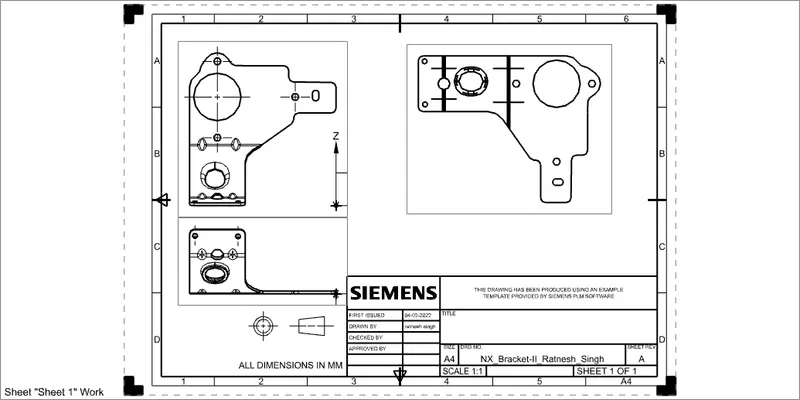
Drafting
Conclusion: The bracket design was done as per the details provided. Under this challenge on can learn the uses of normal cutout, flange, drawn cutout etc.