Advanced Sheet Metal Design Using NX Cad Challenge_7_ Metal bracket-II
Title:-Create bracket using NX-Cad.
Objective:-To learn and implement the principles of Advanced Sheet metal design to design a bracket using NX CAD as a tool.
Introduction:-
Metal bracket is a device that projects from or overhangs a wall to carry a weight .It may also serve as a ledge to support a statue.The metal brackets are manufactured by conducting stamping or die casting operation.
Design methodology:-
Features used:- conture flange,normal cutot,bend,rebend,gusset,advanced flange,hole,breake corner.
1)Create 2D sketch in XY plane.
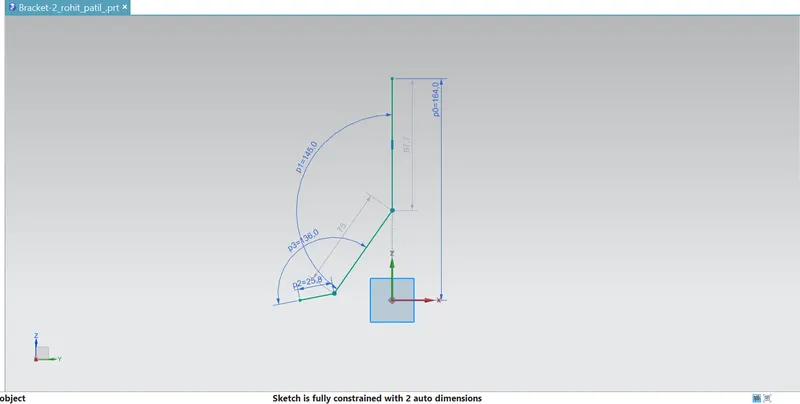
2)Use conture flange command.
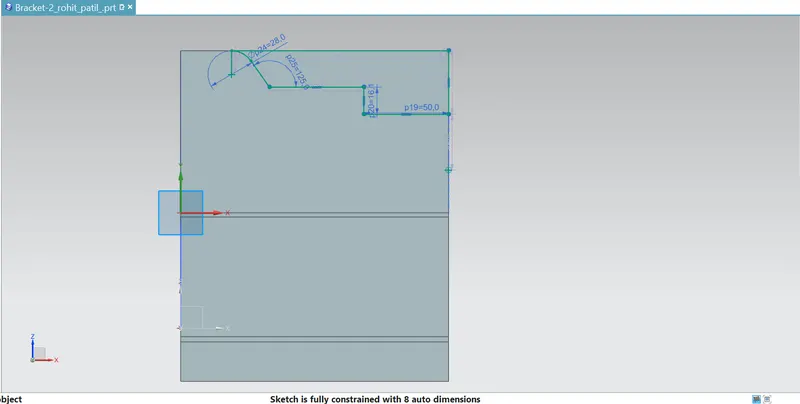
3)Use Normal cutout command to cut the different sections.
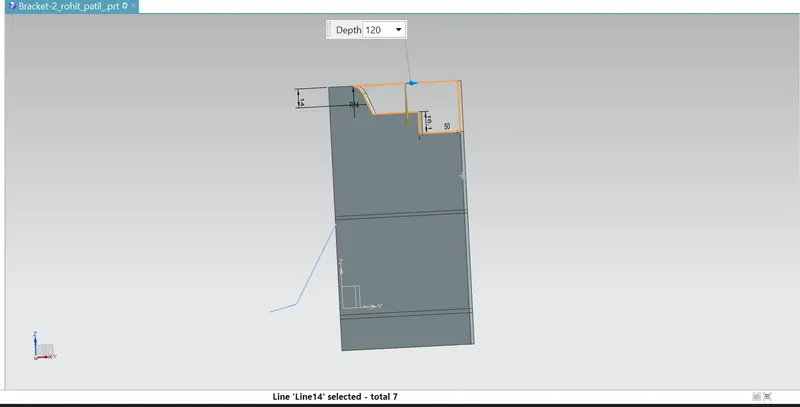
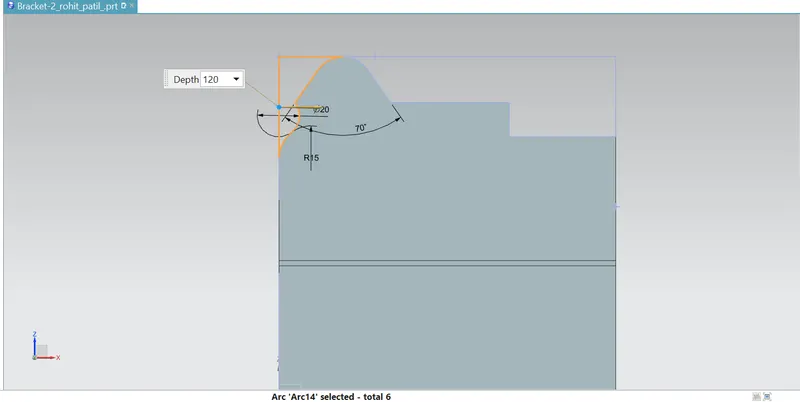
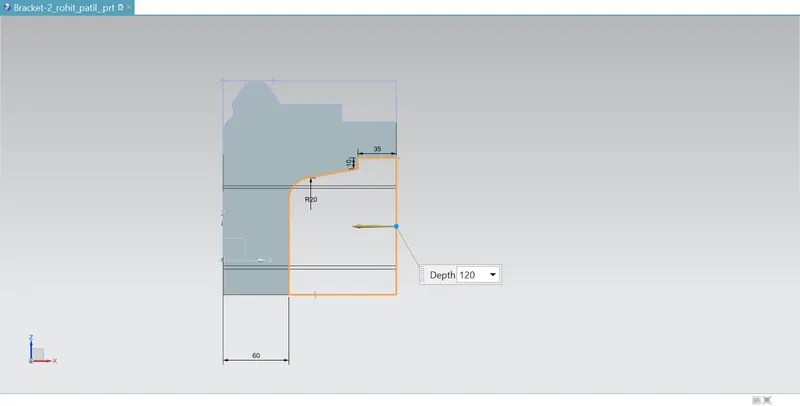
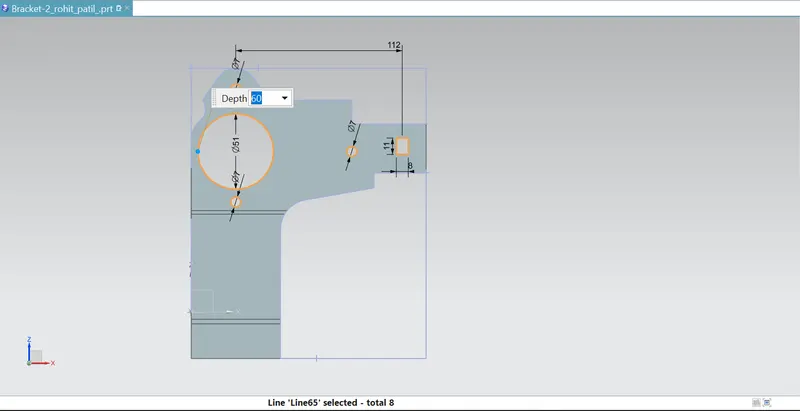
4)Use breake corner command.
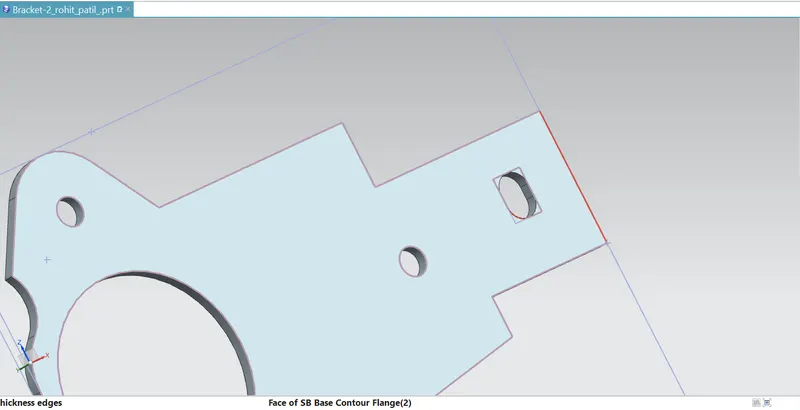
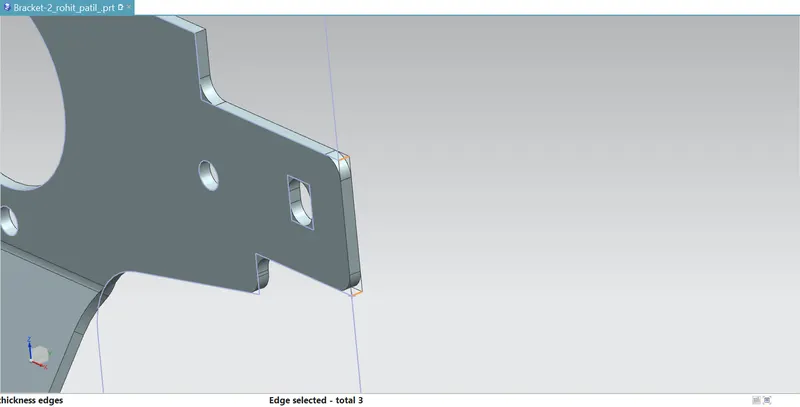
5)Unbend the object.
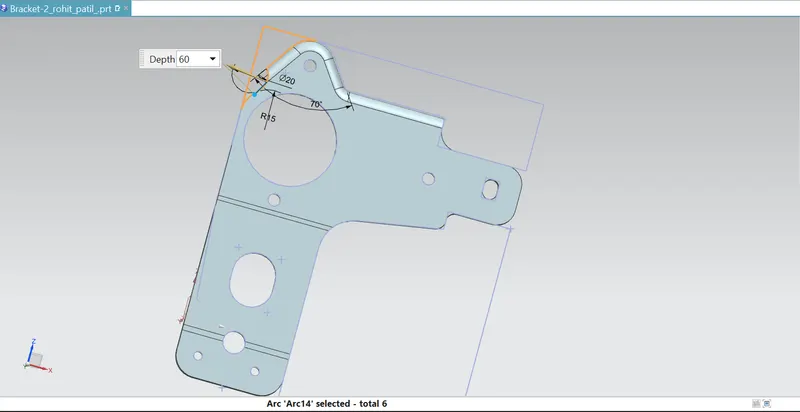
6)Again use the commands normal cutout,breake corner,.
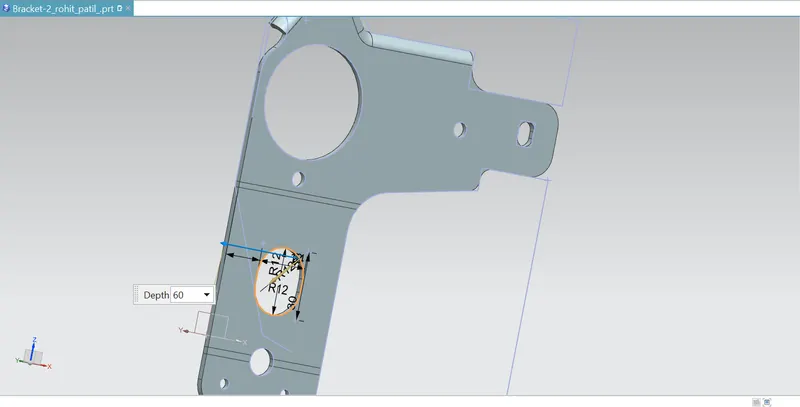
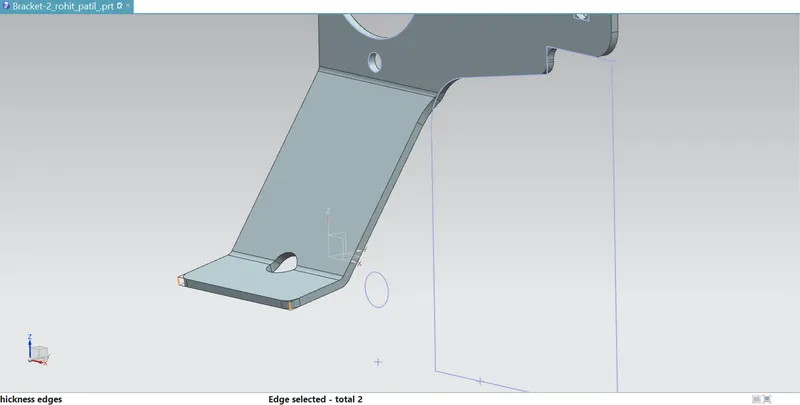
7)Use advanced flange command.
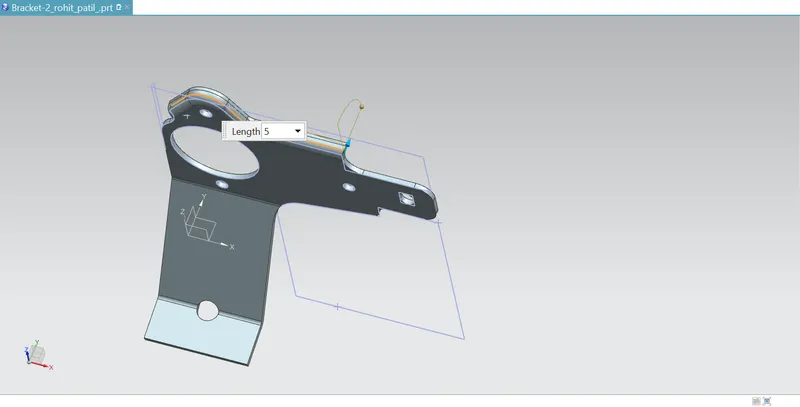
8)Again unbend object.
9)Make holes
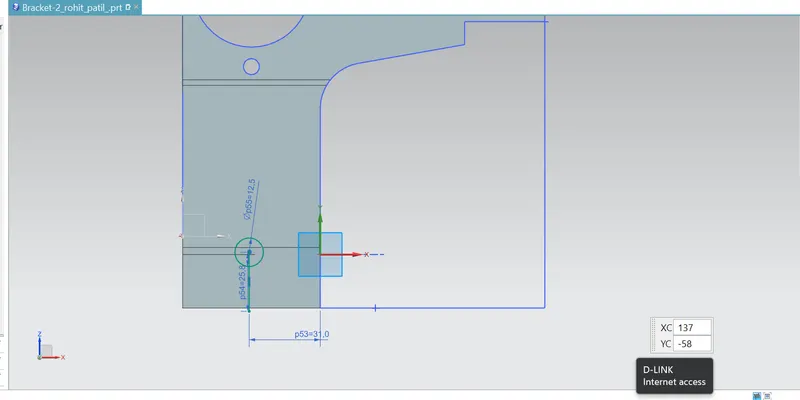
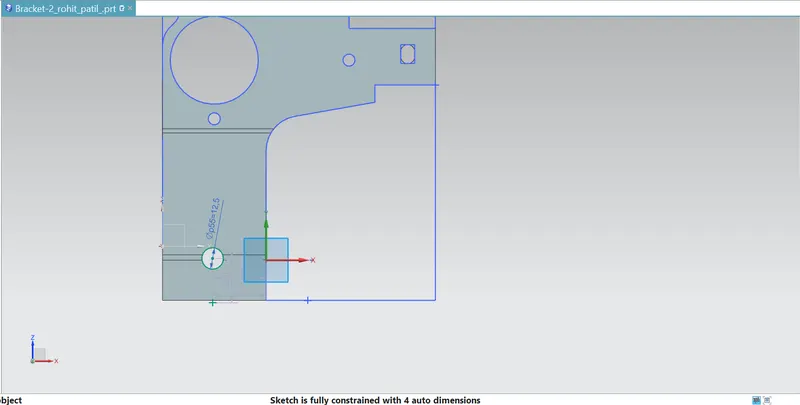
10)Again use the commands normal cutout and advanced flange.
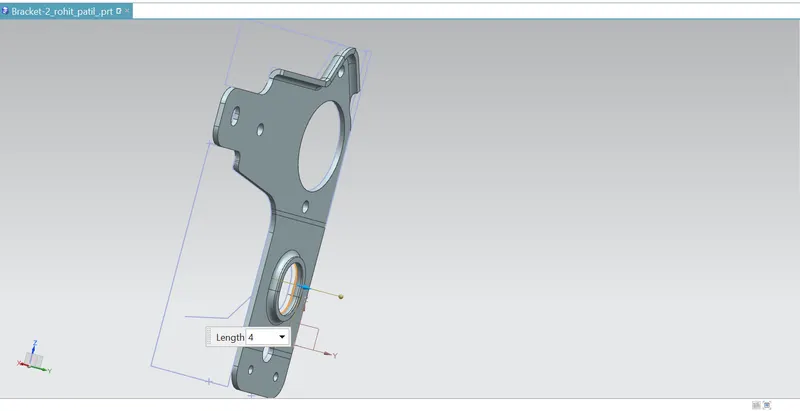
11)Rebend the object.
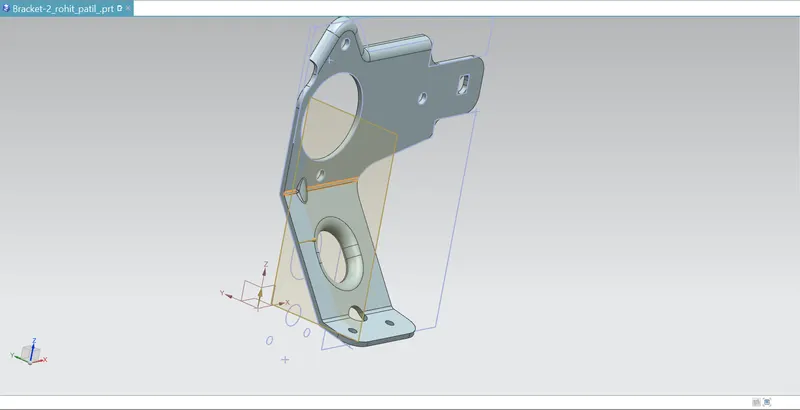
12)Add gussets to the object.
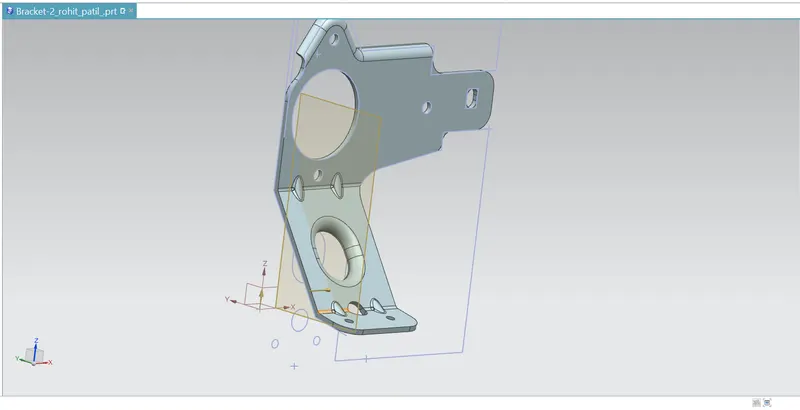
MODEL VIEWS:-
1)FRONT VIEW:-
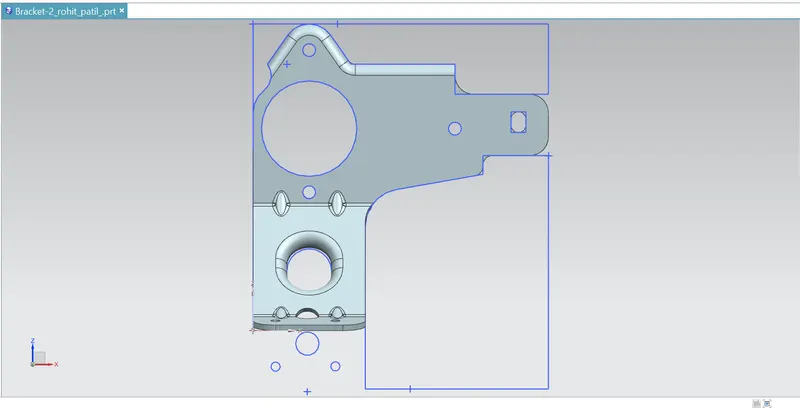
2)SIDE VIEW:-
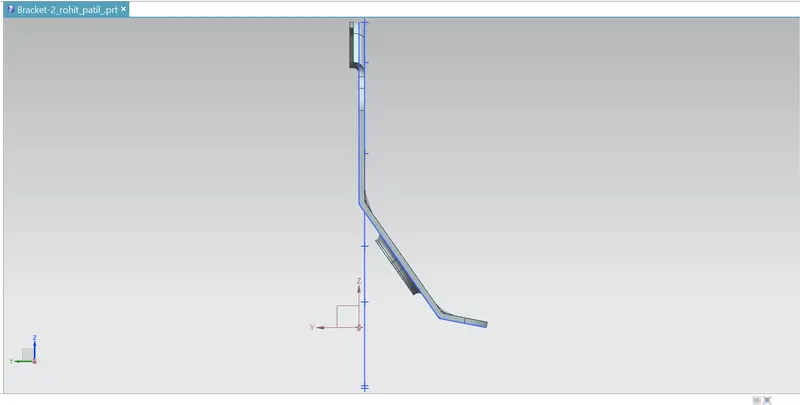
3)TOP VIEW:-
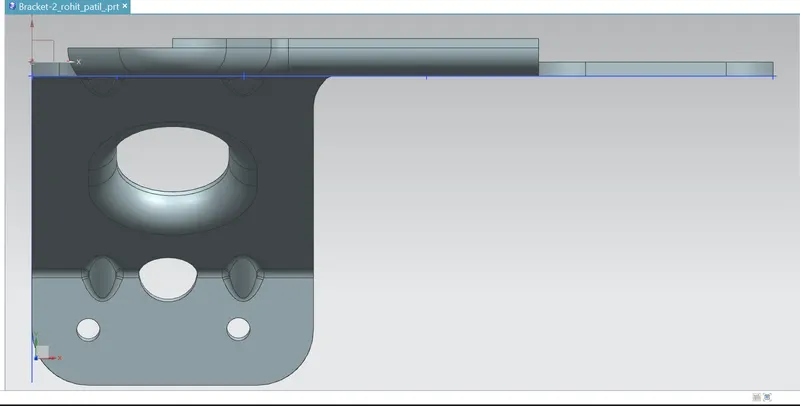
4)ISOMETRIC VIEW:-
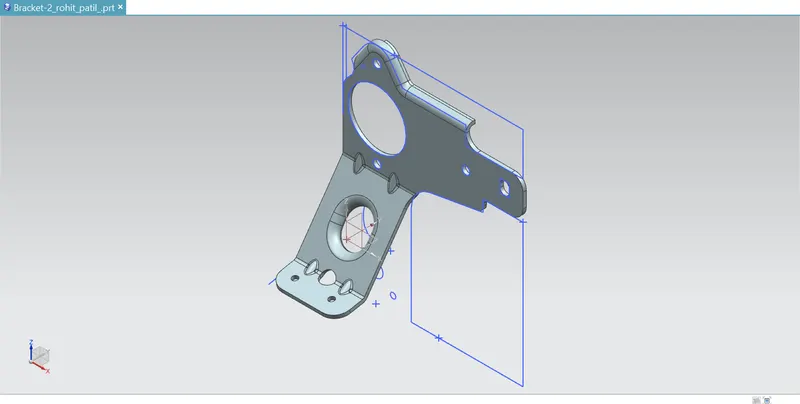
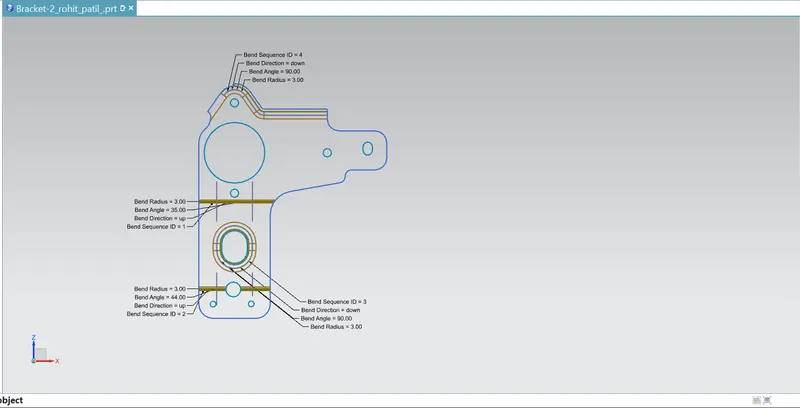
5)Drawing view:-
CONCLUSION:-
The principles of sheet metal design were practiced and understood while modelling of metal bracket using various features and tools in NX CAD.