Advanced Sheet Metal Design Using NX Cad Challenge_6_Bracket
Title:-Create Bracket using NX-CAD.
Objective:-To create a sheet metal bracket using NX Cad.
Design Methodology:-
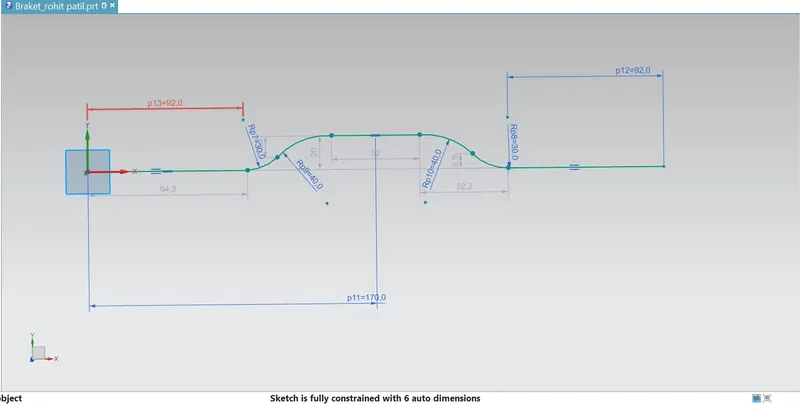
1)create 2D sketch.
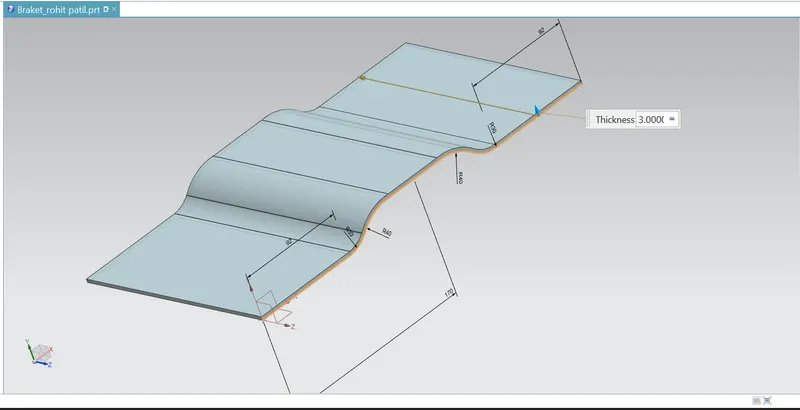
2)Use conture flange.
3)Again sketch on the top by given dimesion.
4)Use normal cutout.
5)Use breake corner command.
6)Unbend the object.
7)create bead.
8)Rebend.
Description:-
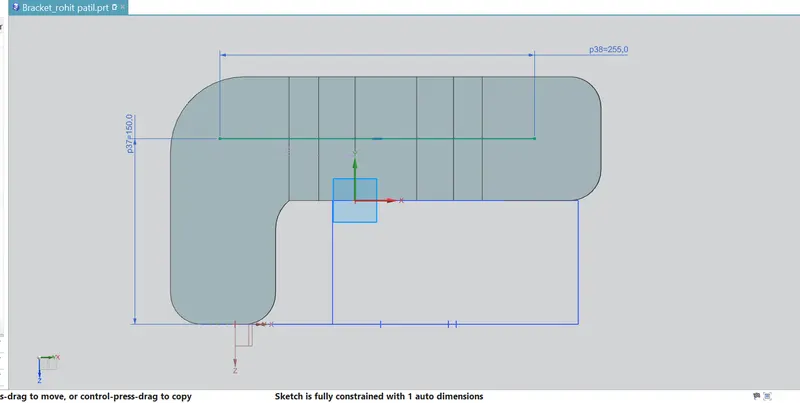
1)Create sketch using given dimensions.
2)Use conture flange and make flange of 200mm width and 3mm thickness.
3)Use break corner with given radius.
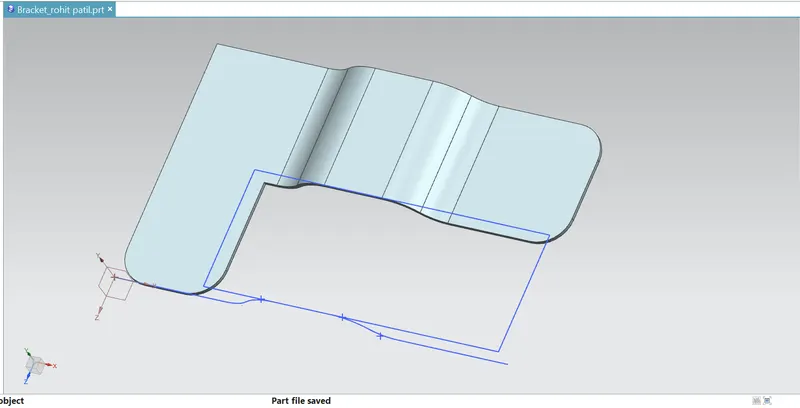
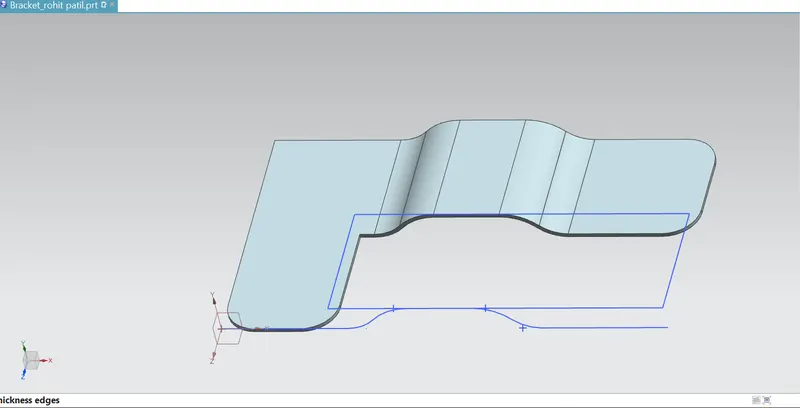
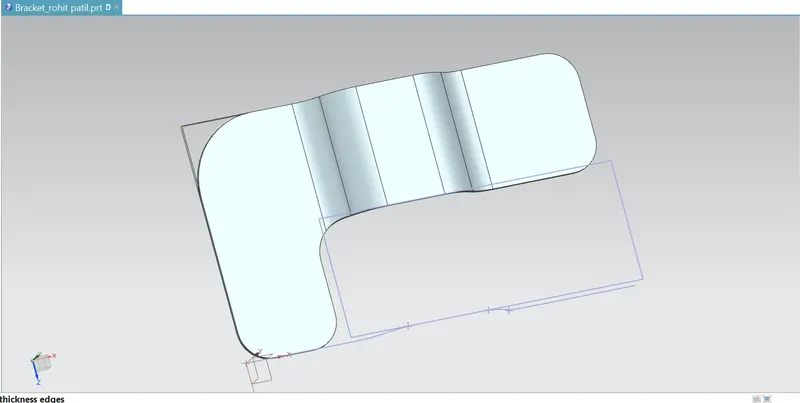
4)create a bead on top by sketching on it the bead having dimensions of 7mm depth and 7mm radius.
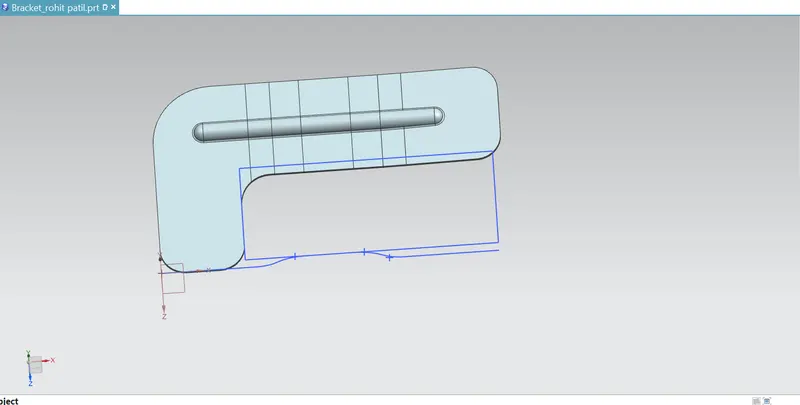
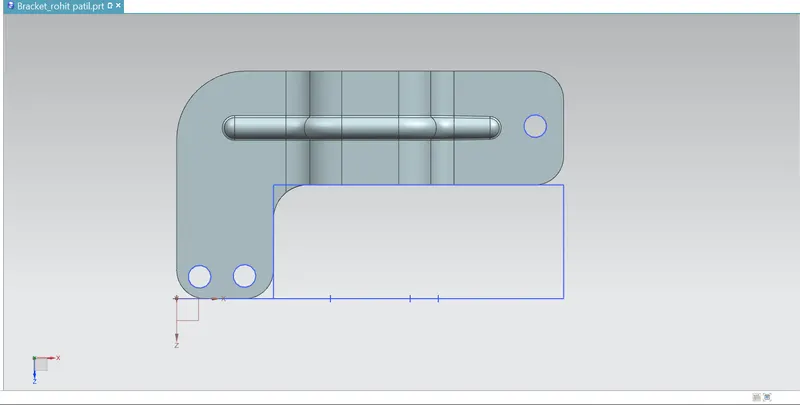
5)Create general hole simple Normal to face of 20mm.
Model views:-
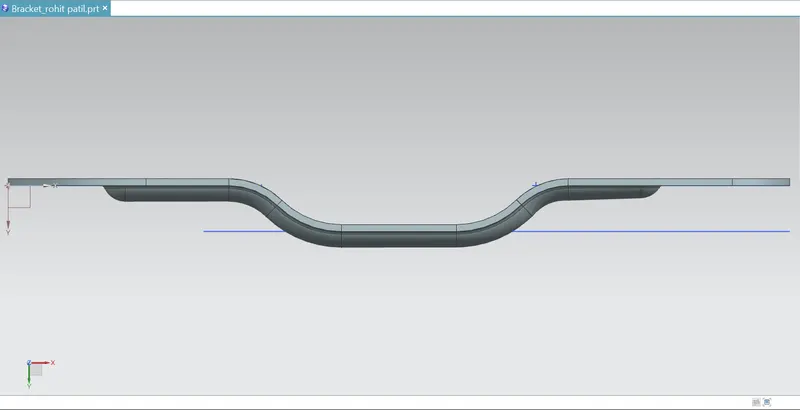
1)Front view:
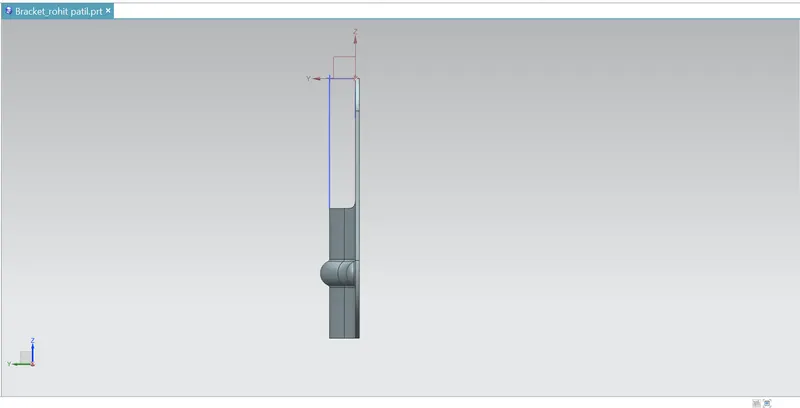
2)Side view:
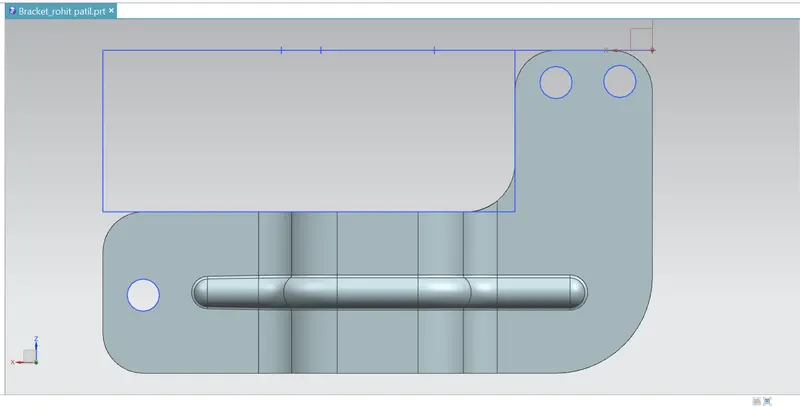
3)top view:
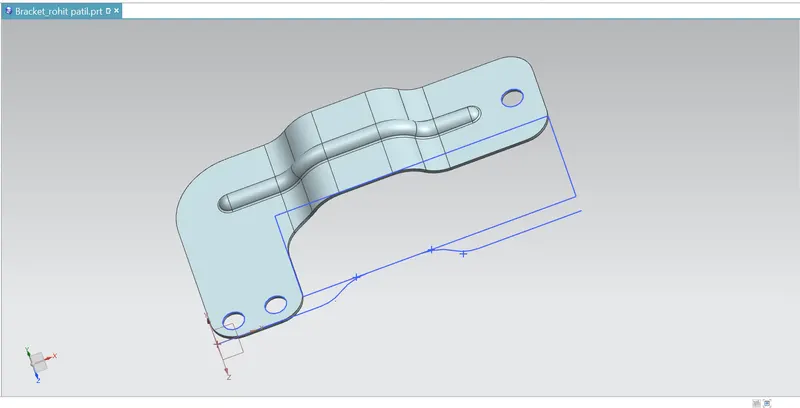
4)Isometric view:
5)Drawing sheet:
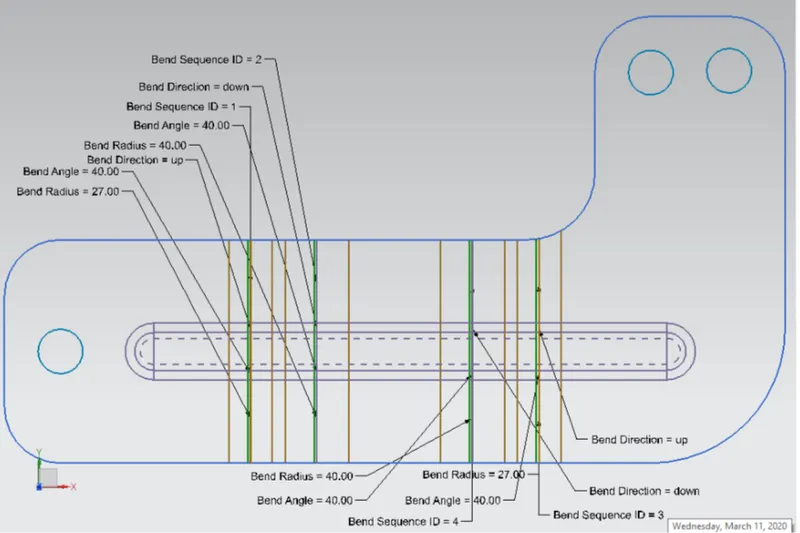
Conclusion:- successfully created bracket and in this i practiced how to use different commands like contour flange,bead,unbend,rebend etc.