Advanced Sheet Metal Design Using NX Cad Challenge_1_Casing Design
Tiltle:-Advanced sheet metal design using NX cad Challenge 1 Casing Design
Objective:To design a sheet metal casing design using Siemens NX sheet metal application
Introduction:
1.its formed by an industrial process into thin,flat pieces,Its one of the fundamental forms used in metalworking and it can be cut and bend into variety of shapes.
2.NX: its formerly known as "Unigraphics" and owned by siemens PLM software.mostly its used for Design, engineering analysis,manufacturing.
Design Methodology:
- create a rectangular sketch of imension 60*50 in XY plane and metal sheet of thickness 1mm create using TAB.
- A Rectangular metal sheet of 5*40 was removed using Normal Cut Out.
- A horizontal line was drawn at distance of 10mm from the upper left corner of the metal sheet and the metal sheet was bent at the line.
- Again horizontal line was drawn at a distance of 10mm from the lower-left corner of metal sheet and bending was done as the above.
- Flange of length 5mm were added at an angle of 90 degrees at extreme position of bend portion using the feature Flange.
- Corner were broken at the flange extreme position of redius 1mm by using the feature Break Corner.
- Faces were unbend to make 2D sheet by using feature unbend.
- Holes were added in plane P on extra portion of the flange by using the feature hole.
- The required sketch was drawn which is centered at (0,0,0) and of each half size of 5mm and by using the studio spline feature require shapes was created and the dimple was created by using the feature Dimple.
- 4 Beads were created around the dimple by using the feature bead.
- Rebend the bend portion by using the feature rebend.
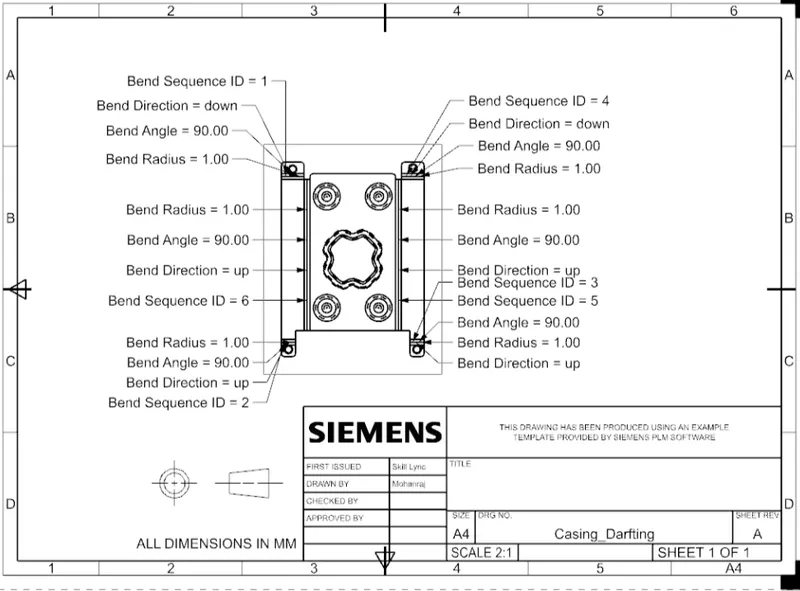
- Drafting was using the feature Flat patterns.
- END.
Discription:
step1:- A sketch was created in XY plane a rectangular drawn of dimension 60*50mm and then using the TAB button rectangular metal sheet of 1mm thickness was created.
Step2:- a rectangular sketch of dimension 5*40 mm was created at left edge of rectangular sheet metal and that part was removed using the feature Normal Cutout.
STEP3:- In plane p horizontal line was created at a distance of 10mm from upper left of sheet metal .By using bend feature ,the metal sheet was bend at an angle of 90 degrees.also the process was repeated at other side
step4:-flange of length 5mm were added at all the joint portion of bend sheet metal by using the feature flange and make teh fillet of radius the flange corner edges of readius 1mm using the feature break corner.
step5:-The required portion were unbend for adding some punch feature by using the feature called unbend by selecting larger horizontal sheet metal as the stationary face.
step6:- For adding holes to the sheet metal,four circles were drawn which were symmetric about the origin and then holes were created by using feature hole of clearence hole M2 Screw size and H13 fit.
step7:-In plane i.e.. XY palne requiers sketch ,where each half side 5mm in length with centered at(0,0,0)and by using the studio spline,the required finished sketch was drawn at an angle of 45 degrees. For the drawn sketch dimple was created by using the feature Dimple of depth 1mm.
step8:-In-plane p a circle of diameter 5mm was drawn and by using the bead feature required feature was created of depth 1mm.
step9:- By using the mirror feature create other beads on four corner along with Dimple feature.
step10:- The bend portion were rebend using the feature Rebend and finally the required casing was made.
Different Views of the Model:
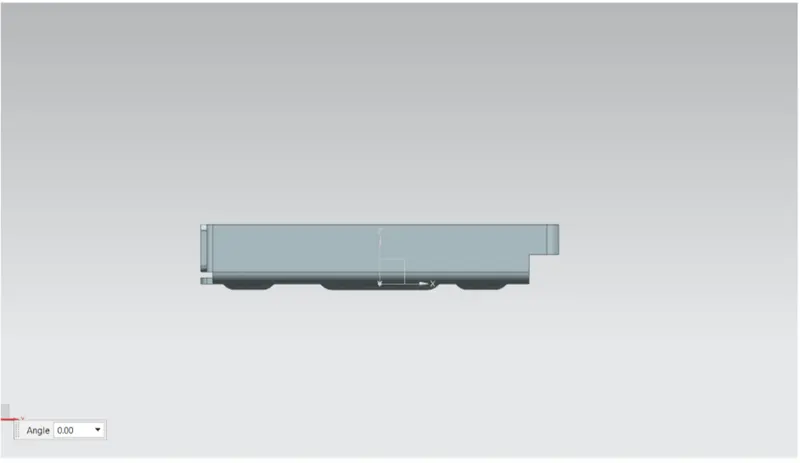
1)Front view:-
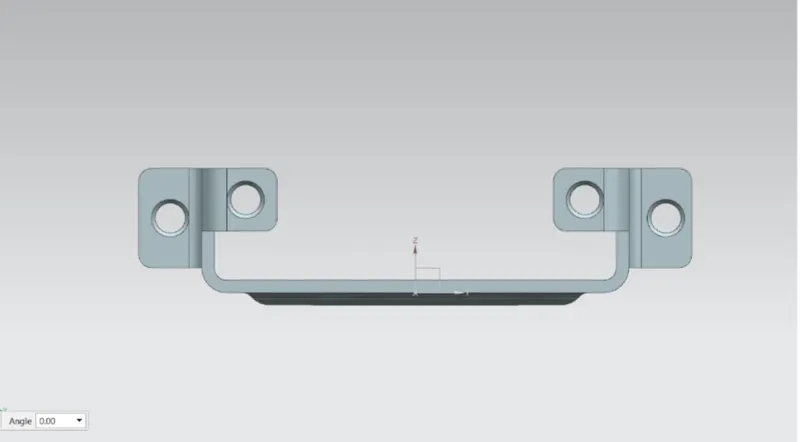
2)Side view:-
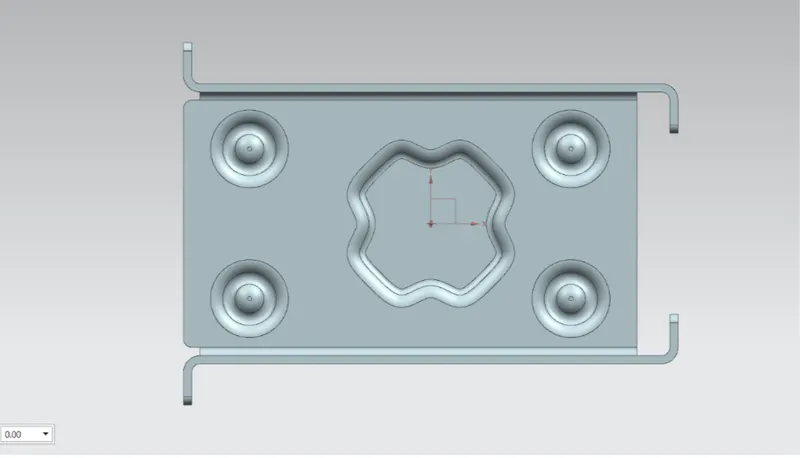
3)Top view:-
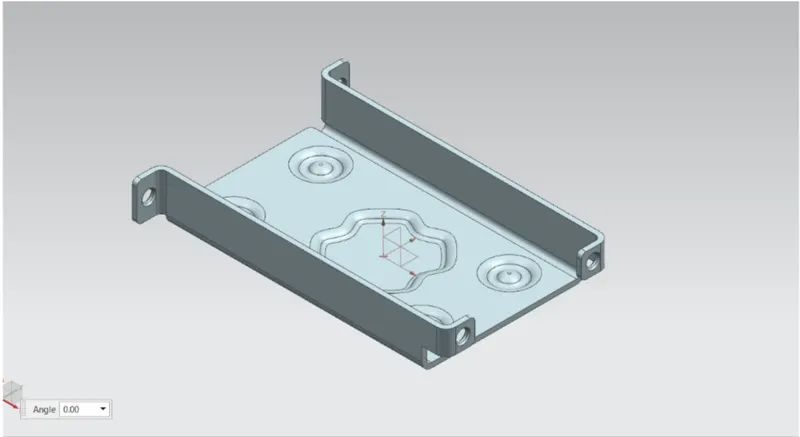
4)Isometric view:-
5)Drawing sheet:-
Conclusion:
By this,I have learned how to use many of features like tab, flanges, breake corner,dimple,bead,bend,unbend.