Advanced Sheet Metal Design Using NX Cad Challenge_7_ Metal bracket-II
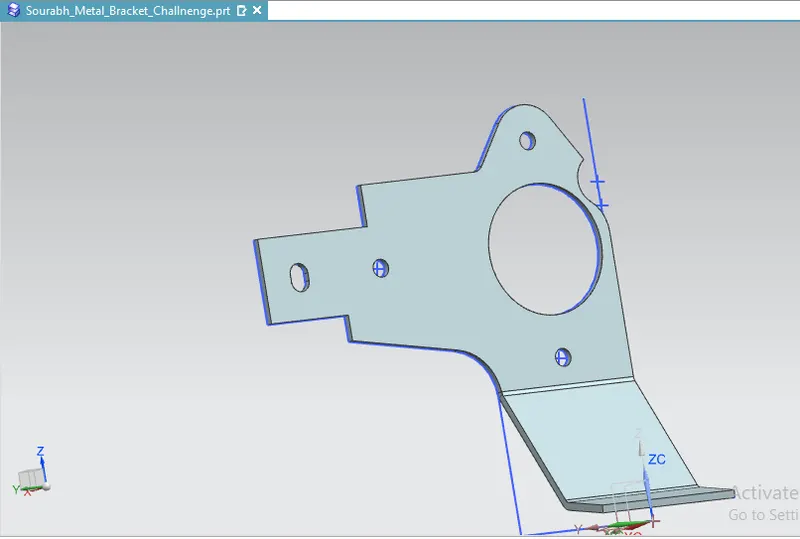
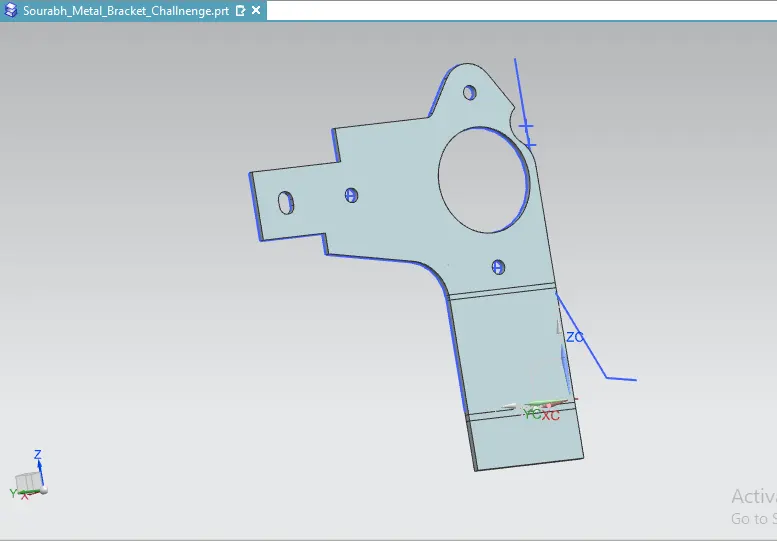
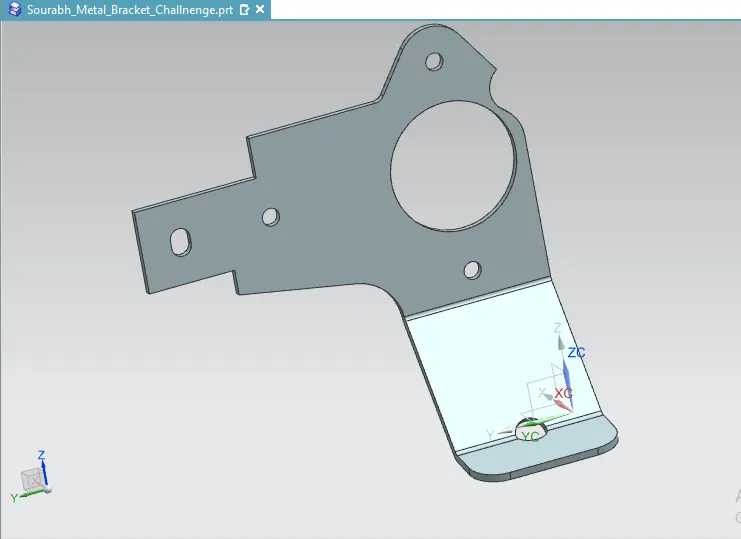
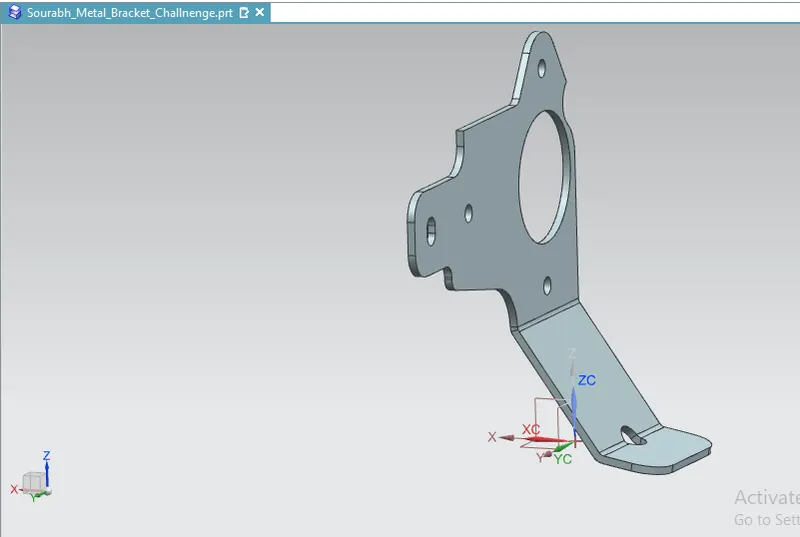
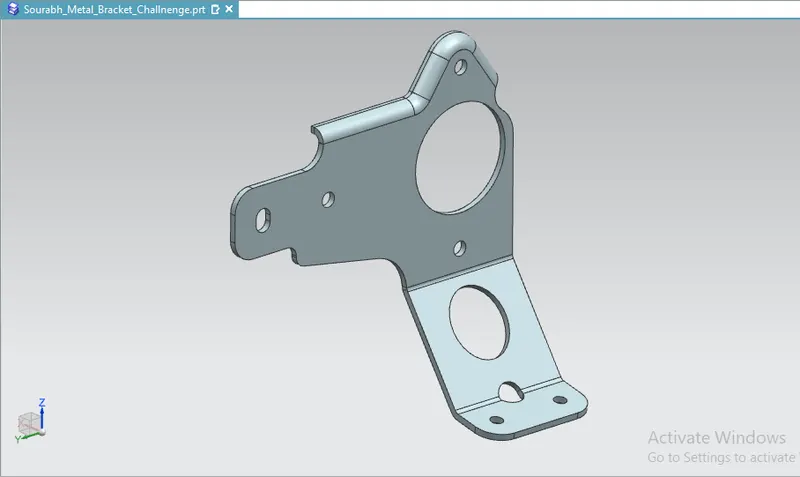
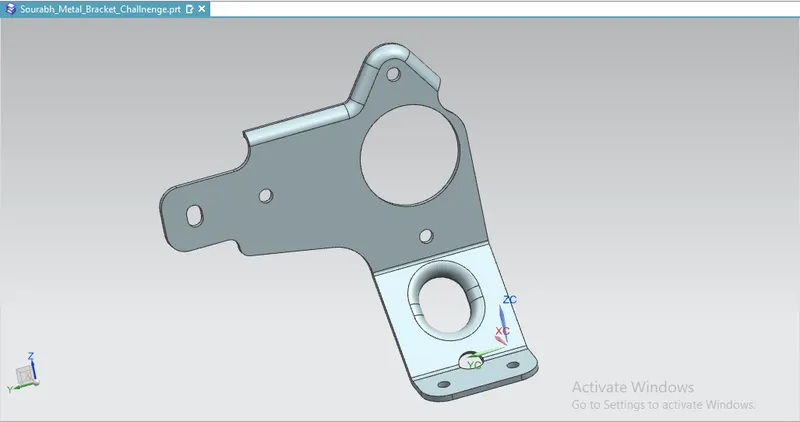
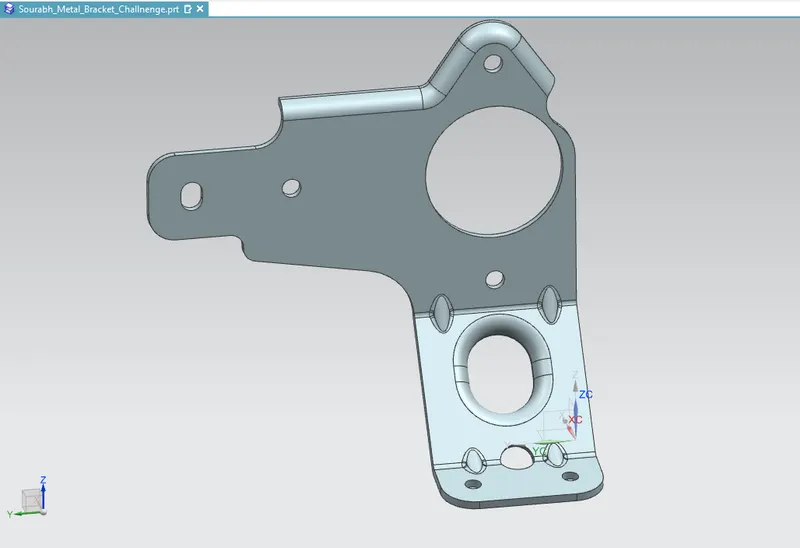
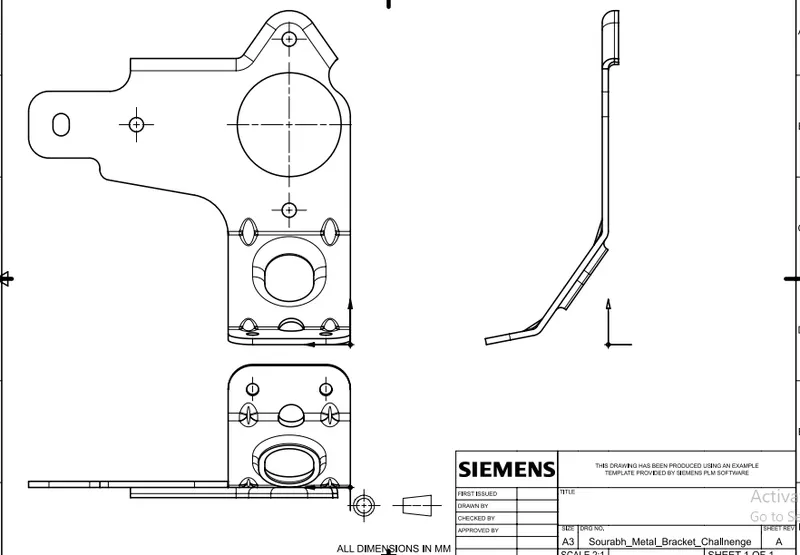
Title : To create a metal bracket from the 2D drawing using NX Cad software.
Objective :
- To create a metal bracket from given sketch using NX Cad software.
Procedure :
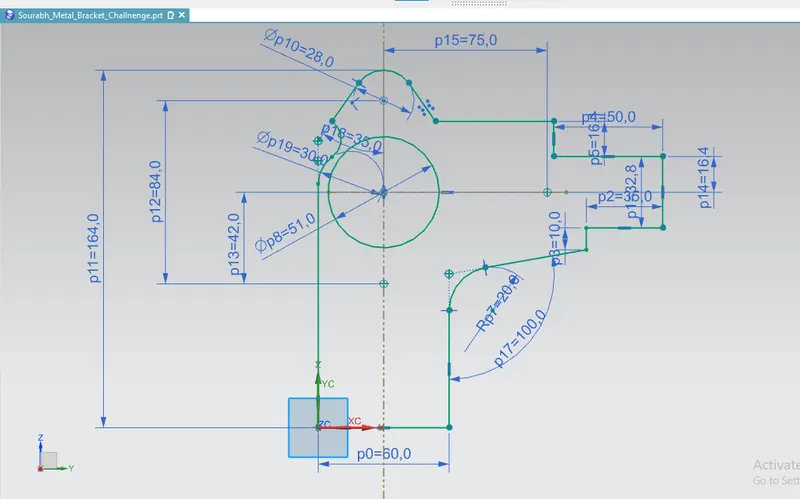
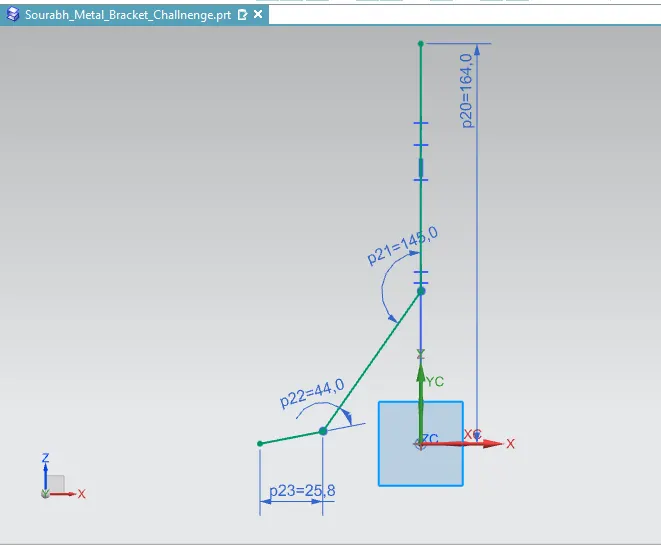
- Draw the sketch for the right view in the yz plane.
- Draw the sketch for the front view in the XZ plane.
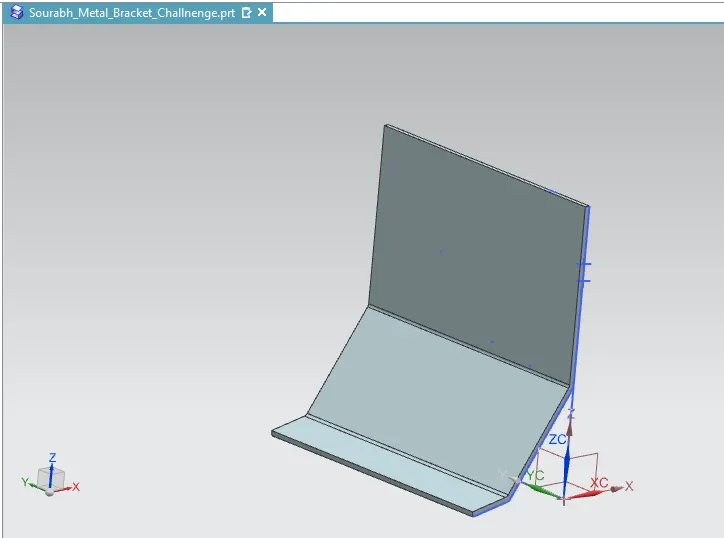
- Contour the flange with 3 mm thickness and 158 mm width.
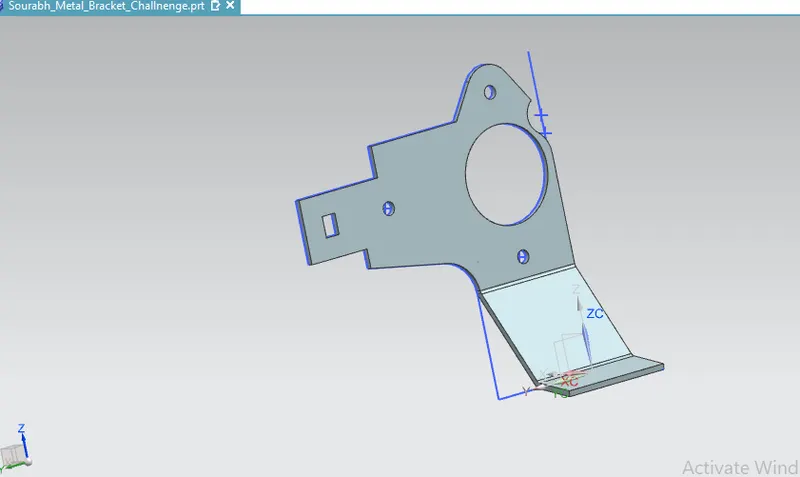
- Use the normal cut out feature and remove the extra material.
- Break the corners with a given radius.
- Use the advanced flange function at the top edge of the bracket giving a bend radius of 3mm and for length 5mm.
- Unbend the faces.
- Use the hole feature and make the hole's of 6mm diameter at the bottom surface of the bracket.
- Make the gusset of 5 mm depth and round form for all the four edges.