Advanced Sheet Metal Design Using NX Cad Challenge_7_ Metal bracket-II
METAL BRACKET-11
OBJECTIVE:
Model a sheet metal component by using NX-CAD.
INTRODUCTION:
In this report I explain about how I model a metal bracket by using NX-CAD.
DESIGN METHODOLOGY:
Basic sketch
Starting tools
unbend-feature-rebend
flat pattern
DESCRIPTION:
Sketch- Its help to draw a 2D view.
Contour flange-It help help to model a complex tab.
Break corner- It help add a fillet in every corner.
Unbend- It use to unfold the model.
Normal cutout-It use to cut a tapper part.
Hole-It help to create a hole in model at required position.
Advance flange-It help to create a flange in complex edge.
Gusset-It help to increase the stiffness of the model.
Rebend-it use to fold the model.
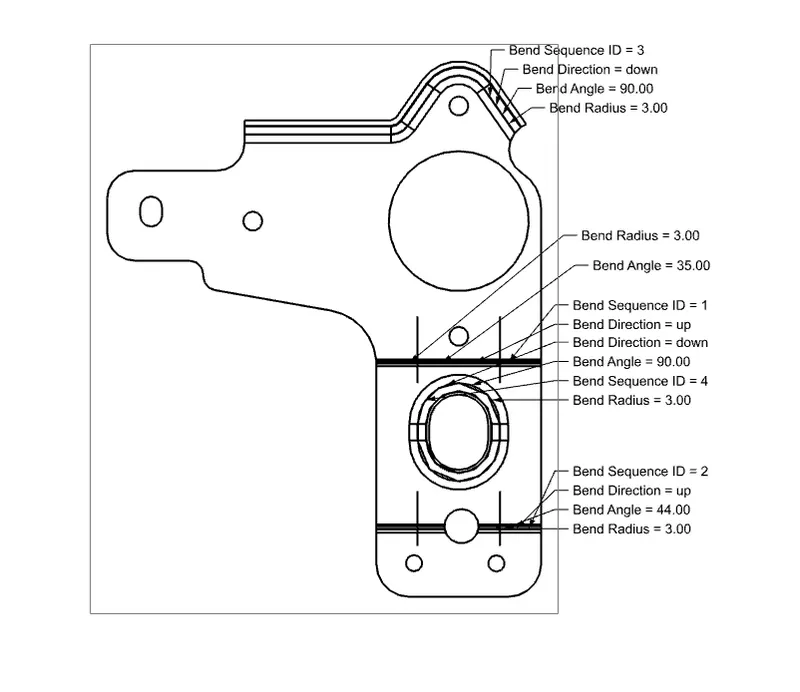
Flat pattern-It use to create the drawing view.
SCREENSHOTS OF METAL BRACKET-11:
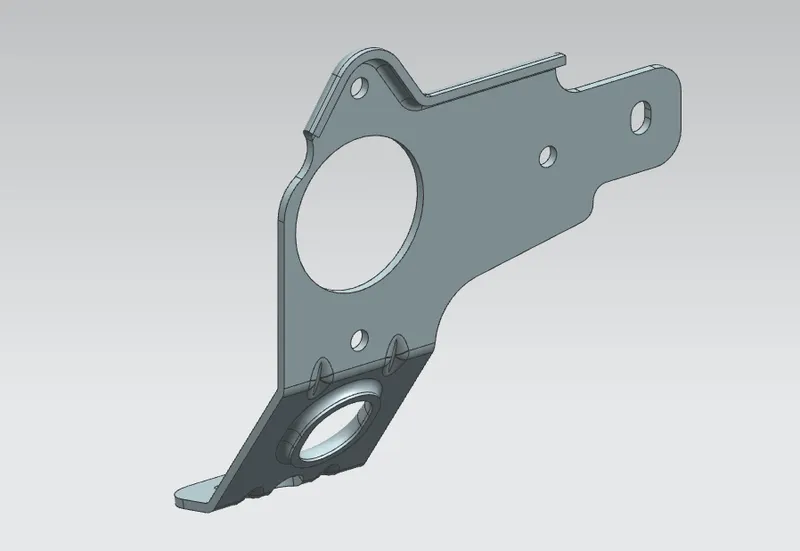
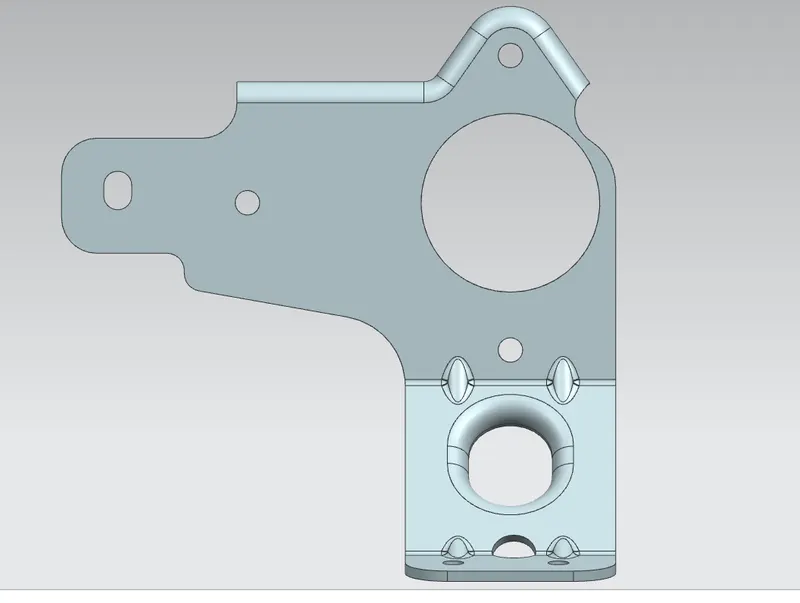
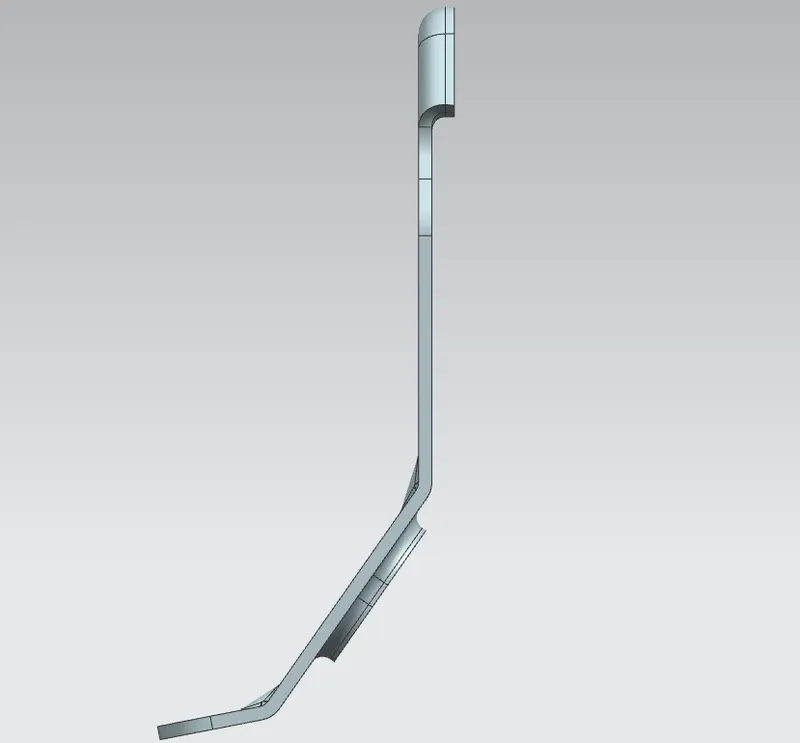
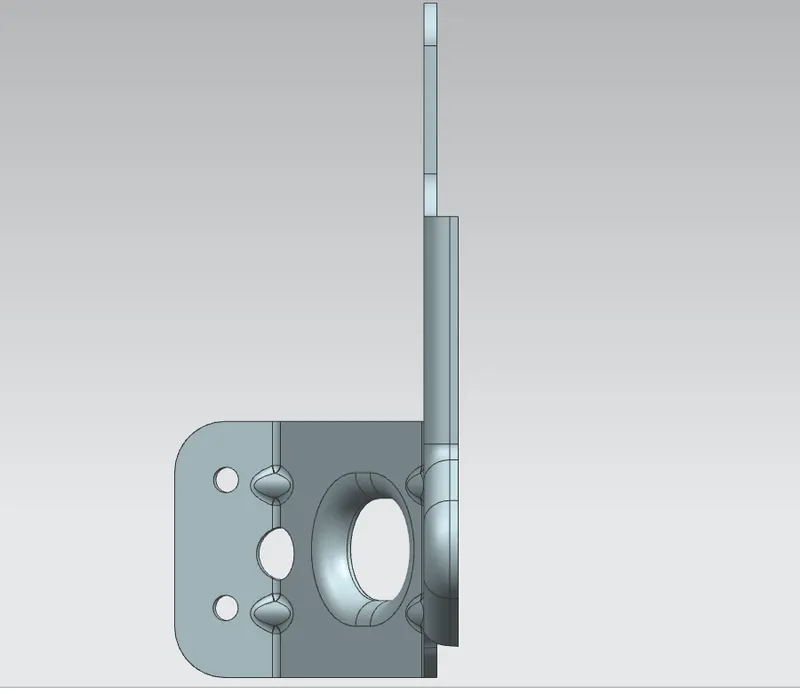
DETAILED DRAWING SHEET IMAGE:
CONCLUSION:
Metal bracket-11 is model as per given dimension and explain as required.