DESIGNING OF METAL BRACKET IN NX CAD (1)
METAL BRACKET USING NX CAD:
Objective:
To design a metal bracket using sheet metal application in NX CAD software.
Introduction:
NX CAD is a 3D modelling software created for engineers. It provides solid modelling, sheet metal, mechanical routing, drafting, etc., and it is one of the well known 3D CAD softwares in the world.
Design Methodology/Approach:
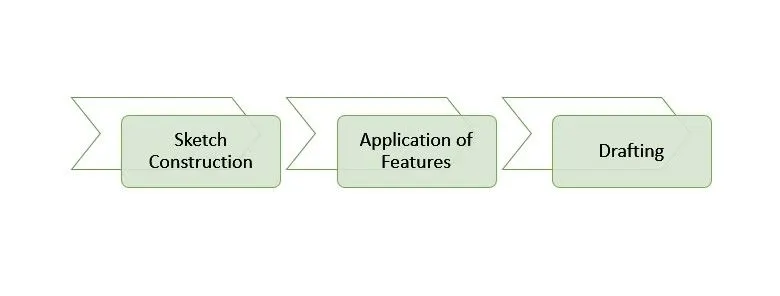
Features:
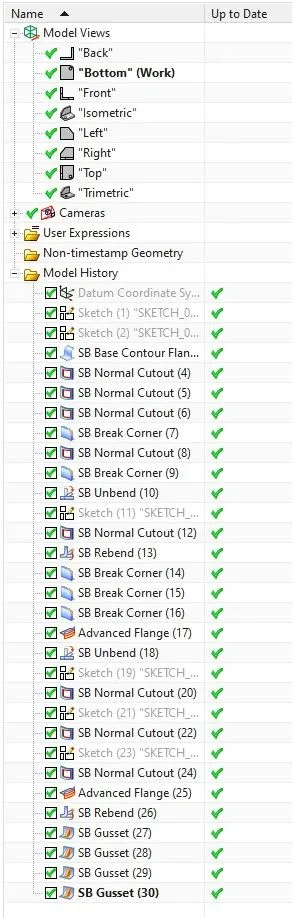
1. Contour Flange:
It is used to extrude the open sketch and convert to sheet metal.
2. Normal Cutout:
It is used to cutout the unwanted pieces of sheet metal using sketches.
3. Break Corner:
It is used to round the corners of sheet metal.
4. Advanced Flange:
It is used to create flange using bent sketches instead of relying on linear lines.
5. Unbend:
It is used to make a flat view of the bent sheet metal.
6. Rebend:
It is used to bring back the original shape of the sheet metal from unbend.
7. Gusset:
It is used to provide an extra strength to the adjacent bent faces of the sheet metal using bridge like extrude between them.
Images:
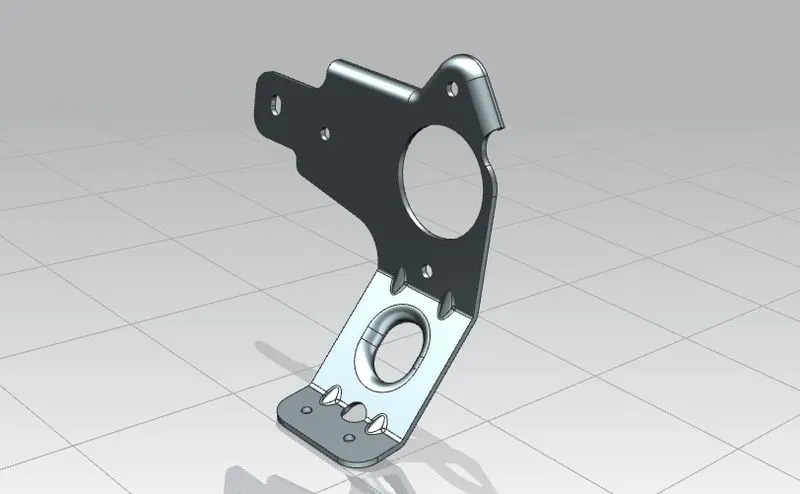
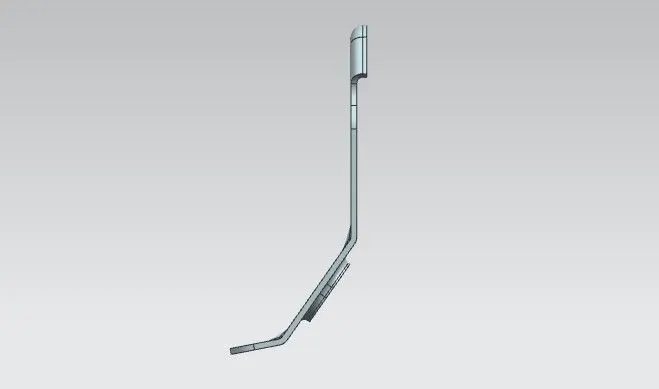
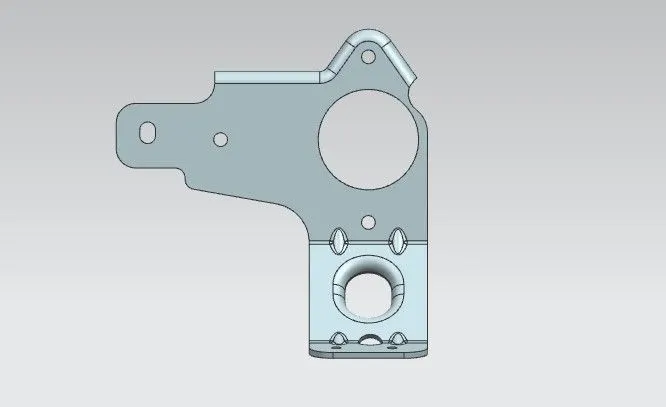
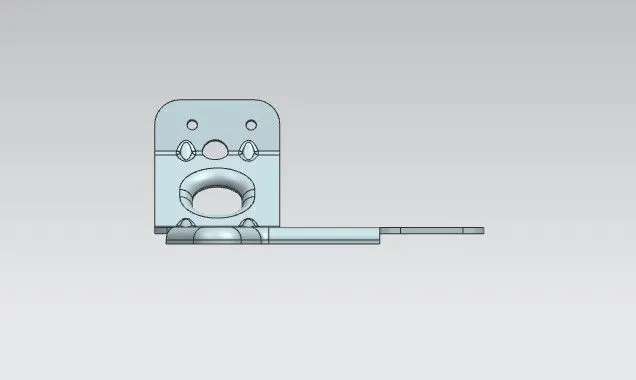
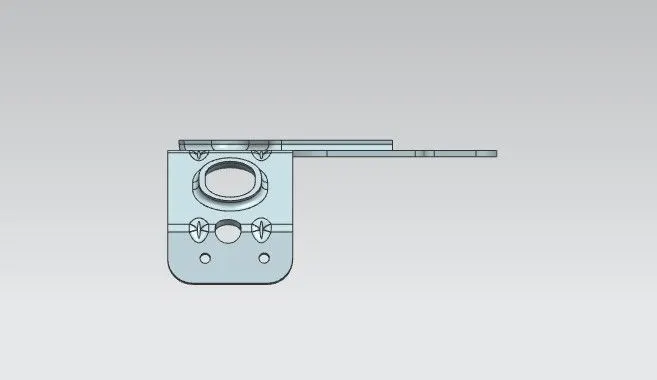
Conclusion:
By using NX CAD, The metal bracket is designed and dimensions were given correctly.