ODD SHAPED ENCLOSURES USING NX CAD
SOLID TO SHEET METAL (ODD TYPE ENCLOSURES)
Objective:
To convert a sheet metal from a given solid part.
Introduction:
NX CAD is a designing software used by Engineers for creating and designing the simple to complex life sized real models for clients or customers. It also includes Sheet metal, Suface modelling and drafting applications.
Design Methodology/Approach:
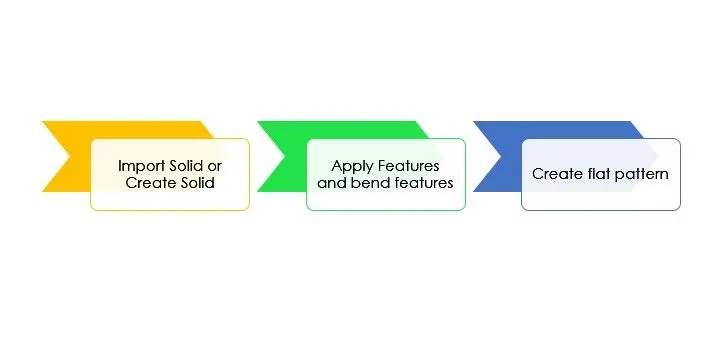
Features:
1. Extrude:
It is used to create a solid part out of a 2D sketch.
2. Convert to sheet metal:
it is used to convert the solid to sheet metal.
3. Flange :
It is used to extend the edges of the sheet metal to some angle and distance
4. Jog:
It is used to create a flange parallel to sheet metal face with some length and distance specified.
5. Unbend:
It is used to unbend sheet metal for adding few more features to it.
6. Bead :
It creates a dimple like feature to the face specified with depth and radius being less than thickness os sheet metal.
7. holes:
It is used to create holes in sheet metal using points creates for reference.
8. Rebend:
It is used to bring back the sheet meal its original shape.
9. Flat Pattern:
It is used to make a drafting sheet for manufacturing purpose.
Images:
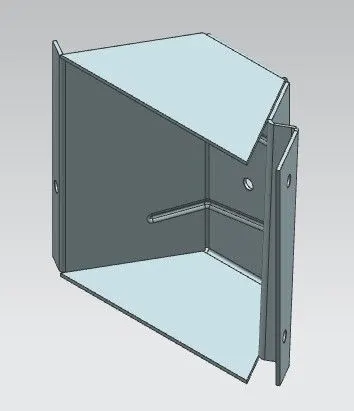
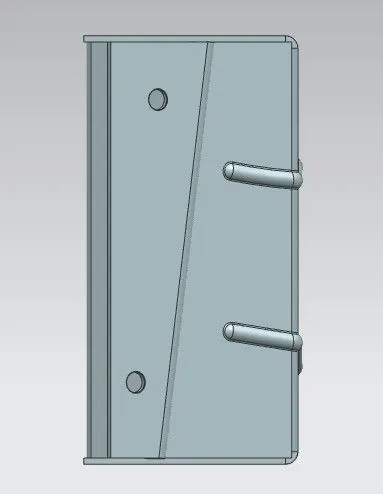
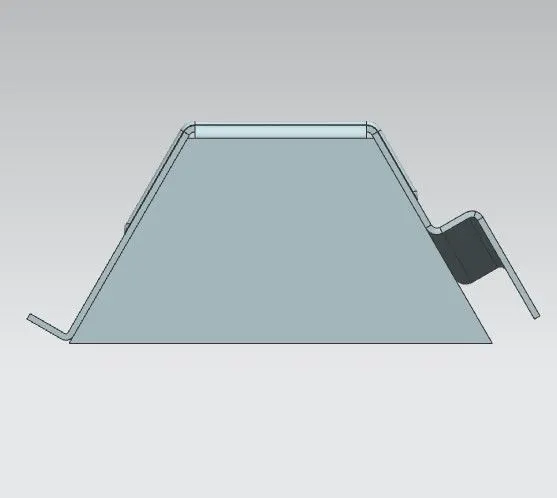
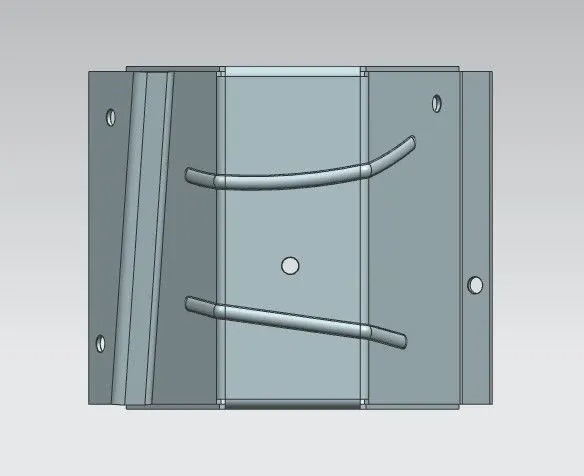
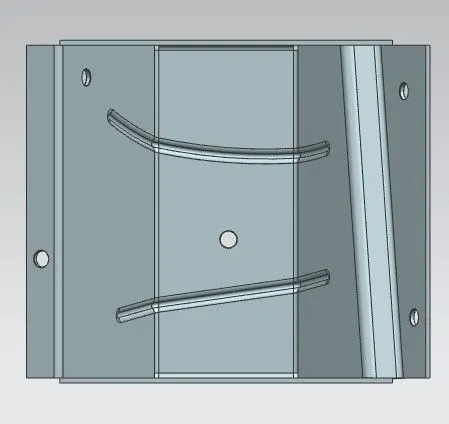
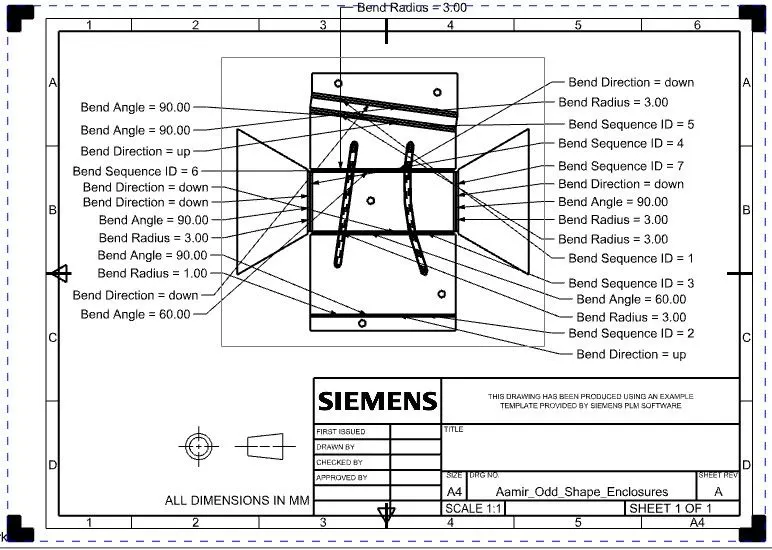
Conclusion:
By using NX CAD, The solid is sucessfully converted into sheet metal and unbend, rebend and Flat pattern commands are executed sucessfully.