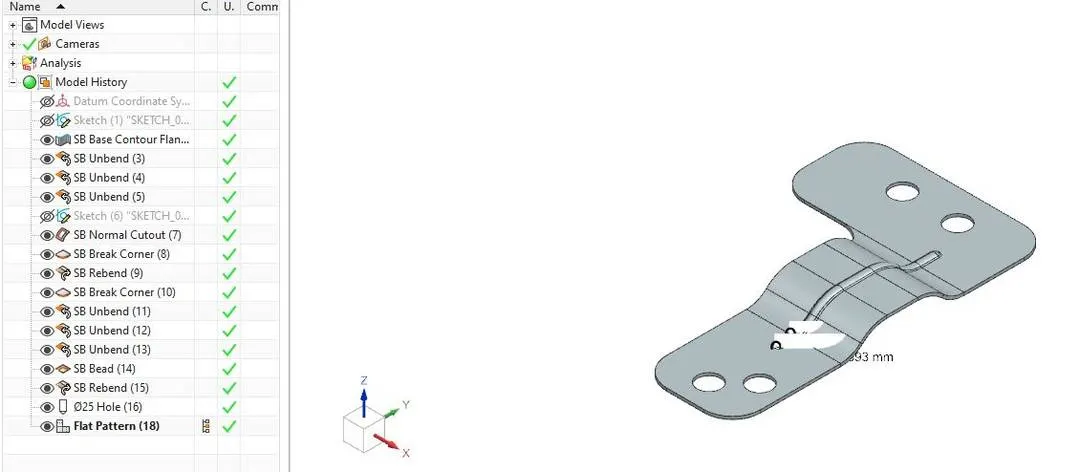
Advanced Sheet Metal Design Using NX Cad Challenge_6_Bracket
TITLE: Advanced Sheet Metal Design of Bracket Using NX CAD
OBJECTIVE: To design a sheet metal model of Bracket using NX CAD.
INTRODUCTION: The model was designed using NX CAD. It is a model of Bracket which can be used for various purposes. Various tools and features have been used in designing this model. As a student, one gets into the basics of Sheet Metal.
DESIGN METHODOLOGY:
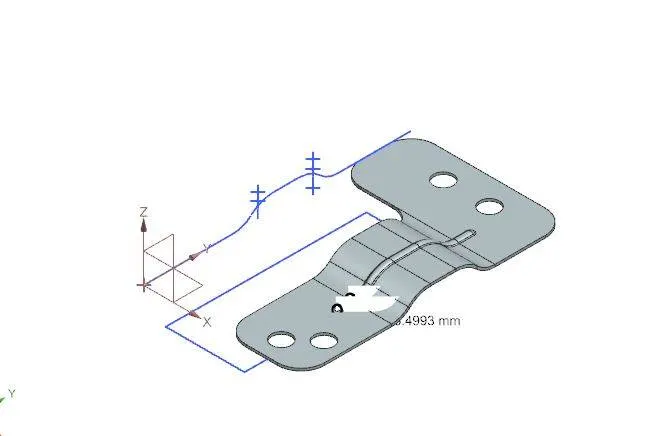
DRAW A SKETCH AND CREAT A CONTOUR FLANGE-->CREATE A NORMAL CUTOUT-->FILLET THE CORNERS USING BREAK CORNERS-->UNBEND AND USE THE BEAD FEATURE ON THE MODEL-->REBEND
DESCRIPTION:
FEATURES USED:
CONTOUR FLANGE: This feature is used for creating a sheet metal design along a curve or a line (sketch). It extends along that sketch.
CUTOUT: This feature is used to make a cut in the sheet metal from a sketch. It is similar to Extrude cut in modeling workbench.
BREAK CORNERS: This feature is used in rounding off the rough corners.
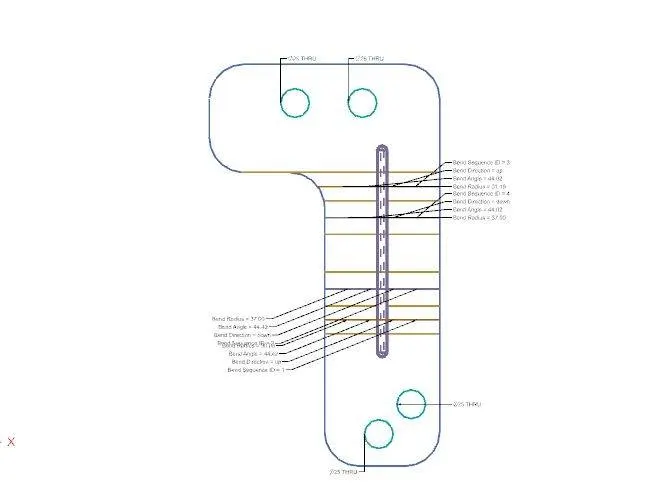
UNBEND: This is an important feature in Sheet metal design. This is performed mandatorily in every sheet metal design to ensure the model has perfect alignments for the designers to design and all.
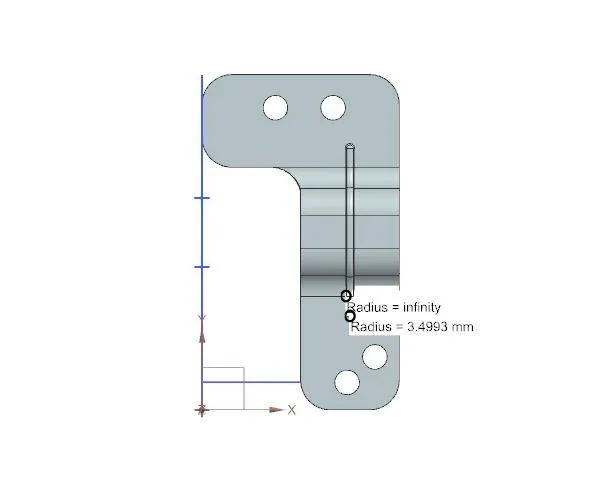
BEADS: This feature is used to create a Bead in the sheet metal design based on a sketch. Various types of Beads can be created using this feature.
REBEND: This feature is the final step in a sheet metal design. After working on the feature necessary, Rebend feature is used.
CONCLUSION: The model of a bracket was designed and attached.