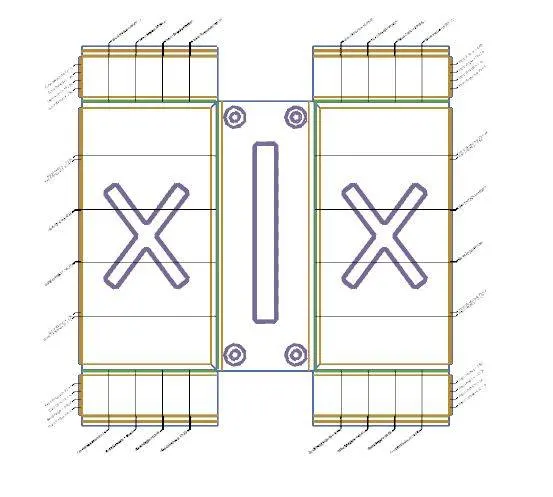
Advanced Sheet Metal Design Using NX Cad Challenge_2_Box Assembly
TITLE: Advanced Sheet Metal Design of Metal Box Using NX CAD
OBJECTIVE: To design a sheet metal model of a Metal Box using NX CAD.
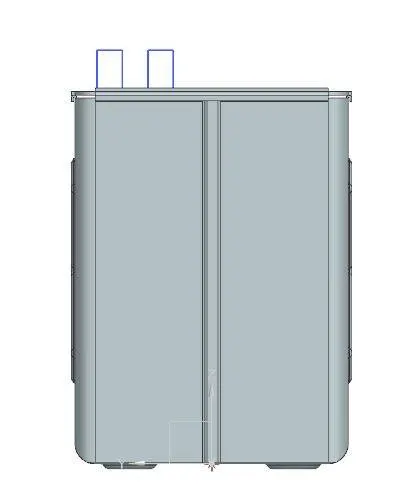
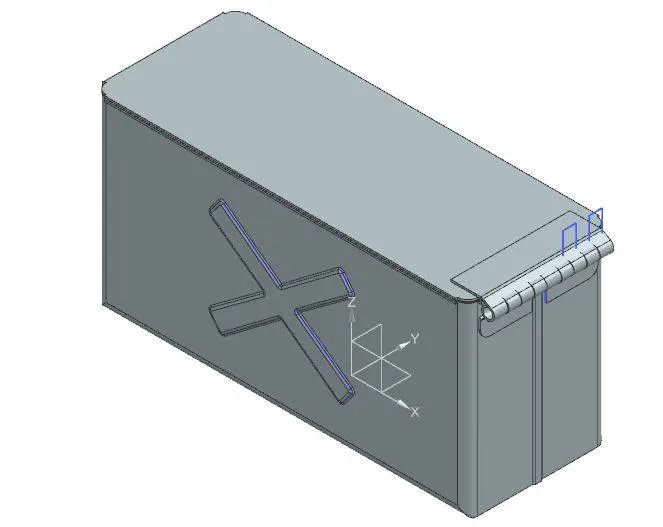
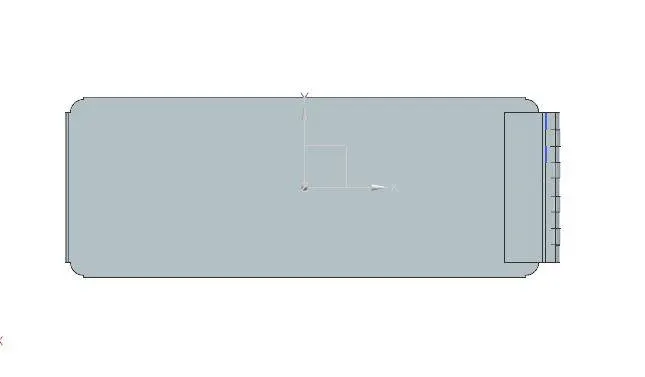
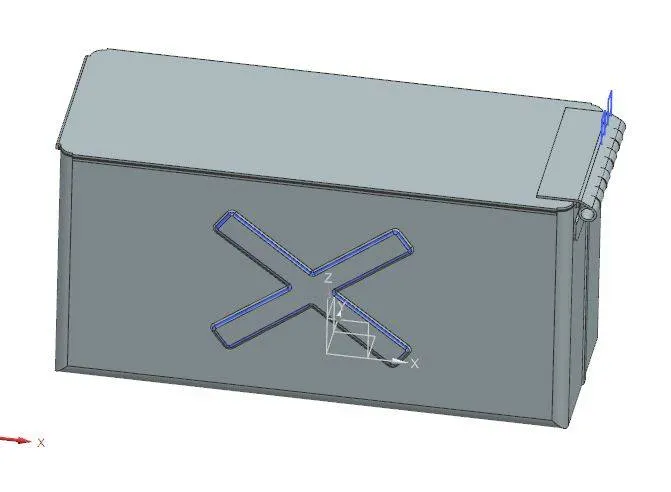
INTRODUCTION: The model was designed using NX CAD. It is a model of Metal box which can be used for various purposed. Various tools and features have been used in designing this model. As a student, one gets into the basics of Sheet Metal.
DESIGN METHODOLOGY:
DRAW A SKETCH AND CREAT A TAB-->CREATE FLANGES--> CREATE A HEM FLANGE-->CREATE CLOSED CORNERS-->UNBEND AND USE THE FEATURES-->SKETCH AND USE DIMPLE AND BEADS FEATURE--->REBEND THE MODEL
DESCRIPTION:
FEATURES USED:
TAB: The tab feature was used to create a tab with a thickness as stated in the PDF. A simple sketch can be converted into a sheet metal using a tab feature.
FLANGE: This feature is used to create a flange on the sides. Variety of flanges of different specifications can be used.
HEM FLANGE: This feature is used to create a hem flange which is like a curved hem flange.
CREATE CORNERS: This feature creates a corner between two sheet metal faces.
UNBEND: This is an important feature in Sheet metal design. This is performed mandatorily in every sheet metal design to ensure the model has perfect alignments for the designers to design and all.
DIMPLE: This feature is used to create a Dimple in the sheet metal design based on a sketch. Various types of Dimple can be created using this feature.
REBEND: This feature is the final step in a sheet metal design. After working on the feature necessary, Rebend feature is used.
HOLE: This feature creates a hole (or screw clearance ) according to the points on a sheet metal.
BEADS: This feature is used to create a Bead in the sheet metal design based on a sketch. Various types of Beads can be created using this feature.
REBEND: This feature is the final step in a sheet metal design. After working on the feature necessary, Rebend feature is used.
CONCLUSION: A model of a gear box was created according to the pdf and the model was attached.